

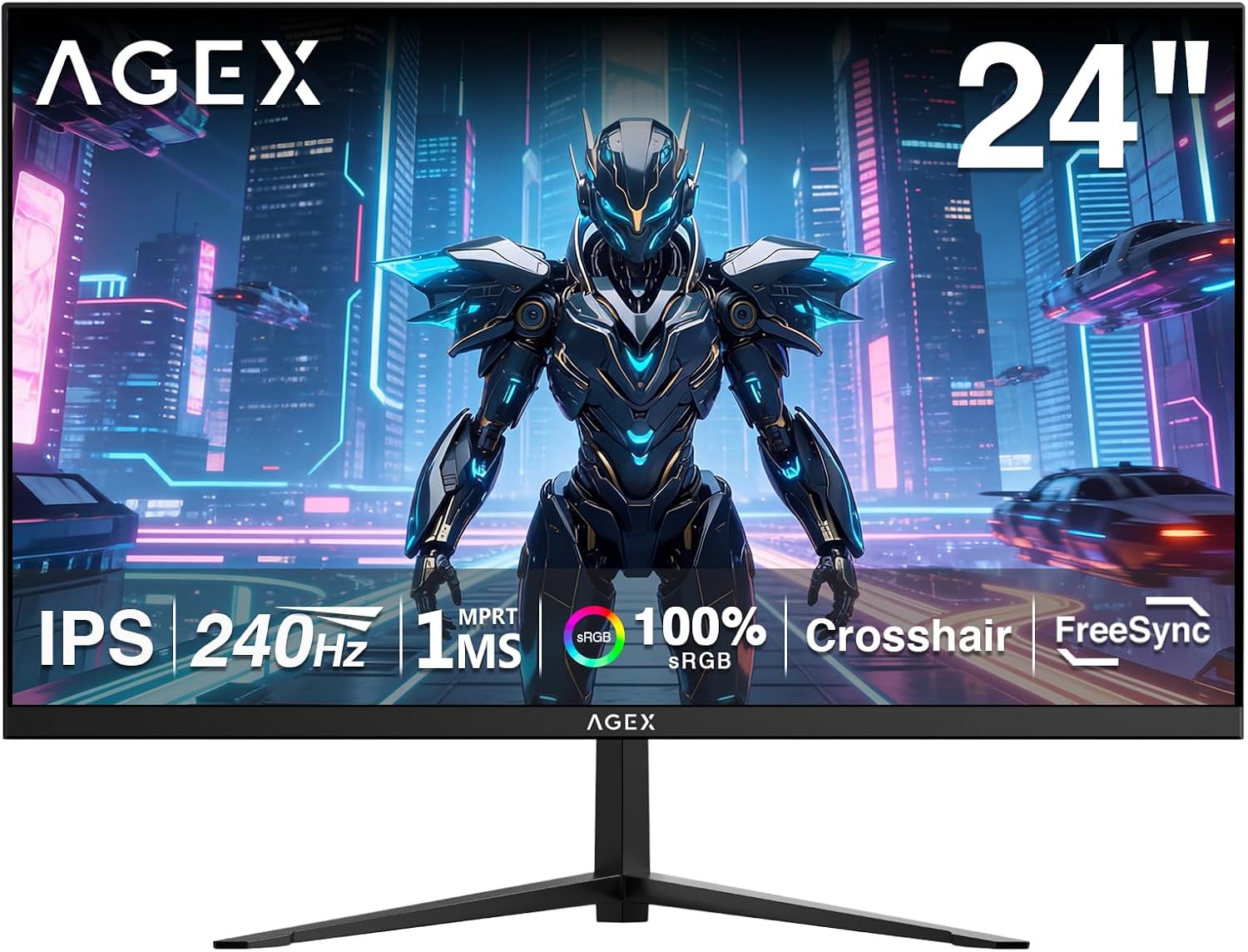
X AGEX 24 Inch 240Hz Gaming Monitor – IPS, 1ms MPRT, Full HD
Product description
What is this monitor and who is it for
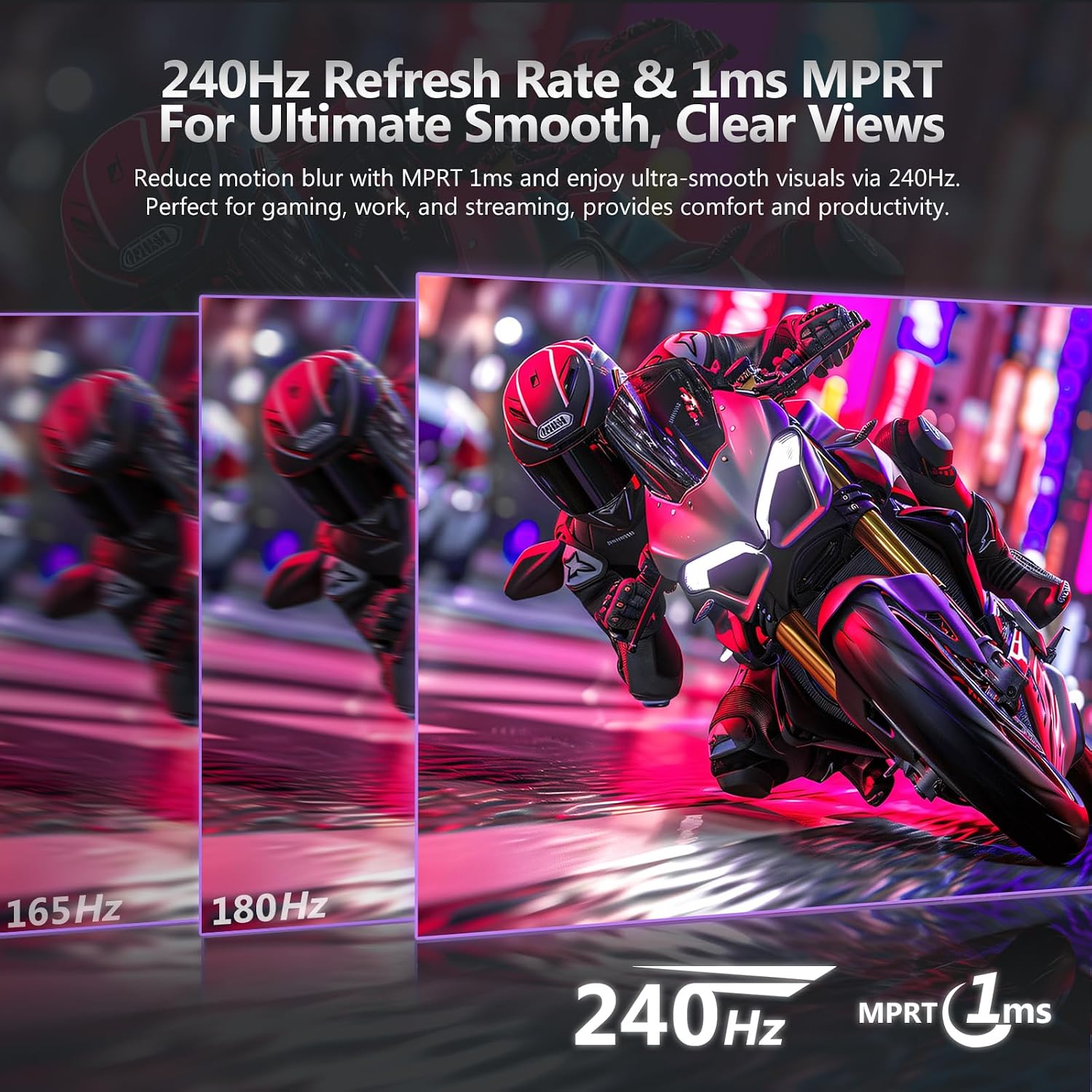
The X AGEX 24 Inch monitor is a dedicated gaming display built around a 24-inch IPS panel. It targets players who prioritise smooth motion and responsive input for fast-paced titles, especially shooters. With a 240Hz refresh rate and a 1ms MPRT (motion picture response time) measurement, it aims to minimise ghosting and motion blur so you can track fast onscreen action more clearly. If you value a quick, reactive screen and straightforward connectivity, this model sits in the practical, performance-focused part of the market.
How it performs on key fronts
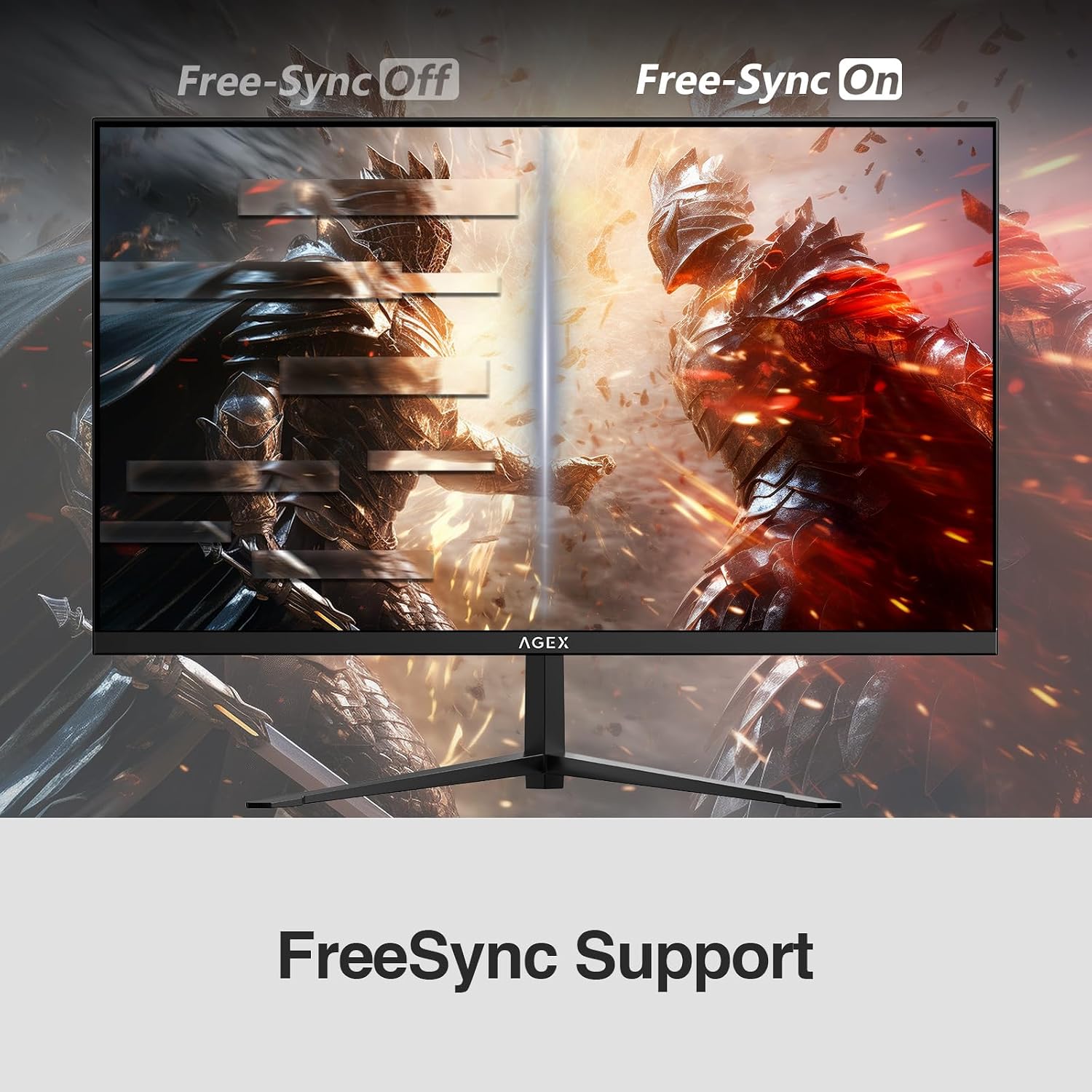
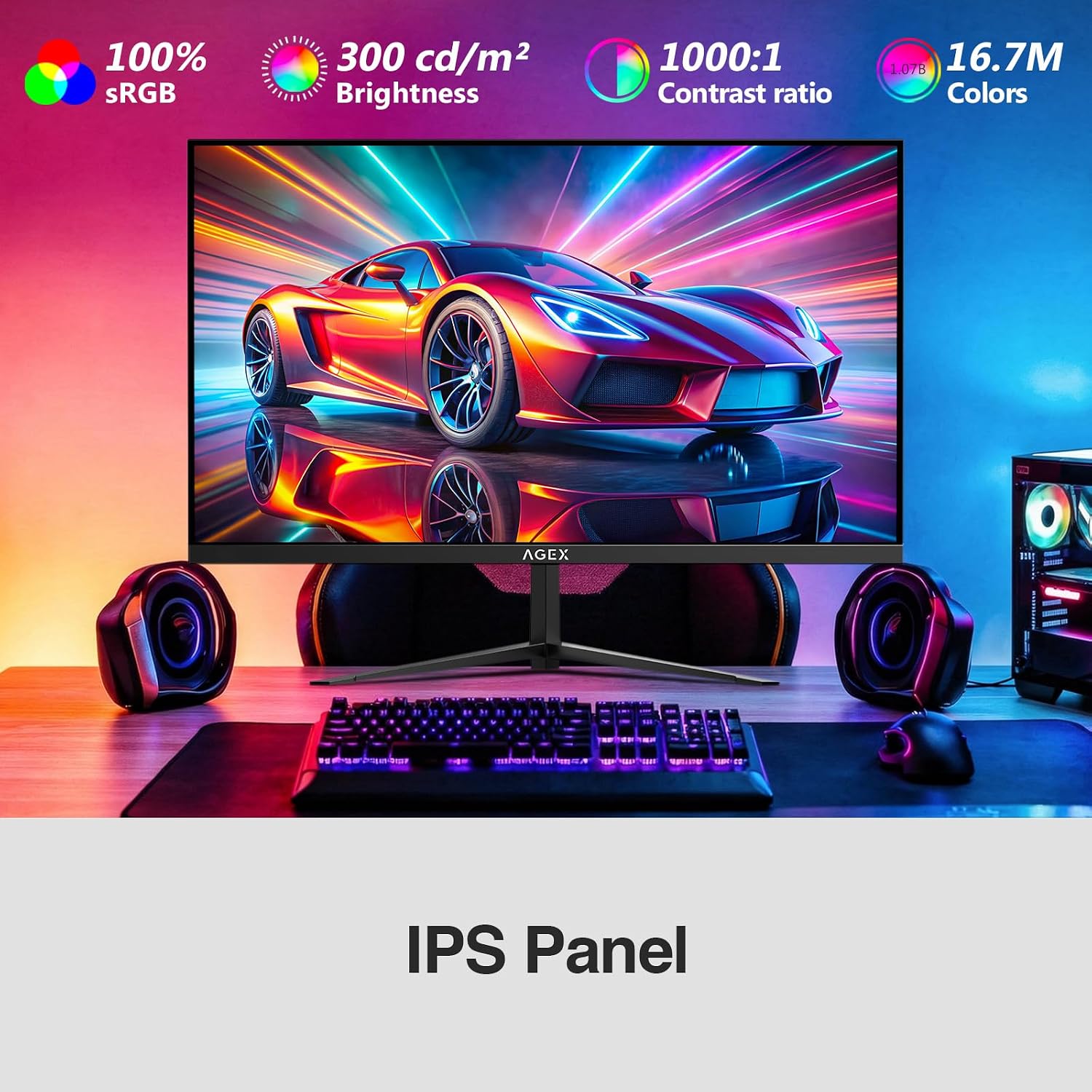
On the visual side, the IPS panel offers wide viewing angles (up to 178°) and faithful colour across the screen, which helps with colour accuracy and consistency when you’re moving around in-game. The brightness specification is 300 cd/m², which is adequate for most room lighting scenarios. Adaptive Sync helps reduce tearing and stuttering, aligning the frame rate with your GPU to improve the perceived smoothness of motion. Altogether, the combination of 240Hz and adaptive sync is aimed at a smoother, more immersive gaming experience rather than a cinematic, high-contrast look.
Inputs and compatibility
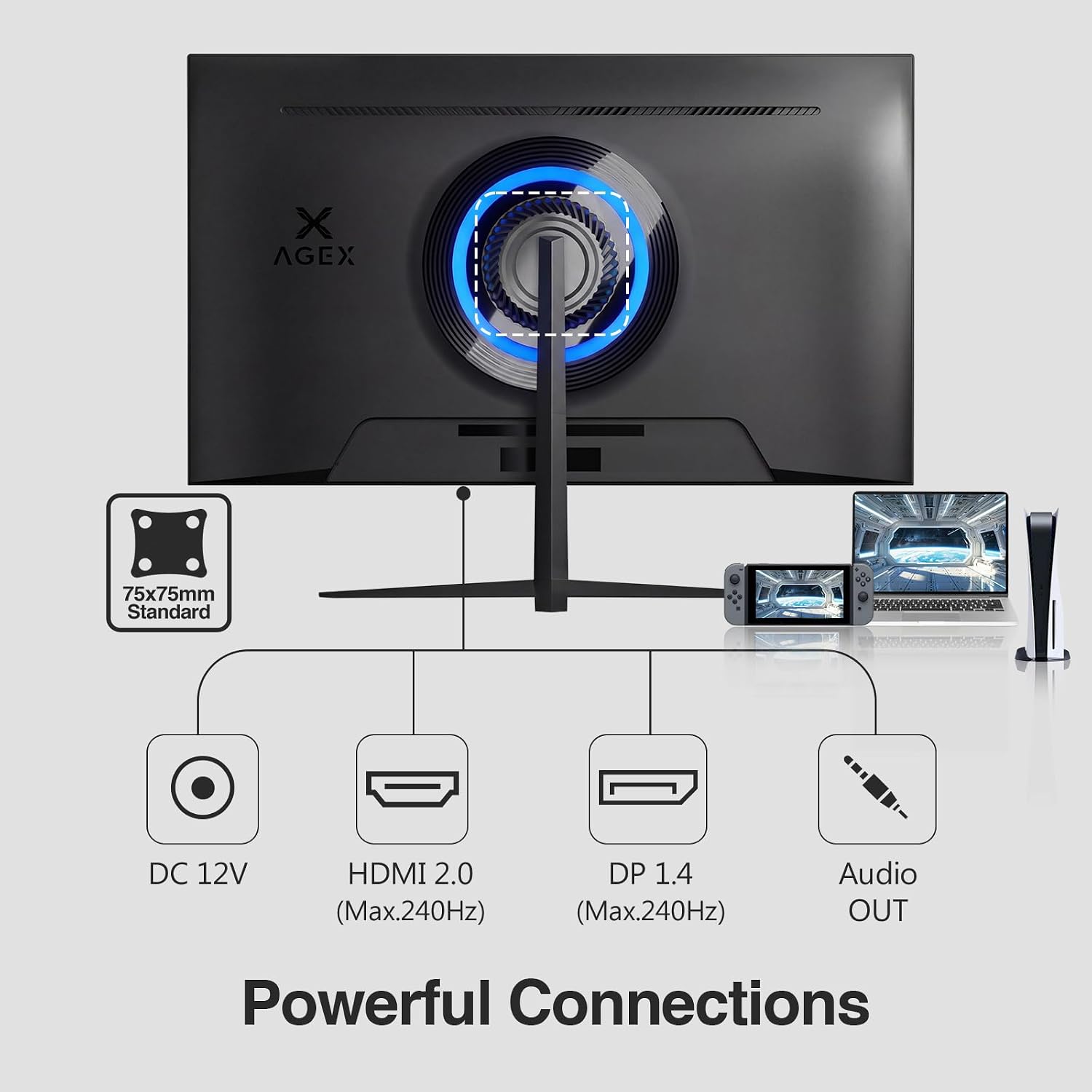
The monitor provides both DP1.4 and HDMI 2.0 ports, each capable of supporting up to 240Hz under the right conditions. If you’re using modern graphics hardware, you should be able to enjoy a high refresh rate with minimal setup. There are no built-in speakers, so you’ll need to connect external speakers or headphones via the 3.5mm jack. For desk setups, VESA compatibility means you can mount the screen to free up space if you prefer a wall arrangement or an arm.
Gaming features that matter (without overstatement)
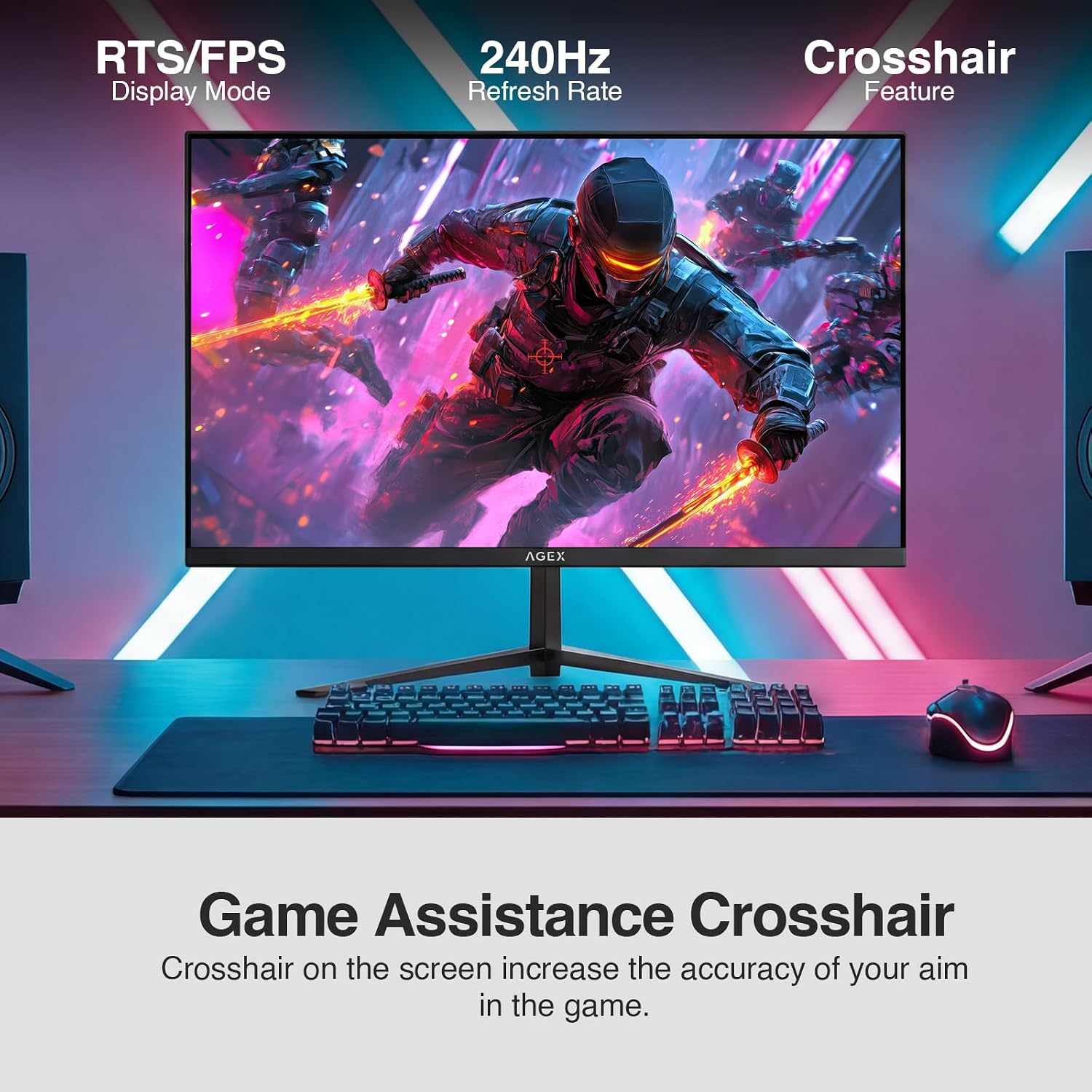
Alongside the core specs, there are game-oriented extras such as a crosshair overlay and a game timer. These are utility features designed to help with aiming and timing in matches, rather than spec-led improvements that apply in every scenario. If you prioritise pure image fidelity, you may notice that the fast refresh and minimal blur are the dominant positives here, while the pixel density is fixed by the 1080p resolution on a 24-inch panel.
What stands out day to day
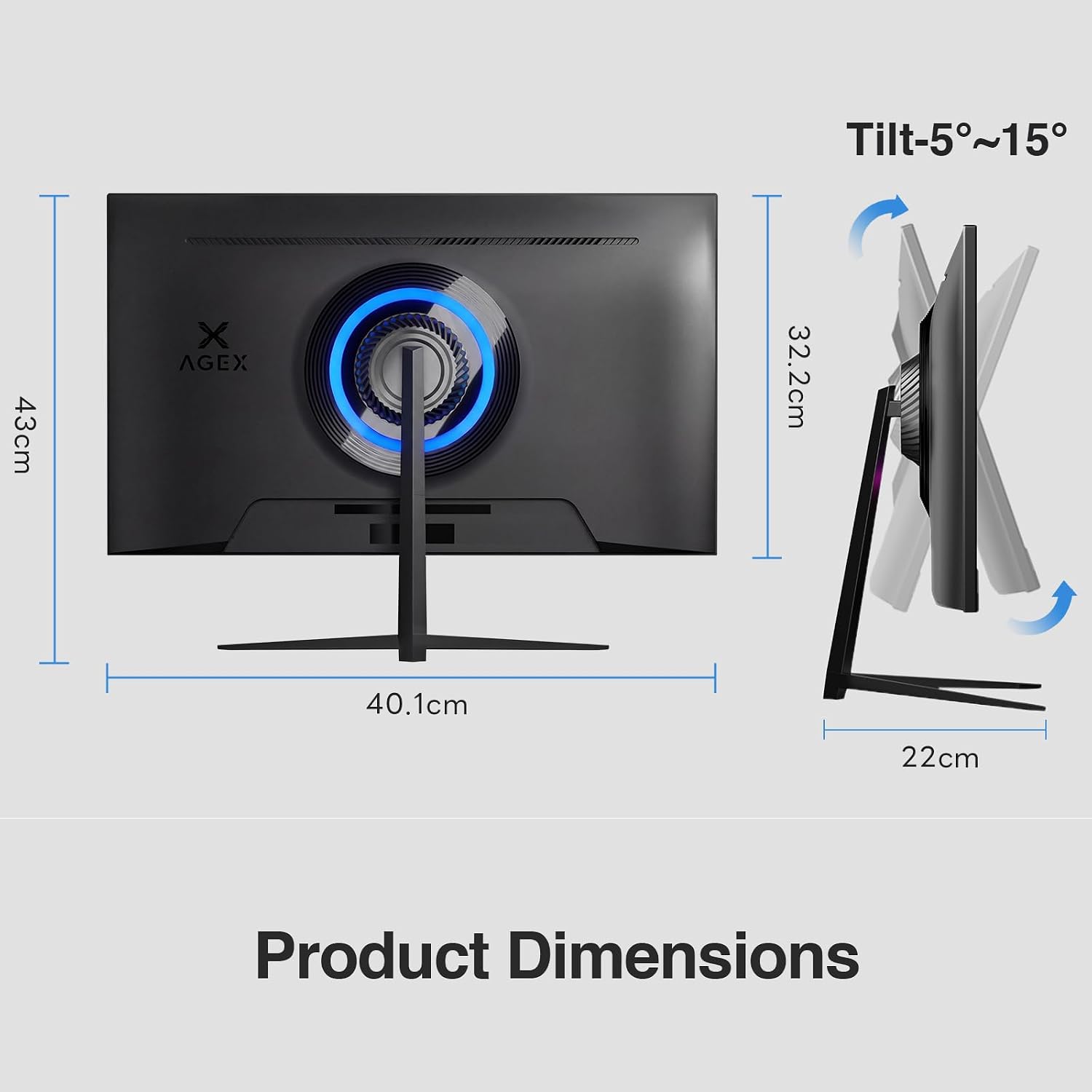
In everyday use, the 24-inch size is a practical match for many desktops, allowing you to see the entire screen without excessive head movement. The 240Hz ceiling is compelling for competitive play, but the real-world benefit depends on your hardware and the games you play. If you’re chasing a highly responsive monitor for FPS titles, this model delivers a noticeable edge in motion clarity and reaction feel—though it may feel excessive if you’re playing more methodical strategy games.
Potential limitations to note
No built-in speakers is a trade-off that may matter if you’re looking to keep your setup minimal. The 1080p resolution keeps cost and power consumption reasonable, but it won’t deliver the Ultra HD pixel density some players expect from higher-end gaming displays. Also, achieving 240Hz requires compatible GPU output and correct cable/setting configuration, if you’re on older hardware, you may not reach the top refresh rate without upgrades.
Who this is best suited for
This monitor fits gamers who want high refresh rates and responsive gameplay without moving into premium feature sets. It’s a practical option for competitive FPS players, esports hopefuls, or anyone upgrading from standard 60–75Hz screens who values smooth motion and a straightforward, no-fuss setup.
Who might want to look elsewhere
If your priority is very high colour accuracy for content creation, or if you crave a higher resolution for cinematic experiences, this device may feel limited by its Full HD 1080p panel. Likewise, if you require built-in audio as a core feature, you’ll need separate speakers or headphones.
Before you buy: practical checks
- Confirm you have a graphics card capable of pushing high frame rates at 1080p in your preferred titles.
- Check the desk distance, at 24 inches you’ll want to sit at a typical desktop distance to maximise the perceptual benefit of the 1080p density.
- Ensure you have the correct cables and understand that achieving 240Hz may depend on both ports and game/application settings.
- Consider whether wall mounting or stand space matters for your setup, the VESA option helps with flexibility.
A pragmatic comparison, in context
If you’re choosing between a very high refresh rate model and a higher-resolution panel, this X AGEX sits in the value-for-money zone: you trade some sharpness for speed, staying straightforward to set up and use. For players who mainly play fast shooters and value actionable in-game updates over colour grading or HDR, this approach can be sensible. If you want to push into 1440p or 4K, or chase premium HDR and speakers in one unit, this model would not be the best match.
Decision and final thoughts
Final verdict
It’s worth considering if you prioritise motion clarity and a cost-effective high refresh rate for competitive gaming, and you don’t mind a Full HD panel. It may not be the best fit if you require top-tier colour accuracy, built-in audio, or ultra-high resolutions. A good fit for pure gaming focus and desk-friendly setups where space and budget are considerations.
Quick FAQ
- Does it support 240Hz at all common titles? Yes, when the hardware and settings allow it, across HDMI 2.0 and DP1.4.
- Is there an HDR feature? The base data doesn’t specify HDR support, so assume standard dynamic range until confirmed.
- Can I use it for content creation? It’s more aligned with gaming performance than colour-critical tasks, consider other panels if you need precise colour work.
- What about wall mounting? Yes, it’s VESA compatible, which helps free up desk space.
- Do I need external speakers? Yes, there is no built-in audio.