

Dopesplay Portable Monitor 15.6" FHD IPS
Product description
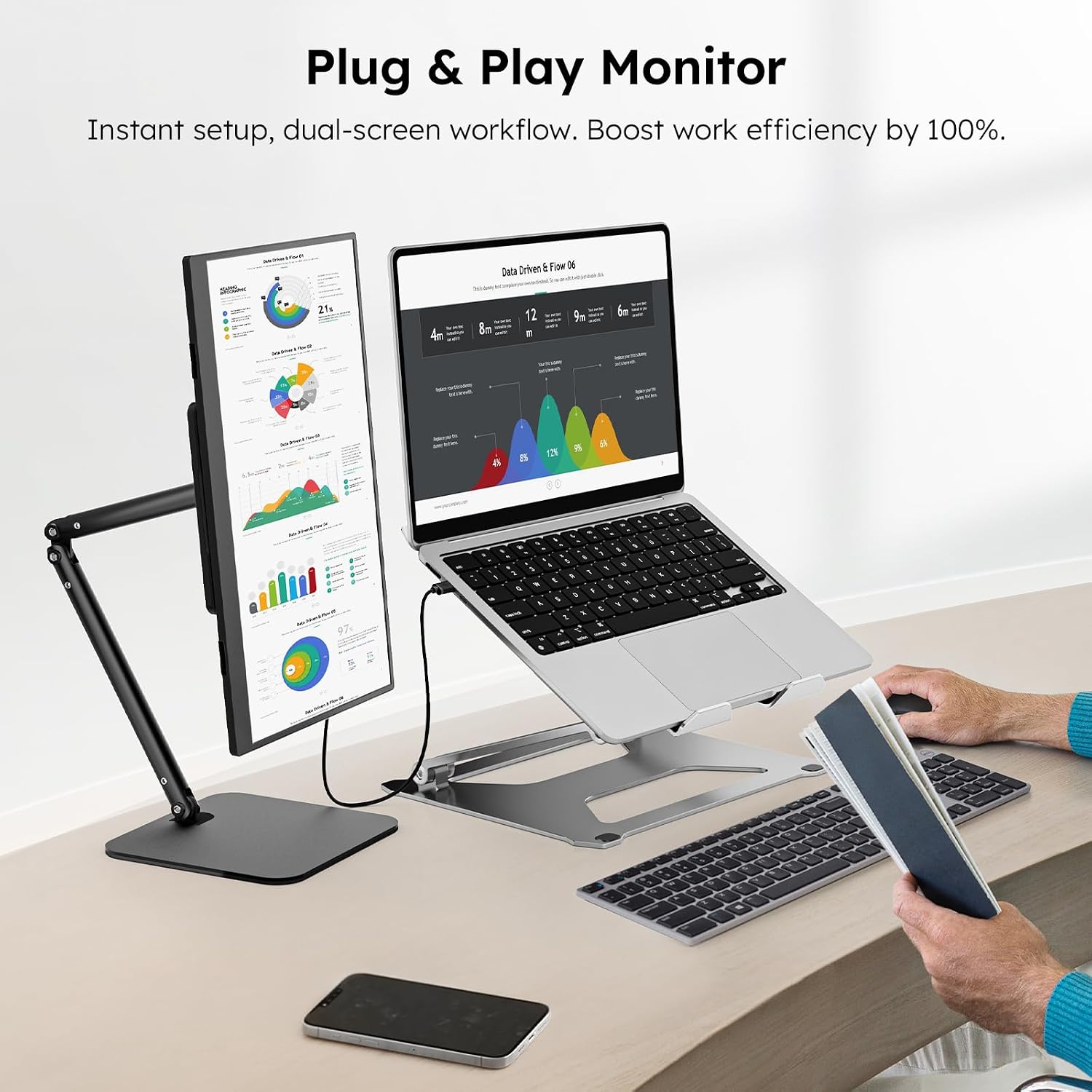
This 15.6-inch travel screen adds a second display to your kit with a slim profile and plug-and-play setup, perfect for working on the move or extending your desk at home. As a portable monitor for laptop use it connects via USB-C or HDMI and offers Full HD clarity for documents, streaming and casual gaming.
Key Points
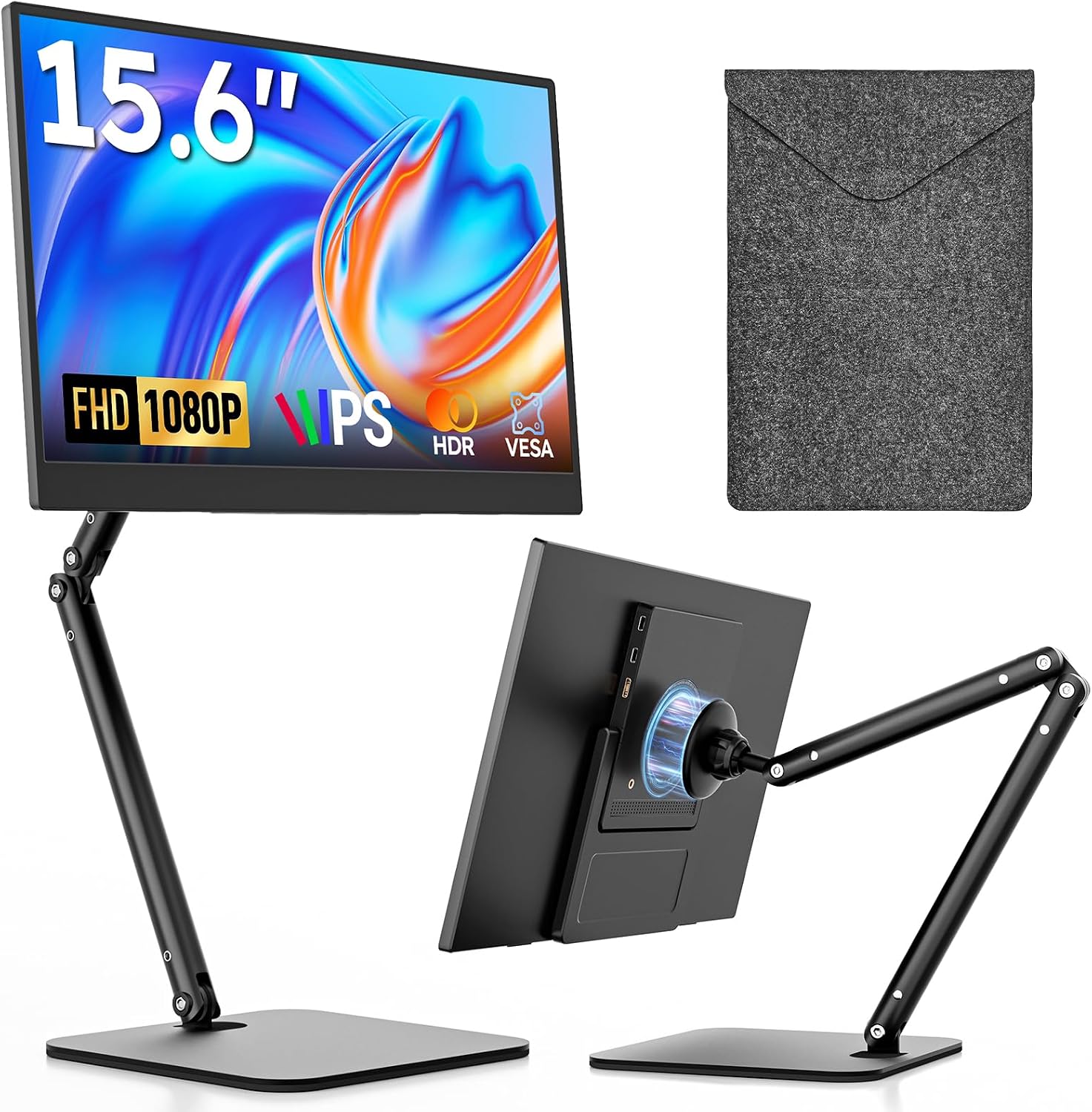
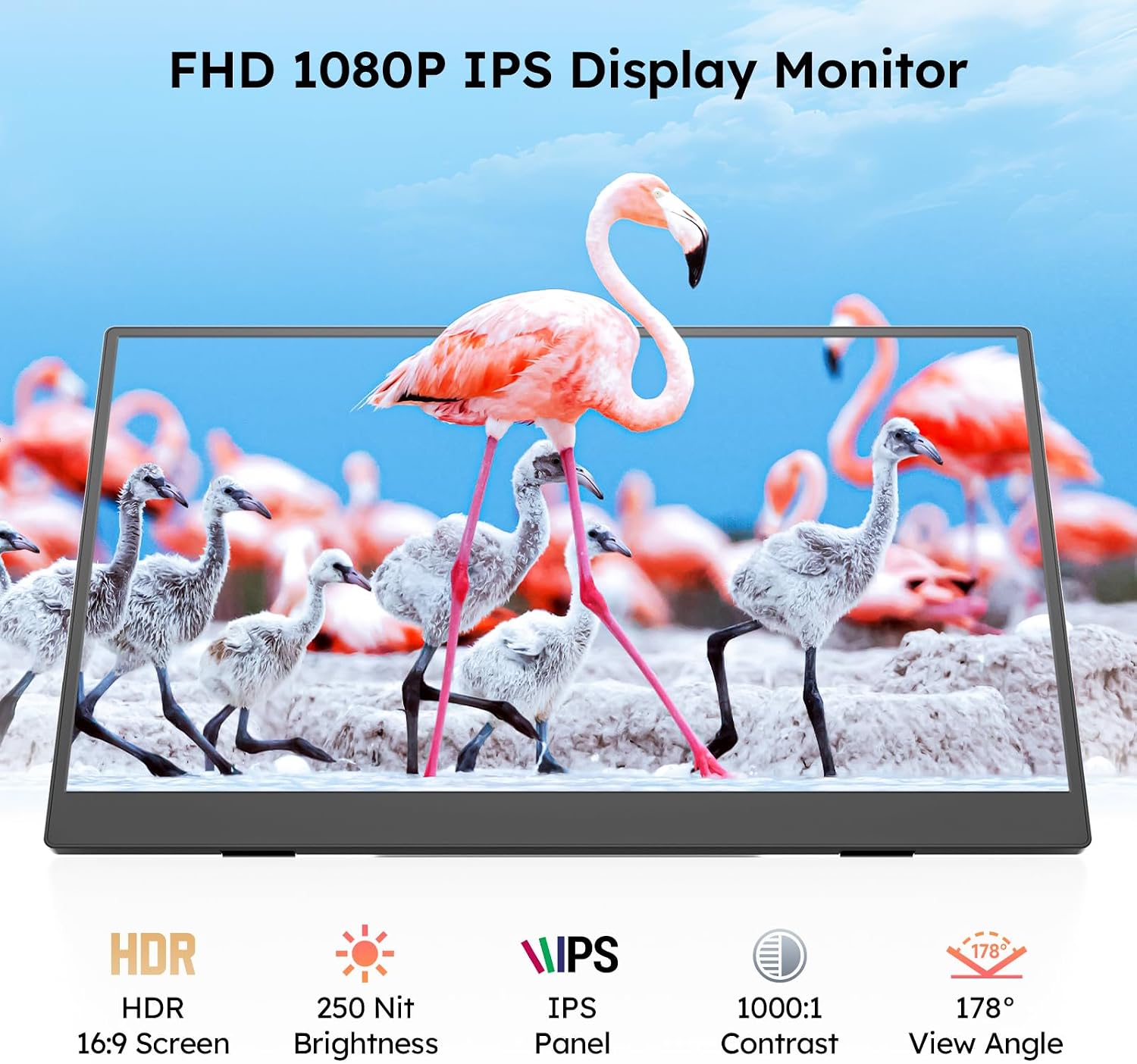
The panel is an IPS FHD 1080p display that keeps colours consistent across wide viewing angles and reduces the colour shift that can appear on cheaper portable screens. It includes a detachable foldable stand and a carry case, which makes it straightforward to pack and protect when commuting or travelling. For gamers and console users the monitor supports HDMI input so it pairs with PS4, PS5, Xbox and Nintendo Switch without software setup. ⚡
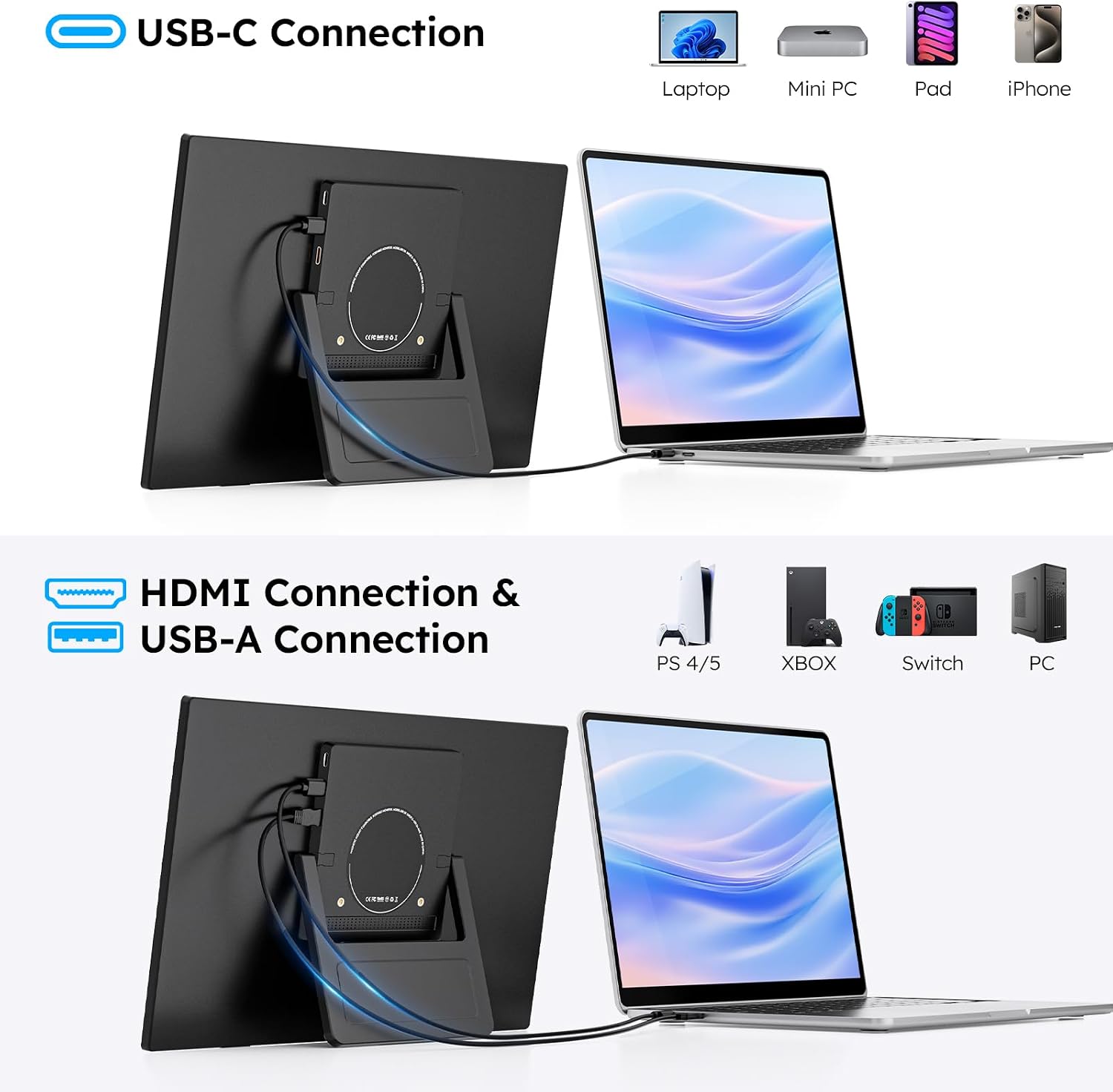
Connectivity is simple. A single USB-C cable can transmit video and power when connected to a compatible laptop or phone, while an HDMI port offers compatibility with older devices and consoles. The unit is lightweight and thin, so it fits easily alongside a laptop in a larger backpack and can be set up on any flat surface within seconds. 📱
Technical Specifications
- Name: Dopesplay Portable Monitor
- Screen size: 15.6 inches
- Resolution: FHD 1080p IPS
- Inputs: USB-C, HDMI
- Accessories included: Foldable stand, carry case
Benefits
Using an extra screen increases visible workspace and helps with multitasking when you have multiple windows or reference materials open. The IPS panel offers sharper text legibility for spreadsheets and clearer colour for presentations and video calls. The included protective sleeve reduces wear during transport and keeps the screen ready to use.
Power delivery via USB-C makes the monitor more convenient for modern laptops that can supply video and power over a single cable. In practice this reduces cable clutter on a train or at a café and helps keep your setup tidy. The HDMI option ensures compatibility with a broad range of devices, so you can alternate between work and console gaming with minimal reconfiguration. 🎮
Usage Recommendations
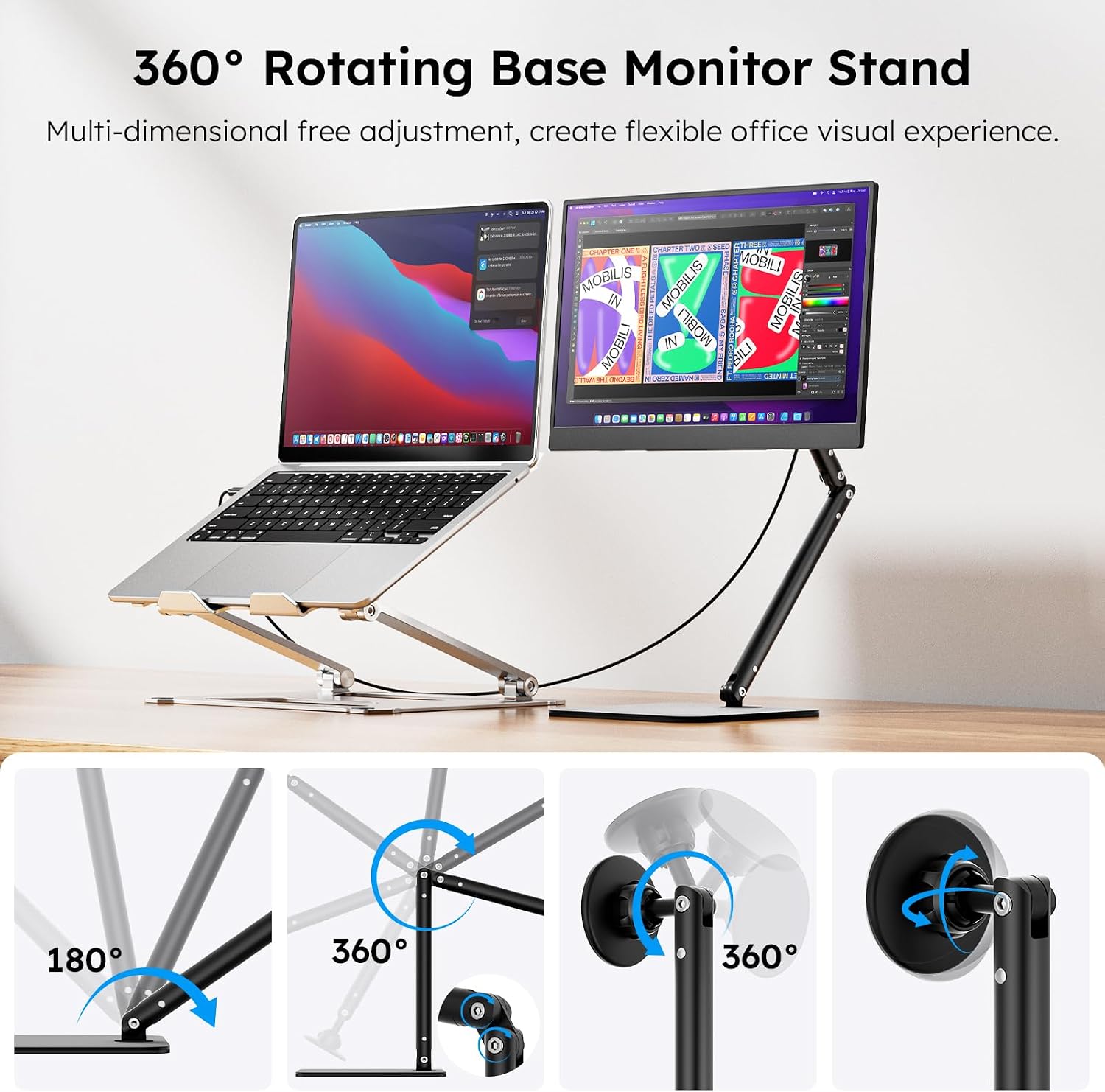
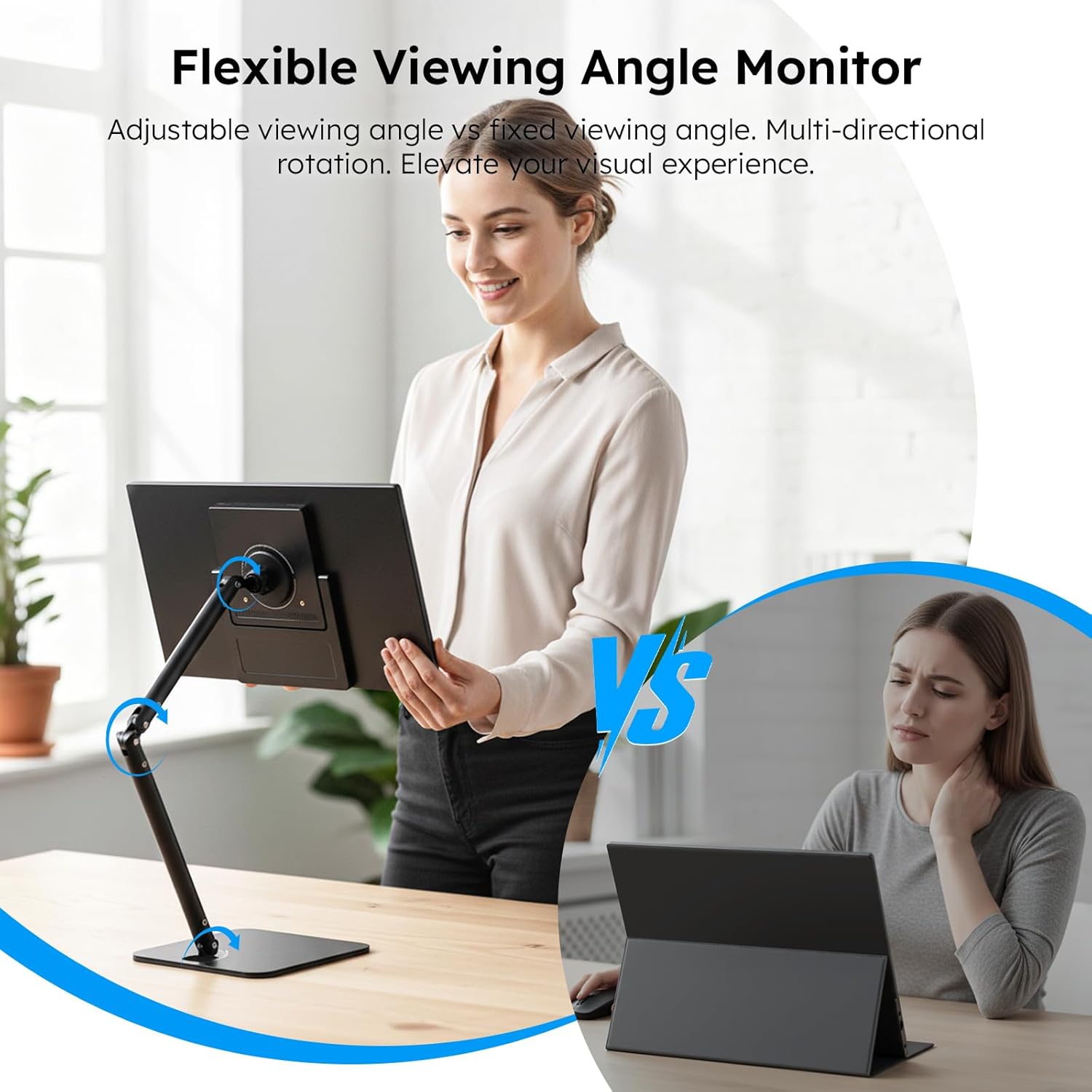
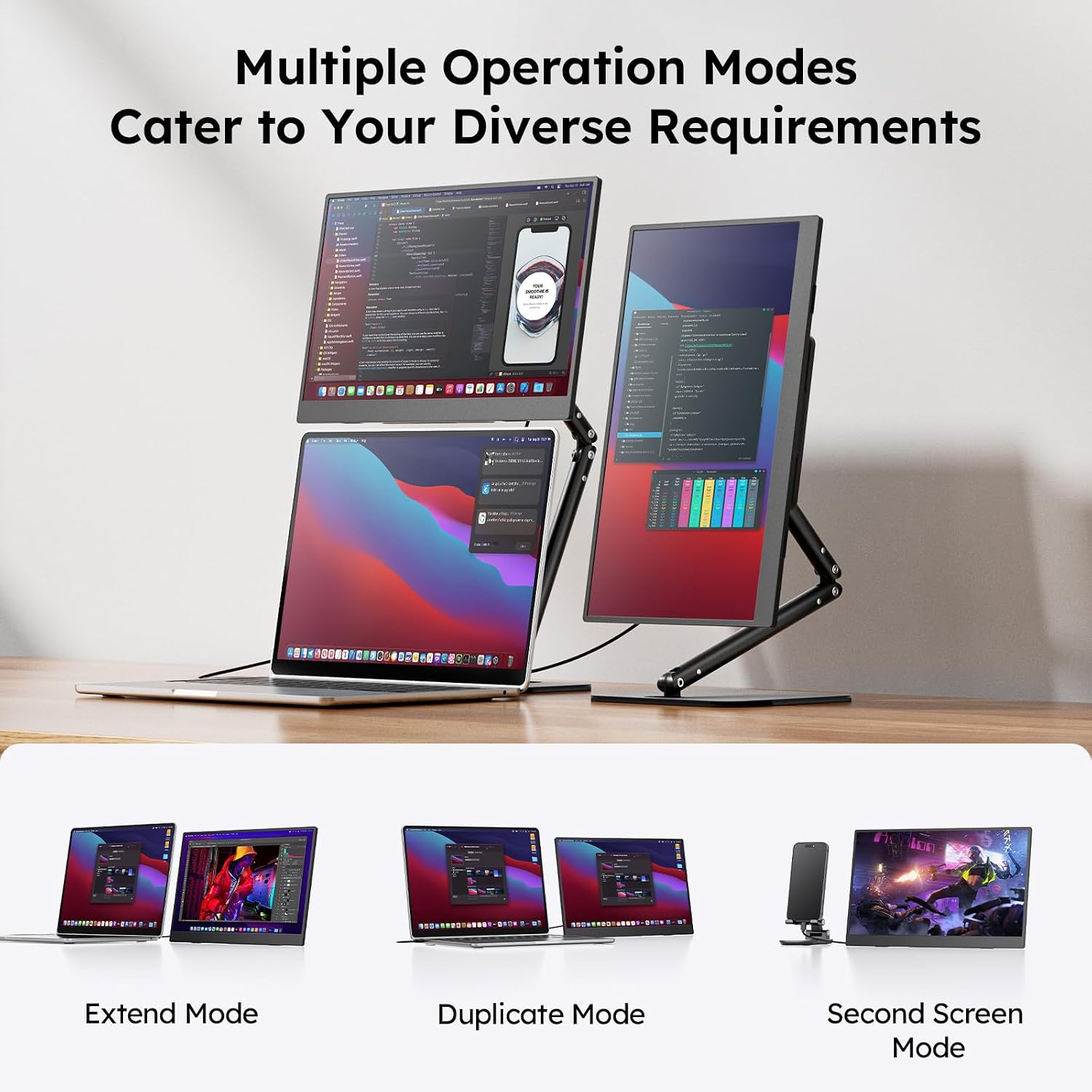
Place the monitor on a stable surface and attach the foldable stand to set the preferred viewing angle. For the best image quality, set your host device to 1920 x 1080 output and adjust the brightness to suit ambient light. If using with a phone, check that the handset supports video output over USB-C and that the supplied cable is connected firmly.
Note that according to the manufacturer, some older devices may not supply enough power over USB-C to run the display without an external power source. Also consider that while the IPS panel provides good wide-angle viewing, it is not a high refresh rate gaming screen and so may not match dedicated gaming monitors for competitive play.