

LG 27LX6TDGA StanbyME2 27-inch portable Smart Screen with built-in battery and webOS
Reviews
Price
Product description
The essentials
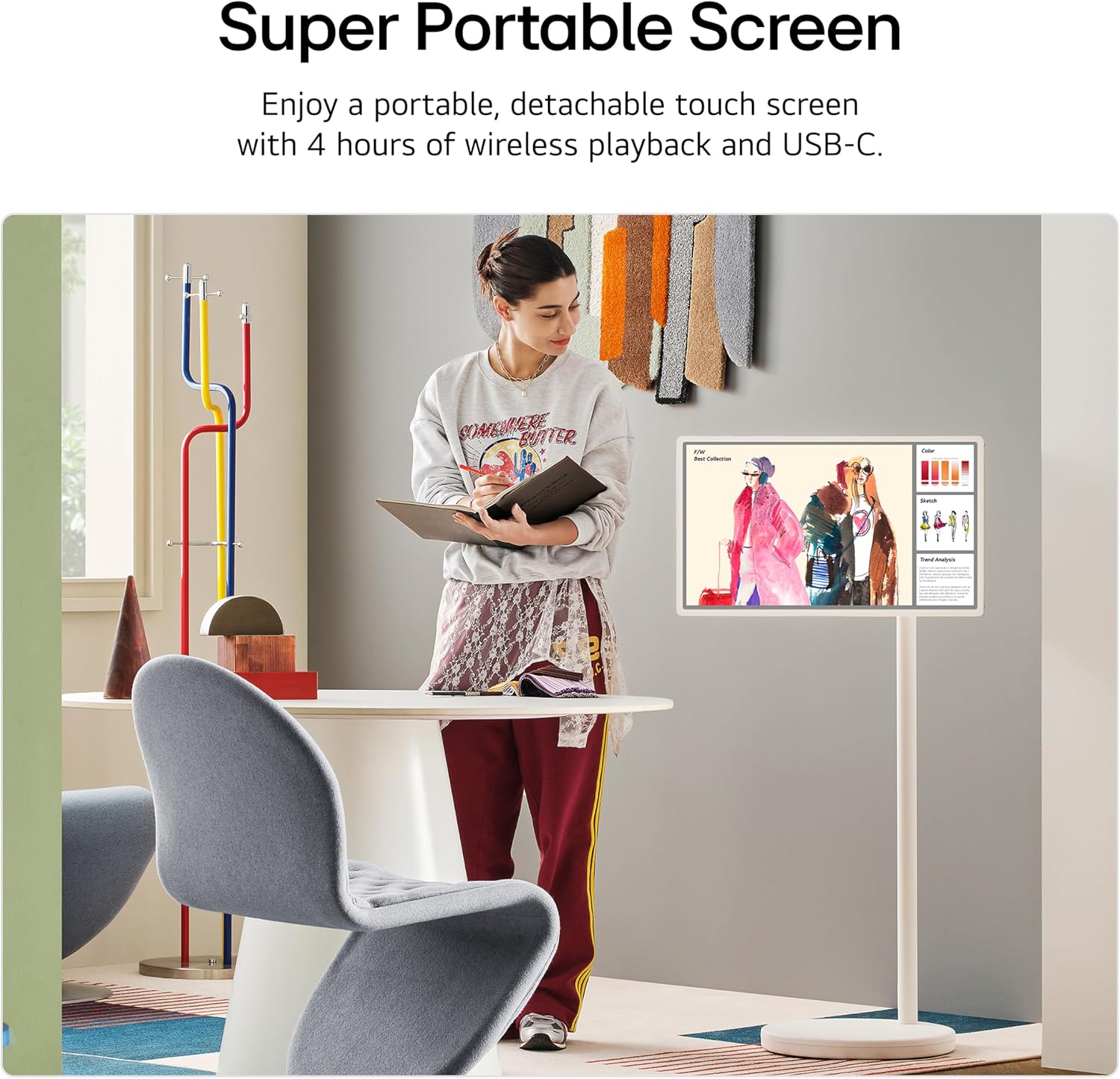
The LG 27LX6TDGA StanbyME2 is a portable 27-inch touchscreen monitor in the form-factor of a “smart screen” rather than a typical monitor. On paper, it’s built for people who want to take a big, touch-friendly display around the home (or use it away from a fixed TV spot) without immediately worrying about sockets everywhere. The headline detail is the built-in battery, giving up to 4 hours of playback, plus USB-C connectivity so you can connect compatible devices.
It also leans heavily into LG’s smart TV side: webOS, access to apps, and over 350 free LG Channels, with software updates supported for up to 5 years with webOS Re:New. Add in the Alpha 8 AI processor with AI features that detect what you’re watching to automatically improve picture and sound quality, and you get a device that’s trying to cover both “screen for content” and “screen for interactive stuff” rather than being a pure media display.
That doesn’t mean it’s perfect for every buyer, though. If your main goal is a low-latency, high-performance gaming monitor or a professional productivity screen, you may want to compare carefully—because this is positioned more like a living-room smart screen you can move than a spec-first desktop replacement.
What you’ll notice day to day
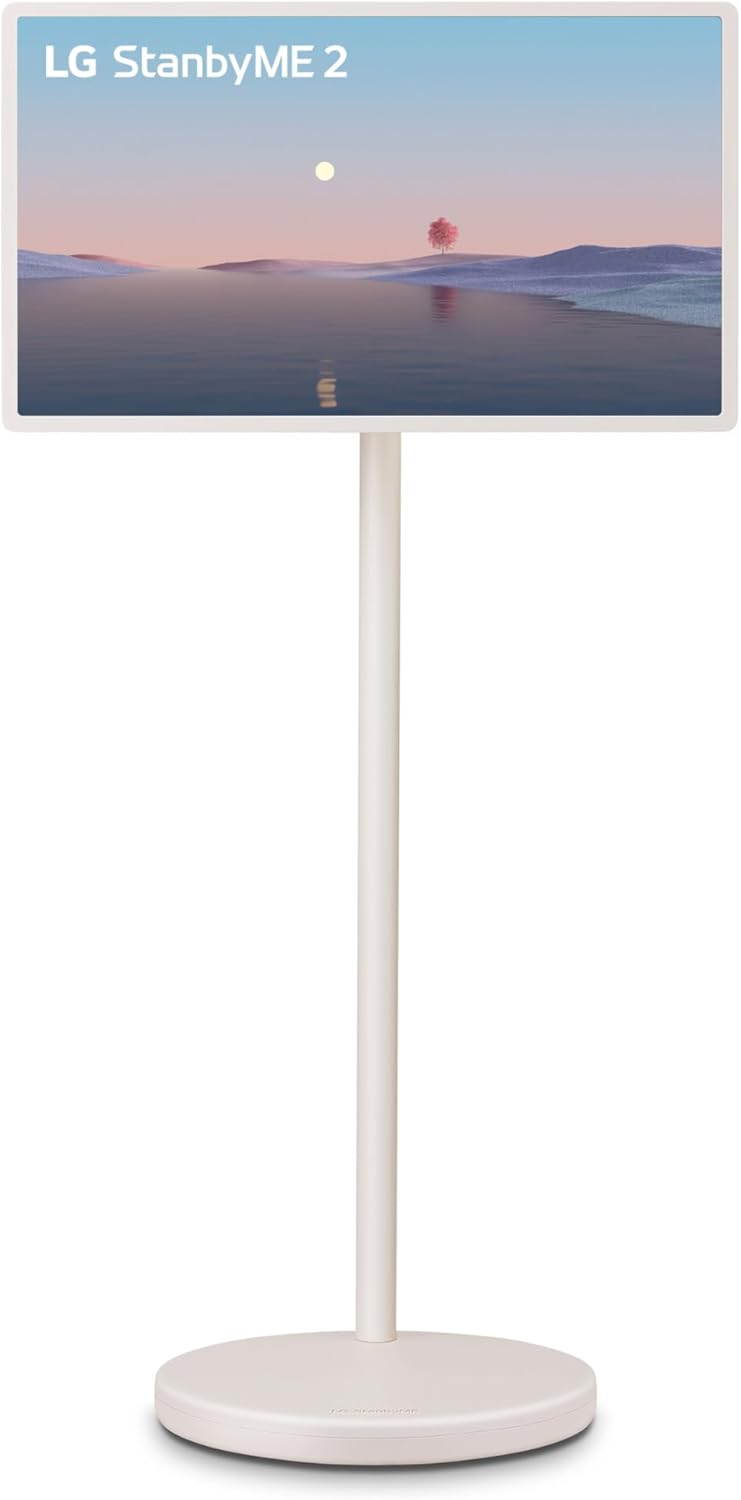
The most practical thing here is how interactive it is. The touchscreen control is described as being easy to use by touching the screen. For everyday use, that matters more than you might expect: browsing apps, navigating channels, or using on-screen features can feel more direct than relying on a remote all the time.
There’s also a “Mood Maker” feature mentioned, which changes the vibe with motion content, artwork, and themes such as a clock, weather, and a turntable-style display. If you like a screen that does something even when it’s not strictly “playing content”, it’s a fun angle—more than a blank panel.
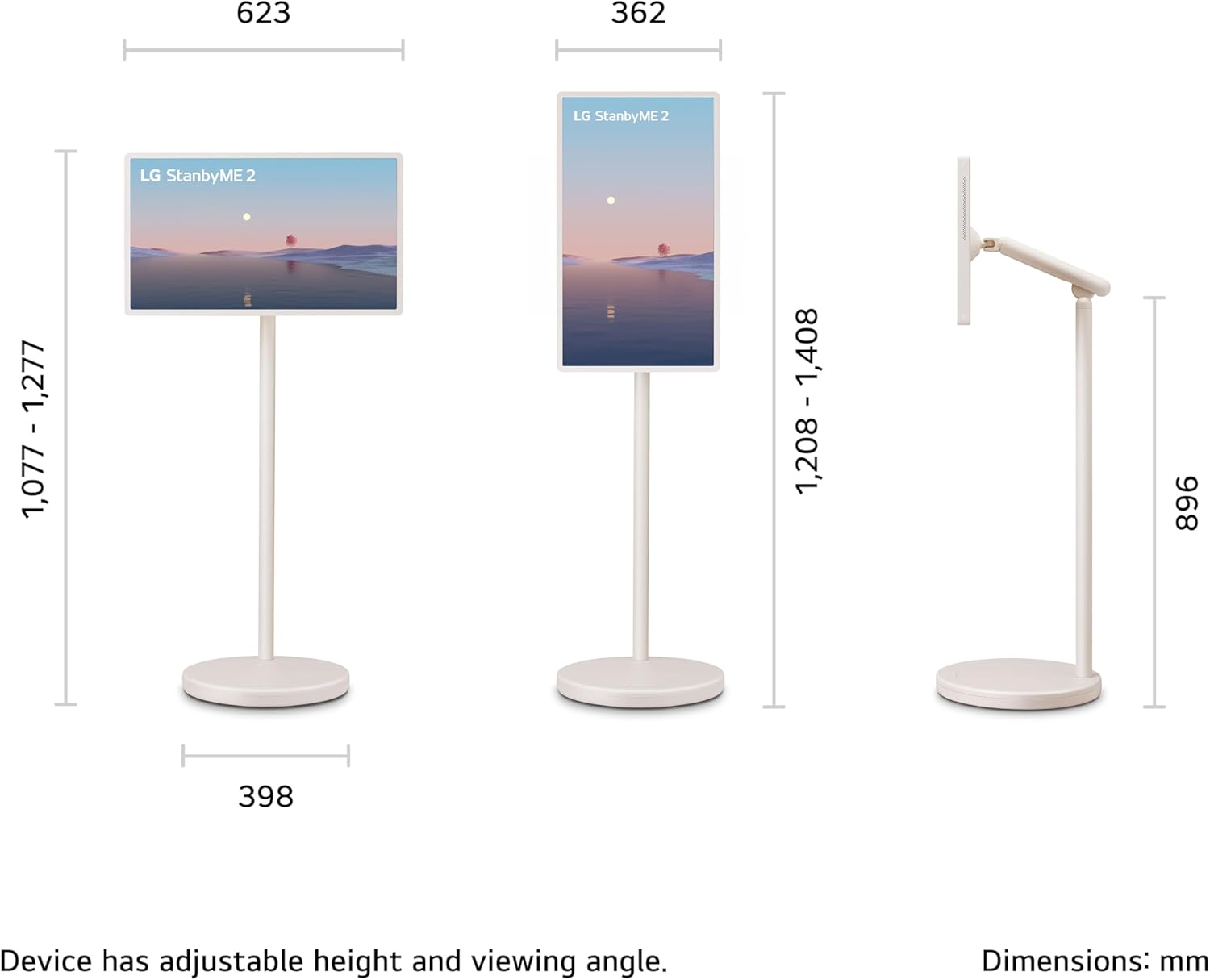
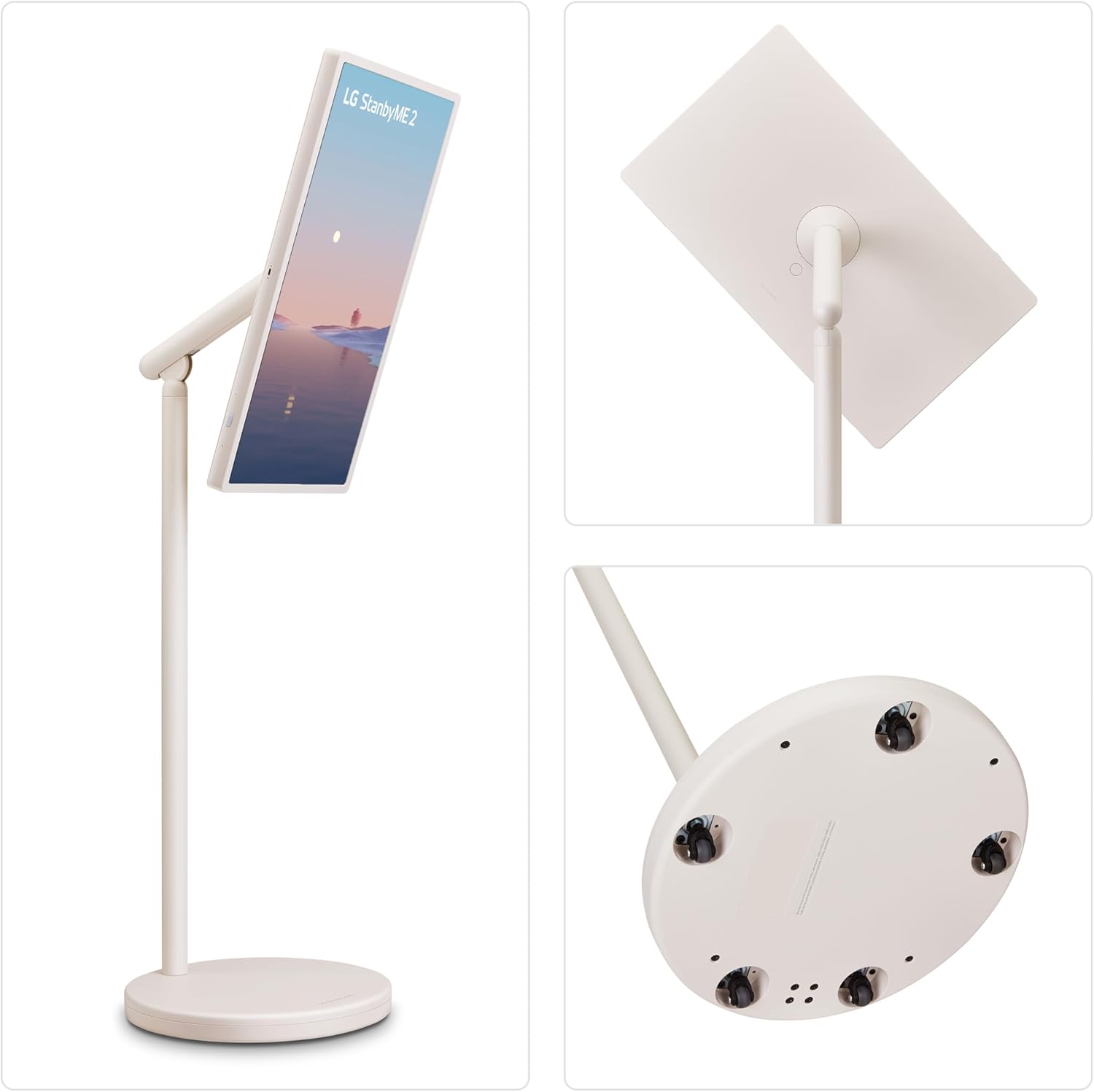
The battery is where the portability becomes real. You can roll the screen around, detach it, or use it with USB-C connections, which is helpful if you’re hosting, want background content in different rooms, or simply don’t want to fight over power sockets.

A small limitation to keep in mind: battery life is quoted as up to 4 hours of playback. Real usage depends on brightness and what you’re doing, so it’s worth treating that as a ceiling, not a guarantee.
Key features that help it make sense
If you’re wondering what this is “for”, think of three broad use cases: casual entertainment, touch-based learning/creativity, and living-room smart TV functions—just in a movable format.
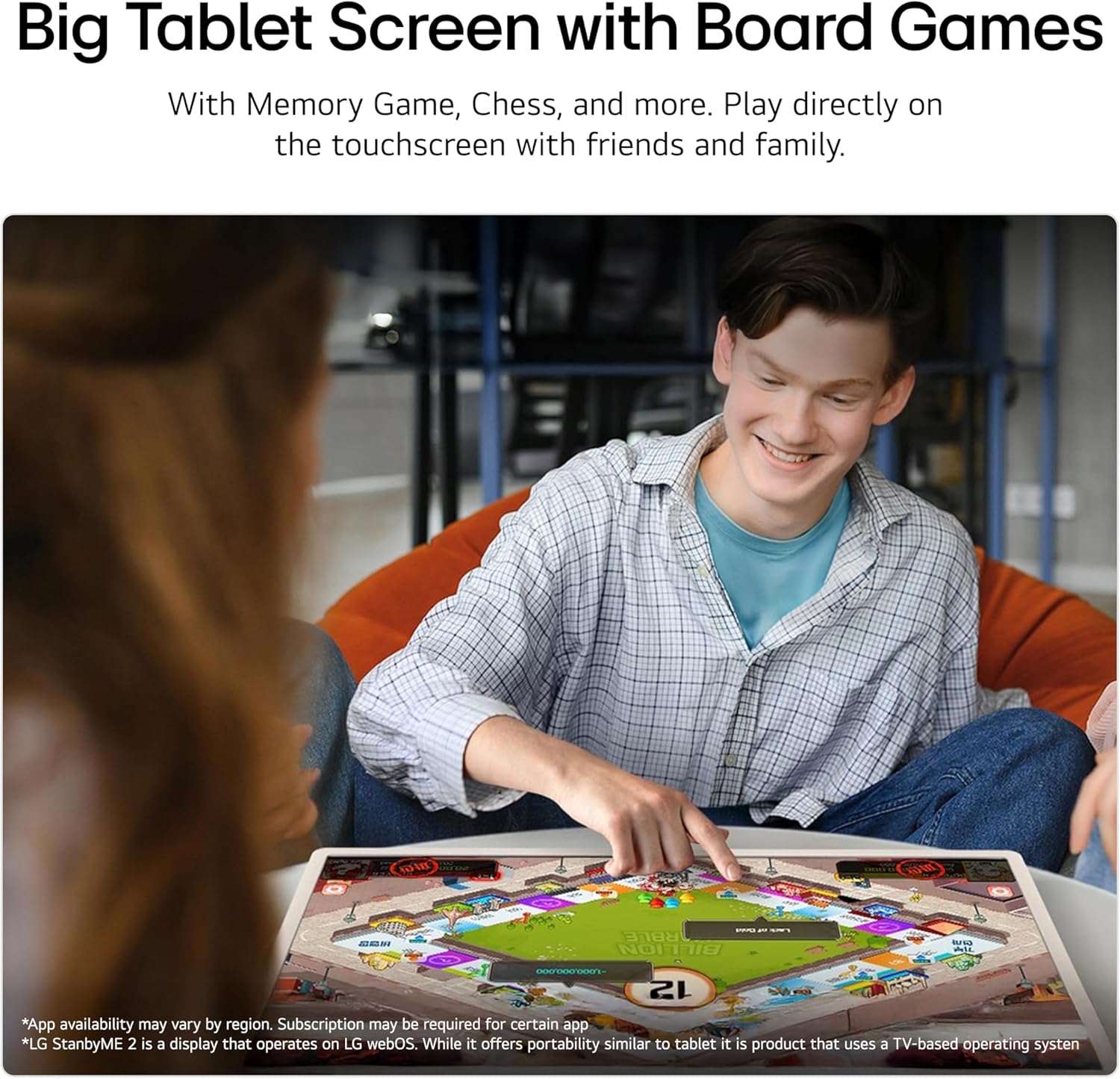
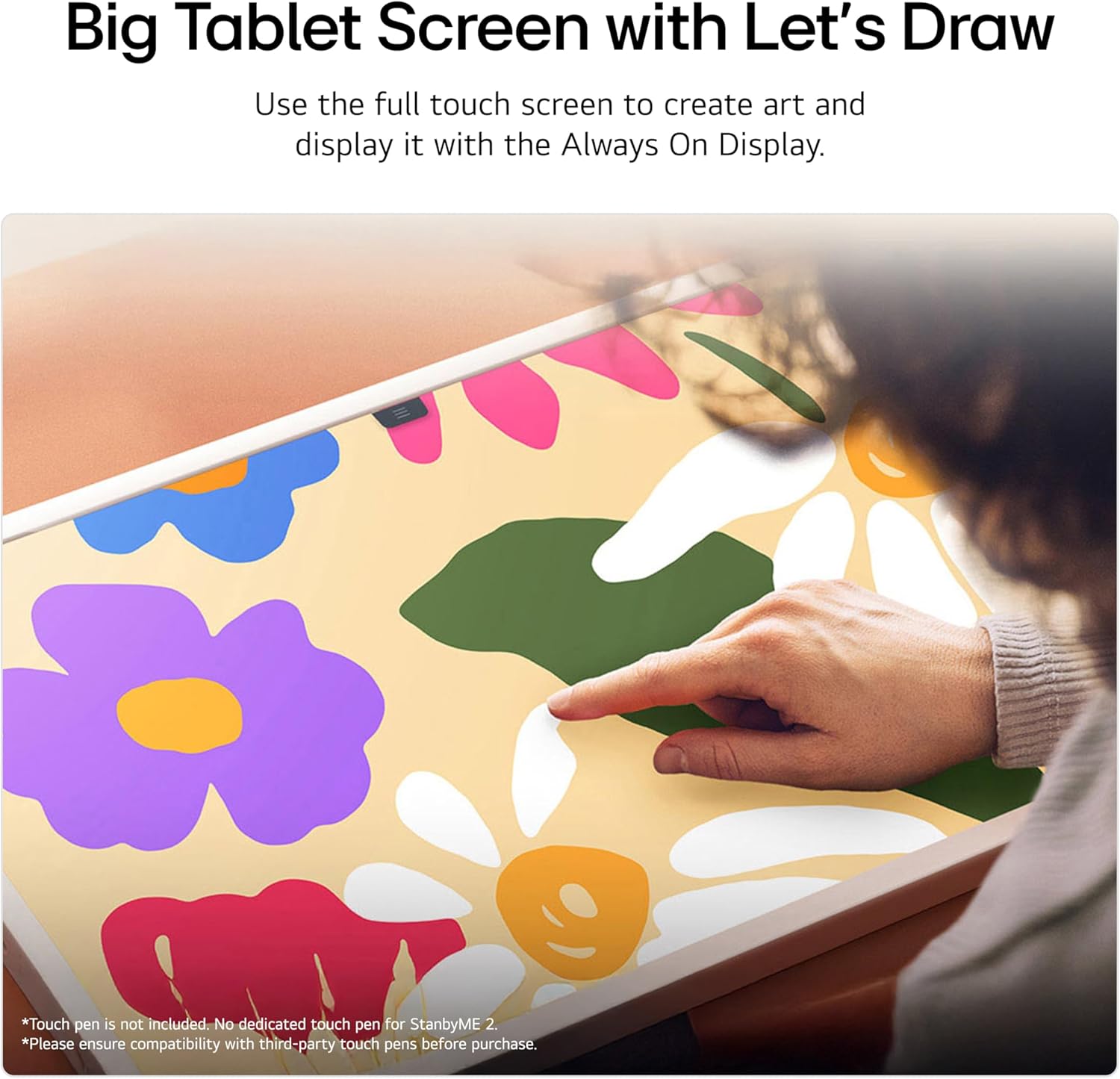
The description points to drawing and educational content, plus the ability to play games and bring ideas to life with touch. In other words, it’s not just a screen you watch, it’s also a screen you interact with.
On the viewing side, it mentions “beyond QHD picture quality”, plus an Alpha 8 AI processor that detects what you’re watching to automatically improve picture and sound. Again, that’s a sensible approach for mixed viewing (news, streaming, kids’ content), though it’s still the kind of feature set that can feel more noticeable over time than in a one-off demo.
For the smart platform, webOS is the centre of gravity. You get apps and access to over 350 free LG Channels, and LG mentions software updates for up to 5 years with webOS Re:New. If you want longevity and less worry about apps becoming stale, that support window is a meaningful checkbox.
Tech snapshot (so you can judge quickly)
Here’s what’s stated in the product information:
- Name: LG 27LX6TDGA
- Type: Portable Smart Screen / touch screen monitor
- Size: 27-inch
- Processor: alpha 8 AI Processor
- Display refresh rate: 60Hz
- Battery playback: up to 4 hours
- Connectivity: USB-C connection (for connecting other devices)
- Smart platform: webOS (apps + over 350 free LG Channels)
- Software updates: up to 5 years with webOS Re:New
- Energy class: F
Who it suits (and who should be cautious)
It makes sense if you want a touchscreen smart display you can move around, particularly where you’d otherwise rely on a TV in one fixed spot. It also suits households where multiple people interact with the screen—kids using educational content, family browsing channels, or anyone who likes drawing, games, and touch-first navigation.
It may not be a great match if you’re after a “serious desk monitor” workflow where you’re focused on specialist desktop tasks, or if you’re primarily chasing top-end performance for competitive gaming. This product’s strengths are more about smart content + touchscreen interaction + portability, rather than being a no-compromise replacement for a dedicated monitor setup.
You may want to skip it if you expect the battery to replace mains power for long sessions—given it’s rated at up to 4 hours of playback.
Practical tips for getting the most from it
Start with your likely day-to-day. If you’ll watch content in more than one room, the combination of portability and touchscreen control is the point. For example, you could detach or roll it for an afternoon of kids’ educational content, then keep using the same screen later in the living room for channel browsing—without constantly swapping cables.
When you’re using it as a smart screen, explore the Mood Maker themes if you like the idea of the display doing something more than just showing video. And with USB-C connections, it’s worth thinking through which device you’ll connect most often, because that will shape whether it feels like a “TV replacement on wheels” or more like an occasional second screen.
Final verdict
Is it worth it?
The LG 27LX6TDGA StanbyME2 is a compelling buy if you want a portable 27-inch touch screen with smart TV features built in—especially for mixed home use where content viewing and interactive features both matter. The touchscreen control, Mood Maker themes, battery-powered playback (up to 4 hours), and webOS support for apps and updates for up to 5 years are the ingredients that make it feel like more than a standard monitor.
It’s less convincing if your priorities are specialist desktop performance or battery-based all-day use. In that case, this could feel like the wrong kind of compromise.
Quick FAQs
FAQ
Is the LG 27LX6TDGA really portable, or is it just a “mobile” monitor? It’s designed to be moved around, with a built-in battery for up to 4 hours of playback and USB-C connectivity mentioned for connecting other devices.
Does it need a separate smart box? No, it runs on LG’s smart TV platform, webOS, with access to apps and over 350 free LG Channels.
Can you control it using touch? Yes. Controlling the StanbyME 2 is described as being easy by touching the screen.
How long will the battery last? LG states up to 4 hours of playback. Actual time will depend on usage conditions.
How long will software updates be supported? The information provided says software updates for up to 5 years with webOS Re:New.