

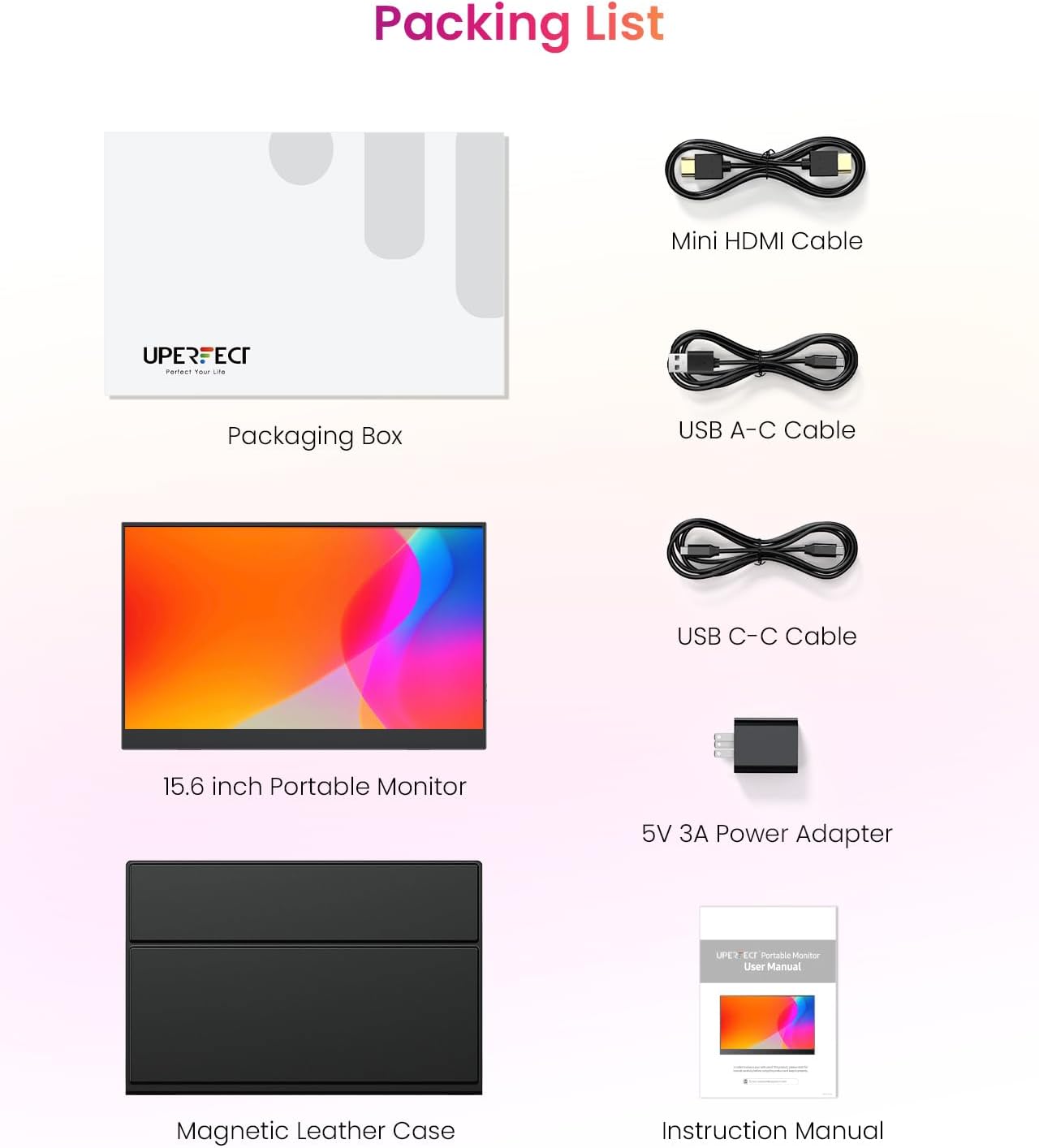
UPERFECT 15.6" Portable Monitor with Galvanised Backplate – 1080p IPS, USB-C & Mini HDMI
Product description
What it is and who it’s for
The UPERFECT 15.6" Portable Monitor is a compact secondary display designed to slide into daily work or leisure routines. With a galvanised metal backplate, it aims to optimise heat dispersion and keep performance steady during longer sessions. It’s geared towards laptop users, mobile workers, gamers and media pre-scribers who want a second screen without a heavy setup. If you prioritise durability and a clearer, more comfortable viewing experience on the go, this model makes sense as a travel-friendly companion.
How it’s built and how it behaves
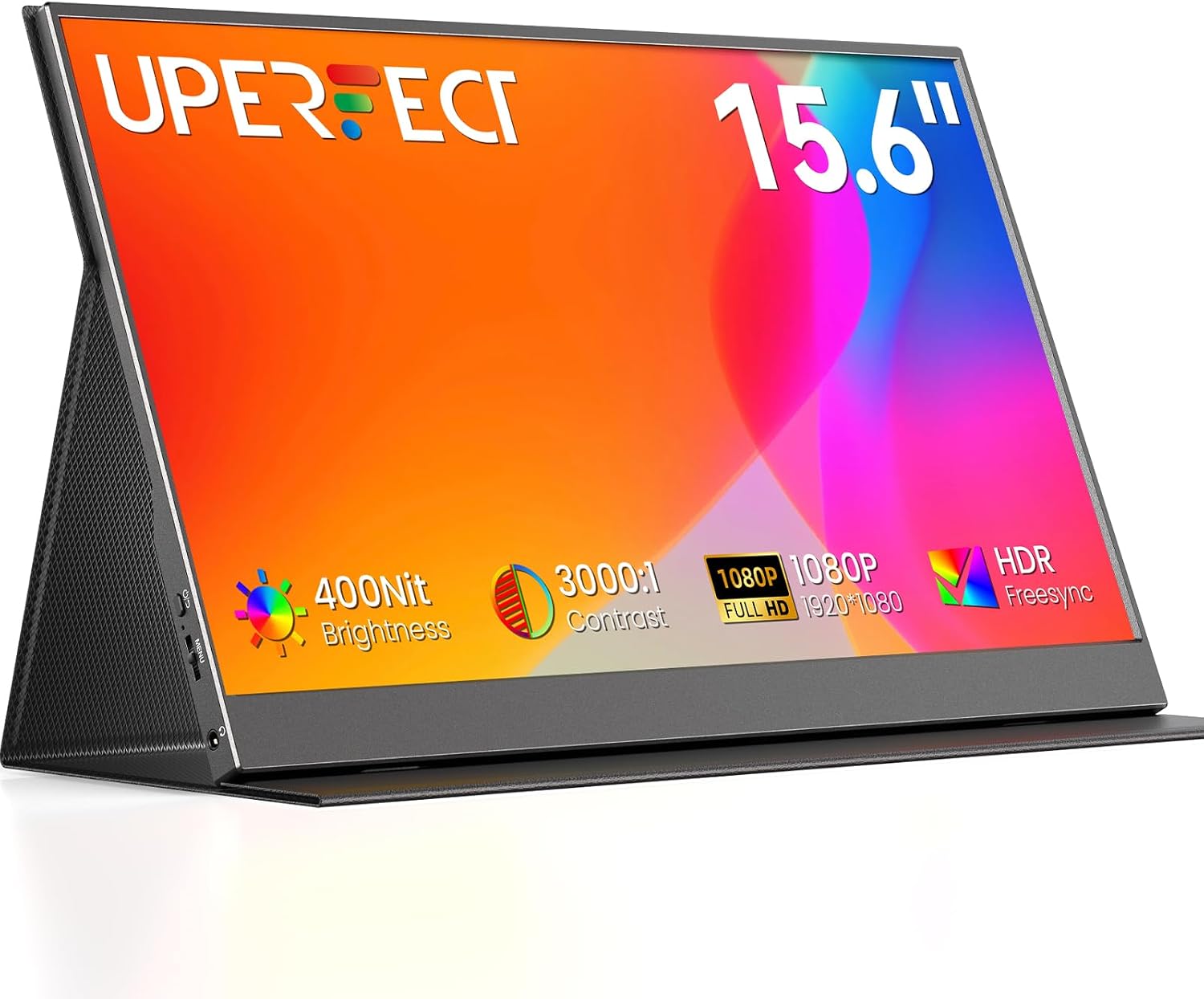
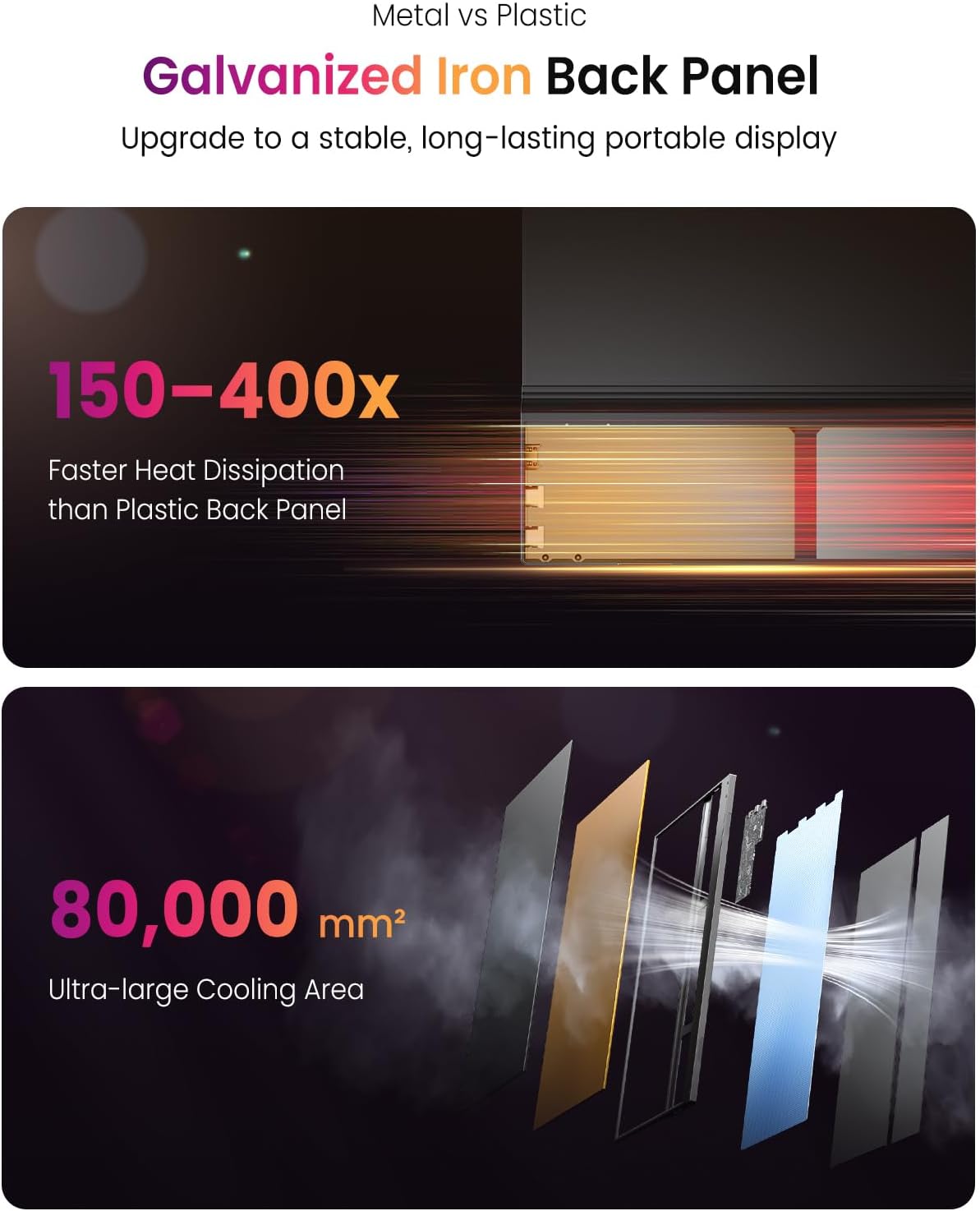
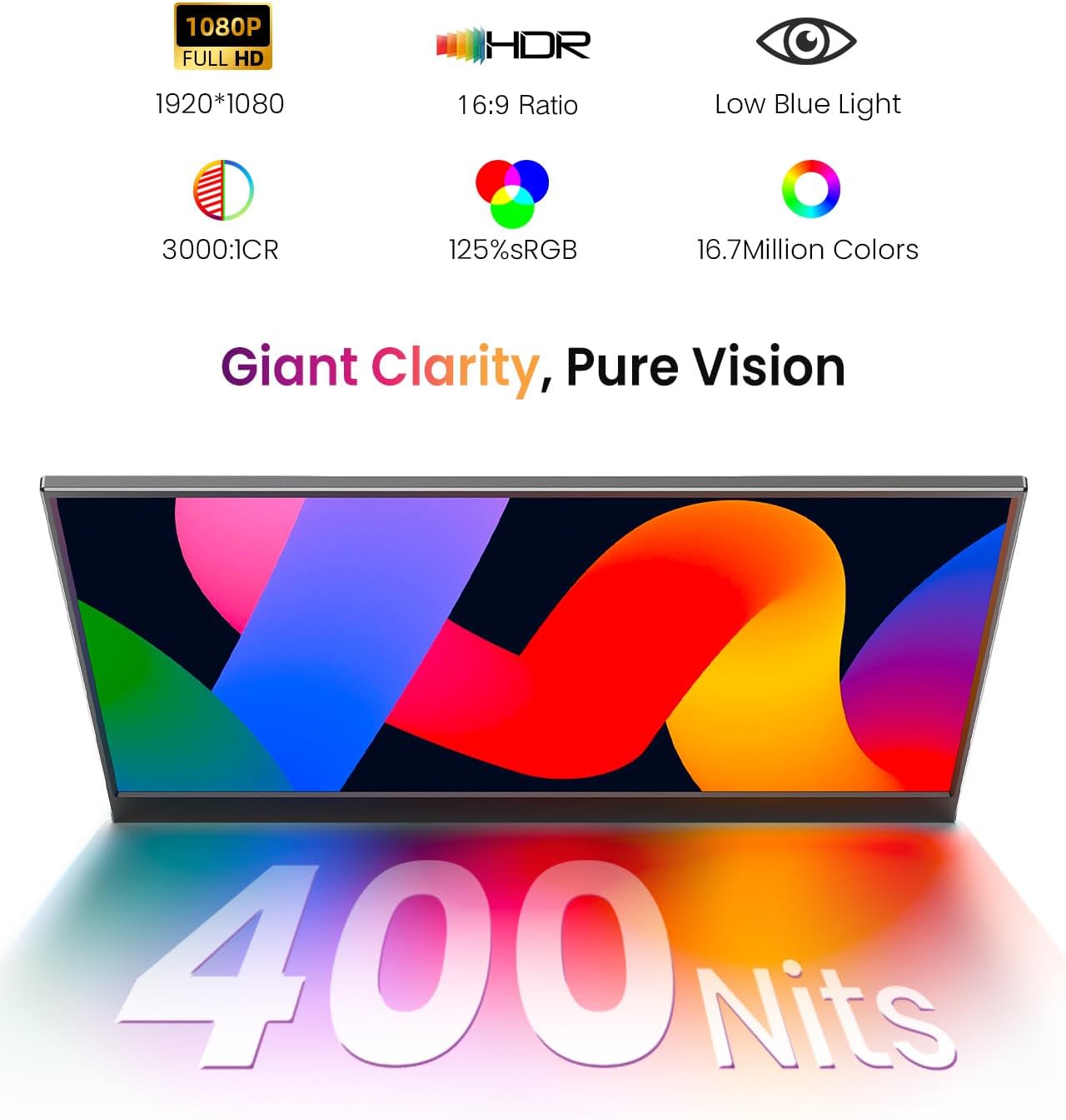
On the build front, the metal back panel is presented as a step up from standard plastic shells, with claims of improved thermal conductivity that may help reduce heat-induced lag in demanding moments. The screen itself is a FHD IPS panel offering around 3000:1 contrast, which should deliver deeper blacks and more defined shadows beside a broad colour range stated as 125% sRGB. The combination suggests usable visual quality for general productivity, video viewing and casual gaming, though expectations should stay grounded if you’re chasing cinema-grade HDR or professional colour accuracy.
What stands out in everyday use
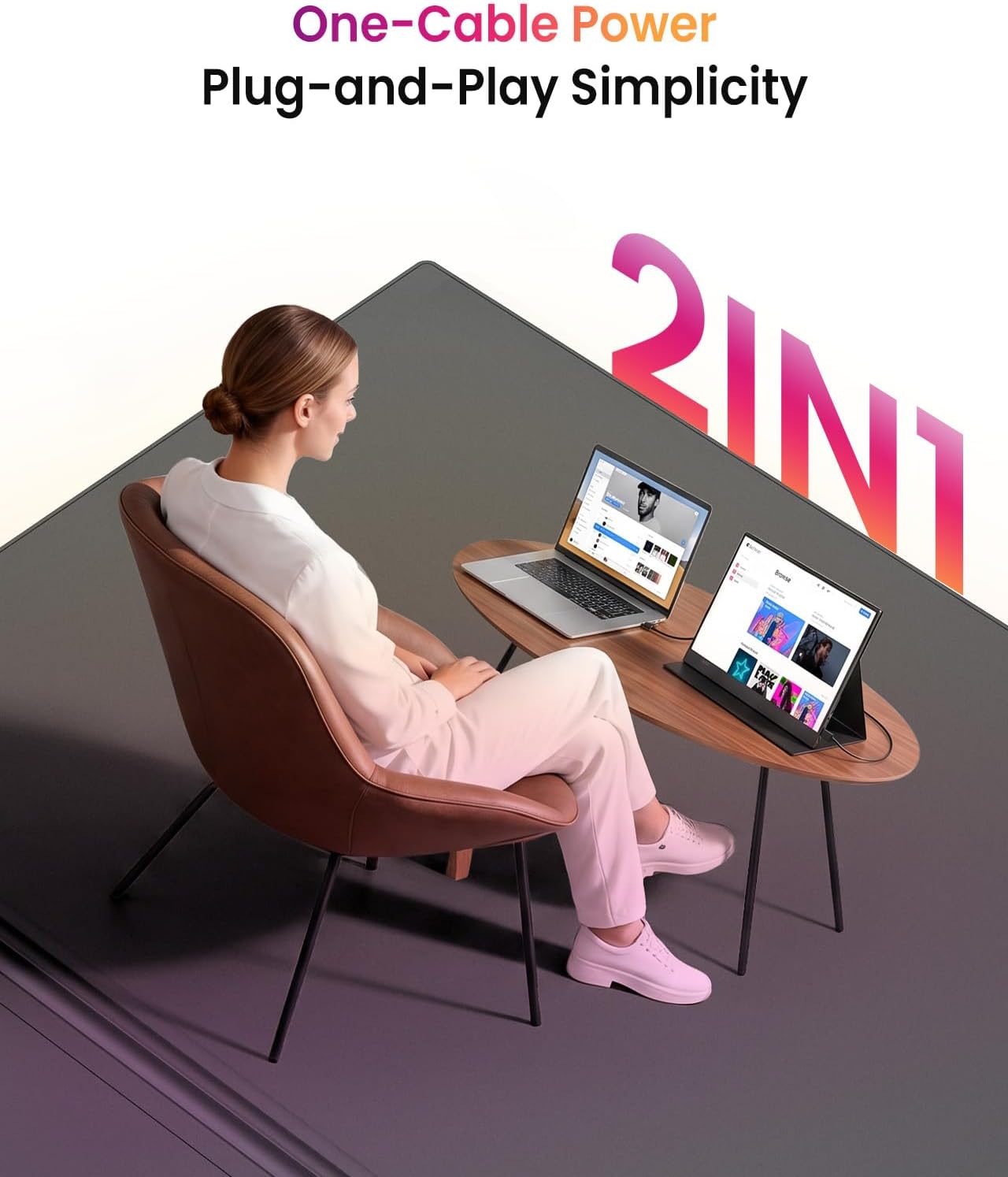
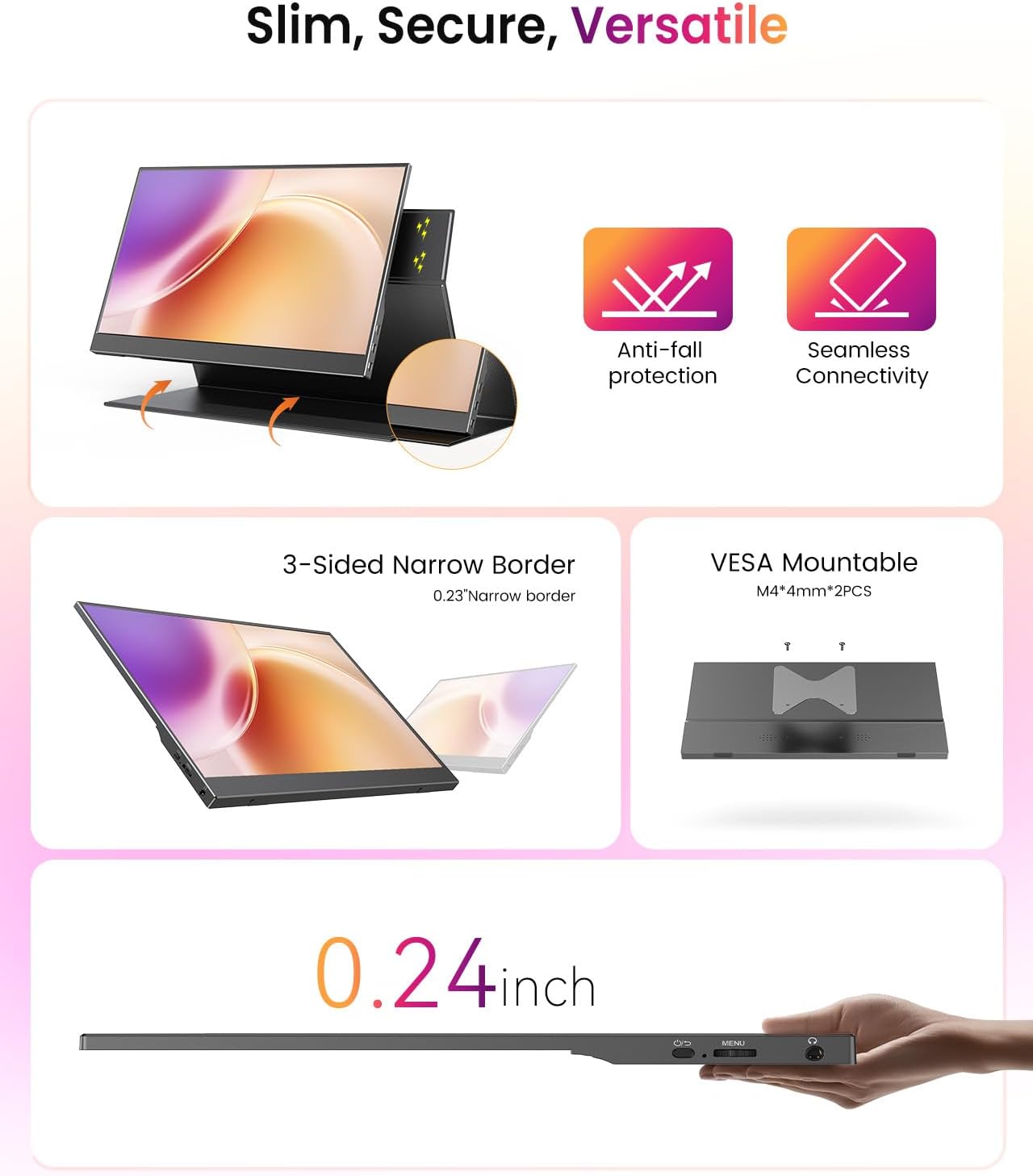
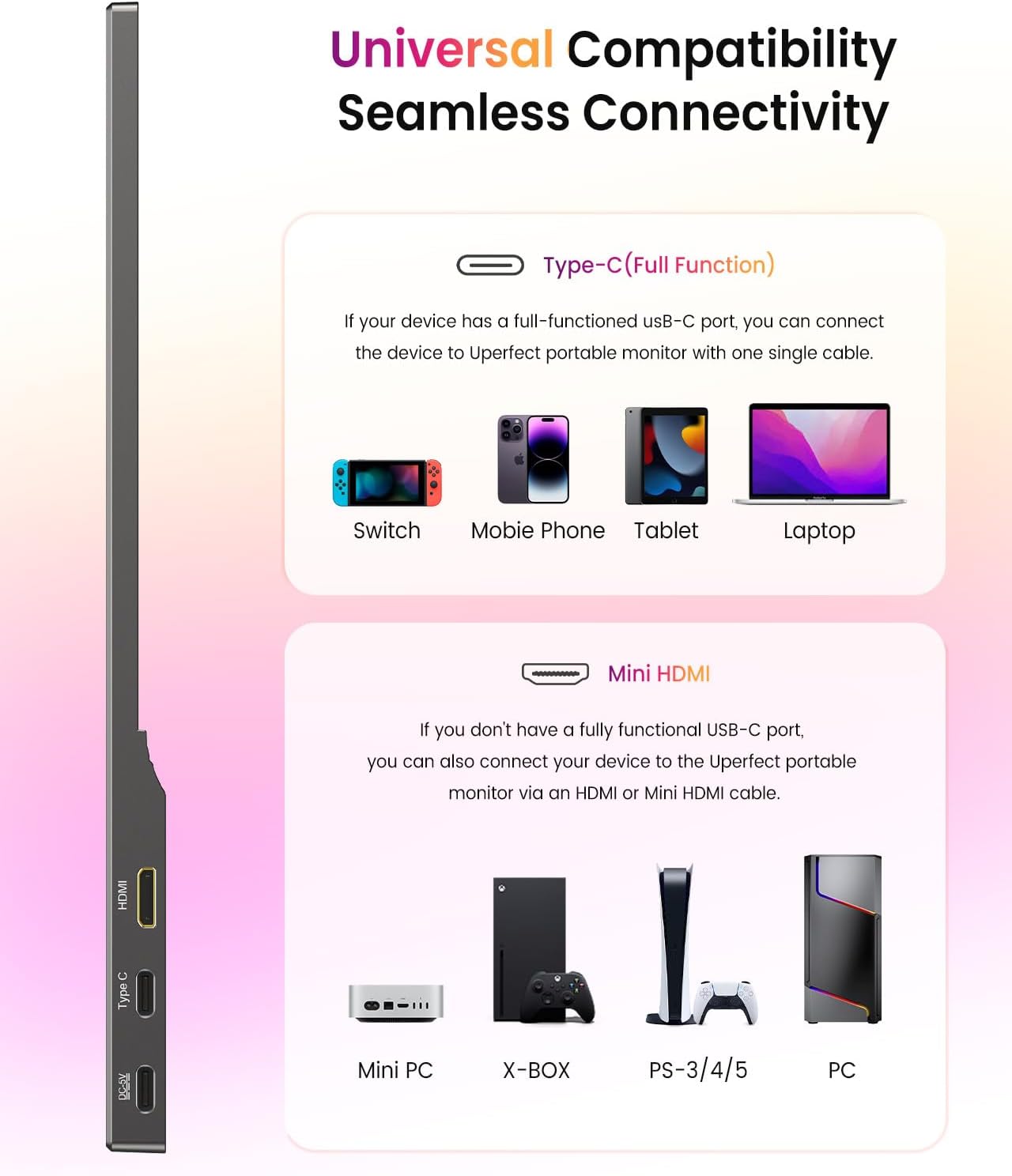
A foldable smart cover doubles as a stand, providing multiple viewing angles for typing, video calls or movie watching. Built-in dual speakers offer basic audio without needing extra accessories, which is handy for quick meetings or casual viewing when speakers are absent. The monitor supports USB-C and Mini HDMI inputs, enabling a simple, cable-forward connection to laptops, phones, tablets and certain consoles. The promise of one-cable power, video and data can streamline setups when you’re travelling or working remotely.
Pros and practical limits
Pros: solid, travel-friendly secondary display with a metal backplate for likely better heat management, crisp 1080p IPS visuals with eye-care features to reduce glare, flexible stand from the protective cover, dual speakers for everyday media, convenient one-cable connectivity across devices. Cons or caveats: the information provided doesn’t confirm professional colour calibration or HDR support beyond the stated contrast and 125% sRGB, no explicit mention of adaptive refresh or high-end gaming features, performance and longevity claims rely on the backplate and internal cooling but aren’t backed by independent tests in the data available.
Who it’s for
- Remote workers needing a portable second screen for multitasking.
- Students or professionals who want to extend a laptop or phone display for meetings, coding, or content consumption.
- Casual gamers or streaming viewers who want a second screen without investing in a larger, heavier monitor.
When it makes sense to buy
If you value portability paired with a metal back for durability, and you frequently switch between devices or work spaces, this model can be a pragmatic addition to your setup. It’s particularly sensible if you want a straightforward, plug-and-play second screen that doesn’t demand extra base stations or complex configurations.
When it may not be the best match
If your priority is studio-grade colour accuracy, a high-nit brighter display, or advanced gaming features, you might want to look at higher-spec options. For long-form photo or video editing where precise colour grading is essential, the stated specs suggest it’s a good general-purpose panel but not a replacement for top-tier reference displays. Also, the data doesn’t specify the exact speaker power or audio quality, so expect modest sound output.
Things to check before buying
- Ensure your device supports USB-C video/power pass-through if you intend to use one-cable connections.
- Confirm the intended use case aligns with 1080p resolution and IPS panel characteristics rather than needing higher resolution or colour-critical work.
- Consider where you’ll store and transport the monitor, while the metal backplate sounds robust, protection during transit still matters.
- If you plan gaming or fast-paced content, review whether refresh rate meets your expectations (not specified beyond 1080p/contrast).
Comparisons in mind
This model sits in the value-to-compact-second-screen space. It’s a sensible compromise for everyday tasks and light media use, offering a sturdier build than basic plastic shells and straightforward USB-C/HDMI inputs. If you’re choosing between this and a more budget-friendly plastic alternative, the galvanised backplate and the integrated cover/stand are notable differentiators. If you want deeper colour control or adaptation for professional workflows, you’d likely opt for a display with calibrated colour profiles and higher brightness.
Final buying decision
Is it worth it?
Worth considering if you prioritise portability, a sturdier build and simple connectivity for day-to-day use across devices. It suits practical travellers and hybrid workers who want a reliable secondary screen without fuss. Not the best pick if your needs include professional colour accuracy, high brightness or high-end gaming features.
Quick usage ideas
Picture yourself on a train with your laptop closed, using the UPERFECT monitor as a secondary display for research while you type notes on the go. At home, you can pair it with a tablet for a larger video-conference setup without running extra cables or docking stations.
FAQ
- What connectivity options does it have? USB-C and Mini HDMI inputs, supporting power, video and data over a single cable in compatible setups.
- Does it come with a stand? Yes, via the foldable smart cover that also protects the display when not in use.
- Is it suitable for long hours of use? The eye-care features and improved heat management are aimed at keeping fatigue lower, though comfort will still depend on lighting and posture in your workspace.