

Lenovo D32-40 (C22320FD0) 32-Inch PC Monitor review
Product description
What it is and what it’s for
The Lenovo D32-40 is a 32-inch VA‑panel monitor designed for everyday computing, multimedia watching and light office use. It offers a borderless feel on three sides and full‑HD resolution (1920 x 1080), which keeps text and images clear enough for productivity tasks and casual viewing without demanding a dedicated graphics card. While not a flagship gaming display, its size and pixel density make it a sensible choice for a secondary screen, a shared desk setup or a small home office where a larger panel is preferred over a high‑spec gaming monitor.
Image quality and on‑screen experience
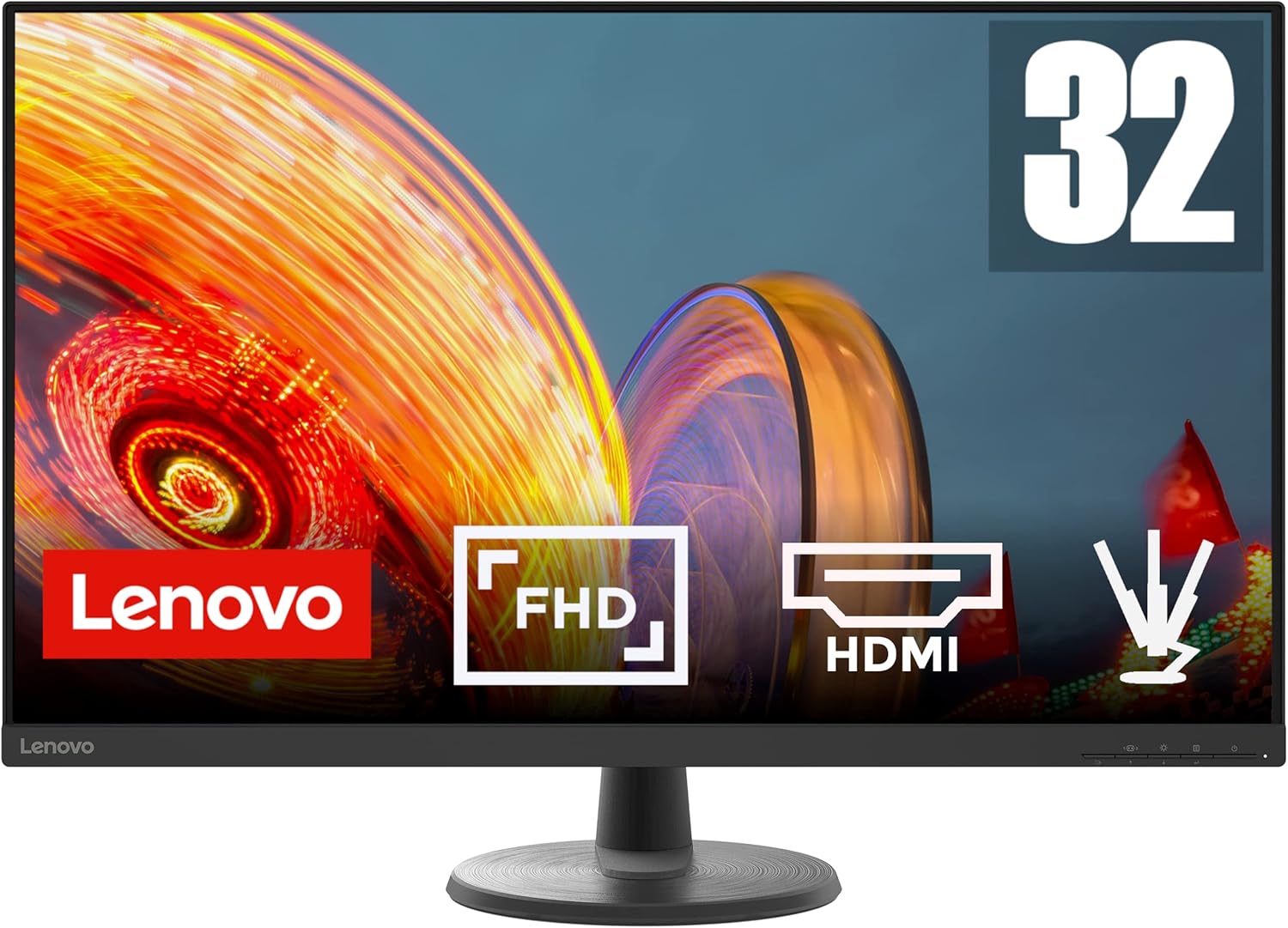
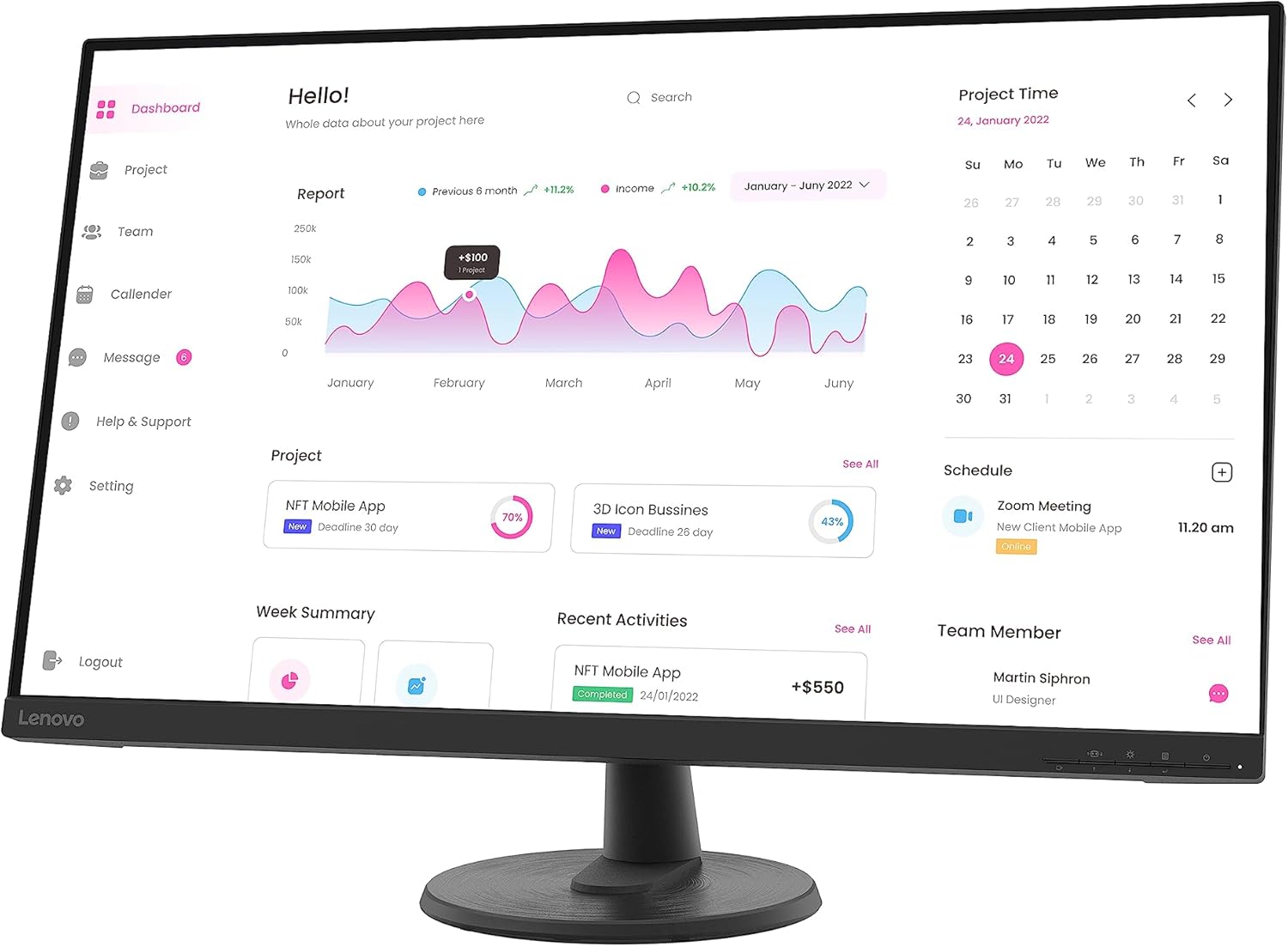
With a 32-inch VA panel, you’ll notice decent contrast and wide viewing angles for standard office work and video playback. The 1920 x 1080 resolution is comfortably readable at typical distances, and the 3‑sided borderless design helps reduce distraction when used as a main monitor for a flexible desk layout. Response time and refresh rate are modest—listed around 5 ms and 60 Hz in the product name—so it’s not aimed at fast‑paced competitive gaming, but it should handle everyday tasks smoothly, including scrolling, video streaming and light design work. Colour coverage reaches roughly sRGB at around 99%, which is adequate for general use, web design previews and non‑critical photo viewing.
Connectivity and flexibility
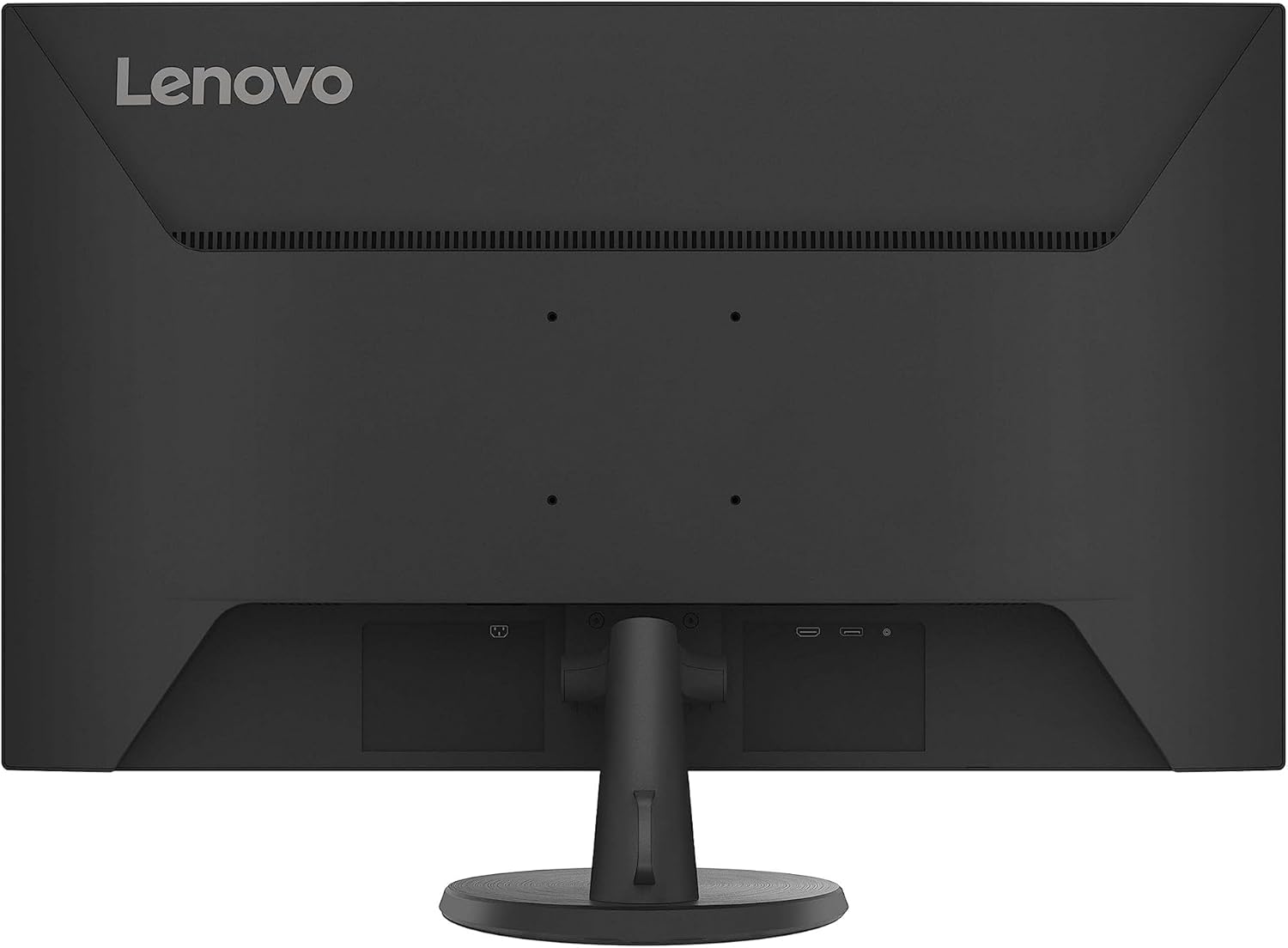
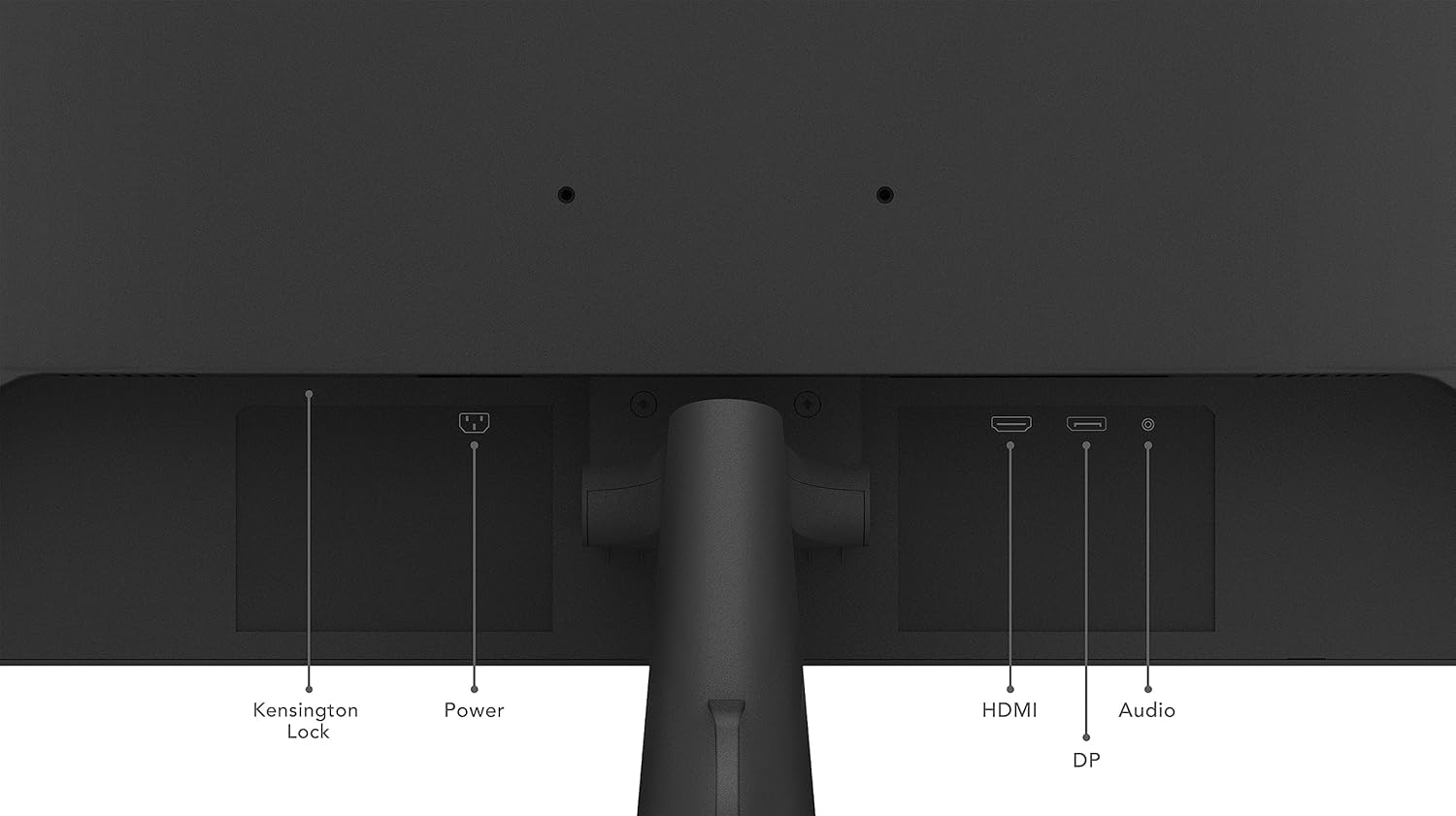
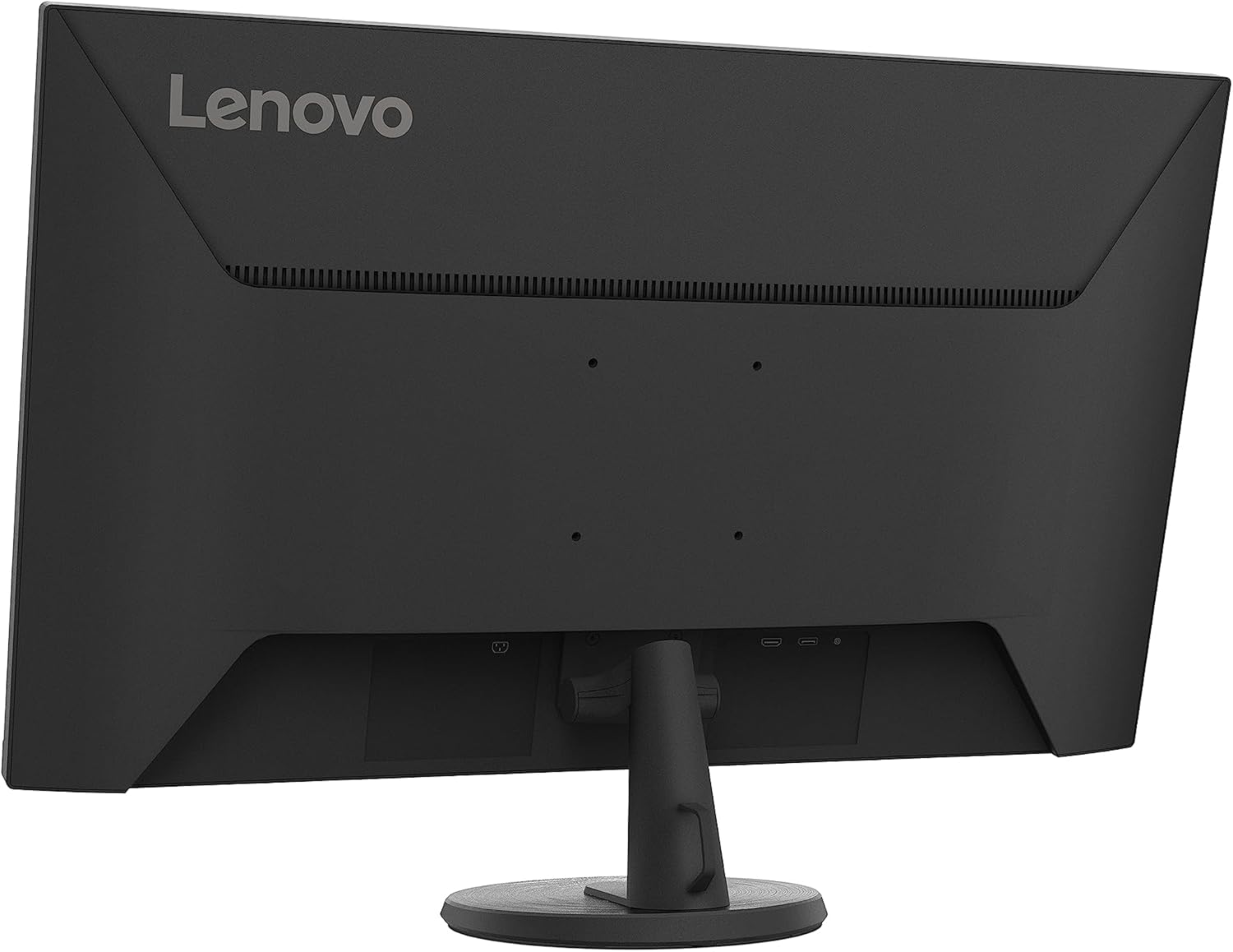
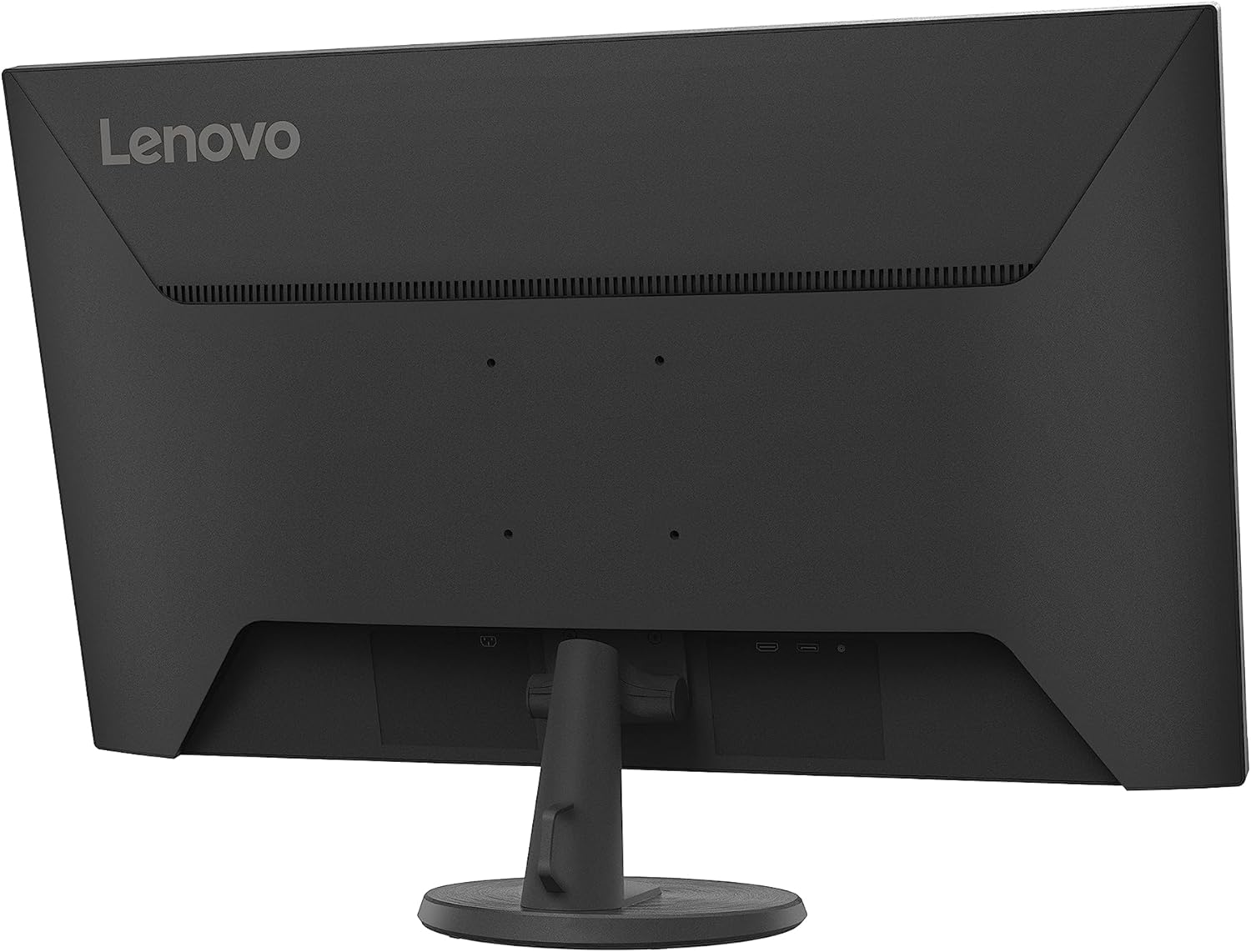
The D32‑40 includes a couple of commonly used ports: HDMI 1.4 and DisplayPort 1.2, plus a 3.5 mm audio out. This mix covers a typical Windows‑ or Linux‑based desktop setup, and it allows you to connect laptops, PCs or media players without needing extra adaptors. The stand supports tilt adjustment and there’s a VESA 100 x 100 mount option for arm mounts or wall installation, which is handy if you want to free up desk space or position the screen for better ergonomics.
What stands out and what could be better
On the plus side, the large screen size makes productivity a bit more forgiving if you like multiple windows side‑by‑side. The borderless look on three sides improves immersion and reduces the sense of a frame when used as a secondary screen. The TÜV Rheinland Eye Comfort and Flicker Free certifications are welcome, as they suggest the panel is designed to reduce eye fatigue during long sessions. The 99% sRGB coverage supports more natural skin tones and familiar photo previews, albeit within the practical limits of a full‑HD panel.
On the downside, Full HD on a 32‑inch panel isn’t going to deliver the sharpest text or the most precise detail for professional photo or video work. If you frequently rely on high‑dpi text or colour‑critical work, you might find the resolution a touch limiting. Also, while the included HDMI and DP ports are standard, there’s limited futureproofing in the form of newer, higher‑bandwidth interfaces. Finally, the 60 Hz refresh rate means it isn’t ideal for serious fast‑action gaming or high‑frame‑rate content, and the 5 ms response figure is not the snappiest you’ll see in modern gaming monitors.
Who this monitor is for
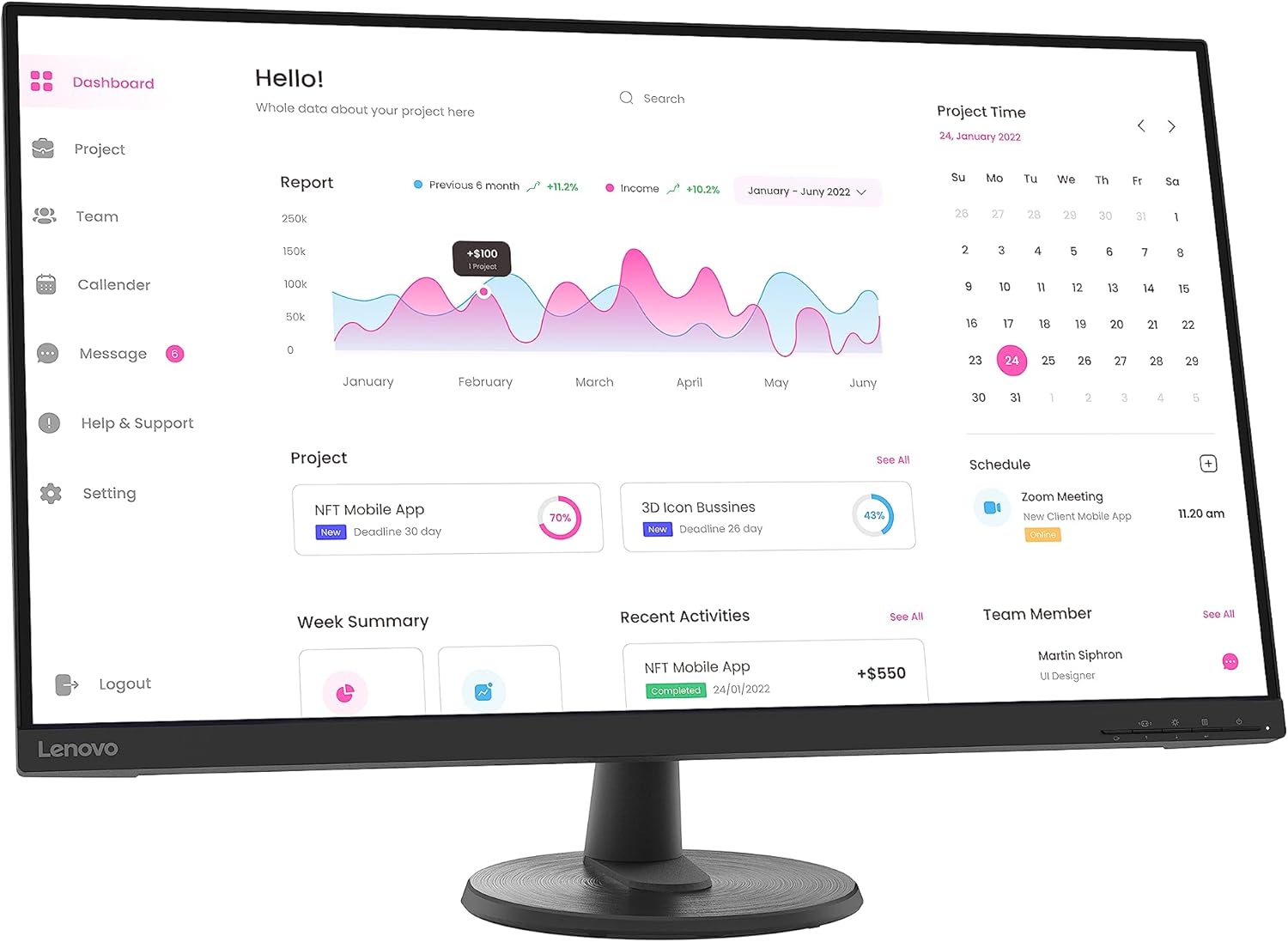
This model makes sense if you want a large, no‑frills display for general computing, media consumption and light productivity at a value price. It’s suitable for a student desk, a shared family space, or a compact home office where you don’t need ultra‑high resolution or a high refresh rate. It also suits those who want a straightforward upgrade from a smaller monitor or an older screen without getting into premium features.
Who it isn’t ideal for
If you prioritise crisp text, colour accuracy for detailed photo editing, or high‑refresh gaming, this isn’t the best fit. The 1080p resolution on a 32‑inch panel tends to look softer from normal viewing distances, and the 60 Hz ceiling limits motion clarity compared with higher‑end gaming displays. If you expect future‑proofing for 4K content, you’ll want to look elsewhere.
What to check before buying
- Confirm your primary use: office work with occasional video vs. graphic design or gaming. If text clarity is paramount, you may notice limits at this size and resolution.
- Ensure your desktop or laptop supports HDMI 1.4 or DP 1.2 at the desired input and that your cable is compatible.
- Think about placement: the tilt function helps in ergonomic setups, while VESA mounting offers mounting flexibility if desk space is tight.
- Consider ambient room lighting, matte screen finishes help reduce reflections, but lighting can still affect perceived contrast on a VA panel.
How it compares to everyday alternatives
If you want a similar screen for general use but with higher resolution or faster response, you’d typically look at 1440p or 4K displays with higher refresh rates and IPS panels for colour and viewing angles. For many buyers, the Lenovo D32‑40 fills a different niche: big, affordable, and straightforward, without the complexity or premium price tag of flagship monitors. It works well as a second screen or as a primary desk display for tasks that don’t demand top‑tier visuals.
Practical use example
Imagine a small home office where you have a laptop open for work and a secondary monitor for reference materials. The D32‑40’s large panel makes it easy to keep documents, notes or a browser window visible while you type. The tilt adjustment helps you find a comfortable eye level, and the option to wall‑mount means you can clear desk space for a keyboard or drafting area.
FAQ (practical answers based on available data)
- Q: Is it suitable for long work sessions? A: TÜV Eye Comfort and Flicker Free certification suggest reduced eye strain, which helps if you spend long hours at the desk.
- Q: Can I connect a modern laptop without additional adapters? A: Yes, via HDMI 1.4 or DP 1.2, check your laptop’s outputs and cable compatibility.
- Q: Will it be good for gaming? A: It’s not focused on high refresh rates, for fast‑paced games you may notice limited motion clarity.
final decision
Is it worth it? A solid pick if you prioritise screen real estate, straightforward connectivity and a budget-friendly desk upgrade for general use, not high‑end gaming or professional colour work. Consider it if you value a large, easy‑to‑set‑up display and can work within Full HD at 32 inches. If you need sharper text or higher refresh, you might want to explore other options.