

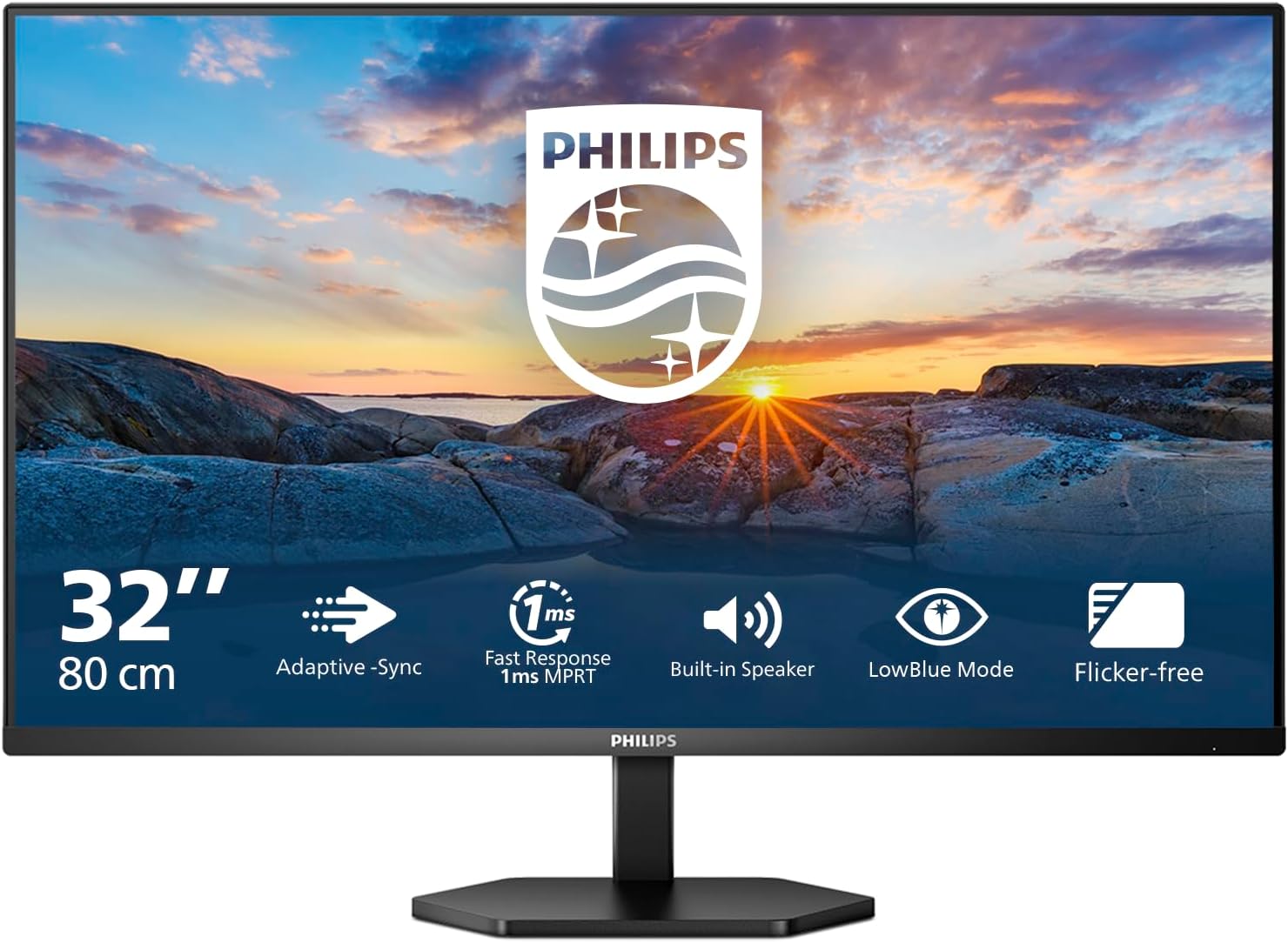
Philips 32E1N1800LA — 32-inch Ultra HD Monitor with HDR10 and Built-in Speakers
Product description
What this is
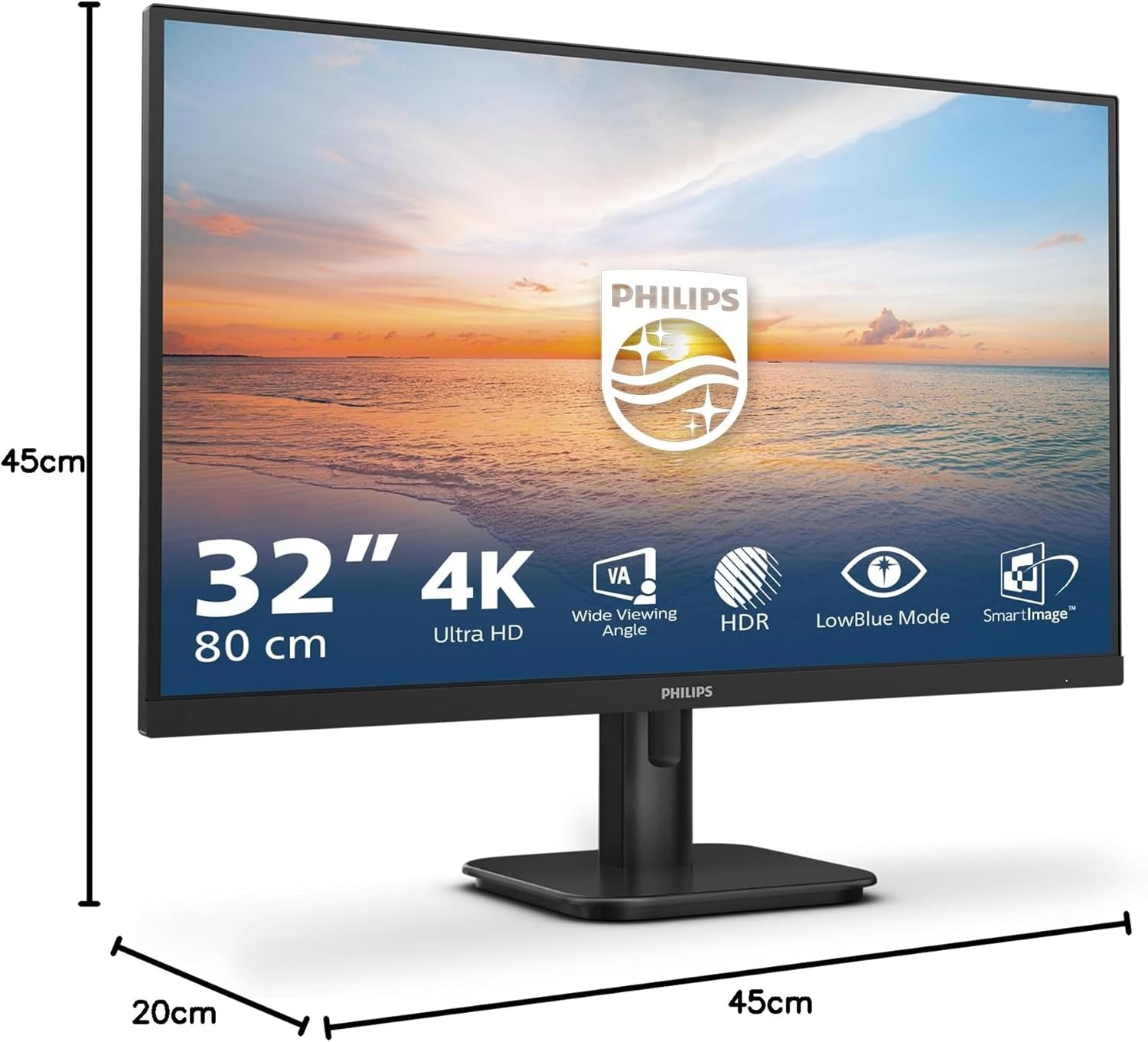
The Philips 32E1N1800LA is a 32-inch monitor that delivers Ultra HD 3840 x 2160 resolution with a VA panel. It aims to cover general computing, multimedia, and productive tasks in one screen, offering a larger canvas without needing multiple displays. On the surface, it’s positioned as a straightforward choice for those who want a big, sharp image with practical all‑round features rather than a specialist colour or gaming setup.
Why this may be worth considering
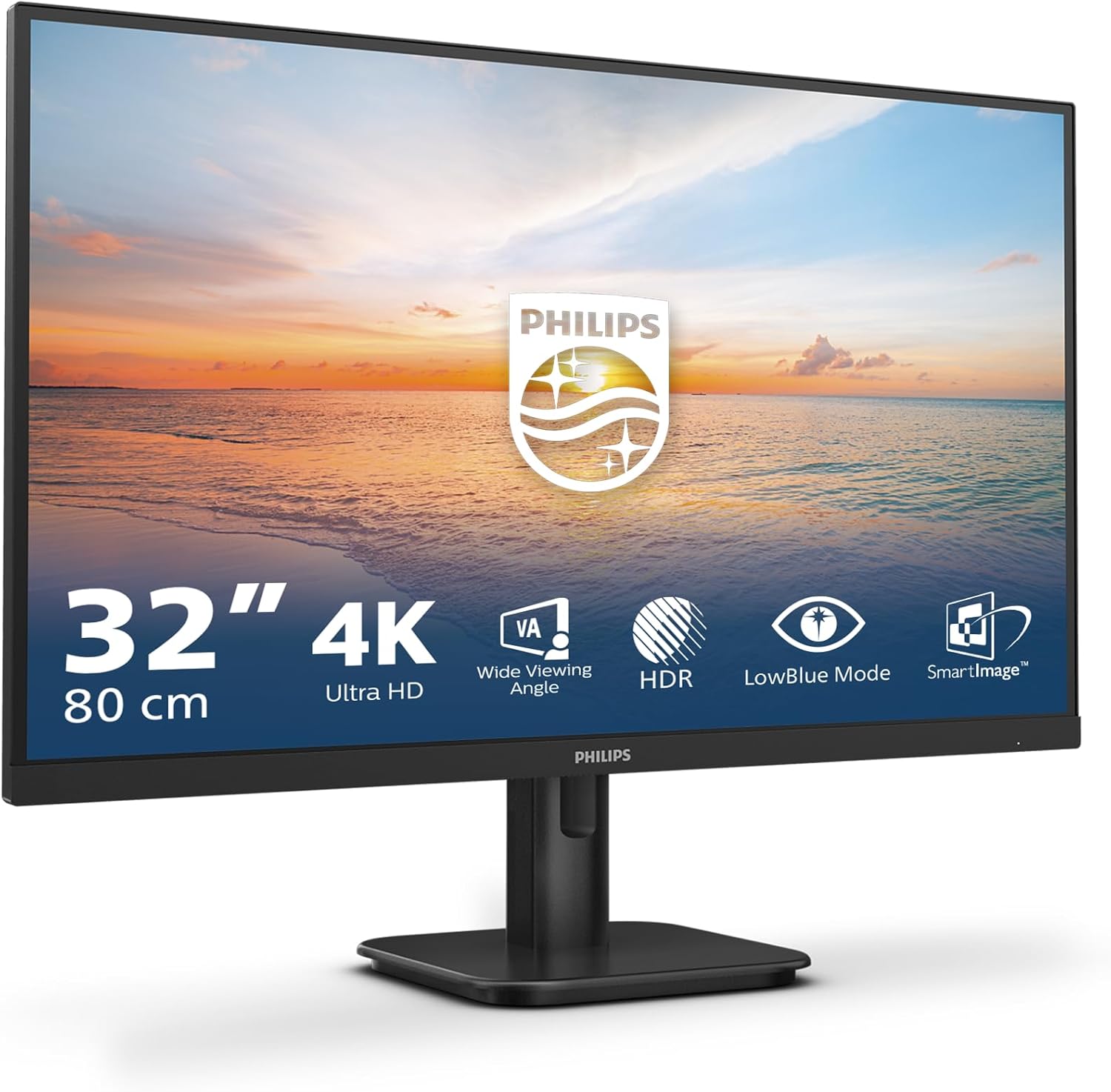
If you prioritise a high pixel density for crisp text and detailed images, the 4K resolution on a 32‑inch diagonal typically balances legibility and screen real estate well. HDR10 support is included, which can help make bright scenes more lifelike in compatible content. The inclusion of built‑in stereo speakers is convenient if you want a simple multimedia set‑up without extra peripherals, though they’re usually a supplementary feature rather than a premium audio solution.
Screen technology and visuals
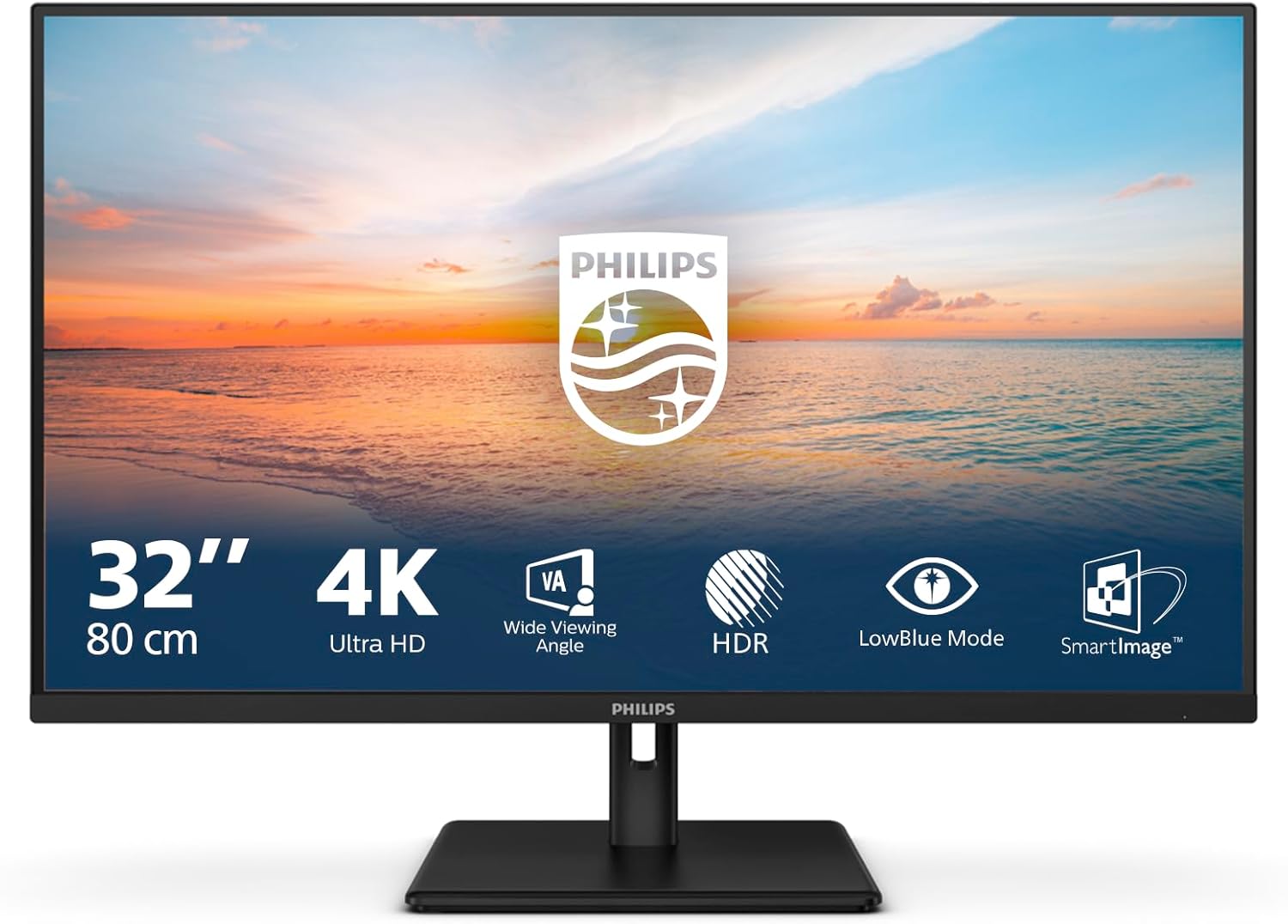
The VA display is known for strong contrast, which helps with darker scenes and general depth. Wide viewing angles on VA panels can mitigate the need to sit perfectly square to the screen in a home or shared office. In practice, you should expect sharp 4K imagery and more credible HDR tone mapping than a typical Full HD screen, provided the source material is HDR10 compliant. If you work a lot with fine text, the pixel density at 32 inches tends to offer a comfortable balance between legibility and screen size.
Practical strengths
- Large, sharp 4K picture that’s useful for document work, spreadsheets, and multi‑window workflows.
- HDR10 support adds colour and brightness nuance to supported content.
- Built‑in speakers offer a simple multimedia option, reducing desk clutter.
- Eye‑friendly features such as LowBlue mode and flicker‑free operation can help during extended sessions.
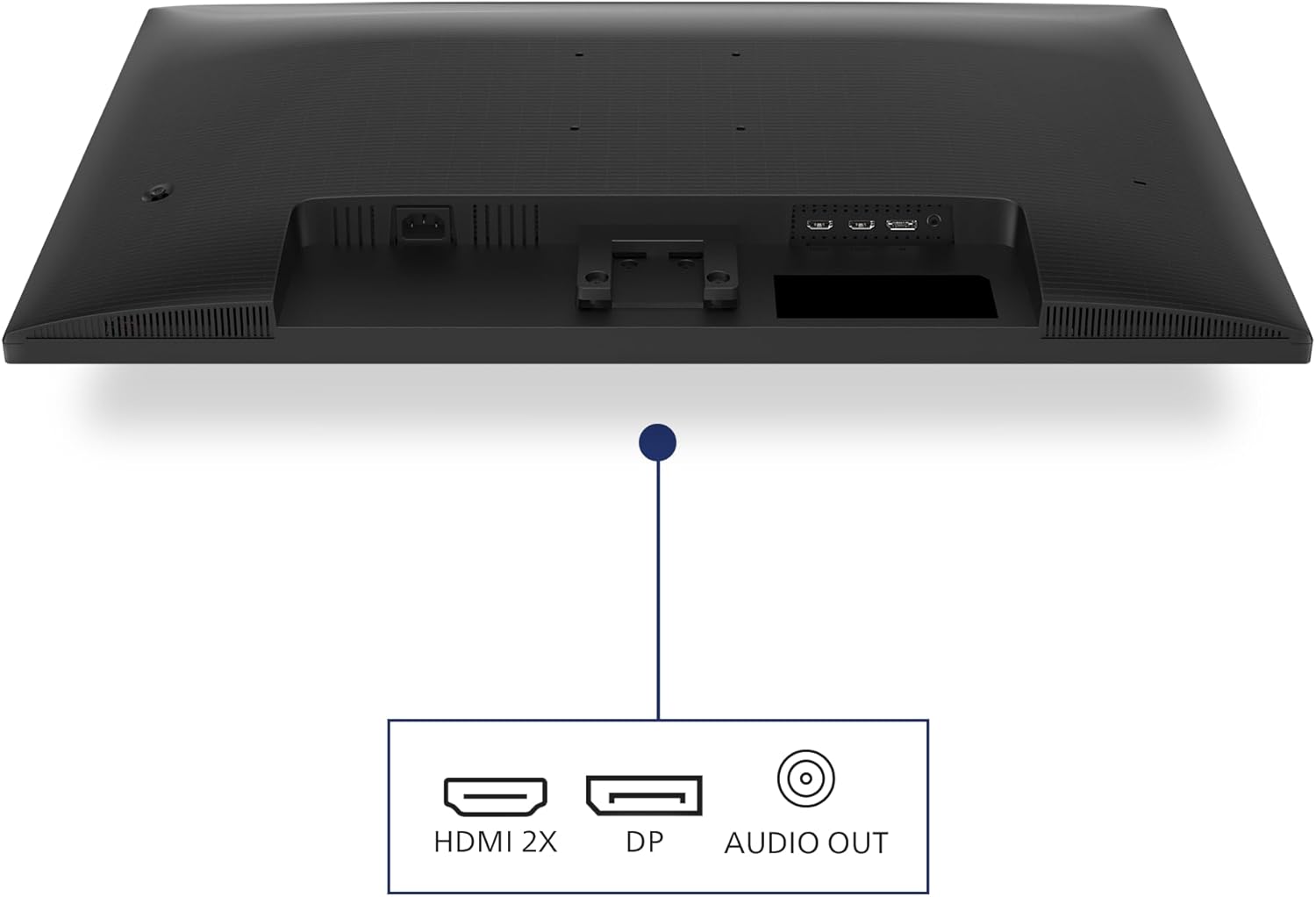
- Multiple input options (DisplayPort and HDMI) provide straightforward compatibility with modern PCs and laptops.
What might hold it back
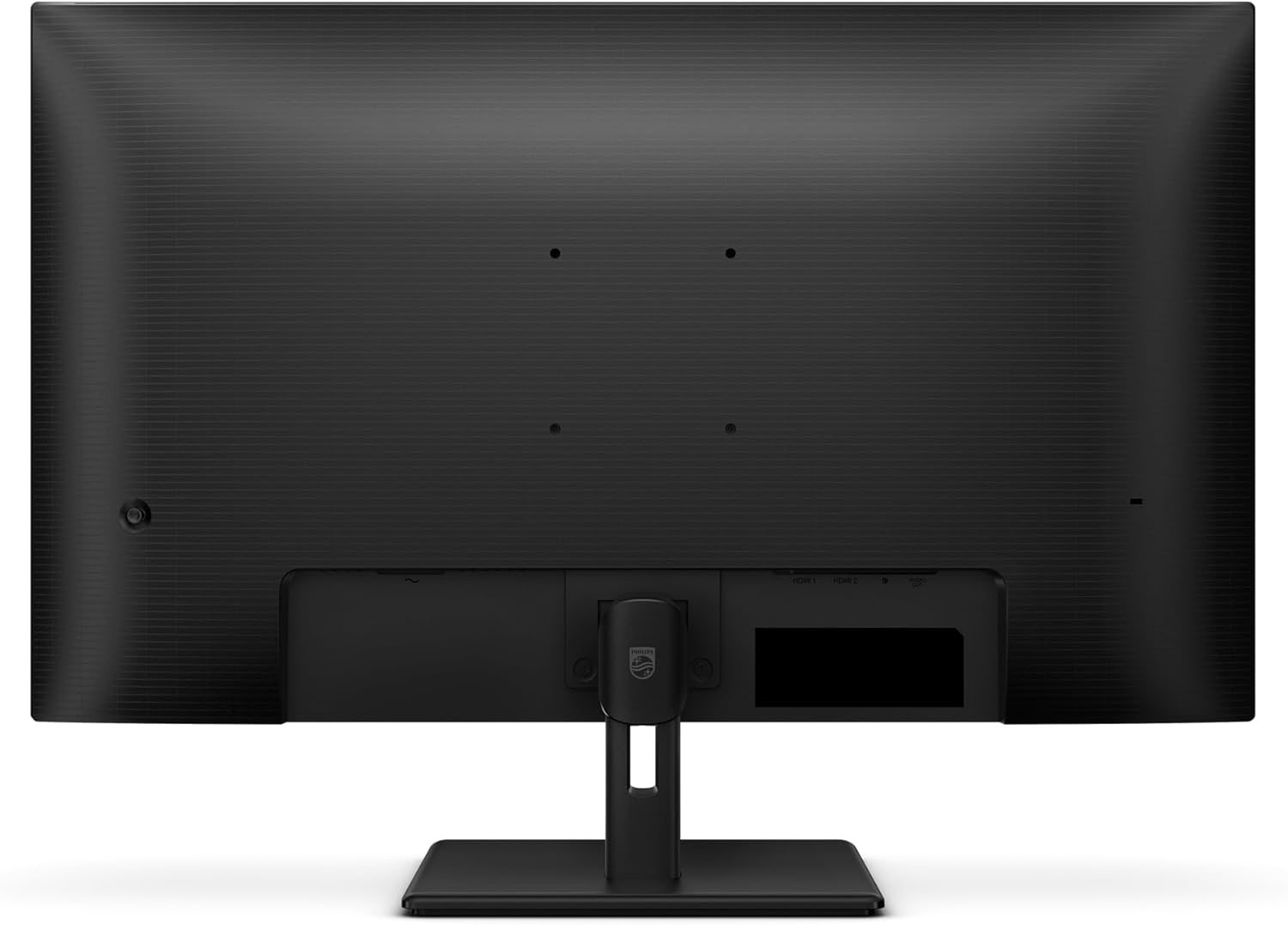
- The 60 Hz refresh rate is adequate for general use and media consumption, but it’s not aimed at high‑end gaming. If you prioritise fast motion or competitive gaming, you may want to consider a higher refresh rate alternative.
- Built‑in speakers are convenient, yet for serious audio work or cinema‑quality sound, external speakers or a soundbar will usually outperform them.
- The reviewable value depends on build quality and panel uniformity, which can vary, if you’re sensitive to backlight bleed, verify the specific unit.
Who it’s for
- Professionals and home users who want a large, crisp 4K screen for productivity and media in a single footprint.
- Those seeking a value‑for‑money upgrade from 1080p displays without going into premium colour calibration workflows.
- People who would benefit from integrated speakers and a straightforward, no‑fuss setup.
Who it isn’t ideal for
- Hardcore gamers seeking high refresh rates and microsecond input response.
- Colour‑critical work where precise factory calibration and wide colour gamut coverage are essential.
- Users who rely on tiny UI elements and font rendering at 4K without adjustable scaling might need to play with OS scaling to optimise readability.
What to check before buying
- Ensure your PC or laptop supports 4K output and the chosen input (DisplayPort or HDMI) meets your video card capabilities.
- Consider desk space and viewing distance, 4K at 32 inches is comfortable for many setups, but text sizing and brightness may require tweaking.
- If you rely on colour accuracy, plan for a calibration step or test the panel for uniformity and brightness variance.
How it compares in practice
This monitor sits in a practical, mid‑range category: not a specialist colour monitor, not a high‑end gaming panel, but a solid choice for mixed use—office work, video streaming, and light creative tasks. For users who want to keep costs contained while getting a bigger canvas and decent HDR, this kind of setup can be more compelling than stepping up to a 27‑inch 4K with similar features or sticking with a 1080p display.
Decision: Should you buy it?
Is it worth it?
FAQ
- Does it support HDR content well? It supports HDR10, which helps with brighter scenes and colour depth on supported content, but HDR performance is limited by the panel's specifications and overall brightness.
- Are the built‑in speakers good for film watching? They offer convenience for basic playback, yet they’re not a substitute for dedicated speakers or a sound system if you value audio quality.
- Can I use this for office work and multitasking? Yes, the 32‑inch diagonal and 4K resolution provide generous space for multi‑window workflows and crisp text, making it a reasonable candidate for productivity beyond simple tasks.
- Is 60 Hz enough for general use? For everyday tasks and media, 60 Hz is perfectly adequate, if you prioritise high‑refresh gaming, this may feel limited.
- What’s the best setup tip? Start with a comfortable desk height, enable eye‑friendly modes like LowBlue, and adjust brightness to suit your room lighting to reduce eye strain over long sessions.