

Dragon Touch Calendar 32" Digital Family Planner (2026)
Product description
What it is
A large, wall‑mounted digital calendar designed to help busy families stay organised. The Dragon Touch Calendar combines scheduling, chore tracking and meal planning in one device, with a touchscreen interface that aims to reduce paper clutter and miscommunication at home.
What matters most
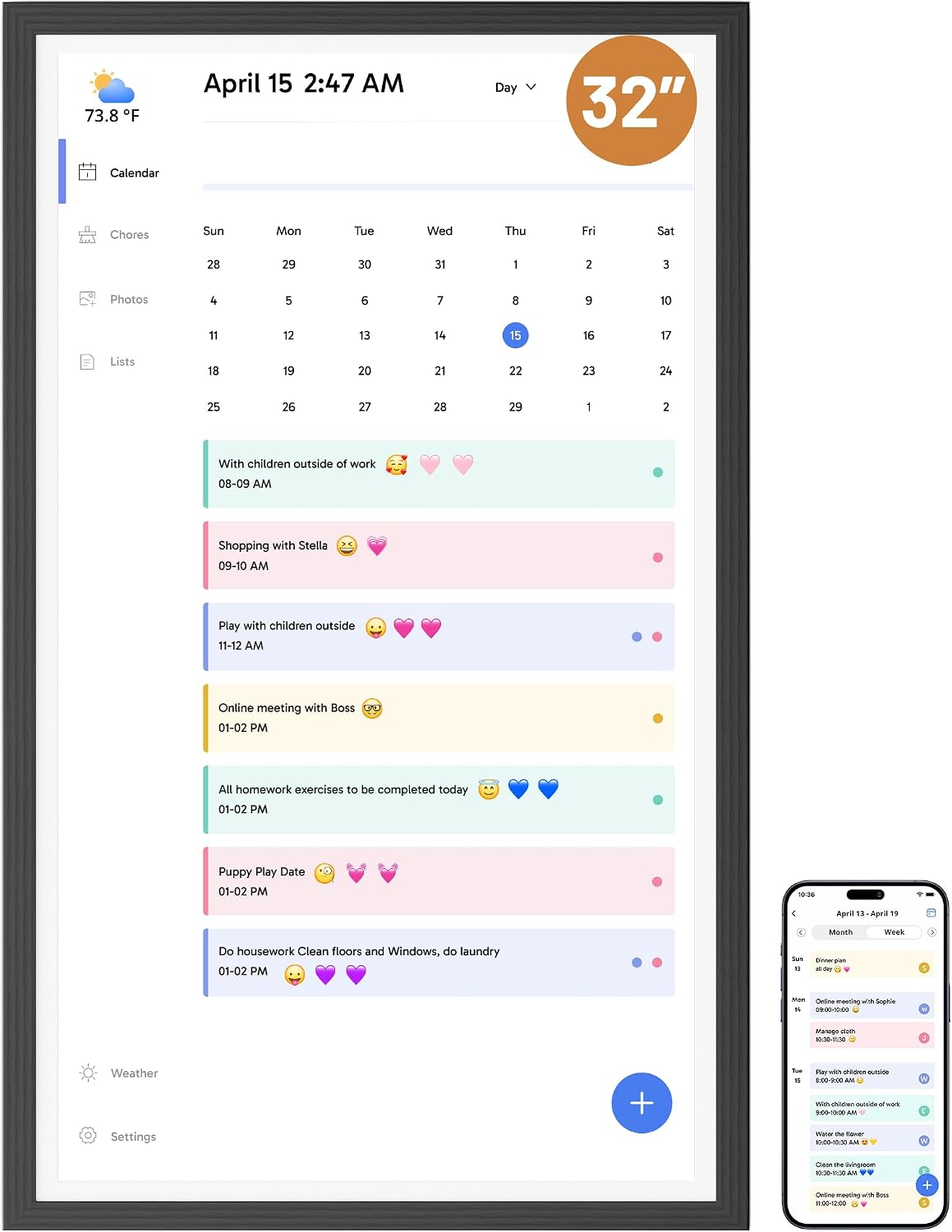
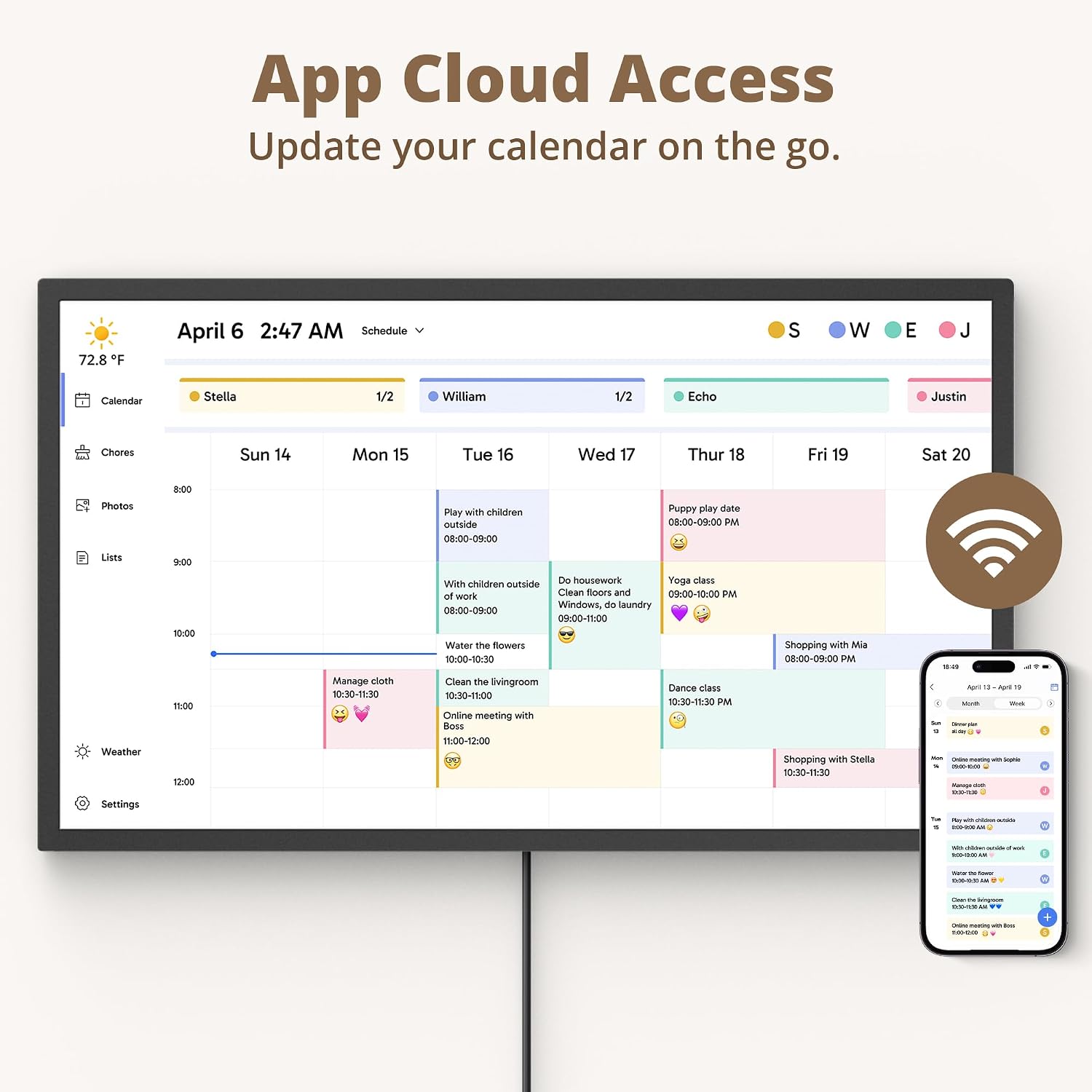
On paper, the calendar offers a 32" display with 1080p Full HD clarity, plus a quad‑core processor and 2GB RAM to keep the interface responsive. It can connect to Wi‑Fi and synchronise with mobile calendars, consolidating multiple calendars into a single view. If you prioritise family visibility and collaborative planning, this model is positioned to deliver on those fronts.
Design and display in use
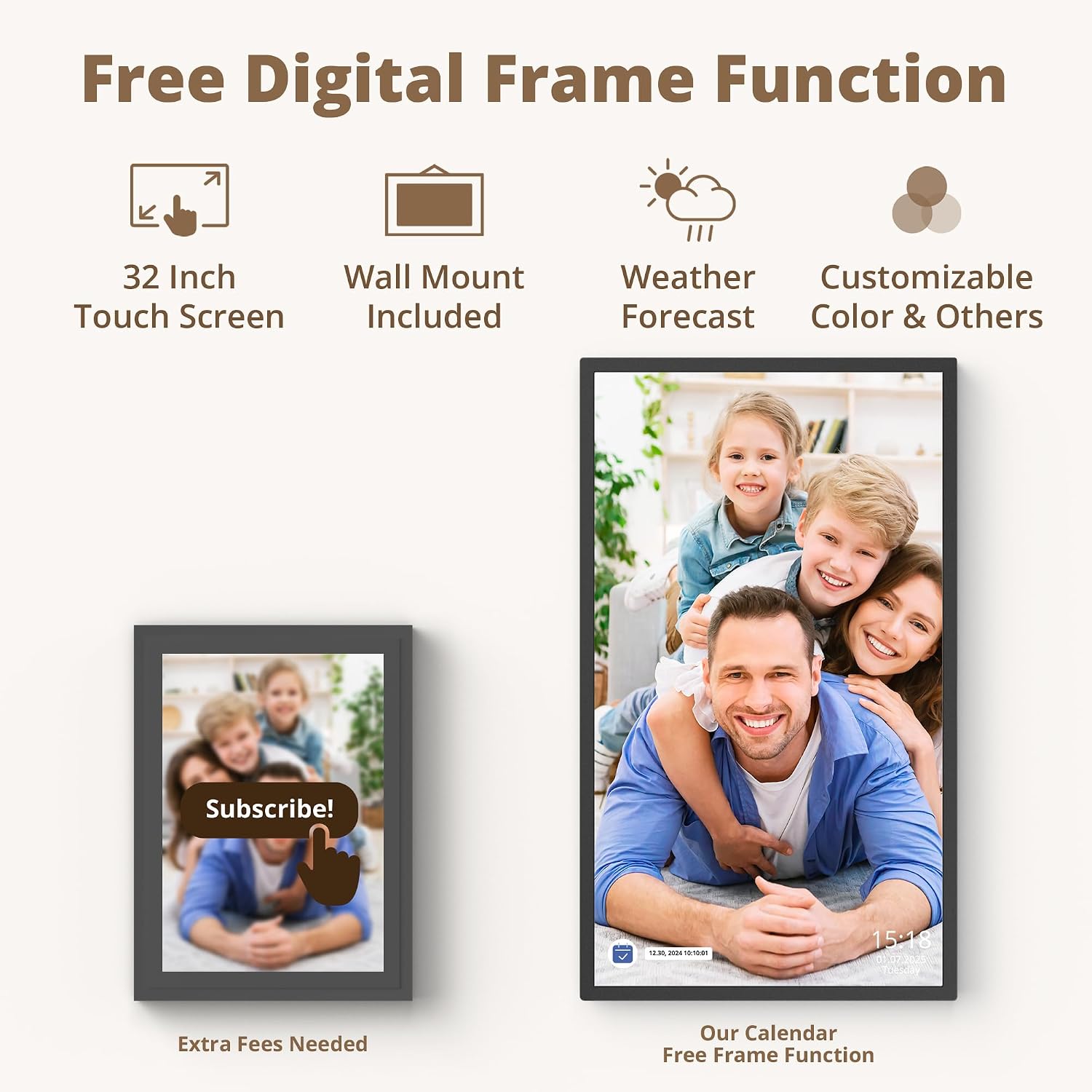
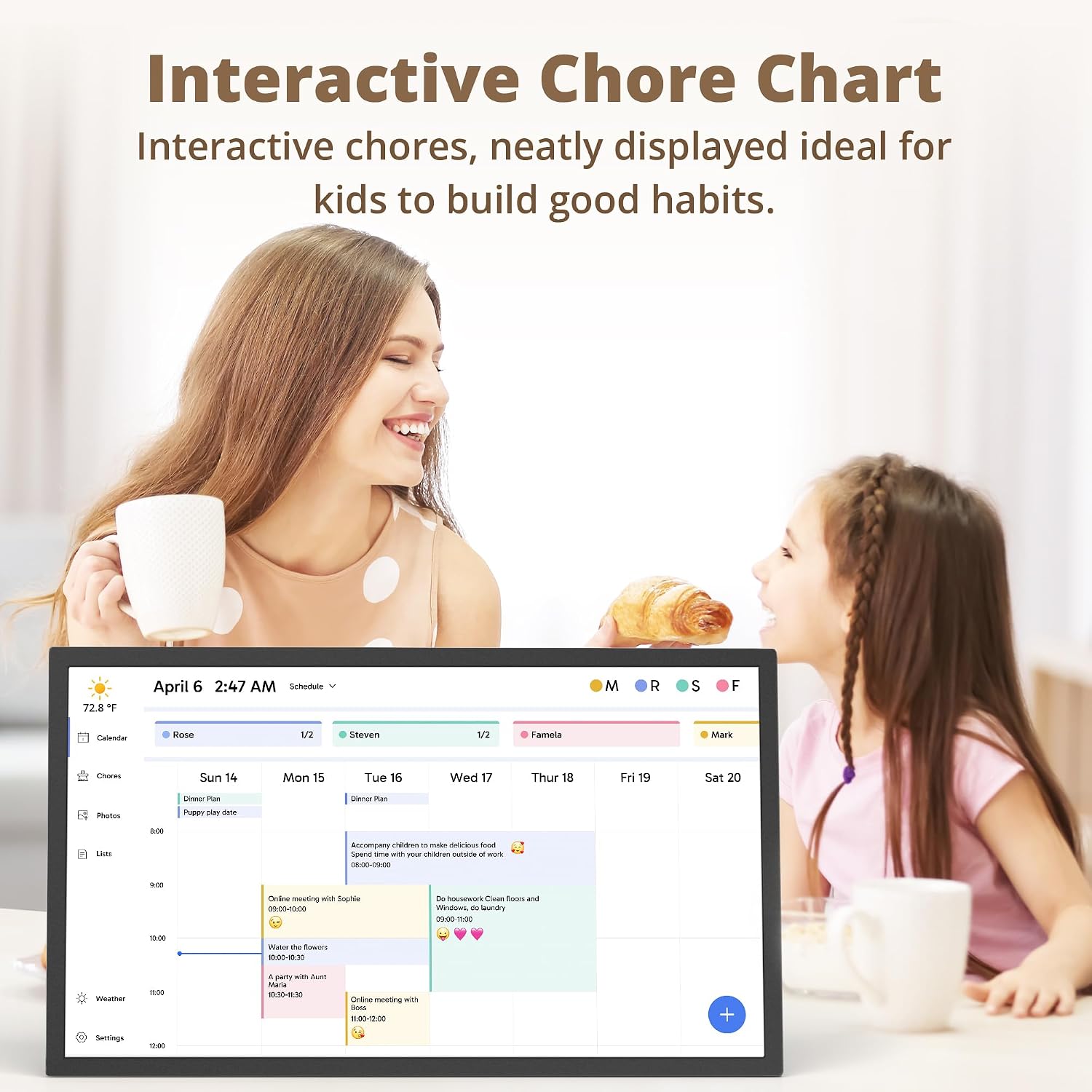
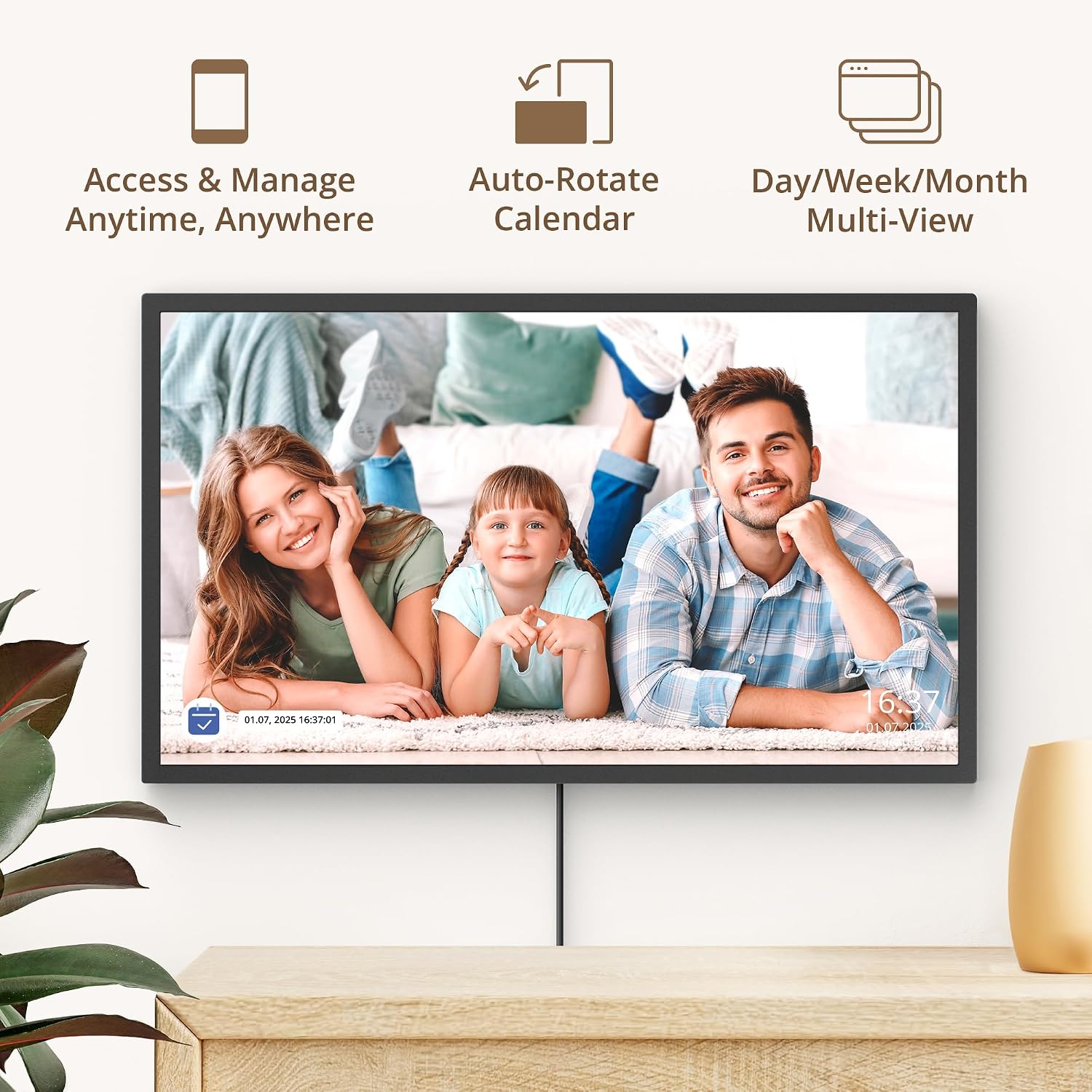
The large screen makes it easy for family members to check upcoming events, chores and to‑do lists at a glance. The interface supports a shared chore chart that you can complete with children, which may help cultivate responsibility. When not actively used for planning, the device can act as a digital photo frame by looping uploaded images.
How it works
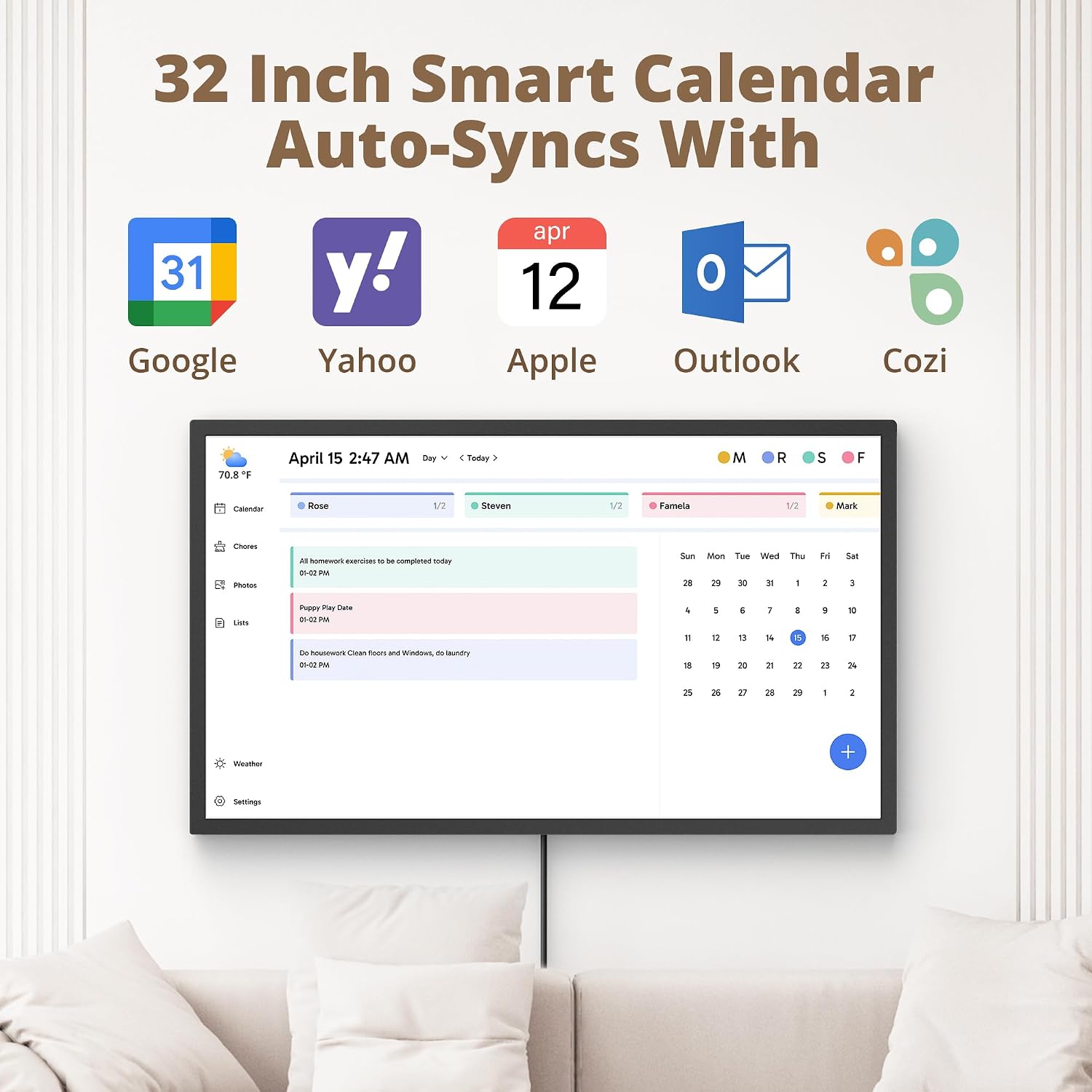
Set up is described as plug in, connect to Wi‑Fi and link to the mobile app. Once linked, it aims to merge personal calendars (including iOS) into one unified interface. You can plan weeks of meals and daily tasks directly on the calendar, providing a central scheduling hub for the home. The product line offers multiple sizes, including 32", to suit different spaces such as kitchens or living rooms.
Who it’s for
If your home regularly coordinates activities, school runs, appointments and meals across several people, this calendar could be a practical hub. It may suit households that value visual planning and a family‑wide overview. It’s also pitched as a gift option for families who want an interactive, shared scheduling tool.
What you’ll notice day to day
Expect a straightforward, visual overview of the week and month with a focus on clarity. The device supports routine tasks and family events in one place, which can reduce the back‑and‑forth of scheduling across phones and notebooks. A potential limitation is the on‑screen density and navigation if you’re used to smaller devices or a more compact calendar workflow.
Pros and cons
Pros: centralised planning, shared chore chart, large display, calendar sync across devices, optional photo frame mode. Cons: performance relies on Wi‑Fi stability, some users may find the 32" screen overwhelmingly large for tighter spaces, and the 2GB RAM could feel limited with heavy multitasking or very large calendars.
What to check before you buy
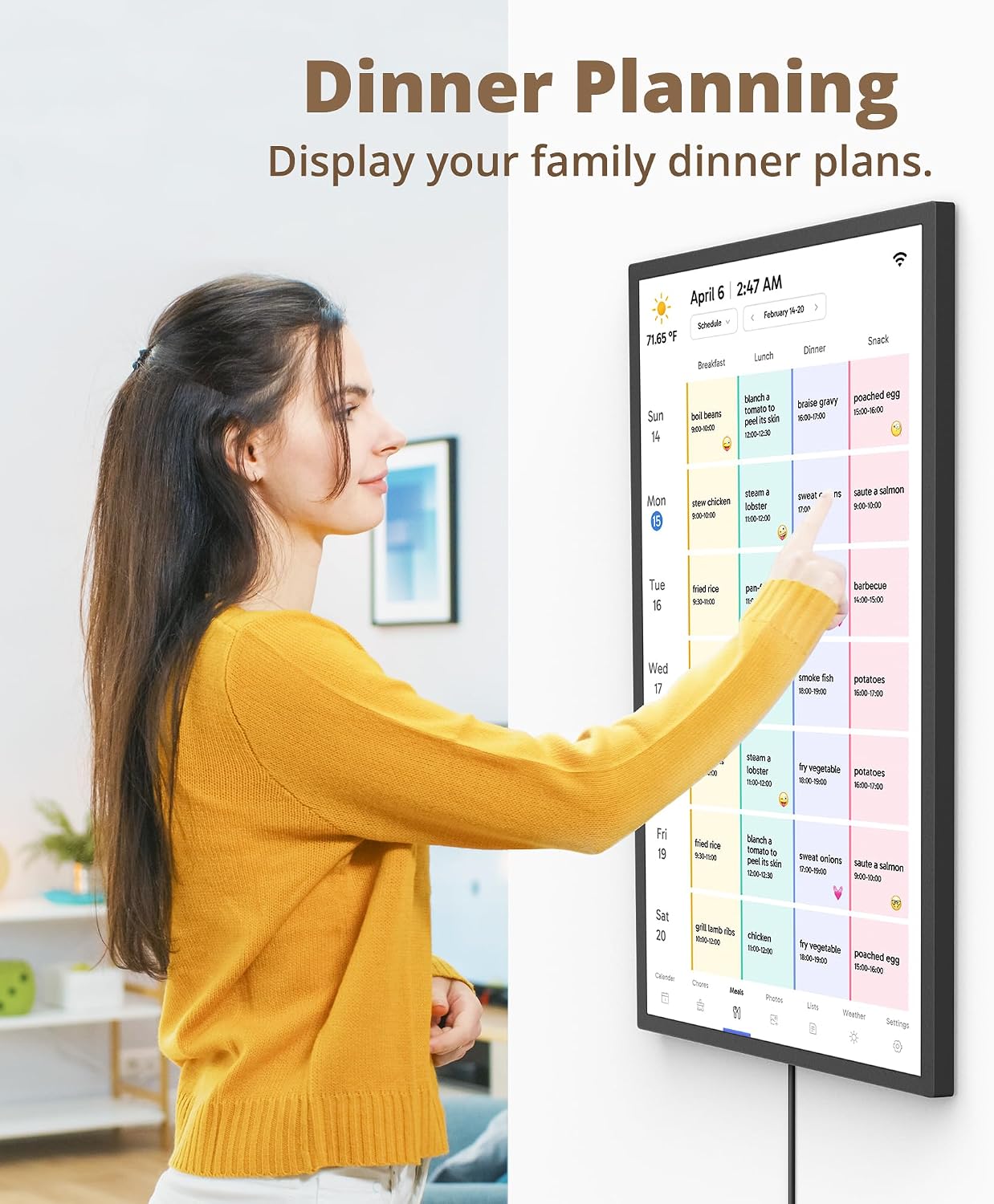
Confirm your intended mounting space—will a 32" screen fit comfortably? Verify that the mobile app and calendar services you rely on are compatible with the device’s integration workflow. Consider how you’ll use the chore chart and whether you need advanced meal planning beyond a simple weekly overview. If you prioritise a compact footprint or top‑end processing, this device sits in the mid‑range for home digital planners.
Alternatives and context
If you want a calmer, paperless planning approach, a tablet or smart display might offer more flexibility. If you prefer dedicated print‑and‑plan systems, a traditional wall calendar with separate chore charts could be cheaper. For households that crave multimedia use beyond scheduling (like dynamic photos or video), a digital photo frame function is a nice bonus, but it won’t replace purpose‑built smart displays where needed.
Is it worth it?
It makes sense if you want a single, large visual hub for family planning and you value the integrated chore and meal planning features. It may not be the best fit if you have limited wall space, require more powerful multitasking, or rely on a different ecosystem for calendar syncing. In short, a solid choice for mid‑upfront investment if the family needs a centralised planning tool and you’re drawn to a shared, interactive experience.
Quick FAQ
- Will it work with my phone calendars? Yes, it claims to link and sync with mobile calendars, consolidating them in one interface.
- Can it display photos when not in use? Yes, it can function as an electronic photo frame with uploaded albums.
- Is the 32" size suitable for small kitchens? It depends, the footprint is sizeable, so measure your wall space to ensure it won’t dominate the room.
Final decision
Is it worth it? Worth considering if a large, shared planning surface fits your home and you value calendar integration plus a chore/meal planning workflow. If the space is limited or you prioritise a leaner setup, you might want to explore smaller alternatives or simpler planning tools.