

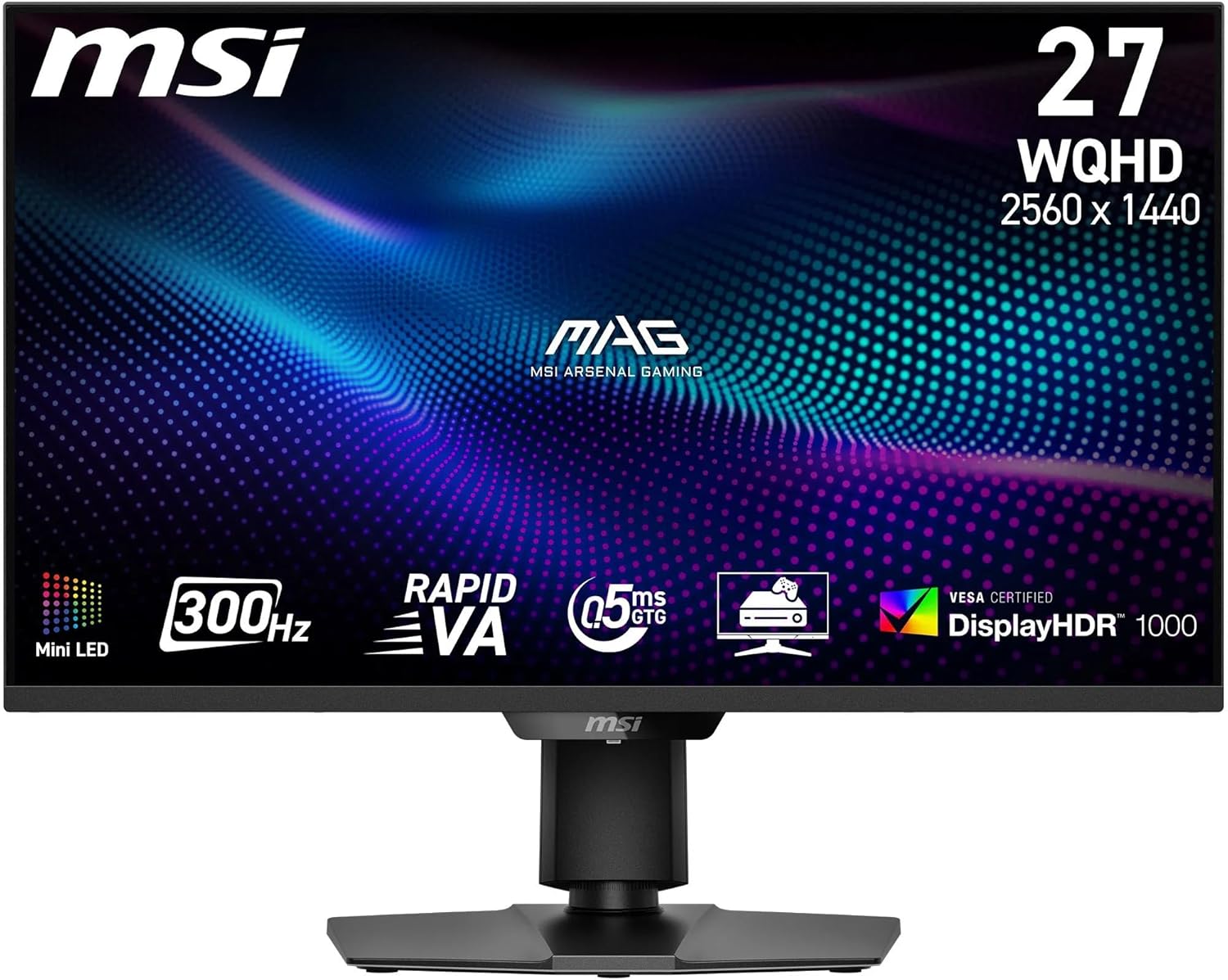
MSI MAG 325CQRXF E2 32 Inch Curved Gaming Monitor review
Product description
What it is and what it aims to solve
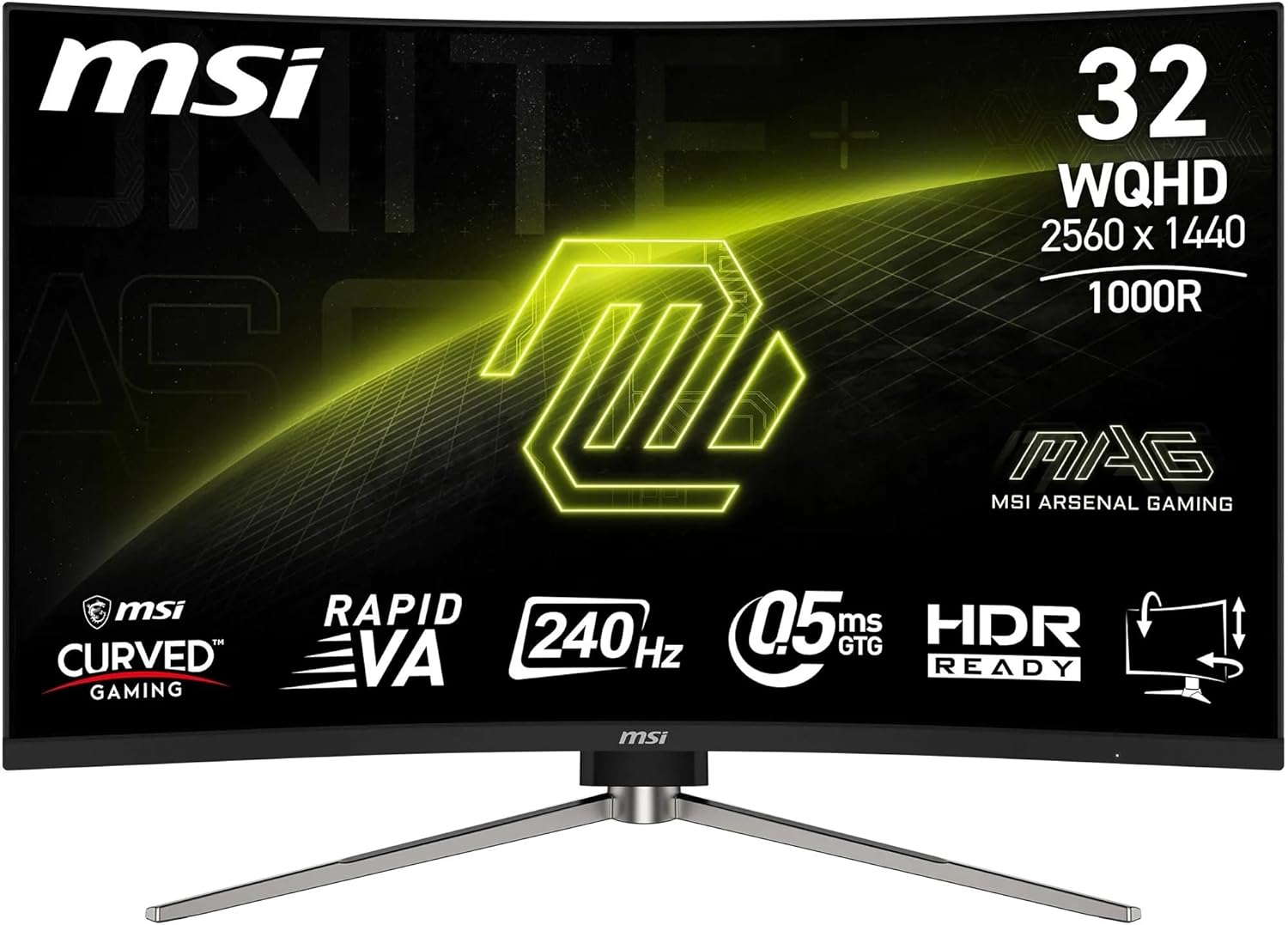
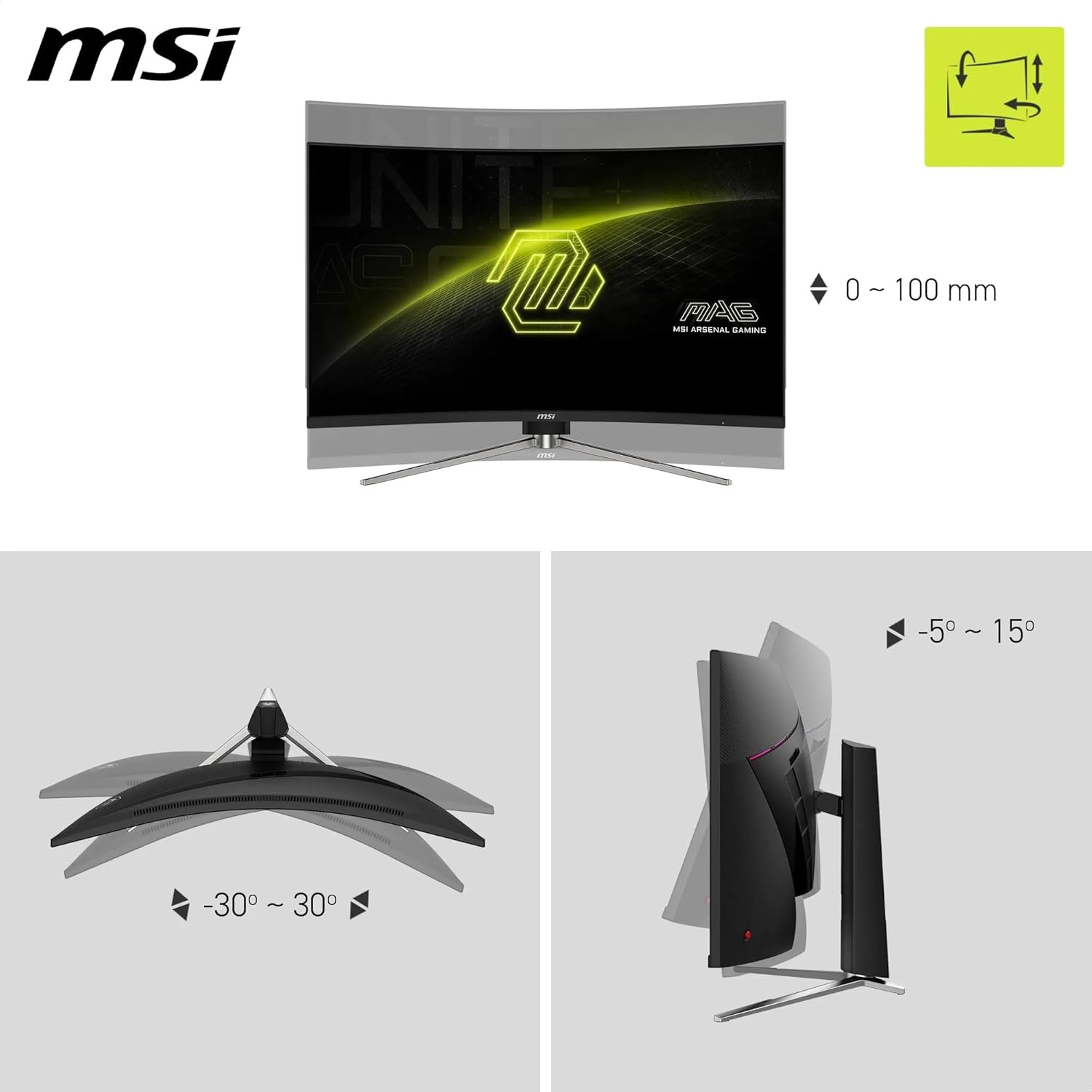
The MSI MAG 325CQRXF E2 is a 32-inch curved gaming monitor with a 1000R radius, designed to immerse you in fast-paced games while keeping edges simple and unobtrusive. It targets players who prioritise speed, smooth motion, and a broad colour range for more believable in-game environments. On paper, it combines a 2560 x 1440 WQHD panel with a rapid 240 Hz refresh rate and a 0.5 ms GtG response time, which should help with precise aim and quick reactions in esports-style play. The curve and frameless aesthetic aim to reduce bezel distraction and enhance immersion, particularly when you’re seated close to the screen.
How it performs for gaming and day-to-day use
The Rapid VA panel promises solid native contrast (around 3500:1), with dynamic contrast support that MSI markets as 100M:1. Colour coverage reaches up to 1.07 billion colours and 123% of sRGB, which translates to vivid images and more nuance in darker scenes. For fast-motion games, the 240 Hz ceiling can deliver buttery-smooth transitions, while the 15 W USB-C PD adds a practical touch for laptops or peripherals when you’re desk-bound. The inclusion of Less Blue Light and Anti-Flicker tech is aimed at reducing eye fatigue during long sessions, although individual tolerance will vary.
What stands out and where it may fall short
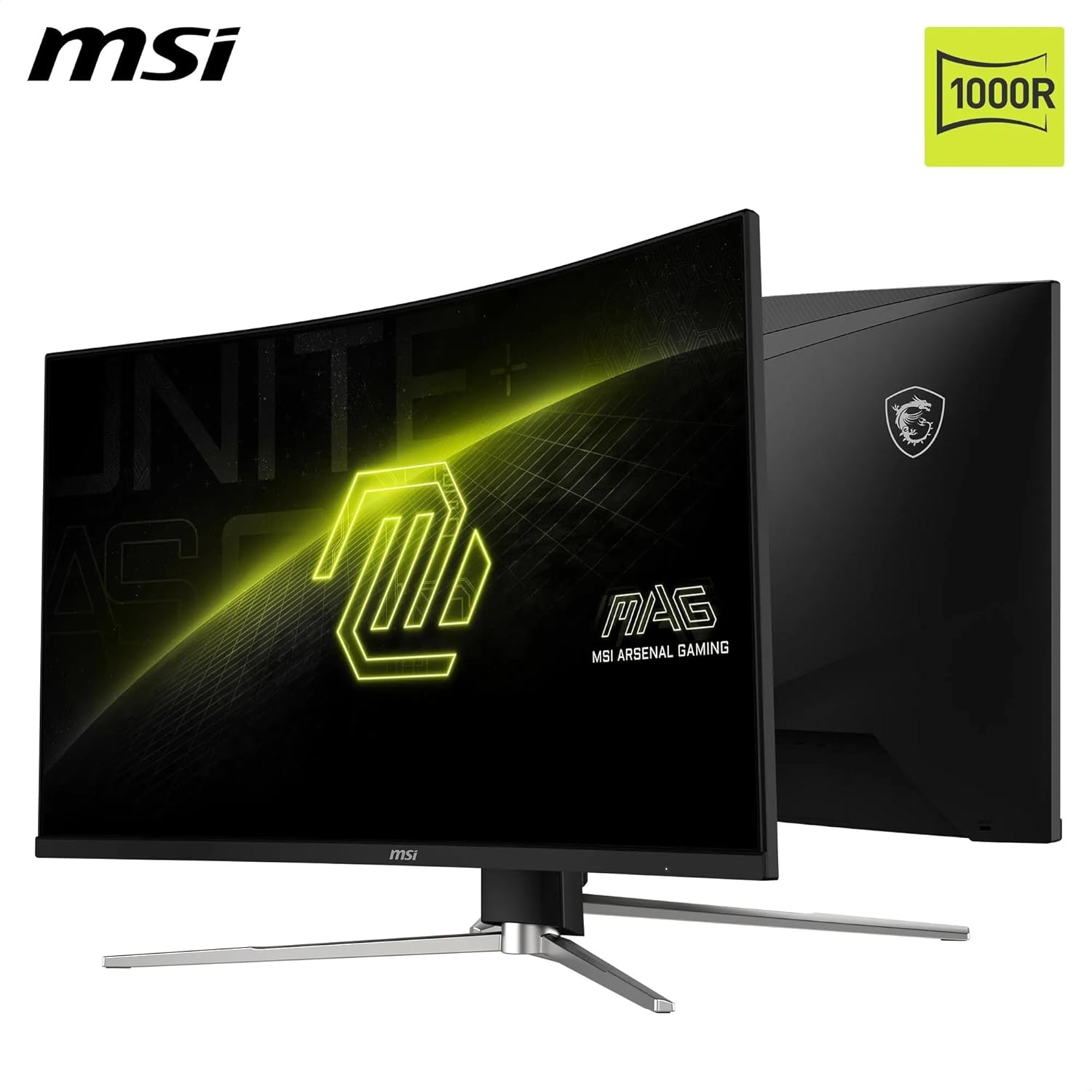
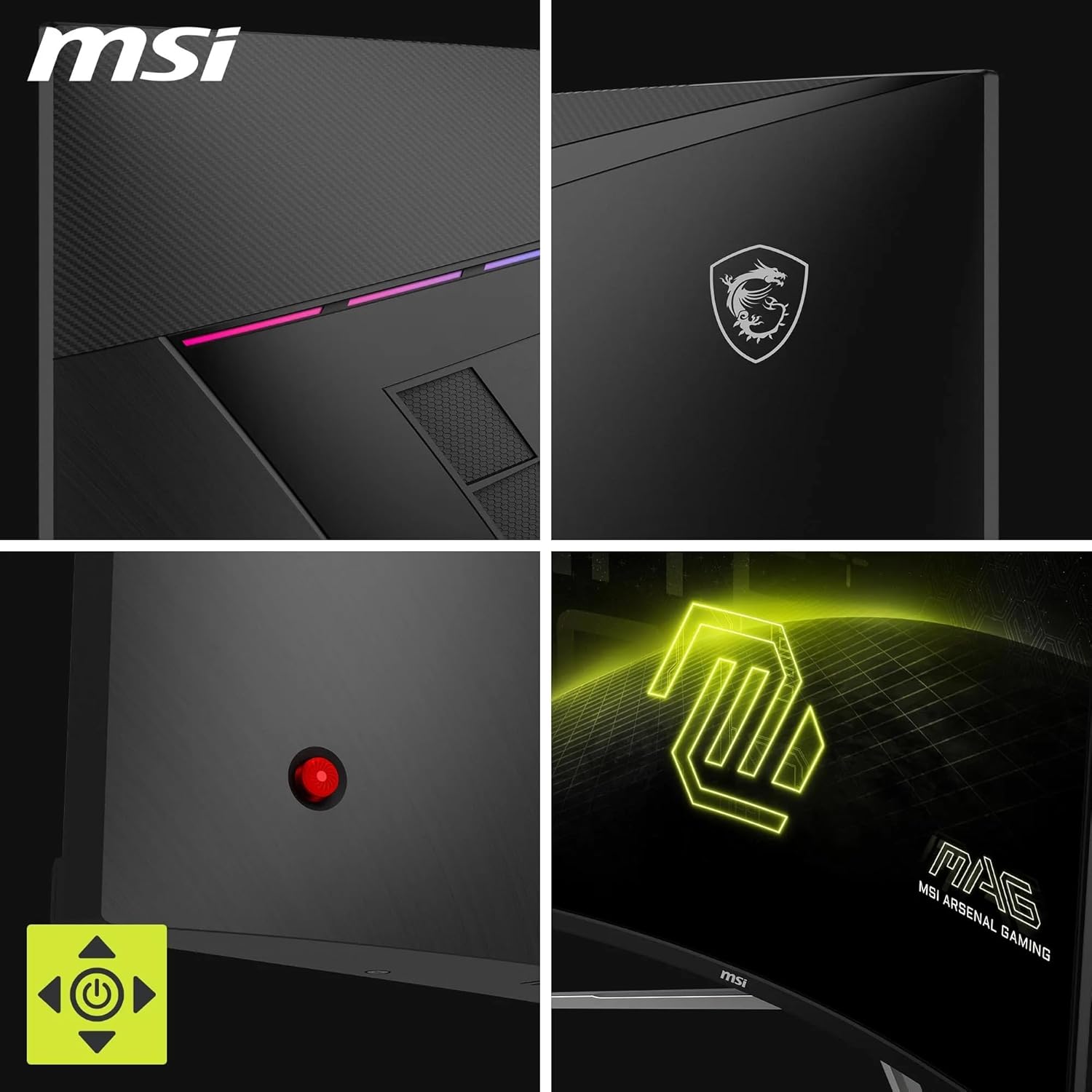
On the positive side, the 1000R curvature is unusual at this size and may genuinely contribute to immersion if you sit at a relatively close distance. The 32” footprint with a frameless design can help with a cleaner desk setup and reduced visual clutter. The USB-C with power delivery is convenient for setups that rely on a single cable for display and charging, and the rear joystick can ease navigation without hunting for on-screen controls.
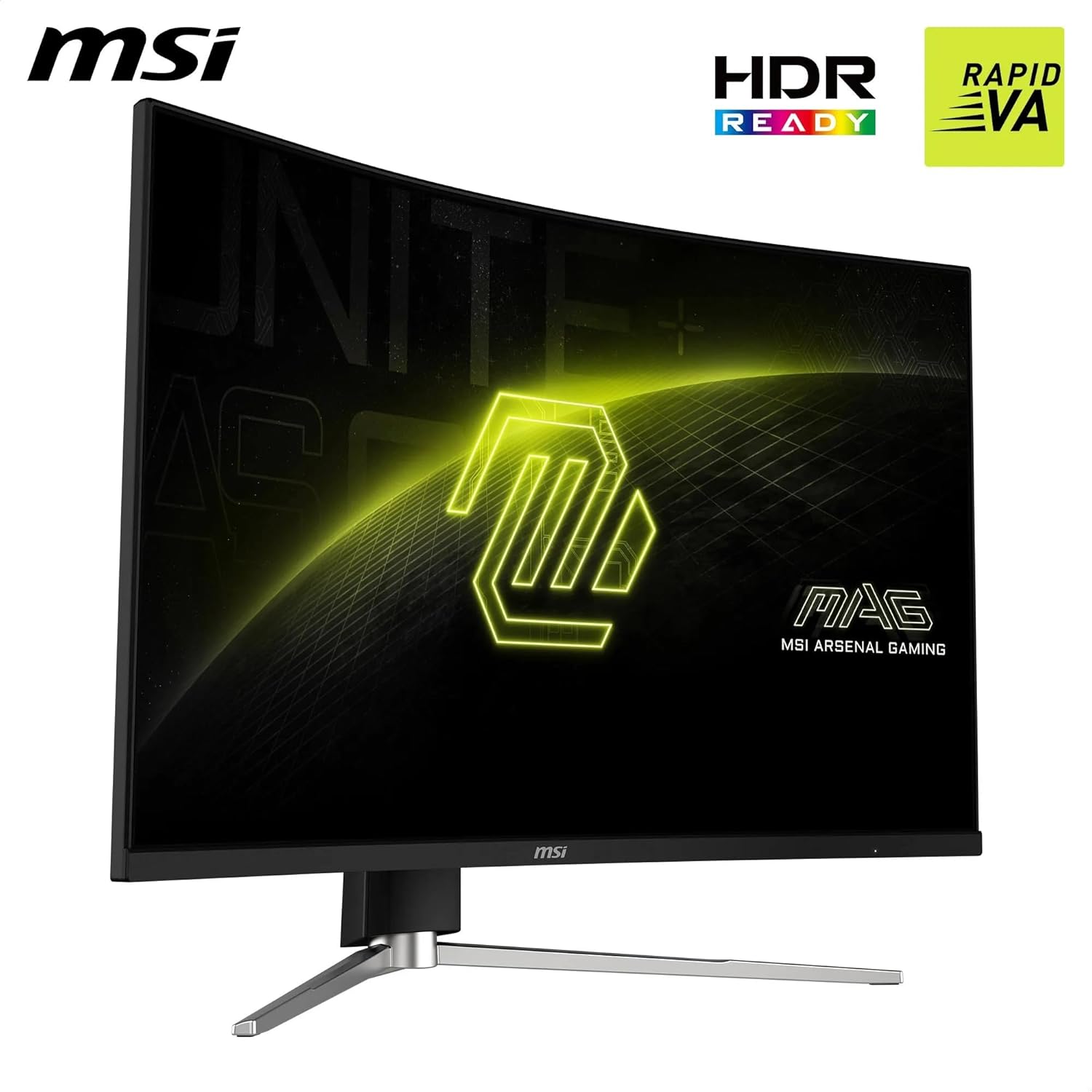
On the other hand, there are practical considerations. A 240 Hz max is most beneficial in highly competitive titles and at higher end hardware, casual gamers may not notice a dramatic difference compared with a solid 144 Hz panel. Also, while the panel spec is strong, real-world clarity at native 2560 x 1440 depends on the panel quality and calibration, some users might want to adjust brightness, contrast, or colour profile to suit their room lighting.
Who it’s for
It makes sense if you’re after a large, immersive screen for fast-twitch gaming and you value a curved, frameless look as part of your setup. It’s a practical option for those who want a single monitor that can handle gaming at high refresh rates and provide adequate colour depth for story-driven titles as well as competitive shooters. If you prioritise HDR brightness or peak luminance, you may find the base specs don’t push those features as far as some other panels in the market.
Who it isn’t the best option for
If your desk position or viewing distance isn’t ideal for a 1000R curvature, you might not notice the intended immersion. If your focus is primarily casual gaming at 60–144 Hz, the 240 Hz spec could feel like overkill. Also, if you rely heavily on HDR, you’ll want to compare peak brightness and HDR formats, this model’s emphasis is more on speed, contrast, and colour accuracy within the WQHD space than on high-luminance HDR performance.
What to check before buying
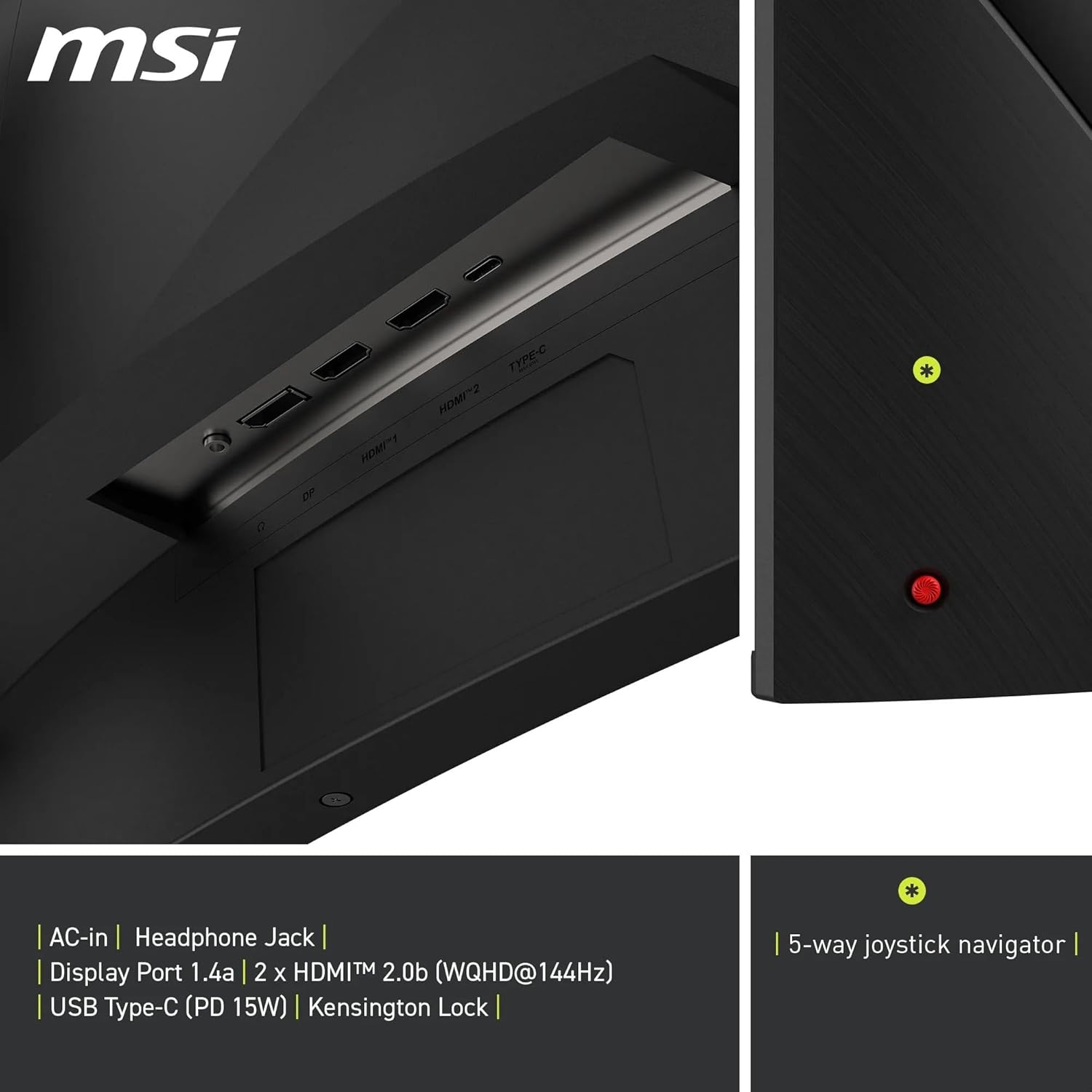
Consider your gaming genre and space: ensure you can sit at a distance where the curve helps rather than causes peripheral strain. Check the connectivity you’ll use most—DisplayPort 1.4a for the 240 Hz ceiling and HDMI 2.0b for 144 Hz, plus USB-C PD if you plan to power a laptop from the monitor. If you need true colour accuracy out of the box, you may want to calibrate or profile the display once installed. Also, verify your GPU and PC setup can consistently push 144 Hz or higher at WQHD, otherwise, you might not utilise the full refresh potential.
Practical use case: a real-world scenario
Imagine a competitive shooter where fast, precise tracking matters. You sit a little closer to the screen, the 1000R curve wraps around your field of view, and rapid on-screen motion remains smooth thanks to the 240 Hz capability. A single USB-C cable can keep your laptop charged while you game, helping to minimise desk clutter. If you’re streaming or recording, the broad colour depth can help capture more believable skin tones and environmental shading during light edits.
The decision you’ll face
Final verdict: this MSI monitor offers a compelling mix of speed, immersion and practical connectivity for a gaming-focused desk. It’s particularly appealing if you value a large curved panel and want a fairly future-proof mix of inputs, with the USB-C PD as a bonus. It may not be the strongest pick if you prioritise sheer HDR brightness or you play primarily at 1080p or on console, where 240 Hz is seldom utilised to its full extent.
Quick FAQ
- Is 240 Hz noticeable in all games? It’s most noticeable in fast-paced titles and competitive shooters, elsewhere the difference compared with 144 Hz is subtler.
- Do I need a powerful PC to run at 2560 x 1440 at 240 Hz? A capable GPU helps, but availability depends on the game and settings, you may run some titles at high refresh with tuned detail.
- Can I use this monitor for office work? Yes, but the gaming features are the strongest selling point, for long office sessions you may want to adjust blue light and brightness to comfort levels.
Is it worth it? For gamers seeking a large, immersive WQHD curved panel with very high refresh rate and flexible inputs, it represents a solid balance of performance and practicality. It suits someone who wants a single monitor for both competitive play and story-driven titles, provided the room and desk fit the curvature and you’re comfortable with a 32” screen at closer viewing distances.