

Z-Edge 32 Inch Curved Gaming Monitor (240Hz, 1ms MPRT) – Full HD, FreeSync, DisplayPort & HDMI
Reviews
Price
Product description
At a glance
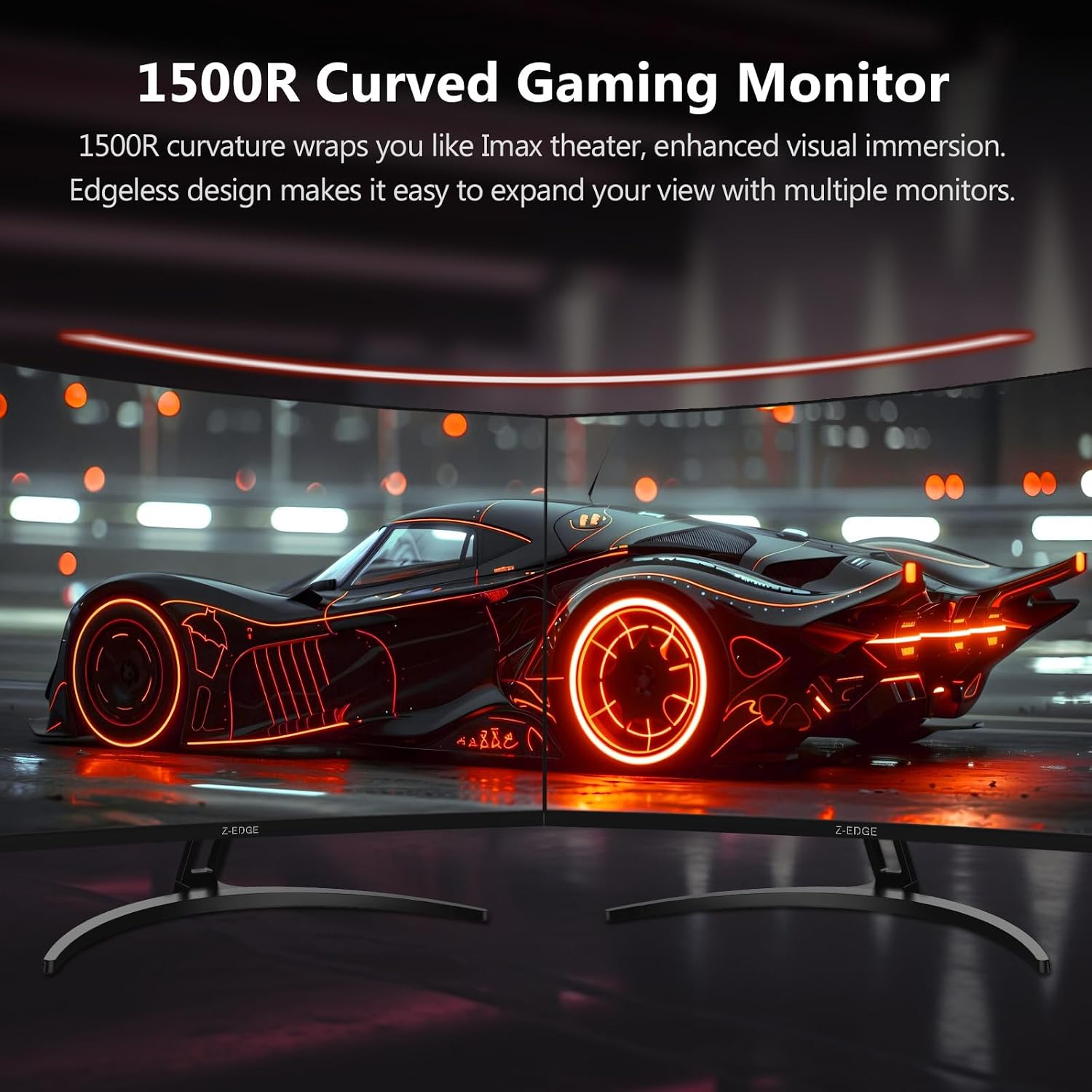
A 32-inch curved gaming monitor like this Z-Edge is built for one thing above all: getting you closer to the action than a flat screen usually does. The 1500R curvature is designed to sit more naturally across your field of view, which can feel more immersive when you’re tracking movement at speed. If you’re the sort of player who spends a lot of time in fast shooters, racing, or any game where quick reactions matter, the spec sheet here leans clearly in that direction.
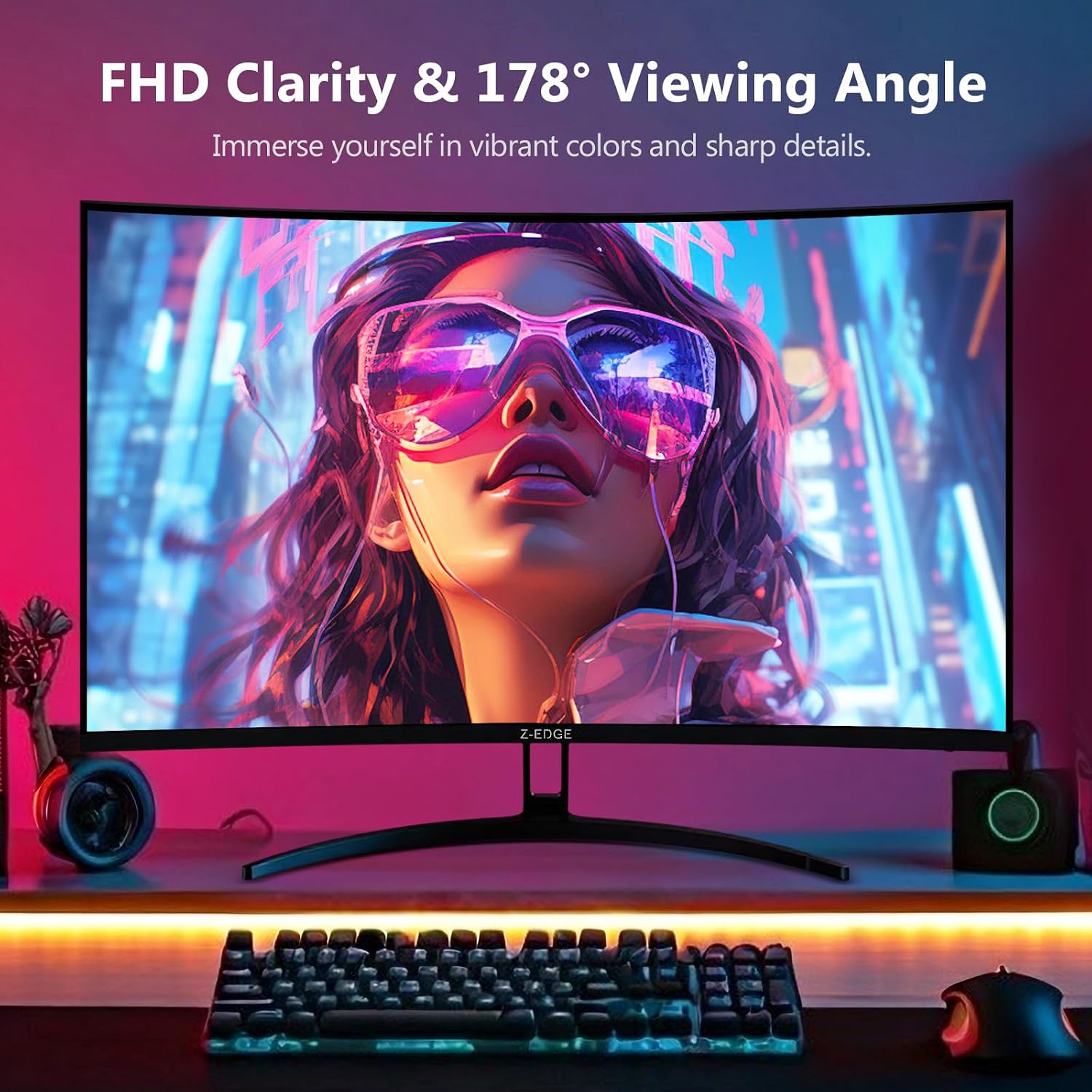
What you get, on paper, is a Full HD (1080P) curved display with a claimed 240Hz refresh rate and a 1ms MPRT response figure. It also includes FreeSync support, plus DisplayPort and HDMI connections. The frameless, ultra-thin bezel look and the wider “three-sided” edge-to-edge style are more than just aesthetics if you’re planning a multi-monitor setup, or you simply prefer a cleaner screen border.
It’s not perfect for everyone, though. A 32-inch screen at Full HD can look a bit softer than higher-resolution monitors, especially if you sit quite close. Also, without more detail on brightness, panel type, or HDR performance, you’ll want to check expectations before buying—some people are disappointed when they move from marketing claims to real-world viewing in different lighting.
Key takeaways
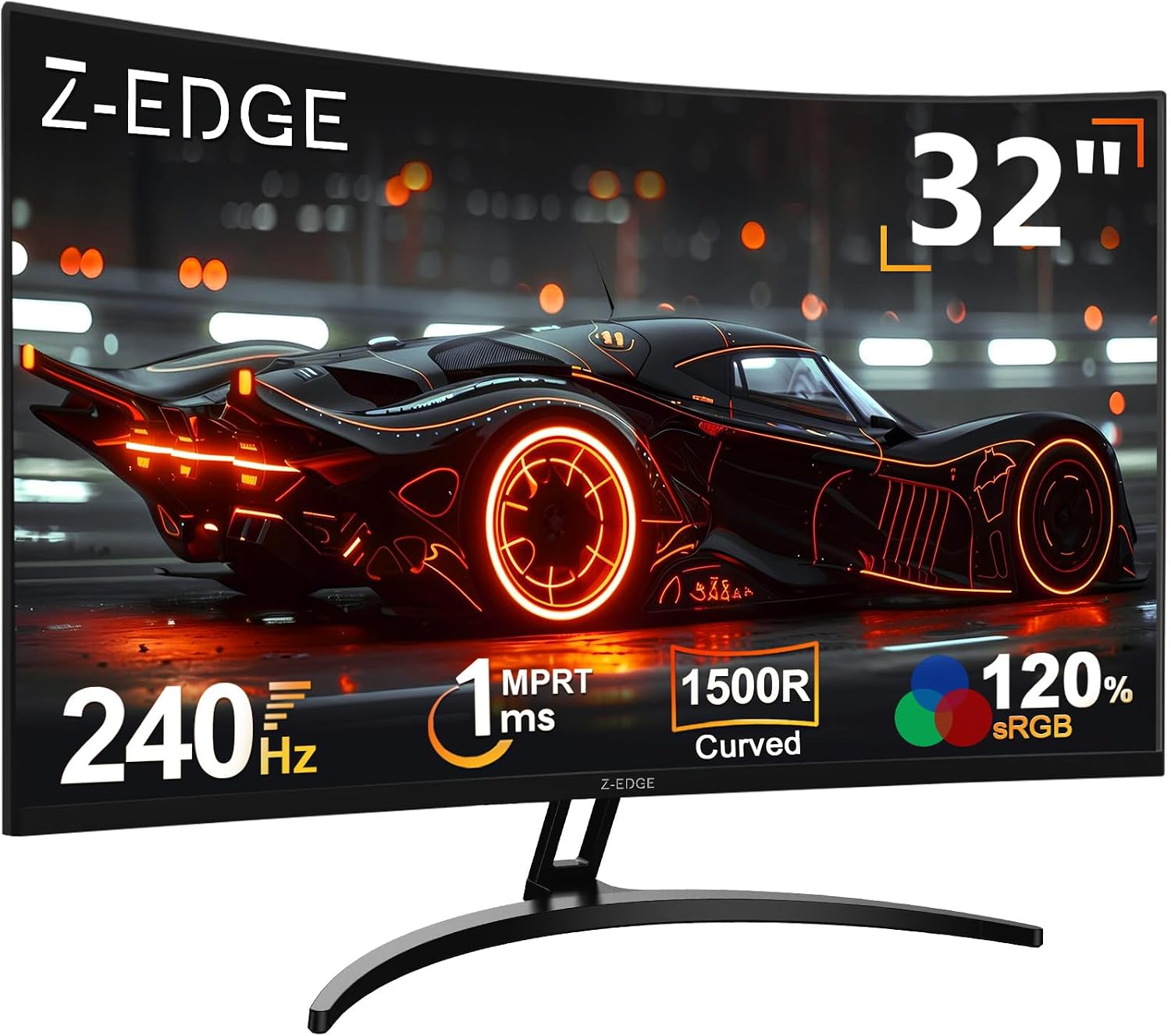
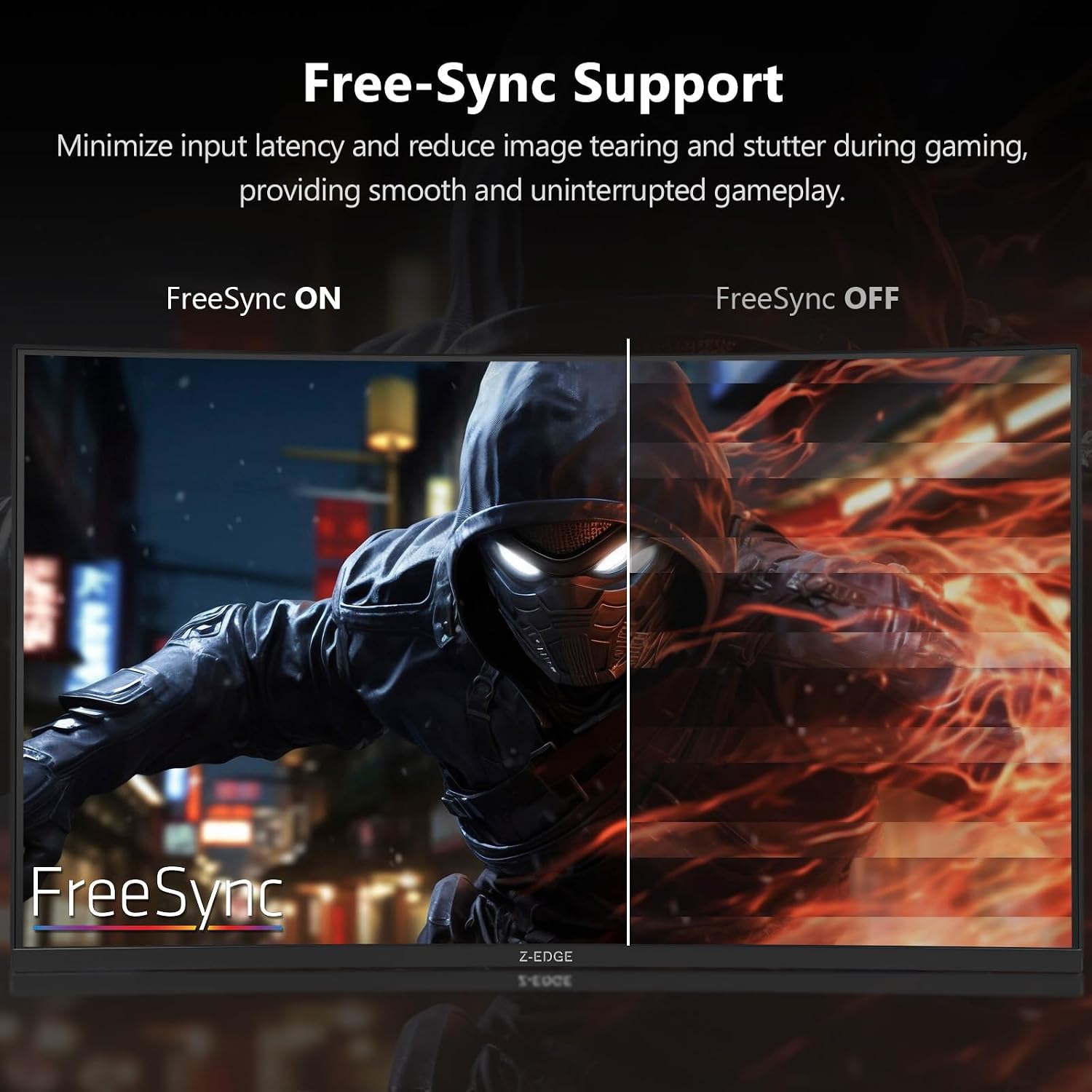
The strongest argument for this monitor is the combination of refresh rate (240Hz) and FreeSync, paired with a curved 1500R screen. That’s the kind of setup that can help reduce tearing and stuttering when your frame rate fluctuates, and it’s aimed at smoother motion during gameplay.
The less exciting bit is that it’s “only” Full HD. That’s fine if your priority is high refresh rate and you’re mostly playing titles where motion clarity matters more than fine text detail. But if you do a lot of desktop work (spreadsheets, long documents) or you want extra sharpness at this size, you may find higher resolution screens more satisfying.
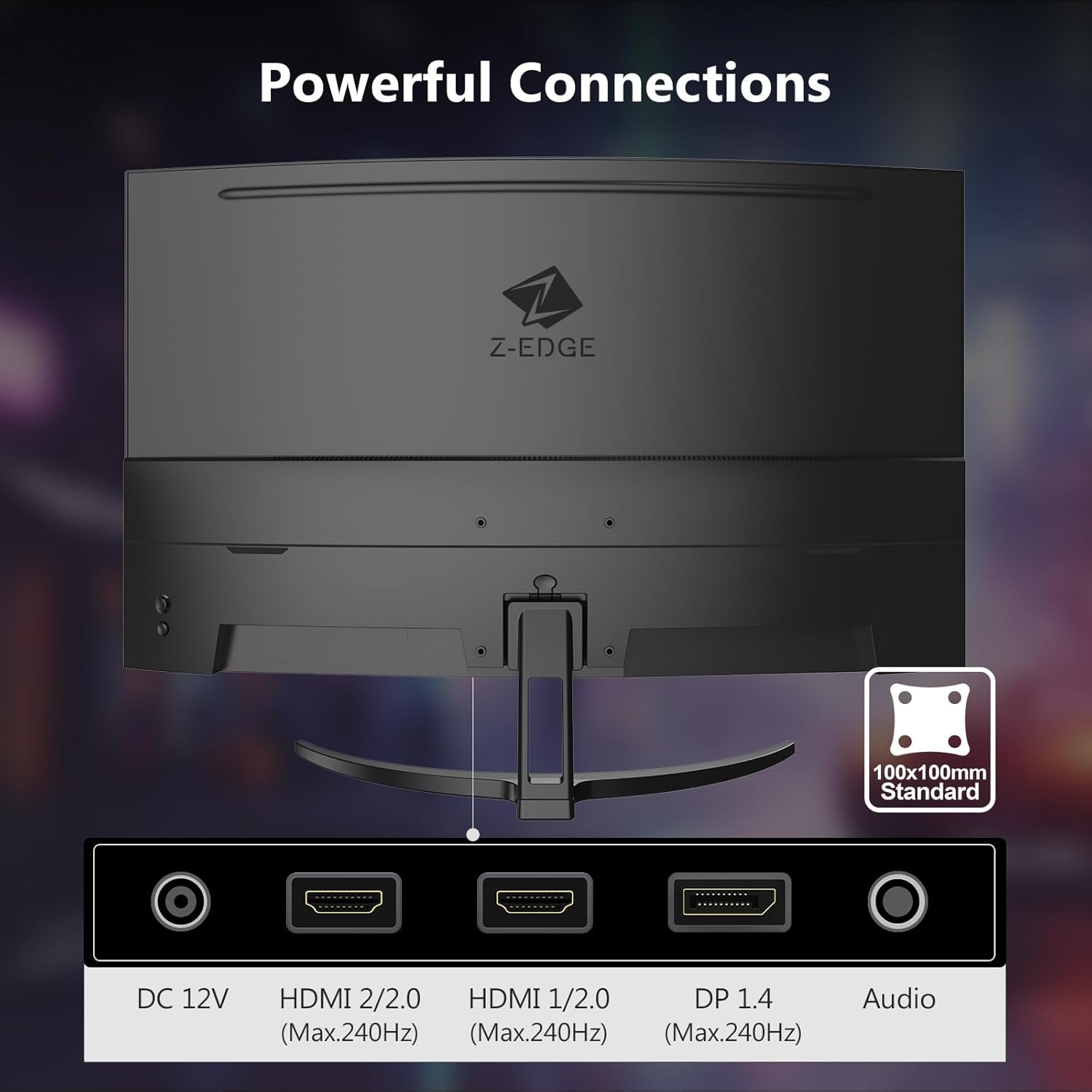
On the practical side, the connectivity is the kind of everyday-friendly mix many people want: two HDMI inputs plus DisplayPort. So whether you’re switching between a PC and a console, or you want flexibility for a laptop dock, this should fit into a typical setup without drama.
What stands out in use
Once you’re in a game, the main thing you’ll notice is the curved layout. With 1500R, the screen’s bend is meant to pull your peripheral vision in more than a flat panel does. In practice, that can make it easier to keep your eyes on moving targets without feeling like you’re staring at a perfectly flat plane.
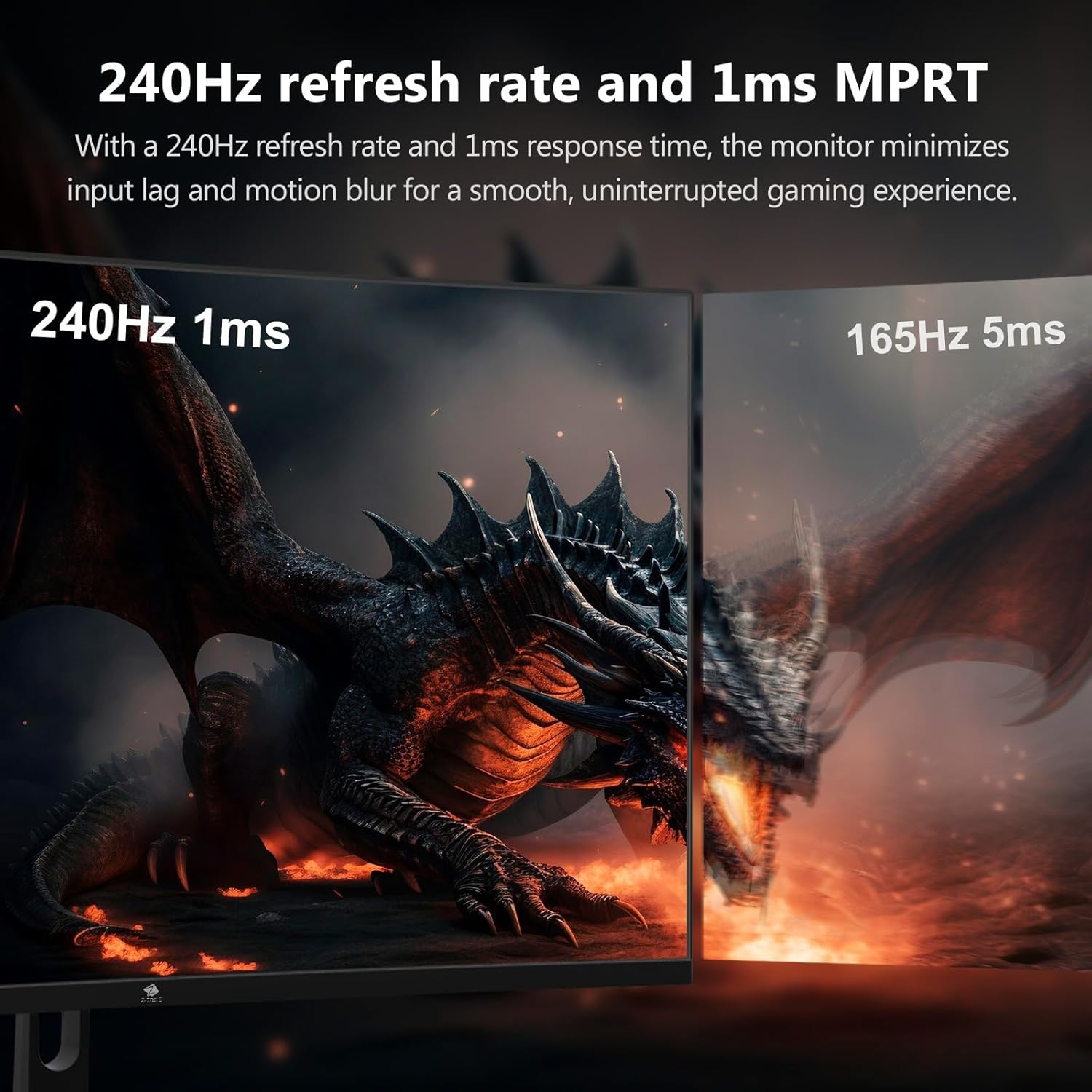
For motion, 240Hz and the 1ms MPRT figure are the headline. High refresh rates are especially noticeable in fast gameplay when you turn quickly or track targets across the screen. The real-world experience will depend heavily on your PC/console output and the consistency of your frame rate, so it’s worth remembering that the monitor can only smooth what it receives.
A small but important practical detail: the monitor includes a standard 75 x 75 mm mount pattern. That means it’s not locked into one desk-only approach—you could wall-mount or use an arm, as long as the mount you choose matches that standard.
Specs that affect buying decisions
You don’t need a full technical deep-dive to decide, but a few items here matter.
- Display size and format: 32-inch curved display, Full HD 1080P, 16:9 aspect ratio.
- Refresh and motion: 240Hz refresh rate and 1ms MPRT.
- Adaptive sync: FreeSync support is included (useful if your system supports it).
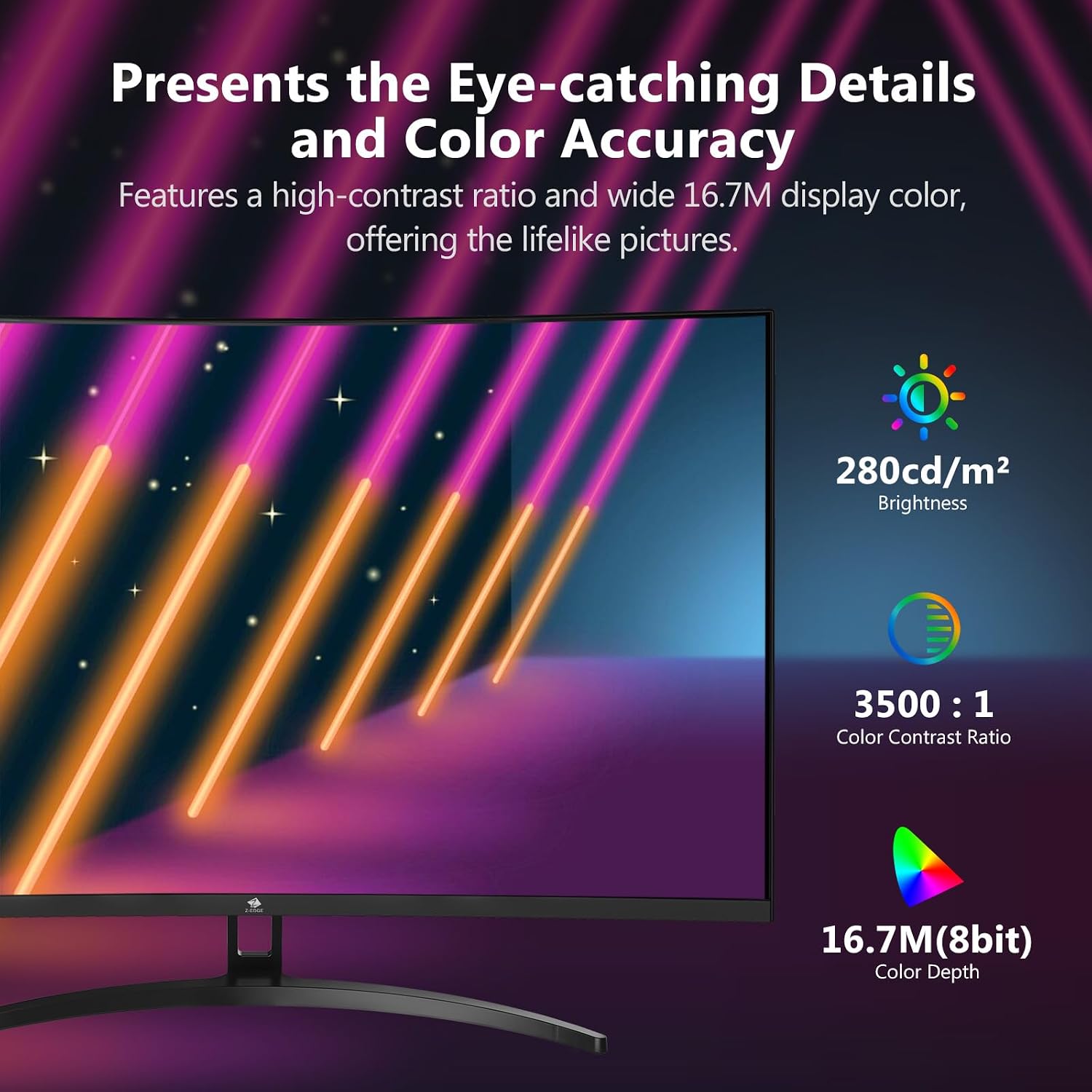
- Contrast claim: 3000:1 contrast ratio is stated, which is aimed at delivering deeper blacks and clearer detail in darker scenes.
- Connections: two HDMI inputs plus DisplayPort.
One limitation to bear in mind: the information you have here doesn’t mention brightness levels, response behaviour at different settings, or the exact panel technology. Those gaps matter if you’re sensitive to glare, viewing angles, or you want consistent performance across different lighting conditions.
Who it suits (and who should avoid it)
It’s a solid pick if you’re buying a first “serious” curved gaming monitor and you mainly want smooth motion, a big 32-inch viewing area, and flexible inputs. If you game often and you care about tearing/stutter mitigation, FreeSync support plus high refresh rate is a sensible pairing.
It may not suit you if you:
- Prefer sharper text and crispness for everyday desktop use on a large screen, since this is Full HD at 32 inches.
- Want more confidence around image quality in tricky environments (for example, strong ambient light), because key display details like brightness and panel type aren’t provided here.
- Are expecting the monitor to magically improve low frame rates—high refresh monitors do best when your system can actually keep up.
Getting the most from it
If you’re setting this up for gaming, it helps to treat it like a motion-first monitor rather than a “do everything with perfect clarity” screen.
A practical setup idea: use DisplayPort for your main gaming PC connection when possible, then rely on HDMI for a console or secondary device. That keeps swapping sources straightforward. If you’re planning a dual-monitor arrangement, the frameless style and three-sided edge-to-edge look are there to make the gap between screens feel less intrusive.
Also, if you’re sensitive to motion clarity, spend a few minutes in the monitor/console/PC display settings to match the refresh rate and enable FreeSync where appropriate. It won’t fix poor frame consistency, but it can help the experience align with what the monitor is designed to deliver.
Final verdict
This Z-Edge 32-inch curved gaming monitor makes sense if your priority is smooth gameplay—240Hz motion with FreeSync support—and you like the idea of a 1500R curve pulling you into the screen. It’s also a practical choice for typical home setups thanks to DisplayPort and two HDMI inputs, plus the 75 x 75 mm mount standard.
It might be the wrong buy if you’re chasing extra sharpness at 32 inches, or you want more confidence about real-world image quality beyond the stated contrast and motion figures. In that case, you may want to look at options with higher resolution and more complete display details.
Frequently asked questions
FAQ
Is FreeSync built in?
Yes, the monitor supports FreeSync, which is intended to help with smoother motion when your frame rate changes.
Does it have enough ports for multiple devices?
It includes two HDMI inputs and one DisplayPort, so you can connect more than one source without constantly swapping cables.
What does 1ms MPRT mean in practice?
It’s a motion-related response figure stated as 1ms MPRT. As always, the experience depends on game performance and settings, not just the number on the box.
Is Full HD enough for a 32-inch screen?
It can be perfectly fine for gaming, but if you sit close or you’re very particular about text sharpness, you may find higher-resolution options more satisfying.
Can it be mounted on a wall or arm?
The monitor uses a standard 75 x 75 mm mount pattern, and the description notes it can be installed on a wall or mounting arm using that standard.