

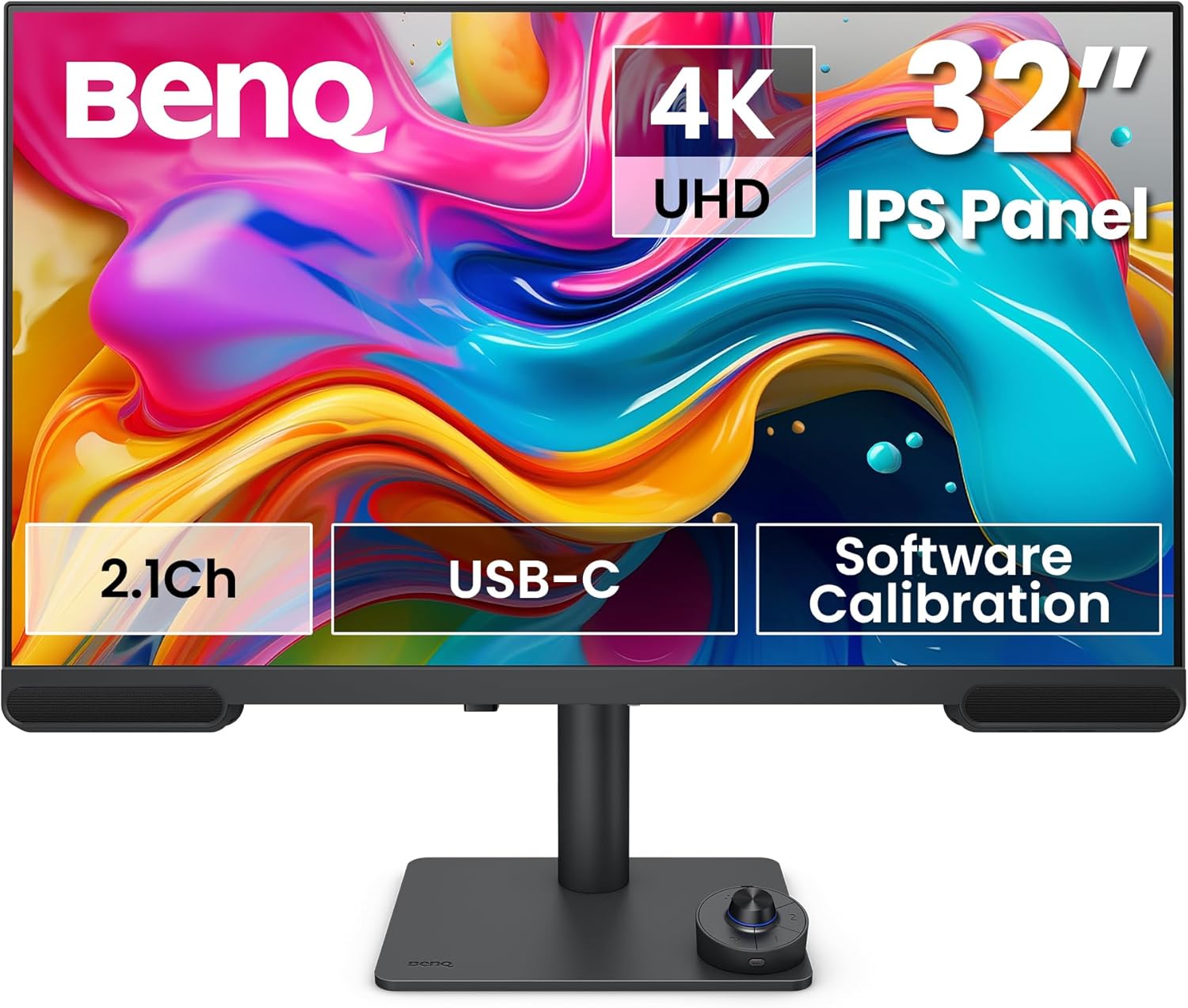
BenQ PV3200U 32" 4K UHD Monitor for Video Editing
Product description
What it is and who it’s for
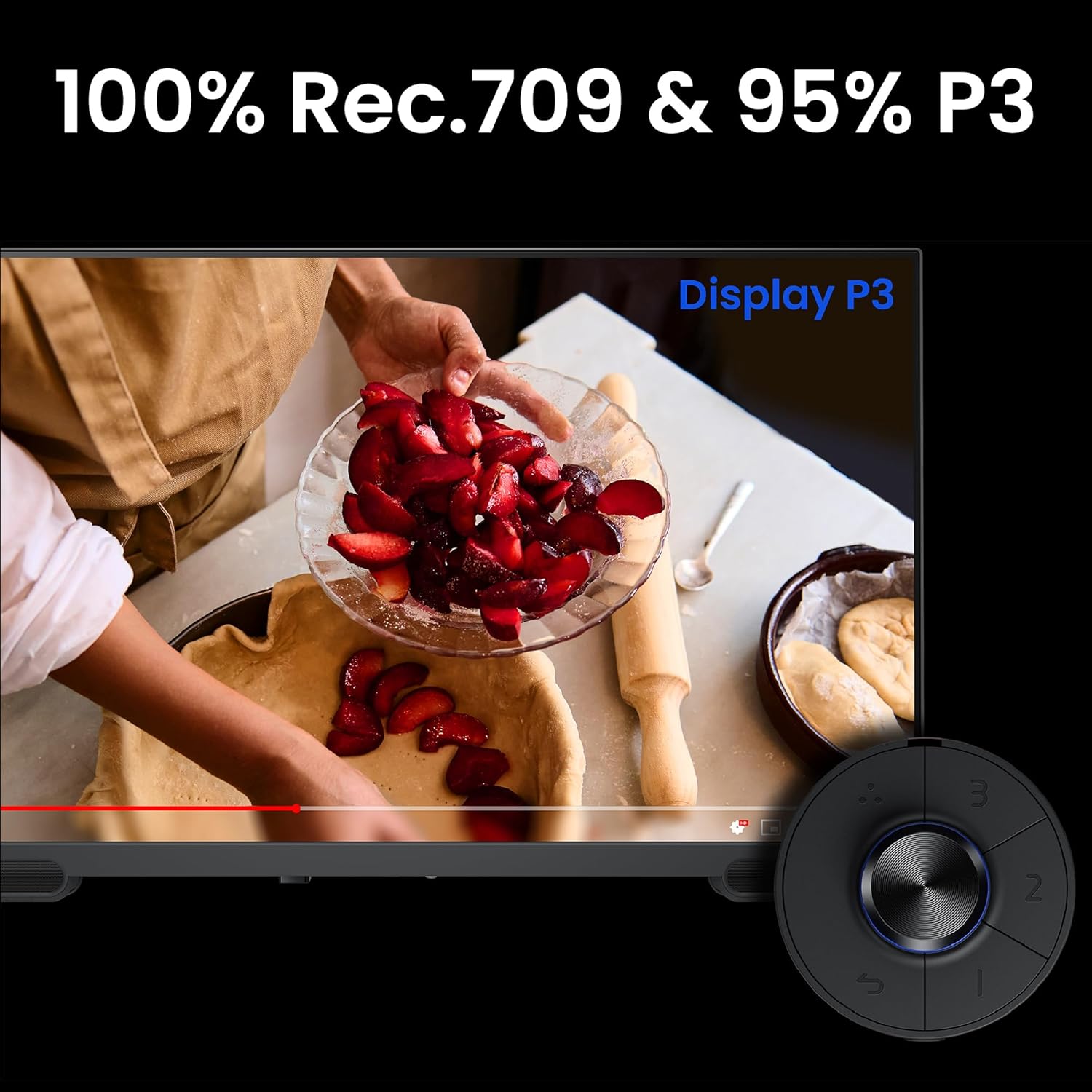
The BenQ PV3200U is a 32-inch 4K UHD monitor designed with video editors in mind. It targets creators who need accurate colour reproduction and a workflow that stays tidy through USB-C connectivity and integrated audio. On the paper spec, it covers 100% Rec.709, 100% sRGB and 95% DCI‑P3, plus factory calibration with Delta E ≤ 2, which suggests a colour-ready start for edit-ready projects.
How it performs in real-world editing
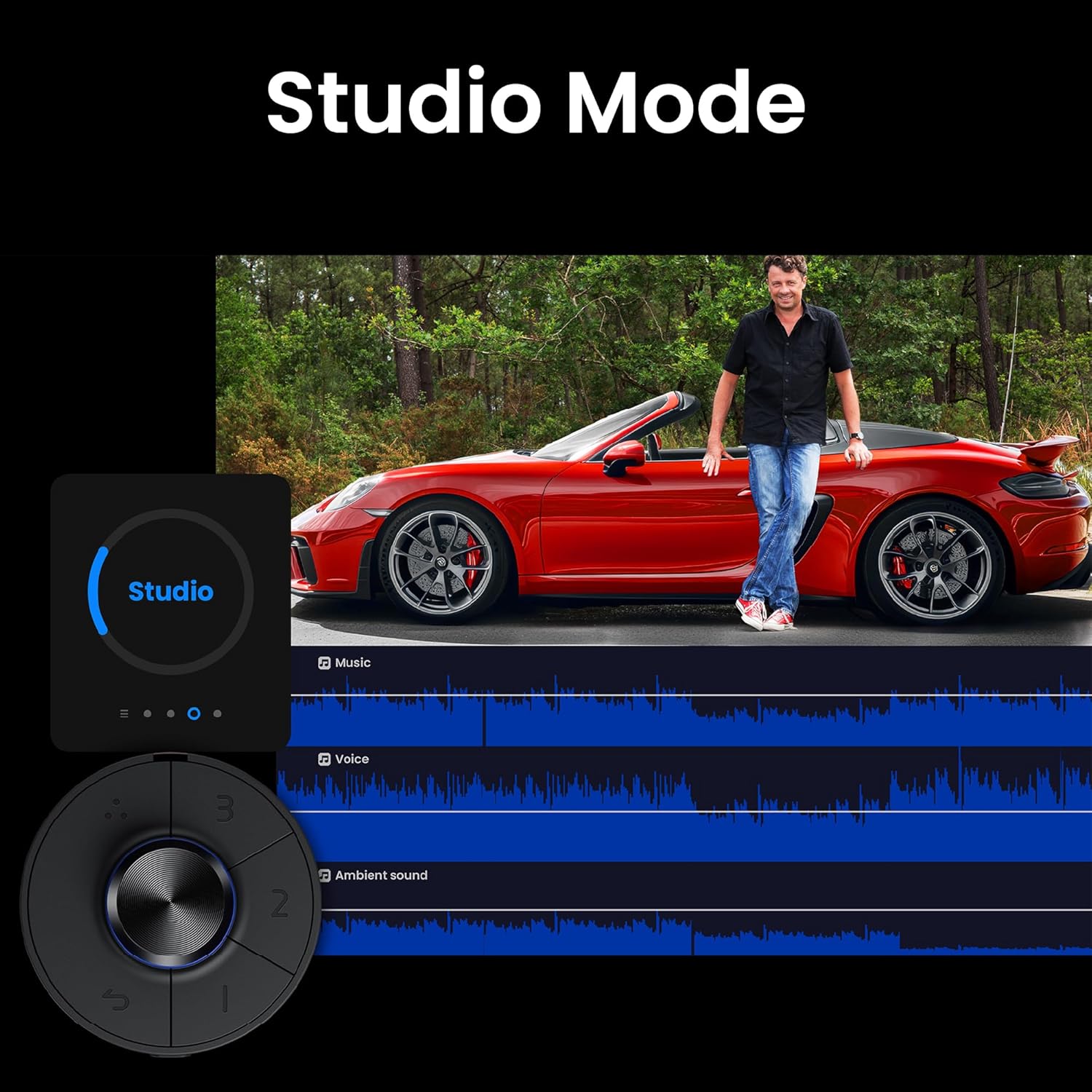
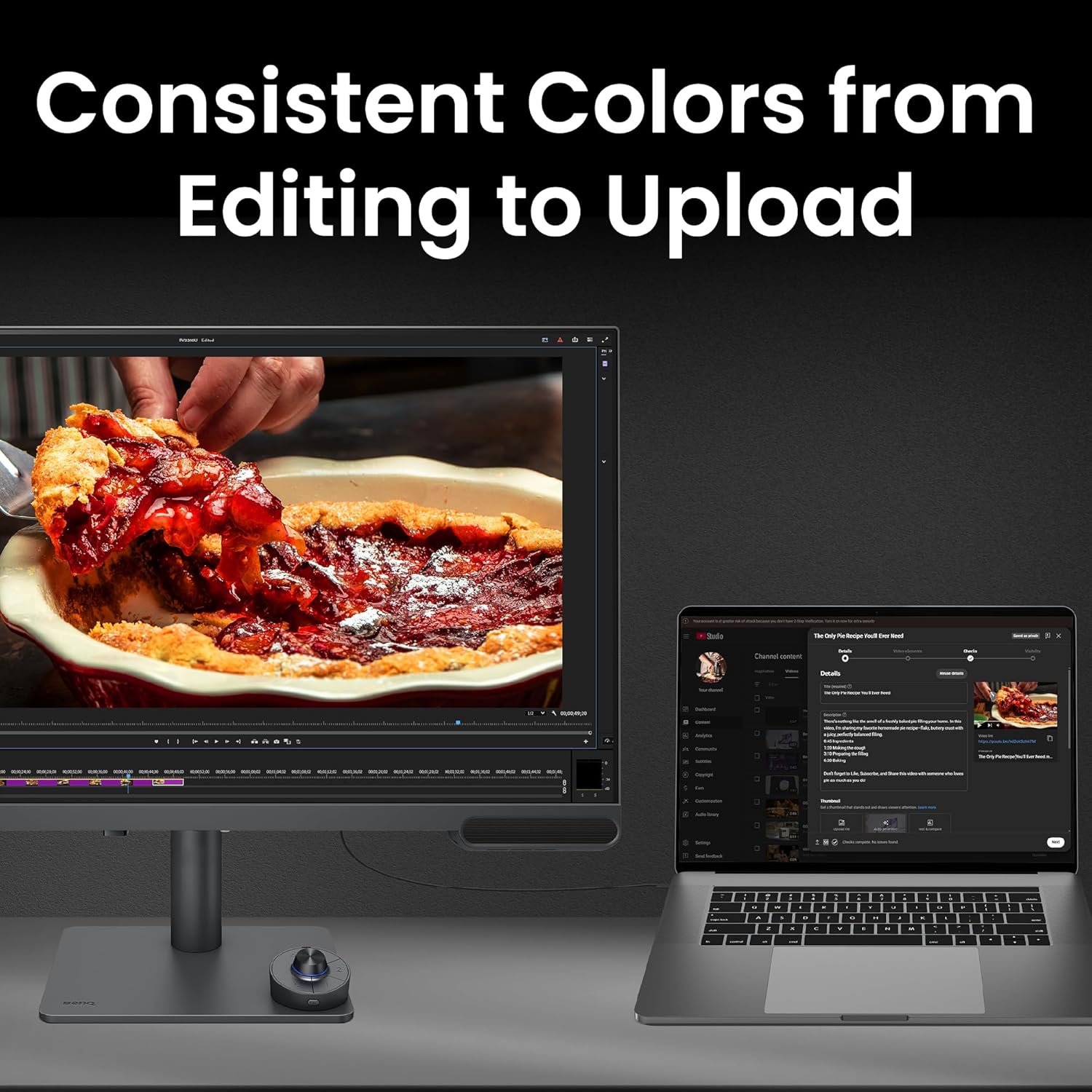
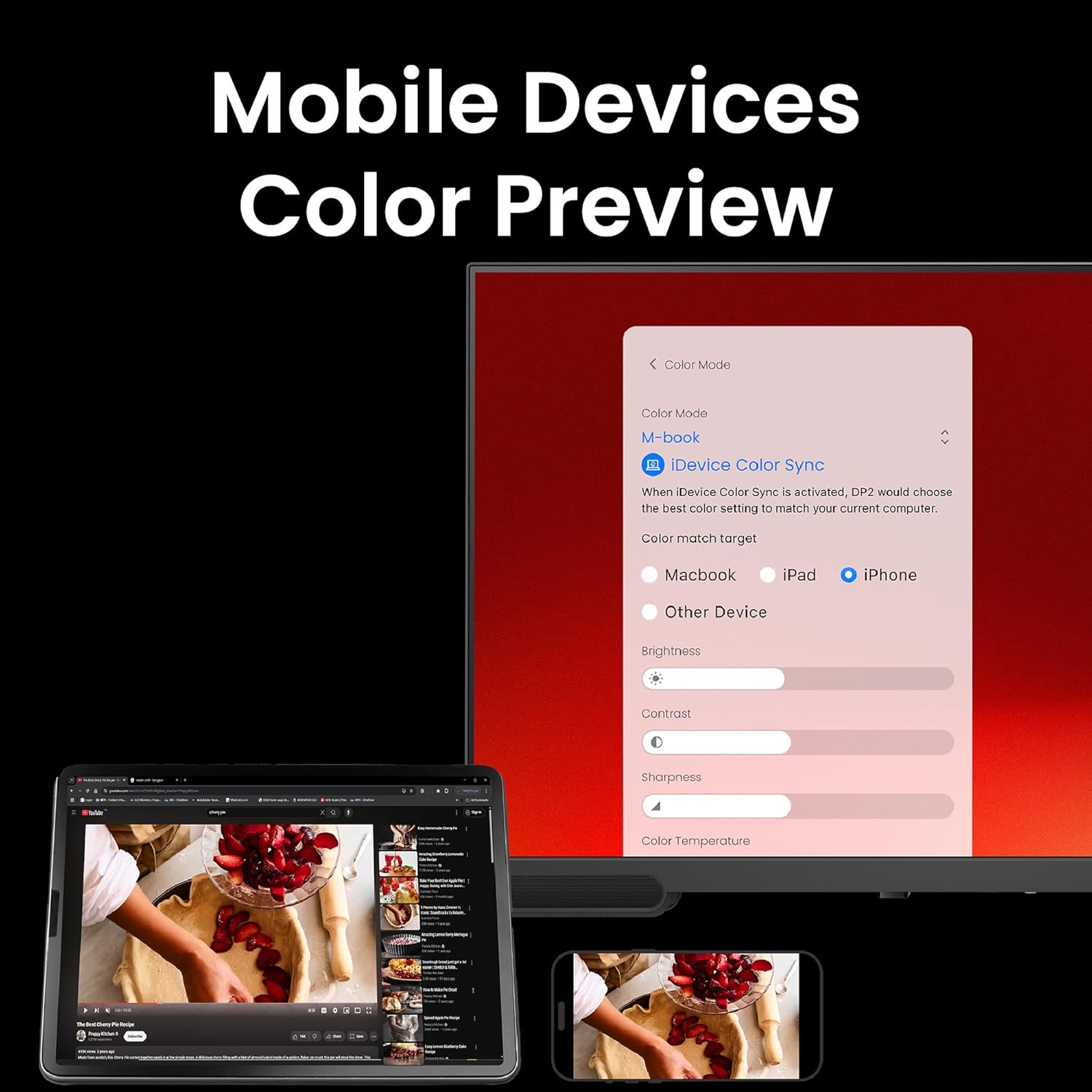
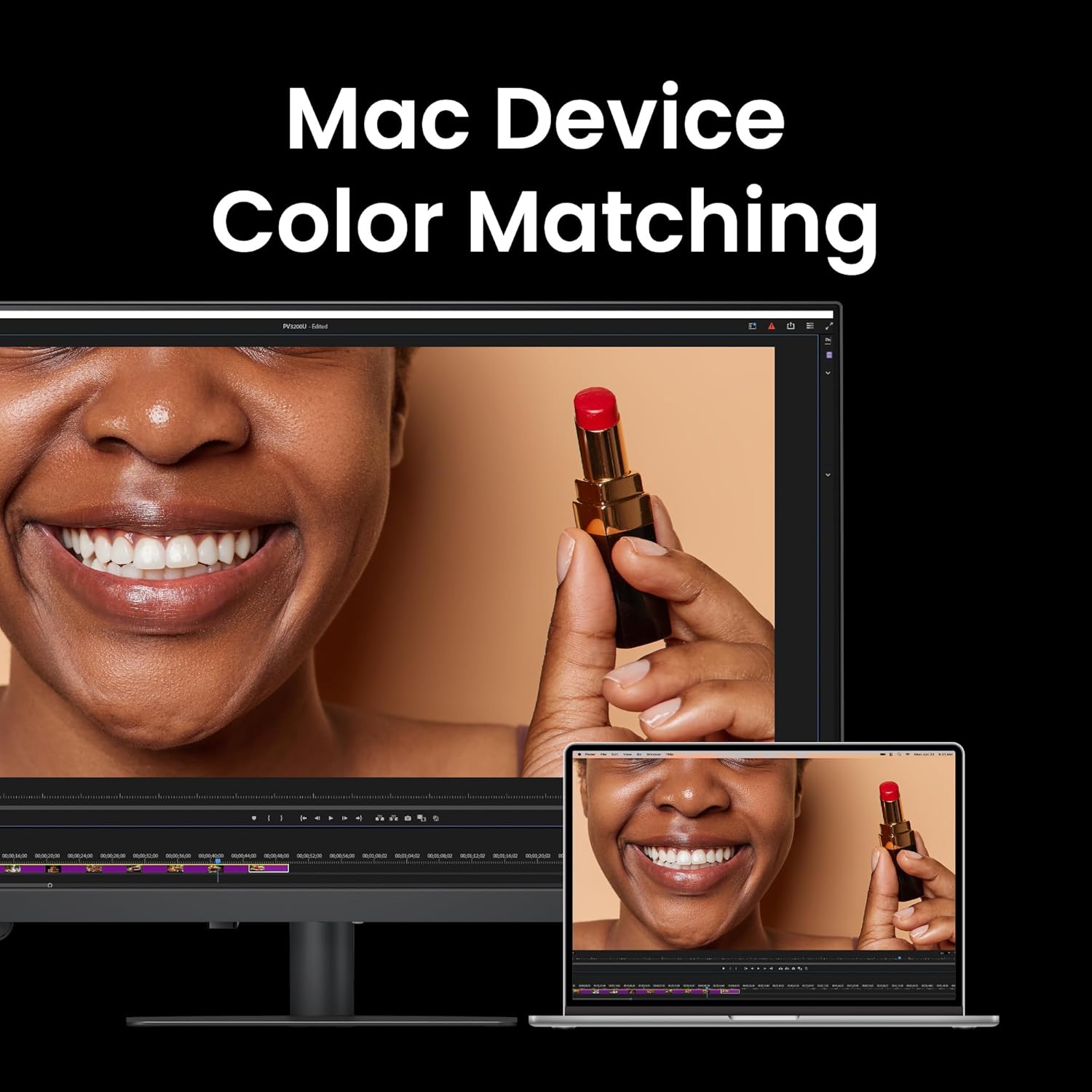
Colour accuracy matters when you're grading for broadcast or sharing finished cuts. The PV3200U offers a wide gamut and a predictable baseline out of the box, so you’re not chasing basic colour correctness while you work. Features like ICCsync help align colour profiles between Mac environments and the monitor, which can reduce mismatches when you switch between devices. In everyday use, the built-in 2.1-channel speakers with a dedicated subwoofer can be useful for rough audio checks without reaching for external speakers, though most professionals will still pair studio monitors or headphones for final mixes.
What stands out
The one‑cable USB‑C solution is convenient for a tidy desk, as it carries video, power (65 W) and data. The ergonomic stand offers full adjustability—tilt, swivel, pivot and height—so you can set a comfortable, stable viewing angle during long sessions. The pairing of hardware with software tools is a key point: a wireless Hotkey Puck for quick colour and audio adjustments, plus Display Pilot 2 for easy calibration without diving into menus.
Limitations and things to consider
This monitor is tailored for colour-critical work, but there are a few caveats. The retail data available focuses on range and calibration, not on long-term maintenance or resilience under daily professional use. Also, while the included speakers are helpful for reference listening, they aren’t a substitute for dedicated studio monitors when fine audio work is involved. If your workflow relies heavily on external control surfaces or multiple calibrated devices, compatibility and workflow integration may need extra attention.
Who it’s for
If you’re a video editor, colourist or filmmaker who wants a large, colour-accurate display with a practical all-in-one approach (USB-C, Mac compatibility, and easy calibration), the PV3200U could fit your setup. It’s particularly appealing if you value a factory-calibrated baseline and straightforward colour management without chasing profiles constantly.
Who might want to skip it
Not the best fit if you prioritise the absolute brightest HDR performance or if your room requires a different brightness target beyond standard editing work, also, if you rely on higher‑end reference monitors in a professional theatre or cinema workflow, you may want to compare the calibration capabilities against higher tiers.
When it makes sense to buy
Consider this monitor if you want a ready-to-edit solution with a balanced colour space coverage and practical connectivity in one package. The Mac-friendly ICCsync and colour-managed workflow can reduce setup time, making it sensible for teams or solo editors who value predictable colour rendering across devices.
What to check before buying
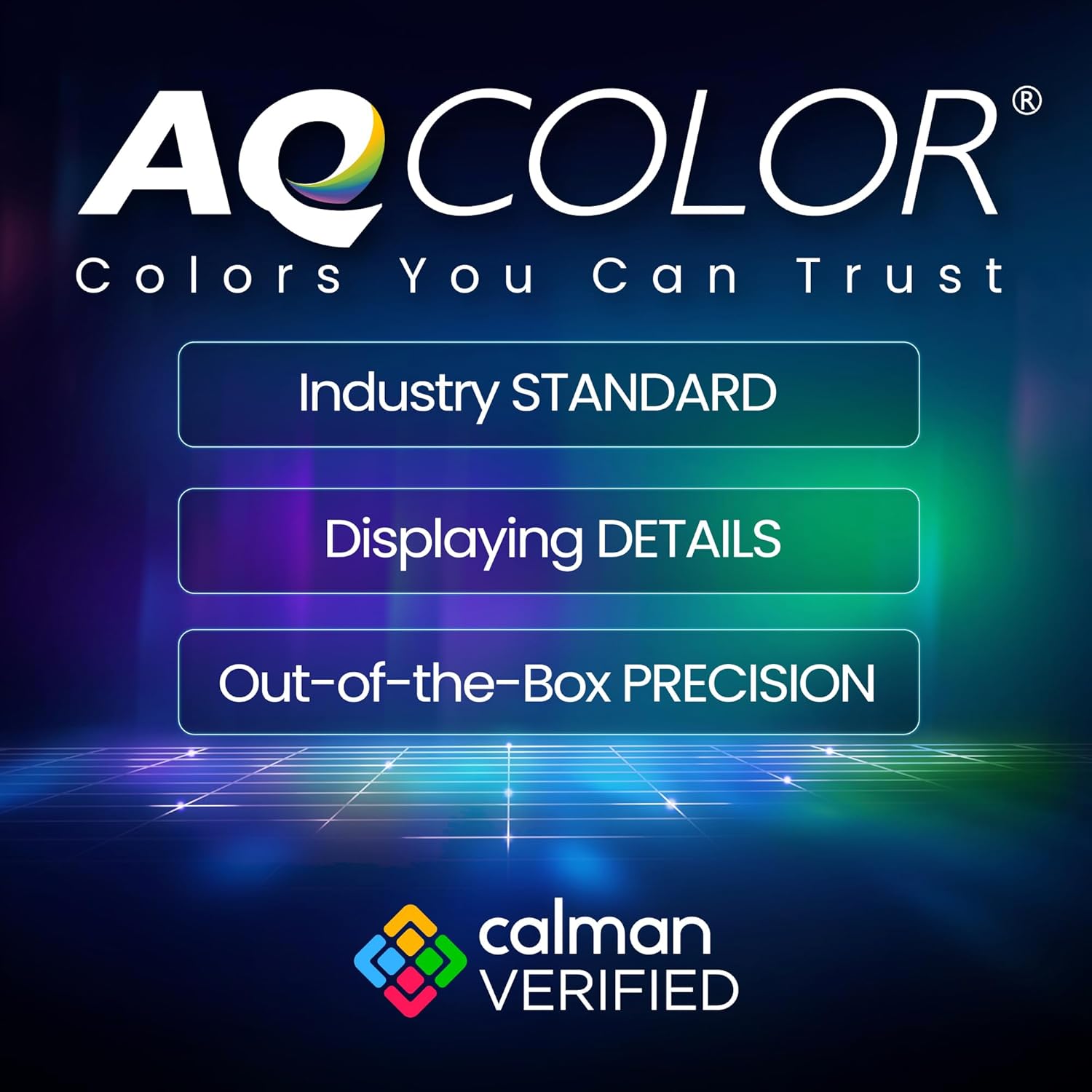
- Confirm your workflow needs for Rec.709, sRGB and DCI‑P3 coverage and whether Delta E ≤ 2 baseline matches your grading standards.
- Ensure your desk and editing rig can support a 32-inch 4K display ergonomically, especially if you’ll be sitting long hours.
- If you rely on external speakers, plan for a separate audio path for final mixes and monitoring.
Practical example of use
Imagine you’re colour‑grading a short film. You start by loading your project with ICC profiles linked to your Mac, visualising the edit in a large, sharp panel. You subtly adjust the colour with the hotkey puck, switching quick colour presets for day and night scenes without breaking your workflow. When you export, you already feel confident the preview matches broadcast standards, thanks to the factory calibration and consistent colour handling.
FAQ (quick answers)
- What is the colour coverage? 100% Rec.709, 100% sRGB and 95% DCI‑P3.
- Does it connect via USB-C for data and power? Yes, it supports USB-C with 65 W power delivery in a single cable setup.
- Is there built-in audio? Yes, 2.1-channel speakers with a dedicated subwoofer.
- Is it Mac compatible? Yes, with ICCsync to align colour profiles with macOS devices.
- Can I calibrate it with software? Yes, Display Pilot 2 allows software calibration to supplement factory calibration.
Is it worth it?
It’s a sensible option for editors who want a colour‑accurate, ergonomic 32” 4K monitor with modern connectivity and built‑in audio, reducing clutter and setup time. If your priorities include a precise colour baseline and a tidy desk, this model deserves consideration. However, if you require cutting-edge HDR spec or higher-end reference capabilities, you may want to explore higher tiers or dedicated reference displays.