

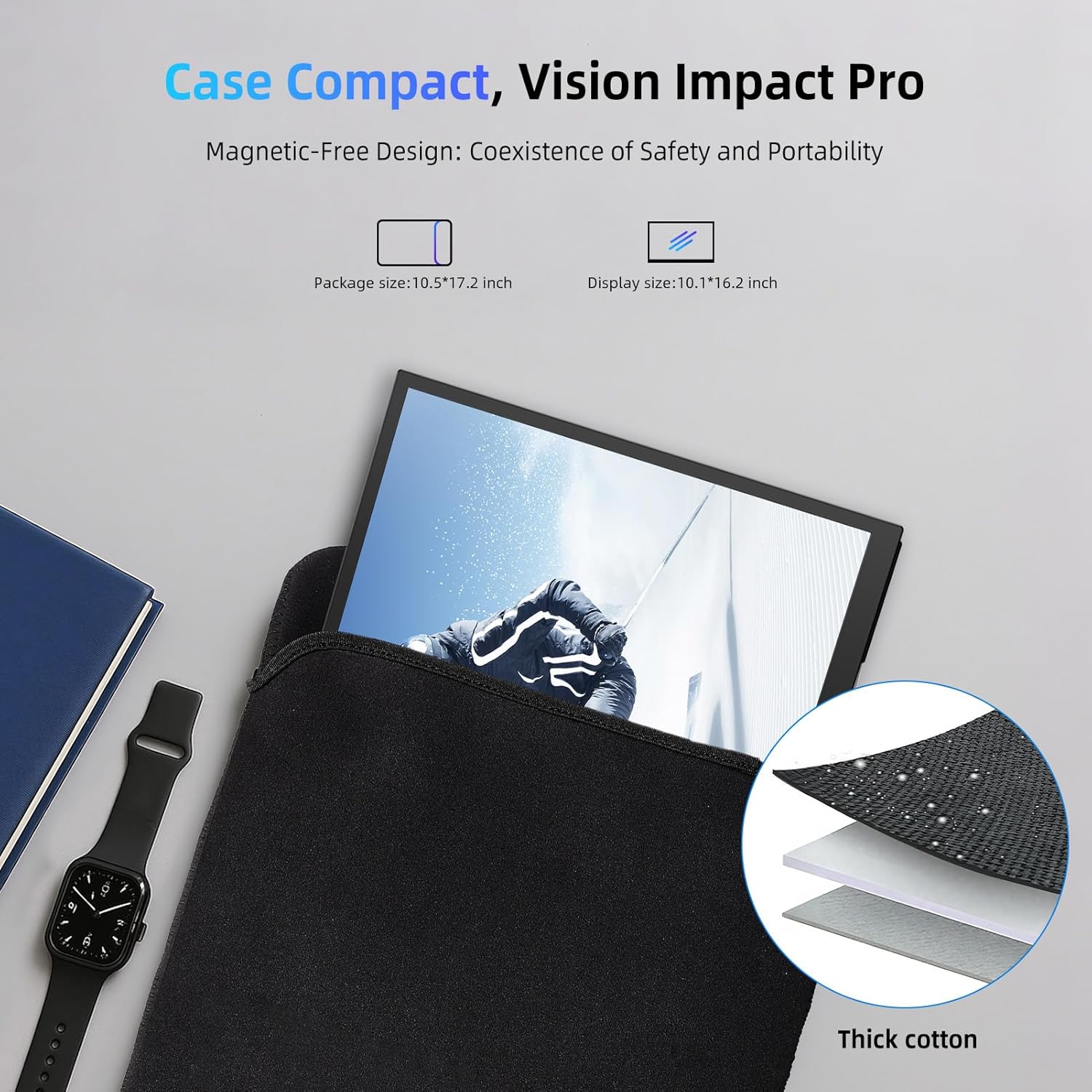
EVICIV 18.5" 120Hz Portable Monitor – USB-C & Mini HDMI Gaming Travel Screen (VESA)
Product description
A portable monitor sounds simple until you realise the trade-offs: cables, brightness, angle stability and whether it actually feels “smooth” for gaming. The EVICIV 18.5" 120Hz Portable Monitor is pitched as a travel-friendly second screen that keeps up with fast-moving content, thanks to a 120Hz refresh rate, a claimed 1ms response time and a fairly well-rounded set of inputs.
For people who want a second display on the move—gaming sessions away from home, a laptop set-up at a desk, or extending what you can do on a phone—this model’s approach is very practical: dual input options (USB-C and Mini HDMI), a built-in stand designed for angle control, and VESA mounting holes if you prefer it fixed to a rig. It’s not perfect (specifically, you’ll want to check your device output options and expectations on portability), but it’s clearly aimed at the “use it often, take it with you” crowd.
Key takeaways
If you’re trying to decide whether a portable second screen is worth the space and hassle, this EVICIV model leans into convenience and gaming responsiveness. The 120Hz refresh rate and 1ms response time are the headline features on paper, and the 125% sRGB claim matters if you care about more natural-looking colours rather than washed-out travel displays.
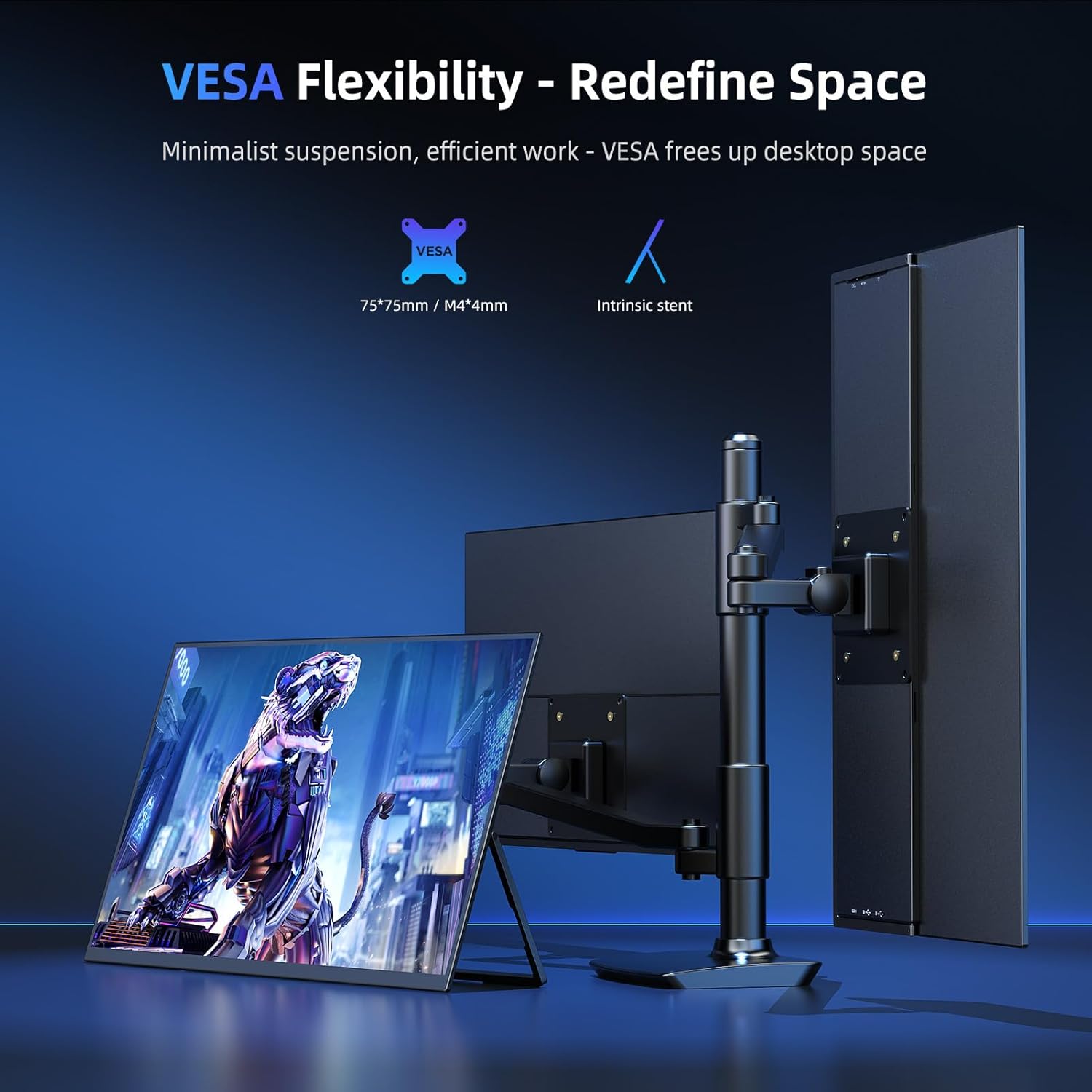
The stand and mounting options are also a real differentiator: instead of a simple fixed-position folio-style support, it uses an adjustable 180° stand concept, and it includes VESA 75x75mm mounting holes. That combination usually determines whether a portable monitor feels “usable” or just “fine for a few minutes”.
What you’ll notice day to day
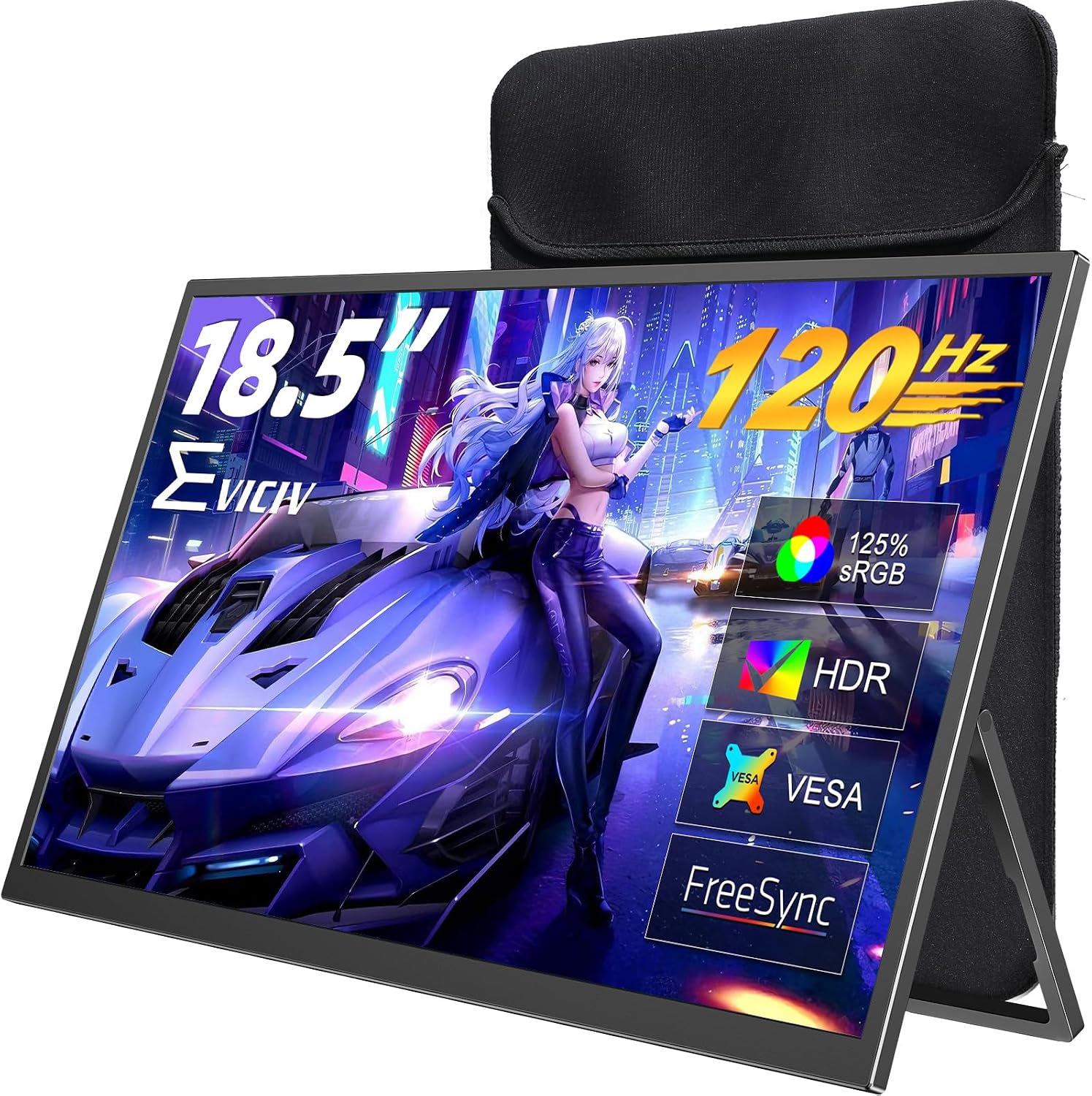
The day-to-day experience, on paper, should centre on three things: smoother motion, colour consistency, and set-up speed.
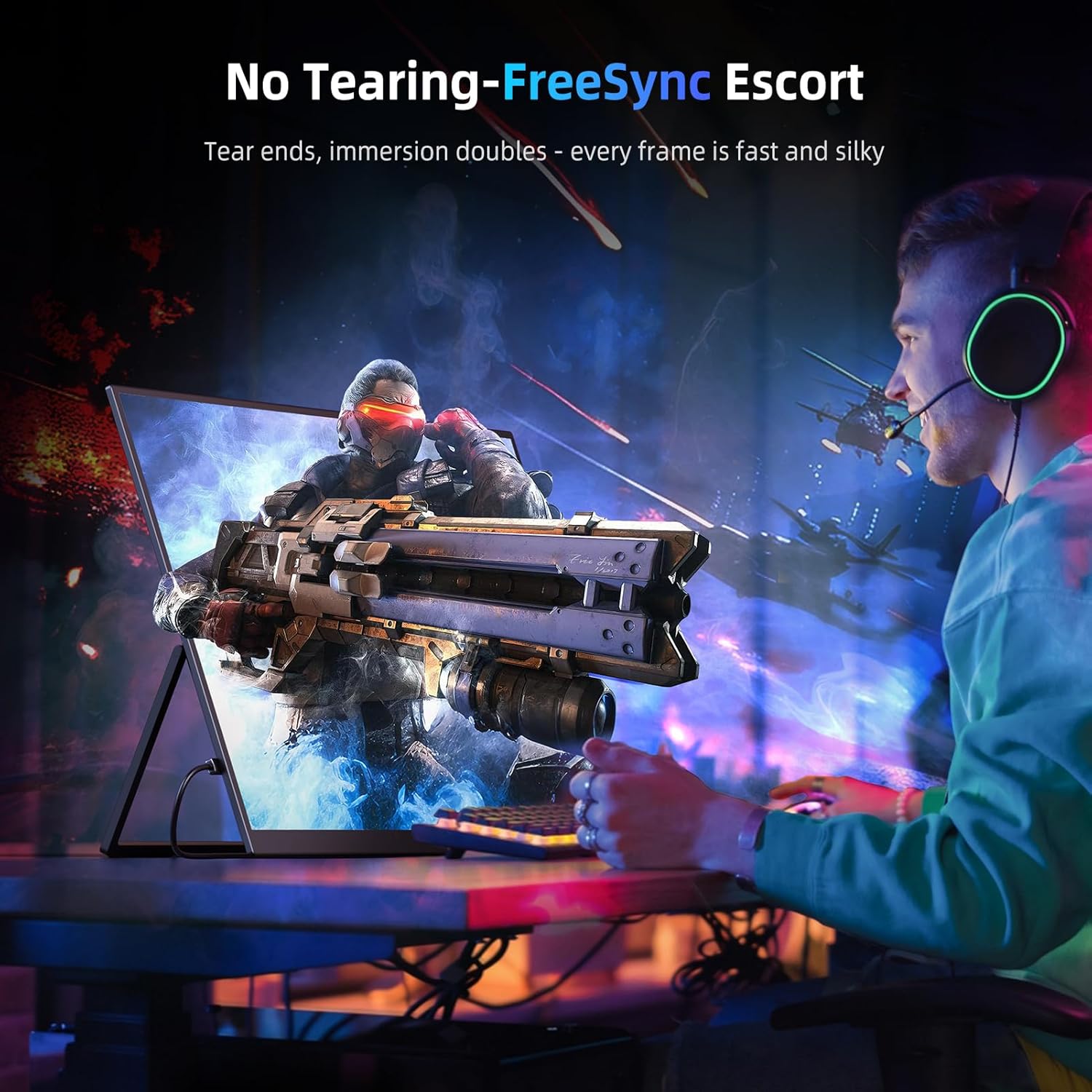
First, 120Hz support with dual connection options (Mini HDMI and USB-C) is meant to give you a more fluid look in fast games or racing-style titles. If you’re used to standard portable screens, the refresh rate claim is exactly the kind of upgrade you’ll notice when you’re panning around.
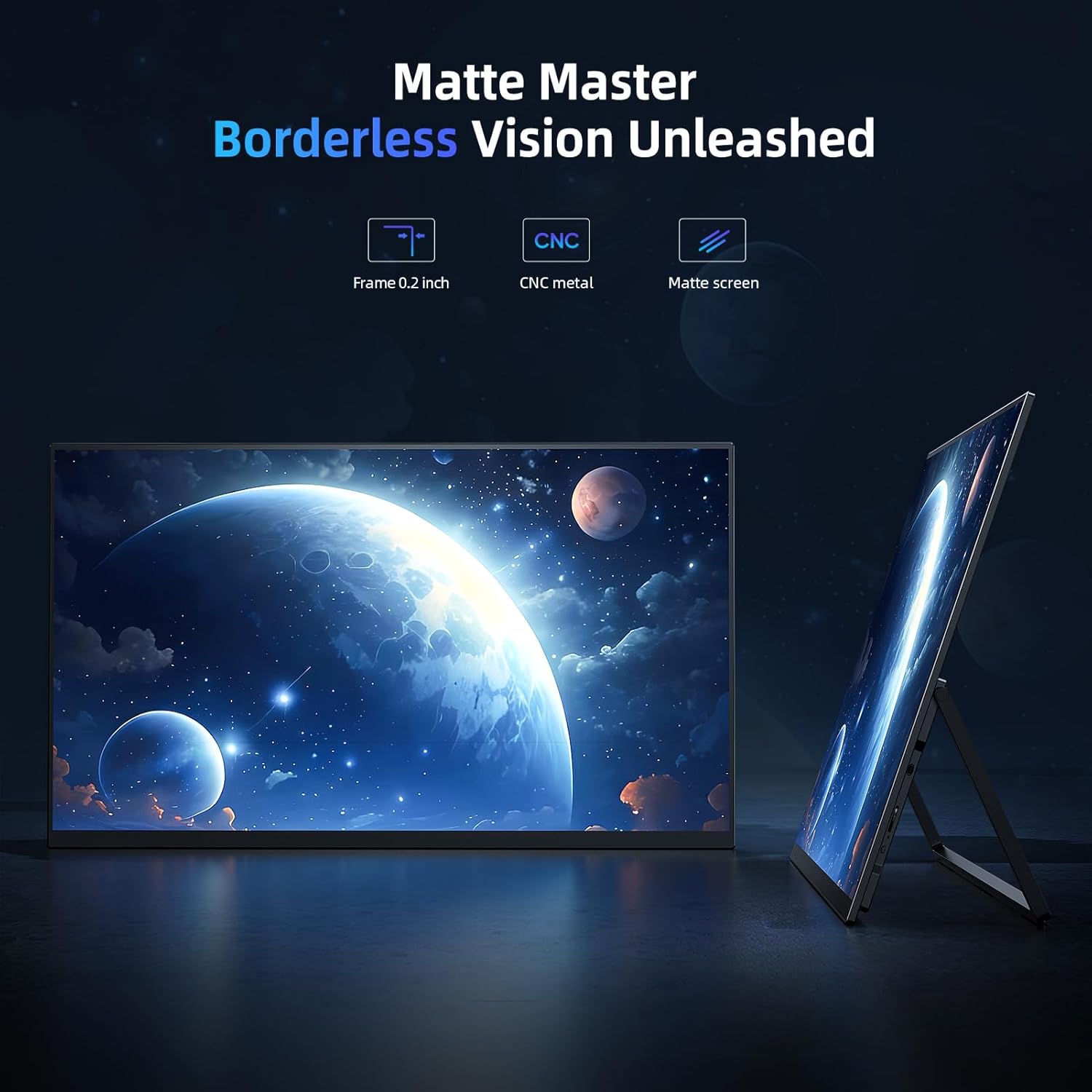
Second, the IPS panel is described with an 178° wide-view and 125% sRGB coverage, which is typically where portable displays can fall short. If you often tweak colours, watch content at angles, or just don’t want skin tones to look off, this is positioned as more credible than the basic “it powers on and works” category.
Third, set-up is designed to be near plug-and-play. USB-C is described as handling video plus power for the monitor, and the included power adapter is referenced for higher brightness (up to 300-nit). The small caveat is that brightness expectations depend on whether you’re using USB-C alone or adding the adapter.
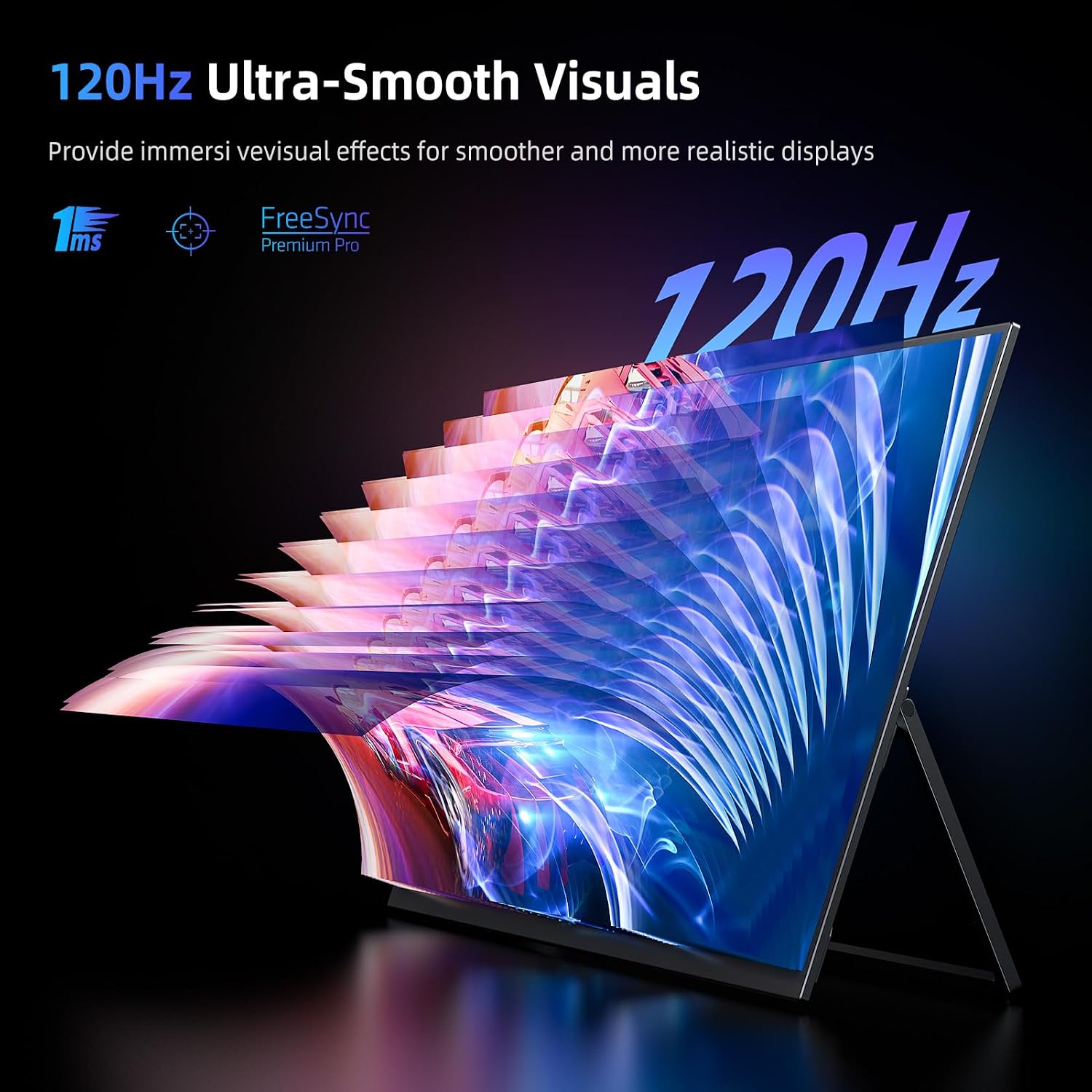
Tech specs
- Name: EVICIV 18.5" 120Hz Portable Monitor
- Type: Portable external display / second screen
- Display: IPS panel, 178° wide-view
- Refresh rate: 120Hz
- Resolution: 1080P
- Response time (claimed): 1ms
- Contrast (specified): 2000:1
- Colour coverage (specified): 125% sRGB
- Brightness (specified): up to 300-nit (with included power adapter, per description)
- Inputs: USB-C, Mini HDMI
- Audio: Dual 1W speakers and 3.5mm jack
- Stand: 180° adjustable stand (tilt)
- VESA mounting: 75x75mm (screws included, per description)
- Portability (specified): 1.1kg total weight (and described as saving around 35% weight vs typical heavier cases)
- Compatibility (listed): PS3/4/5, Xbox, Switch, Steam Deck (and described as for laptop/PC/phone)
Pros
The things that stand out most for purchase decisions are the features that reduce “portable pain”.
- 120Hz + gaming-focused response time: aimed at reducing ghosting in fast FPS/racing styles.
- USB-C simplicity: one-cable setup is explicitly part of the pitch, so you’re not juggling extra adapters.
- Audio built in: dual 1W speakers plus a 3.5mm jack means you can avoid external speakers if you’re travelling light.
- Adjustable stand + VESA: the 180° adjustable tilt stand and VESA mounting holes make it easier to get a comfortable viewing angle.
- Colour coverage claim: 125% sRGB suggests it’s more than just a basic second screen for meetings and browsing.
Where it may fall short
It’s not a “best for everyone” type of portable monitor, and a couple of limitations are worth keeping in mind.
For one, portable monitor value often depends on power and brightness expectations. The description links 300-nit brightness to using the included power adapter, so if you plan to rely entirely on USB-C, the experience may be dimmer than the maximum claim.
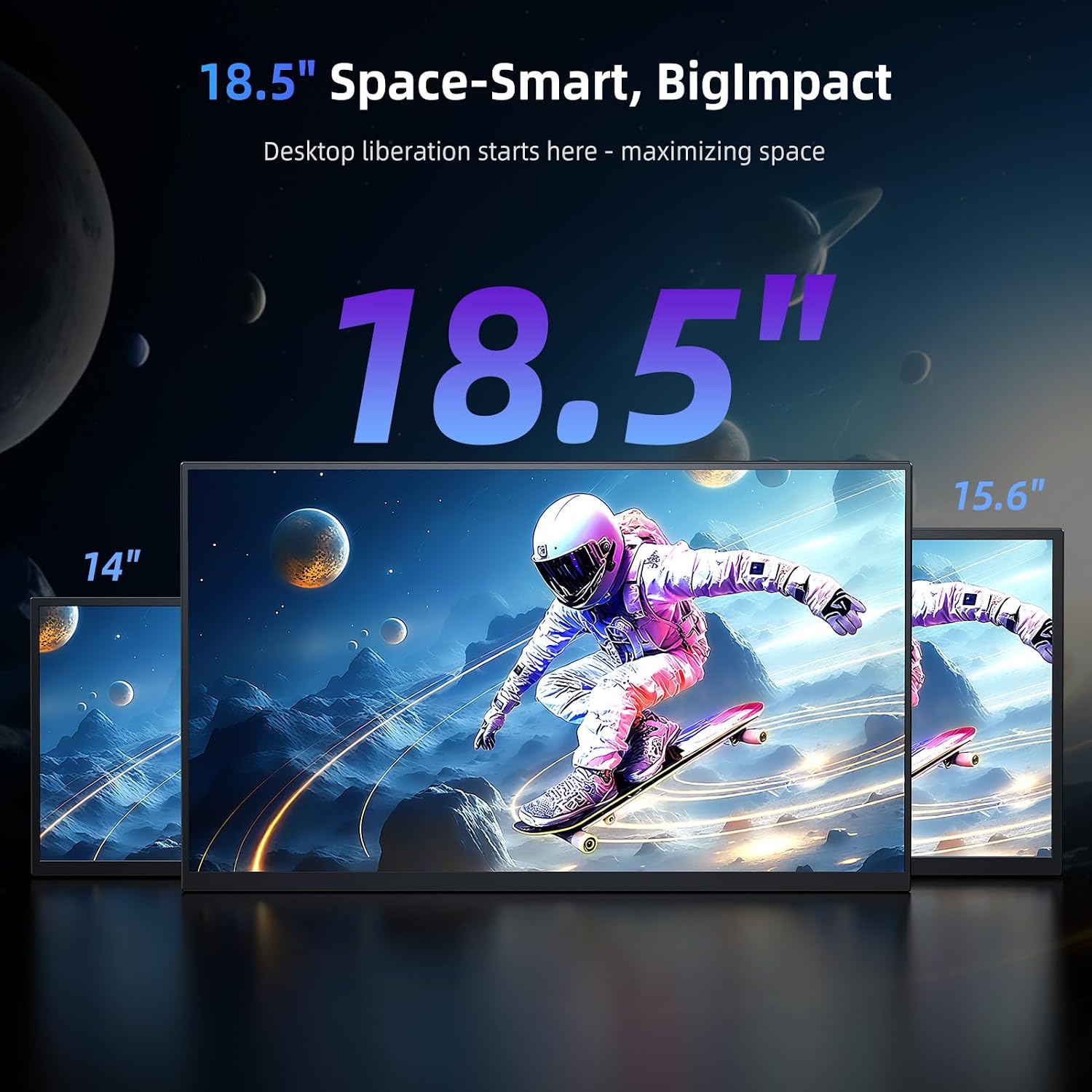
Also, while it lists compatibility broadly (including PS3/4/5, Xbox, Switch and Steam Deck), real-world performance can depend heavily on what your device can output over USB-C or Mini HDMI. If you’re buying specifically to avoid troubleshooting, it’s worth double-checking your device’s video output method.
Finally, “1ms” and “no ghosting” are performance claims—useful as a guideline, but the feel of motion clarity can still vary depending on game settings and how your device handles refresh rates.
Practical tips: how to get it set up quickly
If you’re using it as a travel second screen, the most straightforward micro-routine (based on the described connections) is:
1) Plug in via USB-C if your laptop/PC/phone supports video out via USB-C and can power the monitor. This keeps it to a single cable. 2) If brightness matters—say you’re using it in brighter rooms or want the best on-screen feel—switch to the included power adapter as described to reach up to 300-nit. 3) For desk comfort, use the 180° adjustable stand to tilt it to eye level instead of stacking it at awkward angles. 4) If you’re mounting it on a clamp arm or similar, use the 75x75mm VESA holes (screws included per description).
That workflow is simple, and it’s exactly what separates a “sometimes” portable monitor from one you actually reach for.
¿Merece la pena?
This EVICIV portable monitor looks like a solid “yes” if you want a second screen that’s deliberately aimed at smoother motion (120Hz) and easier everyday handling (USB-C + stand + VESA). The IPS panel and 125% sRGB claim also put it in a more colour-aware position than the cheapest portable displays.
It may not be the best match if you’re mainly buying for static office work and you know you’ll never play fast-paced games—at that point, you might not need to pay for the higher refresh/response features. Likewise, if you’re unsure about which of your devices supports video over USB-C, you may want to plan for Mini HDMI instead.
What to know before you buy
A quick checklist can save a lot of hassle:
- Connection method: confirm whether your laptop/PC/phone supports video out over USB-C, and whether you’re comfortable using Mini HDMI when needed.
- Brightness expectations: the 300-nit claim is tied to using the included power adapter, so think about how you’ll power it in real use.
- Viewing setup: decide whether you’ll use the stand (adjustable tilt) or mount via VESA.
- Gaming expectations: 120Hz and the claimed 1ms response time are aimed at fast FPS/racing titles, but your actual results still depend on your device and game settings.
Also, the listing mentions a UK-focused warranty and support period, which is reassuring if you’re buying as an everyday travel item.
FAQ
Is this monitor suitable as a second screen for laptops and phones?
It’s described as compatible with laptop/PC/phone alongside a range of consoles. The practical requirement is that your device can output video via USB-C or Mini HDMI.
Does it need an extra power adapter?
The description says USB-C is designed to provide video and power for the monitor, and it links higher brightness (up to 300-nit) to using the included power adapter when needed.
Does it include audio?
Yes—dual 1W speakers are included, plus a 3.5mm headphone jack if you want private audio.
Can it be mounted instead of using the stand?
Yes. It includes VESA 75x75mm mounting holes and screws (per description) for a more fixed, stable set-up.
What devices is it listed as compatible with?
The description lists PS3/4/5, Xbox, Switch and Steam Deck compatibility.