

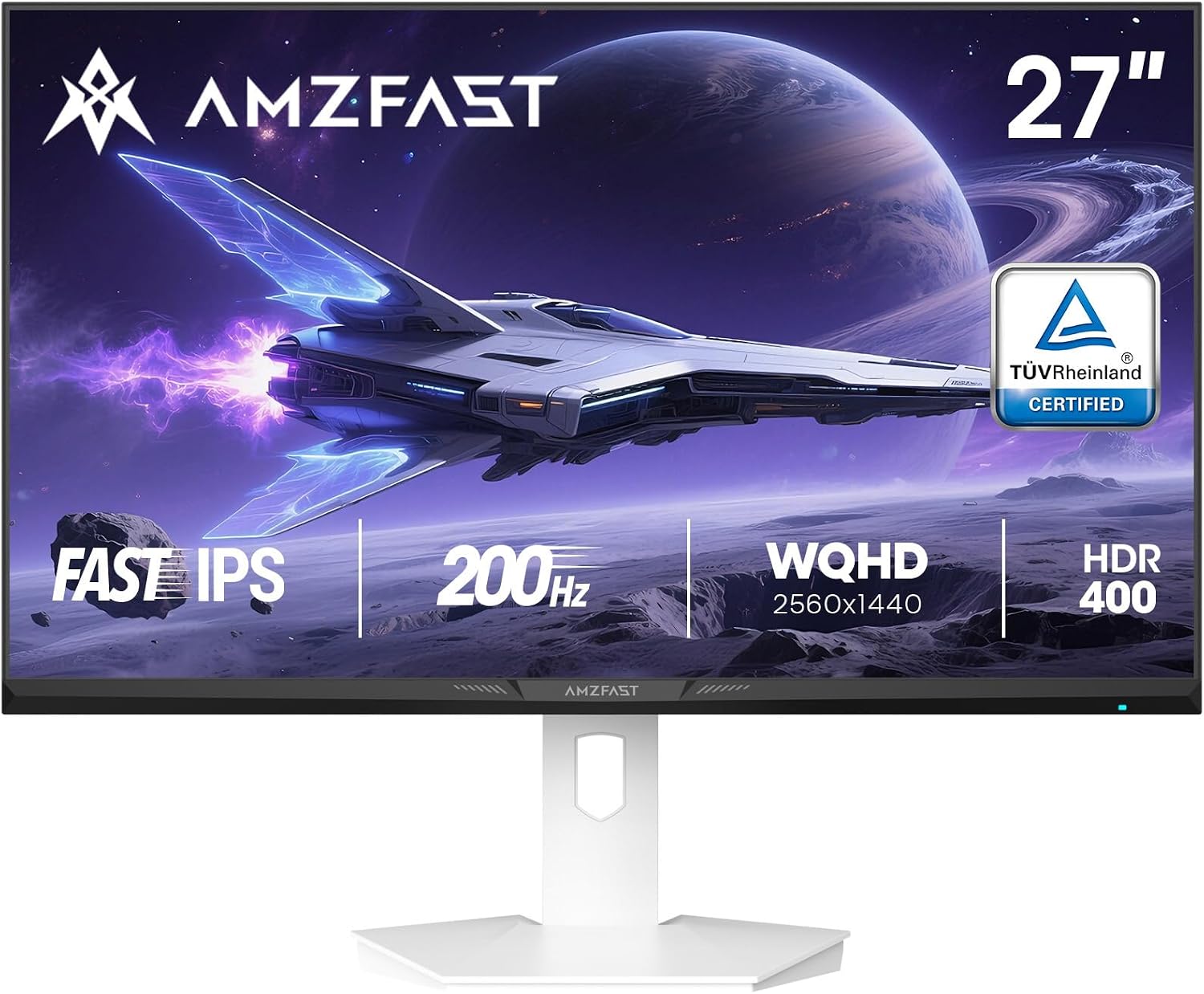
AMZFAST AMZG27F6Q 27-inch QHD 200Hz Fast IPS Gaming Monitor with Adaptive-Sync and HDR 400
Product description
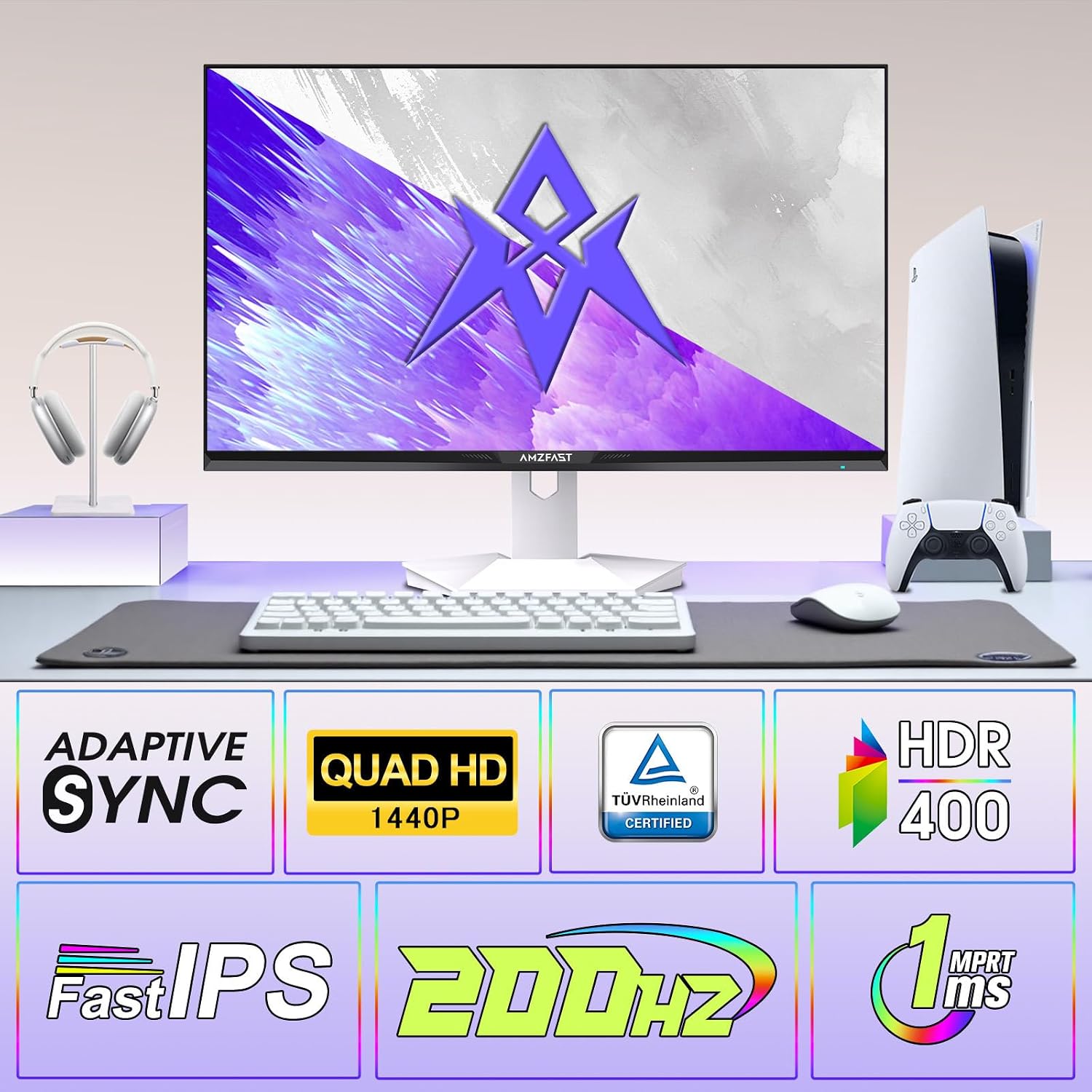
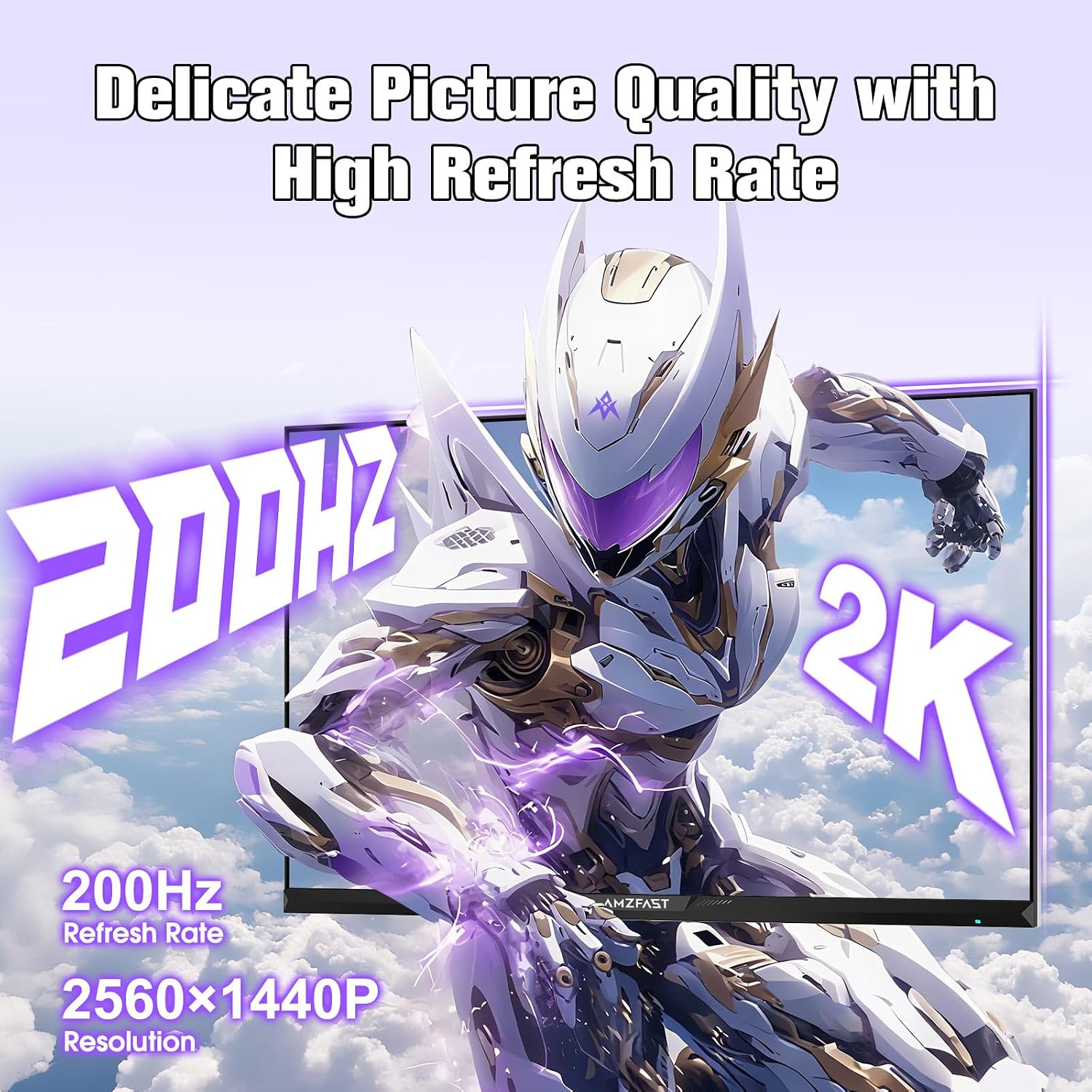
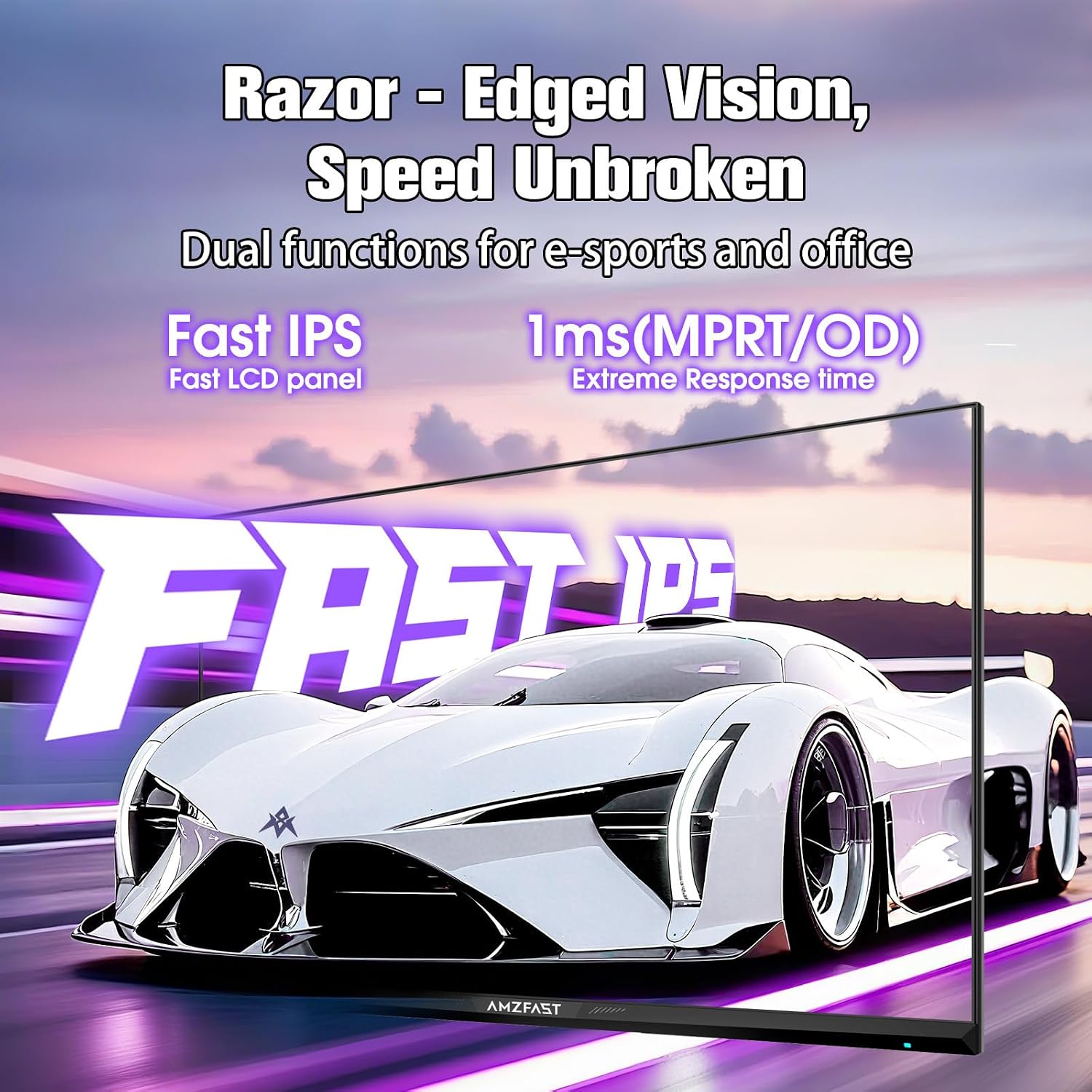
If you want a 27-inch gaming monitor that feels responsive without going overboard on complexity, the AMZFAST AMZG27F6Q is worth a close look. It pairs a 200Hz refresh rate with a Fast IPS panel, and it’s built around the kind of features you typically rely on for competitive play: adaptive sync to help smooth out fast action, plus a low claimed response time.
That said, it’s not perfect for every use case. Depending on your setup, you may still have to check how your PC and cables are configured for the full 2K 200Hz experience, and HDR400 isn’t the same thing as high-end HDR performance. Over the paper, it’s a “serious enough” spec for gaming, while still trying to stay comfortable for long days at a desk.
Key takeaways
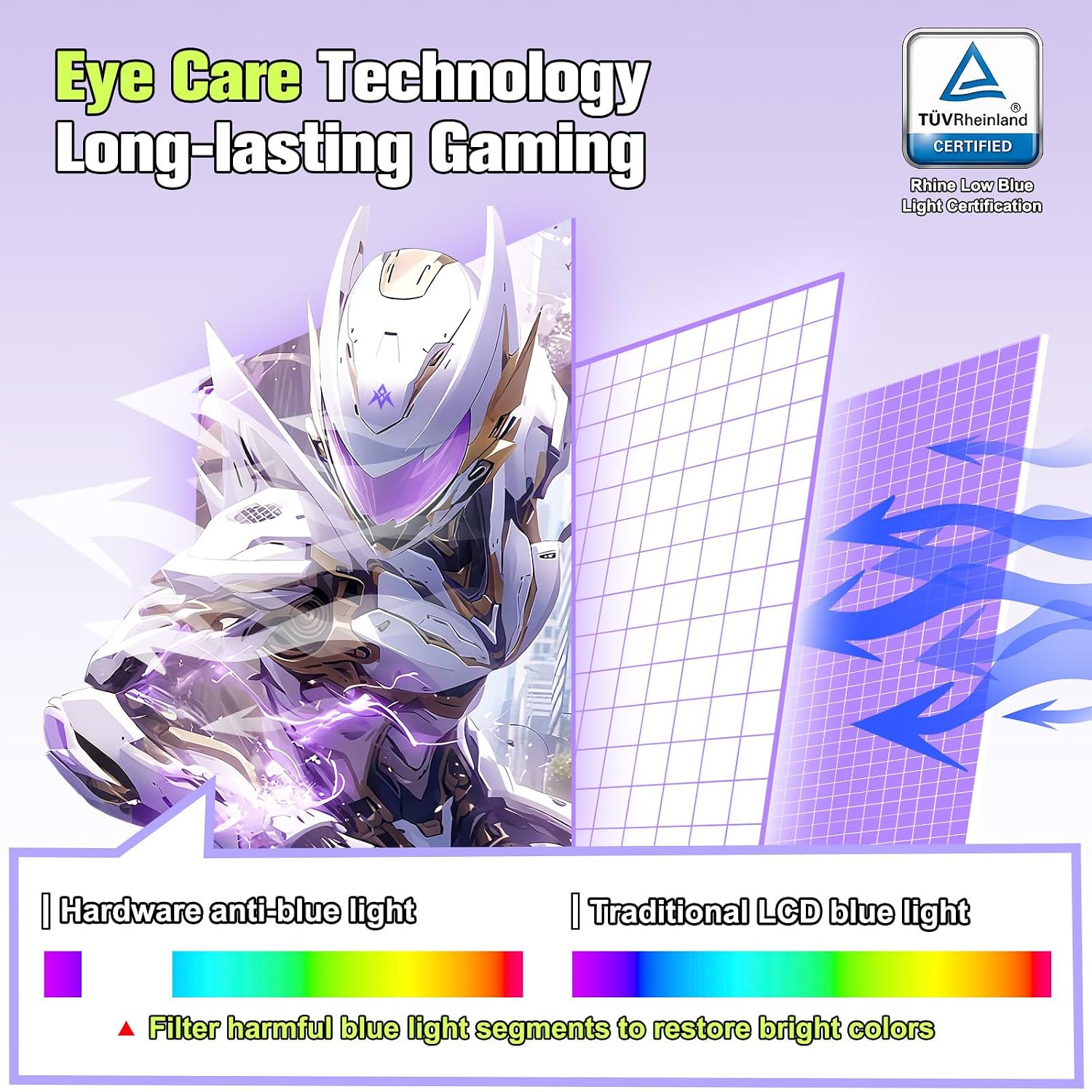
The AMZFAST AMZG27F6Q leans into competitive gaming needs: 200Hz, Adaptive-Sync, and a Fast IPS panel. It also adds an eye-care approach (TÜV Rheinland certified eye-care technology, plus flicker-free and anti-glare), which matters if you’re the type who plays late or works into the evening.
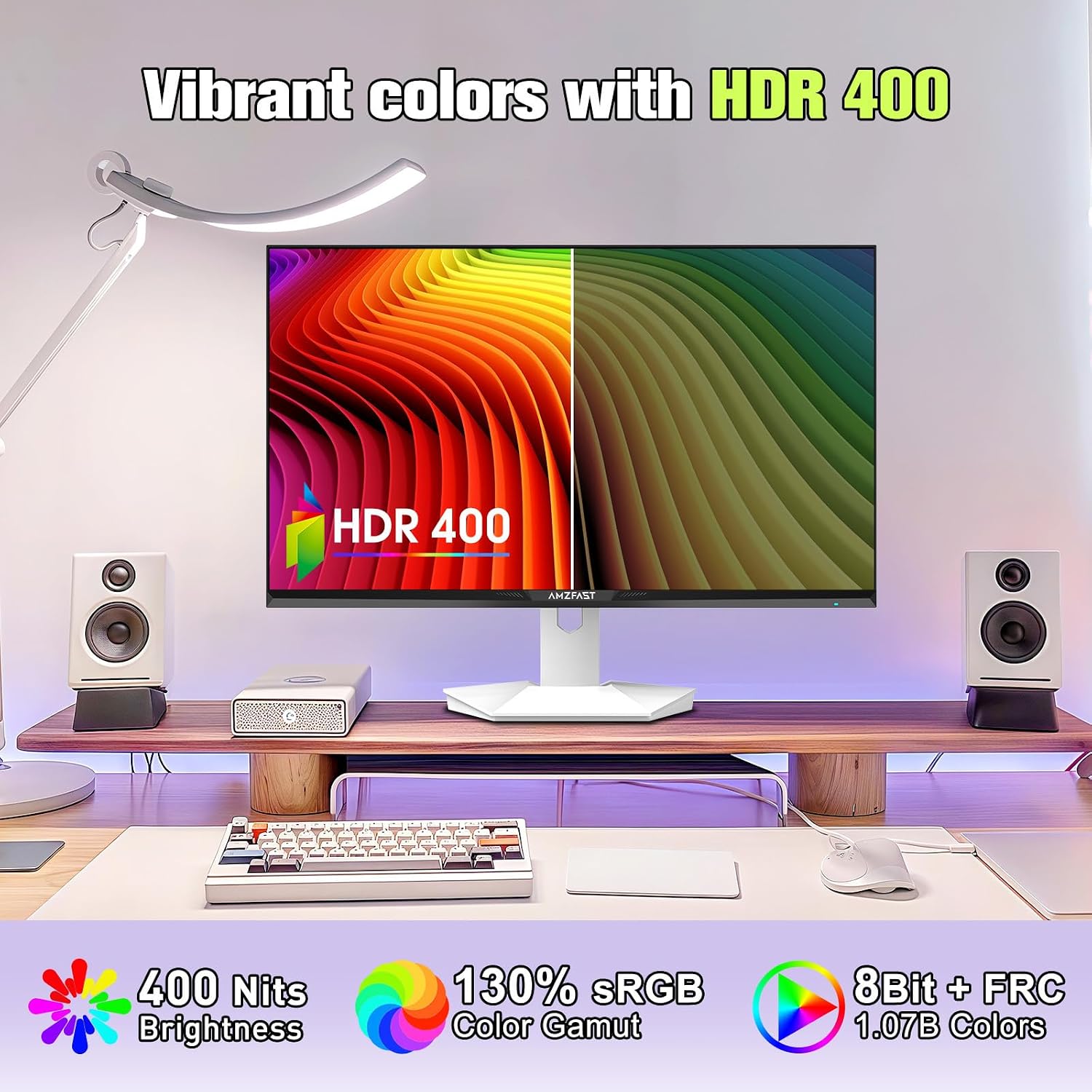
Colour and image features are fairly ambitious for the class: HDR 400 support, a claimed 130% sRGB coverage, and 95% DCI-P3, so it’s not only about “smoothness”. Preset modes (Standard, Movie, Energy Saving, Office, FPS, RTS, sRGB) are there to let you switch quickly depending on what’s on screen.
What stands out for gaming
A big reason people consider a 200Hz monitor is that you want motion to look less smeary, especially in fast shooters or high-speed action scenes. This model includes a 1ms MPRT response time claim, plus Adaptive-Sync, which helps reduce tearing during variable frame rates.
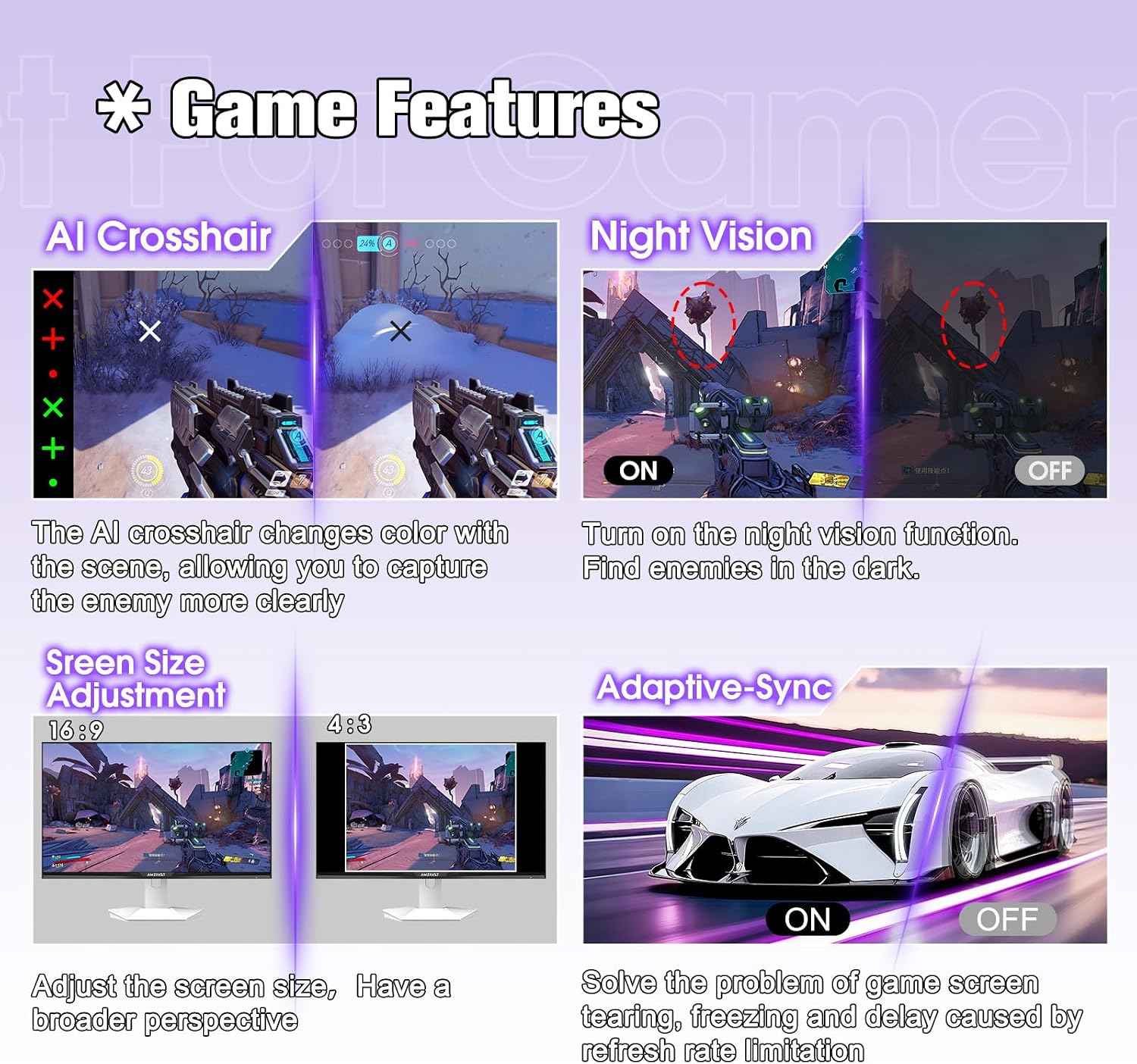
It also comes with on-screen gaming tools aimed at competitive accuracy: an Ai Aim-Assist crosshair/crosshair-style overlay, Black eQualizer (labelled as “Night Vision”), and a screen size adjustment feature. Those are the sorts of extras that can make a difference for players who fine-tune how they see targets, not just how fast the panel refreshes.
One practical micro-example: in an FPS session, you can run an FPS preset, turn on the black eQualizer to improve visibility in darker scenes, and use the crosshair overlay for aiming reference—then switch back to Office or sRGB when you’re done to keep colours consistent.
Everyday comfort and image options
Long sessions can be where cheaper monitors fall down, mainly due to flicker or glare. Here, the eye care stack is a selling point: TÜV Rheinland certified eye-care technology, flicker-free operation, and an anti-glare panel.
Brightness is listed at 400 nits, which should help keep content clear even in reasonably bright rooms. The viewing angles are described as wide (178°), which is useful if you sometimes share your screen or sit slightly off-centre.
If you care about colour accuracy for non-gaming work (photos, design-ish tasks, or just wanting more believable gradients), the 130% sRGB and 95% DCI-P3 figures are promising on paper. It also supports HDR 400, but it’s worth tempering expectations: HDR400 is more of an entry-point HDR label than the sort of deep HDR experience you’d expect from far more premium panels.
Tech specs
- Name: AMZFAST AMZG27F6Q
- Type: Gaming monitor
- Size: 27 inch
- Refresh rate: 200Hz
- Resolution: QHD 2560x1440p
- Panel type: Fast IPS
- Response time: 1ms MPRT (claimed)
- Adaptive-Sync: Yes
- HDR: HDR 400
- Colour gamut coverage: 130% sRGB, 95% DCI-P3
- Eye Care: TÜV Rheinland certified eye-care technology, flicker-free, anti-glare
- Mounting: VESA 100x100mm
- Connectivity: HDMI 2.0 (dual) and DP 1.4 (dual)
Pros
- 200Hz refresh rate with Adaptive-Sync for smoother gameplay
- Fast IPS panel for competitive responsiveness
- Eye-care focus with TÜV Rheinland certification plus flicker-free and anti-glare elements
- Colour claims (130% sRGB and 95% DCI-P3) give it more to offer than “just gaming”
- Includes DP and HDMI cables, and offers both input types
Limitations to keep in mind
It may not suit you if you’re chasing top-tier HDR effects. HDR 400 can look good, but it doesn’t automatically translate to the kind of punch and dynamic range you get from higher-end HDR implementations.
Also, the full 2K 200Hz output is said to be enabled via the DP port. If you plan to use HDMI only (or you’re unsure what your graphics output can sustain), it’s worth double-checking your setup before assuming you’ll hit the maximum refresh.
Finally, “1ms” and “fluid motion” claims depend quite a bit on the settings and the signal path. In other words, it’s the right direction, but it’s not a guarantee that it’ll feel identical across every game and PC configuration.
¿Merece la pena?
It’s a solid pick if you want a 27-inch QHD gaming monitor with a genuinely gaming-focused refresh rate, while also caring about comfort for long sessions. The combination of 200Hz, Adaptive-Sync, and the gaming overlays makes it the kind of monitor that fits competitive players who like quick visual targeting and fewer distractions.
It’s not the best choice if your priority is premium HDR performance, or if you know you’ll mostly run HDMI and don’t want to troubleshoot refresh settings. In that scenario, a more straightforward “work-first” display—or a monitor designed around higher-end HDR—might suit you better.
Quick buying check: who it’s for
It suits you if: - You play fast-paced games and want smoother motion than standard 60Hz. - You spend long hours at the screen and value flicker-free/anti-glare and the eye-care certification. - You want decent colour coverage for everyday creative tasks.
You may want to skip it if: - You’re mainly chasing standout HDR results rather than general HDR support. - You can’t or won’t use the DP connection for the highest 2K refresh.
FAQ
Does it support 2K at 200Hz?
The information provided says the DP port enables the full 2K 200Hz output. If you’re using HDMI, it’s worth checking what your setup can deliver.
What eye-care features does it include?
It includes TÜV Rheinland certified eye-care technology, and is described as flicker-free and anti-glare.
Are there gaming-specific modes or tools?
Yes. There are presets (including FPS and RTS) and built-in gaming enhancement tools such as an Ai Aim-Assist crosshair, Black eQualizer (“Night Vision”), and screen size adjustment.
What connections are available?
It lists dual HDMI 2.0 and dual DP 1.4 ports, and it includes both DP and HDMI cables.
Is HDR 400 likely to look impressive?
HDR 400 is generally an entry-level HDR label. It should improve HDR content support, but it may leave you wanting more if you’re used to significantly more advanced HDR panels.