

Gawfolk 34 inch ultrawide gaming monitor 144Hz
Product description
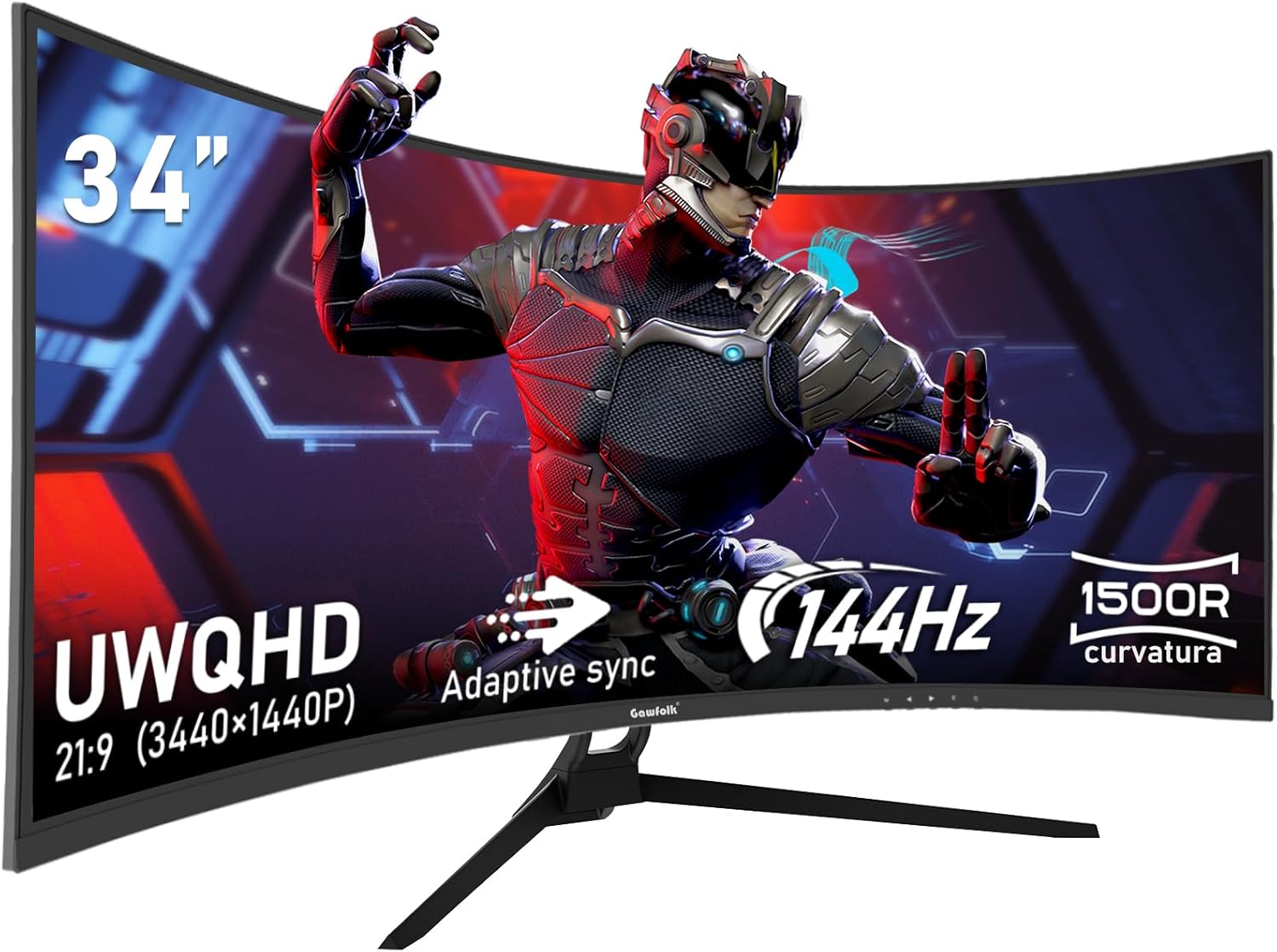
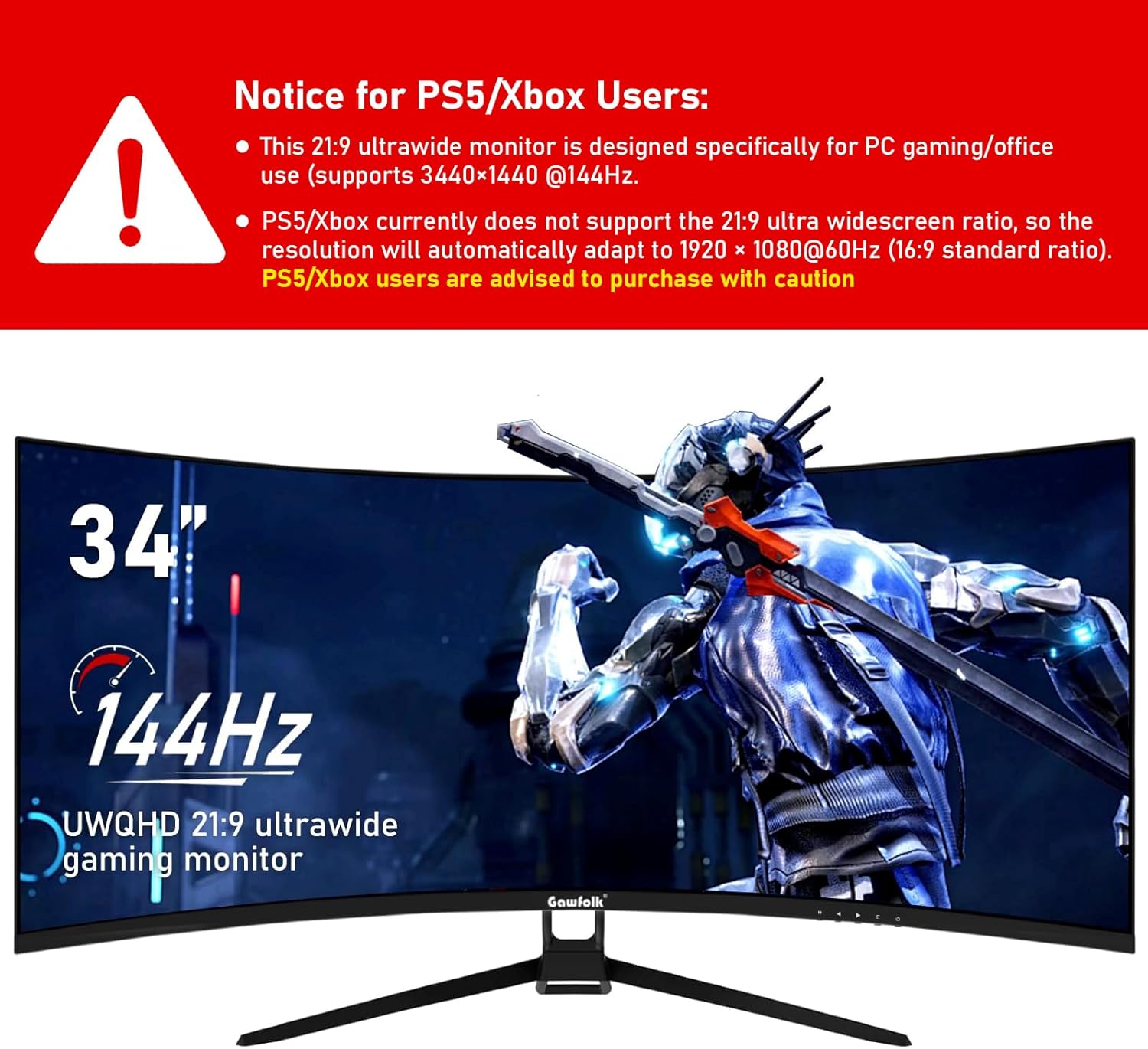
If you want a more immersive ultrawide gaming setup, the Gawfolk 34 inch Ultrawide Curved 144Hz gaming computer monitor is built to keep your view feeling wide and natural. The 21:9 UWQHD resolution of 3440x1440 combined with a curved 1500R screen helps bring games and desktop work into a larger field of view, with detail that stays crisp across wide scenes. With a 144Hz refresh rate and Adaptive Sync support, motion looks smoother and gameplay feels more responsive when your PC can drive those frame rates 🎮
The monitor also focuses on comfort for longer sessions, with low blue light features and a flicker reduced approach. It includes HDMI and DisplayPort connections, plus VESA 75x75mm wall mounting compatibility for tidy desk or wall positioning. If you are setting up for competitive play or simply want an ultrawide screen for everyday multitasking, this is a practical option to evaluate alongside your current hardware, especially if you want higher refresh rates on DisplayPort.
Key features
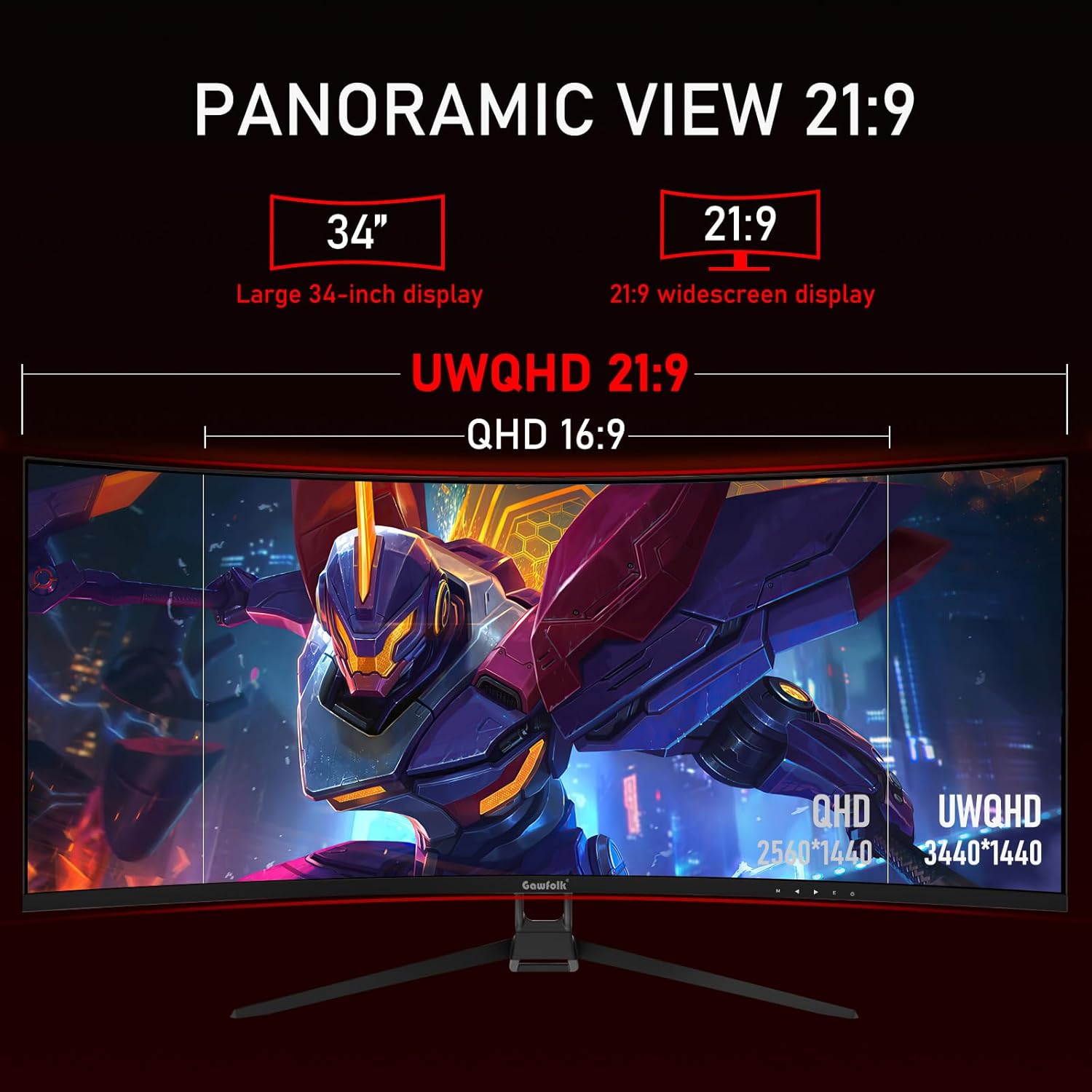
A 34 inch ultrawide display brings more horizontal workspace than standard widescreen monitors, which can be useful when you have multiple windows, spreadsheets, or timelines open at once. The 21:9 aspect ratio is designed for a wide, cinematic layout that also suits many modern games and video formats. The curved 1500R shape aims to match the way your eyes naturally focus across your field of view, helping reduce the sense of looking across a flat panel all day 🖥️.
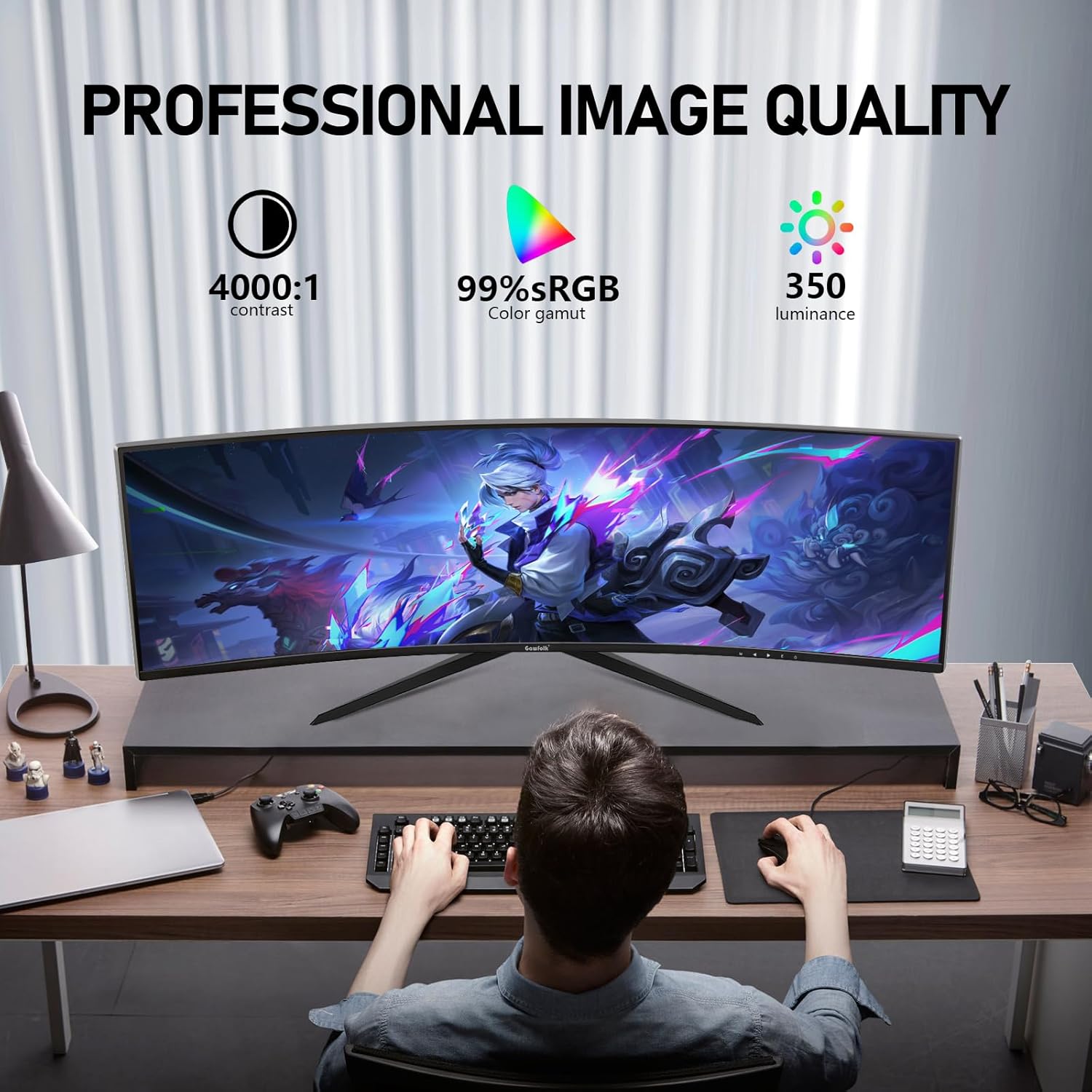
For colour and clarity, the panel is described as delivering up to 350 nits brightness and a 99% sRGB coverage, with 1.07 billion colours using an 8 bit panel. According to the manufacturer, this gives a broader colour range than many traditional monitors, which can help visuals look deeper and details appear sharper. There is also mention of a dynamic contrast ratio of 4000:1, plus HDR support to enhance the look of darker and brighter scenes for a more immersive experience.
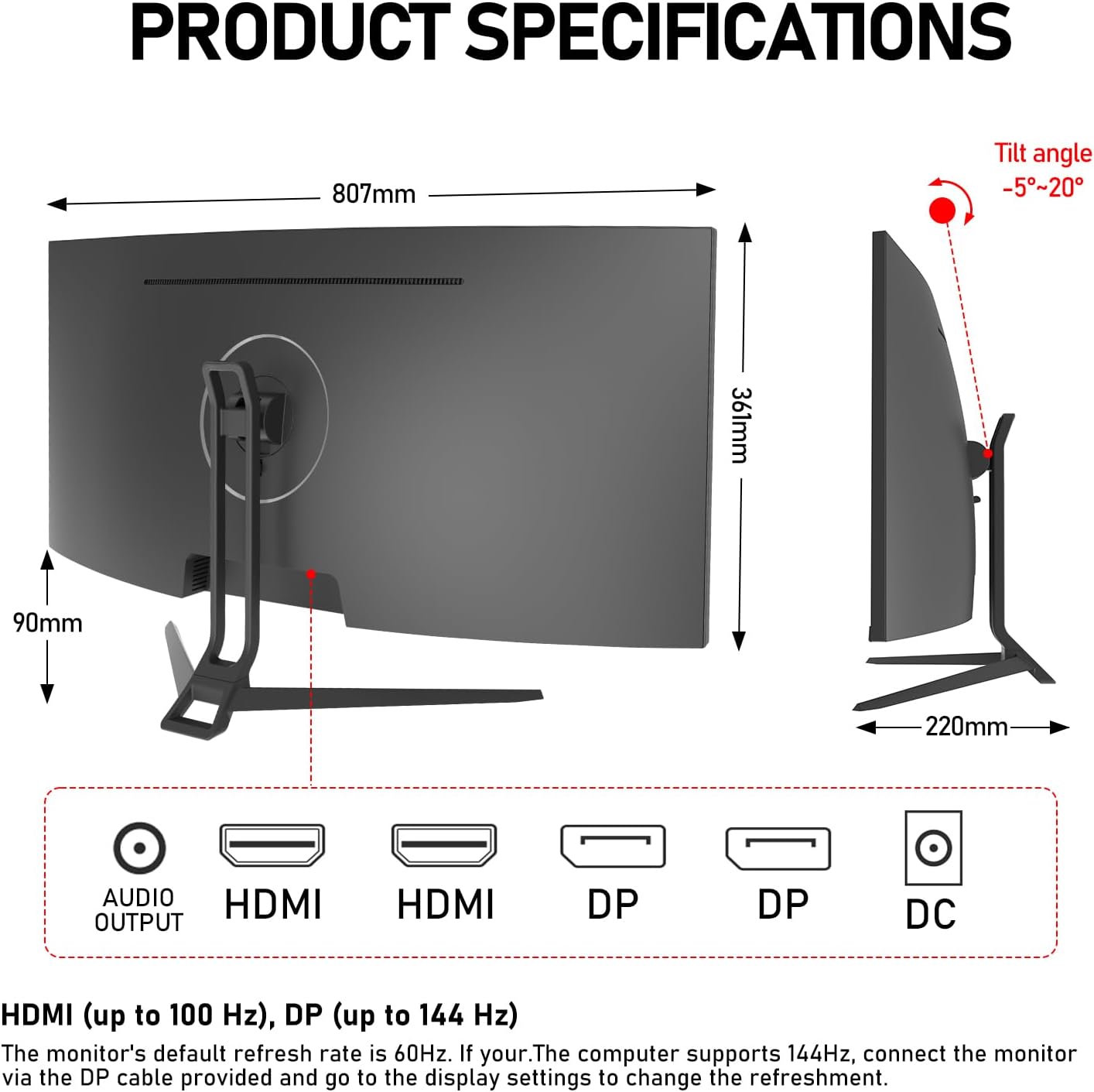
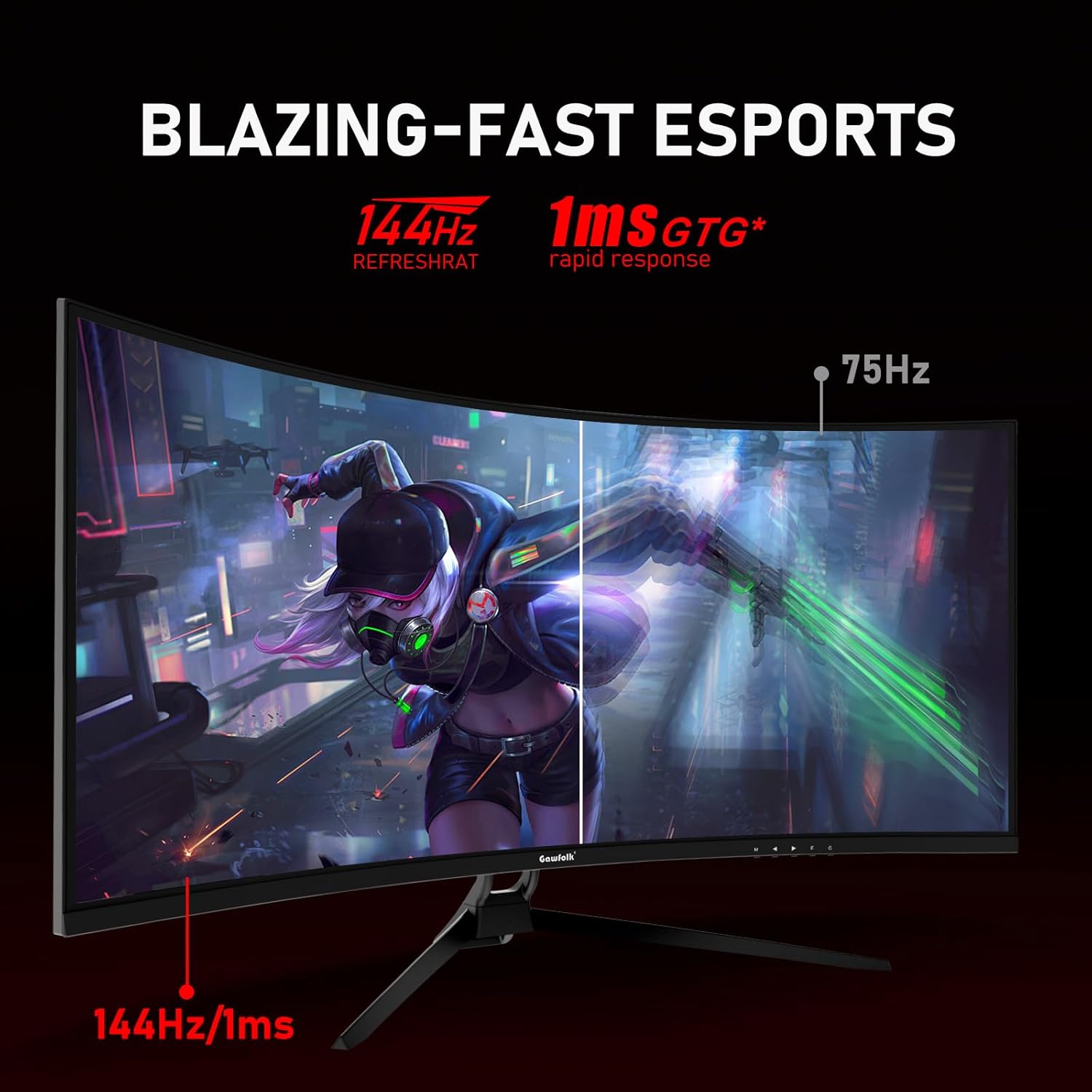
If you care about smoother motion, the 144Hz refresh rate is a key part of the appeal. Higher refresh rates can help minimise screen stutter and make fast movement easier to track, provided your system can maintain the relevant frame rates. Keep in mind that the default refresh rate is stated as 60Hz, and the supplied cables have different limits, with HDMI supporting up to 100Hz and DisplayPort supporting up to 144Hz.
Adaptive Sync and FreeSync style synchronisation are also mentioned as a way to help reduce tearing and image glitches by matching the monitor refresh rate to the graphics card output. That matters in real gameplay where frame rates can fluctuate from moment to moment. When you can take advantage of DisplayPort, the monitor can reach the higher refresh options that align with its 144Hz headline.
Tech specs
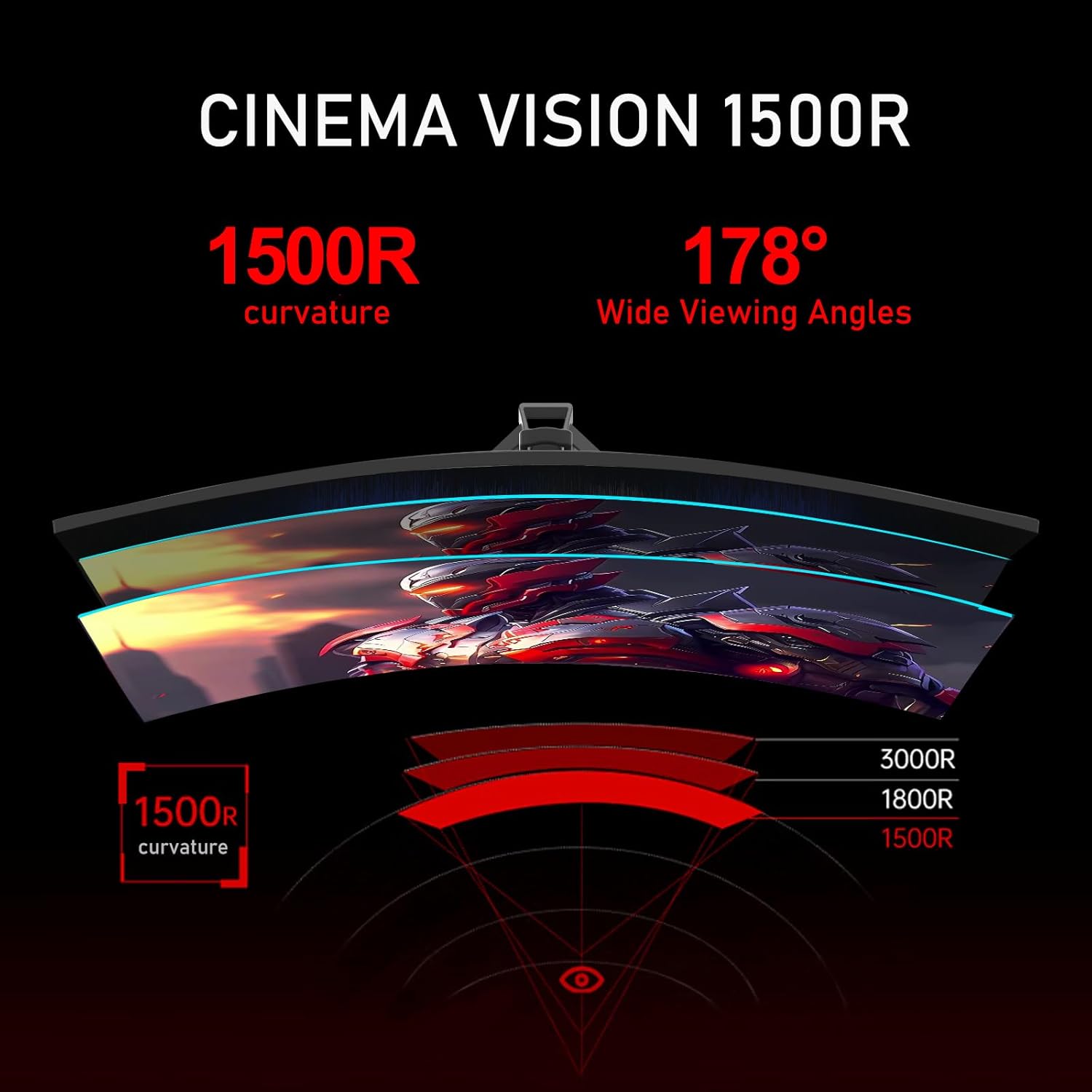
- Name: Gawfolk 34 Inch Ultrawide Curved 144Hz Gaming Computer Monitor
- Type: Gaming computer monitor
- Display: 34 inch ultrawide curved screen
- Resolution: 3440x1440 UWQHD
- Refresh rate: 144Hz
- Viewing angle: 178°
- Wall mount compatibility: VESA 75x75mm
What stands out for everyday use
The ultrawide 3440x1440 resolution combined with a curved 1500R profile is well suited for both gaming and day to day work where you want more on screen without constant resizing. For office tasks, browsing, or creating content, the wider canvas can make it easier to keep reference material visible while you work. For games, the 21:9 layout supports a more expansive view and can make gameplay feel more contained within your setup.
For smoother gameplay, 144Hz support is most relevant when you have the right connection and your PC can output the frames. The manufacturer notes that the default refresh rate is 60Hz, and that you should connect via the supplied DisplayPort cable and then update the refresh rate setting in your display options to switch to higher refresh. If you are currently using HDMI, note that the cable is stated to support up to 100Hz, which may affect how far you can push refresh rate.
Adaptive Sync support is designed to reduce visual issues like tearing during moments where your frame rate changes. The monitor also includes low blue light features and a global dimming approach described as flicker free, which can help reduce eye fatigue during longer sessions, especially if you are gaming or working into the evening. It is a useful combination when you want a monitor that feels comfortable while still offering performance features.
Lastly, there is a service commitment described as 12 months of after sales support if you run into any issues using the monitor. That is worth noting when you want reassurance beyond day one, particularly for a new setup that you rely on regularly. It might not fit every budget or use case, but for an ultrawide curved gaming screen with high refresh support and VESA mounting, it is a coherent package to compare.
Who it’s for
This monitor suits you if you want an ultrawide 21:9 setup for gaming and multitasking on a 34 inch screen, and you prefer a curved layout around 1500R for a more immersive feel. It is also a good match if you have a gaming PC that can take advantage of higher refresh rates, especially when using DisplayPort. If you mainly use HDMI, you may still get a strong experience, but it is worth checking your refresh rate settings because the manufacturer indicates different limits by cable type.
You may want to skip it if your workflow is strictly focused on smaller screens, or if you are looking for features and specifications not stated in the provided details. It makes more sense when your priorities include wide screen productivity, smoother motion for games, and comfort minded viewing features for longer use. Overall, it is a solid choice for players and multitaskers who want a balance of ultrawide visuals, 144Hz class refresh performance, and practical connectivity.