

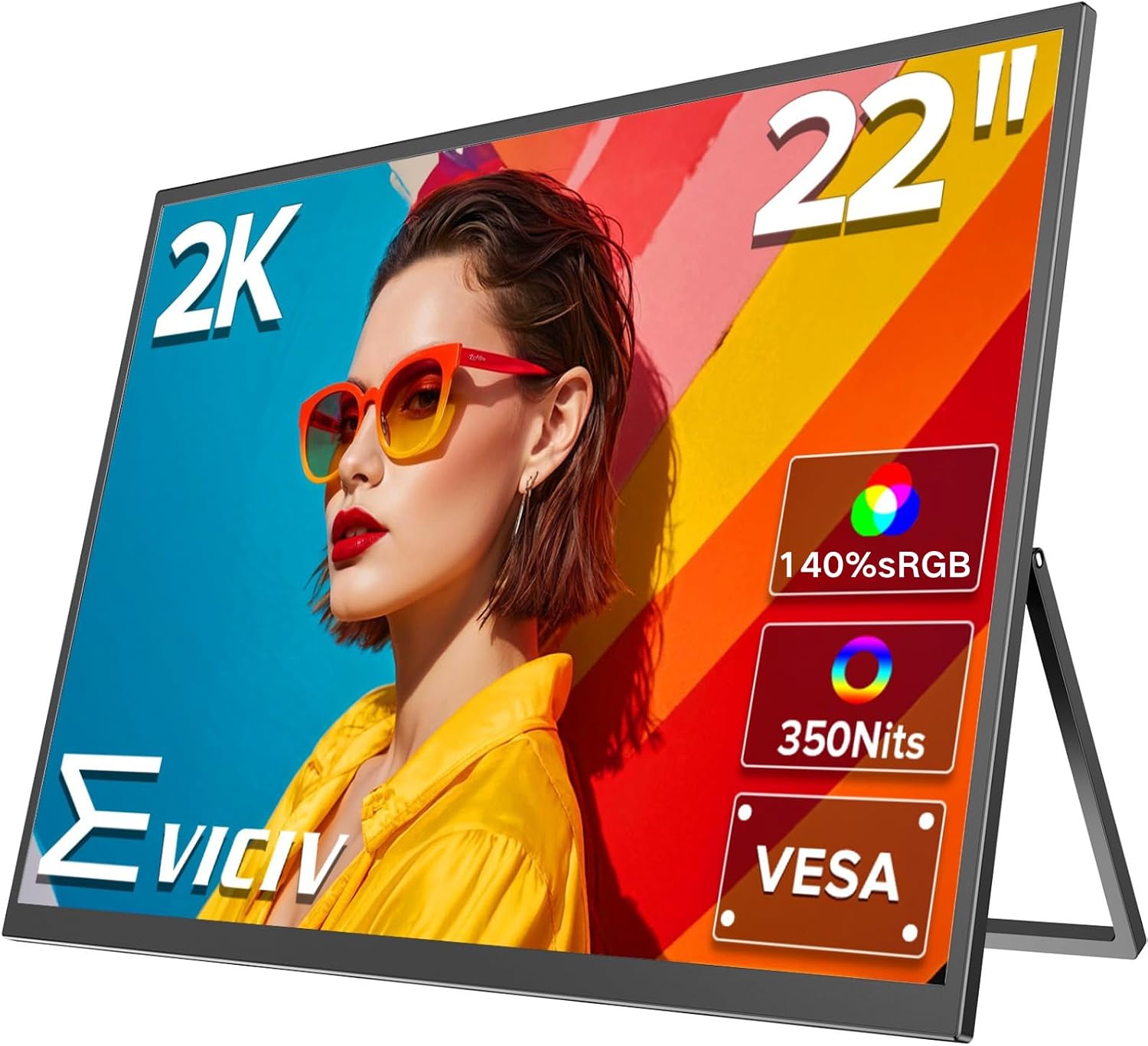
EVICIV 22-inch QLED portable monitor
Product description
The essentials
The EVICIV 22-inch QLED portable monitor is a practical external screen for working on the go, gaming, or extending a laptop setup at home. If you want a clearer, more detailed display for everyday tasks, the 2K Crystal QLED panel is built to deliver sharp text and vivid colour, according to the manufacturer. It is designed for people who travel with their devices, use multiple screens during creative work, or simply need a reliable second display that takes seconds to get running. 🙂
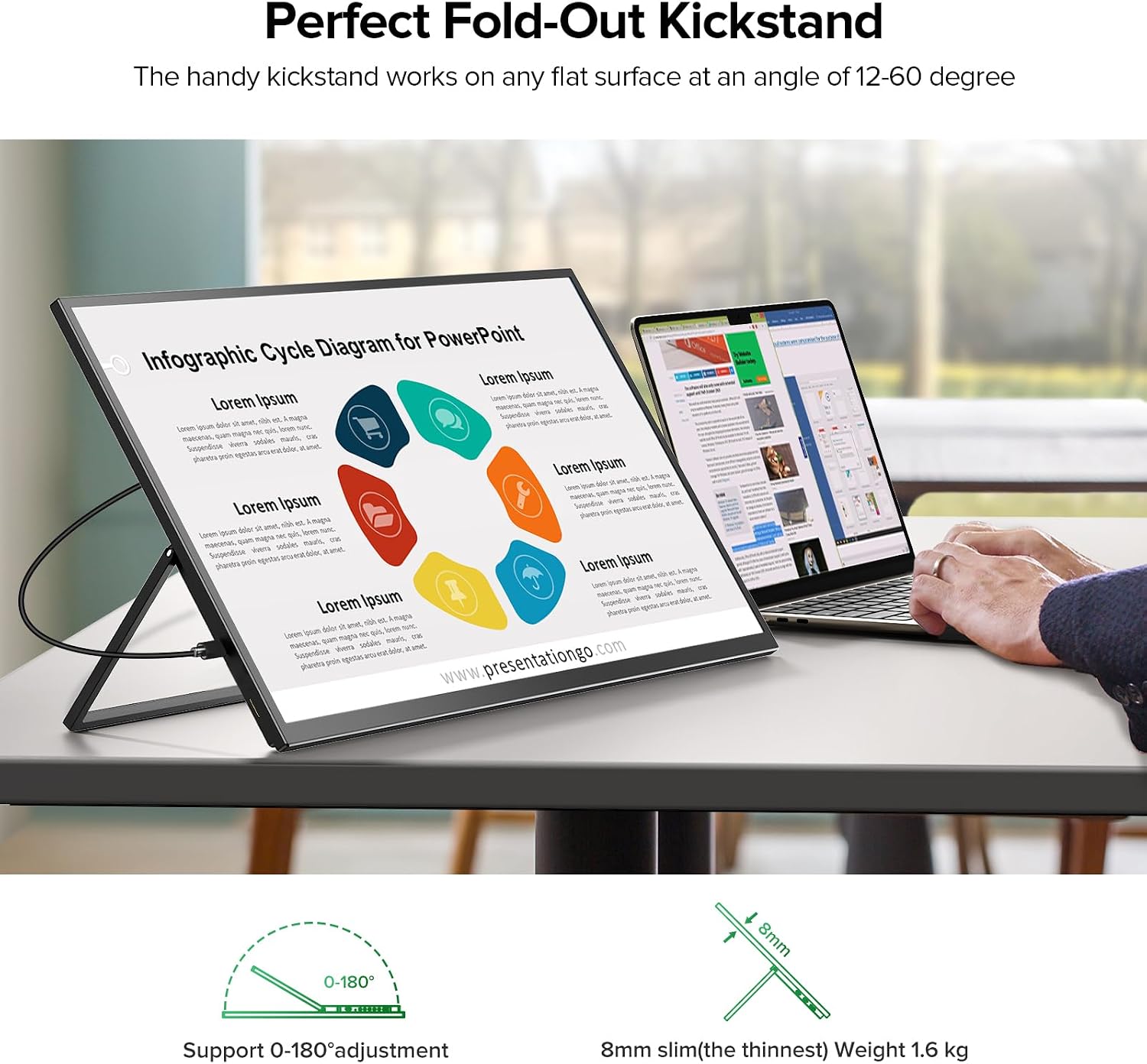
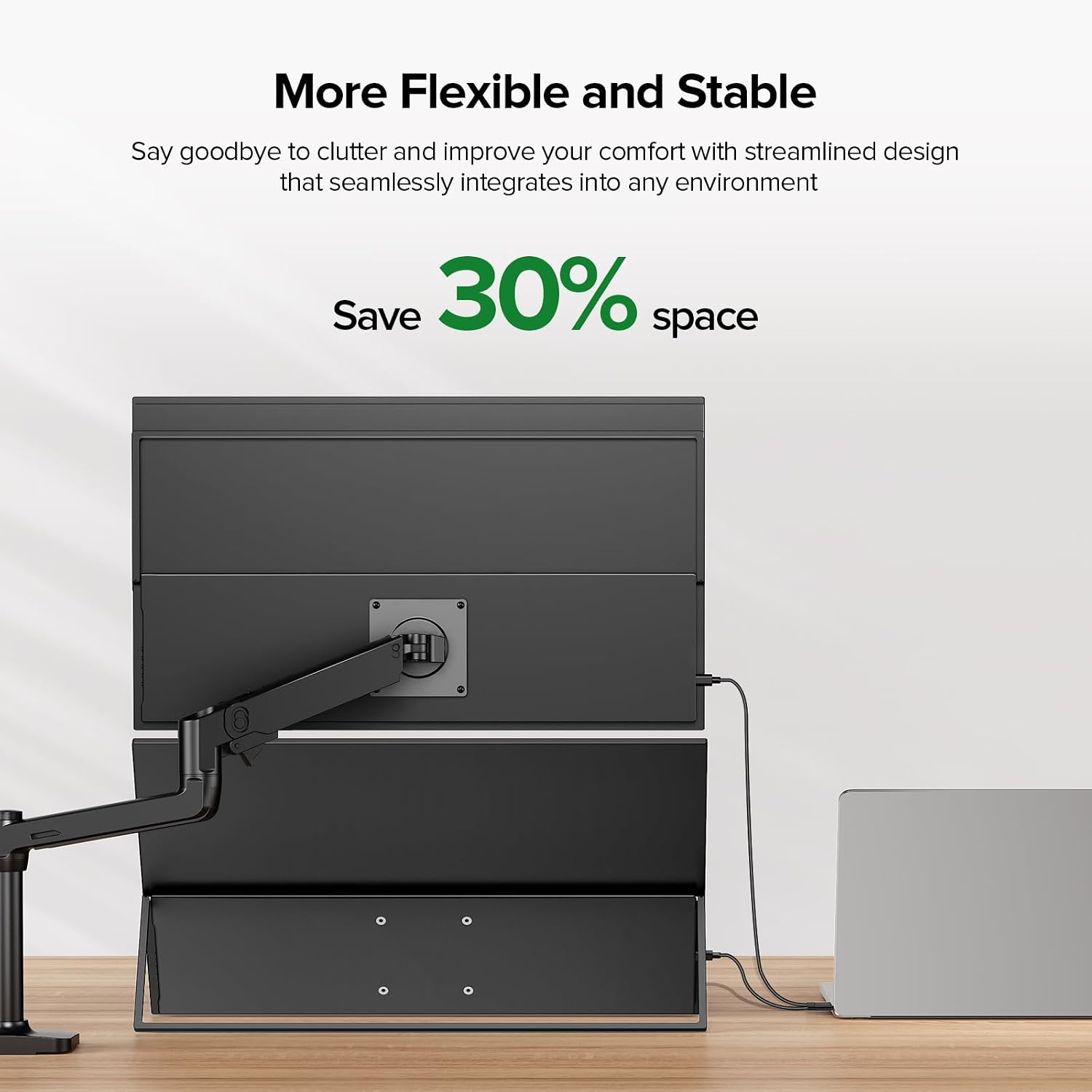
A big part of the appeal is how quickly you can set it up. With a VESA 75 x 75mm mounting option and an adjustable 180° kickstand, you can place it on a desk, mount it, or use it alongside different setups as your needs change. The monitor also includes speakers, so you are not forced to rely on external audio in every situation. 🙌
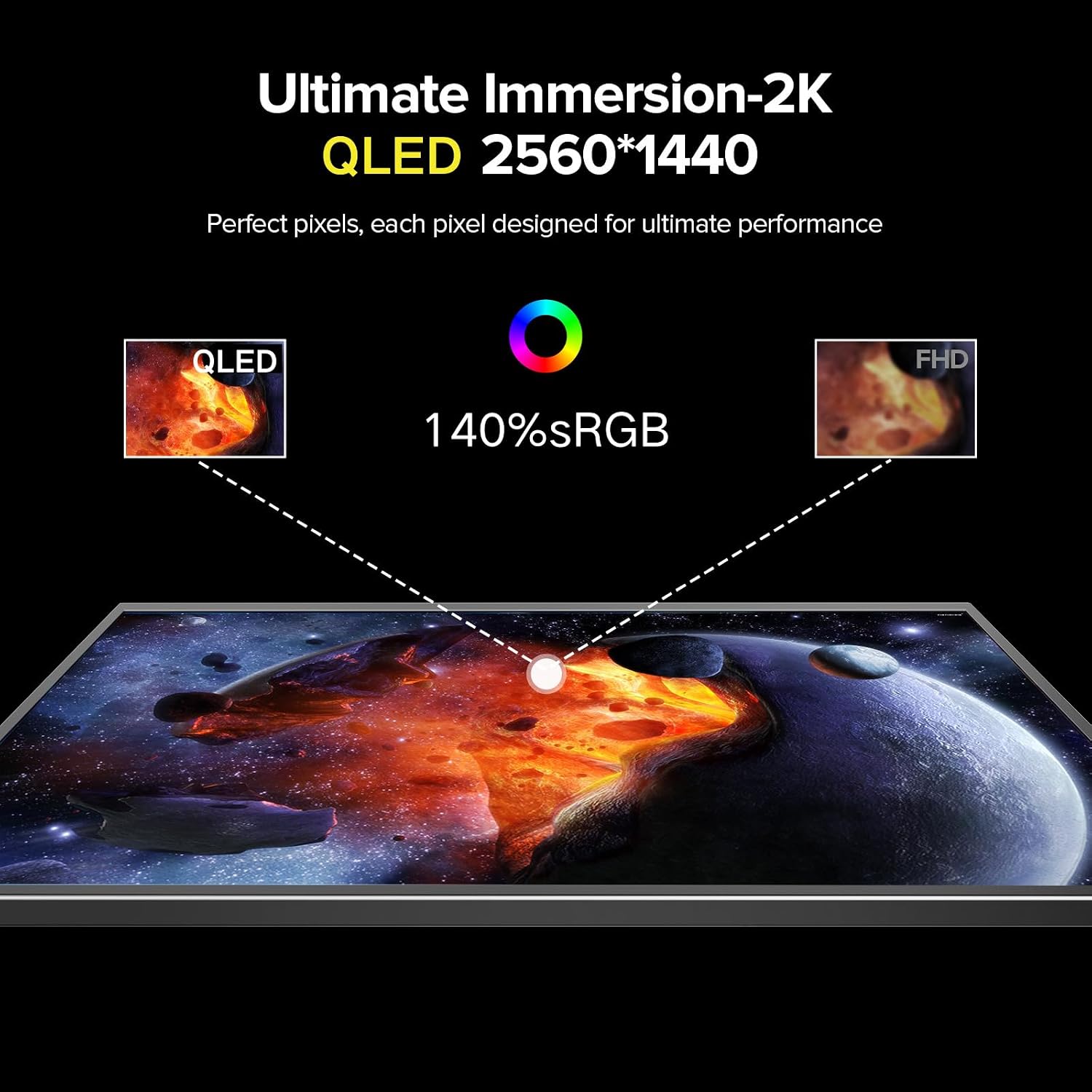
The panel uses an IPS design with 100% sRGB support, which matters if you are doing design work, reviewing visuals, or you want colours to look true to life. The display resolution is listed as 2560 x 1440, offering 77% more pixels than FHD, so there is more room for readable text and multi window workflows. 🎨
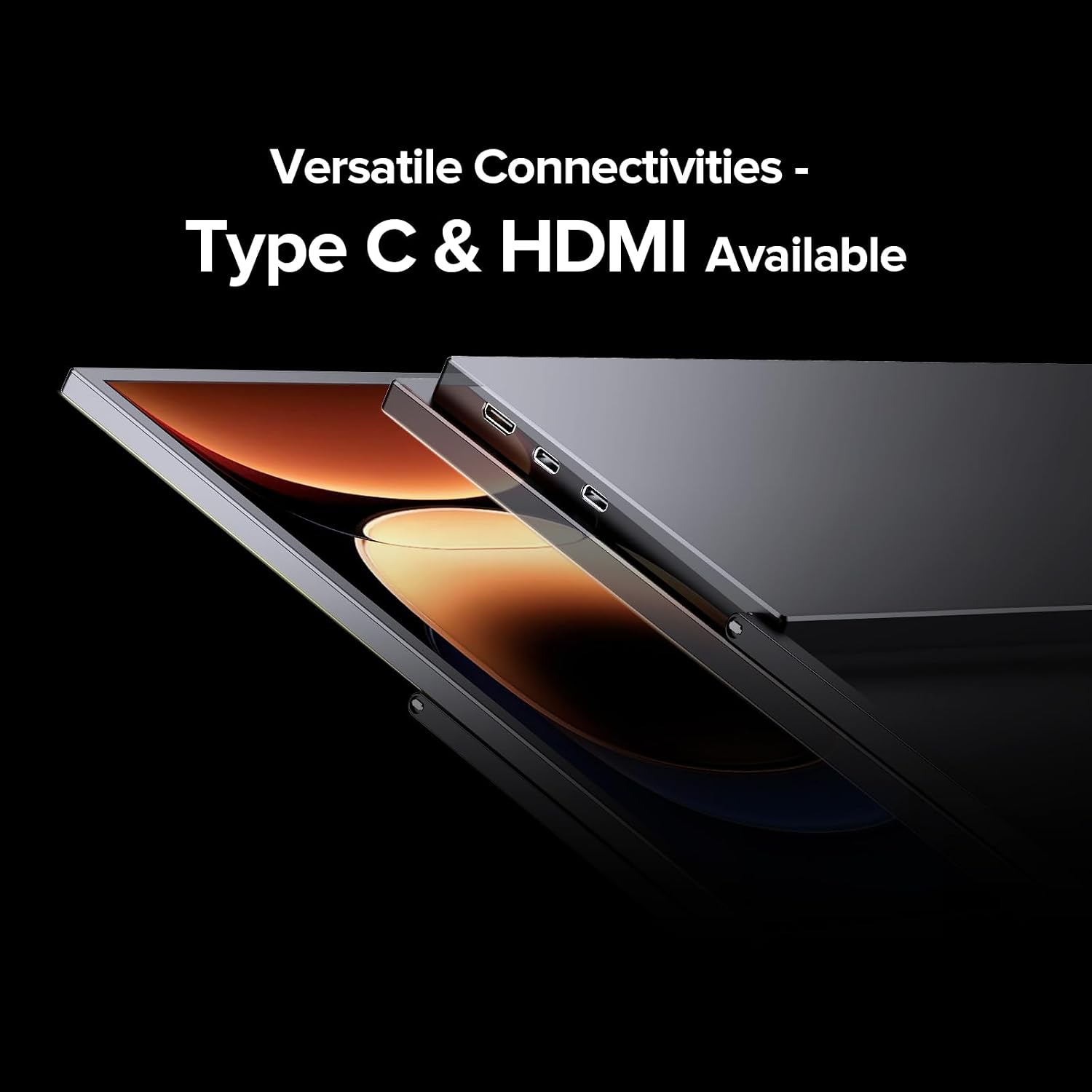
It also keeps things flexible for mixed device use. You can connect consoles, PCs, and modern phones using mini HDMI, USB-C, and USB OTG for compatible peripherals, depending on your setup. Whether you are using it with a laptop, a gaming console, or a handheld style device, the goal is the same, plug in and keep working or playing with fewer compromises.
Key features
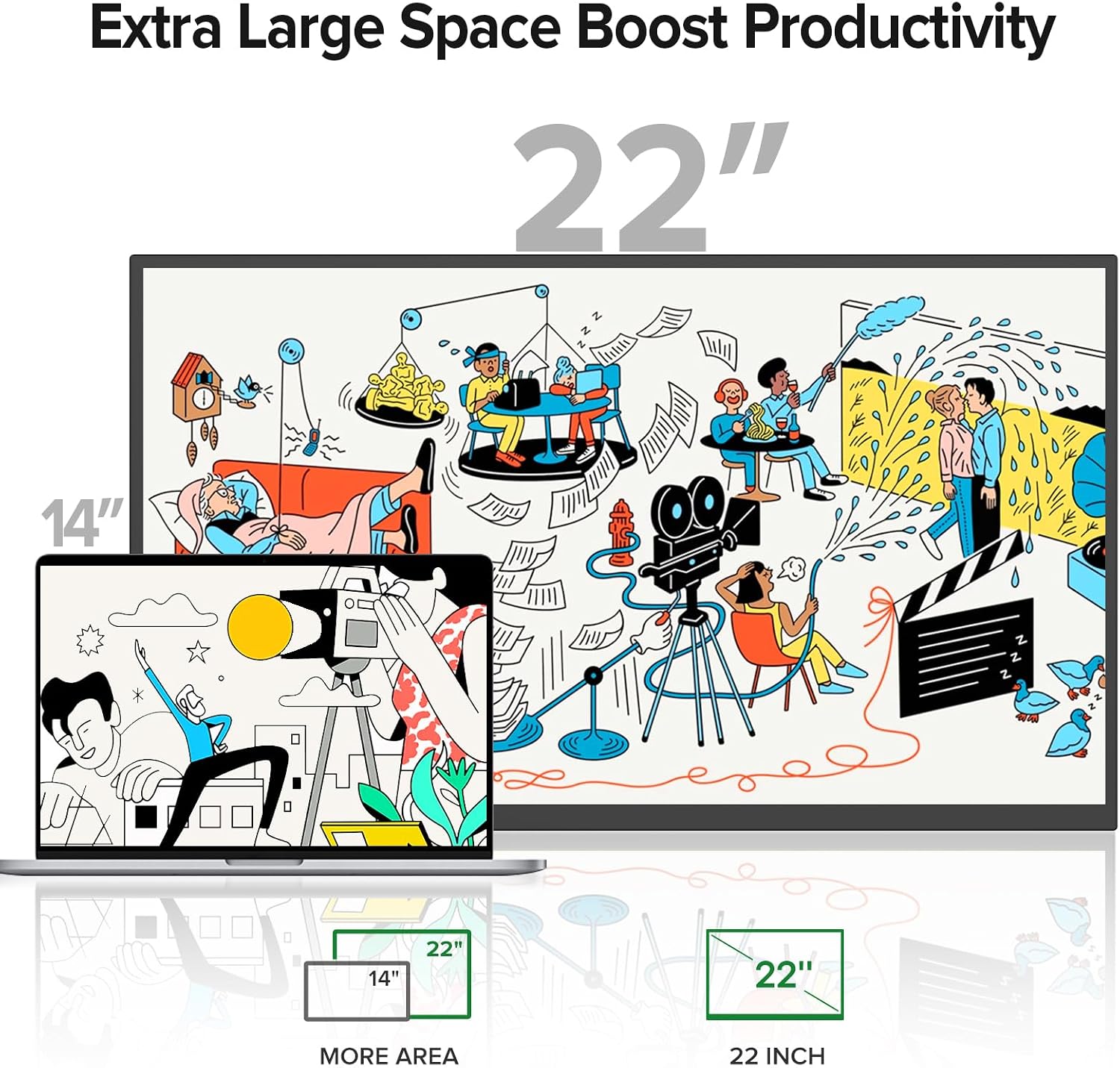
What matters most for daily use is the combination of portability, mounting flexibility, and a screen that supports productive viewing. The EVICIV 22-inch monitor is built around a Crystal QLED approach, aiming to improve clarity and colour performance, with the stated resolution of 2560 x 1440. The specification also highlights a 93% screen to body ratio, which reduces distracting bezels and helps you see more of what is on screen during long sessions. 🔍
For convenience, the stand is described as an ultra stable 180° adjustable kickstand. That helps if you want a consistent viewing angle in a home office or if you are setting up around a hotel desk. It is also supported by four VESA 75 x 75mm mounting holes, with M4 screws included, so the same screen can be used in different physical configurations when needed.
There are multiple connection paths for different devices. Mini HDMI is listed for consoles and PCs, USB-C is included for modern devices, and USB OTG is mentioned for peripherals. The inclusion of a Micro USB B port for keyboards, mice, and external storage is helpful for productivity, especially if you are creating a simple desk style setup without extra adapters.
If you prioritise versatility, this is the kind of monitor that supports switching between sources rather than being locked to one device. If you prefer a straightforward single input setup, you can still use it as a dependable external screen, but you may spend less time using the switching options. Either way, the practical goal is fewer steps from plugging in to seeing the content clearly.
Worth noting that the display performance claims and colour figures are provided by the manufacturer. For best results, it is still worth checking compatibility with your specific laptop, console, phone, and any adapters you already use.
Tech specs
- Name: EVICIV 22-inch QLED portable monitor
- Type: QLED portable monitor with speakers
- Resolution: 2560 x 1440
- Colour support: 100% sRGB IPS panel
- Screen ratio: 93% screen to body
- Weight: 1.6 kg total
- Mounting: VESA 75 x 75mm mounting holes with M4 screws included
What’s included and compatibility
The EVICIV portable monitor is positioned for multi device setups, including laptops and desktop style use, plus gaming consoles and compatible handheld devices. The stated compatibility includes PS3, PS4, PS5, Xbox consoles, and Switch, so it can cover common entertainment use without needing a separate display for each system. For device connection, the product description lists mini HDMI for consoles and PCs, USB-C for modern devices, and USB OTG for peripherals.
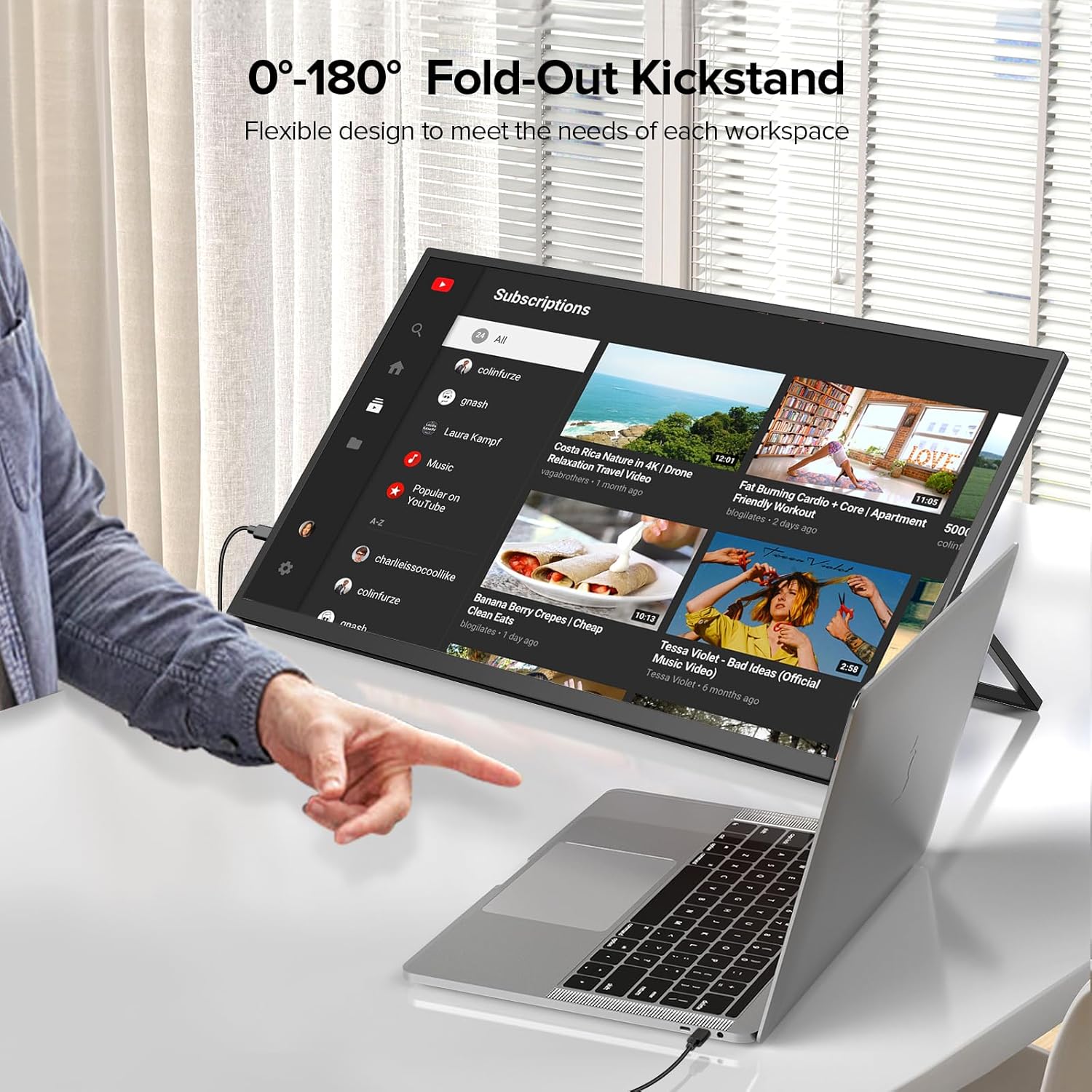
The setup options are also practical for where you place the screen. You can use the kickstand on a desk, attach it using the VESA 75 x 75mm mounting holes, or use configurations that make sense for your workspace. That makes it easier to keep the same screen usable across travel days, home working, and multi screen workflows.
On the productivity side, the Micro USB B port is described as supporting keyboards, mice, and external storage, which can help you streamline your workflow. If your plan is to plug one screen into your main devices and expand from there, that extra support can be a useful feature in real life. 🙂
If you are buying for travel, it helps to consider your current cables and the ports on your devices before ordering. When your devices match the listed input types, the experience is intended to be plug and play, keeping setup fast and reducing hassle.
Pros
The main strengths are clarity, flexible connections, and a compact portable design for everyday use. The resolution and QLED approach are aimed at delivering crisp text, so reading and editing work tends to feel more comfortable than with lower pixel density displays, according to the manufacturer. The 100% sRGB IPS panel is also a practical choice if you care about accurate colour for creative tasks like reviewing design elements. 🎨
You also get setup flexibility through the 180° adjustable kickstand and VESA 75 x 75mm mounting support, meaning the screen can fit different spaces and angles. The inclusion of speakers can reduce the number of extras you need during travel or quick desk setups. For multi window workflows, the high screen to body ratio is intended to reduce distracting bezels, giving you more usable viewing area.
Compatibility is another selling point. With mini HDMI, USB-C, and USB OTG mentioned in the product description, the monitor can switch between different sources rather than forcing you into a one device solution. That can be helpful if you use the same screen for both work and gaming, or if your household has multiple consoles and computers.
Finally, it comes with peace of mind support in the form of a 24 month warranty and UK returns, with manufacturer stated resolution timelines and 24/7 expert support. For many buyers, that kind of aftercare matters as much as the hardware itself, especially when using a portable screen outside a fixed desk setup. ✅