

Lenovo Legion Go USB-C Docking Station
Product description
What it is
The Lenovo Legion Go USB-C Docking Station is a connectivity expansion device designed to accompany the Legion Go console. It provides a range of ports to extend how you use the handheld PC, focusing on expanding wired connections rather than wireless features.
How it helps you use Legion Go
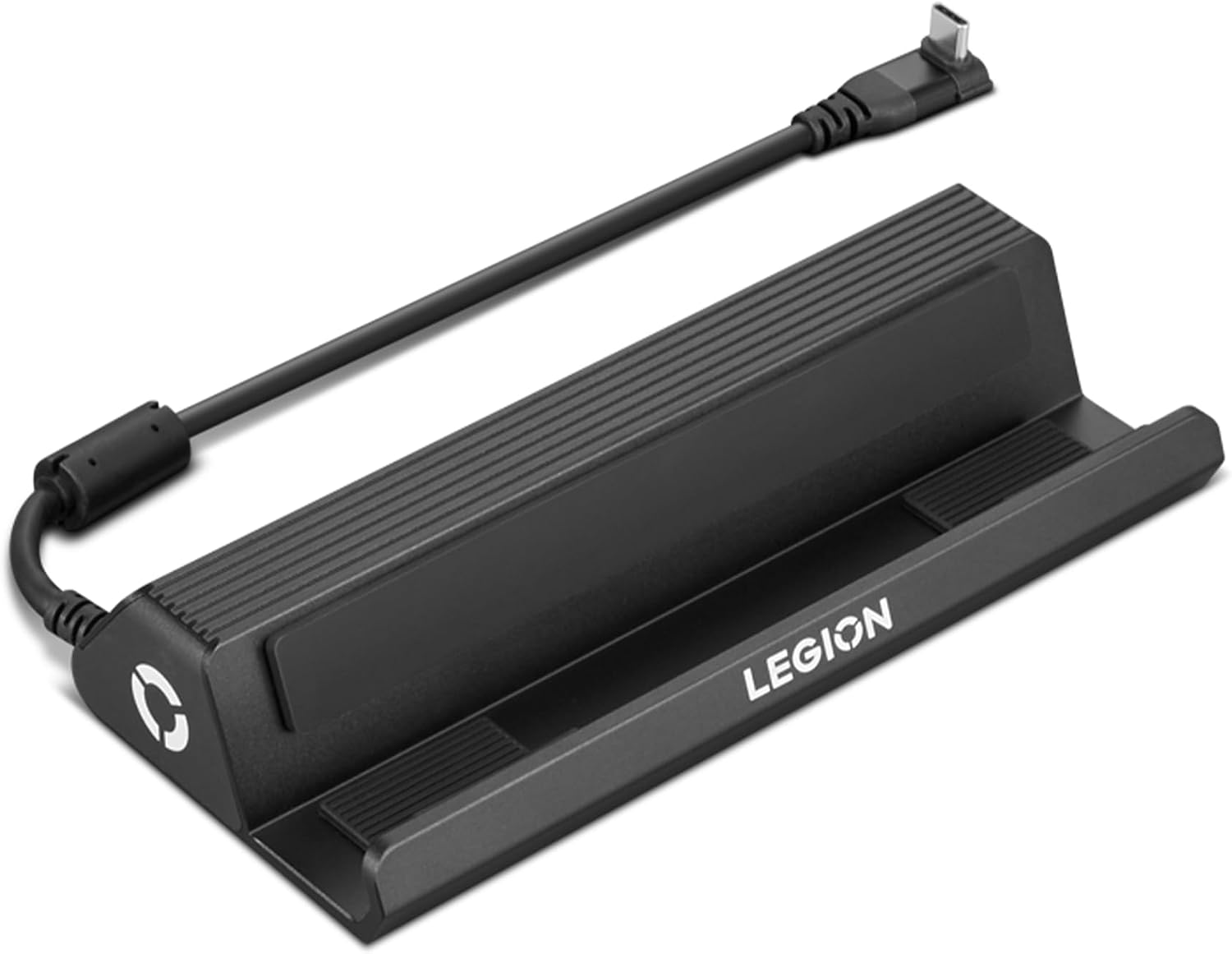
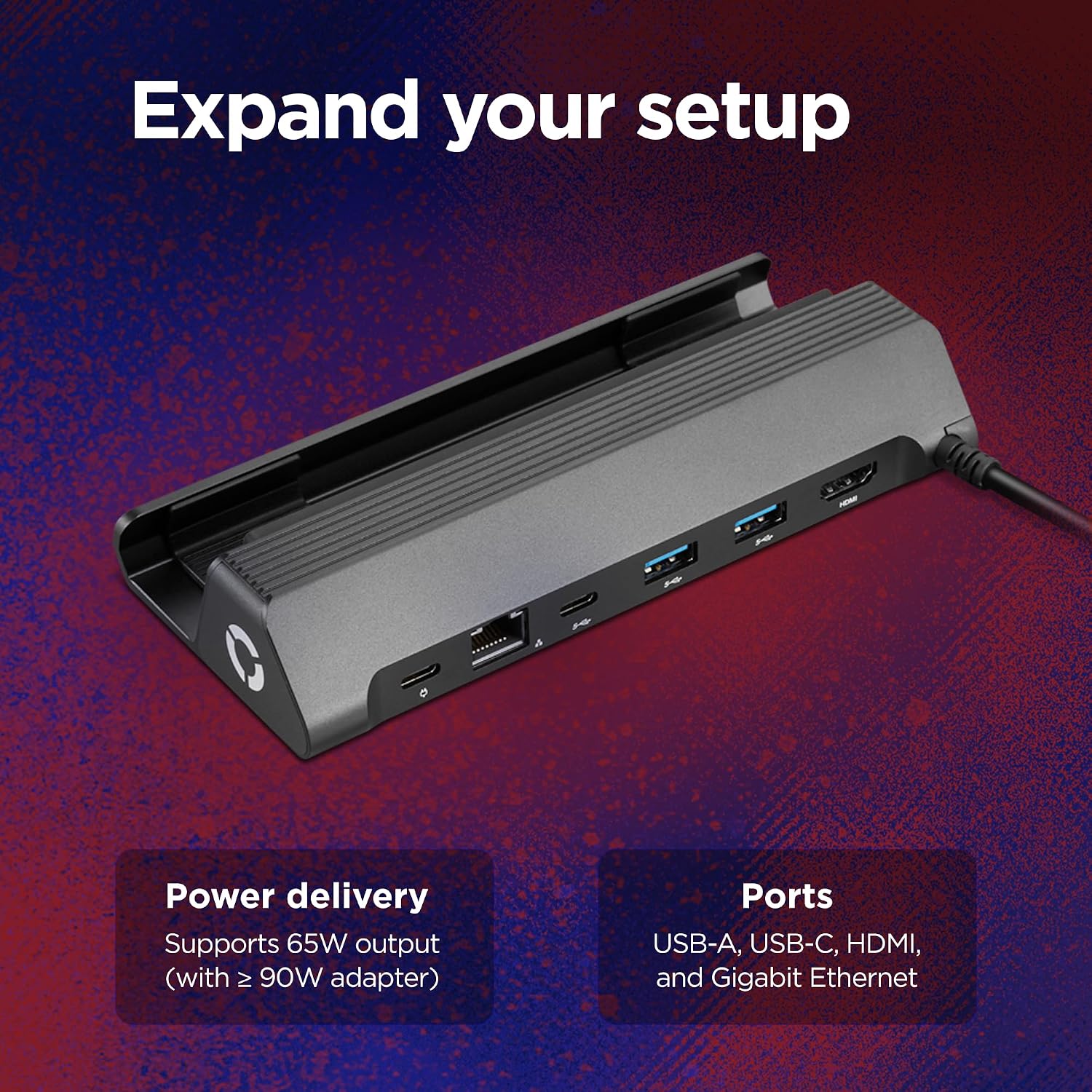
On paper, the dock adds practical connectivity: a USB-C input, HDMI 2.0 output, an RJ45 Ethernet port, and two USB-A 3.0 ports. This setup allows you to connect external displays, wired networking, and peripherals without juggling multiple adapters. The product is described as perfectly compatible with Legion Go, and it includes a cable and port adjustment feature that spans three generations, which may help with longevity if you upgrade other components.
What stands out
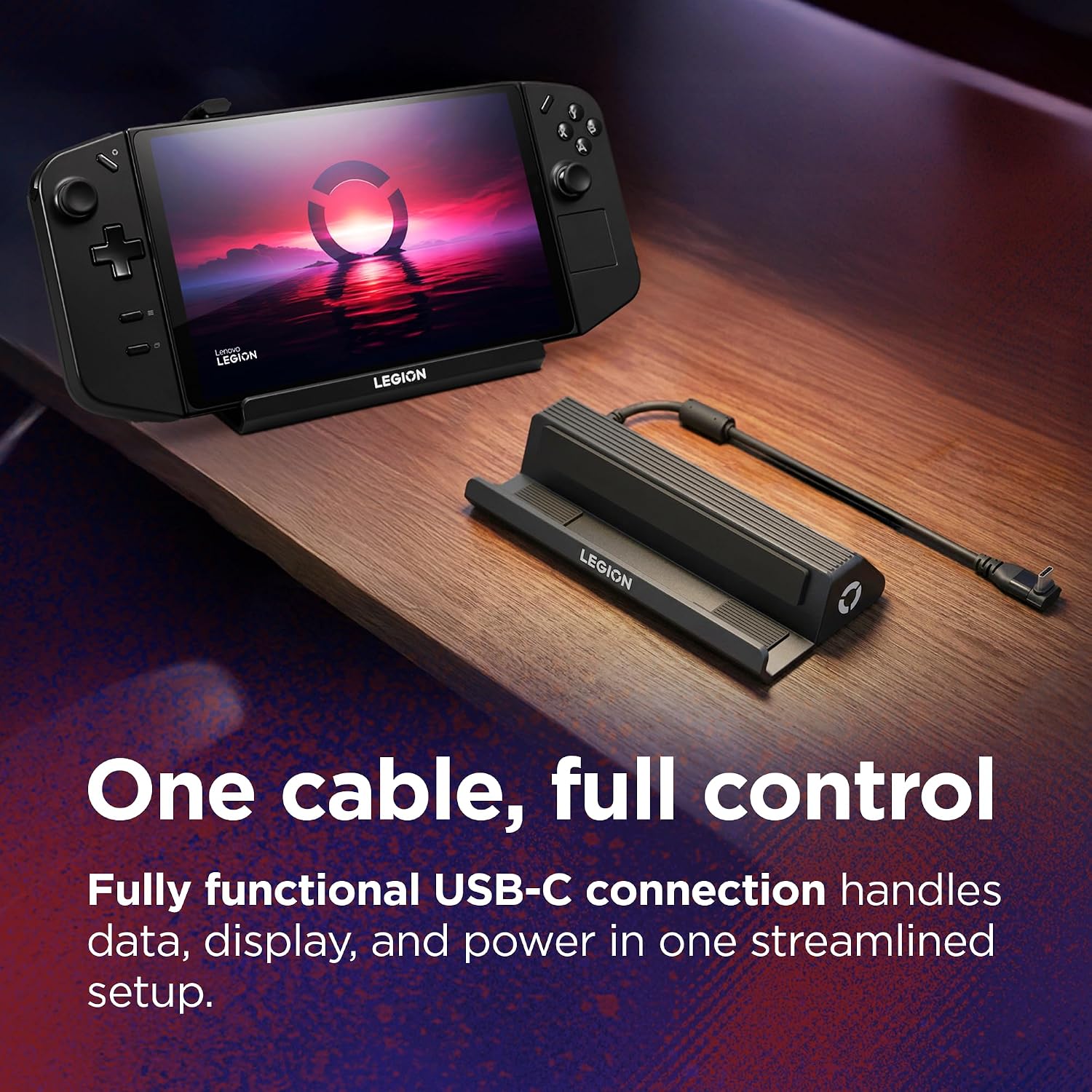
- Straightforward expansion: a compact dock that plugs into the Legion Go to unlock more ports in one place.
- Essential ports covered: HDMI 2.0 for external displays, Gigabit Ethernet for stable online play, plus USB-A 3.0 for peripherals.
- Focus on compatibility: marketed as perfectly compatible with Legion Go, which may reduce setup fuss.
Considerations and limitations
- The information available centres on basic port provision, more nuanced details like power delivery, max HDMI resolution, or charging capabilities aren’t stated here.
- No explicit mention of passthrough charging or whether the dock provides power to the Legion Go via USB-C, so if you rely on pass-through charging it may be worth validating.
- The description notes “Cable and port adjustment for three generations” but does not specify what this entails in practice, so there could be usage caveats depending on your setup.
Who it’s for

- Legion Go owners who want a tidy, single hub for wired display, networking, and accessories.
- Users prioritising a dedicated dock that’s pitched as fully compatible with the Legion Go, and who prefer a single, predictable expansion solution.
Who it isn’t ideal for
- If you require advanced features like multiple displays at high refresh rates, beyond HDMI 2.0, or more USB ports, this dock might feel limited.
- If you need integrated power delivery to the console or extensive charging options, there’s no explicit information about such capabilities.
When it makes sense to buy
- You value a clean, dedicated dock that aligns with Legion Go and want a simple way to attach a monitor, wired network, and a couple of peripherals.
- Your use case involves stationary gaming or media consumption where a stable wired connection is advantageous.
What to check before buying
- Confirm whether the dock supports any form of power delivery to the Legion Go and, if so, at what wattage.
- Verify the HDMI output capabilities (HDMI 2.0 is listed, check if your display or TV requires specific bandwidth or resolution support).
- Consider your peripheral needs, with only two USB-A 3.0 ports, assess if that covers your typical mouse/keyboard/controller setup.
Practical usage example
Imagine you’re sitting at a desk with a Legion Go, a 4K monitor, and a wired keyboard. The dock lets you connect the console to the monitor via HDMI, keep a stable online session through Ethernet, and use two USB devices through the USB-A ports, all without swapping cables mid-game. It’s a tidy approach for a dedicated gaming or media station.
Quick FAQ
- Does the dock charge the Legion Go? The available details don’t specify power delivery, confirm this before relying on pass-through charging.
- How many displays can you drive? The description only mentions one HDMI 2.0 output, multi-display setups aren’t referenced.
- Are there any hidden compatibility caveats? It’s described as perfectly compatible with Legion Go, but practical experiences may vary with other devices or future updates.
Decision time
Is it worth it?
It makes sense if you want a single, purpose-built hub for the Legion Go that covers essential wired connections and a clean desk setup. If your needs extend to higher-end display options, more USB ports, or explicit power delivery, you might want to explore alternatives or verify these details first.