

Belkin Thunderbolt 4 Dock Pro with 2 x Thunderbolt 4 and dual HDMI (single 8K @ 30Hz) – 90W Power Delivery
Product description
What it is and why you’d want it
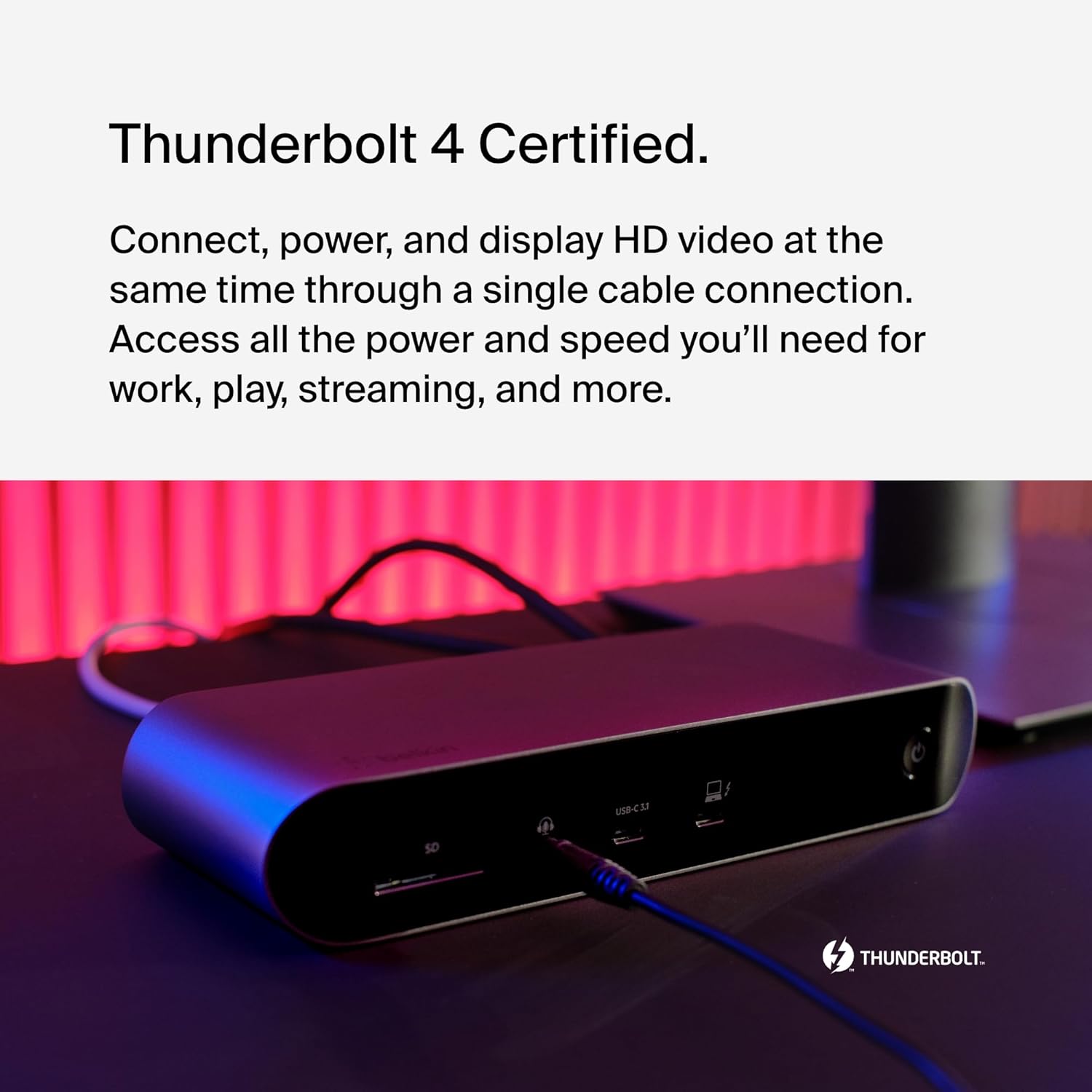
Belkin’s Thunderbolt 4 Dock Pro is designed for people who want one cable to handle the boring bits: power, video outputs, and everyday peripherals. In practice, that means docking a compatible laptop so you can keep working on a bigger setup without juggling separate chargers and display leads.
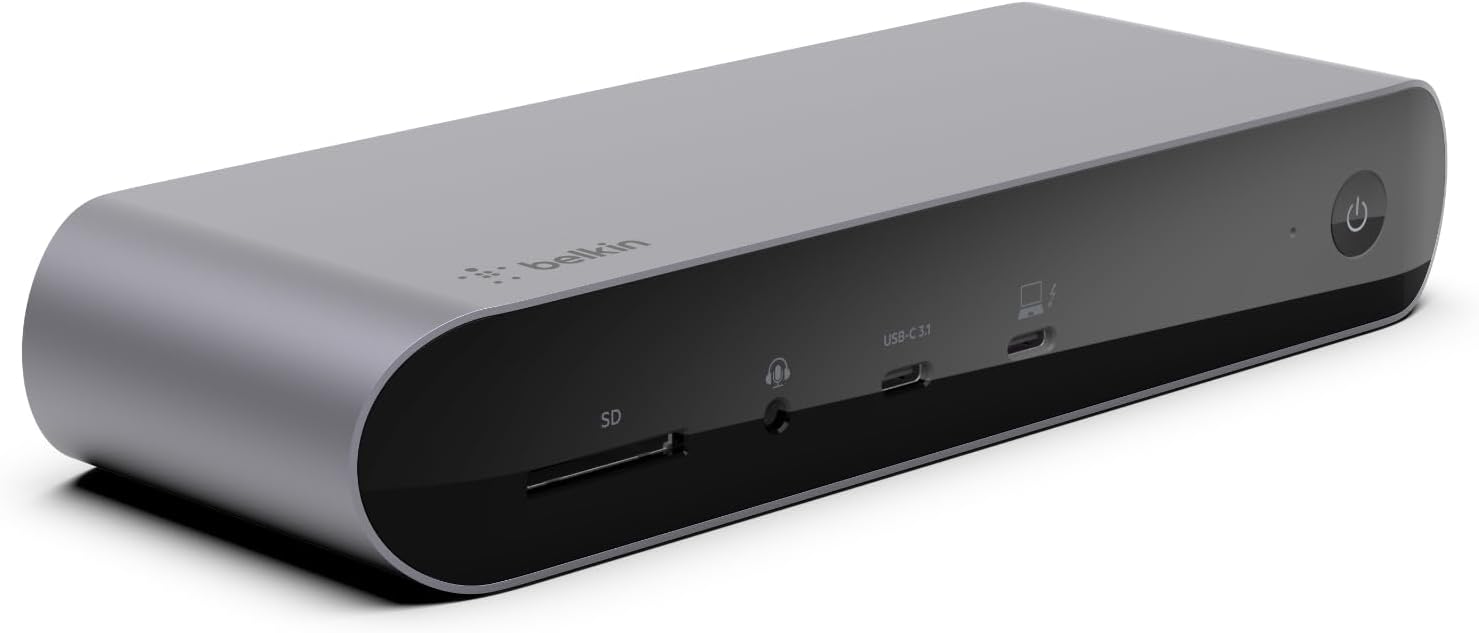
It’s a 12-port dock that brings together multiple connections, including SD card reading, audio line in/out, a couple of Thunderbolt 4 ports, two HDMI 2.0 ports, and several USB-A options. The headline is Thunderbolt 4 / USB4 compatibility “on paper”, plus a stated Power Delivery capability up to 90W, which helps explain why it’s aimed at users with MacBook Pro, Dell XPS, and other laptops that already live in the Thunderbolt/USB-C video world.
Key features that matter day to day
The parts that tend to feel most useful aren’t always the marketing ones.
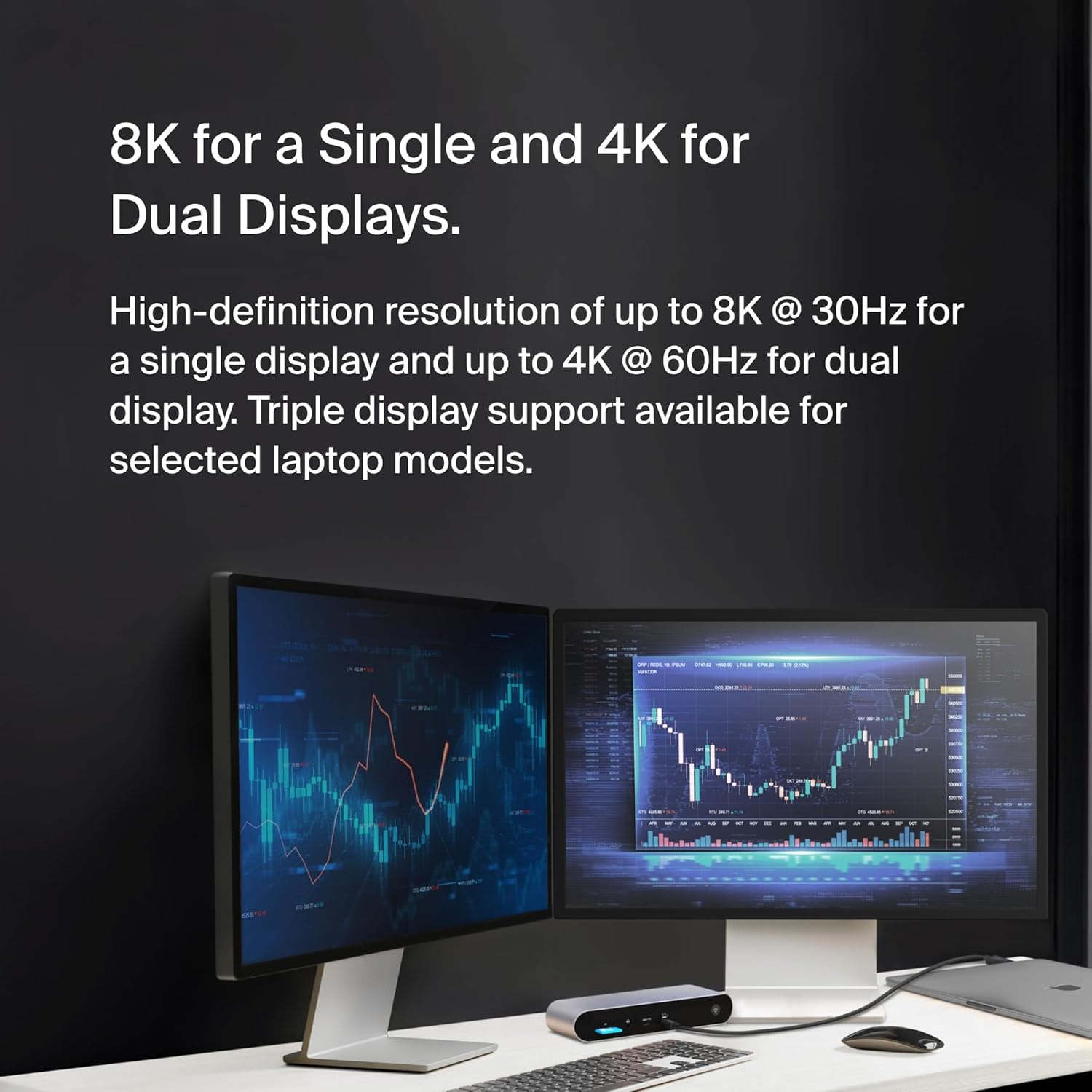
For displays, the dock is specified for a single 8K output at 30Hz, and dual display support via two 4K streams (noted as 4K x2). There’s also mention of triple display support for select laptops, which is promising if your device is one of the supported models.
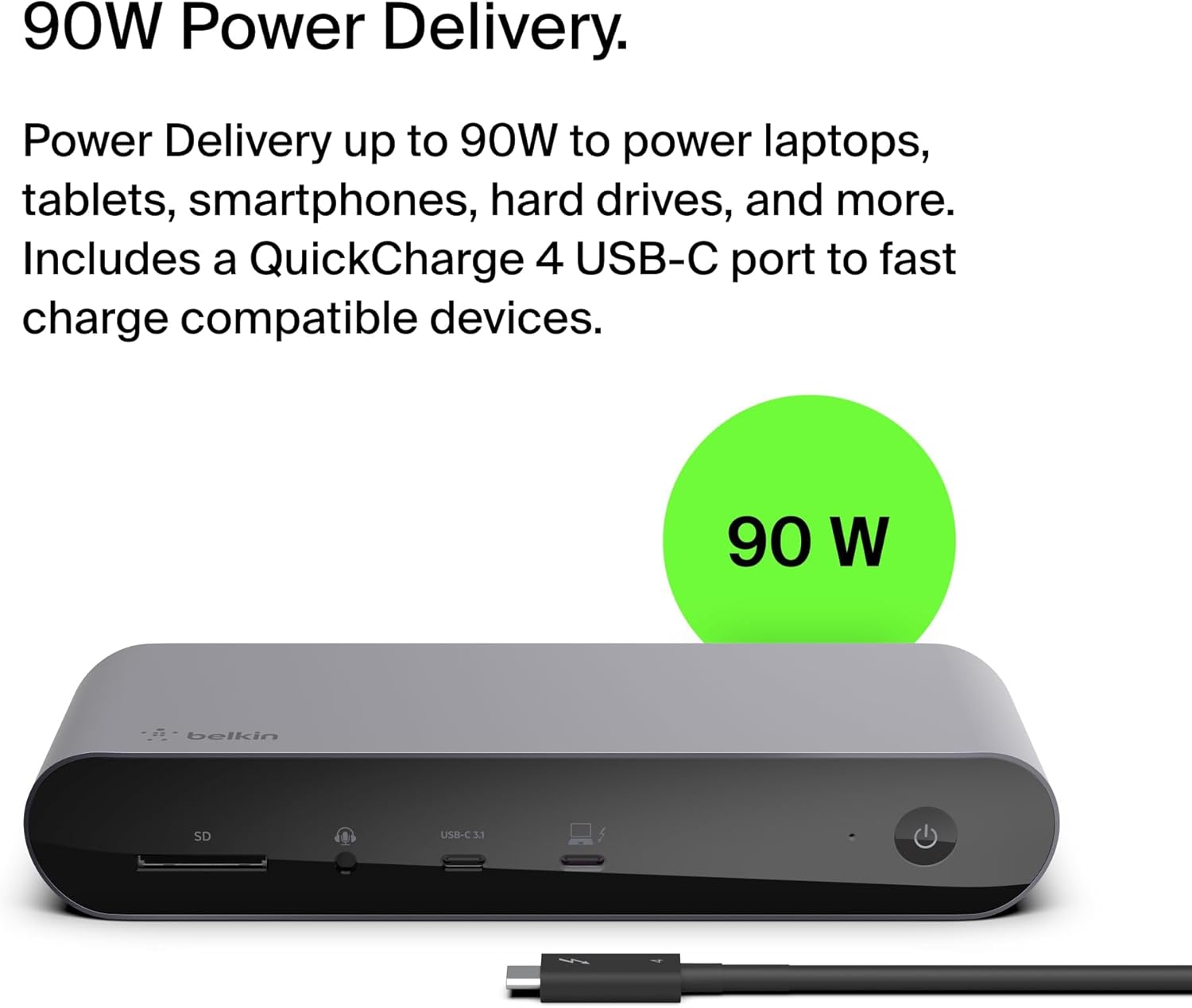
For power, the dock supports Power Delivery up to 90W. That’s the sort of figure that can keep you moving through the day without constantly reaching for a separate charger.
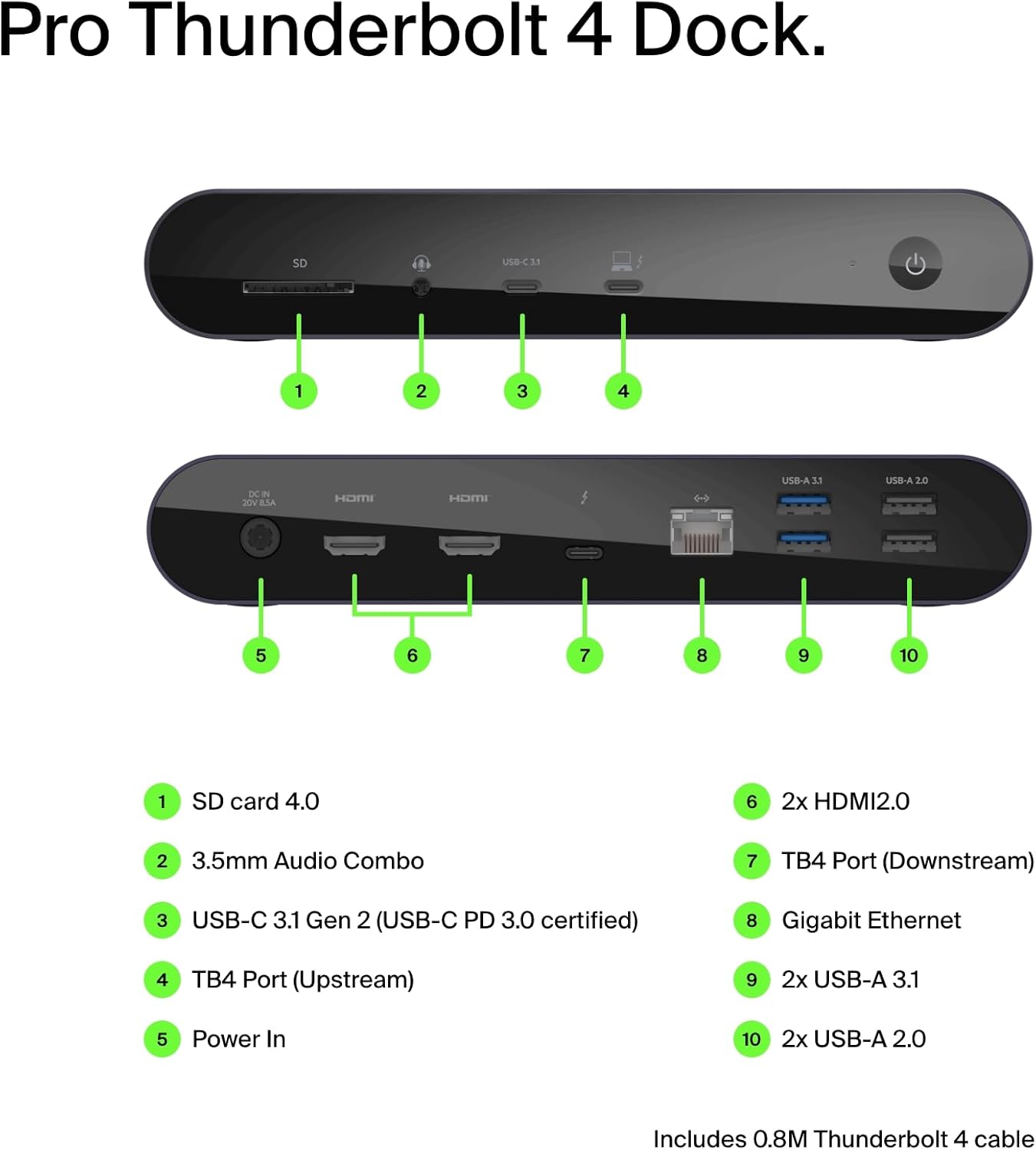
On connectivity, you get two Thunderbolt 4 ports alongside HDMI 2.0, plus Ethernet and a mix of USB-A ports. For anyone with a keyboard, mouse, external drive, or webcam, those extra downstream ports can be the difference between a neat desk and a desk that’s forever being rearranged.
And yes, there’s an SD card reader, which sounds minor until you’re trying to offload photos quickly.
What stands out (and where it’s a bit limited)
Where this dock earns its keep is in the “single-cable” idea: connect once and you should be able to run power and display while also using your accessories. The inclusion of both Thunderbolt 4 ports and HDMI ports is also handy, because it gives you flexibility in how you manage your monitor setup.
That said, it’s worth keeping expectations realistic. The provided display info focuses on 8K @ 30Hz for a single display and dual 4K x2 via the HDMI ports, if you’re after very high refresh rates or a very specific multi-monitor arrangement, you’ll want to double-check whether your laptop and monitor combination lands where you need it. The triple display note is also described as “for select laptops”, so it may not apply universally.
Who it suits best
This dock makes most sense if you already have a laptop with a Thunderbolt 4 port and/or a USB-C port that supports video. It’s positioned as a more capable workstation-style dock than the simplest USB-C hubs, mainly because it’s built around Thunderbolt 4 certified connections.
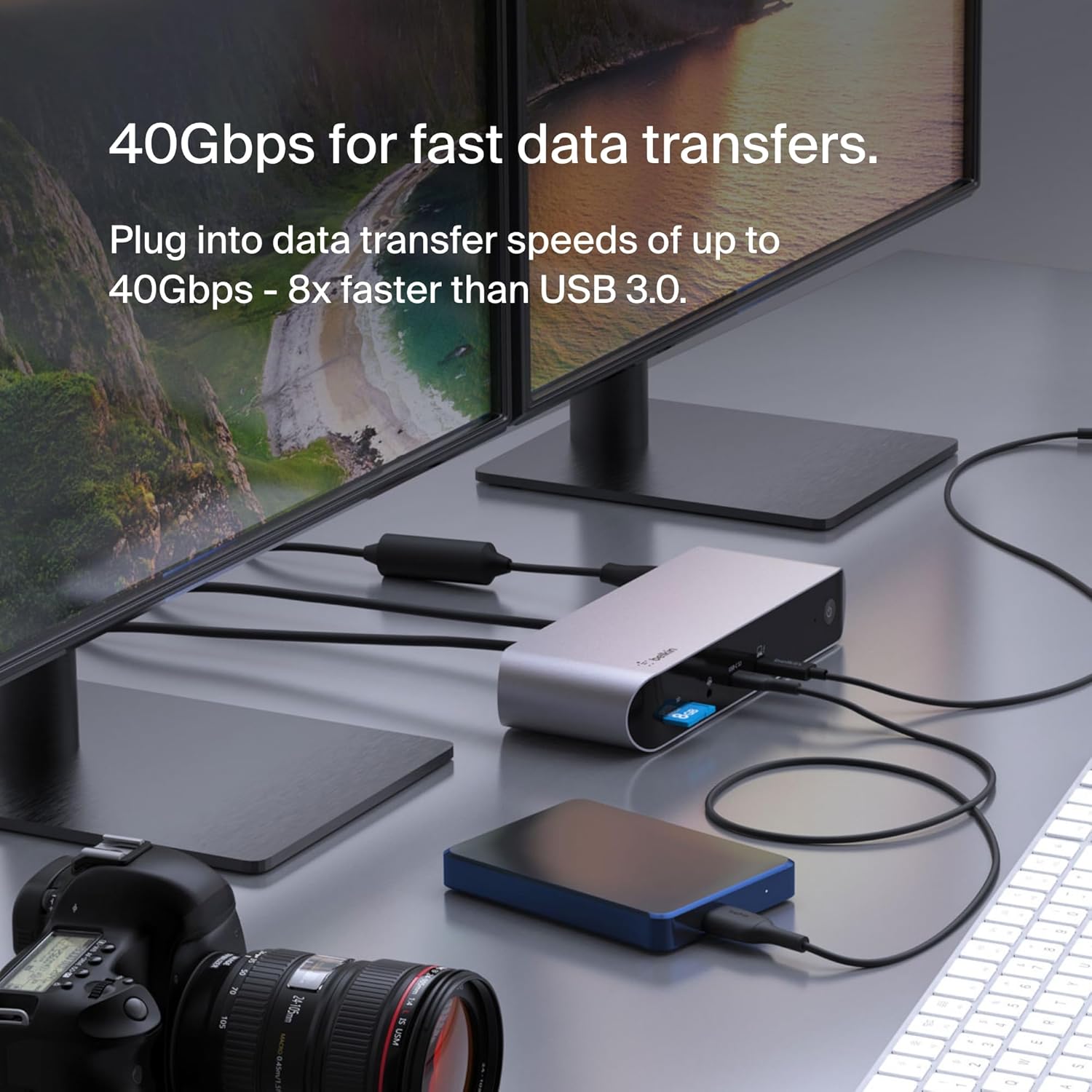
It’s a sensible choice if your typical routine looks like this: plug the laptop into the dock at your desk, run video to one or two external displays, attach Ethernet for a stable connection, and keep storage and audio accessible.
For example, on a typical workday you could connect your laptop once, route the audio via the dock’s audio in/out, use the SD card reader when you need to move files, and keep fast data transfers in the background through the dock’s stated throughput.
Tech overview (useful, not overly fussy)
Tech specs
- 12 ports (includes SD Card Reader, Audio In/Out, USB-C 3.1 Gen 2 with QuickCharge 4.0)
- 2 x Thunderbolt 4 ports
- 2 x HDMI 2.0 ports
- Gigabit Ethernet
- 2 x USB-A 3.1 ports and 2 x USB-A 2.0 ports
- Thunderbolt 4 certified and USB4-compliant (with stated backward compatibility)
- Video support stated up to single 8K @ 30Hz, and up to dual 4K x2
- Power Delivery (PD) up to 90W
- Stated backward compatibility with Thunderbolt 3, USB 3.0, and more
What to check before buying
Even with a strong spec on paper, docks live and die by compatibility.
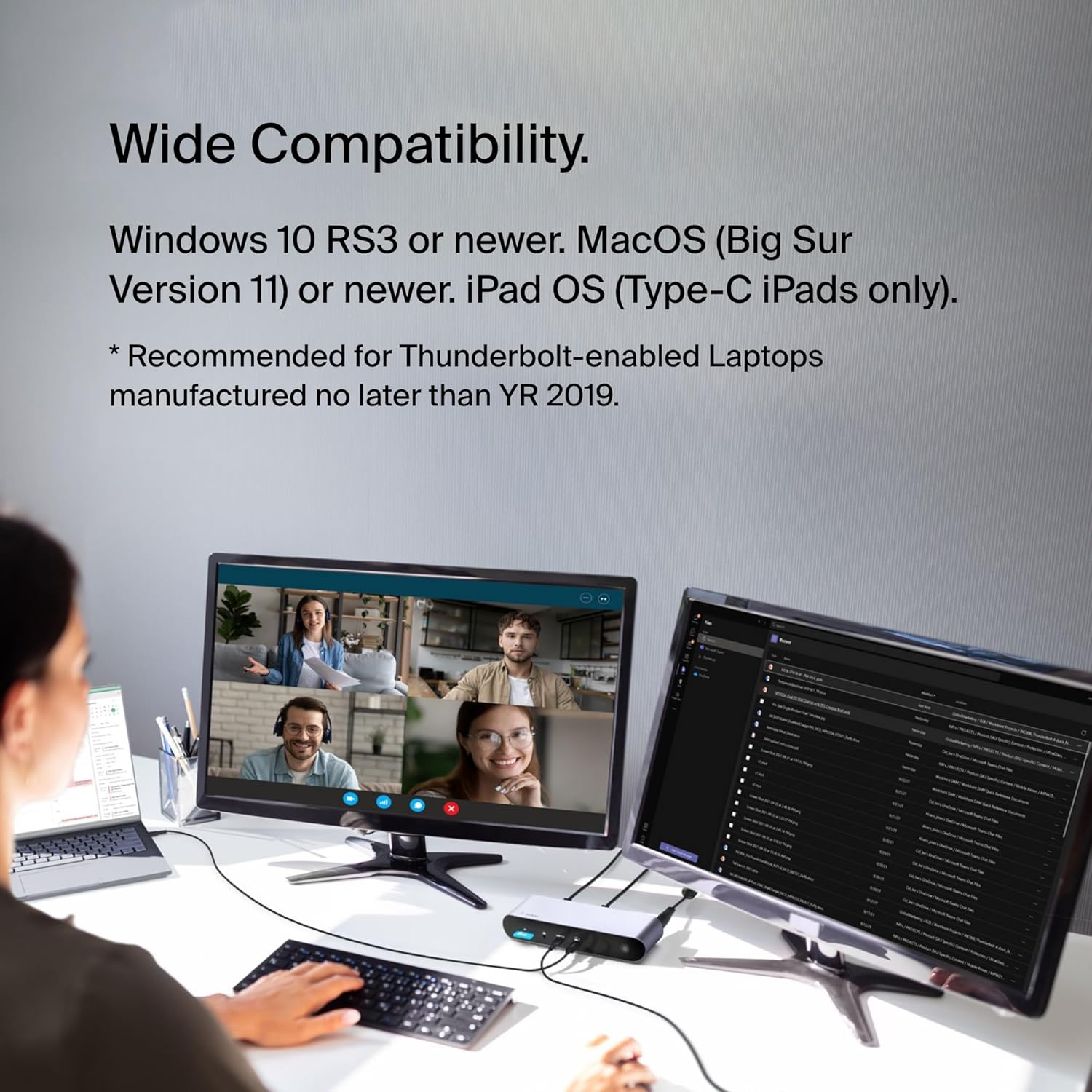
First, confirm your laptop has a Thunderbolt 4 port, or at least a video-enabled USB-C port. The input description also references OS compatibility (Windows 10 RS3 or newer, macOS Big Sur 11 or newer, and iPadOS for Type-C iPads only), so it’s worth checking you’re within that lane.
Second, think about your display needs. The dock supports single and dual configurations as stated, plus triple for select laptops—so if you’re planning a more complex setup, it’s sensible to verify your laptop can actually drive it.
Finally, consider the way you use peripherals. If you rely on audio routing, storage via SD cards, and Ethernet, the inclusion of those ports is a strong sign this dock was built for desk setups rather than occasional travel.
Is it worth it?
This is a solid pick if you want a desk dock that can genuinely act like a single-cable hub for power, displays, and everyday accessories—especially if your laptop is already in the Thunderbolt 4 / USB4 ecosystem and you’re aiming for single 8K @ 30Hz or dual 4K outputs.
You may want to skip it if your setup depends on triple display guarantees across a wide range of laptops, or if your main goal is a basic expansion dock for simple USB devices without needing the higher-end video and Thunderbolt-class features.
If you prioritise a clean workstation experience (Ethernet, multiple USB ports, stable video outputs, and Power Delivery up to 90W), it makes sense to consider this dock. If you’re unsure whether your laptop’s video support matches the stated multi-display modes, it’s better to double-check that compatibility before you commit.
Quick FAQ
Quick FAQ
- Does it power the laptop? The dock is specified to support Power Delivery up to 90W, so it’s intended to power compatible laptops via the same connection.
- What display outputs does it offer? It includes two HDMI 2.0 ports and is specified for up to single 8K @ 30Hz or dual 4K x2, with triple display support described as available for select laptops.
- Will it work with older Thunderbolt gear? It’s described as backward compatible with Thunderbolt 3 and other standards (as listed in the product description).
- Which operating systems is it intended for? The description mentions Windows 10 RS3 or newer, macOS Big Sur (11) or newer, and iPadOS for Type-C iPads only.