

Anker USB C Hub 7‑in‑1 with 4K@60Hz HDMI and 85W PD 🔌
Reviews
Price
Product description
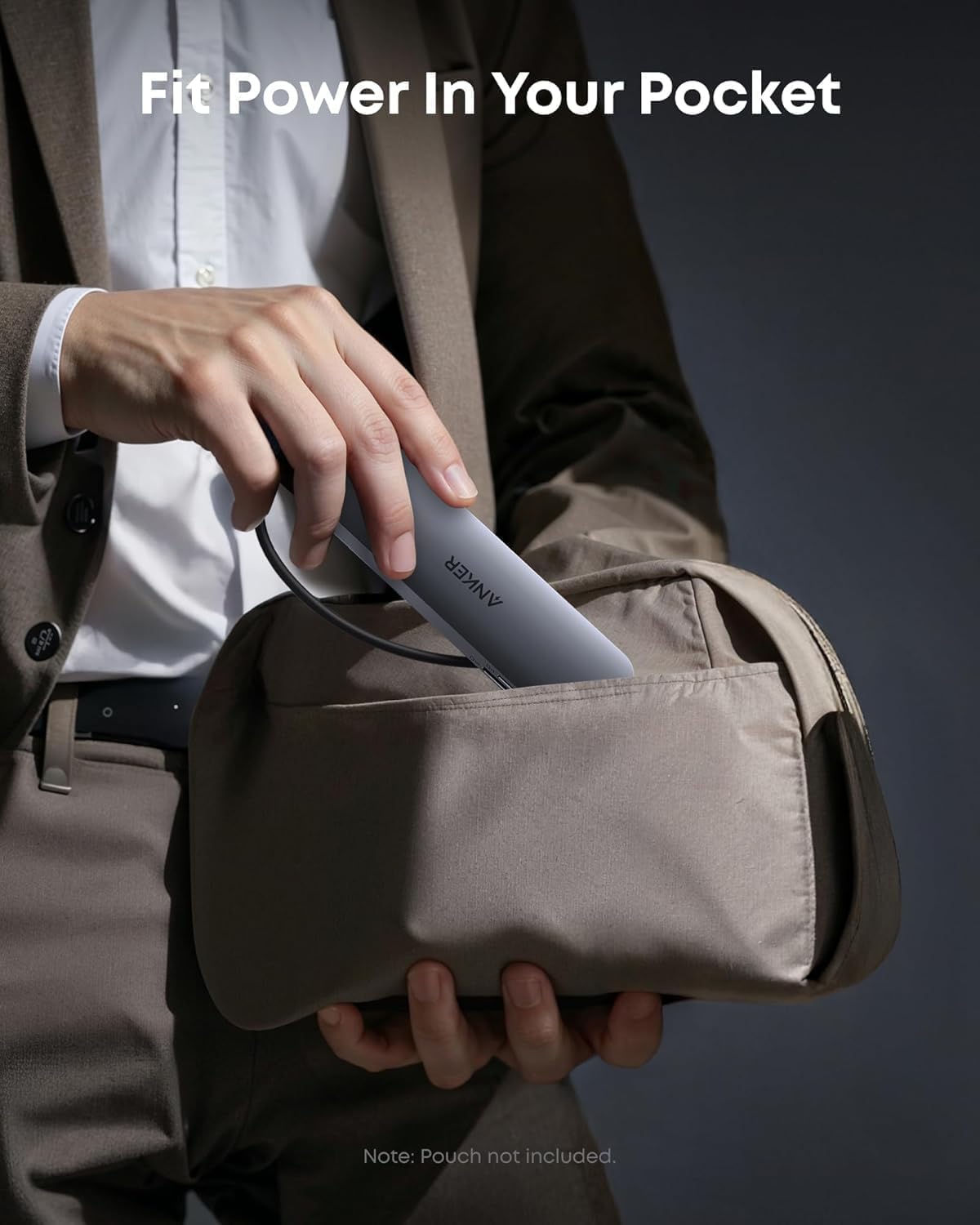
This compact USB-C hub expands a laptop's ports to handle presentations, fast file transfers and device charging while on the move. It combines screen output, rapid data ports and card readers in a slim aluminium enclosure, making it practical for hybrid work and travel.
Key Points
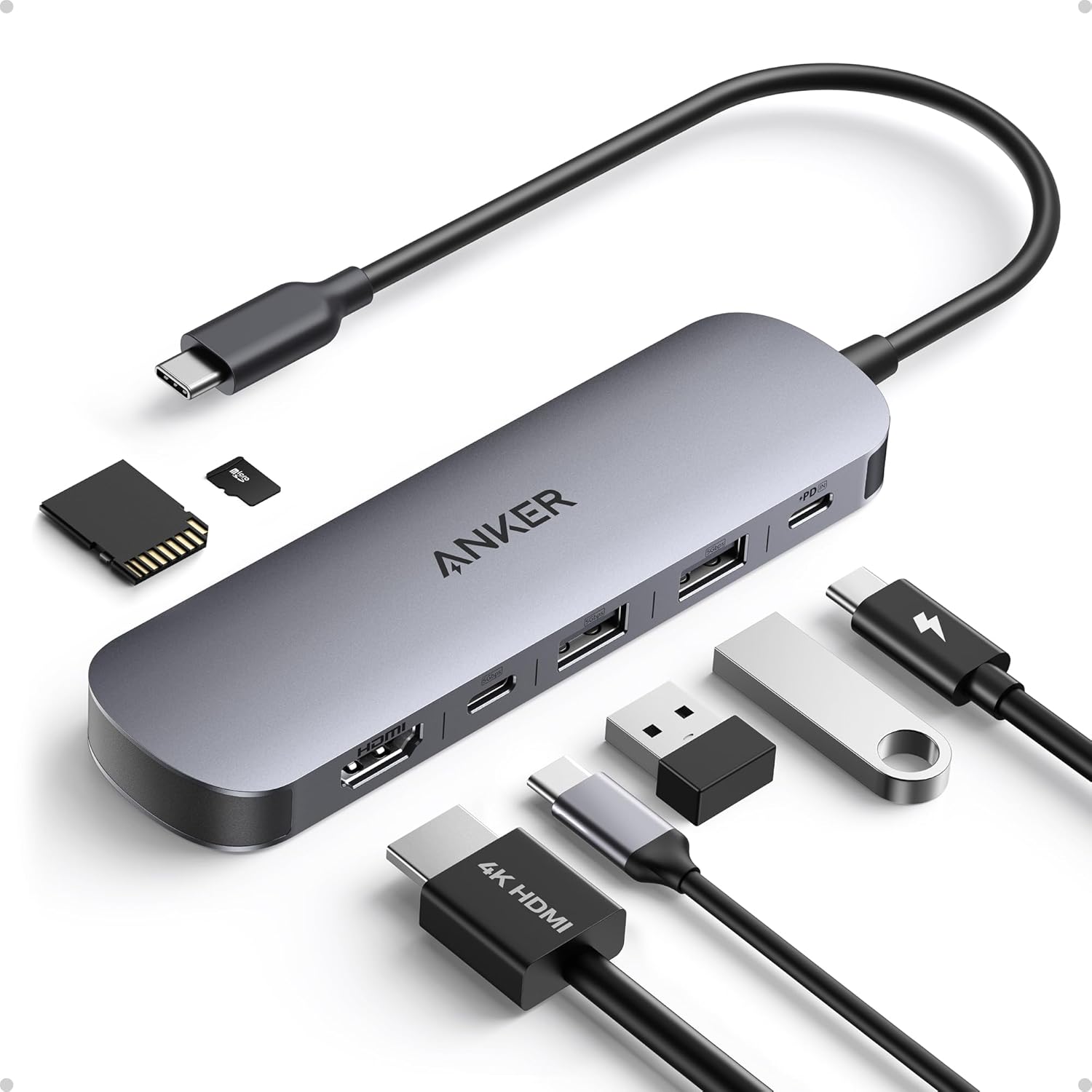
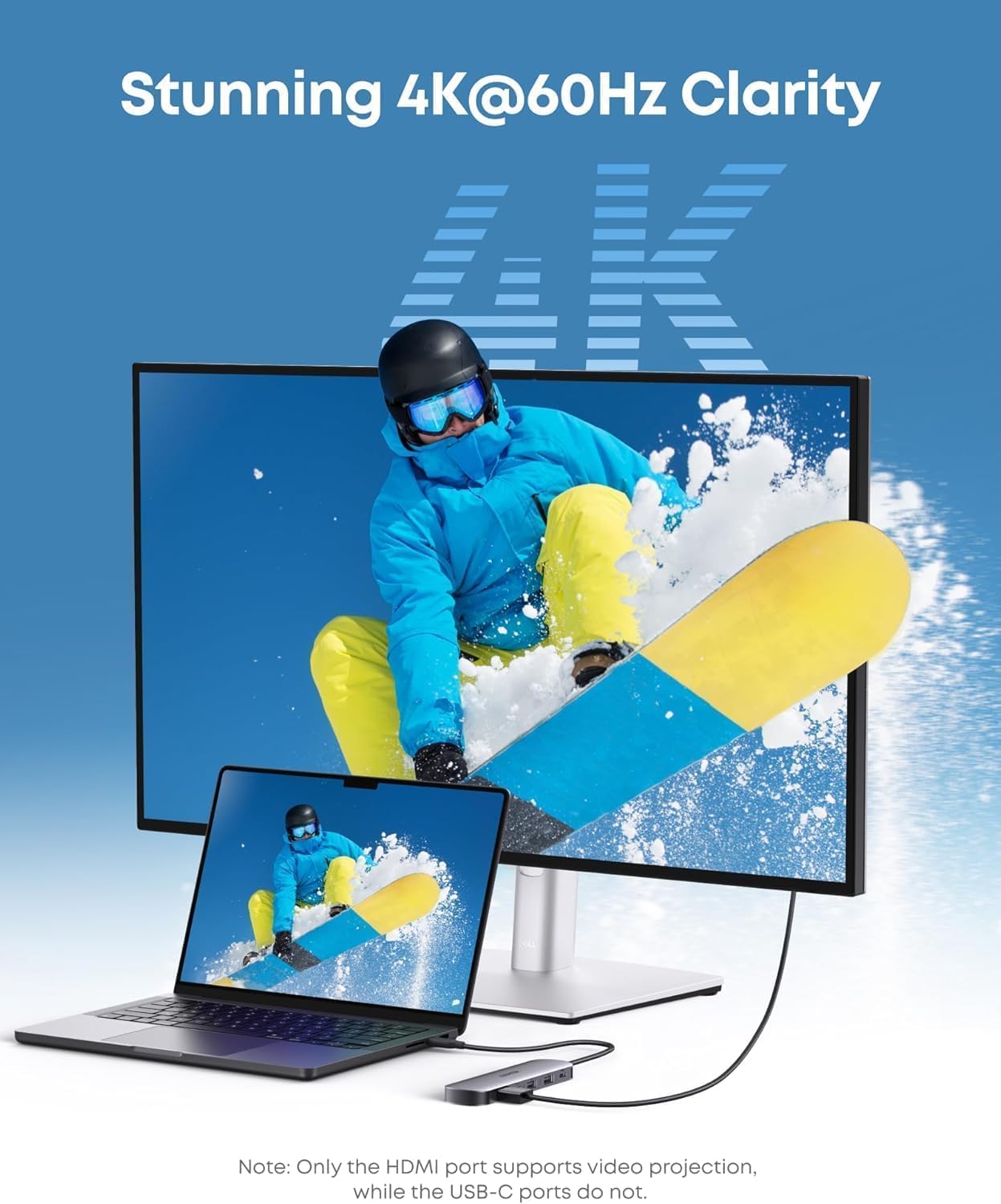
The hub delivers an HDMI output that supports 4K@60Hz, which is useful for sharper presentations and clearer video playback on external displays. It also includes multiple data ports that increase connectivity without adding bulk, so you can keep a mouse, external drive and phone connected at the same time. 🔌
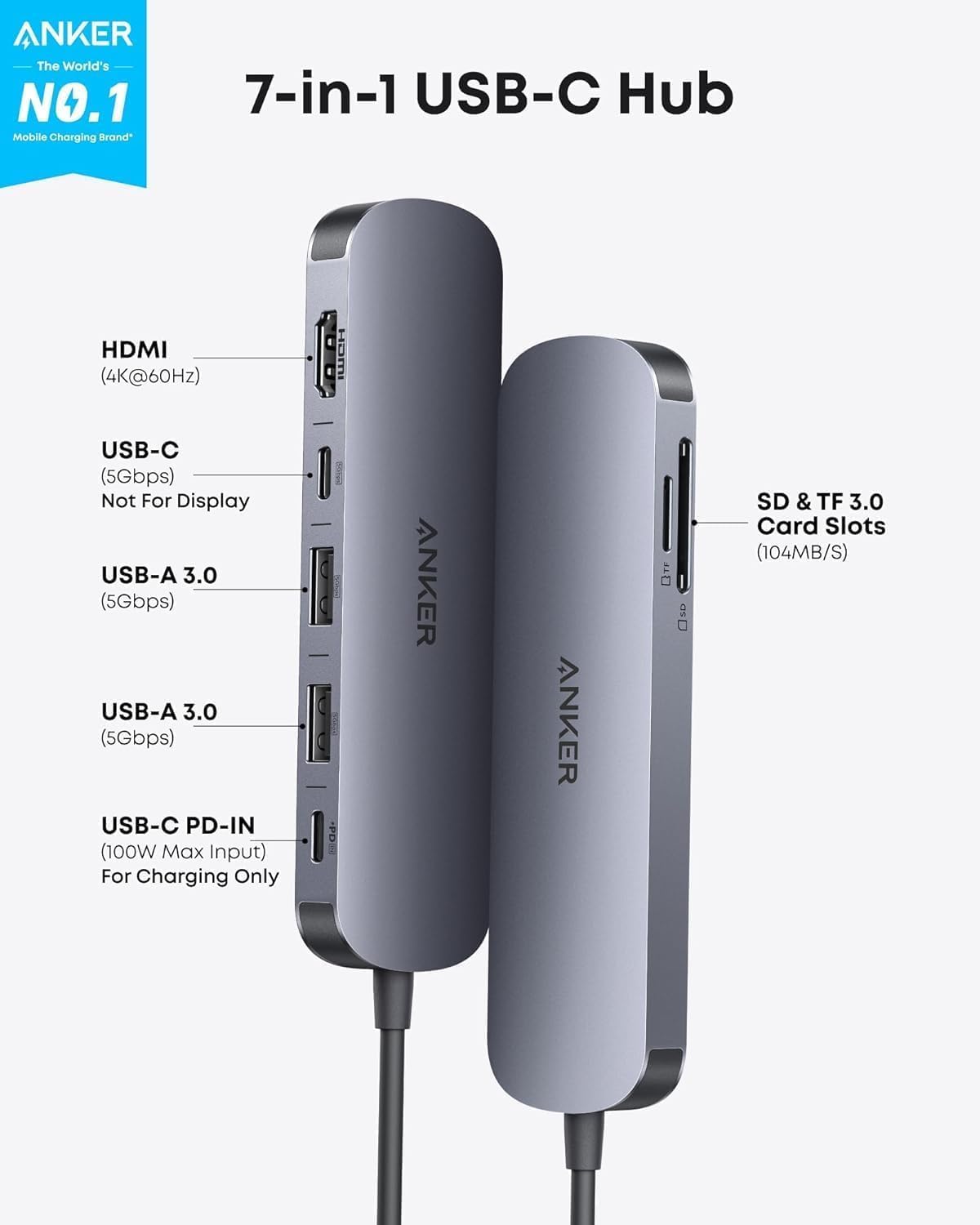
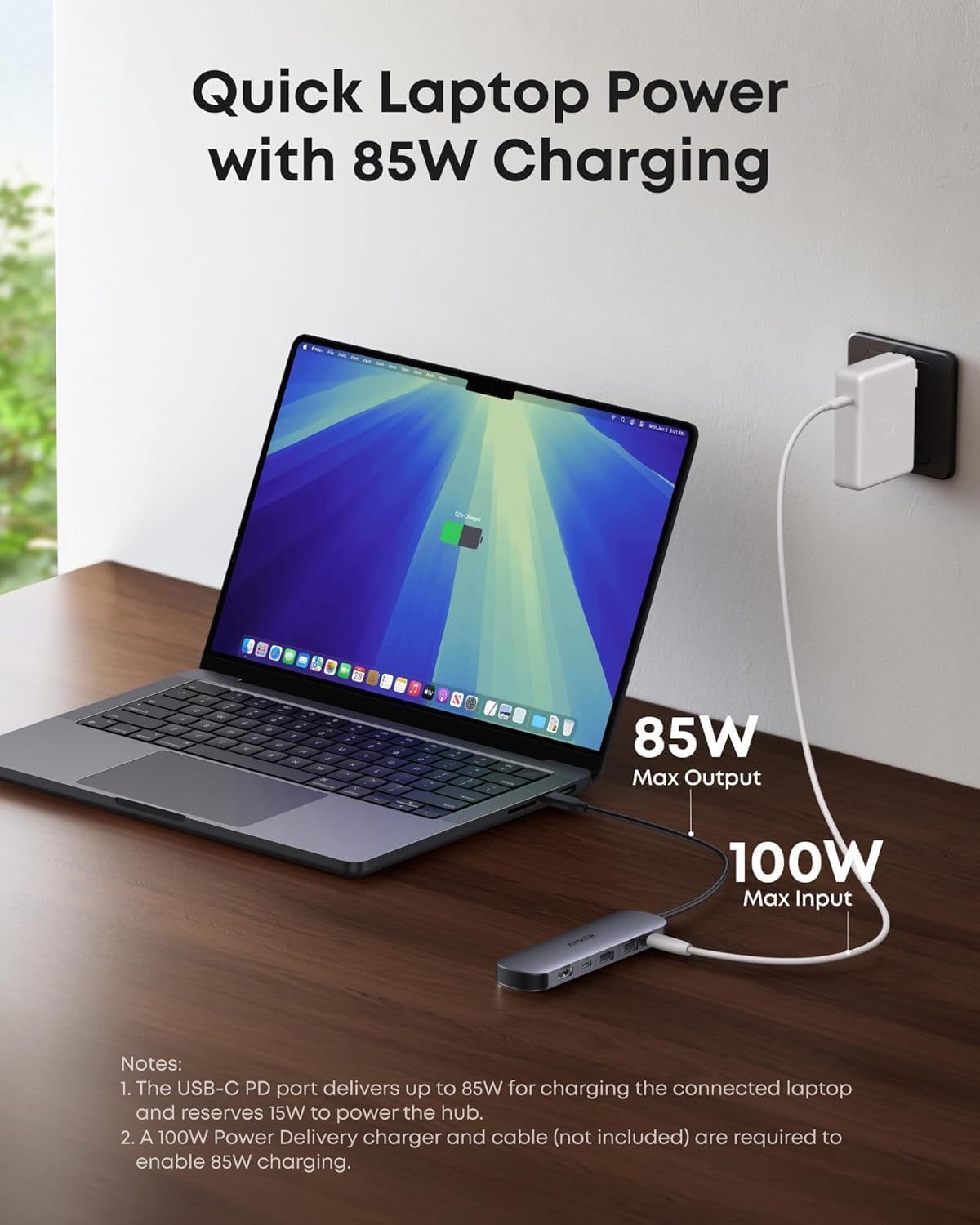
Charging is supported via the dedicated USB-C PD input, with the product offering 85W max power delivery according to the manufacturer, which helps maintain laptop battery during intense use. Do note that the HDMI port handles video projection while the USB-C port on the front is for data, not for video passthrough. ⚡
The housing and cable are designed to be portable and straightforward to use, with plug-and-play operation on most modern Type-C devices. Consider that extremely high-power laptops may draw more than the stated 85W and could charge more slowly while under heavy load.
Technical Specifications
- Name: Anker USB C Hub, 7-in-1 Multi-Port USB Adapter
- HDMI: 4K at 60 Hz
- Power Delivery: 85W max input for charging
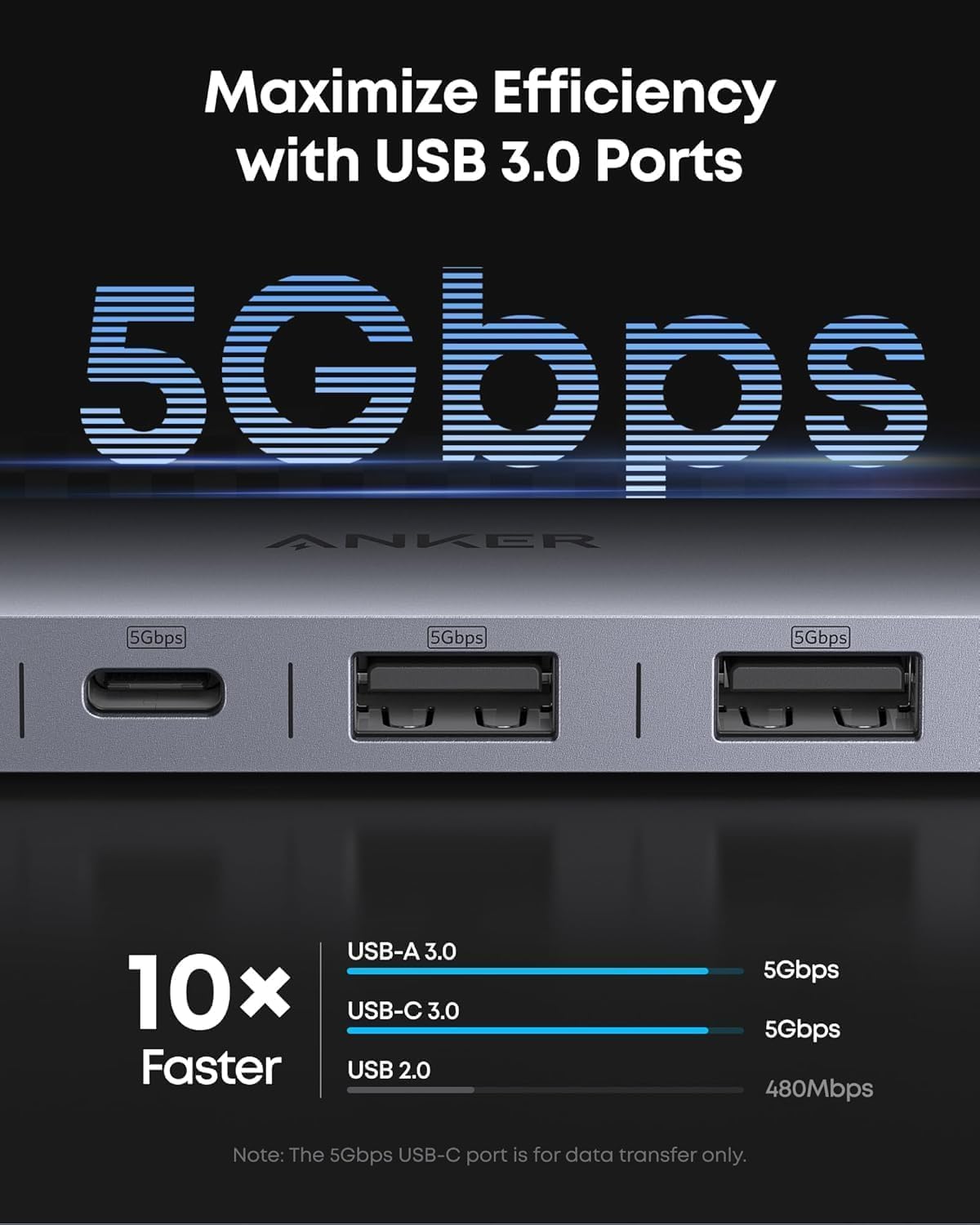
- Data Ports: 3x USB-A/USB-C 3.0 with up to 5 Gbps transfer speeds
- Card Slots: SD and TF (microSD) reader
Usage Recommendations
For presentations connect the HDMI cable to a projector or monitor and ensure the laptop video output is set to mirror or extend. When transferring large files use the USB-A or USB-C 3.0 ports to benefit from the stated 5 Gbps speeds, and insert memory cards directly for quick photo imports. If you plan to run demanding applications while charging, be aware that charge rate may vary depending on your laptop’s power draw and adapter capabilities. 📁
Keep the hub on a flat surface to avoid stress on the laptop port and unplug gently to protect both devices. The product does not include a separate charger, so use a compatible USB-C PD adapter if you need to power the hub and your laptop simultaneously.