

Lemorele USB C Dock 10‑in‑1 with 100W PD ⚡
Reviews
Price
Product description
This compact USB-C docking hub brings multiple display and connectivity options to laptops and portable devices, combining video outputs, fast data ports and power delivery in a pocket-friendly chassis. It helps extend a laptop into a multi-screen workstation for productivity, presentations or media playback while keeping the setup simple and mostly plug-and-play.
Key Points
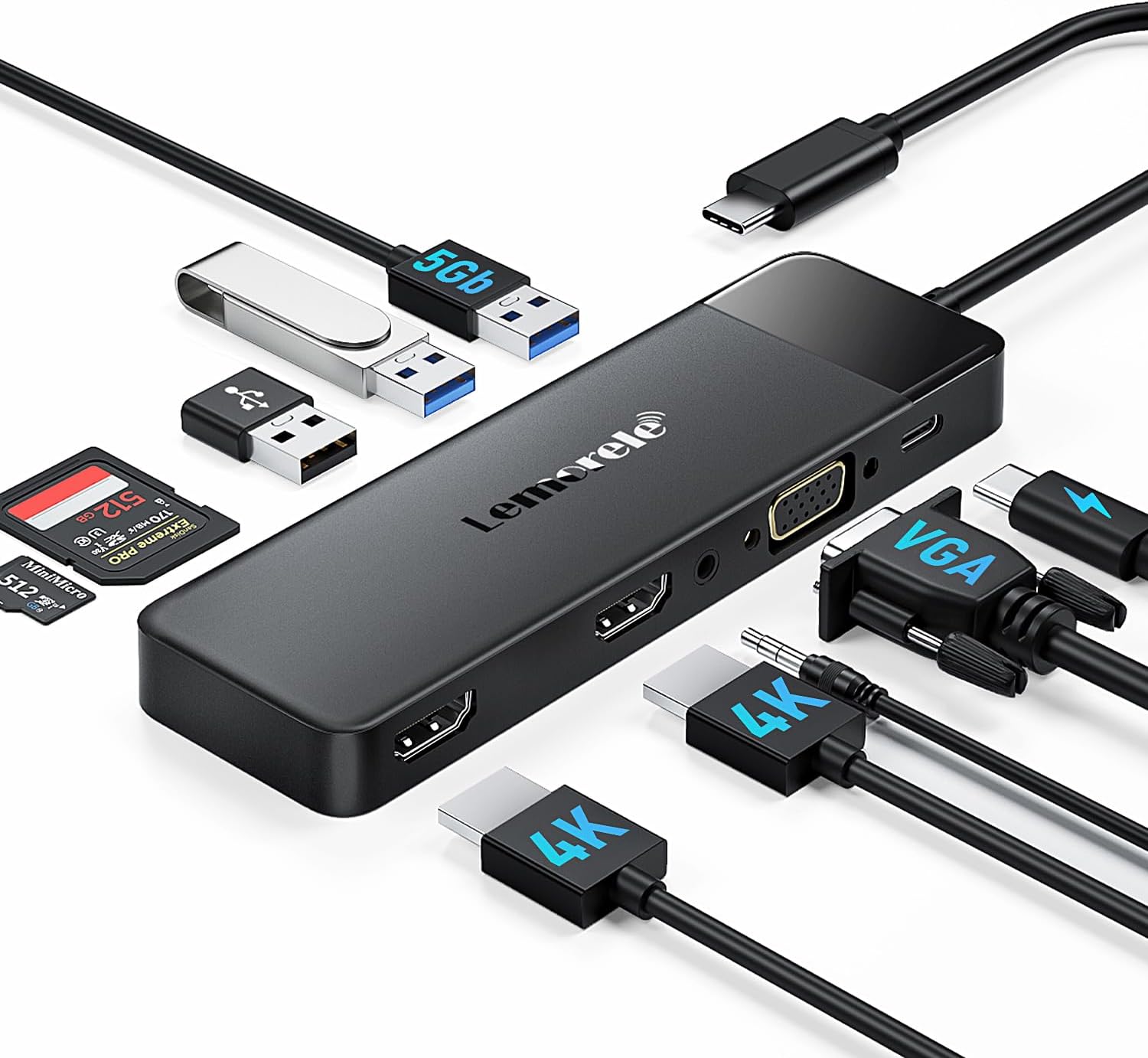
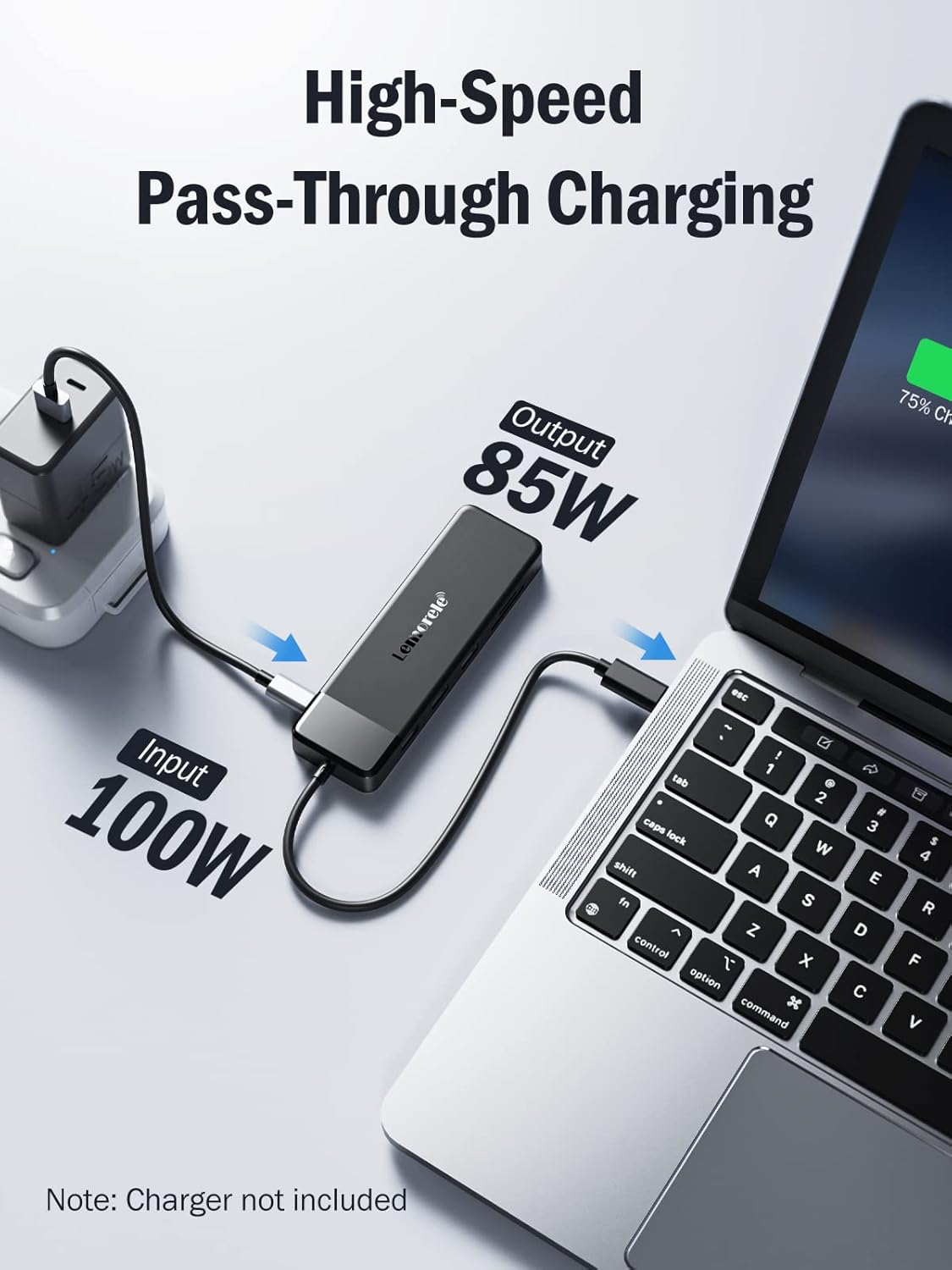
The hub allows up to three external displays via two HDMI ports and one VGA port, which can be useful for multitasking across spreadsheets, browser windows and video content. It includes a dedicated USB-C PD charging input that accepts up to 100 W, allowing many laptops to receive power while other peripherals remain connected. The unit is small enough to slip into a bag, measuring 14 x 4.3 x 1.35 cm, and its 24 cm cable keeps connections tidy on a desk. ⚡️
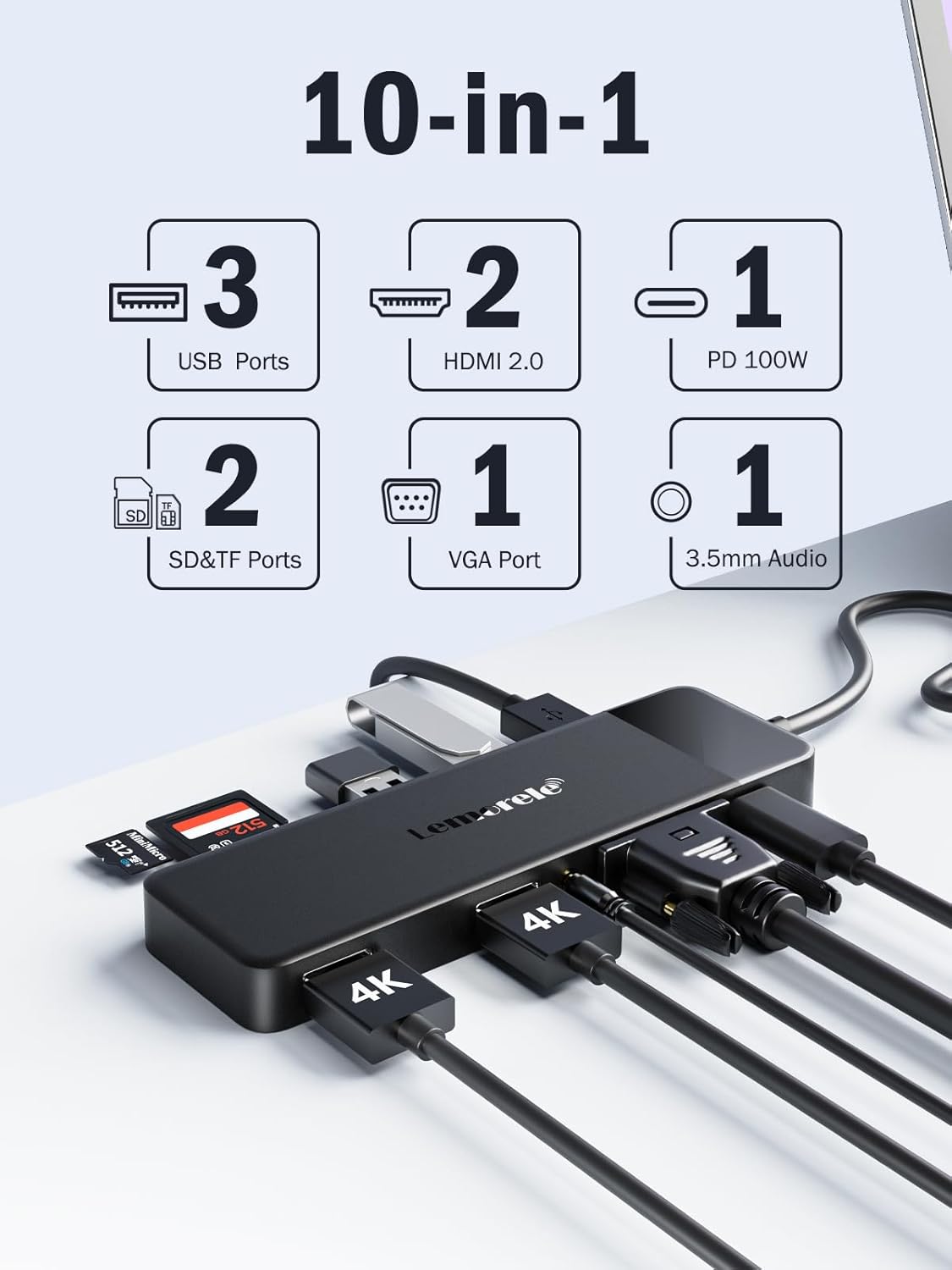
Compatibility covers a wide range of systems that support USB-C with DisplayPort Alt Mode, including MacBook models, Windows laptops such as HP and ThinkPad, some tablets and consoles for specific video output scenarios. Note that video bandwidth and resolution depend on the host device and how many outputs are used simultaneously. 📺
Technical Specifications
- Name: Lemorele USB C Dock 10-in-1
- Size: 14 x 4.3 x 1.35 cm
- Cable length: 24 cm
- Video outputs: 2 x HDMI, 1 x VGA
- Power delivery: PD 100W
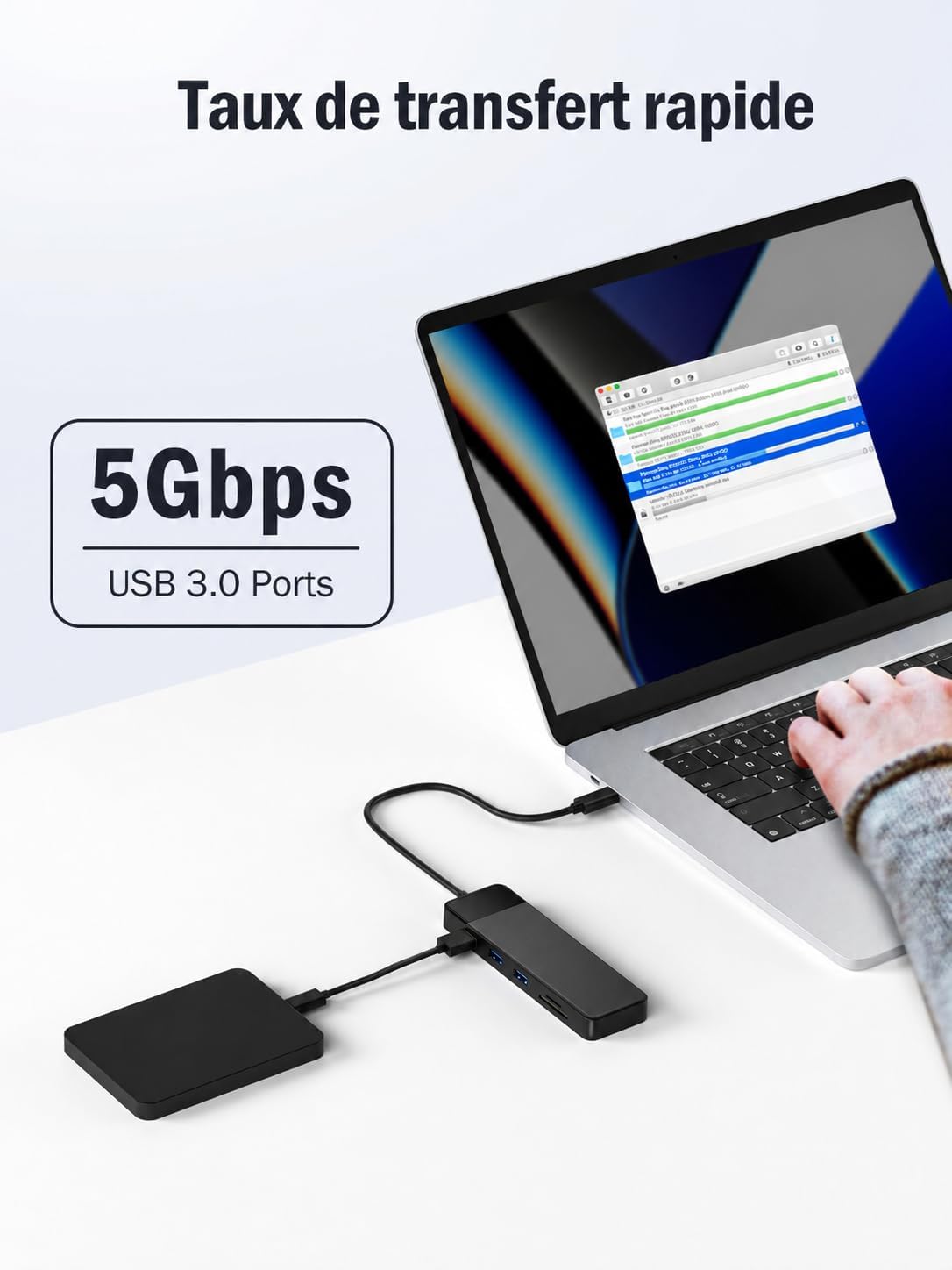
- USB ports: 3 x USB 3.0/2.0
- Card readers: SD and TF
- Audio: 3.5 mm audio interface
Usage Recommendations
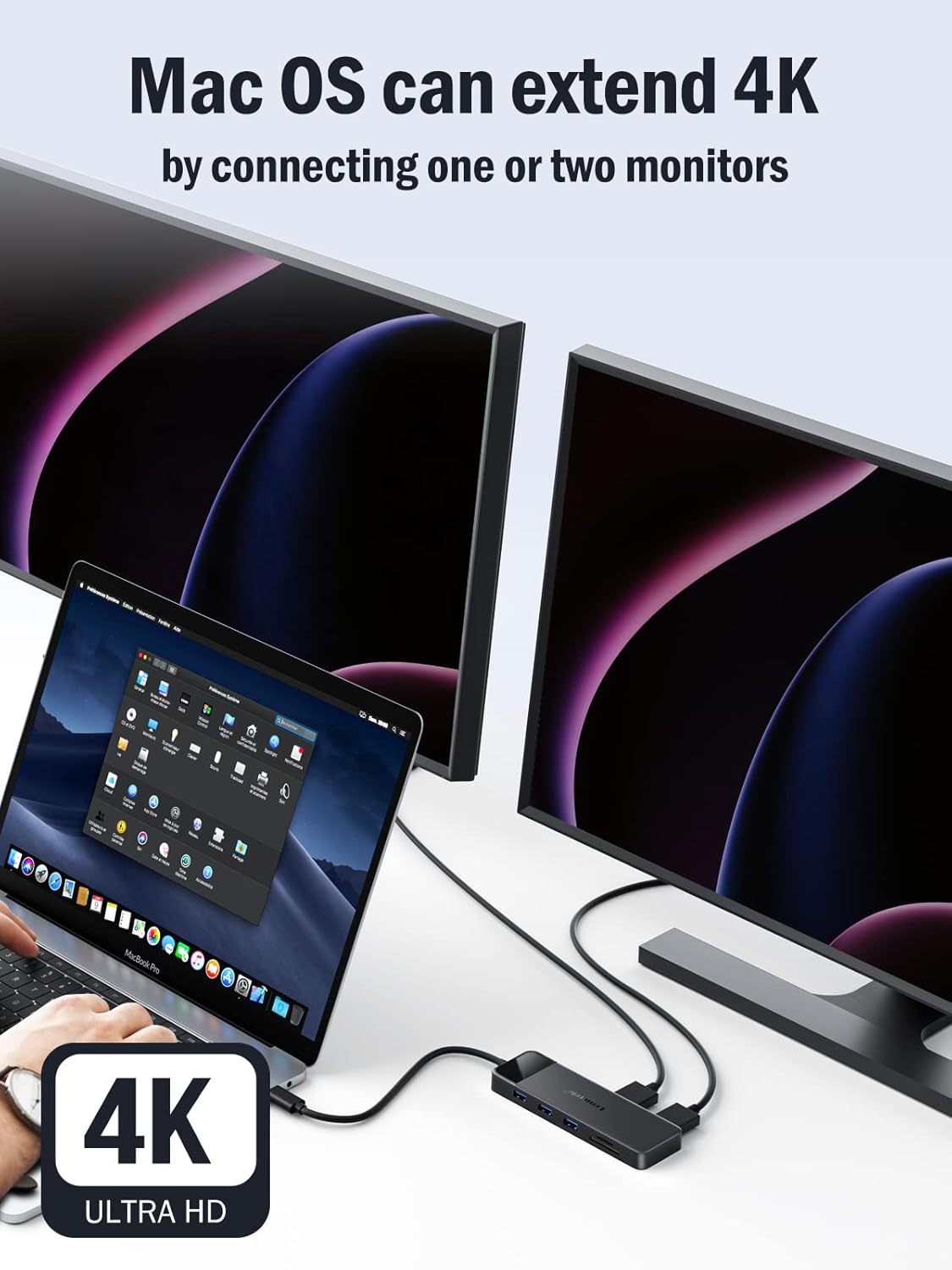
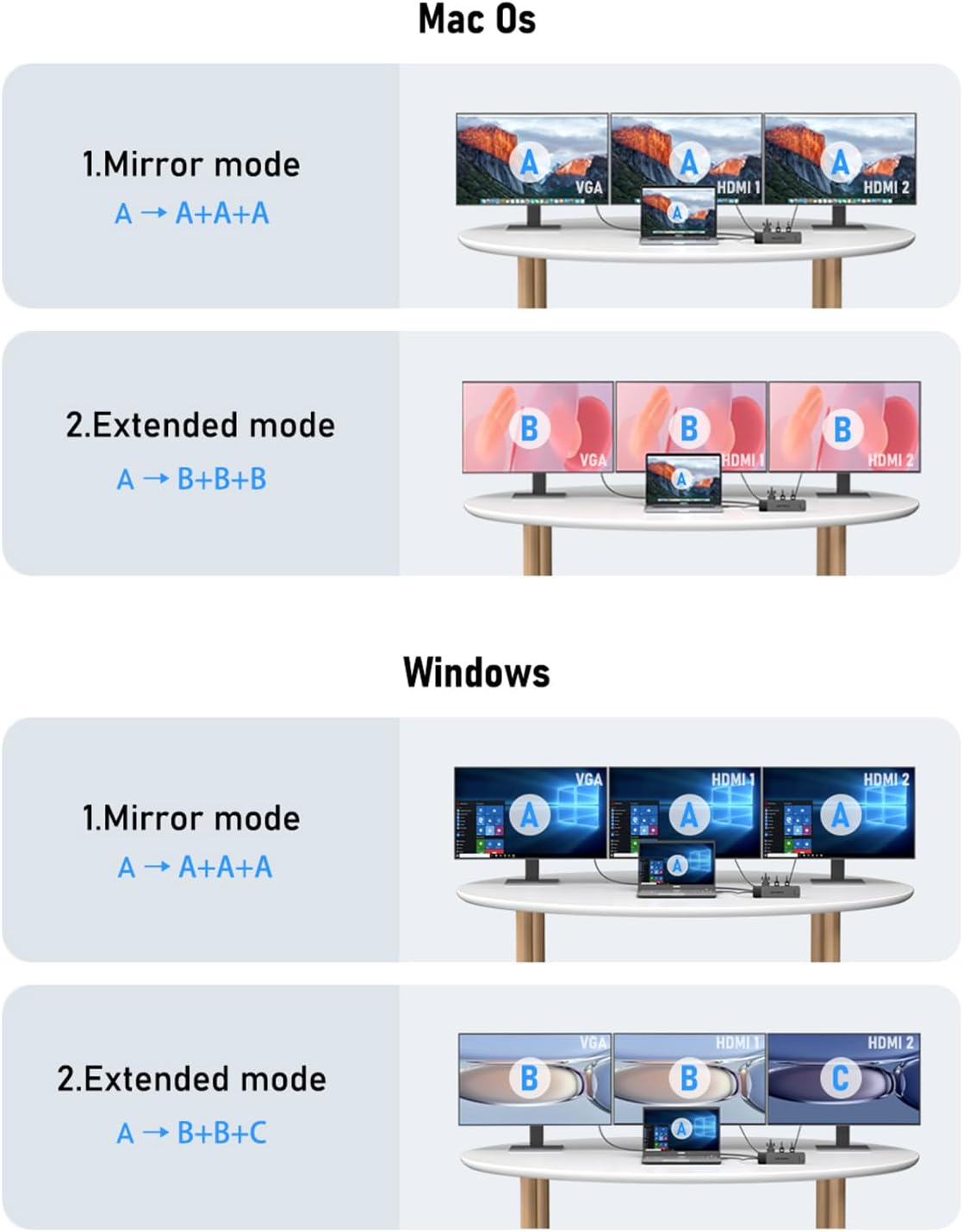
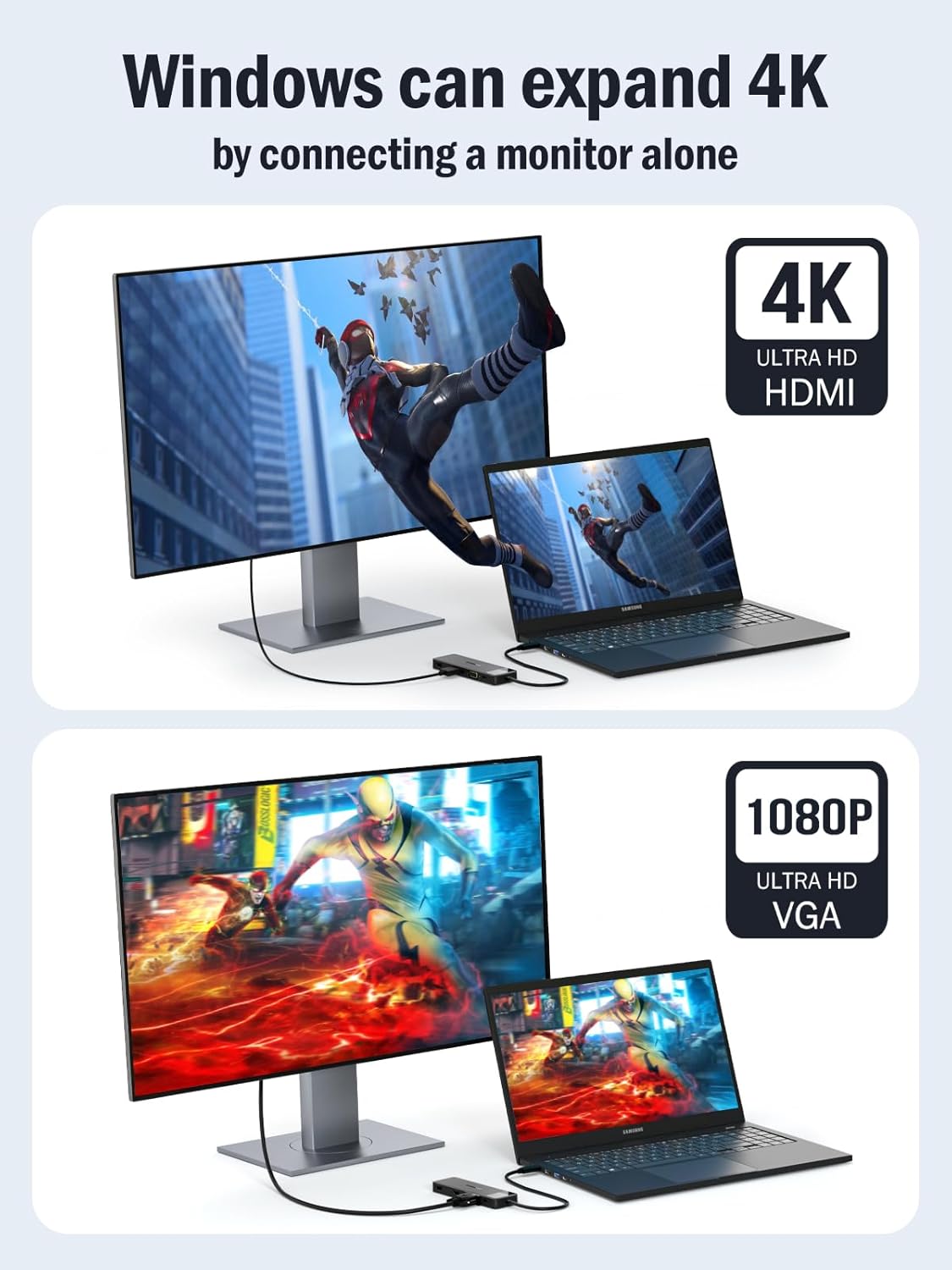
For a single external monitor, either HDMI port can support up to 4K@30Hz according to the manufacturer, which is suitable for office work and video playback. When using two HDMI outputs at once the maximum supported resolution differs by operating system, with Mac systems supporting higher resolutions at the same refresh rate and Windows often limited to 1080p at 60 Hz in dual-display mode. If you connect VGA instead, expect up to 1080p at 60 Hz. This means verification of the laptop’s USB-C port capabilities is advisable before relying on multi-monitor setups. 🔌
When carrying the hub, make use of its compact footprint but be aware that sustained high-throughput tasks may raise the temperature. The product includes built-in protection against overcurrent, overvoltage and short circuits, and an intelligent microchip for thermal control, though heavy use for long periods may still cause the hub to become warm. For peripherals such as external drives, keyboards and mice, standard plug-and-play operation is typical across modern operating systems that support the required video output mode.