

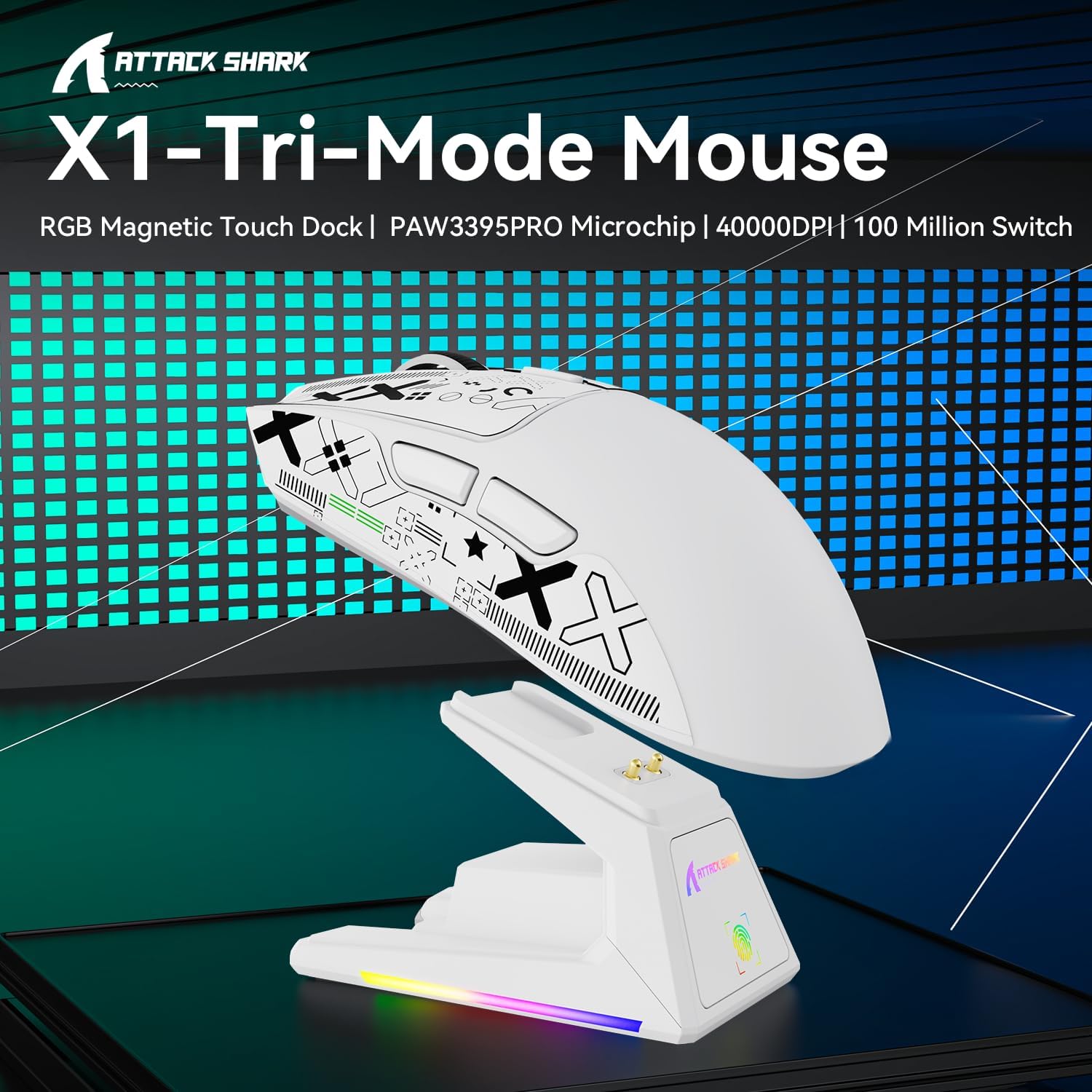
Attack Shark X1 Gaming Mouse with Touchpad Dock
Product description
What matters most
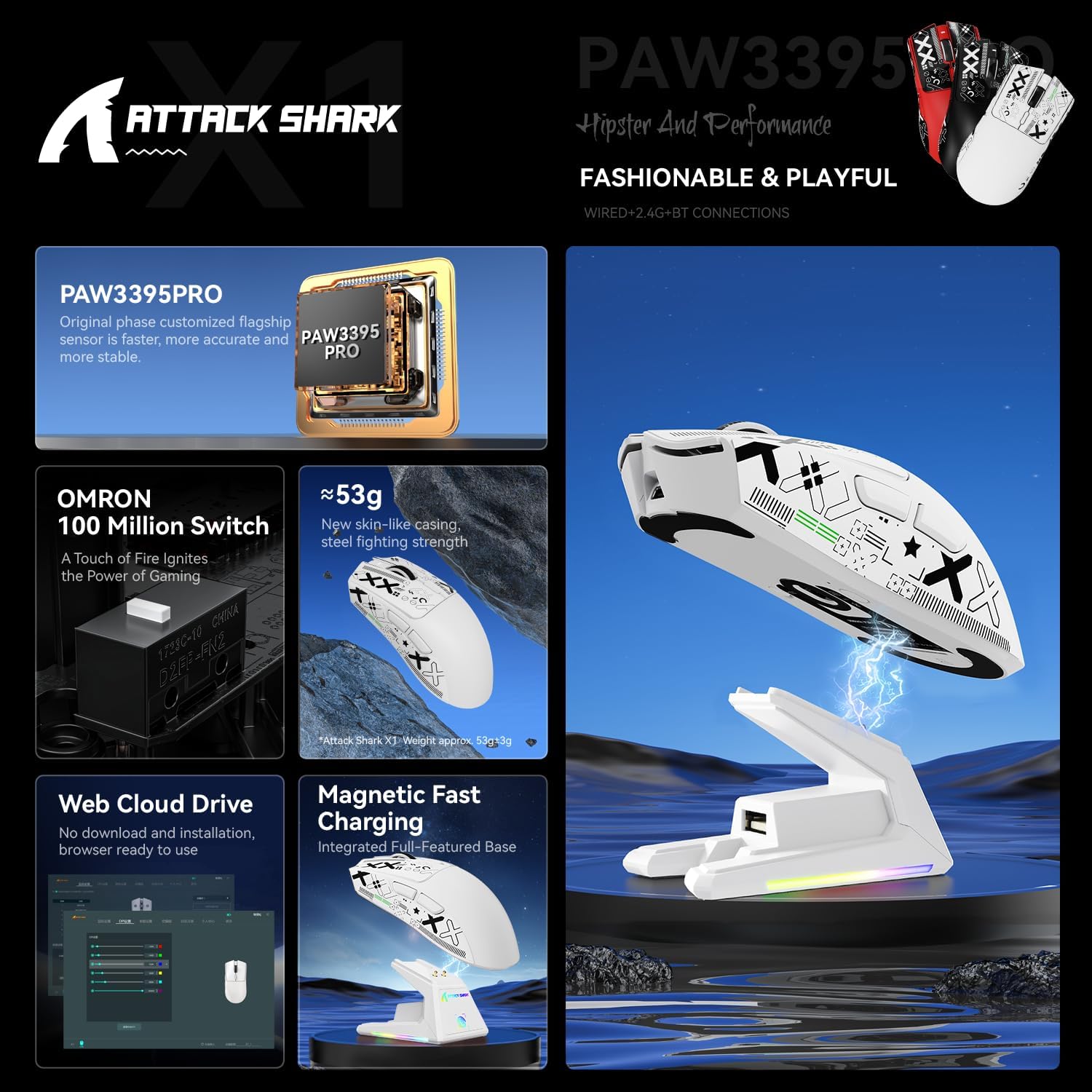
The Attack Shark X1 is a highly adaptable gaming mouse built around a lightweight 53g chassis and a high-end PAW3395PRO sensor. It’s designed to bridge on-the-fly wireless versatility with a tactile charging dock, aiming to reduce cable clutter while keeping the mouse ready for action. If you value immediate pairing, precise tracking, and a clean desk, the X1 may land as a practical option rather than a flashy upgrade.
Tech specs
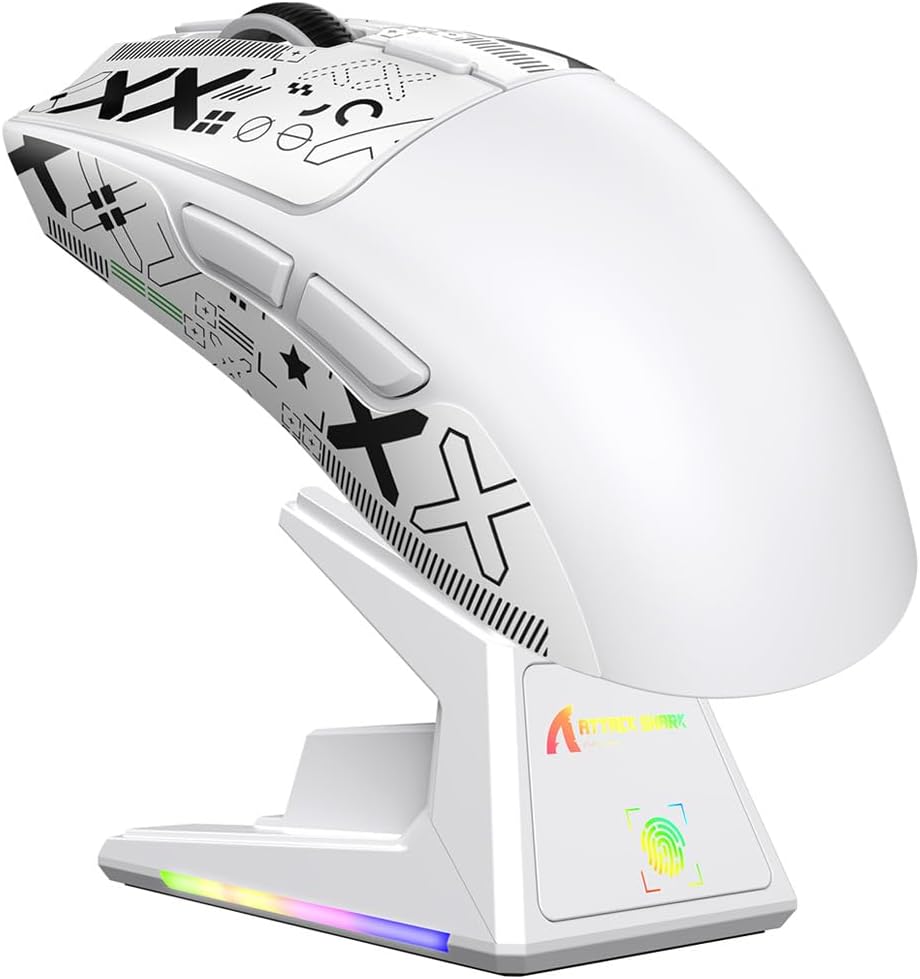
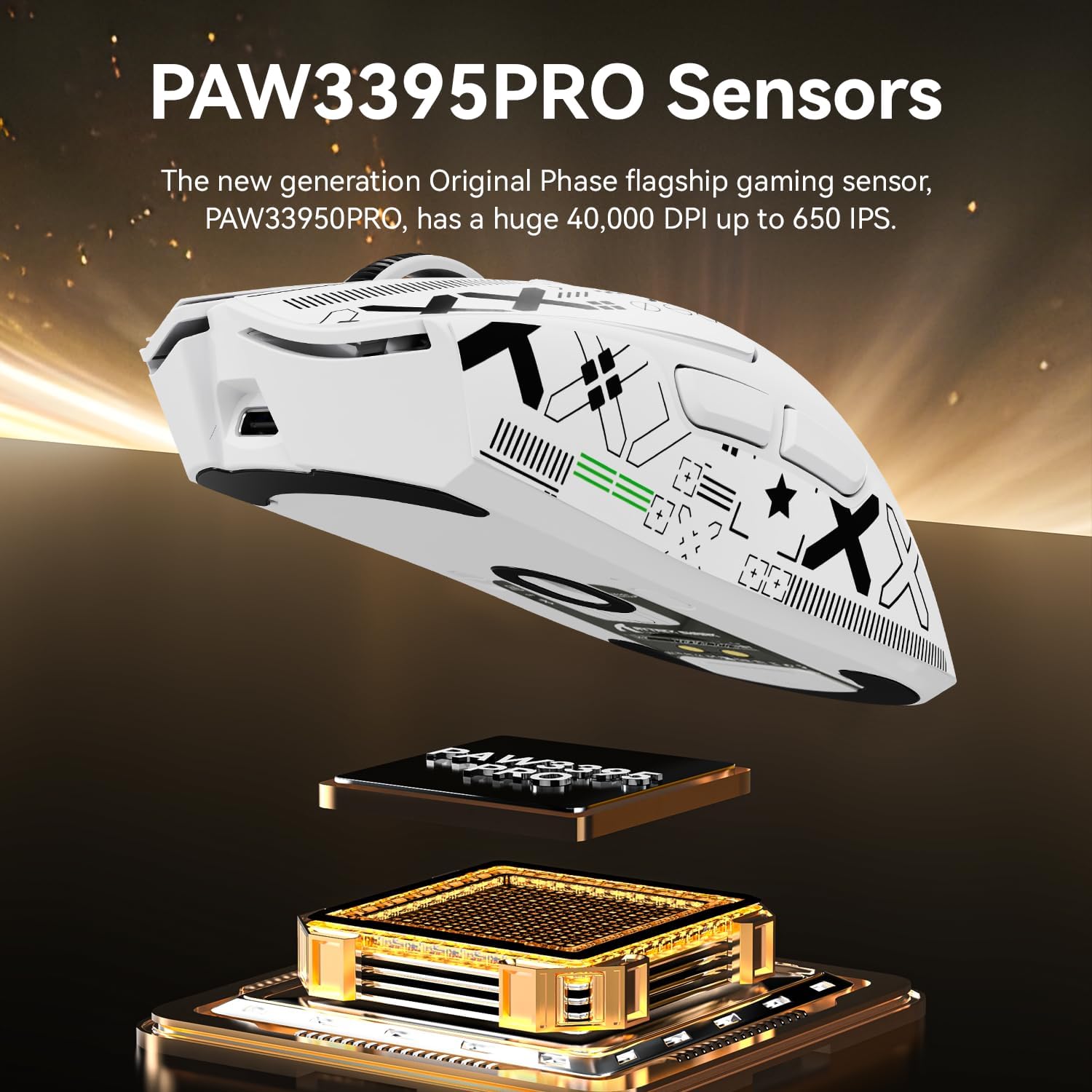
The hero specs centre on a 3395PRO sensor offering up to 40,000 DPI and 650 IPS, with six programmable sensitivity steps and zero smoothing or acceleration to keep micro-movements accurate. The mouse supports three connectivity modes: wired USB-C at 1000Hz, 2.4GHz wireless via a nano receiver with 1ms response, and Bluetooth with memory for up to three devices. The shell uses a honeycomb-like lattice for airflow and grip tape-ready sides, plus gold-plated switches rated for 100 million clicks and a five-year switch warranty.
What stands out
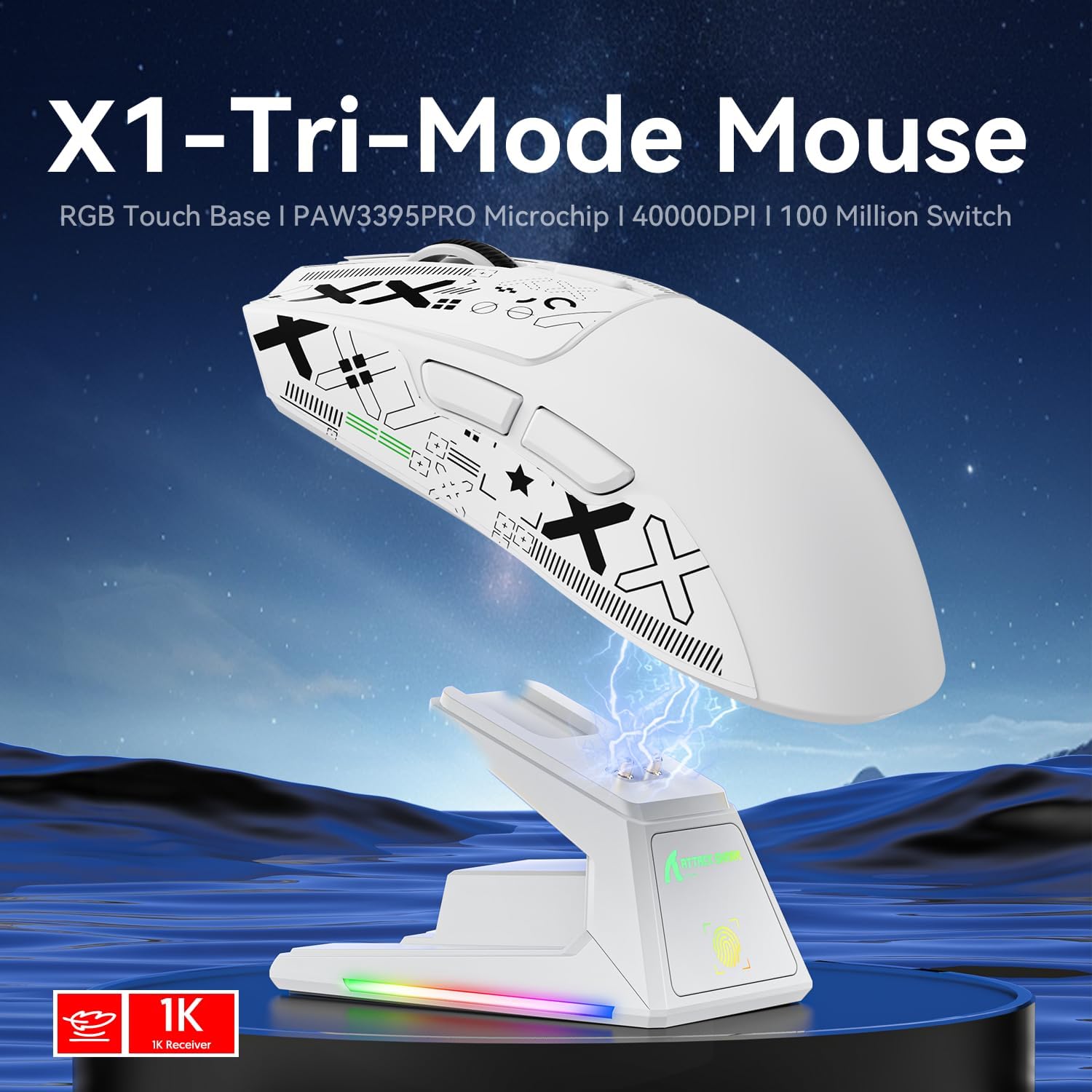
On paper, the Touchpad charging dock is convenient, letting you dock for power without fiddling with cables. The multi-mode connectivity is handy if you switch between PC and tablet or need to keep several devices primed. The ultralight 53g weight aims to improve manoeuvrability, which can be noticeable in fast, precision-driven moments.
Usage tips
If you prioritise flexibility, use the wired mode for latency-sensitive play and switch to Bluetooth for lighter tasks or casual use. The grip tape texture supports secure handling during rapid aiming. The sensor’s precision is strongest at higher DPI settings, but many players run lower DPI for consistency, it’s worth testing a few steps to find your comfort zone.
Who it’s for
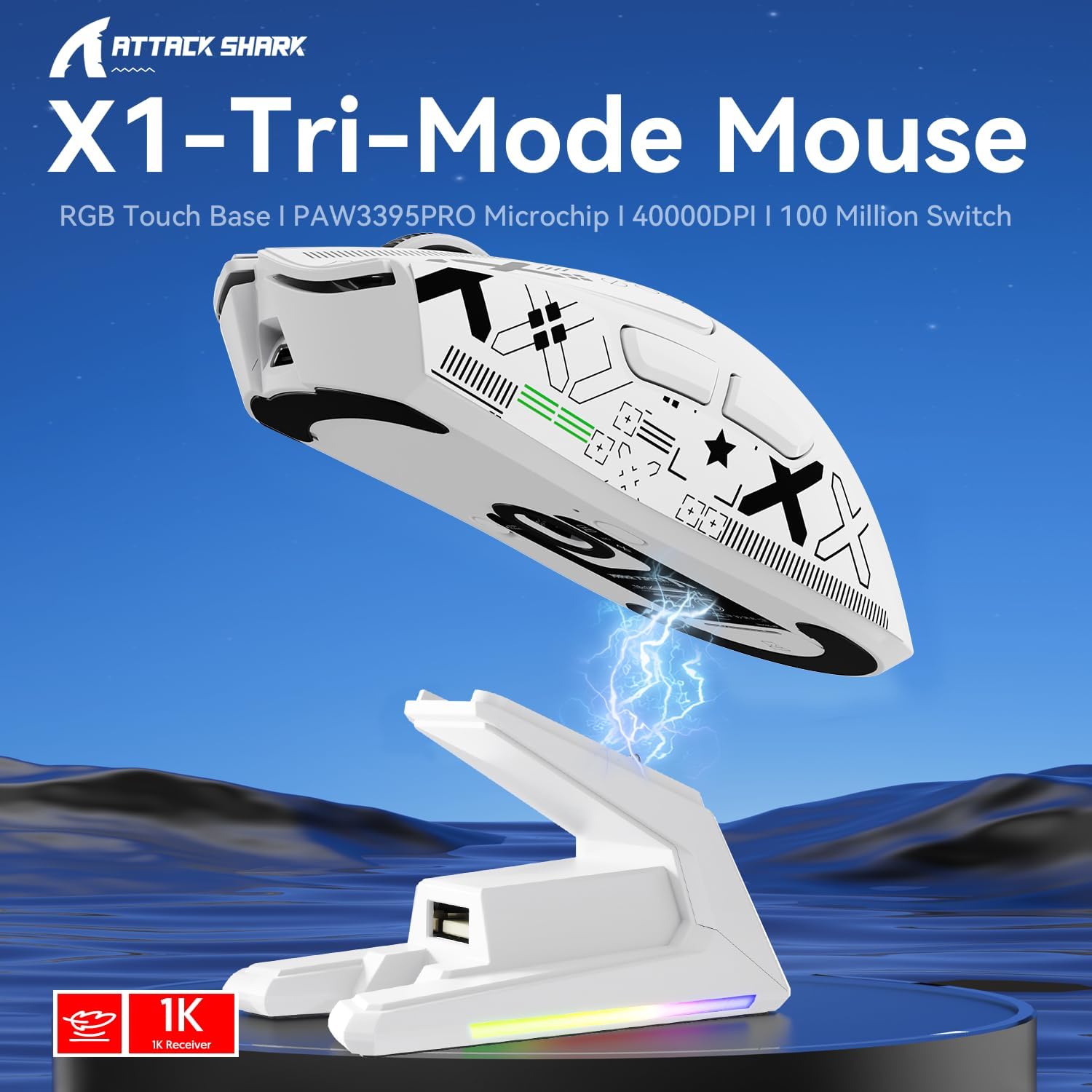
It suits players who want a light, responsive mouse with the option to charge without cables and to emigrate between devices smoothly. It’s probably most appealing to FPS players or multitaskers who appreciate quick device switching and a tactile lighting panel for personalised ambience.
Before you buy
Consider whether you’ll benefit from the dock’s magnet-based charging and whether a 53g form factor matches your grip style. If you need long gaming sessions without charging breaks, assess how the dock affects space on your desk. Also check battery longevity in real-world use, as charging latency can vary with duties like macro-heavy play or video tasks.
Practical use example
Imagine a late-night session: you dock the X1 to top up while you adjust lighting effects with a single click of the touch panel, then swap to Bluetooth to work across a spare tablet for a second screen. When the action starts, you push into wired mode for guaranteed latency and a steady 1000Hz report rate.
What to review before purchase

- Confirm your preferred connection method (wired, 2.4G, or Bluetooth) aligns with your setup.
- Try a few DPI steps to find a balance between precision and speed that fits your game style.
- Check desk space for the dock and ensure that the surface is comfortable for prolonged use.
FAQ
- Is the dock truly cable-free? Yes, the dock uses magnetic alignment to connect without visible cables.
- Can I use Bluetooth and 2.4G interchangeably? Yes, the mouse supports both, with memory for up to three devices.
- What if the switches wear out? The switches are rated for 100 million clicks and backed by a five-year warranty, offering reassurance for long-term use.
Is it worth it?
Worth considering if you value device flexibility, a lightweight chassis, and a built-in touch panel for lighting tweaks. It may not be the best choice if you prioritise the absolute lightest possible mouse with no additional docking mechanism, or if you don’t need Bluetooth multi-device support.
What’s included
In the box you’ll typically find the ATTACK SHARK X1 mouse, the charging dock, a USB-C cable, and the nano receiver for 2.4G connection, plus documentation.