

ABFCRTTW USB-C to 7-Port USB Hub Multiport Adapter (Aluminium) with 5Gbps data
Reviews
Price
Product description
What this USB-C hub is for
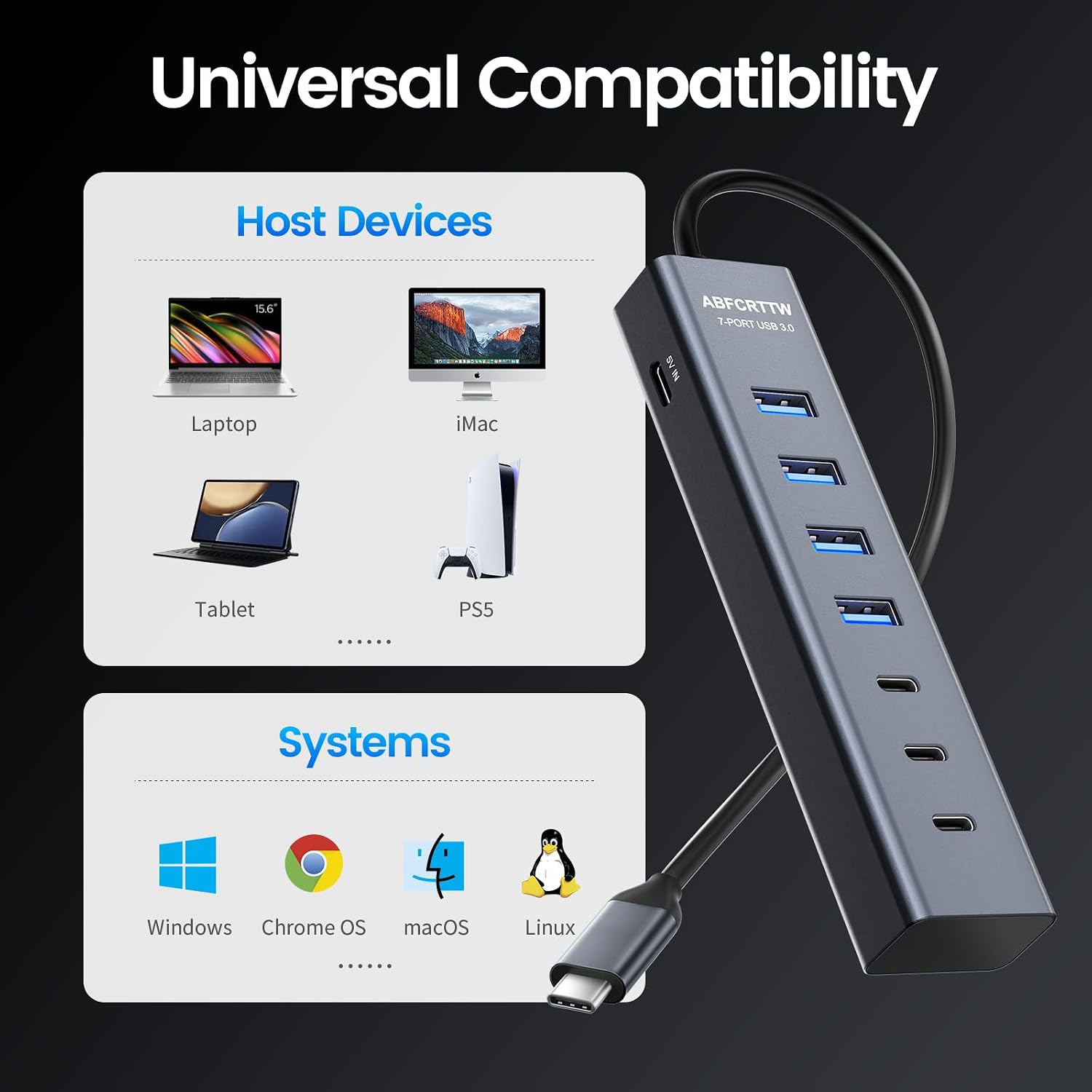
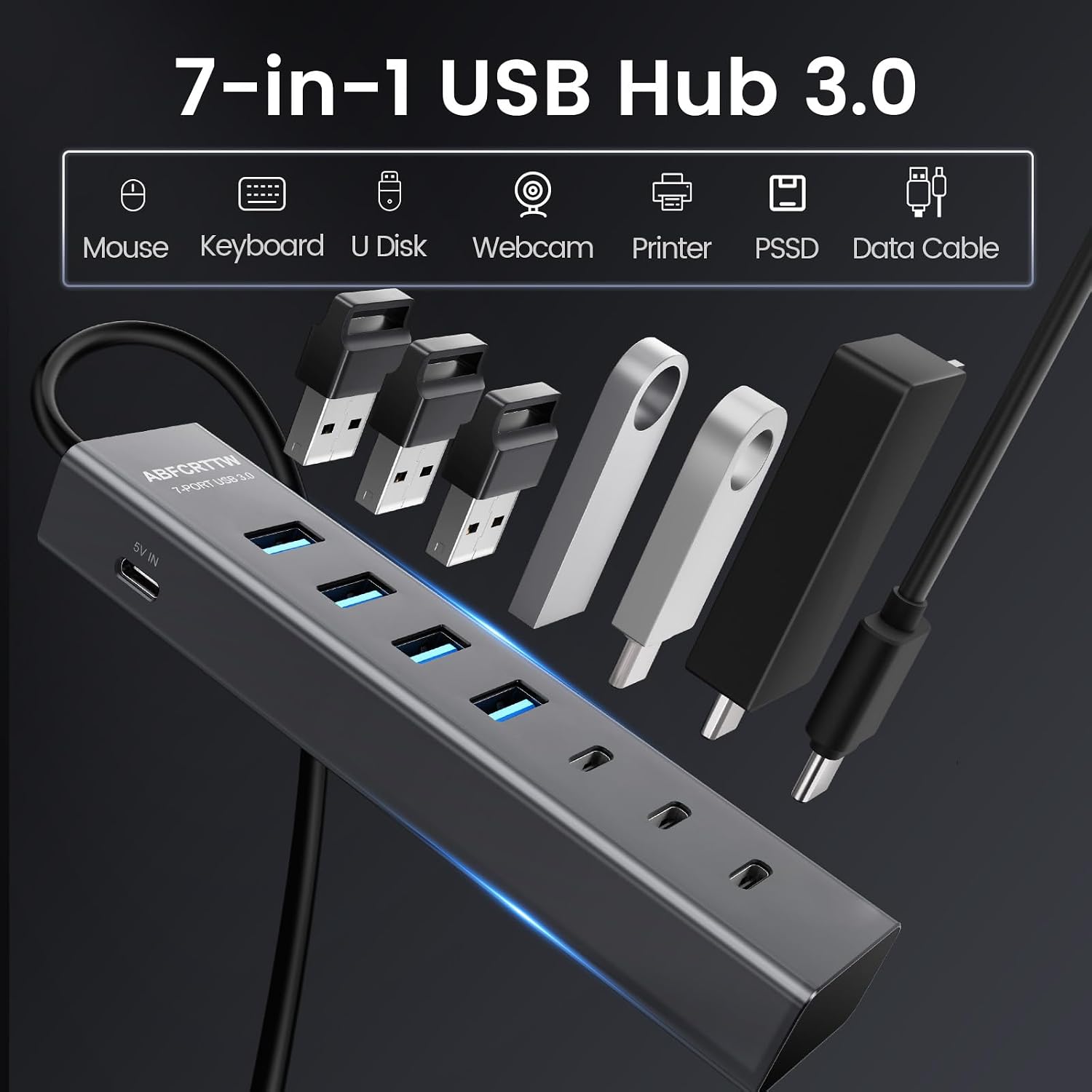
The ABFCRTTW USB-C to USB hub is designed to turn one USB-C port into multiple connections, so you can tidy up a desk setup and stop swapping cables. It’s aimed at people using laptops (including MacBook Pro/Air), and also mentions iMac, iPad and other USB-C equipped devices.
On paper, the big draw is the move to “multiport” convenience without turning your workstation into a spaghetti pile: one compact aluminium hub and a short cable give you a cleaner way to attach peripherals like a keyboard, mouse and external drives.
That said, it’s not perfect for every situation—there’s an important limitation to note about charging (more on that below).
The essentials: 7 ports, 5Gbps USB 3.0 speed
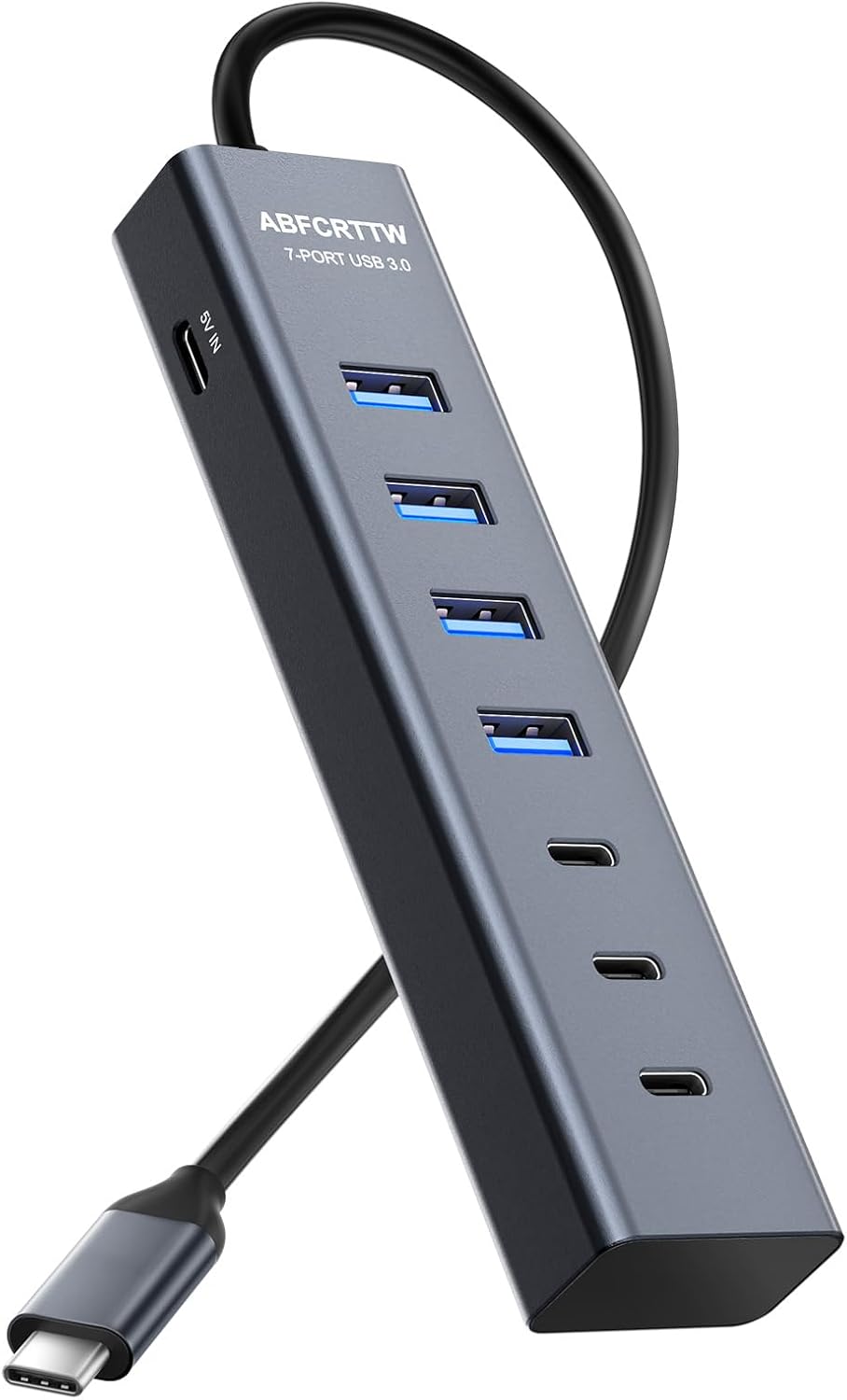
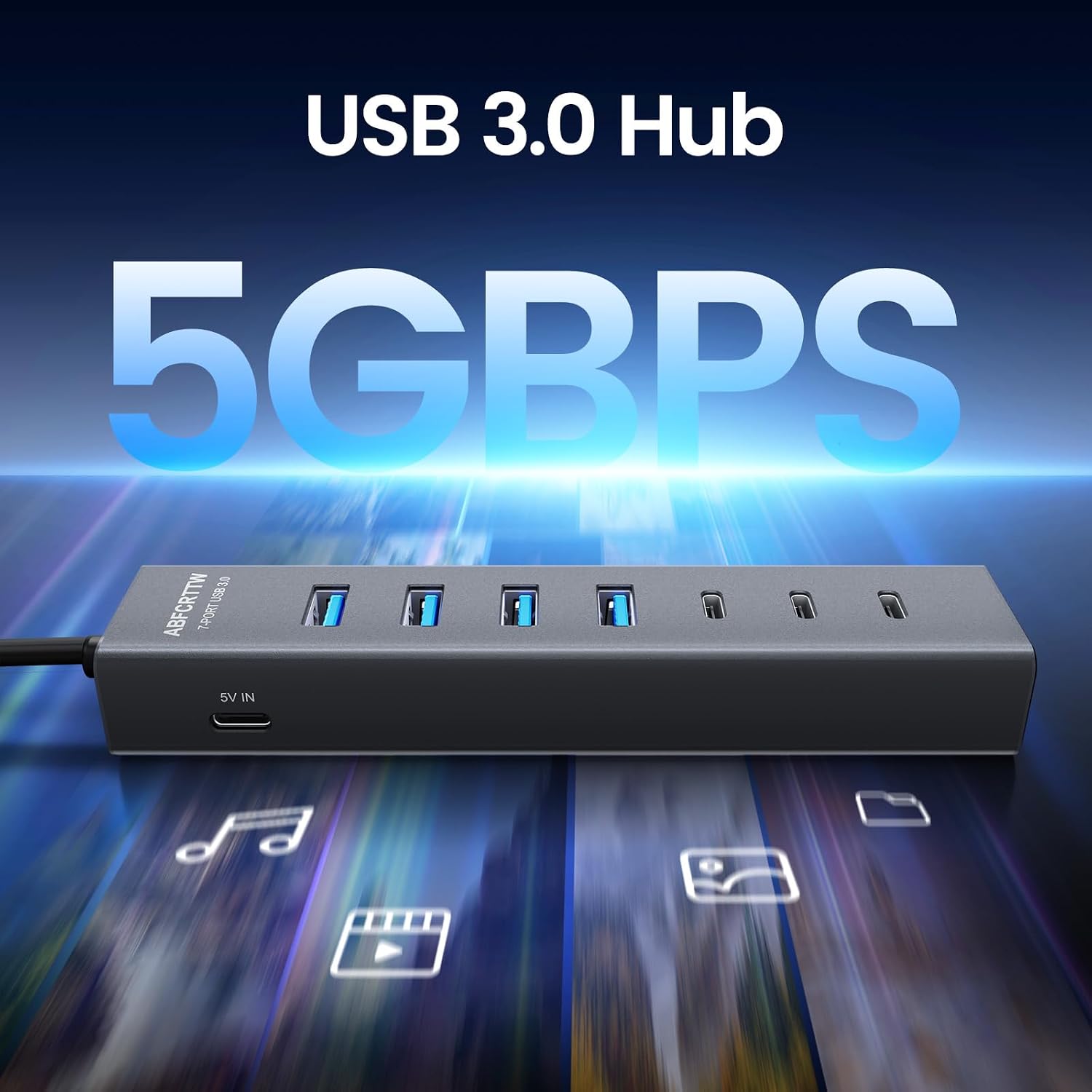
This is a 7-port hub with USB 3.0 class performance, stated up to 5Gbps for data transfer. For everyday use, that generally means quicker movement of files than older USB 2.0 style setups, especially when you’re copying large folders, backing up an external drive, or transferring media.
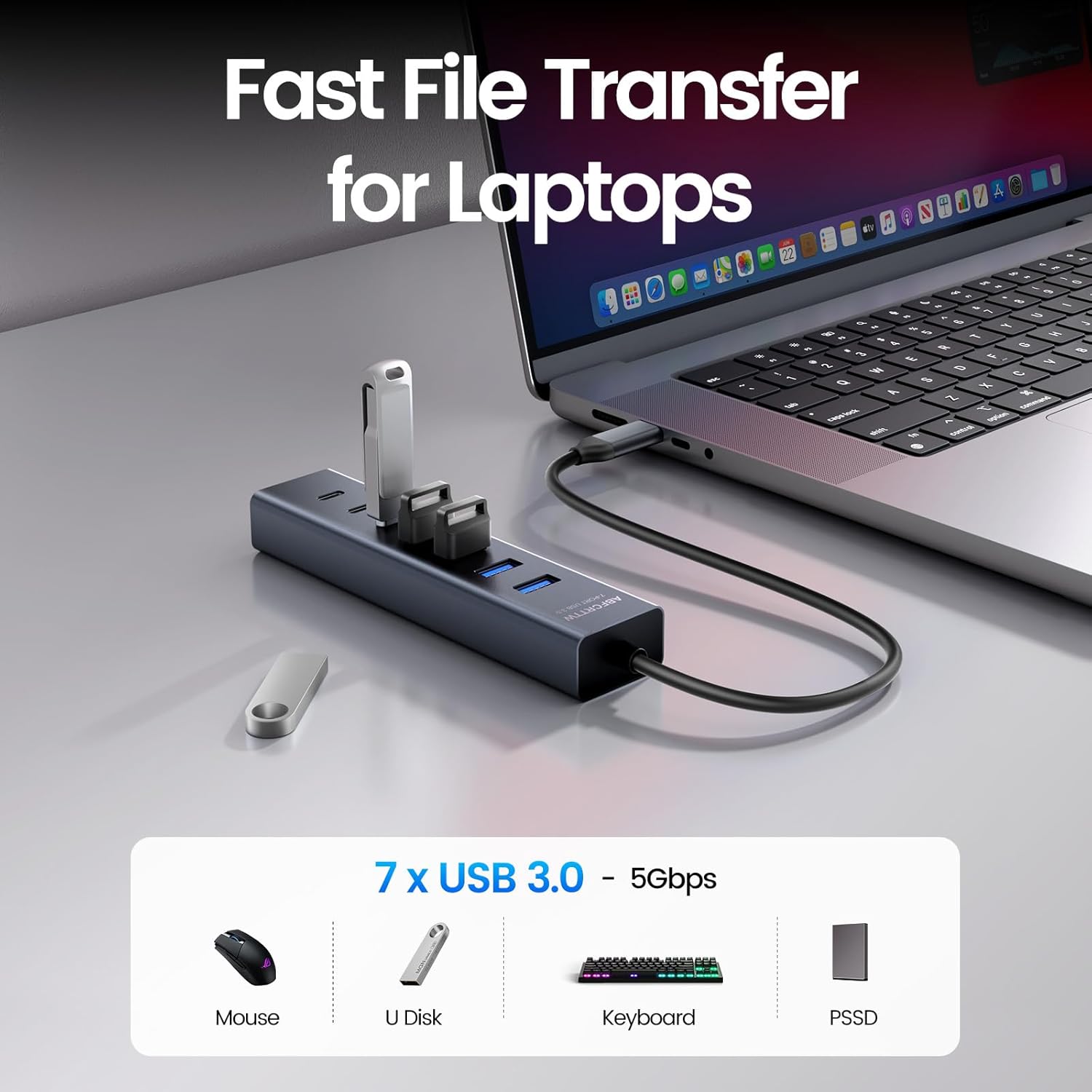
A practical example: if you’re plugging in a portable SSD to import photos or files, you’re not doing it through a single slow connection anymore—you’ve got multiple ports available at once, which helps when your workflow involves both a drive and a couple of accessories.
It’s worth tempering expectations too: “up to 5Gbps” is a headline figure, and real speeds depend heavily on the connected devices and how busy the hub is.
Where it stands out in day-to-day use
The aluminium body is positioned as a premium, heat-dissipating style housing, which is the kind of detail you’ll appreciate if you leave the hub plugged in for long sessions. The placement also matters: it uses a flexible 1ft cable, so you can get the hub onto a laptop stand or behind your setup rather than forcing everything to sit right next to the laptop.
There’s also mention of dual-chip technology, intended to help manage multiple connections more smoothly. In plain terms, that’s the feature you want if you tend to use the hub “for real” (keyboard + mouse + storage) rather than treating it as a spare.
And yes, it’s plug-and-play with no drivers required, which keeps setup from turning into a troubleshooting exercise.
Power port limitation (read this before you buy)
A key point with this model: the base notes explicitly say the device only supports data transmission, not charging.
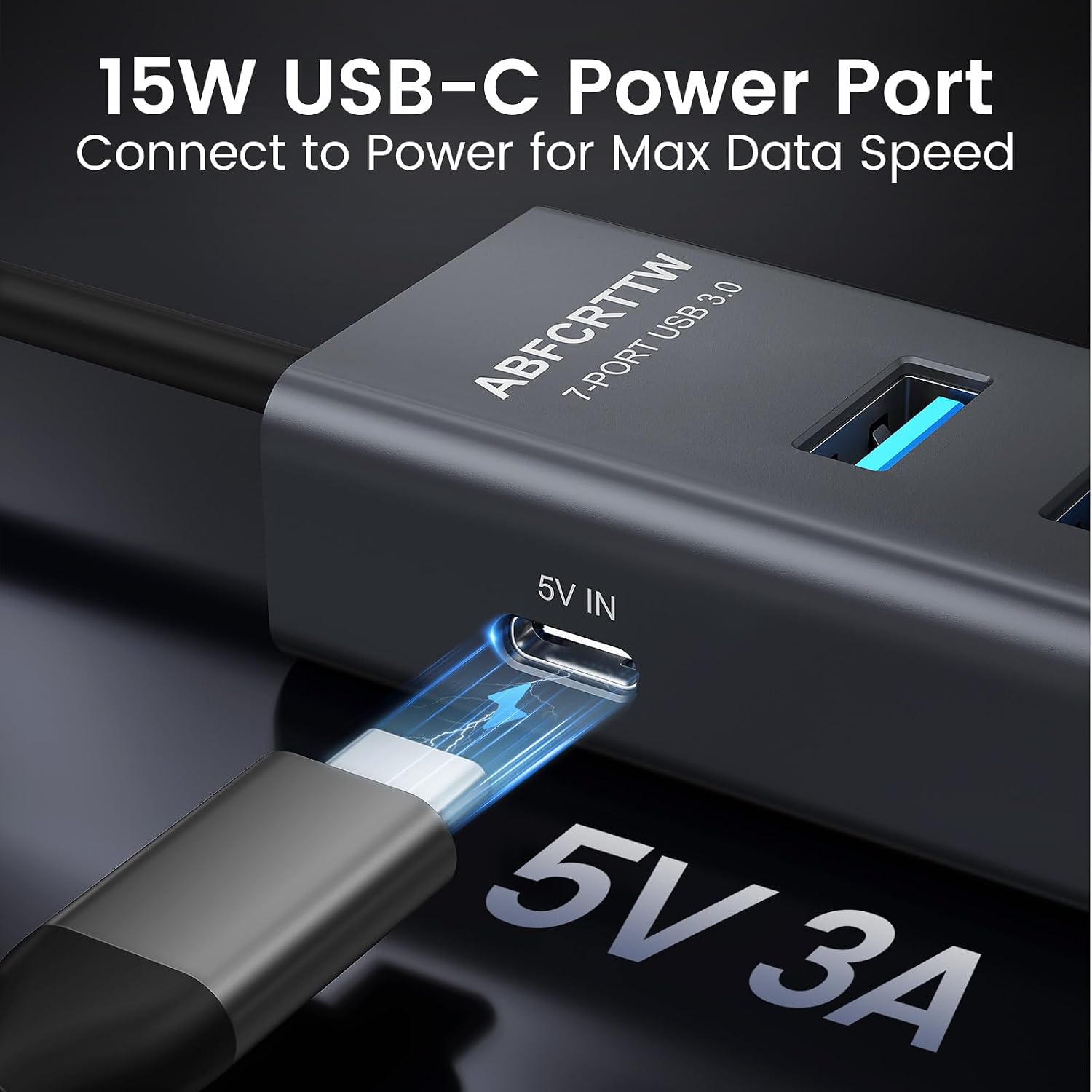
At the same time, the description also talks about a dedicated 15W Type-C power port (5V/3A). That can sound confusing at first. What you can take from this for buying decisions is: don’t assume it will behave like a full charging dock for your laptop.
So if your main goal is to charge your device through the hub, you may want to look elsewhere. This hub appears better suited to powering certain peripherals (for example, the description mentions hungry devices like portable SSDs/external hard drives/cooling fans) rather than replacing laptop charging.
Speed and stability when multiple devices are plugged in
The manufacturer’s claim is up to 5Gbps data transfer, plus a dual-chip processor intended to avoid lag or dropouts even when all ports are in use.
It’s not the kind of guarantee you can fully verify without testing, but it does align with what many people experience with cheaper USB-C splitters: the more you plug in, the more you start seeing quirks. If you expect to run multiple peripherals at once, this approach is at least aiming at the right problem.
Who it suits (and who should be cautious)
It’s a strong fit if you want a compact aluminium USB-C hub for a clean desk, and you regularly connect a mix of accessories and storage. It also makes sense if you prefer plug-and-play setup and want the hub physically positioned with the included 1ft cable.
It may not be the best choice if charging is central to your use case — especially charging a laptop/tablet itself. The wording about data-only support is a big warning sign.
It’s also worth being realistic if you need consistently maximum speeds under heavy load. “Up to” performance figures and real-world throughput can vary, and busy hubs can still fall short of peak marketing numbers.
Tech specs
- Name: ABFCRTTW USB C to USB Hub Multiport Adapter
- Type: USB-C hub / USB splitter (7-port)
- Format: Multiport adapter with aluminium body
- Size: Compact (1ft cable included)
- Capacity: 7 ports
- Type-C data speed: up to 5Gbps (USB 3.0)
- Power port (stated): 5V/3A Type-C for up to 15W
Final verdict
It makes sense to buy the ABFCRTTW USB-C 7-port hub if you’re building a tidy laptop or desktop setup and you mainly need more connections for keyboard, mouse and external storage, with USB 3.0 class data performance up to 5Gbps and an aluminium, heat-dissipating housing.
You should consider skipping it if you want the hub to double as a charging solution for your host device. The note that it only supports data transmission (not charging) is the kind of limitation that can waste time if you’re expecting a proper charging dock.
If you’re unsure, the safest approach is to double-check your device’s power/charging expectations before ordering, then use this hub as a multiport expansion for peripherals rather than a replacement for your charger.
Quick FAQ

Does this hub charge a laptop?
The listing includes a note that it only supports data transmission, not charging. Based on that, it’s safer not to expect laptop charging through this hub.
What speed does the ABFCRTTW hub support?
The description states up to 5Gbps via USB 3.0.
Is it plug-and-play?
The description says no drivers are required, implying plug-and-play setup.
How long is the cable?
It includes a flexible 1ft cable.
What is the 15W power port for?
The description frames it as a dedicated Type-C power port for peripherals such as portable SSDs, external hard drives, or a cooling fan, rather than charging the host device.