

Anker DL7400 14‑Port Docking Station
Product description
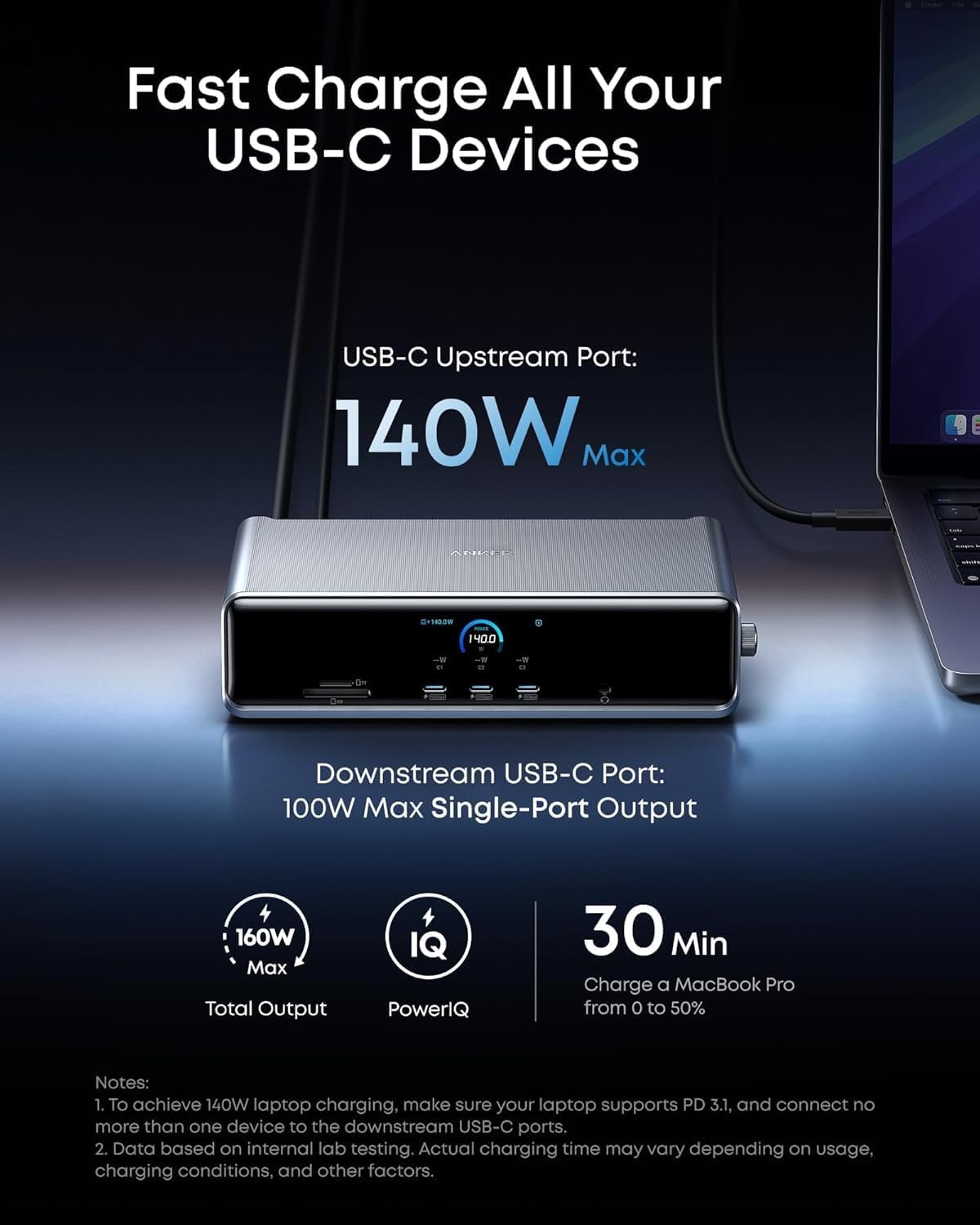
This docking station brings desktop power and multiple displays to modern laptops, ideal for busy workstations and creative setups. It delivers charging and data through a single upstream USB‑C while letting you drive three external monitors for enhanced multitasking.
Quick overview
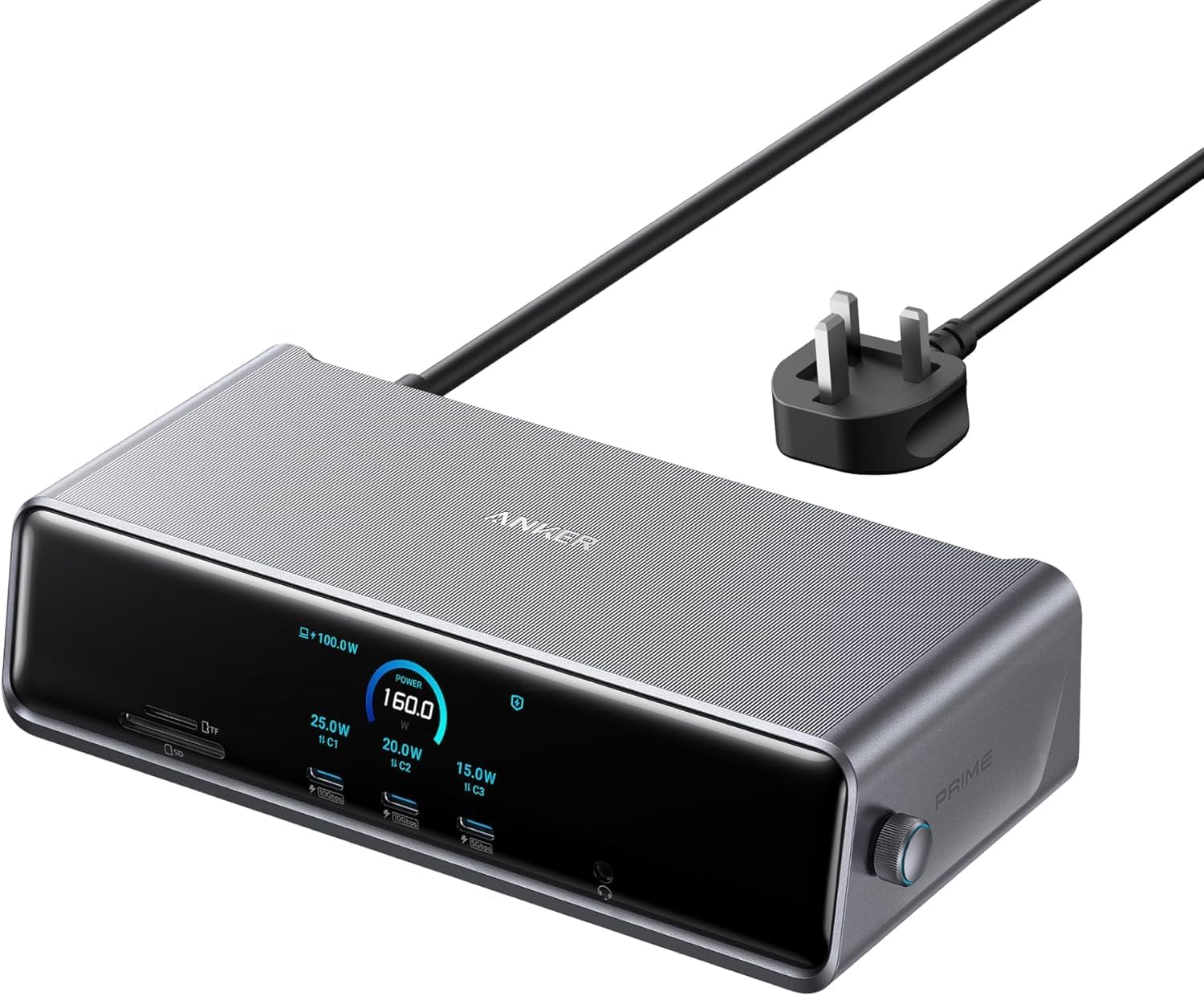
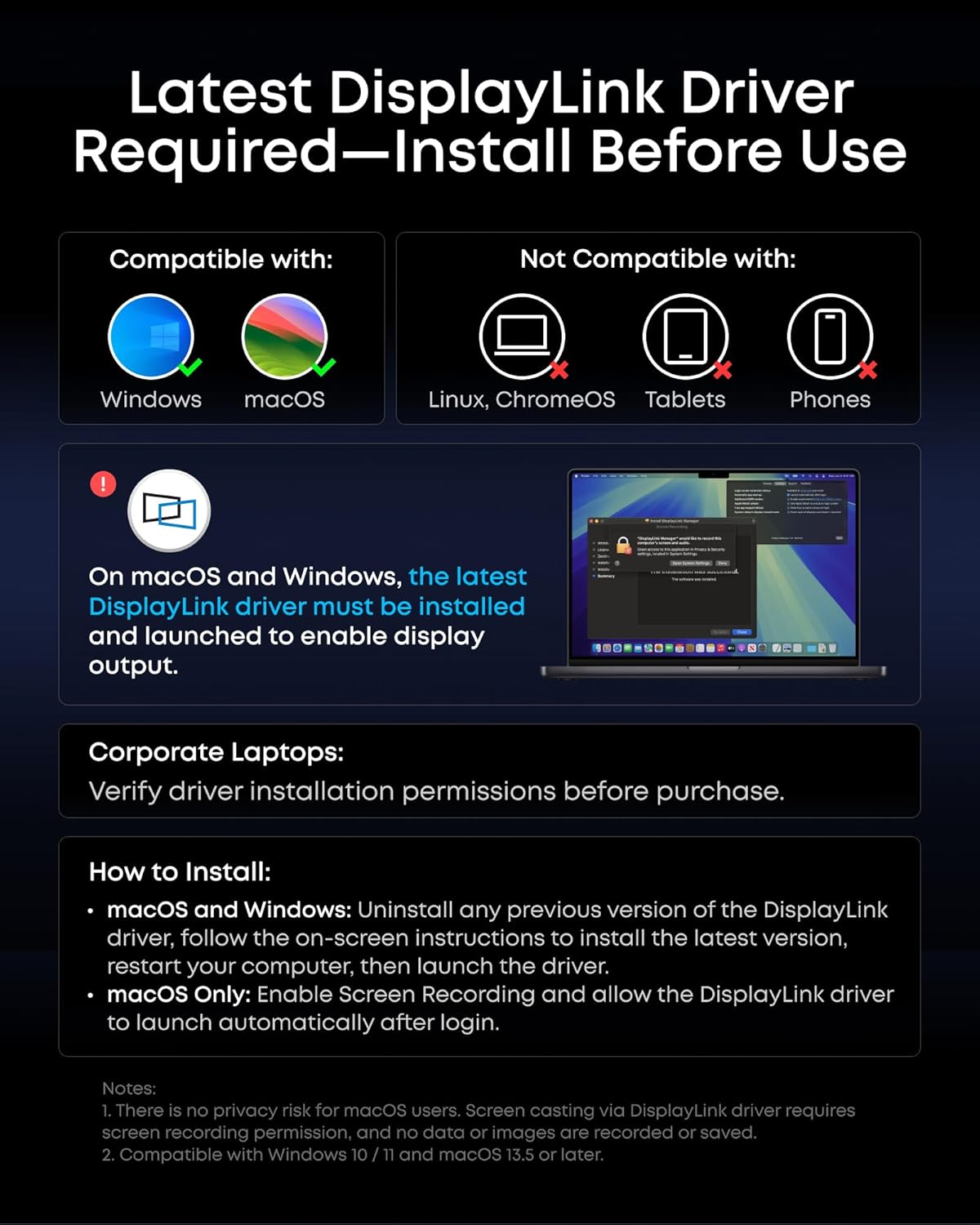
The Anker Prime Docking Station (DL7400) combines charging, networking and video in a compact desktop hub. It supports up to 140W via the upstream port, offers a smart display for status feedback, and runs with DisplayLink technology that requires the latest driver. If you prioritise single‑cable docking you get simpler desk organisation, if you prefer maximum screen space you can connect triple displays including an 8K output.
Tech specs
- Name: Anker Prime Docking Station (DL7400)
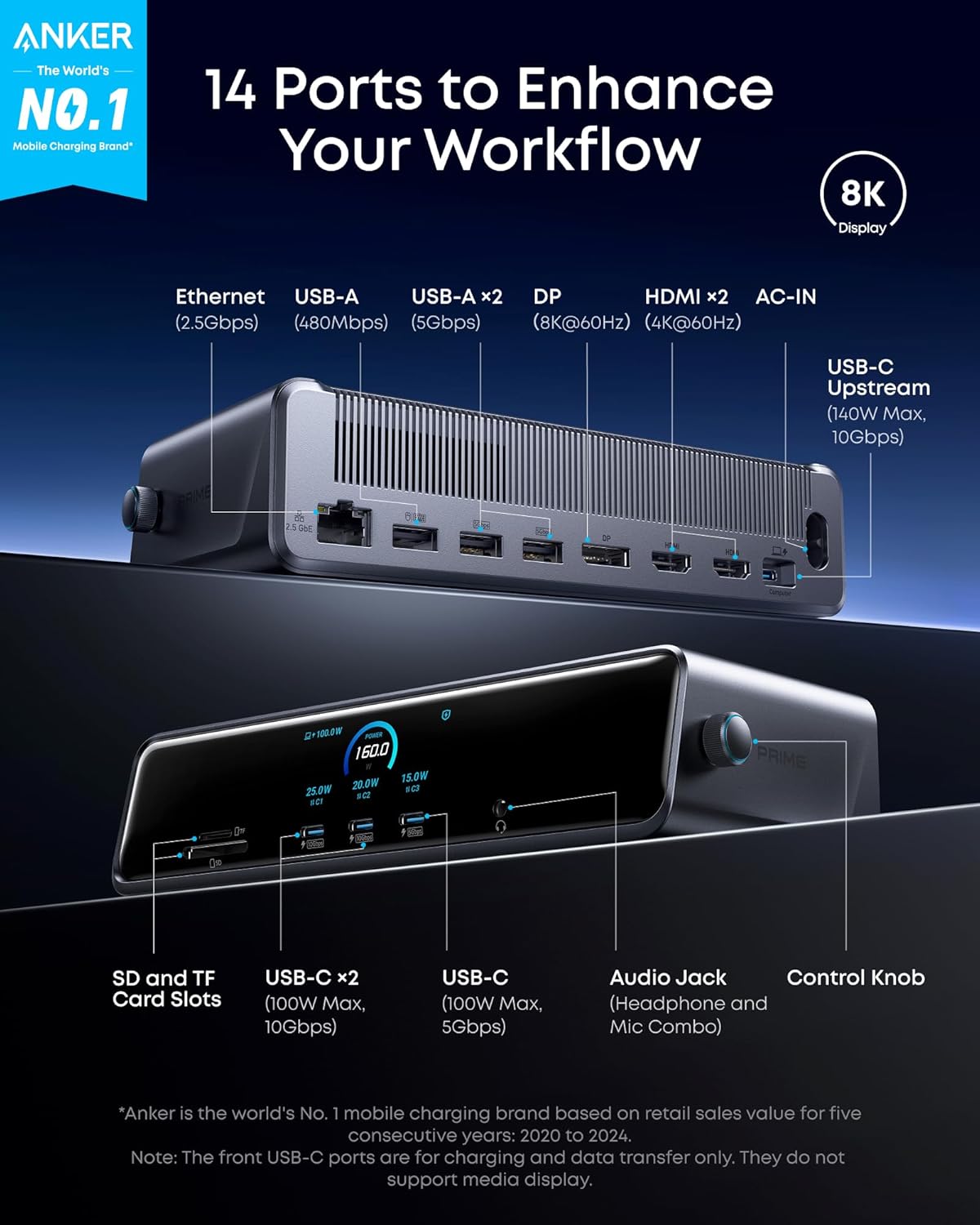
- Capacity: 140W upstream charging
- Connectivity: two 100W USB‑C, one 100W 5Gbps USB‑C, multiple USB‑A ports, SD and TF card slots
- Video outputs: two HDMI, one DisplayPort, one 8K capable output, triple 4K 60Hz support
- Network: 2.5Gbps Ethernet
What stands out
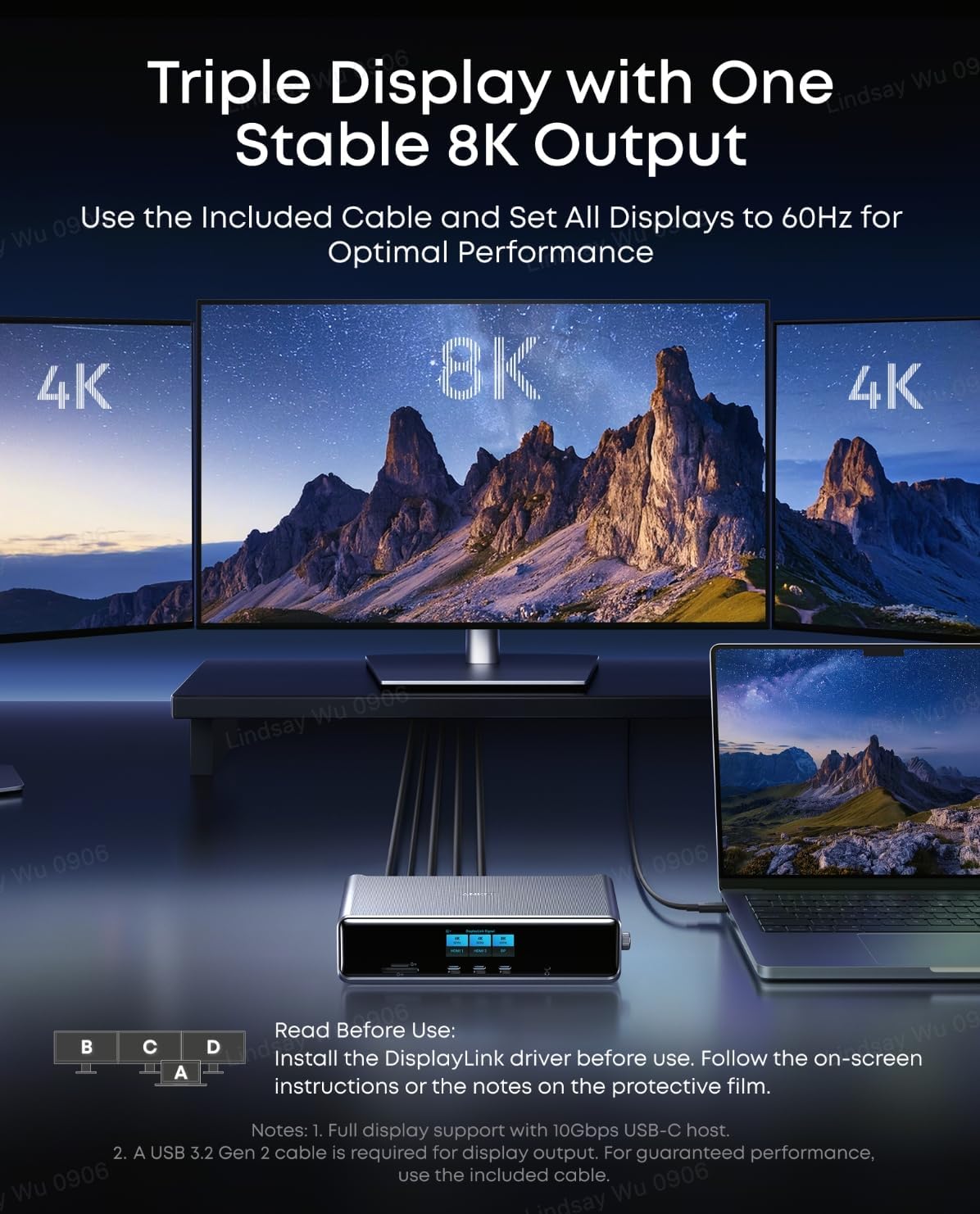
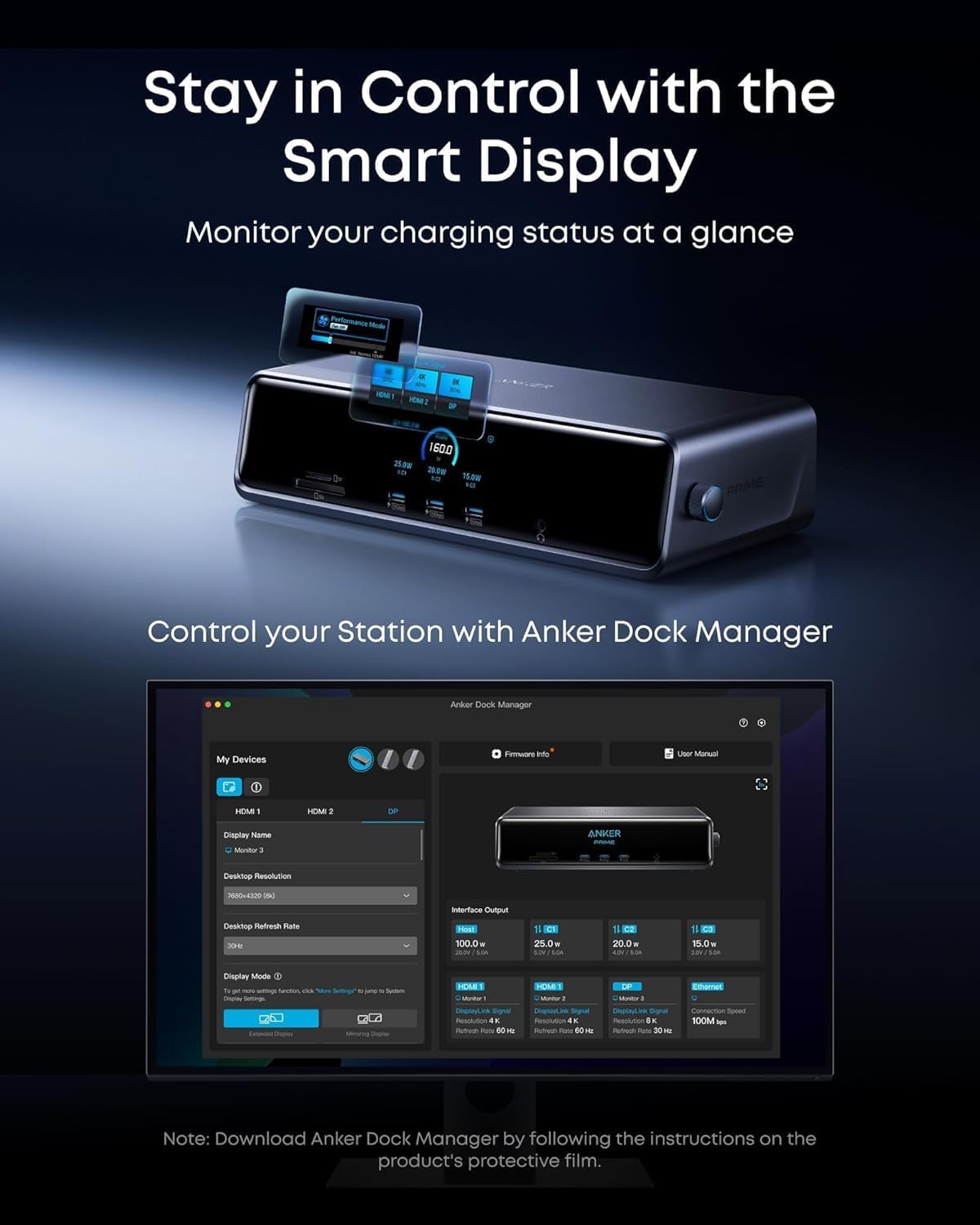
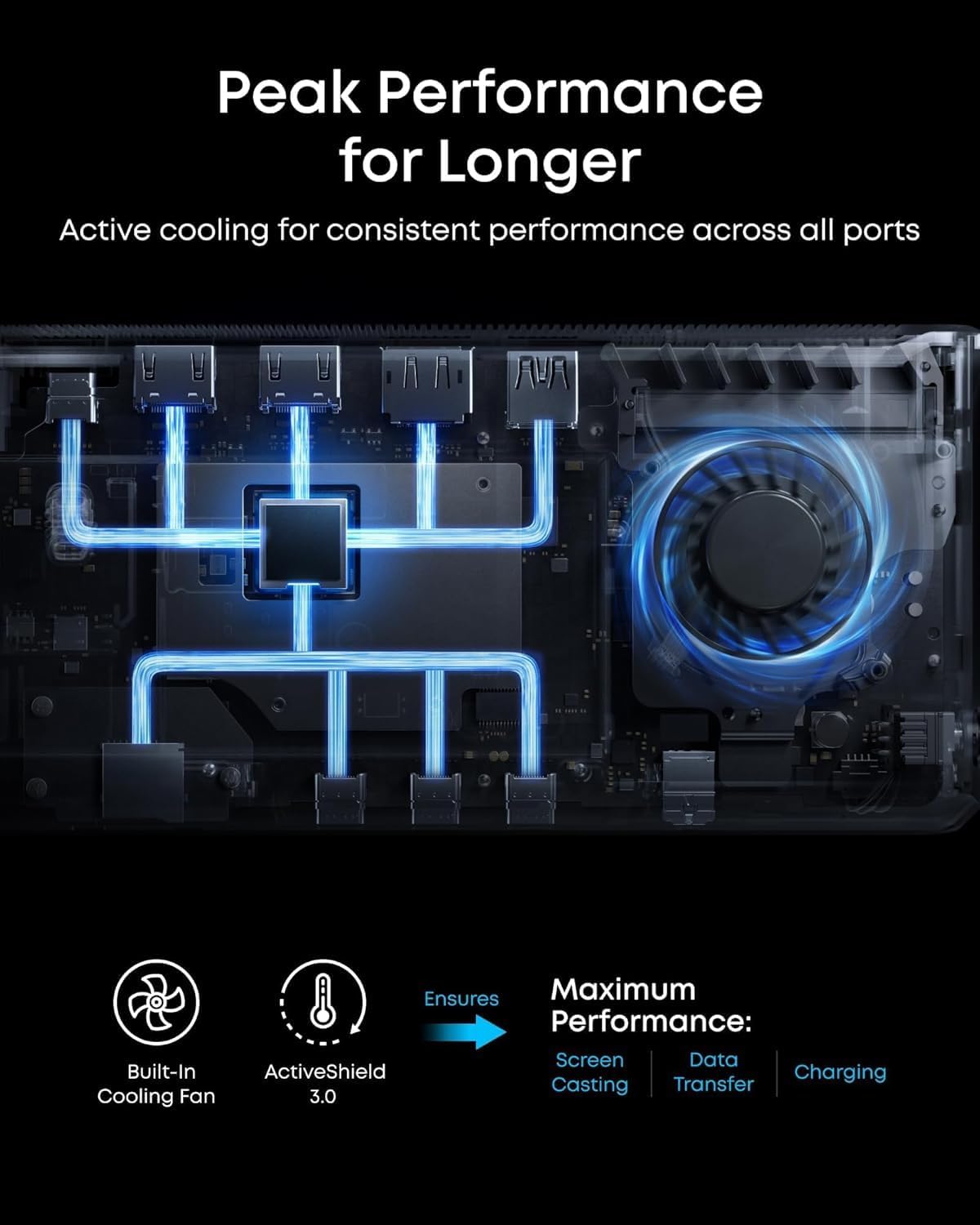
The smart display reports charging power, display status and fan mode so you can monitor performance at a glance. The built‑in fan and ActiveShield 3.0 aim to keep temperatures stable during sustained workloads. Each USB‑C port supports charging and data transfer, though the front USB‑C ports do not support video output according to the manufacturer.
How to use it
Set the DL7400 on your desk and connect the included USB‑C upstream cable to your laptop, install the latest DisplayLink driver, then add monitors and peripherals as needed. For heavy screen setups connect the 8K capable output for a single high‑resolution display and use the other outputs for additional monitors. Keep the fan unobstructed to maintain airflow and stable operation during long sessions.