

Blackview DCM8 Dual 15.6" FHD IPS portable laptop screen extender (Ultra-thin 4.5mm, 1kg)
Product description
What to know first
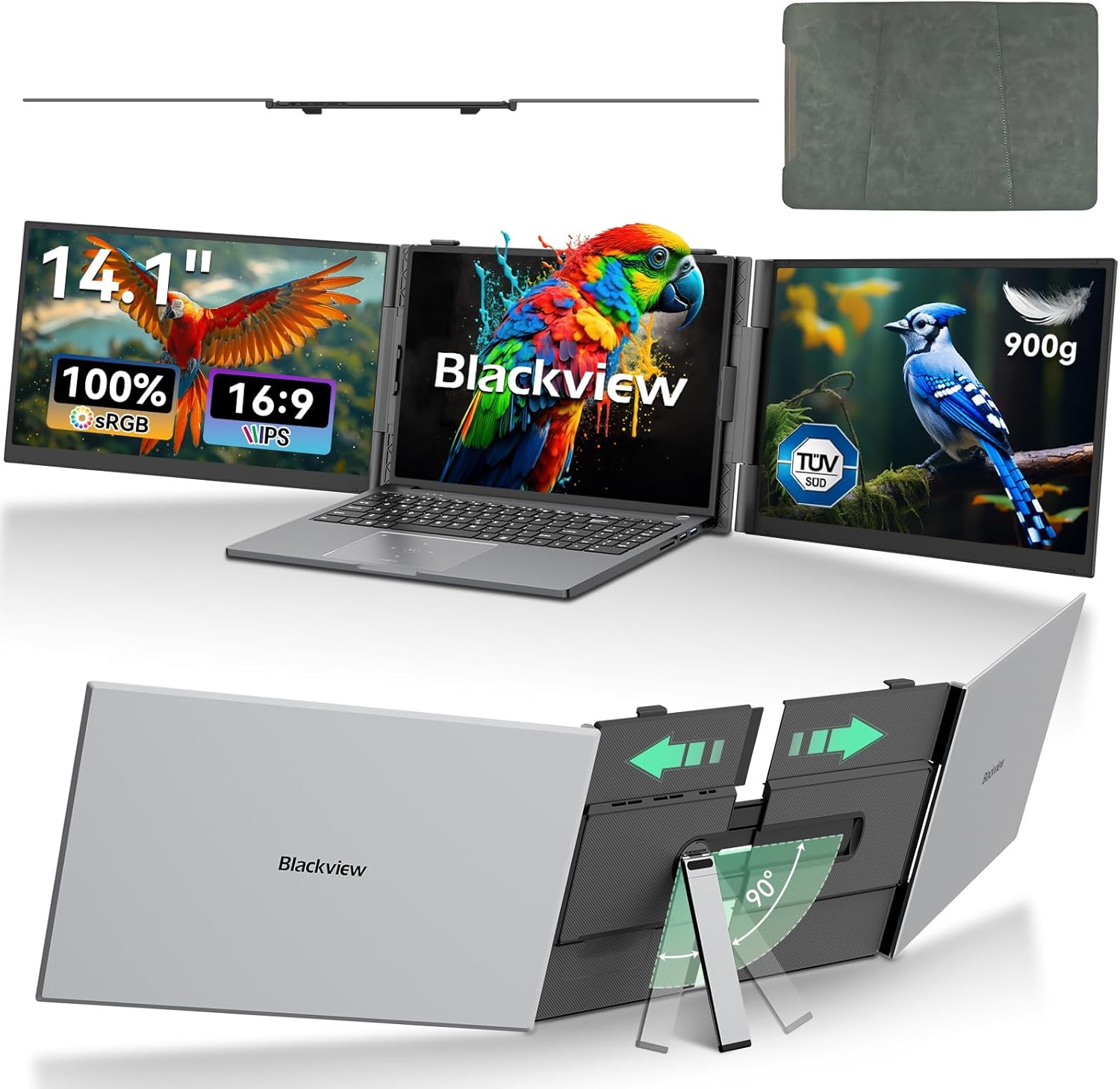
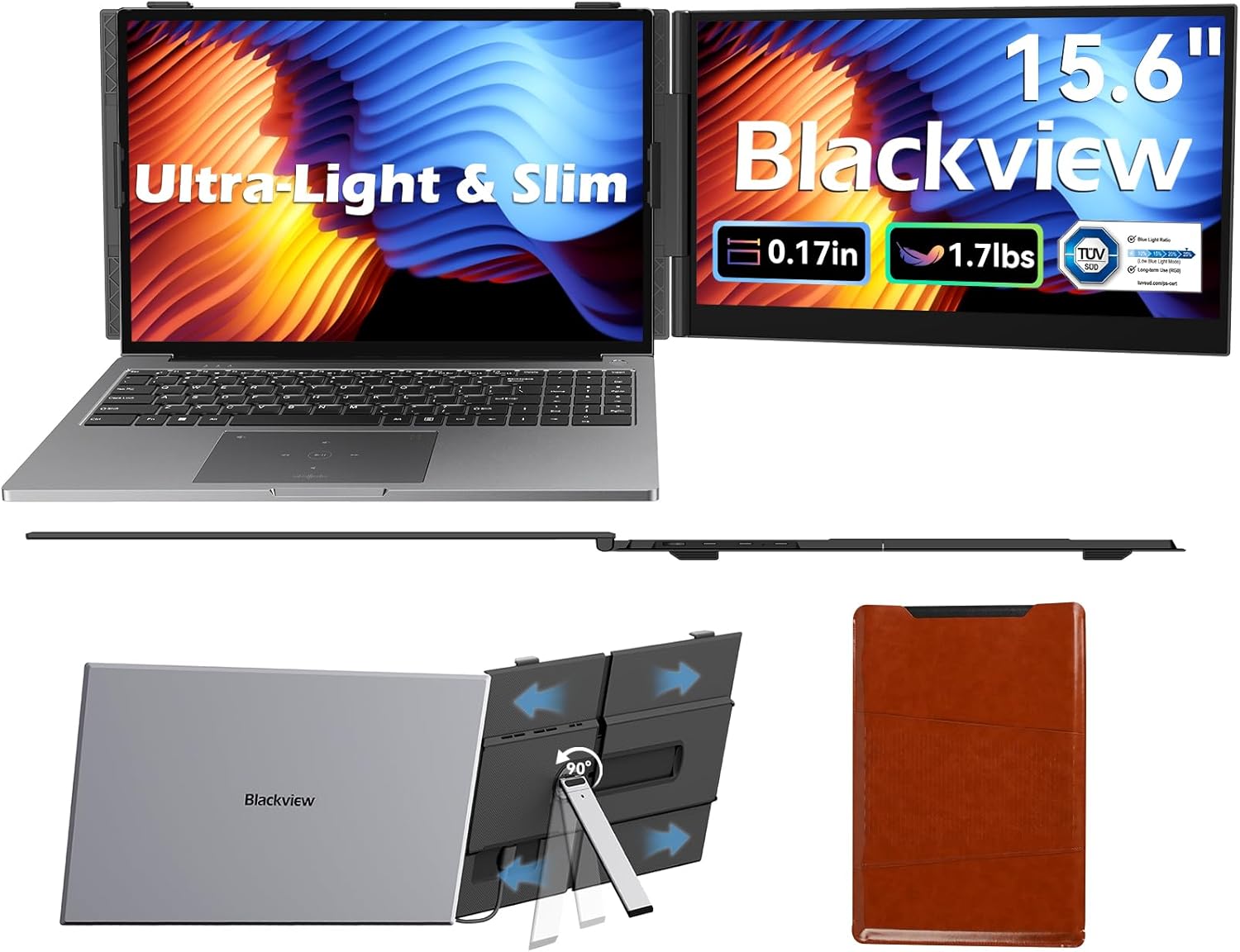
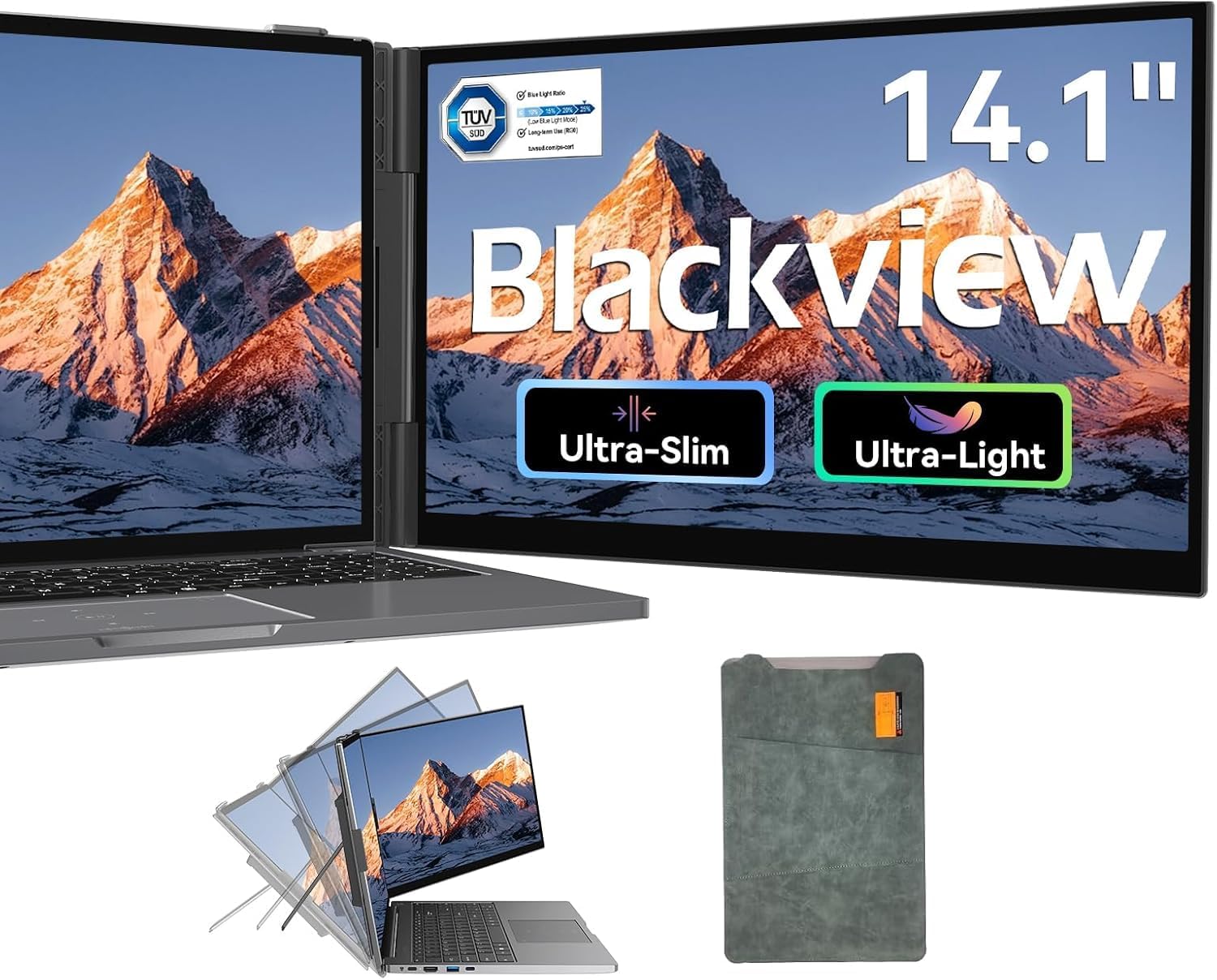
If you do a lot of laptop work on the move, an external screen can make the difference between “it’ll do” and actually getting things done comfortably. The Blackview DCM8 is designed as a portable 15.6" laptop extender: slimmer and lighter than many typical portable monitors, with a built-in kickstand and a quick-fit laptop mount to help you set it up with minimal fuss. On paper, it’s aimed at everyday productivity—spreadsheets, documents, coding or design—and at reducing eye strain during longer sessions.
It’s also worth flagging a small catch: the product name mentions “Dual”, but the details provided describe it as a single 15.6" extender screen. So if you’re specifically expecting two separate displays working at once, you’ll want to double-check the listing details before buying.
Key takeaways for day-to-day use
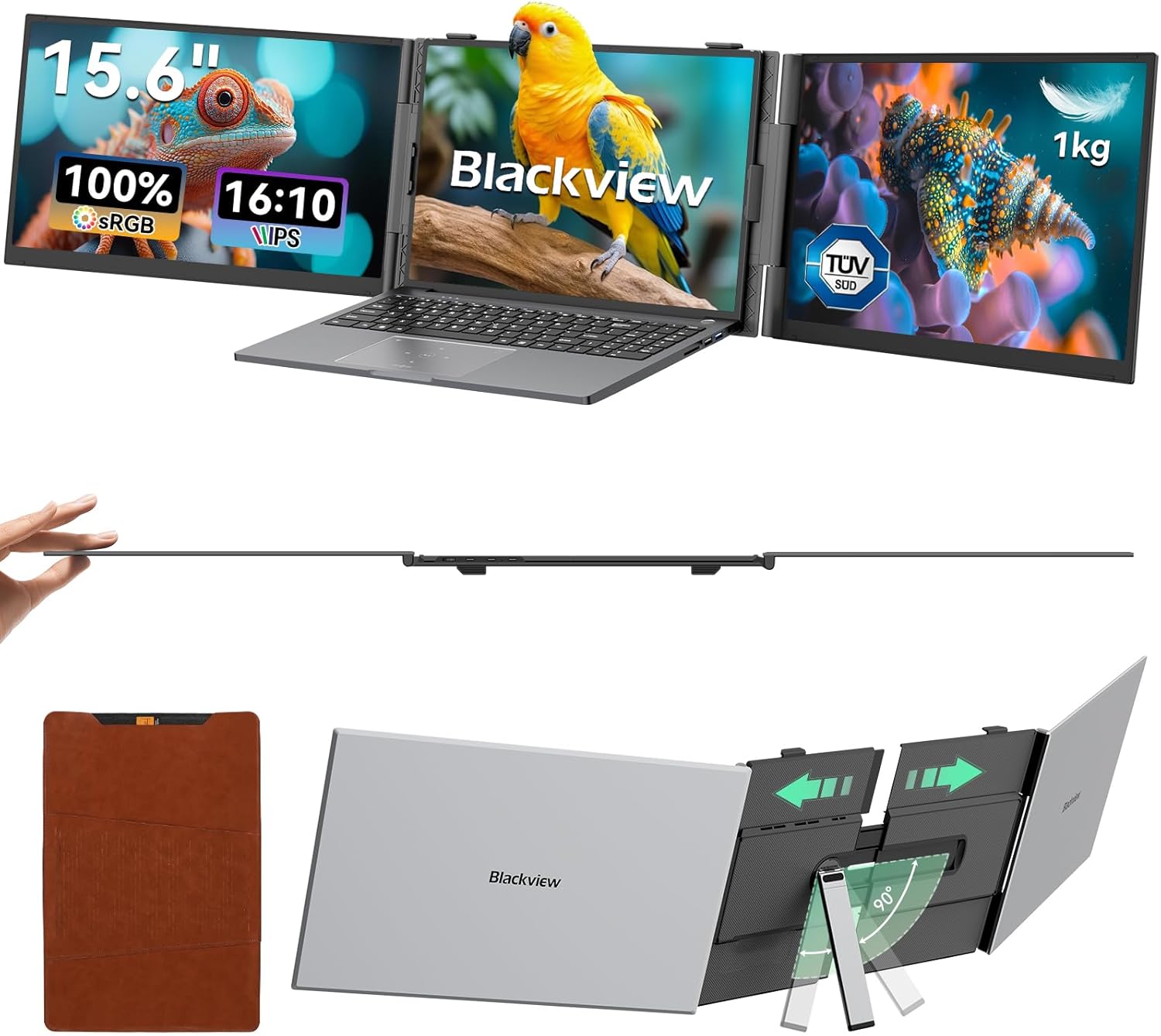
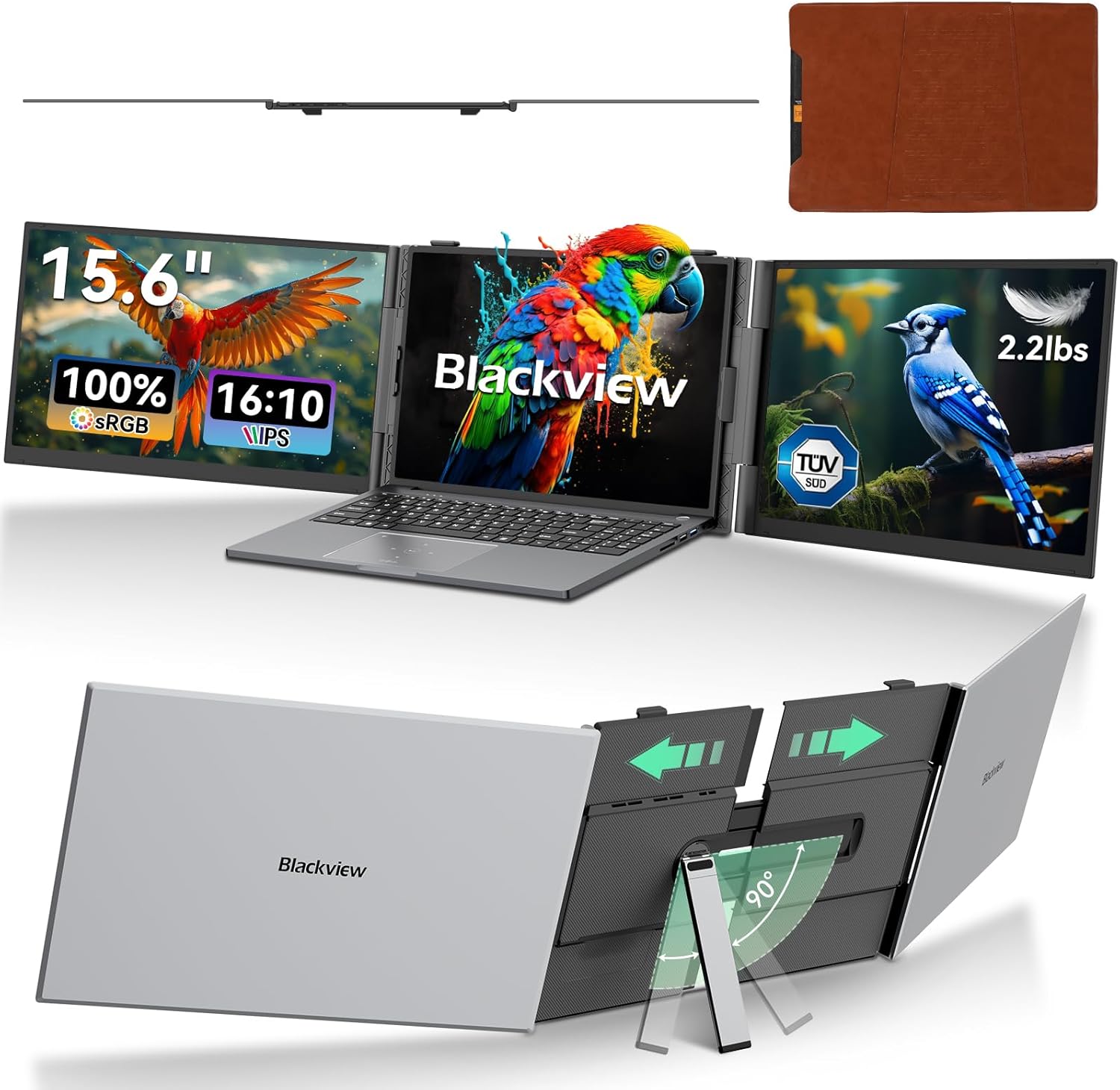
The DCM8 leans heavily into portability. The stated thickness of 4.5mm and weight of 1kg are the headline numbers if you frequently travel with your laptop bag or suitcase. There’s also a 180° adjustable viewing angle, which is useful when you’re working from a café table, a train seat tray, or a hotel desk and don’t always have ideal lighting or posture.
In use, think of it as a “second screen” that turns your laptop into something closer to a small workstation. For example: you can keep an invoice or spreadsheet visible on the 15.6" display while you reference emails or notes on the laptop itself. The 16:10 aspect ratio is there for practical reasons too—more vertical space than a typical widescreen format, which can mean less scrolling when you’re working with tall documents.
Display quality that matters (without overpromising)
The monitor extender uses a 15.6" IPS panel with a 1920×1200 resolution and 300 nits brightness. It also claims 100% sRGB colour accuracy and 16.7 million colours, plus 180° wide viewing angles. For typical office work and general creative tasks, that spec set suggests the image should stay readable from different positions—handy if you share a screen or move around your desk.
However, whether it’s “enough” for your work depends on your expectations. If your priority is colour-critical professional editing, you may still compare it against more purpose-built displays. For everyday productivity and casual creative work, the provided specs look well-judged, for very demanding professional colour workflows, it could be more in the mid-range of what’s available.
Eye comfort and the TÜV SÜD angle
One of the standout claims is TÜV SÜD Low Blue Light certification. The idea is to reduce harmful blue light emissions while keeping visuals vivid. If you’re sensitive to eye strain—or you work late and notice discomfort—this is the kind of feature that can genuinely be worth paying attention to, especially if you use your laptop screen for long stretches.
That said, “certified for low blue light” doesn’t automatically mean it will suit everyone. People also react differently to brightness, contrast and screen time, so consider your own comfort and lighting conditions.
Connectivity and power: what you actually get
The DCM8 is positioned around plug-and-play connectivity, with compatibility listed for Mac (M1/M2/M3), Windows, Android, Linux and Chrome OS. It also mentions using it with a phone and game console, which makes it broader than a strict “laptop-only” accessory.
You get multiple USB-C ports: 2 full-featured USB-C ports and 1 PD USB-C port. The PD USB-C port is stated to support 100W reverse charging, which is especially relevant if you don’t want your laptop battery draining while you work. On a practical level, fewer adapters and fewer cables make travel setups less annoying.
If you’re the sort of buyer who has been burned by “it works, but not with my setup”, this is one area to review carefully before checkout—mainly to confirm your device supports the required USB-C video/power behaviour.
Build, portability and what’s included
The body uses an aerospace-grade aluminium alloy, described as scratch-resistant and fingerprint-proof. It’s paired with a protective travel case, plus “all necessary cables” in the box, so you’re not left hunting for the right lead on day one.
There’s also a built-in box speaker for audio, which is useful when you don’t want headphones to hand. Still, if you routinely rely on high-quality audio, you may prefer speakers or headphones you already trust.
The quick-fit laptop mount is listed as fitting 13.3"–17.3" laptops, and the stand helps keep the setup stable—useful if you’re working on a slightly uneven surface.
Who it suits best (and who should be cautious)
It’s a good fit if you want a genuinely portable second screen for day-to-day laptop productivity, travel days, café work, or commutes, and you care about eye comfort with TÜV SÜD Low Blue Light certification. It also suits people who like the practicality of a 16:10 layout when working with documents and spreadsheets.
It’s not the best choice if you expected a more premium, colour-accurate monitor experience for demanding professional creative work, or if you specifically need a true “dual display” setup working simultaneously (the provided details don’t make that promise clearly).
Final verdict
Worth considering if you want a thin, light 15.6" portable screen extender with IPS clarity, 16:10 extra vertical space, and TÜV SÜD Low Blue Light certification—especially for long work sessions on the move. You may want to skip it if your main requirement is a clearly defined dual-screen simultaneous setup, or if you need advanced display performance beyond what a portable IPS extender is designed to deliver.
If you’re buying this type of monitor to reduce desk strain while keeping your bag manageable, the DCM8’s spec story reads coherent. Just do one careful check first: confirm your laptop/phone’s USB-C supports the way you plan to connect and (if needed) how you want the reverse charging to behave.
Mini FAQ
Is this a plug-and-play portable monitor extender?
It’s described as plug-and-play with no driver or extra software required, using USB-C connectivity.
What aspect ratio is the screen?
The screen is listed as 16:10.
Does it reduce blue light?
It’s TÜV SÜD Low Blue Light certified, with the goal of reducing harmful blue light emissions.
Will it work with a phone or game console?
Compatibility is stated for phones and game consoles, alongside a range of operating systems, but it’s still sensible to check your specific device support details.
Does it charge the laptop?
The PD USB-C port is stated to support 100W reverse charging, intended to power the laptop while you work.