

MAGICRAVEN 15.6" Portable Monitor — 1080p FHD IPS Second Screen with Built-in Speakers
Product description
What it is
The MAGICRAVEN 15.6" portable monitor is a plug-and-play external display designed to extend or duplicate your laptop, PC, phone, or games console. It doesn’t require drivers or apps—just connect via USB-C (preferred for power and video) or HDMI, and you’re ready to go. On the desk or in a cafe, it can help you work more efficiently with a larger, flexible screen.
Who it’s for
If you want more workspace for documents, spreadsheets, or creative tasks, or you’re a gamer or student who benefits from a bigger, shared screen, this monitor offers a practical solution. It’s particularly useful when you value portability, a lightweight build, and the convenience of multiple input options. However, it’s worth noting that the unit needs a power source while in use and does not carry its own battery.
How it connects and powers
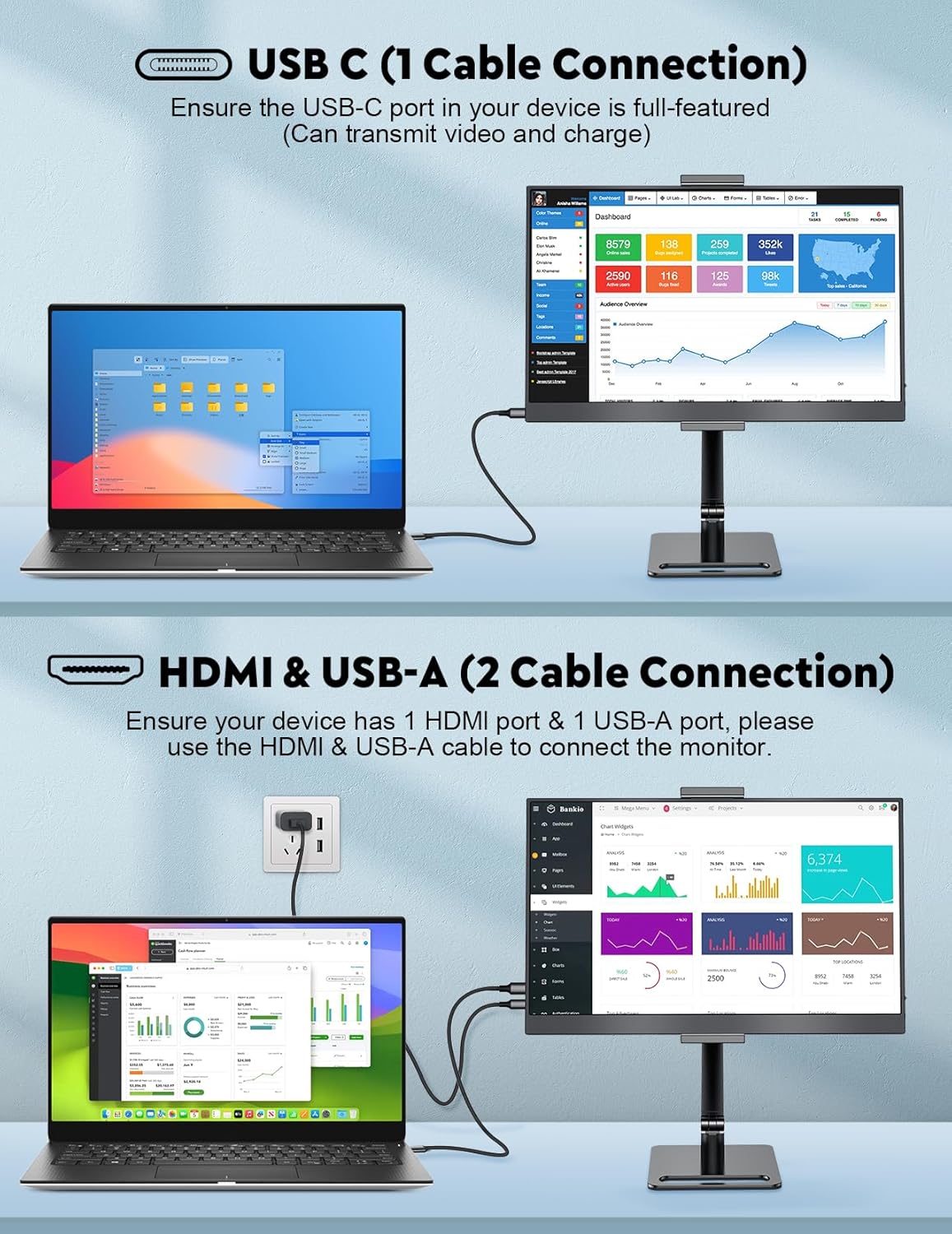
The display supports HDMI and USB-C connections. With HDMI, you’ll connect an HDMI to MINI HDMI cable and a USB-A to USB-C cable alongside the monitor. With USB-C, a single USB-C to USB-C cable is enough—provided your device supports video transfer. This makes it a versatile companion for laptops, desktops, phones, and some consoles, subject to device compatibility.
What you’ll notice in use
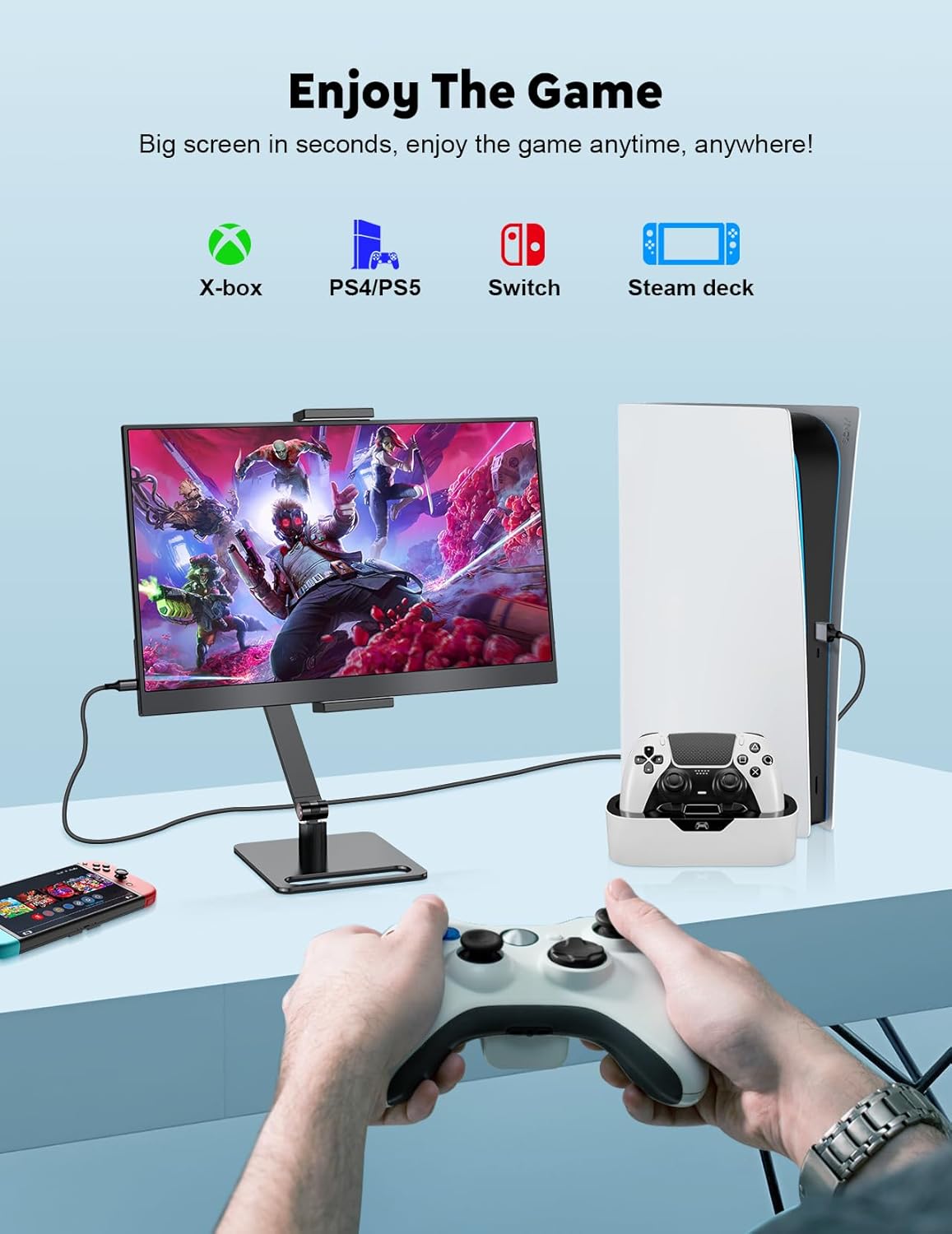
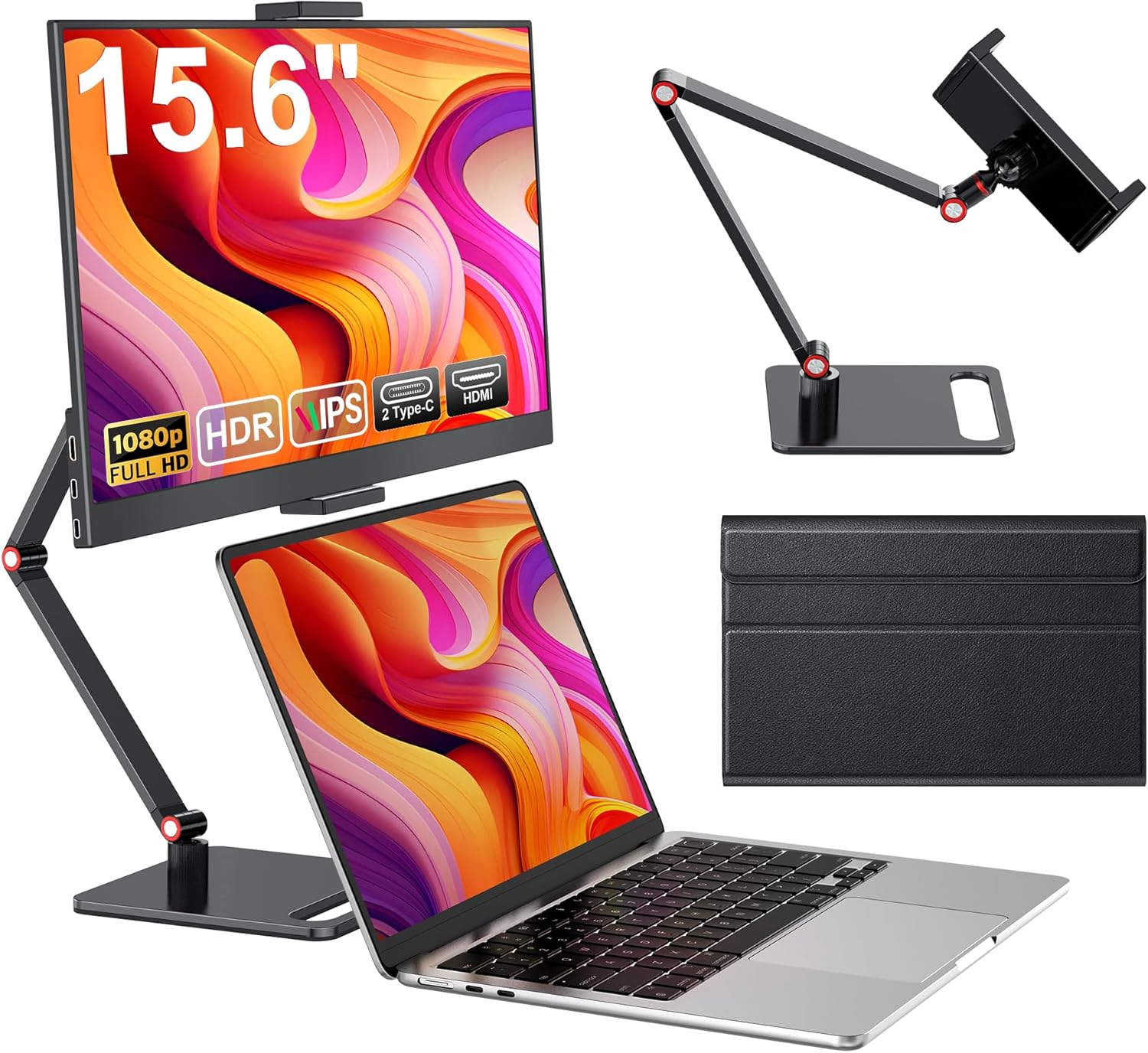
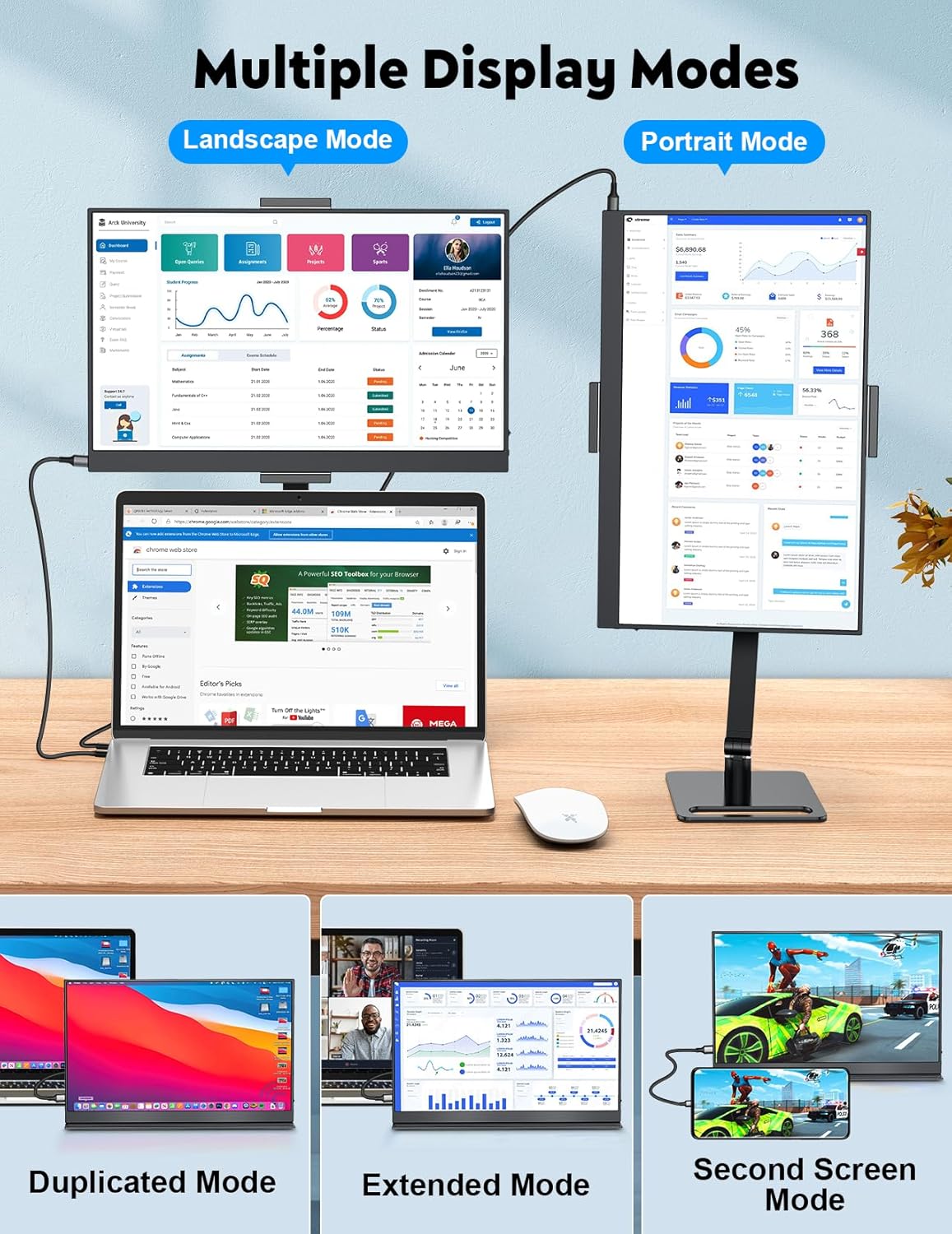
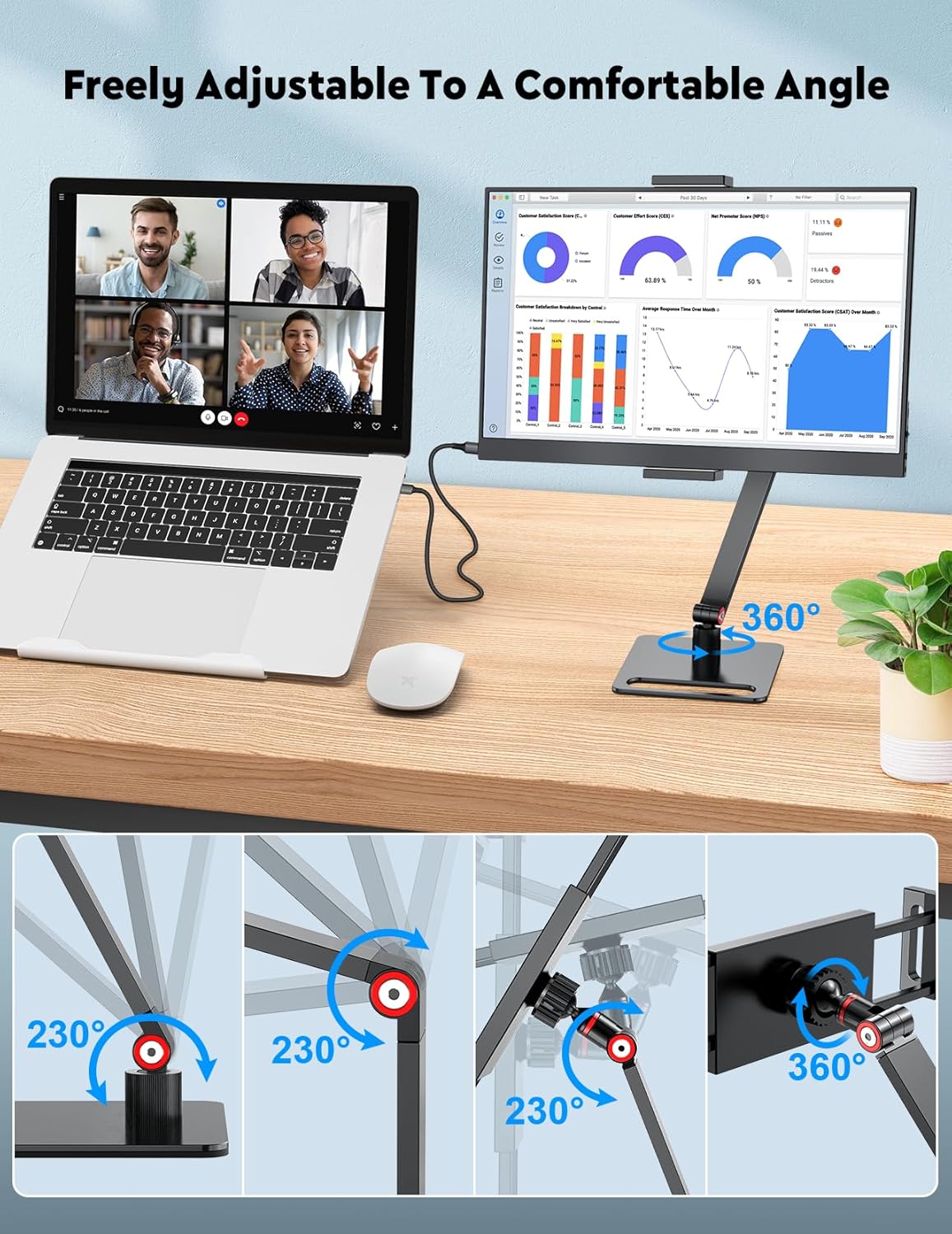
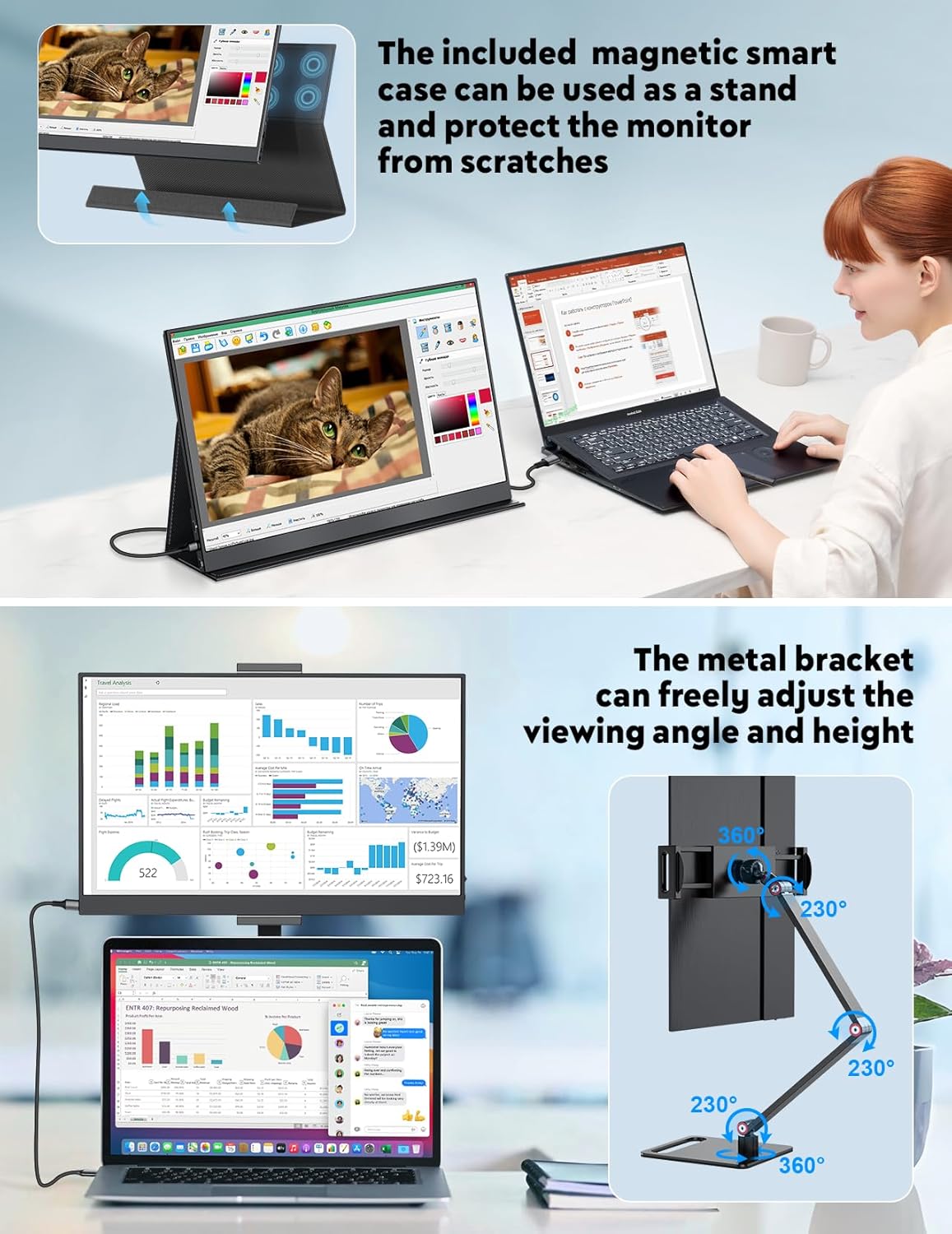
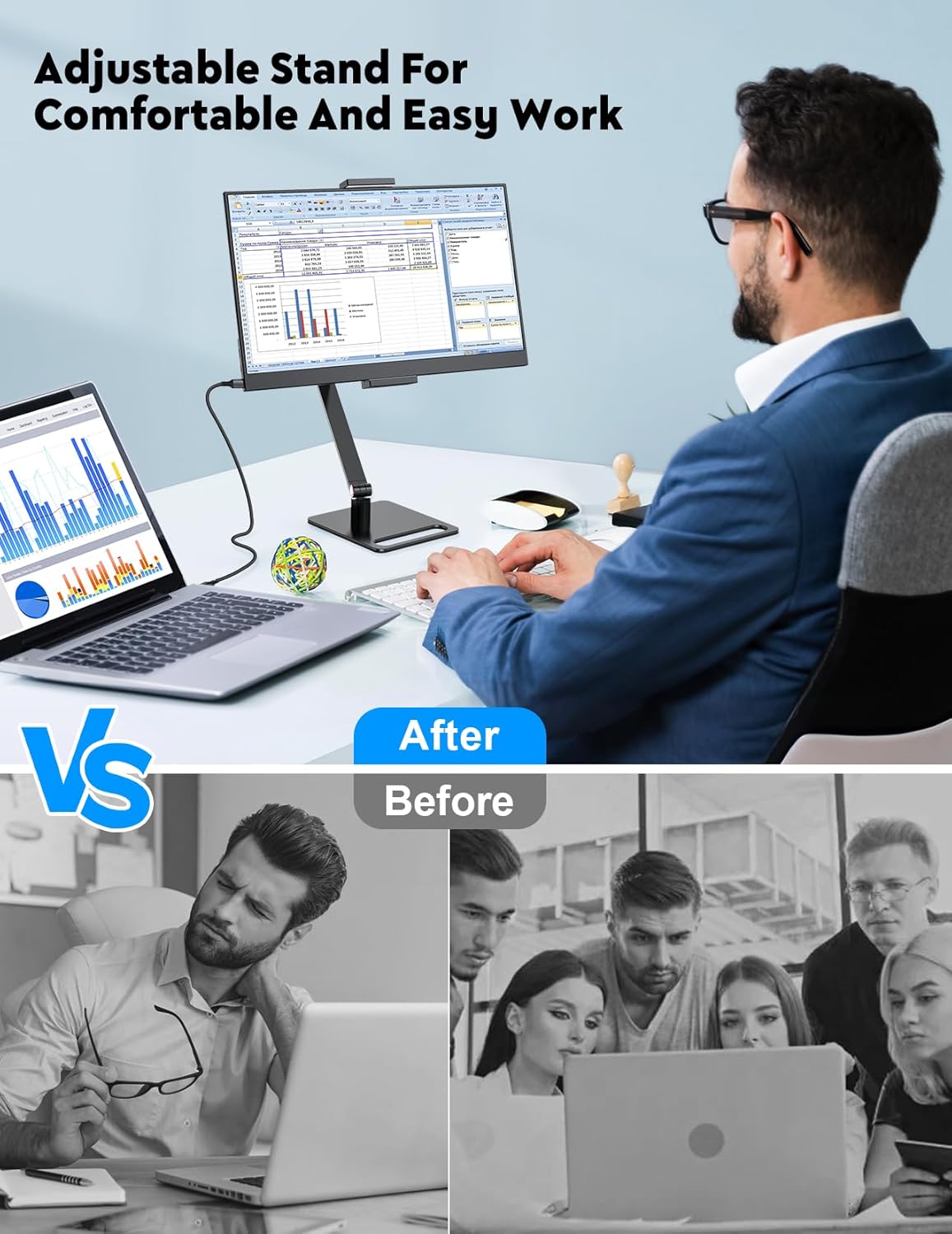
The screen delivers 1920×1080 resolution with IPS for wide viewing angles and accurate colours. HDR helps make images pop, while 16.7 million colours deliver smooth transitions. A 2 ms response time is suitable for general video and light gaming. Built-in dual speakers and a 3.5 mm jack add convenience for multimedia use. The display can be used in landscape or portrait mode, and the stand rotates up to 360° with a stable, rubberised base.
Performance and practicalities
On paper, the MAGICRAVEN monitor offers a solid balance of image clarity and portability: full HD on a 15.6" panel, slim profile, and relatively lightweight at around 1.26 pounds. It’s clearly aimed at users who want a larger screen without carrying a chunkier peripheral. The trade-offs include reliance on an external power source and the need to manage multiple cables when using HDMI.
What to check before buying
- Ensure your device can drive video over USB-C if you plan to use the USB-C connection only.
- If you’ll use HDMI, be prepared for the extra cable (HDMI and USB-C power) to power the monitor.
- Consider your typical use: for long writing sessions and spreadsheets, the extra screen space helps, for intense gaming, the 2 ms response is decent but the 1080p panel isn’t the latest gaming-grade spec.
- Keep expectations realistic about battery life: this monitor relies on external power, so plan for a powered setup.
How it compares and what it means for your choice
If you’re weighing options for a second screen, this model suits those prioritising portability, simple setup, and flexibility over top-tier gaming refresh rates or cutting-edge features. It works well as a travel or home-office enhancer and is appropriate for casual gaming and media consumption, rather than professional colour-critical work.
Is it worth it?
It’s a solid pick if you value a lightweight, easy-to-use second screen that you can deploy quickly across devices and contexts. Not the best option if you need a battery-free standalone monitor for on-the-go work without power outlets, or if you require highest colour accuracy and the latest gaming-focused specs.
FAQ
- Do I need drivers? No—it's plug-and-play via USB-C or HDMI.
- Will it work with my phone? It should, provided your phone supports video output over USB-C or an appropriate adapter.
- Can I use it outdoors? Yes, but you’ll need a power source and adequate shading to prevent glare.
Final thoughts and decision
If your priority is a practical, flexible second screen to boost productivity on the go, this MAGICRAVEN model is worth considering. It balances size, weight and features with a straightforward setup, while keeping expectations grounded about power needs and gaming performance.
What to know in use
If prioritising a simple, cable-light workflow, plan for using USB-C where available and accept the occasional HDMI workaround when that’s not possible. The stand and protective cover add to portability, but handle with care to keep the hinge and base stable on uneven surfaces.