

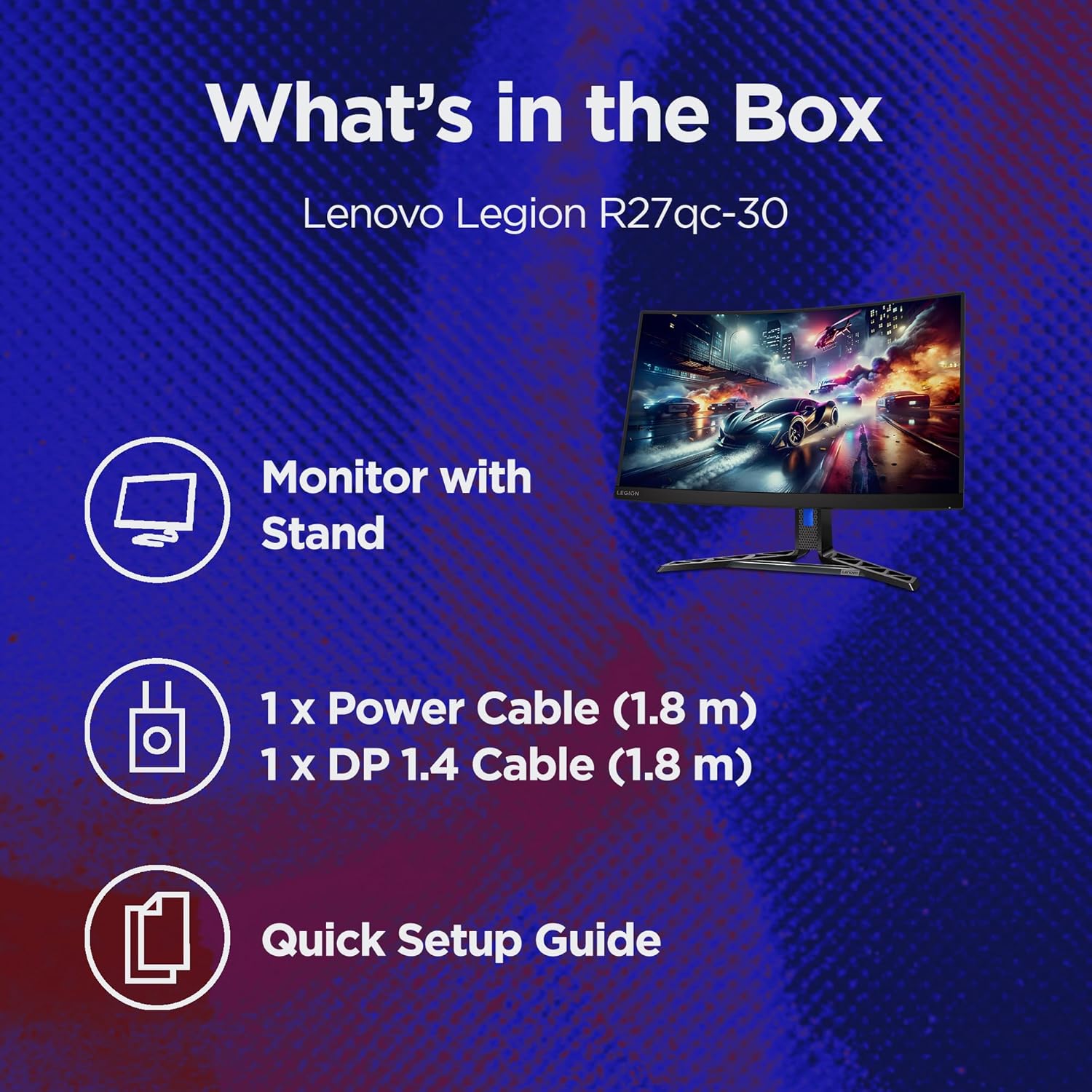
Lenovo Legion R27qc-30: 27-inch QHD Curved Gaming Monitor
Product description
What it is and who it’s for
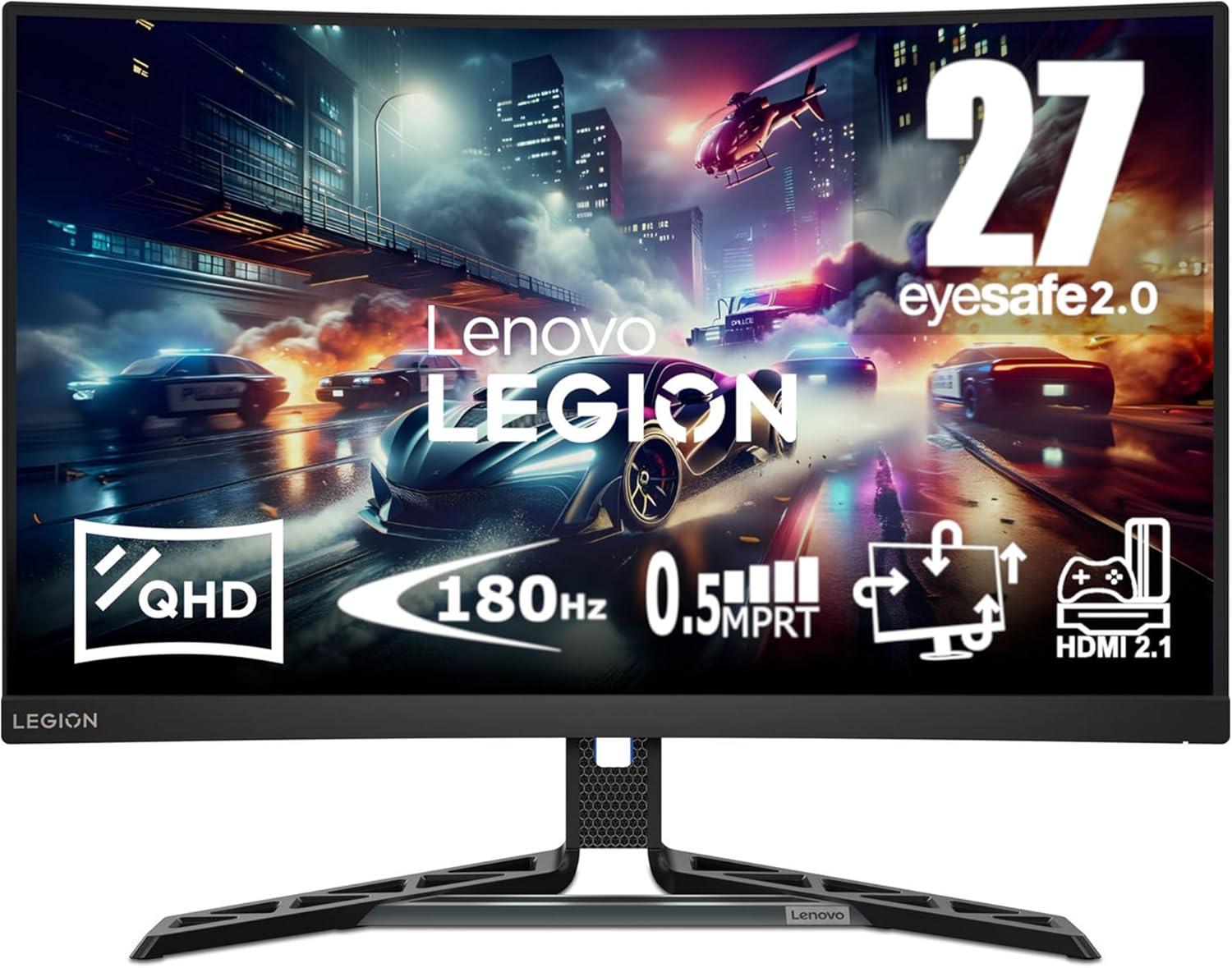
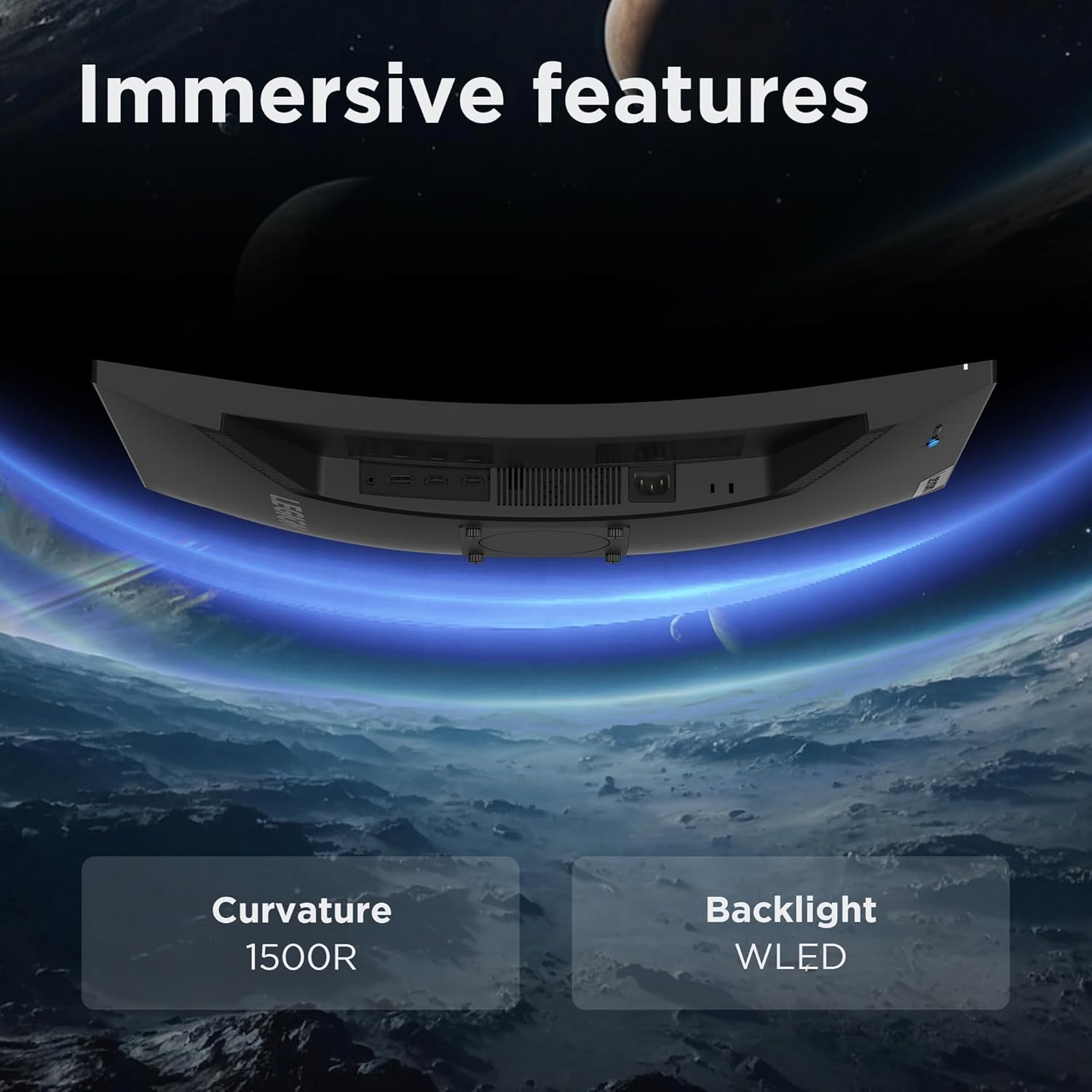
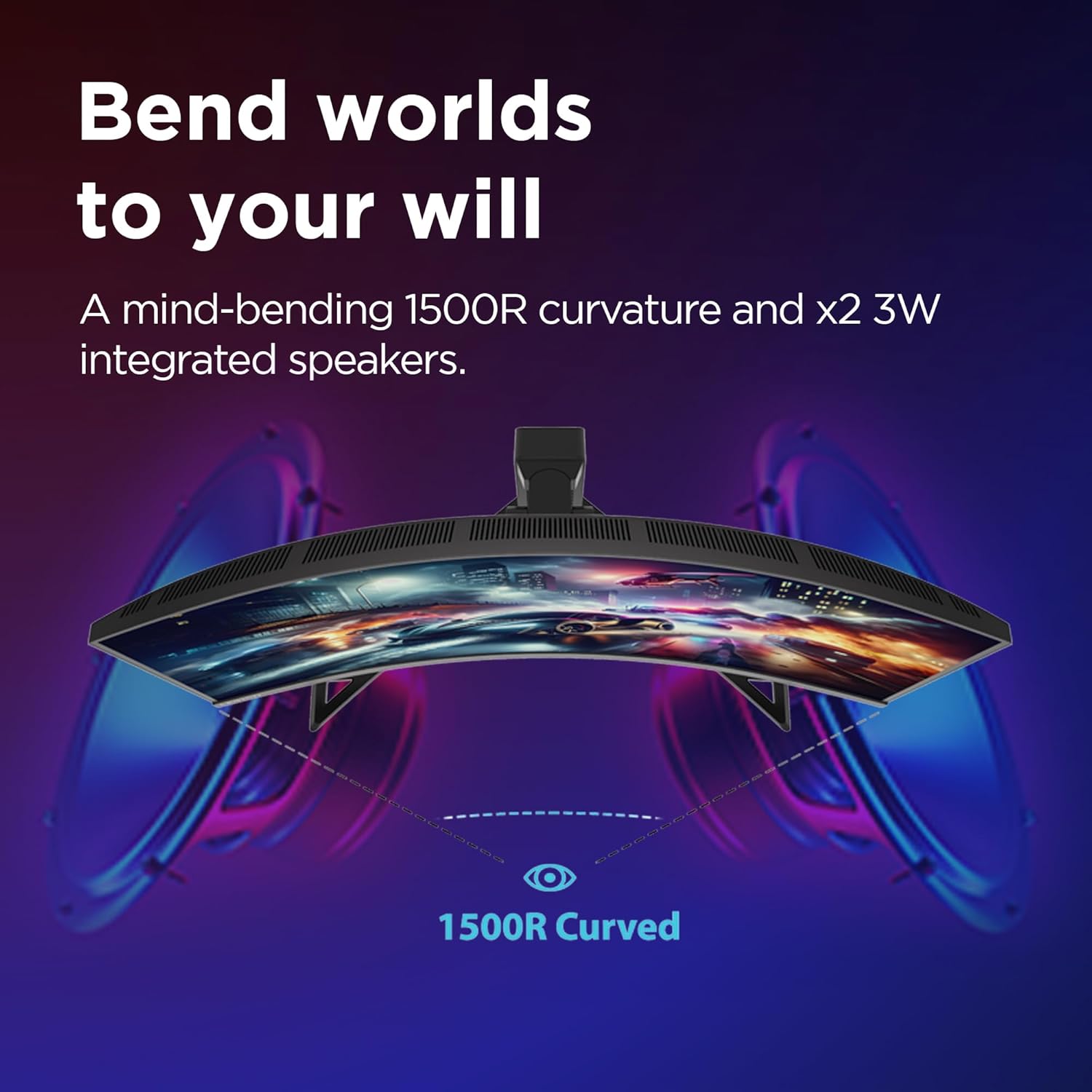
The Lenovo Legion R27qc-30 is a 27-inch curved gaming monitor designed to boost immersion in fast-paced titles. With a 1500R curve, the screen aims to wrap lightly around your field of view, which may help with a more engaging gaming experience and reduced peripheral distraction for some players.
Core performance on paper
On the technical front, this model targets smooth play with an ultra-fast 180Hz refresh rate and a 0.5ms MPRT response time. These specs are intended to minimise motion blur and tearing in quick moments, such as first-person shooters or racing games. The TÜV Rheinland EyeSafe certification signals attention to eye comfort during longer sessions, though comfort will always depend on your setup and usage duration.
What stands out in daily use
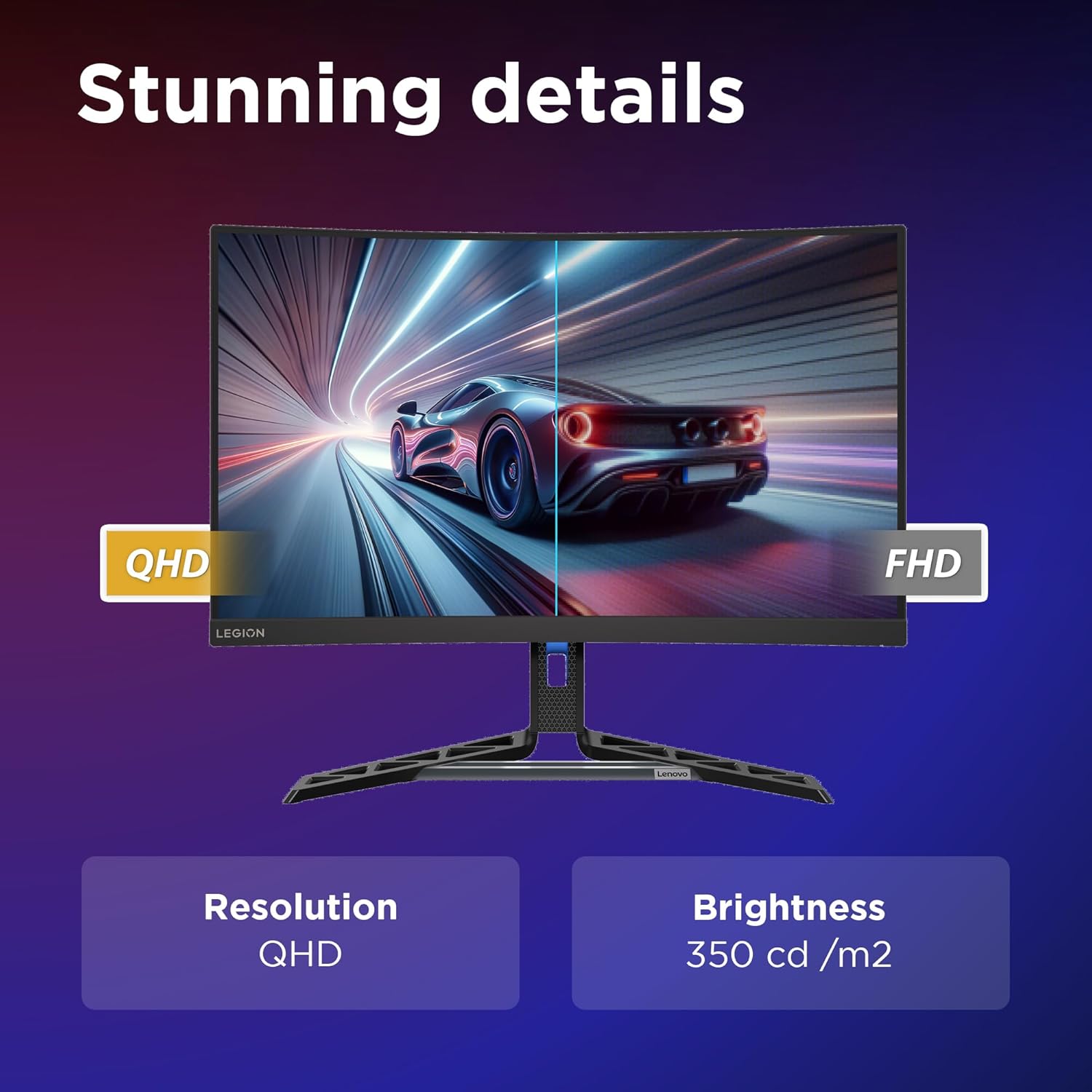
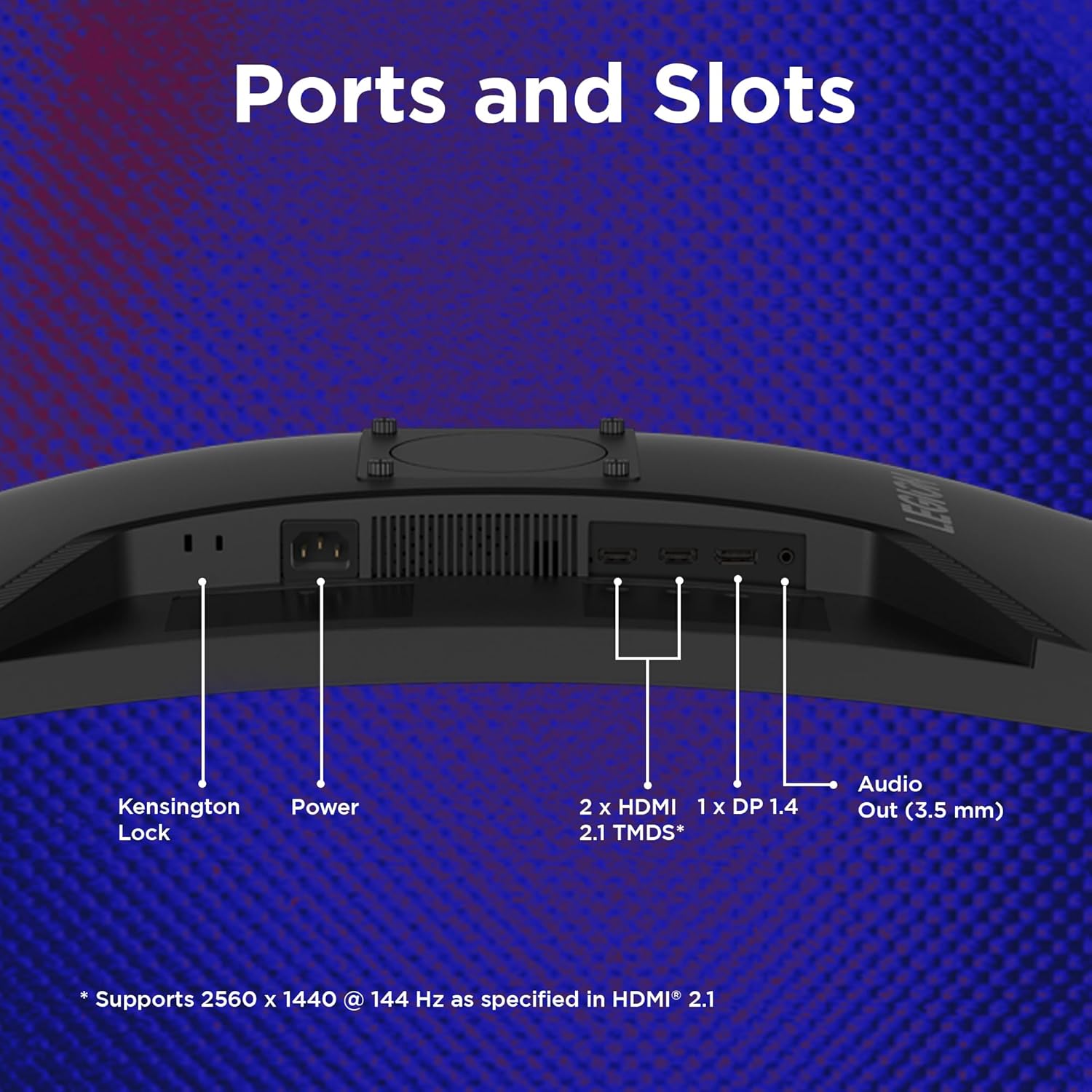
In practical terms, you’ll likely notice crisper movement across frames and smoother transitions during rapid panning. The curve, combined with QHD resolution, can help with a sense of depth and a more consistent viewing angle, especially if you sit off-centre. Built-in speakers add convenience for casual use, while VESA compatibility provides flexibility for mounting options if you want to optimise desk space or viewing height.
Strengths and potential limits
On the positive side, the combination of high refresh and small motion blur is well suited to competitive gaming and immersive titles alike. The 1500R curve is more pronounced than flat screens but not as aggressive as ultra-wide sets, which can be a good middle ground for many desks. However, the information provided doesn’t cover brightness, colour accuracy, viewing angles, or peak luminance, so you may want to verify these aspects based on your environment and expectations.
Who it’s for
This monitor is likely to appeal to gamers who value a responsive image for fast gameplay and prefer a moderately curved, immersive display without stepping up to higher-end, more expensive setups. It may suit those who are building a mid-range, gaming-focused desk and want a single screen with built‑in speakers and straightforward mounting options.
Who it isn’t the best fit for
If you prioritise top-tier brightness and wide-colour performance for photo or video work, or if you need extreme high dynamic range capabilities, this model’s stated specs don’t confirm those attributes. Likewise, if your setup requires very specific brightness levels or colour accuracy for professional work, you might want to compare against monitors that emphasize those aspects.
When it makes sense to buy
Consider the Legion R27qc-30 if your priority is a responsive, curved gaming experience with a simple, all-in-one footprint (including speakers) and an affordable path into higher frame-rate gaming. It’s worth checking whether your desk setup supports a comfortable viewing distance and whether a curved panel aligns with your preferences for immersion over flat-screen efficiency.
Before you buy, what to review
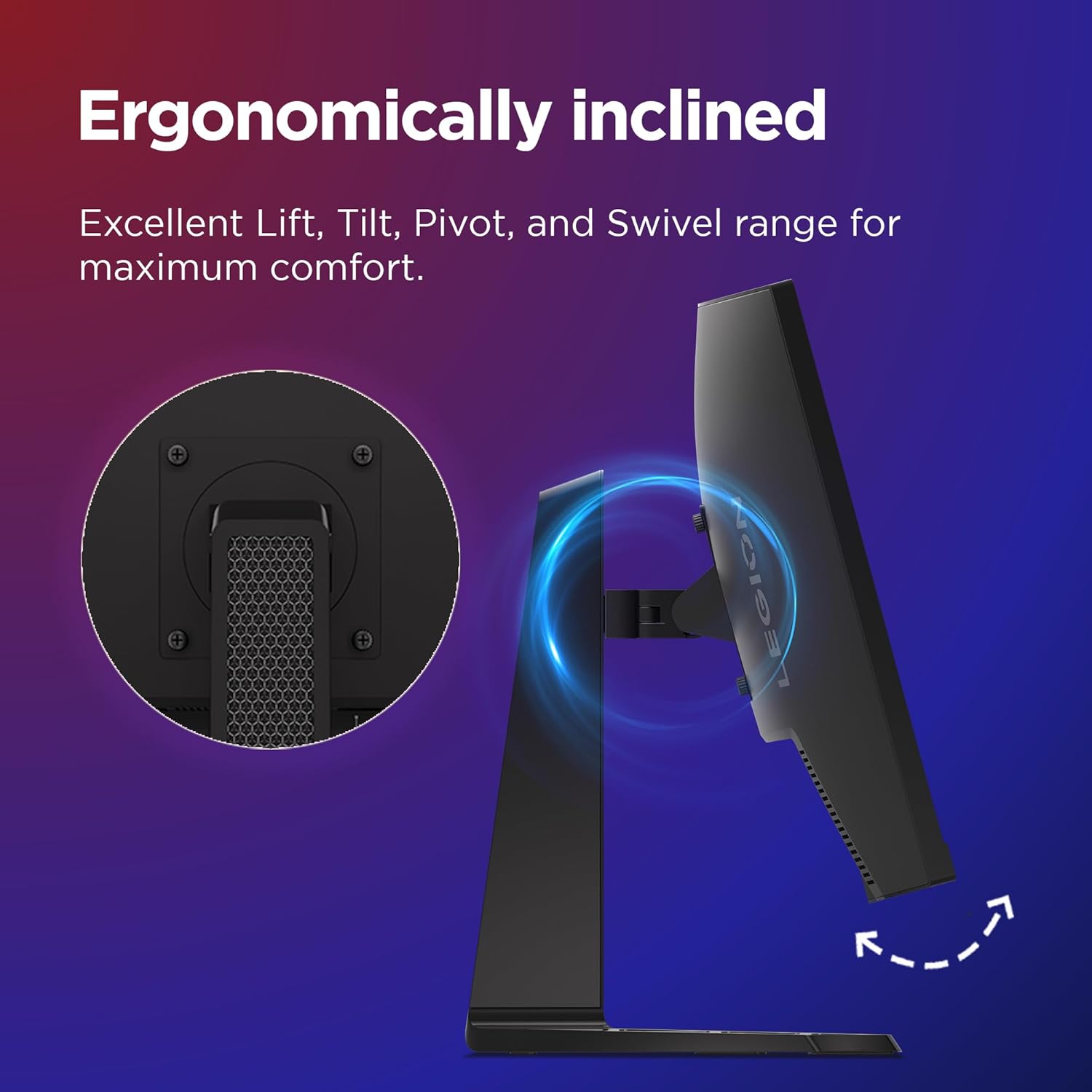
- Confirm the monitor’s mounting compatibility (VESA) and how it fits with your desk height and seating position.
- Consider whether the built-in speakers meet your audio needs or if you plan to use external speakers or headphones.
- If possible, test for colour and brightness in person, or review independent reviews for gamma and uniformity impressions.
- Check warranty coverage and access to Lenovo support in your region.
How it compares to common alternatives
If you’re weighing this against flat gaming panels, the curvature and high refresh will be the differentiators for immersion and motion clarity. For users who already have a high-end GPU, the 180Hz target can help maintain smooth visuals in fast genres, though you’ll still want to verify peak brightness and contrast in your environment.