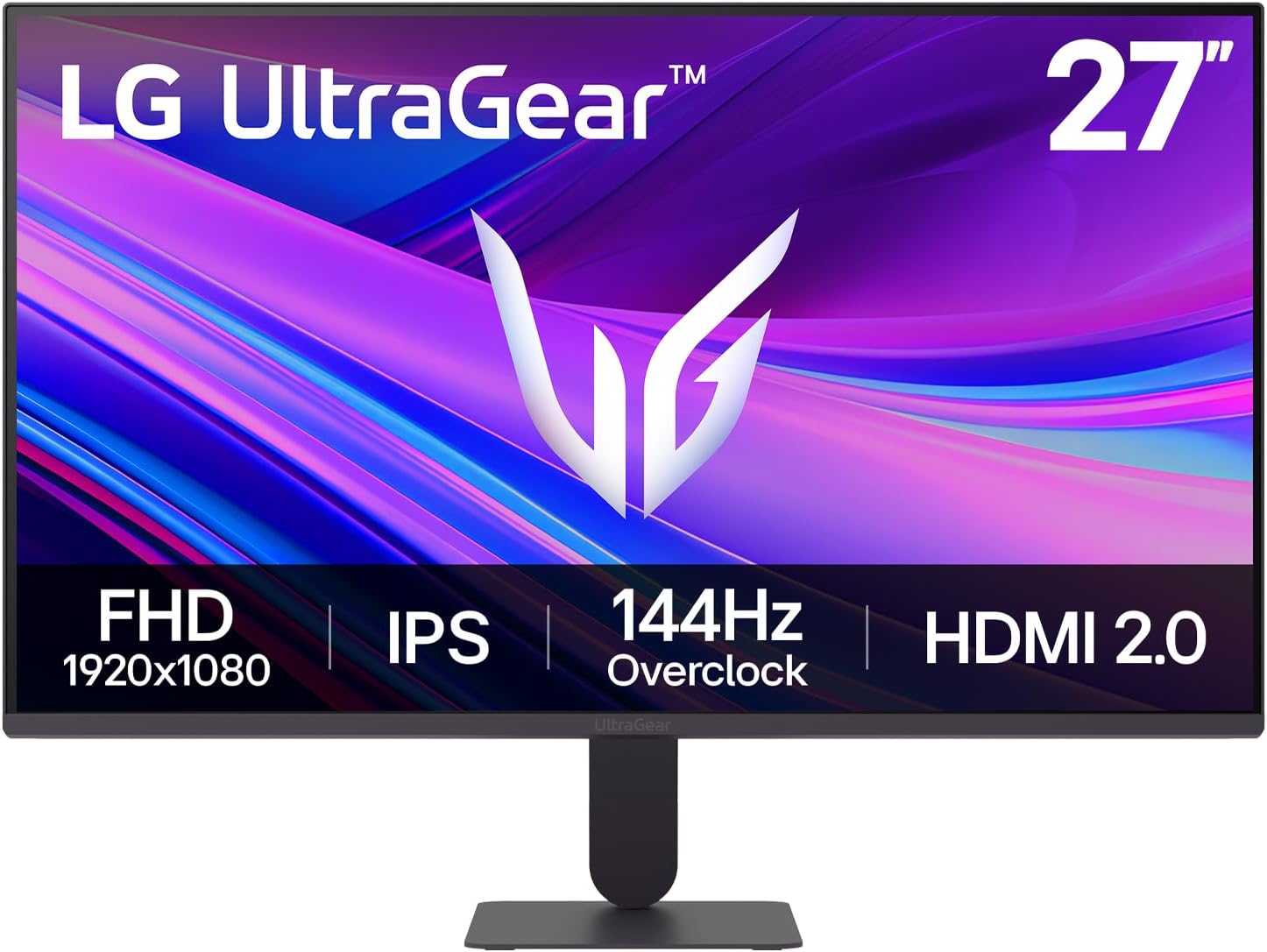
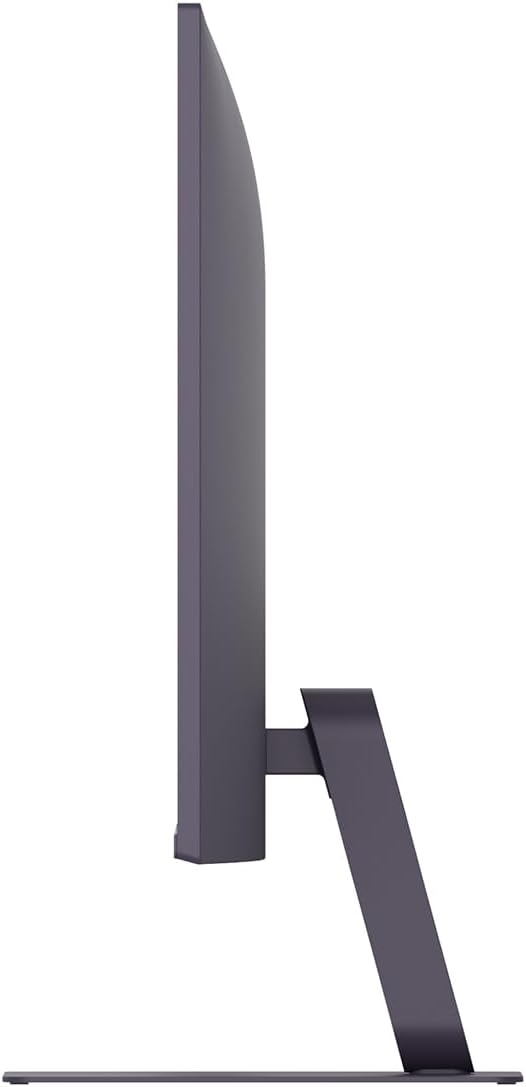
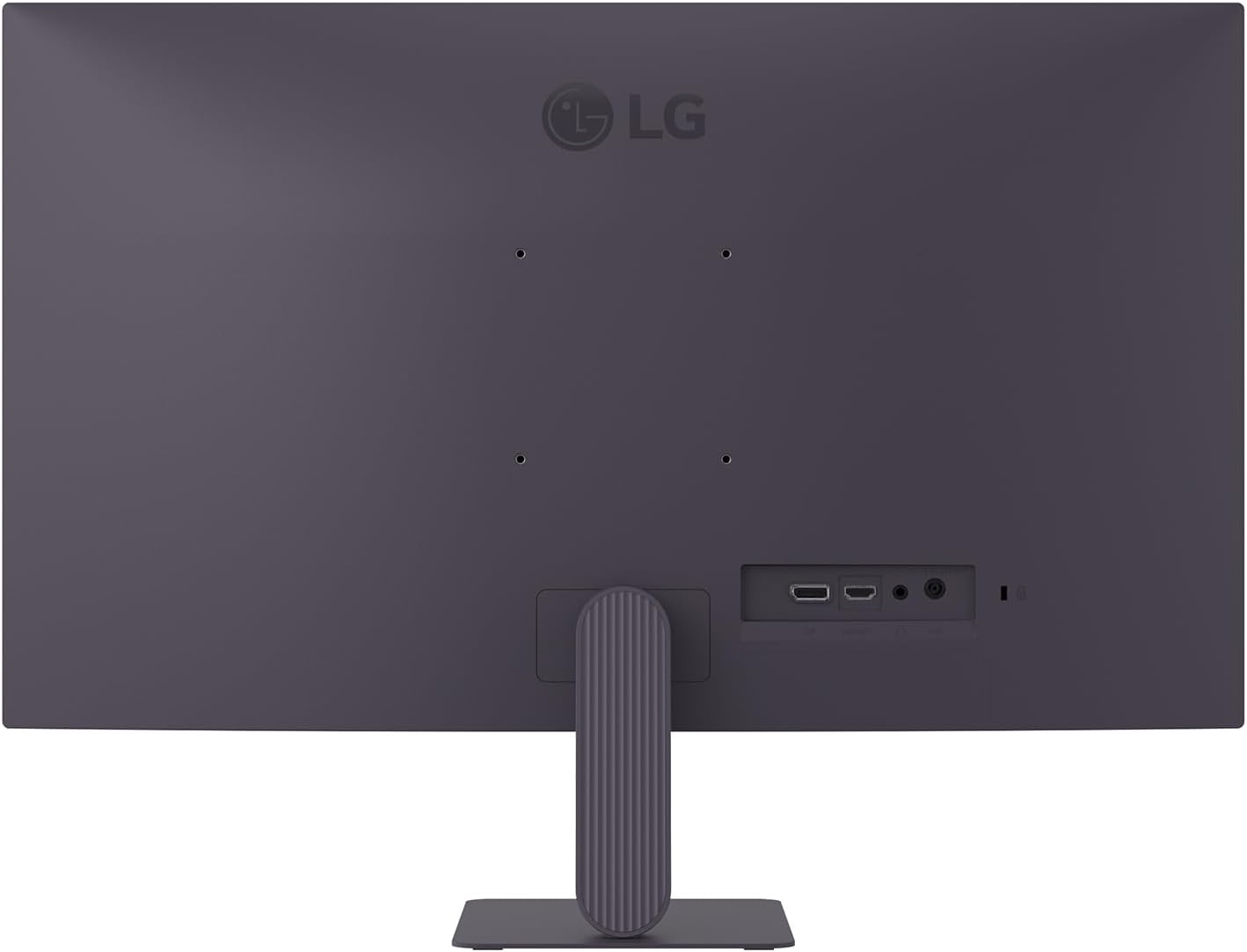
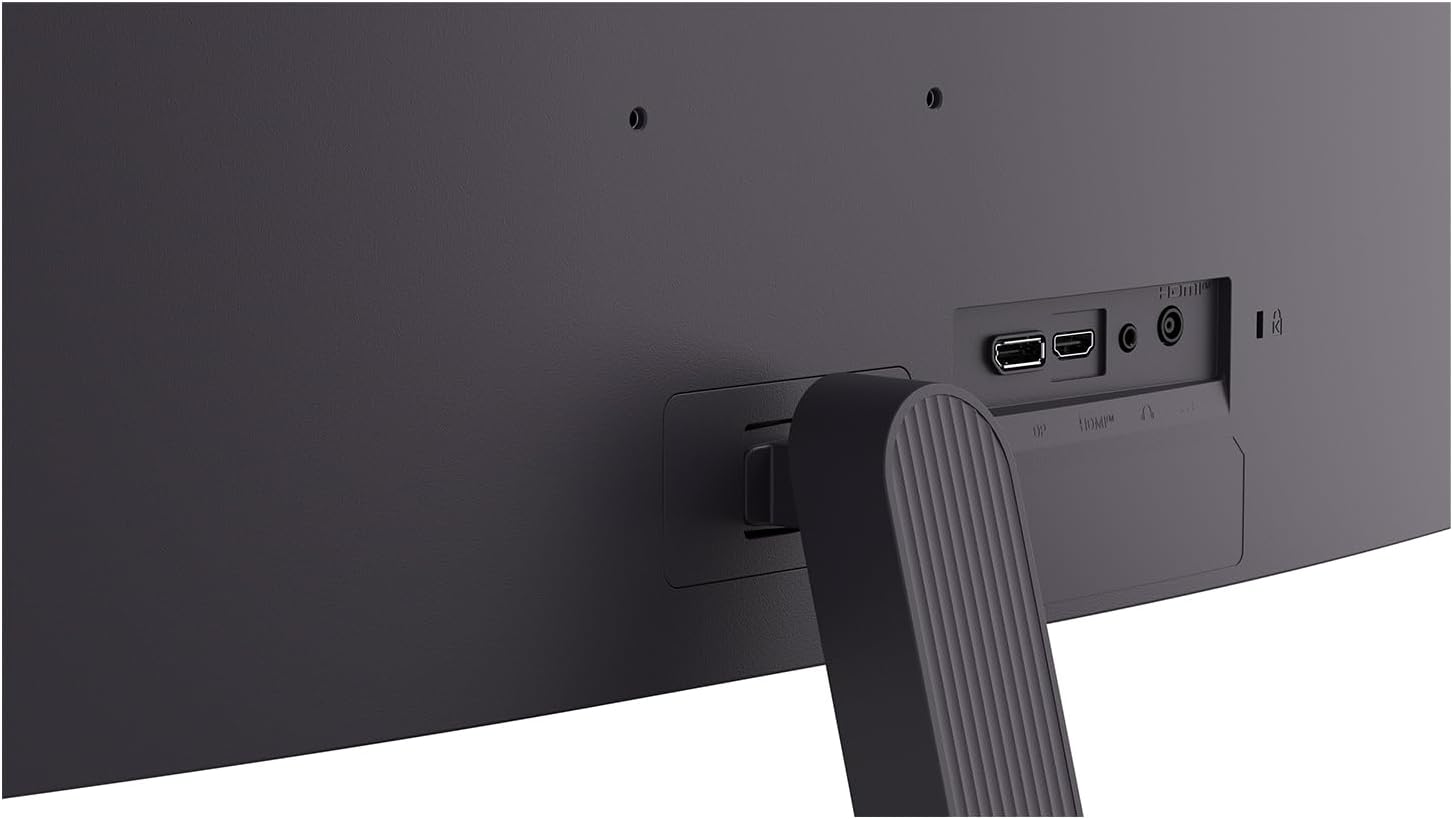
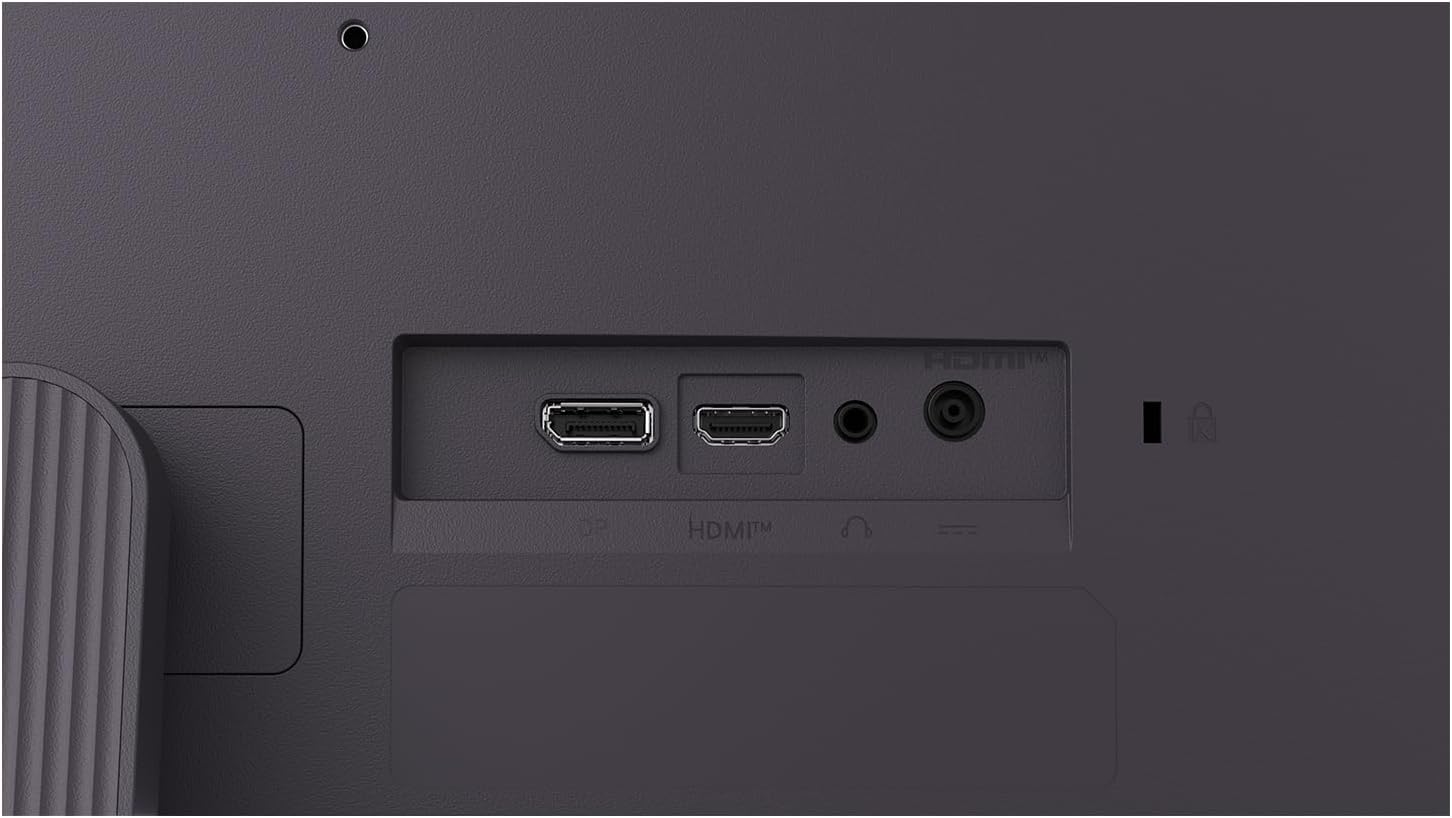
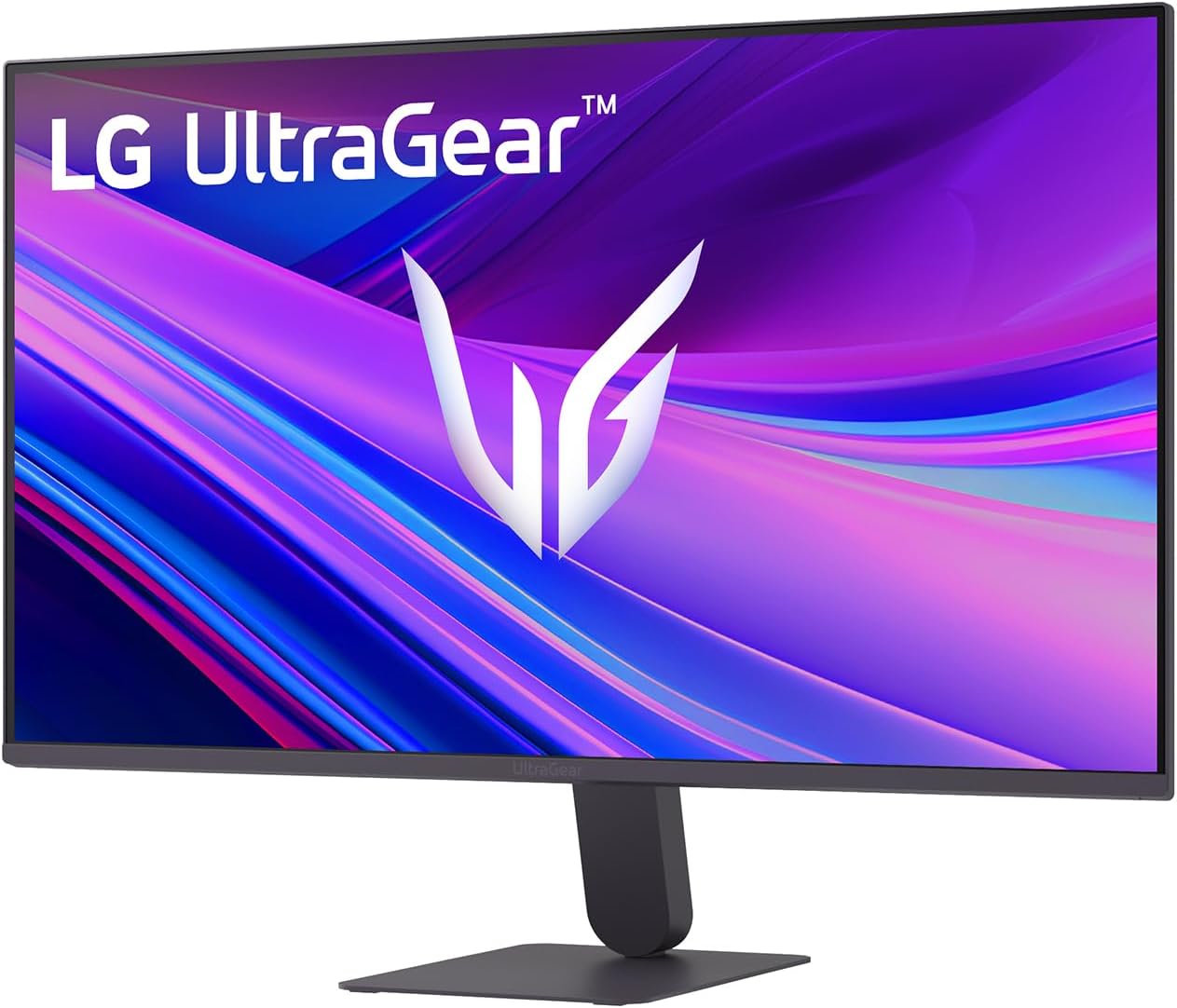
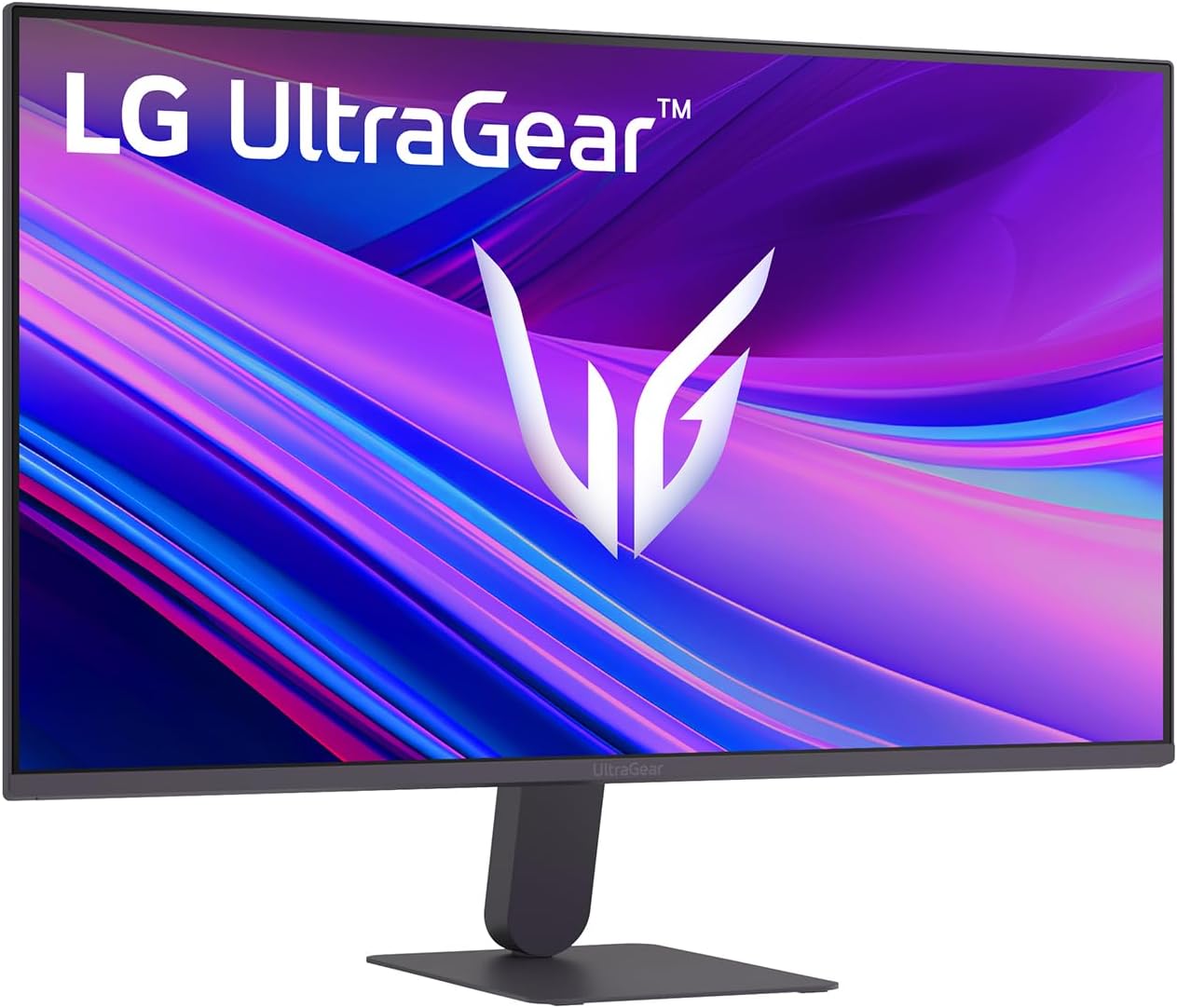
What it is and who it’s for\nThe LG Ultragear G4 27G411A-B is a 27-inch, Full HD gaming monitor designed to deliver smooth visuals for fast-paced gaming. With an IPS panel, HDR10 support and 99% sRGB (typical) coverage, it aims to balance colour accuracy with wide viewing angles. If you’re building a practical, entry-to-mid level gaming setup and prioritise a large screen with responsive motion, this model keeps things straightforward without overpromising on resolution.\n\n## How it performs in practice\nThe display supports a 144Hz overclocked refresh rate (native 120Hz), which can translate to noticeably smoother frame progression in fast scenes and shooters. A 1ms Motion Blur Reduction feature is advertised to reduce blur and ghosting during rapid transitions, which can help track moving targets and improve on-screen clarity. Compatibility with both AMD FreeSync and NVIDIA G‑Sync validated signals means you can expect tear-free playback across common GPUs, subject to system compatibility and driver updates. The design emphasizes a virtually borderless look with a slim bezel and a compact stand, which can contribute to a cleaner, more immersive multi-screen setup when you choose to pair two monitors.\n\n## The best and the limits\nOn the plus side, you get a sizeable 27" panel with a responsive refresh rate, decent colour coverage for 1080p, and flexible sync options. For casual esports, fast‑paced console or PC gaming, this can be a sensible balance of speed, size and price. On the flip side, 1080p at 27" means a lower pixel density than higher‑resolution rivals, text and UI elements may appear less sharp at close viewing distances, and colour depth is limited by the 8-bit/IPS combination depending on panel variant. If you’re aiming for true 4K clarity or higher detail in modern titles, this screen will feel wallet‑friendly but limited for future‑proofing.\n\n## Who it’s for\nThis monitor suits gamers who want a bigger screen and high refresh without stepping up to more demanding (and pricier) models. It’s a practical choice for a secondary screen, a starter G‑Sync/FreeSync experience, or a compact single‑monitor setup in a modest space. If you prioritise colour accuracy for creative work, or want ultra‑sharp text in productivity tasks, you may prefer higher resolution and potentially a different panel pairing.\n\n## When to buy and when to hold off\nConsider buying if you value a high refresh for smooth gameplay, especially in competitive titles, and you’re OK with 1080p as the resolution. It makes sense if you already own a capable GPU that benefits from a high refresh rate without a heavy budget. Opt to hold off if you need crisper text, higher pixel density for long sessions, or want HDR with more brightness and deeper colour depth.\n\n## What to check before buying\n- Confirm the actual panel variant and its colour coverage in your region.\n- Ensure your GPU and connections (DisplayPort/HDMI) can support the 144Hz overclock and G‑Sync/FreeSync compatibility you expect.\n- Consider desk space and viewing distance to make the most of a 27" 1080p panel.\n- If you use multiple displays, think about bezels and alignment for a seamless setup.\n\n## Practical use case\nImagine a mid‑range gaming PC paired with this screen: you enable 144Hz for fast shooters, rely on the motion blur reduction to keep action clearer during rapid strafes, and enjoy the ease of a slim, unobtrusive bezel when you place it next to a second monitor for chat or guides. It’s not a specialist high‑end panel, but it provides a straightforward, value‑driven gaming experience.\n\n## FAQ (where possible)\n- Can I use this with both AMD and NVIDIA GPUs? Yes, it’s compatible with FreeSync and is NVIDIA‑validated G‑Sync compatible.\n- Is HDR10 impactful on this panel? It supports HDR10, but the effect depends on peak brightness and content.\n- Will text look sharp at 1080p on a 27" screen? At close viewing distances, some users may notice softer text compared with higher‑resolution displays.\n\n## Final decision\nIs it worth it? Worth considering if you want a larger 27" screen with high refresh and practical compatibility at a sensible price, and you’re comfortable with 1080p as the resolution. If ultimate clarity or HDR brightness are priorities, you may want to explore higher‑resolution or higher‑tier panels.\n\n## Mini useable insights\nIf you’re after a cost‑effective upgrade to smoother gameplay and a cleaner workspace, this LG model offers a balanced package for casual to competitive gaming without overextending the budget.