

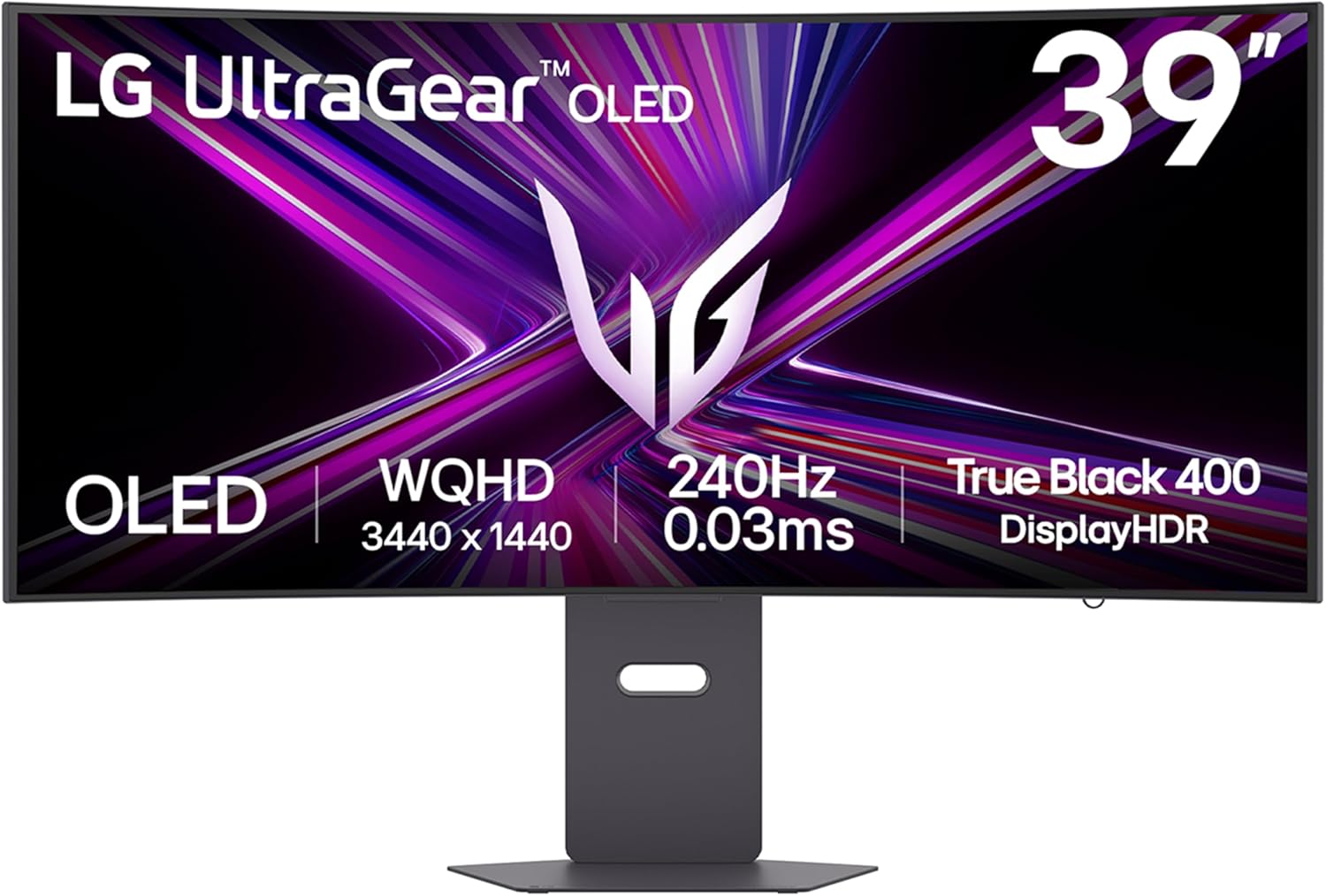
LG UltraGear OLED GX9 (39GX900A-B) OLED Ultrawide Gaming Monitor
Product description
What it is and what it aims to solve
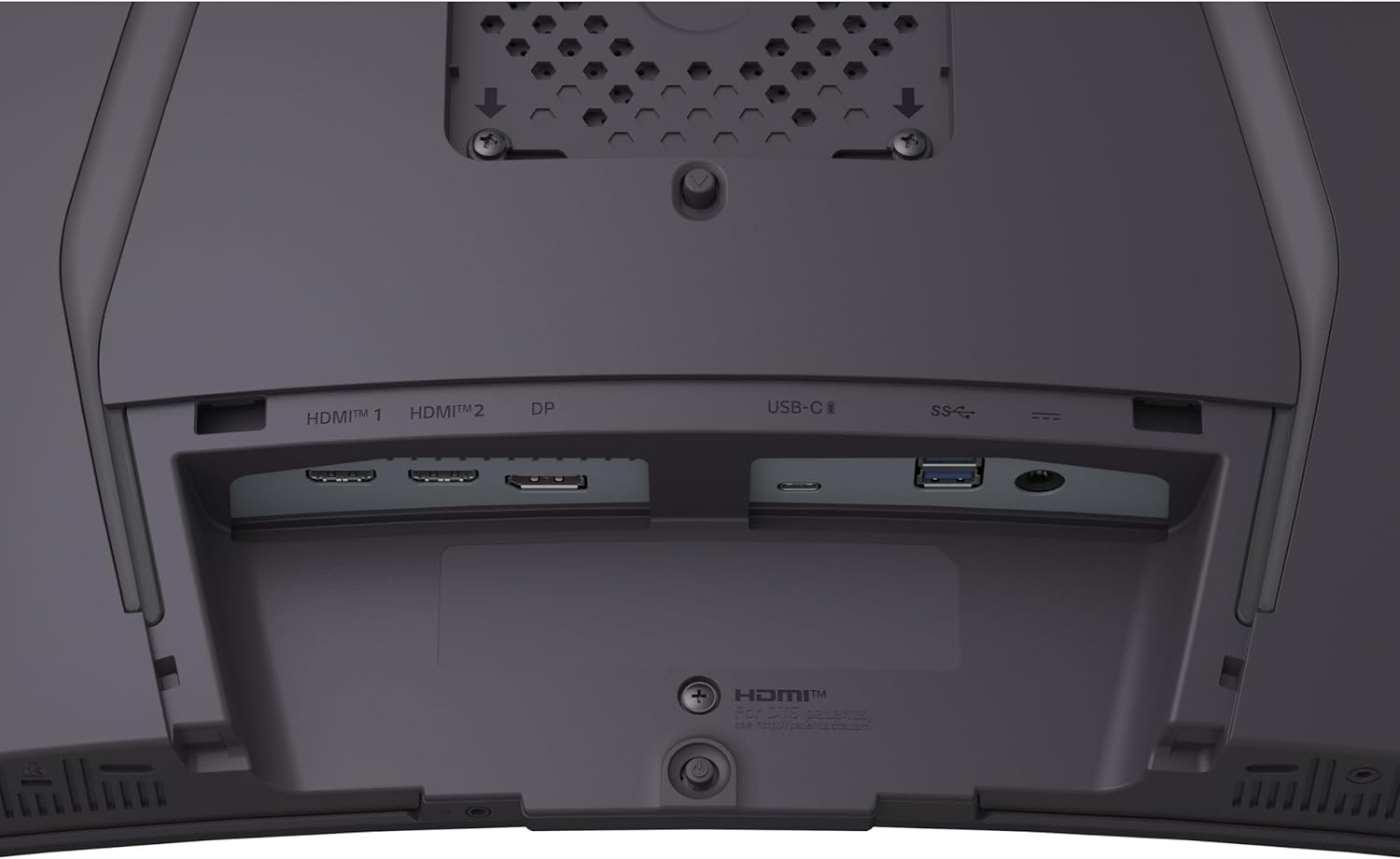
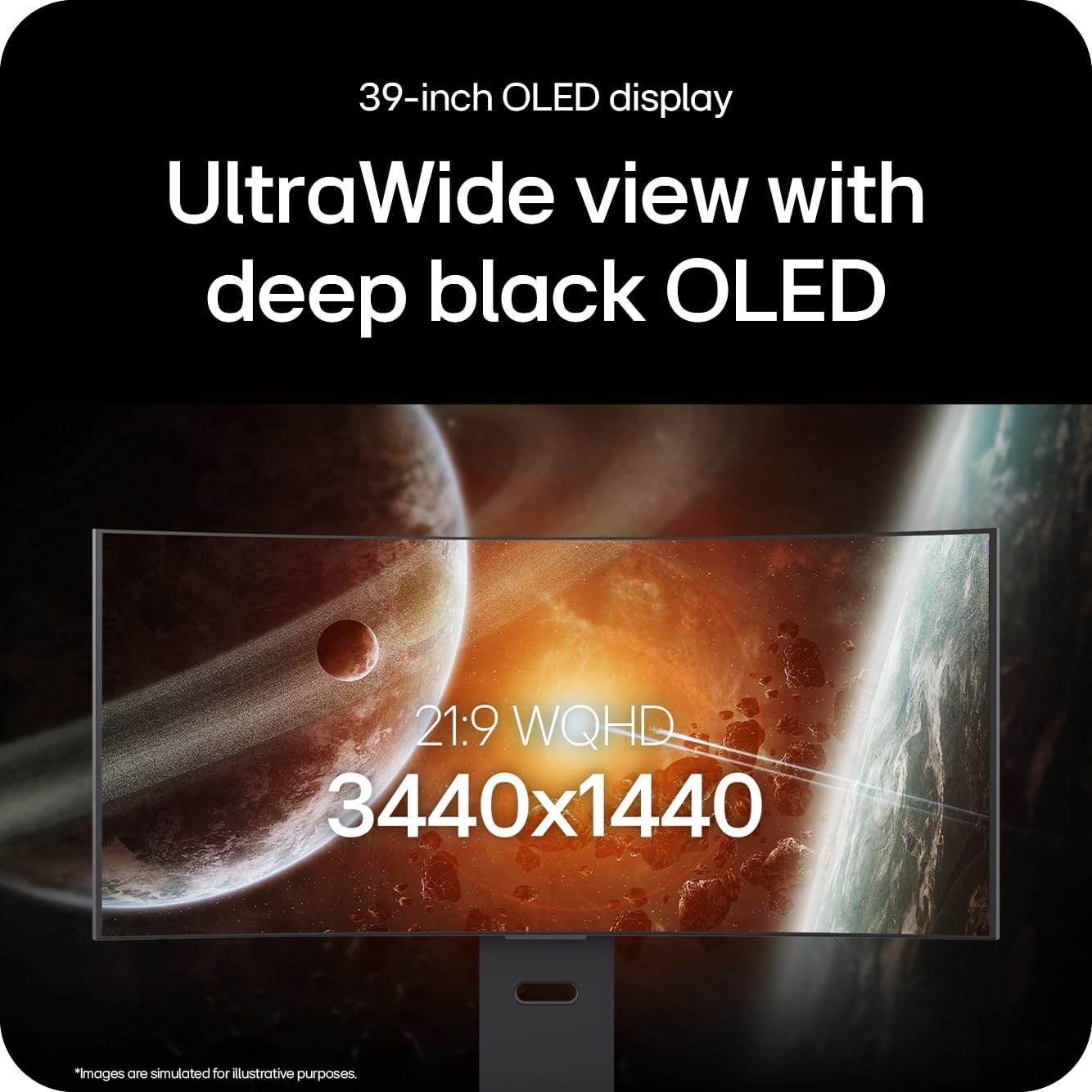
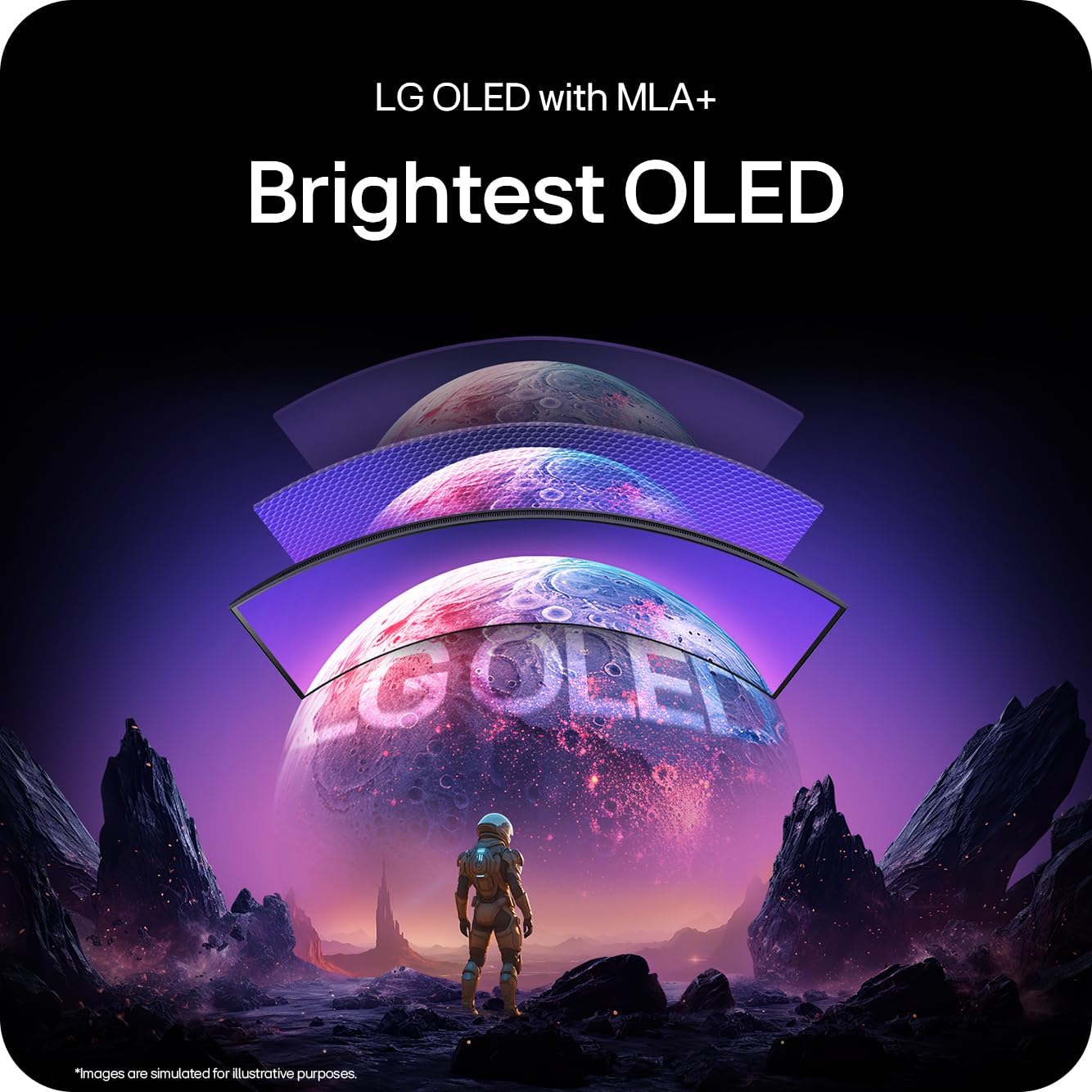
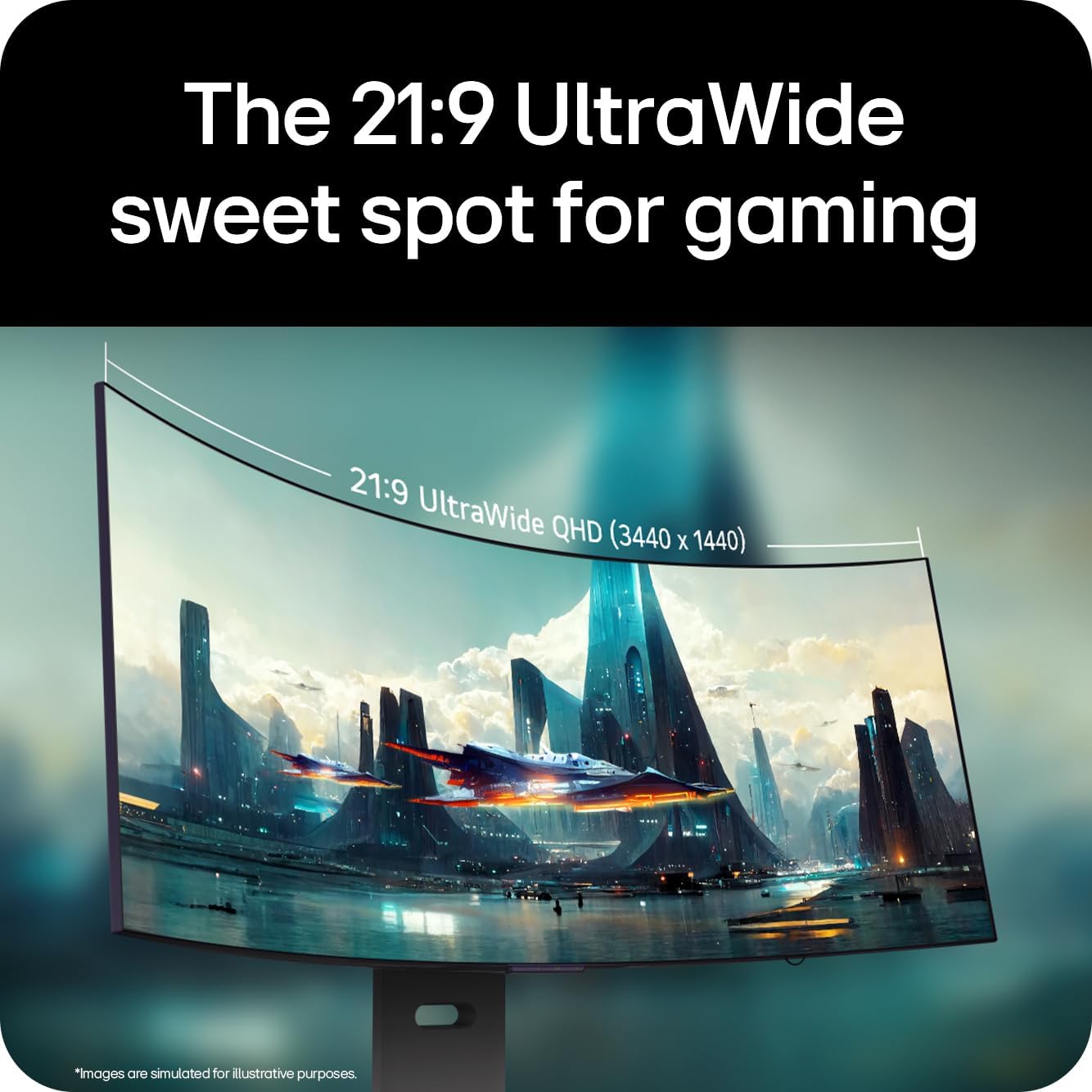
The LG UltraGear OLED GX9 is a 39-inch ultrawide gaming monitor that uses OLED with MLA+ for vivid colours, deep contrasts and smooth motion. It targets immersive gaming, particularly at wide field-of-view layouts, where fluid gameplay and accurate colour reproduction matter. On paper, it combines a wide 3440x1440 resolution with a 240Hz refresh rate and a 0.03ms GtG response time to minimise blur during fast action. The panel’s HDR potential is described as DisplayHDR True Black 400, with a claimed peak brightness near 1300 nits for highlights and deep blacks in dark scenes.
Core strengths and what to expect in practice
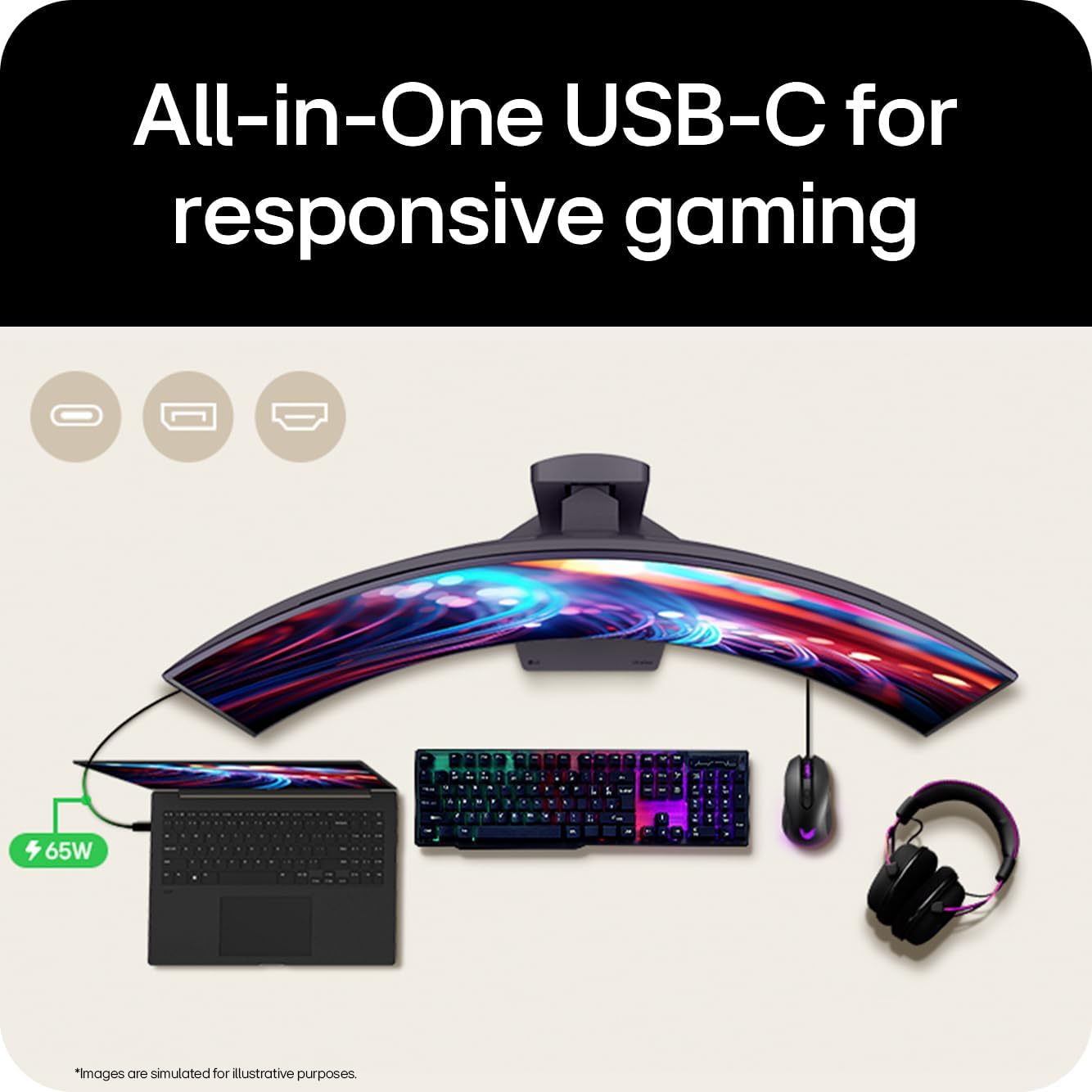
Colour accuracy and punchy contrast are the headline features, thanks to OLED technology and MLA+. The combination of DCI-P3 98.5% typical coverage and the HDR engine aims to deliver bold, cinematic visuals in AAA titles. The lg’s hardware stack includes DP 1.4 with DSC, HDMI 2.1, and USB-C, so you can game at 240Hz in WQHD (3440x1440) without sacrificing peripheral connectivity or upscaling quality. Motion clarity is supported by ClearMR 13000 and the usual wave of adaptive sync technologies (G-SYNC, FreeSync Premium Pro, AdaptiveSync) to reduce tearing and stutter.
What stands out day to day
If you prioritise speed and visual fidelity in an ultrawide format, the GX9 delivers strong performance on fast shooters and racing titles, where the wide field of view can be a real advantage. The 39-inch curve helps with immersion and reduces eye movement in long sessions. The built‑in speakers add convenience, and the USB-C input helps keep desk clutter down.

Potential limits or caveats to consider
OLED panels, while offering exceptional contrast, can be more demanding on brightness consistency and burn-in considerations over long-term use. The 1300 nits peak is likely in HDR or specific scenes, and real-world brightness under all‑conditions may feel different from those numbers. For some users, the ultrawide 39-inch footprint may require a larger desk and comfortable viewing distance. Also, the combination of high refresh and ultrawide resolution demands a capable graphics setup to maintain 240Hz in demanding titles.
Who it’s for
This monitor suits gamers who want an expansive, immersive screen with high refresh and fast response, and who value accurate colours and HDR-like depth in modern titles. It’s particularly appealing if you have a capable PC and want to use a single display for both gaming and productivity that benefits from extra horizontal real estate. It isn’t necessarily the best choice if you prioritise maximum brightness for daylight-lit rooms or if you’re sensitive to potential OLED burn-in concerns.
Who it isn’t for
If you’re after the absolute brightest monitor for daytime use, or if your priority is pixel density over ultrawide real estate, other panels may feel more comfortable. For very competitive players who rely on marginal frame advantages, you may want to test how the 240Hz at ultrawide resolution behaves in your favourite titles before committing.
When it makes sense to buy
Consider the GX9 if you want a single, large display that handles fast action, cinematic HDR-style visuals and modern connectivity (DP 1.4, HDMI 2.1, USB-C) without needing multiple screens. It’s a solid option if you already have a high-end PC capable of delivering high frame rates at 3440x1440 and you value a wide work/space for productivity alongside gaming.
What to review before buying
Check for how the system handles sustained motion and dark scene performance in your favourite games. Verify desk space and viewing distance to ensure the 39-inch curved panel fits comfortably. Consider your GPU’s ability to sustain high refresh at ultrawide resolution in titles you play most. Also, reflect on how you’ll manage burn-in risk with OLED and what warranty or panel-care guidance LG provides.
Practical use example
Imagine jumping into a racing sim with a panoramic view: you notice car reflections and track lighting pop with high contrast, while the sweep of scenery feels more present thanks to the ultrawide format. In fast shooters, the 0.03ms response helps keep crosshair placements crisp and motion smooth, even during rapid panning.
Quick comparison mindset
If you’re weighing this against standard 27–32 inch gaming monitors, the GX9 trades a bit of desk footprint for a much wider field of view and improved depth of colour. It sits between entry-level ultrawide IPS options and more premium OLED setups in terms of feature depth and motion handling. For ultrawide fans, it’s worth considering as a balanced approach rather than a raw brightness or peak-performance play.
Is it worth it?
A solid pick if you want a large, fast ultrawide panel with strong colour and HDR-like depth, provided you have a compatible PC and desk space. It may not be ideal if you prioritise the absolute highest brightness or if you’re particularly wary of OLED burn-in over long sessions.
FAQ
- Does the GX9 support adaptive sync across all titles? It supports G-SYNC, FreeSync Premium Pro and AdaptiveSync to help minimise tearing in compatible games.
- Can I game at 240Hz at ultrawide resolution with a typical mid-to-high end PC? Yes, but it depends on the title and graphics settings, performance will vary by GPU and game optimisation.
- Is the built-in audio important for immersion or should I rely on external speakers or a headset? The speakers add convenience, but many gamers still prefer dedicated audio for immersion and precise sound cues.