

Philips 27E1N1800AE: 27in 4K IPS Monitor with HDR10, Built-in Speakers and Height Adjustment
Reviews
Price
Product description
What it is and who it’s for
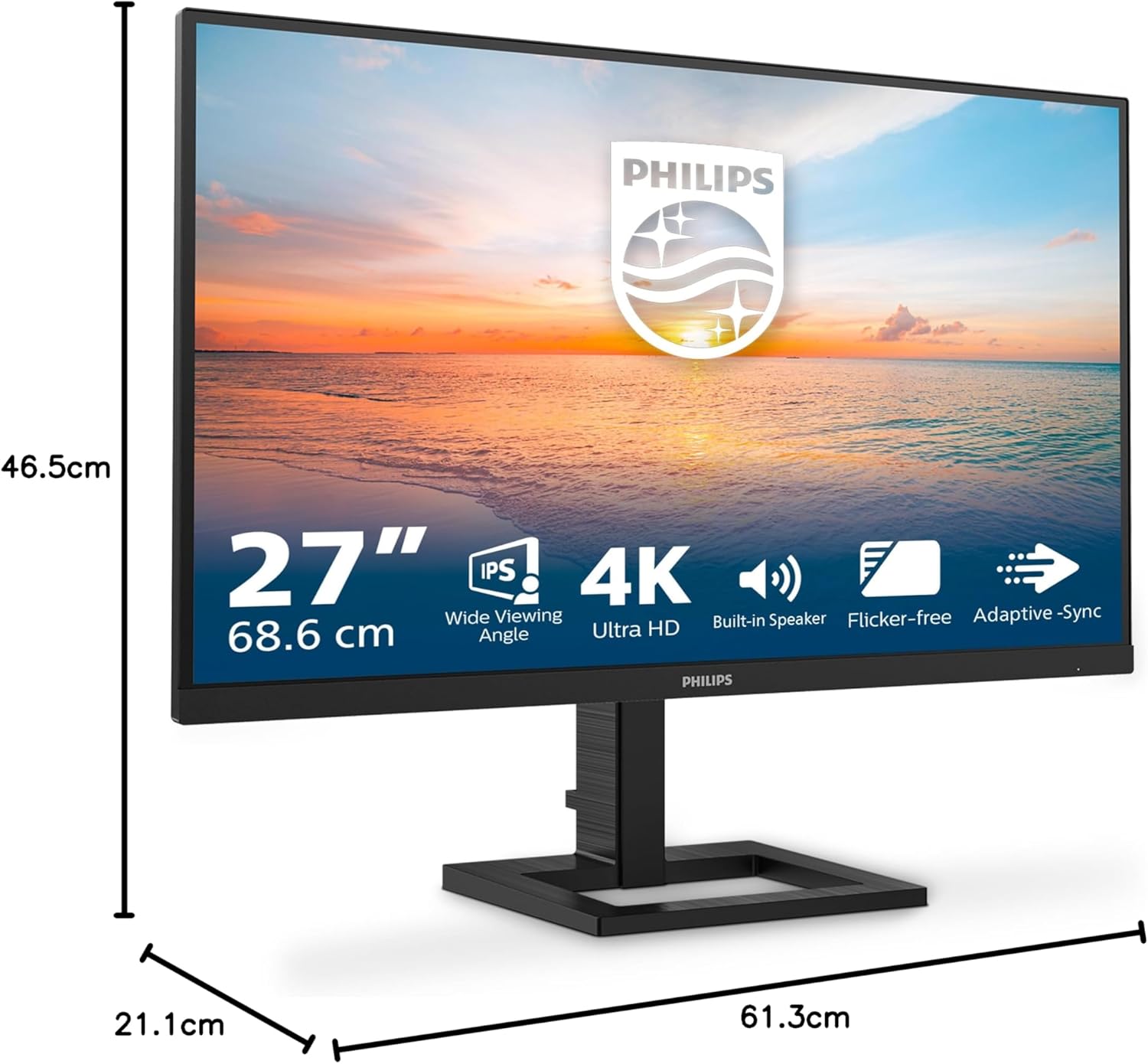
The Philips 27E1N1800AE is a 27-inch Ultra HD monitor featuring an IPS panel, built-in stereo speakers and a height-adjustable stand. It targets everyday productivity and multimedia use, offering sharp 4K imagery for detail‑rich documents, photos and video. If you value a single, space‑efficient setup with decent speakers and adjustable ergonomics, this model is worth considering.
Core picture and panel characteristics
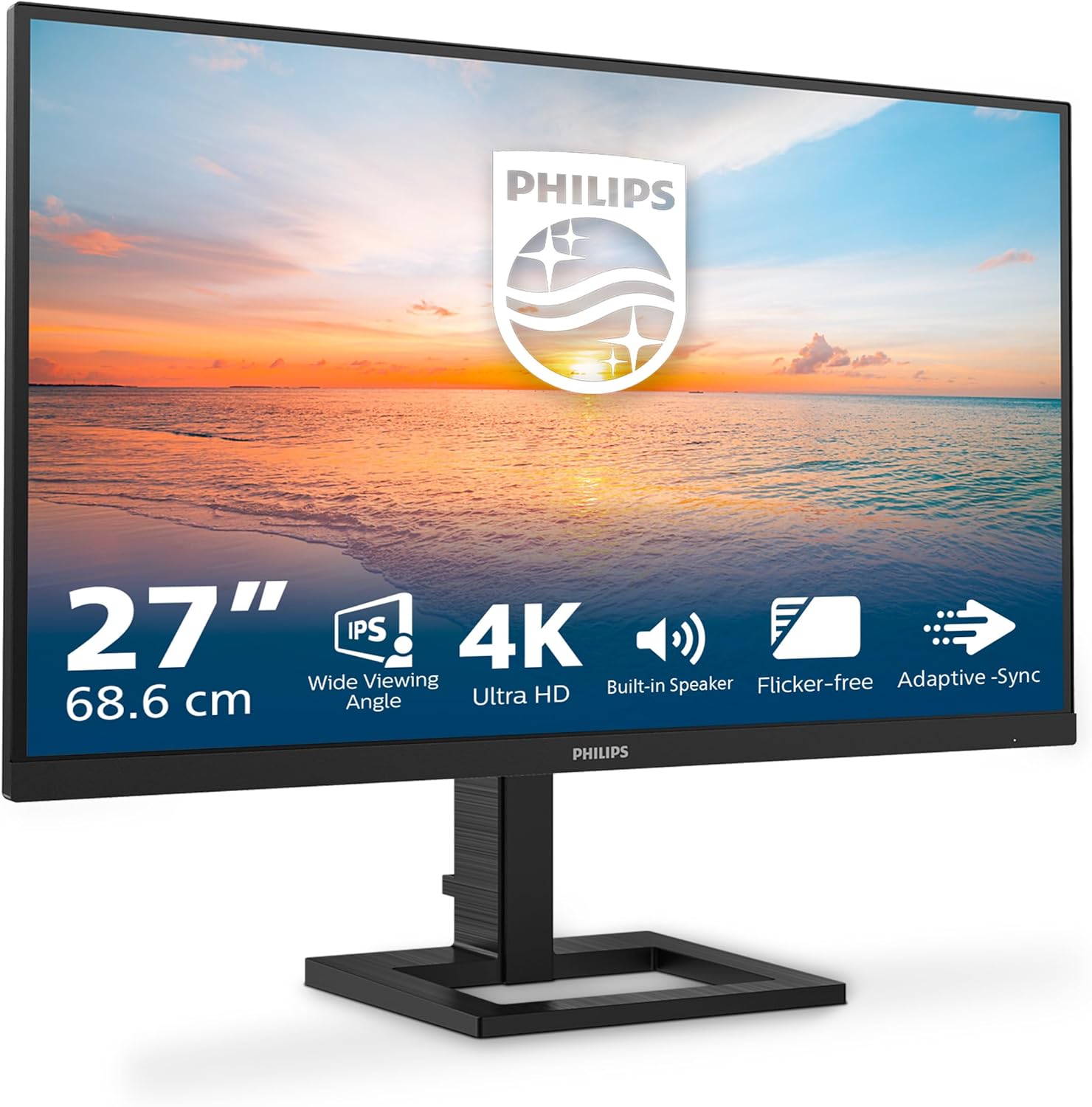
On paper, you’ll get a wide viewing angle and accurate colour thanks to the IPS technology. The 3840x2160 resolution ensures plenty of screen real estate for multitasking and crisp text, while HDR10 support aims to deliver more realistic highlights and colours in supported content. In practice, HDR performance on consumer displays depends on content and processing, don’t expect it to replace a dedicated HDR monitor, but it does offer a noticeable improvement for compatible media.
Colour and viewing comfort features
The Monitor includes LowBlue mode, which reduces blue light to ease eye strain during long sessions. The combination of a flicker‑free backlight and an aiming for comfortable viewing can help if you’re staring at a screen for hours. For reading tasks, the EasyRead mode targets a paper‑like experience, which may ease long reading sessions.
Connectivity and multimedia options
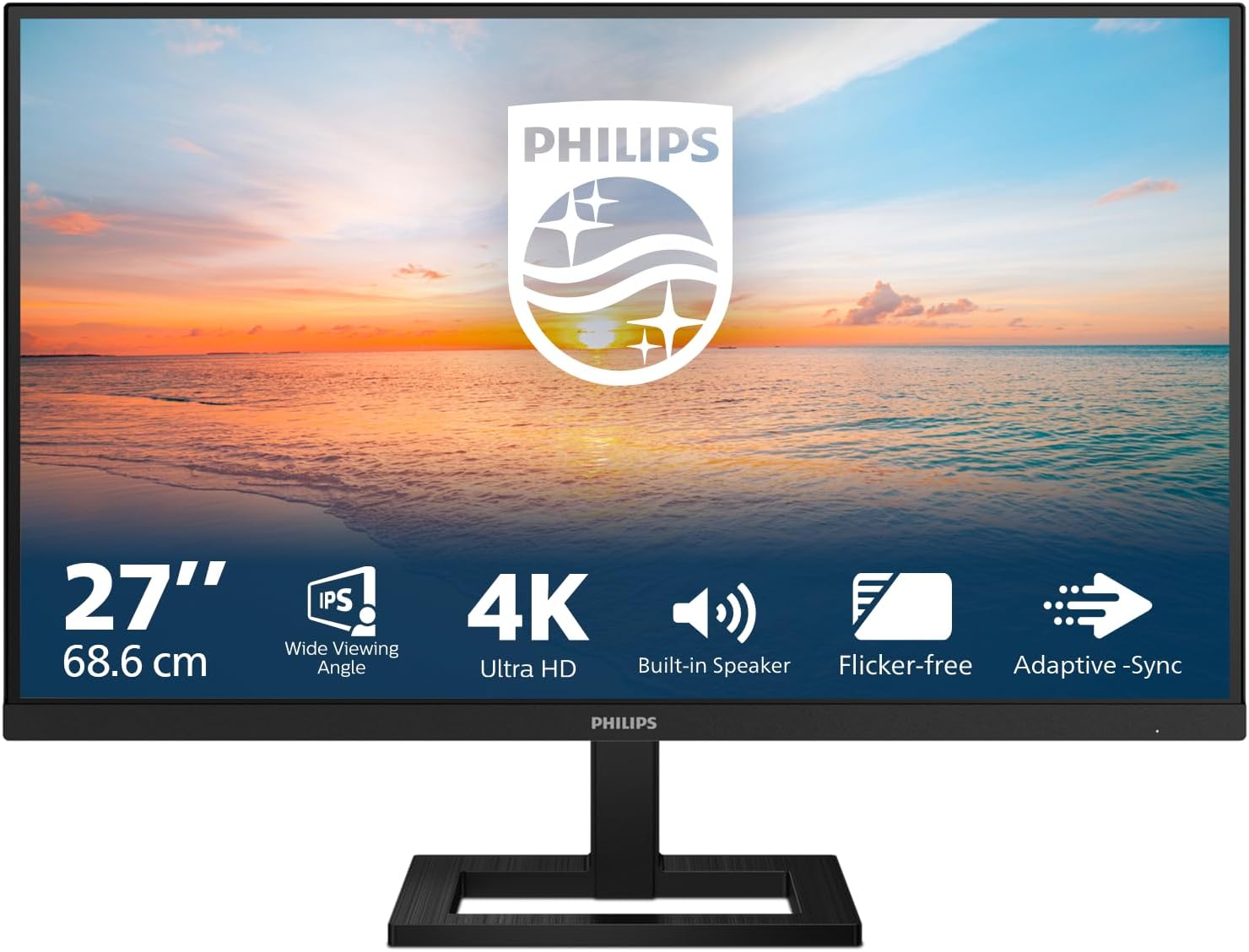
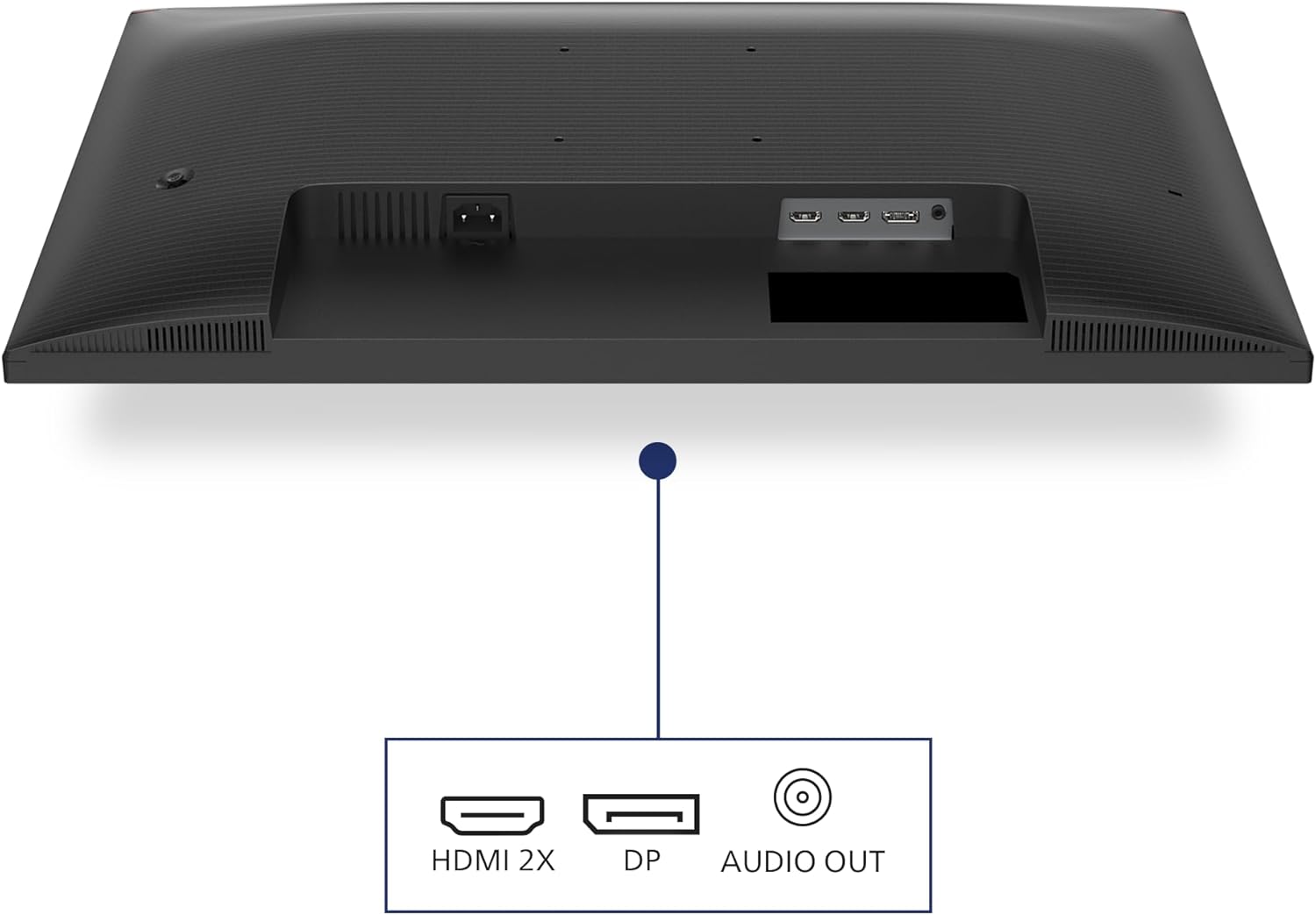
Inputs include HDMI 2.0 and DisplayPort 1.4, covering common desktop and laptop setups. The built‑in speakers offer a simple, space‑saving multimedia solution, but if you’re after high‑fidelity audio, you might still reach for external speakers or headphones.
Ergonomics and usability
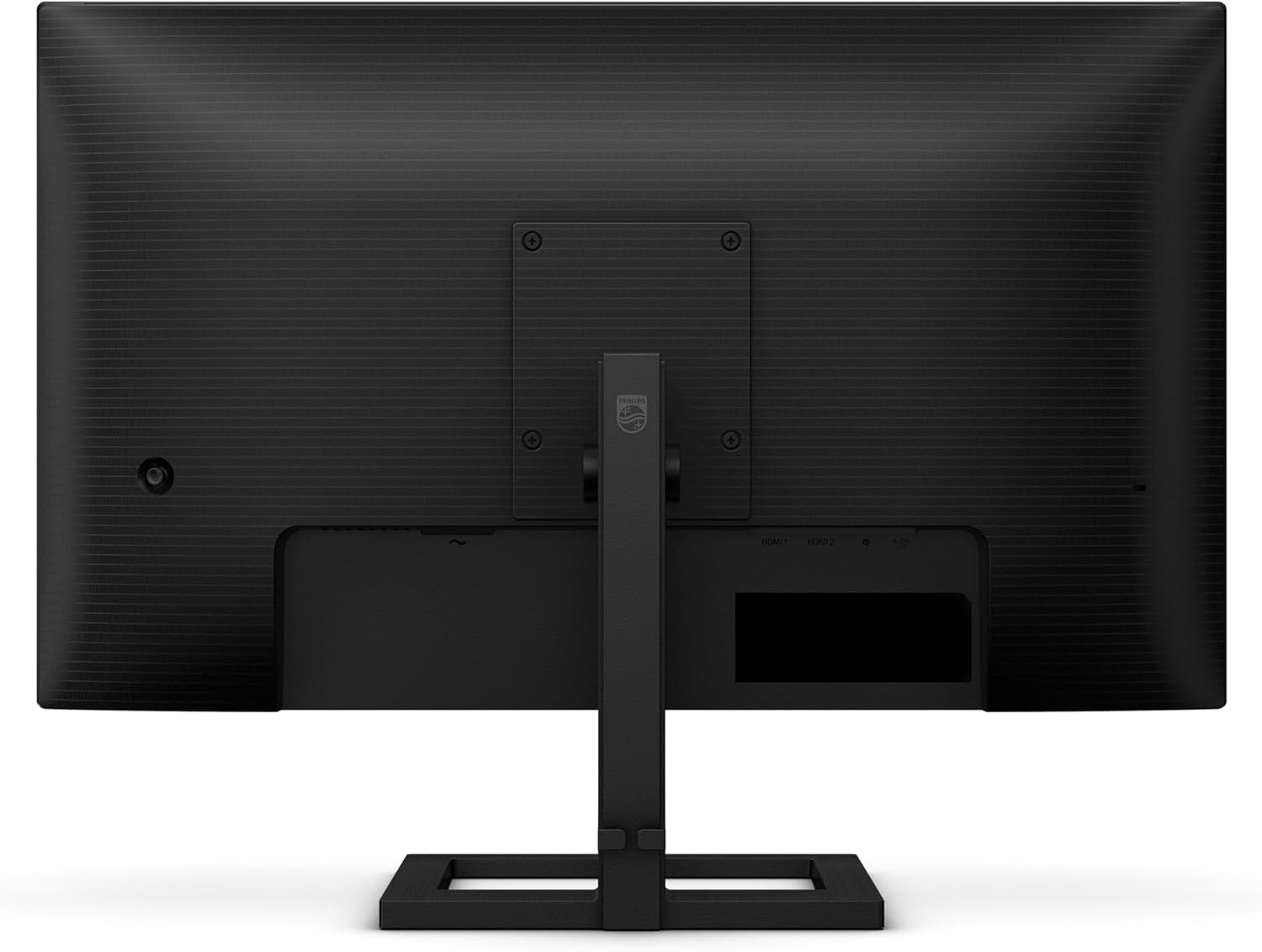
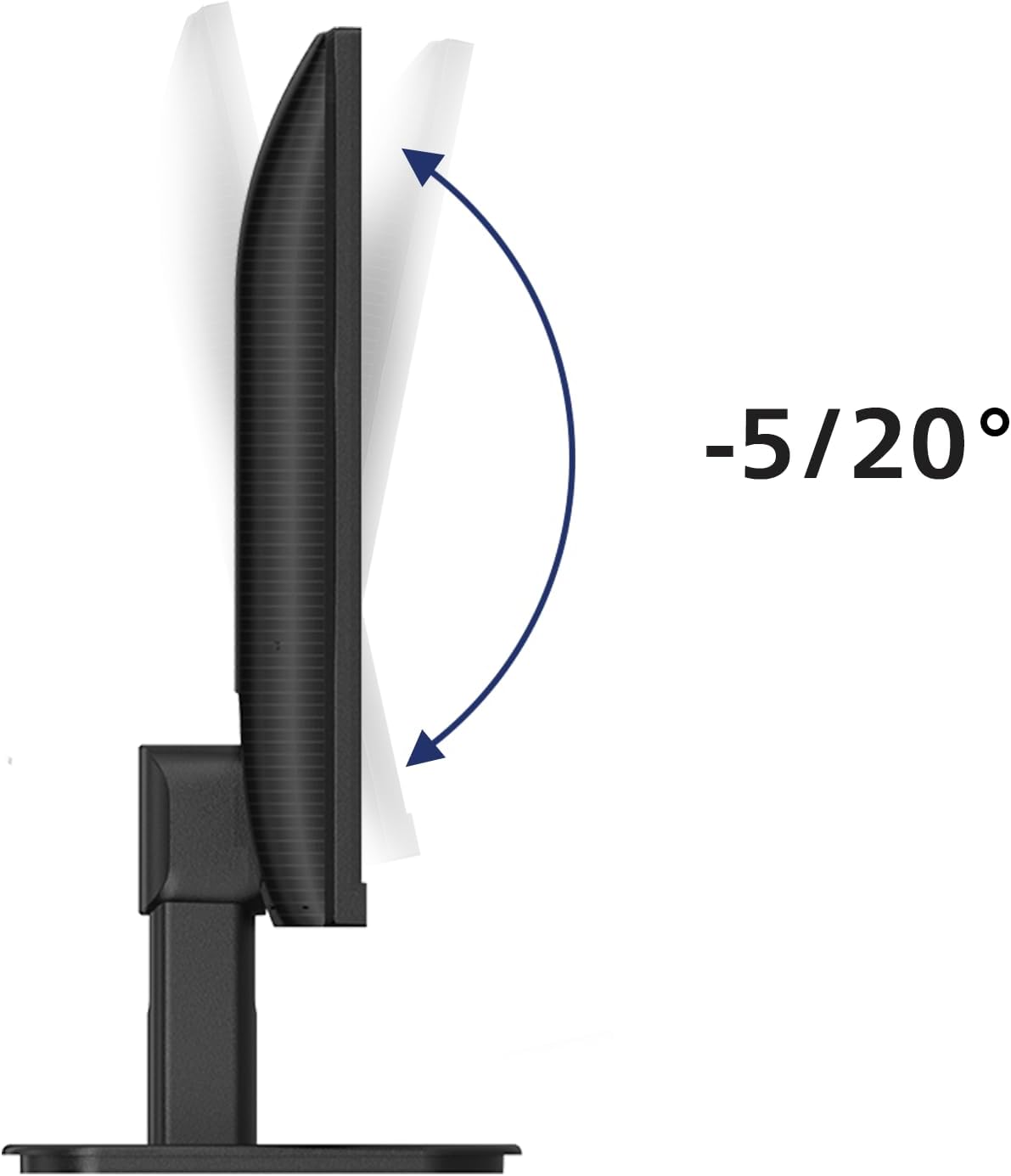
The height‑adjustable stand adds an ergonomic edge, letting you align the screen to your eye level and posture. The design aims for a clean desk setup with practical tilt and height options, which matters if you’re desk‑bound for most of the day.
What stands out and potential limits
Strengths: a compact 27‑inch footprint with 4K clarity, IPS colour stability, HDR10 for more vivid media, built‑in speakers for quick multimedia tasks, and ergonomic adjustability. Limitations: HDR performance on a monitor in this category may be modest compared with higher‑tier models, and built‑in speakers are convenient but unlikely to replace dedicated audio. If you’re mainly focused on colour‑critical work, you may want to verify the panel’s colour accuracy in person.
Ideal use cases
- Office work and multitasking with ample desk space.
- Multimedia consumption and light video editing where built‑in speakers are handy.
- Users who value ergonomic flexibility and a compact 27‑inch setup without extra peripherals.
Who it isn’t the best fit for
- Professionals requiring top‑tier colour accuracy or high‑end HDR brightness for colour grading.
- Gamers seeking ultra‑fast response and exceptionally high refresh rates (this model targets 60 Hz).
- Audio purists who rely on external hi‑fi speakers for sound quality.
What to check before buying
- Verify your GPU or laptop can drive 4K at 60 Hz through HDMI 2.0 or DisplayPort 1.4.
- Consider how important HDR effect is for your typical content, on some tasks, the benefit may be subtle.
- If you rely heavily on speakers, test the built‑in sound quality and plan for external audio if needed.

Practical example of use
Imagine drafting a long document in 4K with multiple windows open, while music plays softly from the built‑in speakers. The screen’s height adjustability helps you find a comfortable posture, and you can glance at an email thread on one side without constantly scrolling through tiny text.
What this means in context
For someone seeking a balanced, value‑oriented 27‑inch 4K monitor with decent ergonomics, the Philips 27E1N1800AE sits in the middle ground. It isn’t the most feature‑packed model in the market, but it offers essential modern connectivity, a practical feature set for everyday use, and the convenience of built‑in speakers and ergonomic height adjustment.
Is it worth it?
Final verdict: Worth considering if you prioritise a compact 4K, easy multi‑window productivity, and integrated audio in a tidy package. Not the best pick if you require peak HDR brightness, top‑tier colour accuracy, or high refresh rate gaming.
Quick FAQ
- Do the built‑in speakers replace separate audio? They are adequate for casual multimedia but may not satisfy audiophiles.
- Can I use this monitor for photo editing? It’s suitable for general work and casual editing, but for critical colour work you may want a display with confirmed colour calibration specs.
- Is 60 Hz enough for everyday use? For office tasks and media consumption, yes, gamers seeking fast motion may prefer higher refresh rates elsewhere.