

Lenovo L15 15.6in FHD portable monitor 60Hz
Product description
This 15.6 inch portable monitor from Lenovo brings a flexible secondary screen for work and leisure, combining Full HD clarity with a slim profile that makes it easy to carry between home and office. With an IPS panel and wide viewing angles, the L15 is suited to watching video, productivity tasks and light photo editing while connected via USB-C.
Key Points
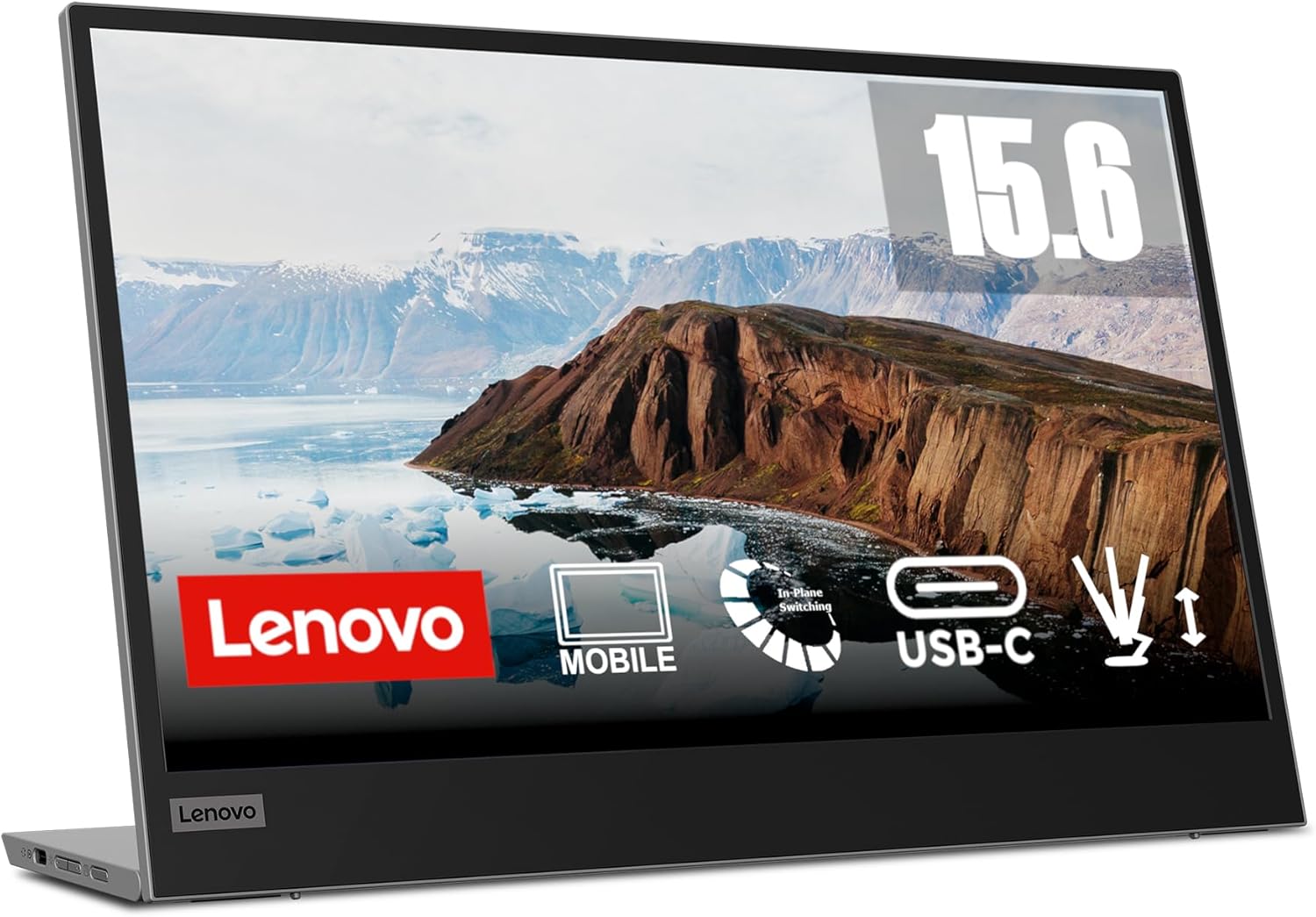
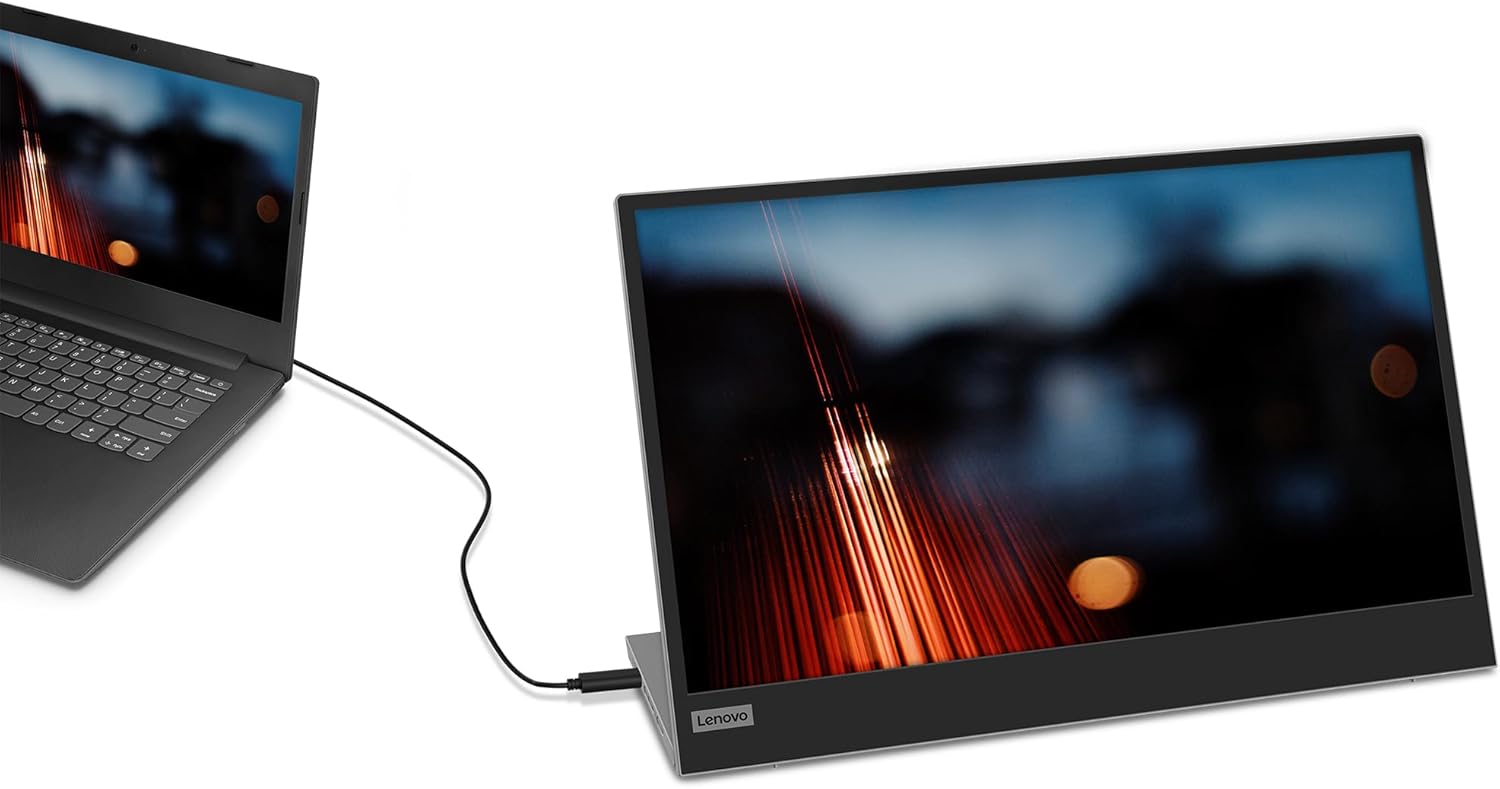
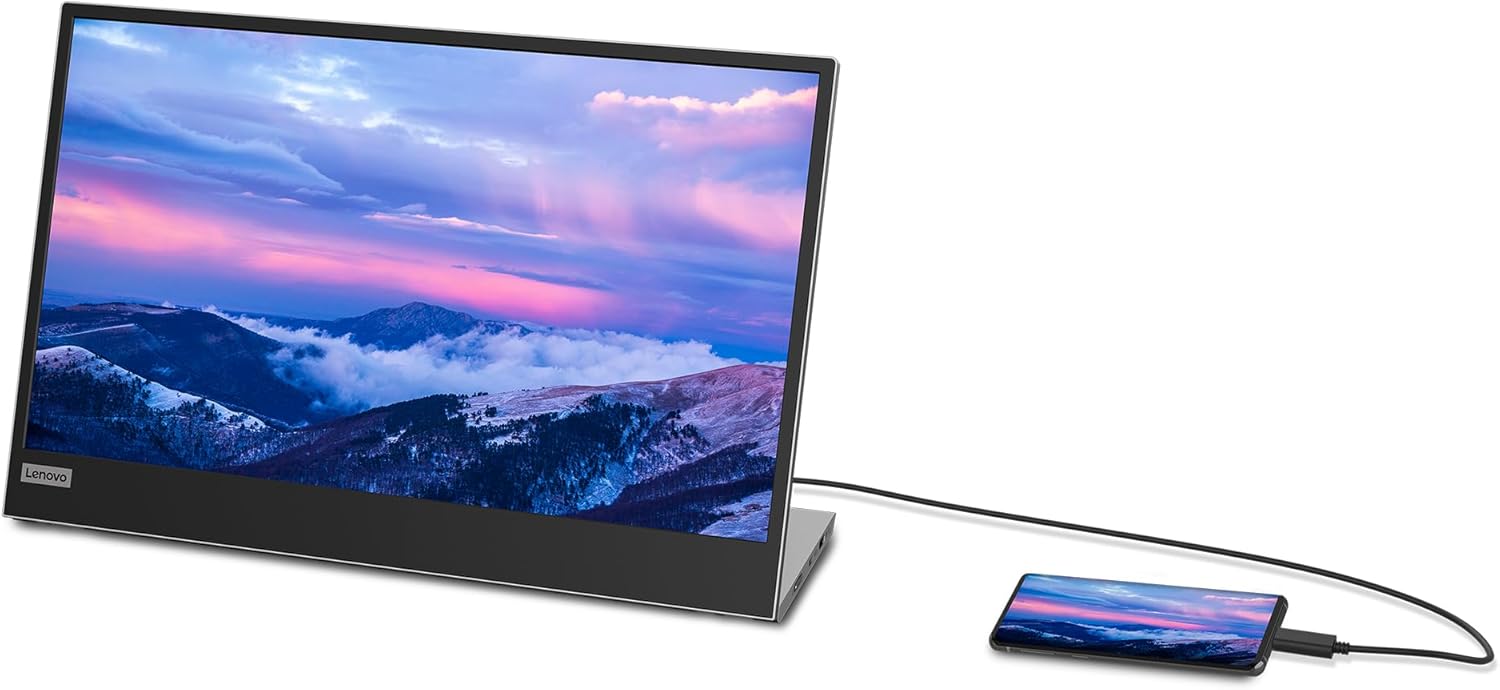
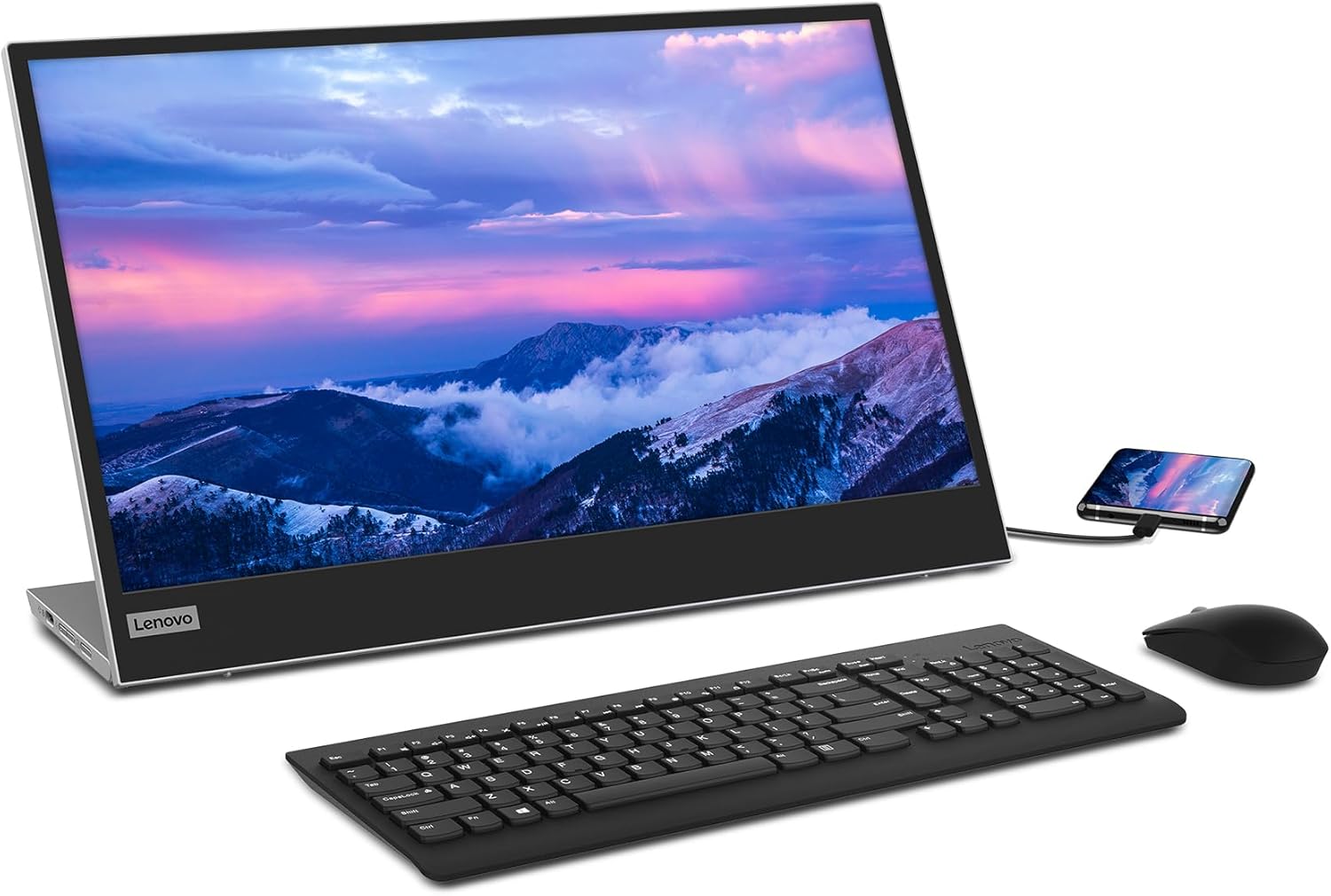
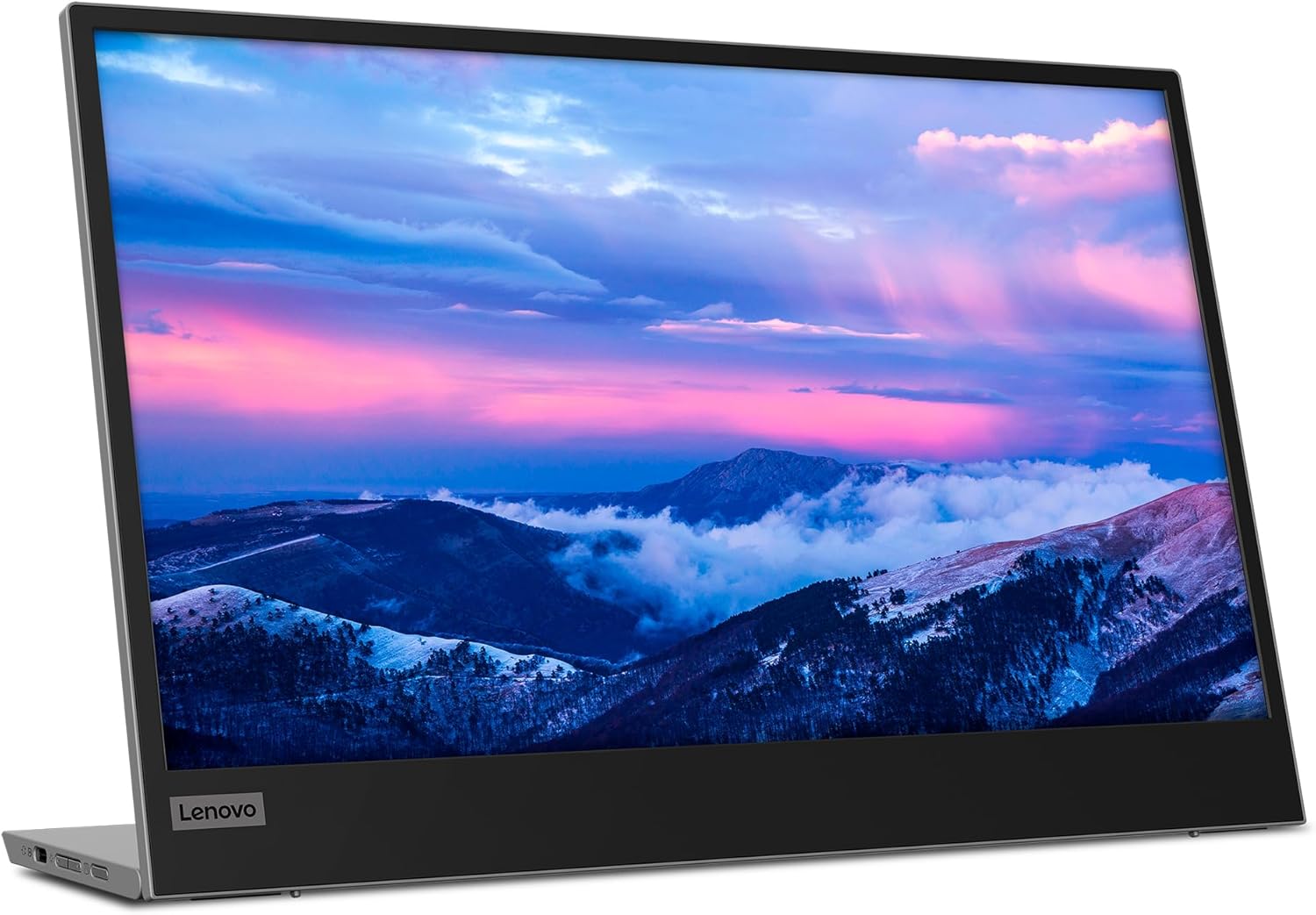
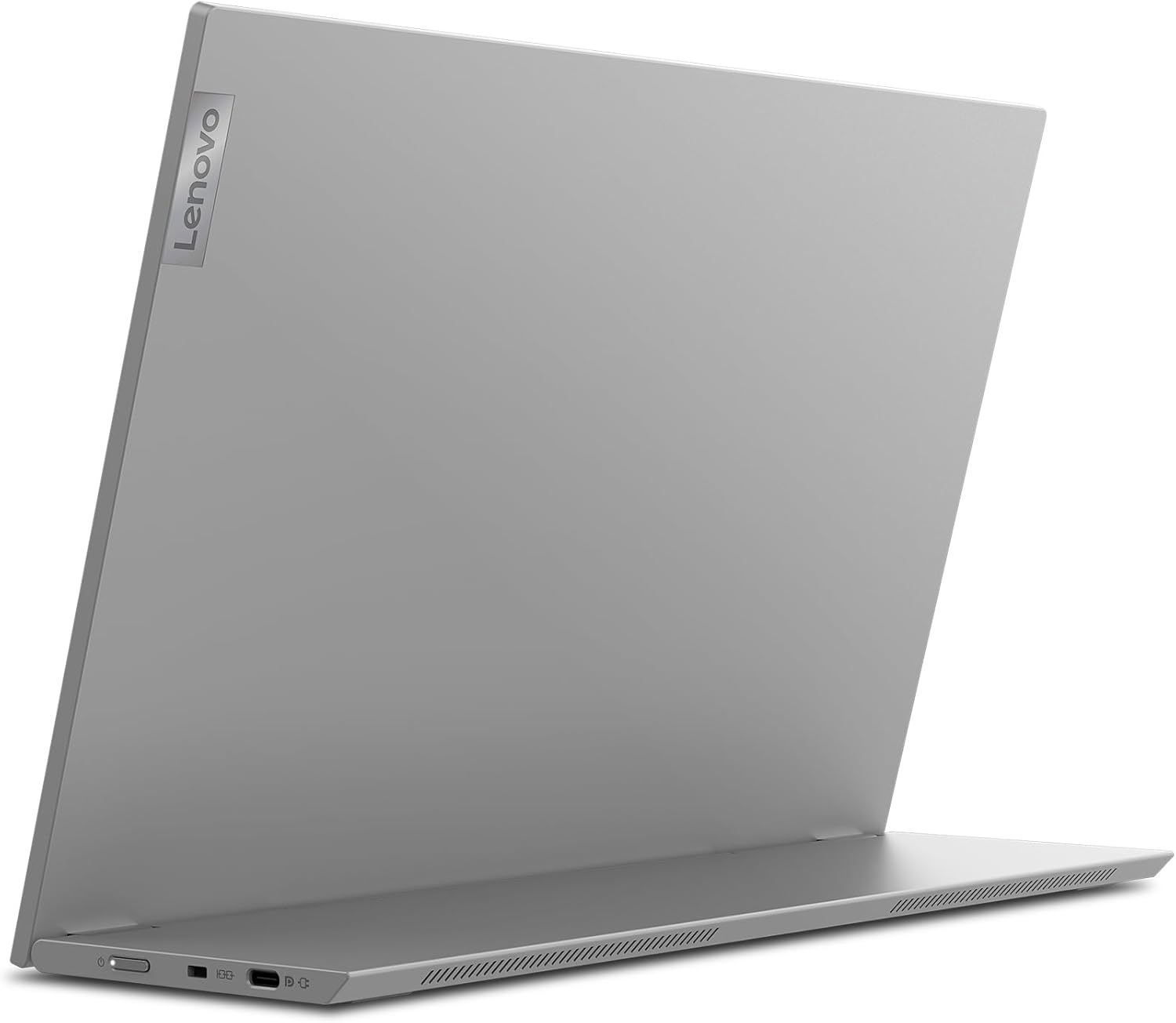
The Lenovo L15 offers a 1920 x 1080 resolution that renders readable text and detailed images at 60 Hz. Its three-sided narrow bezels increase usable screen area and reduce visual distraction when watching films or using side-by-side apps. The panel’s reported 178 degree viewing angles mean colours remain consistent when sharing the display with another person. Two USB Type-C ports handle video, audio, data transfer and power delivery, so a single cable can keep compatible laptops charged while driving the monitor.
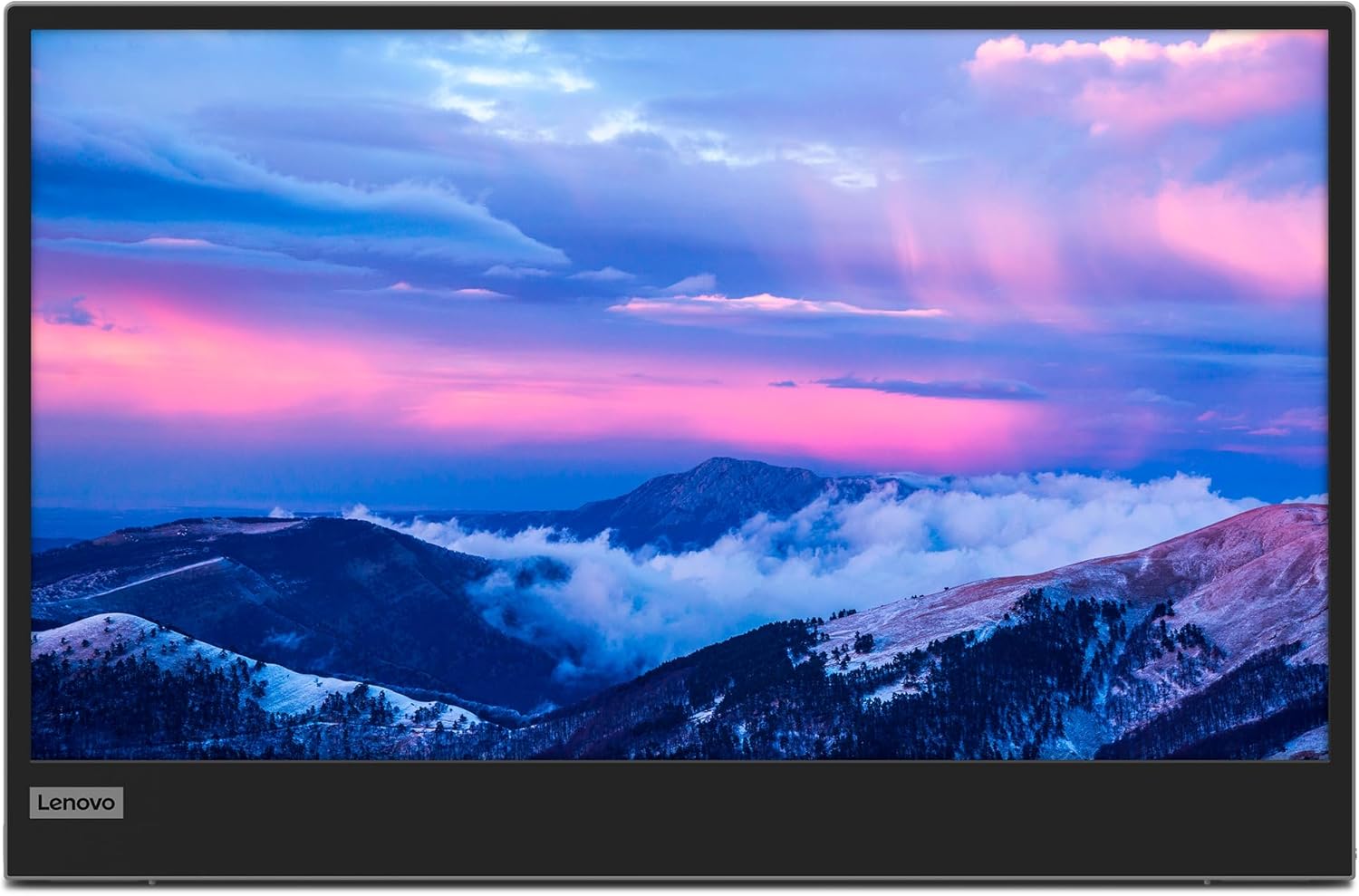
Blue light emissions are reduced through TÜV Rheinland Low Blue Light technology, which may help reduce eye strain during extended sessions according to the manufacturer. The monitor is thin and lightweight, and includes an adjustable-height stand that positions the screen closer to eye level for more comfortable viewing.
Technical Specifications
- Name: Lenovo L15 15.6 Inch Portable Monitor
- Resolution: 1920 x 1080 Full HD
- Panel type: IPS, 60 Hz, 6 ms response time
- Connectivity: 2 x USB Type-C (video, audio, data, power delivery)
- Viewing angles: up to 178 degrees
- Bezels: three-sided narrow bezel design
Benefits
The IPS panel provides balanced colour and contrast across a wide range of viewing positions, which is helpful when collaborating or presenting to another person. The compact form factor and light weight make the L15 convenient for commuters and frequent travellers who need an extra screen without bulk. USB-C connectivity reduces cable clutter and simplifies set-up, particularly with laptops that support power delivery. Reduced blue light aims to ease long hours of use during remote work or study sessions.
Usage Recommendations
For best results use a laptop with USB-C Alt Mode for video and power delivery to gain single-cable convenience. When using the monitor for colour-sensitive work, allow time for visual assessment at natural brightness levels, and consider calibrating with software if precise colour matching is required. Note that the 60 Hz refresh rate and 6 ms response time are aimed at general productivity and media playback rather than competitive gaming, so users seeking high-frame-rate performance may prefer a different panel. Place the adjustable stand so the top of the screen is at or slightly below eye level to reduce neck strain during extended use.