

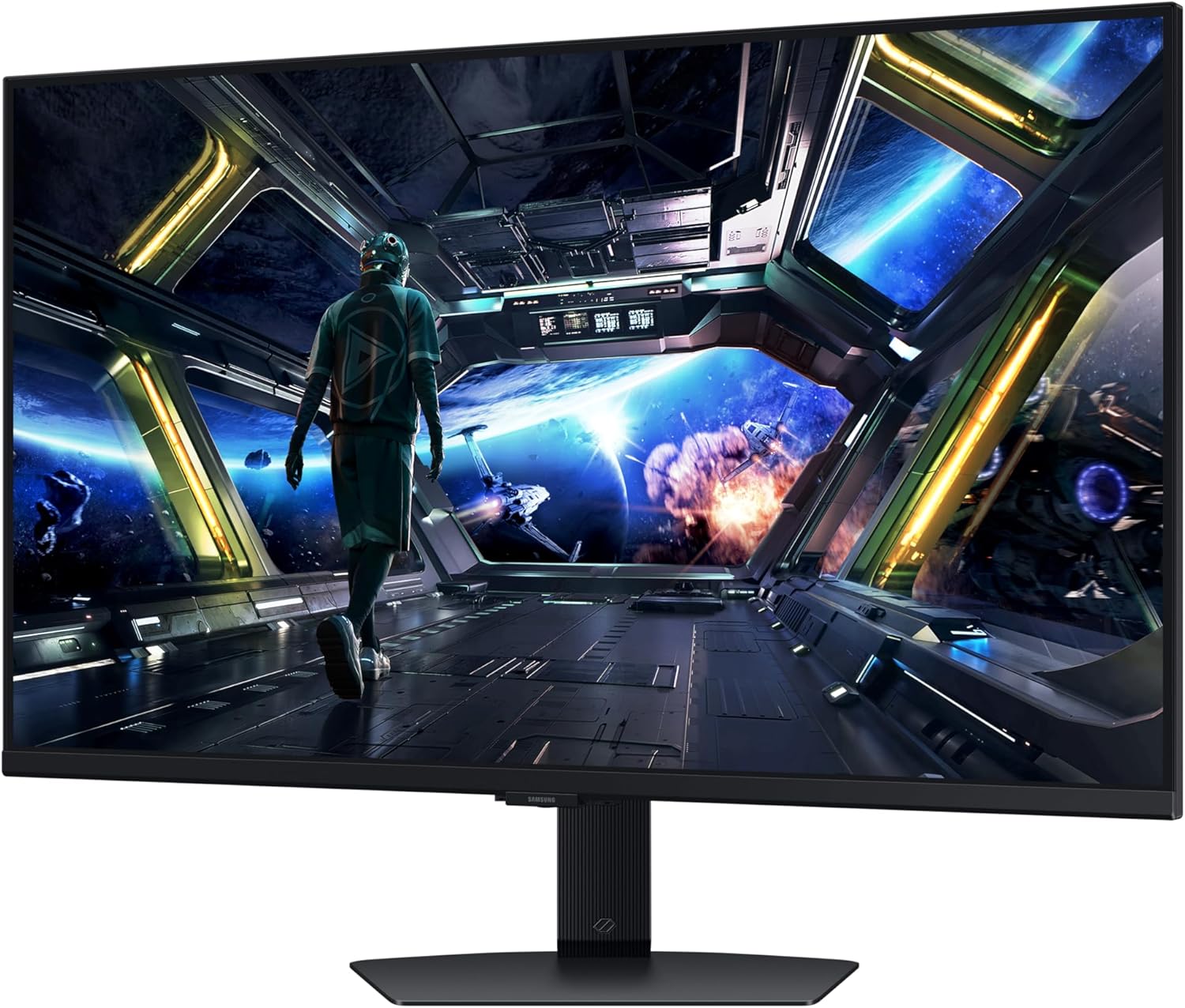
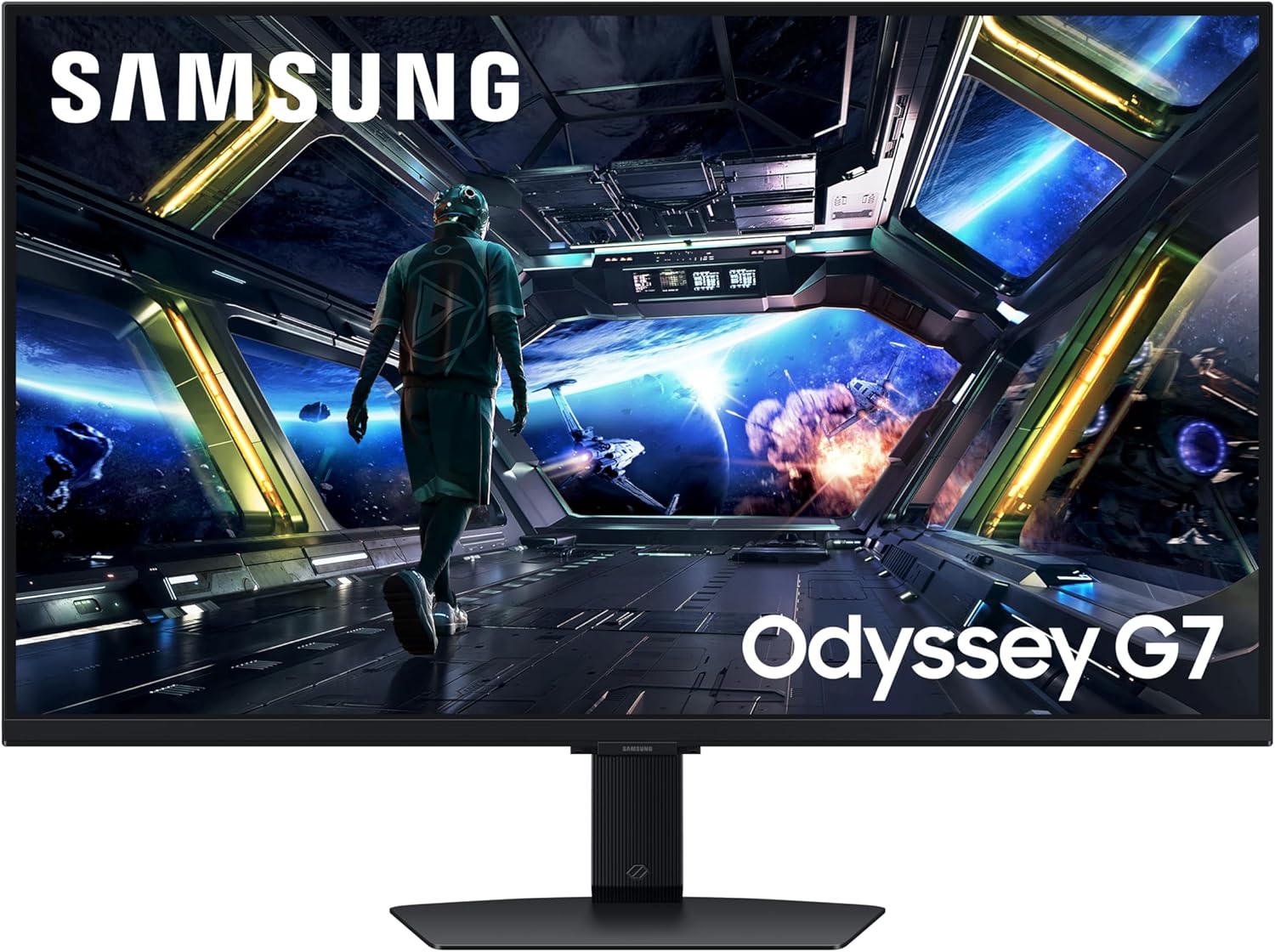
Samsung Odyssey G7 LS32DG702EUXXU 32" 4K UHD IPS Gaming Monitor
Product description
What it is and what it solves
The Samsung Odyssey G7 LS32DG702EUXXU is a 32-inch 4K UHD gaming monitor that combines a vivid IPS panel with a broad feature set designed for serious gaming and everyday use. It aims to deliver sharp 4K detail, fluid motion, and convenient connectivity, making it a sensible option for players who want a single screen that can handle both fast-paced titles and regular media without switching devices.
How it performs in practice
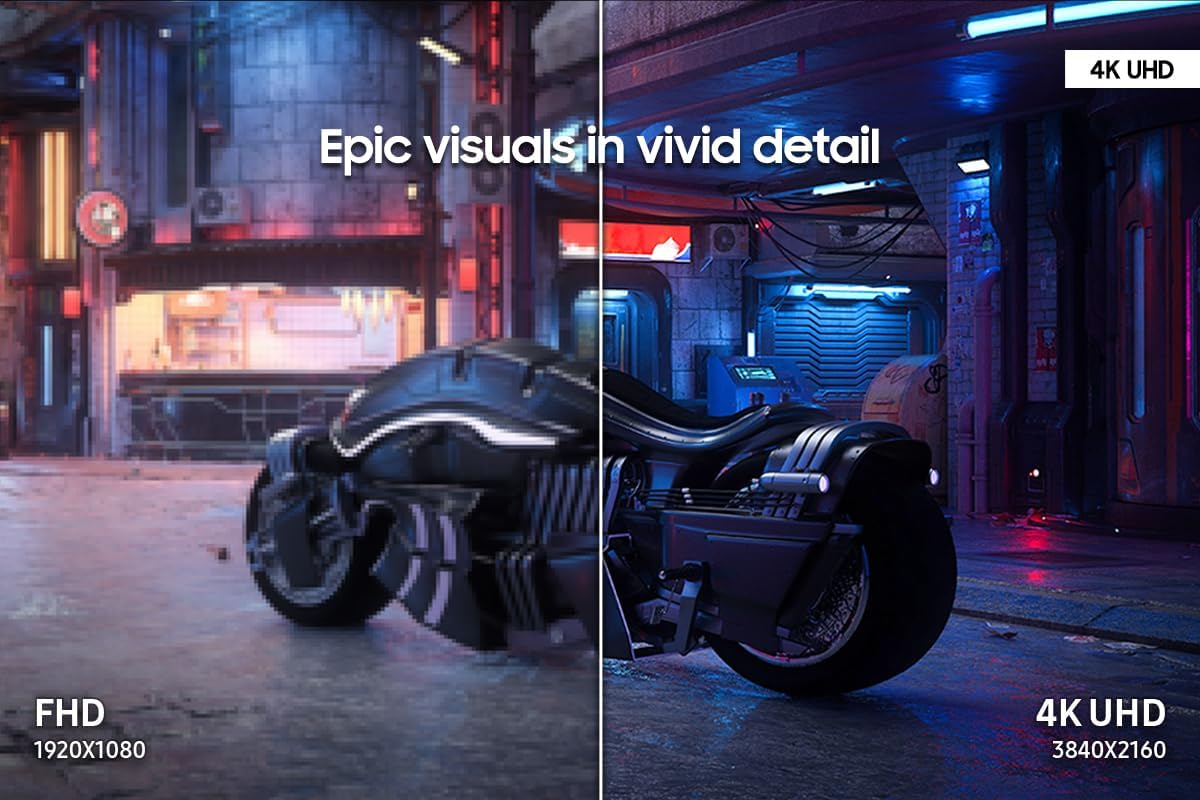
On paper, the 3840x2160 resolution provides crisp images with plenty of screen real estate. The 144Hz refresh rate paired with a 1ms response time suggests responsive gameplay with reduced motion blur, particularly in fast shooters or racing titles. VESA DisplayHDR 400 contributes to deeper blacks and brighter highlights, which improves contrast in darker scenes and helps enemies or secrets stand out in shadowed areas. The monitor also features 4K AI upscaling, which can improve perceived quality when playing at lower internal resolutions, especially when using the Gaming Hub and built-in Smart TV apps.
What stands out and what may hold you back
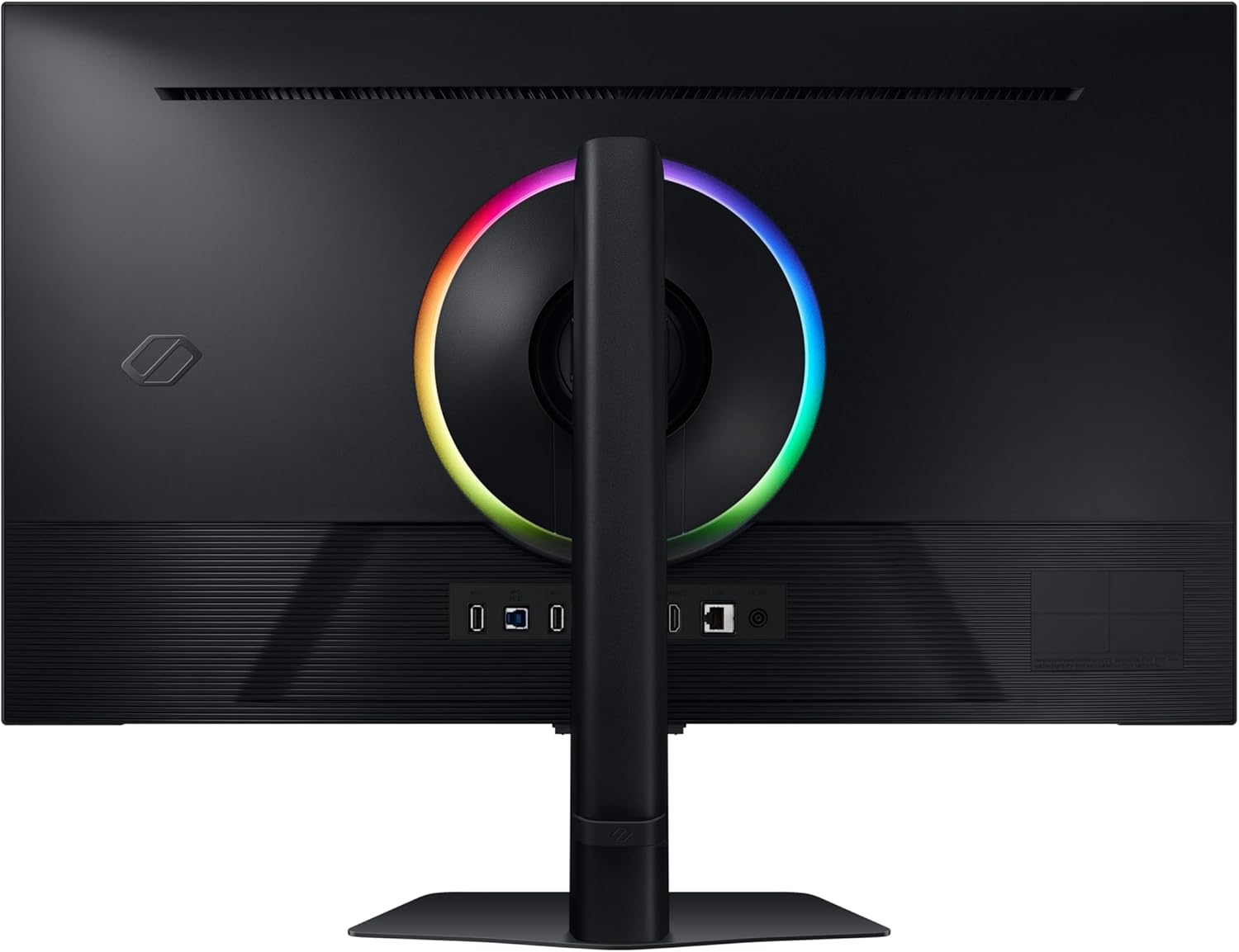
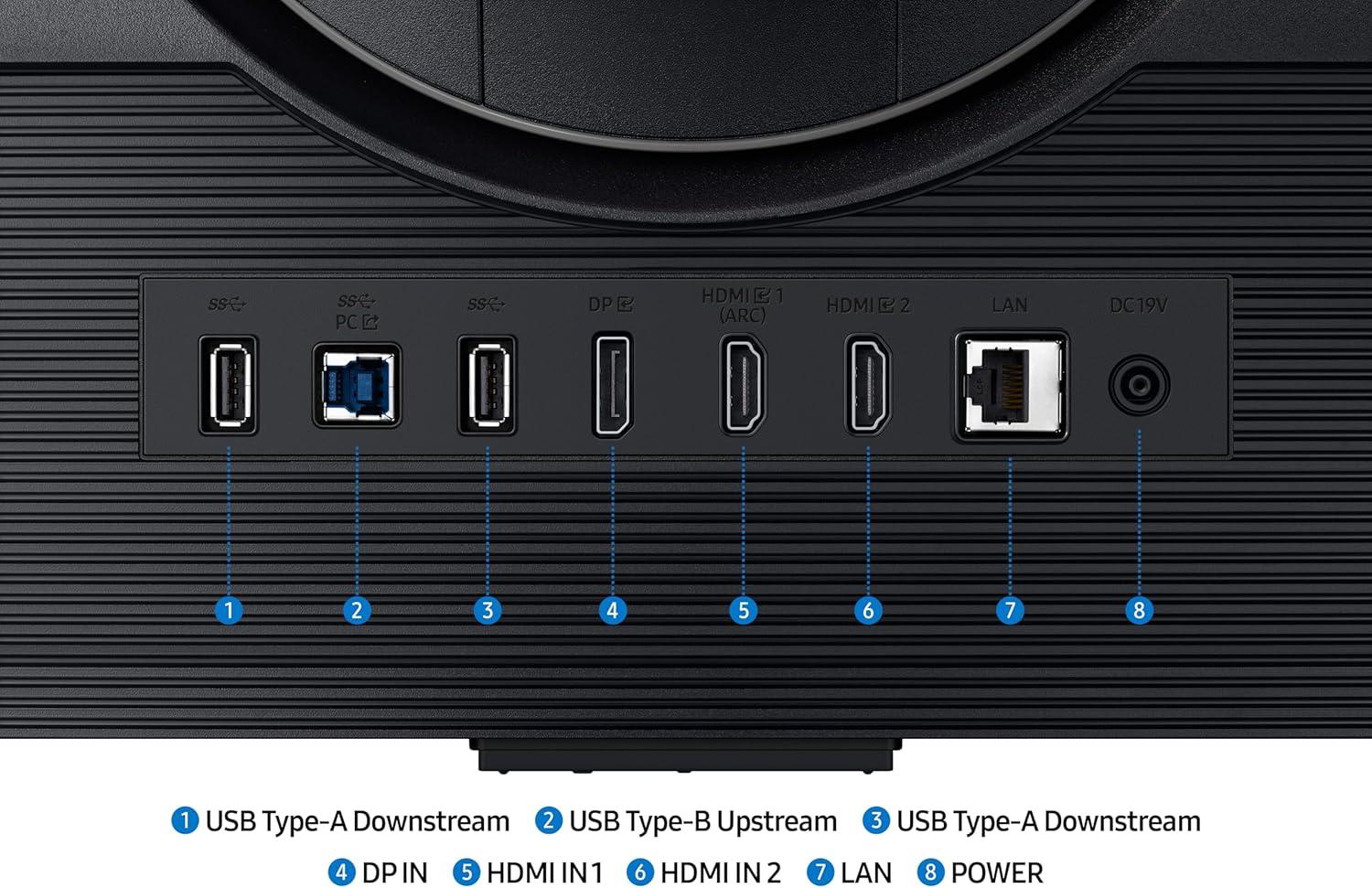
What’s notable is the blend of gaming-focused performance with smart features. The 4K resolution is impressive for a 32-inch panel, but may demand a capable GPU to sustain very high frame rates in newer titles at the native resolution. The inclusion of HDMI 2.1 and a full Smart Platform with a USB hub adds versatility for console or PC use, and the built-in speakers offer convenience if desktop audio isn’t a priority. However, you should consider that IPS panels can have wider viewing angles and good colour accuracy, yet may not reach the absolute contrast depths of OLED or VA alternatives in very dark scenes. It’s not a leap into ultra high-end gaming hardware, but it leans toward a balanced, practical option that can anchor both gaming and multimedia setups.
Who it’s for and who it isn’t great for
If you prioritise 4K clarity, sharpness, and a solid set of features in a single screen, this model is a reasonable fit. It suits gamers who want a bigger, more immersive display without extra cables cluttering the desk, thanks to the USB hub and smart features. It may not be ideal for competitive players who require ultra-low input lag and the absolute highest frame rates at native 4K, or for buyers who prefer the deepest blacks and higher peak contrast available only on some other panel types.
What to check before buying
- Ensure your GPU can deliver the kind of frame rates you want at 4K, or be prepared to enjoy 4K upscaling for many titles.
- Consider whether you’ll benefit from the Smart Platform and speakers, or if you’ll rely on external audio and a separate streaming device.
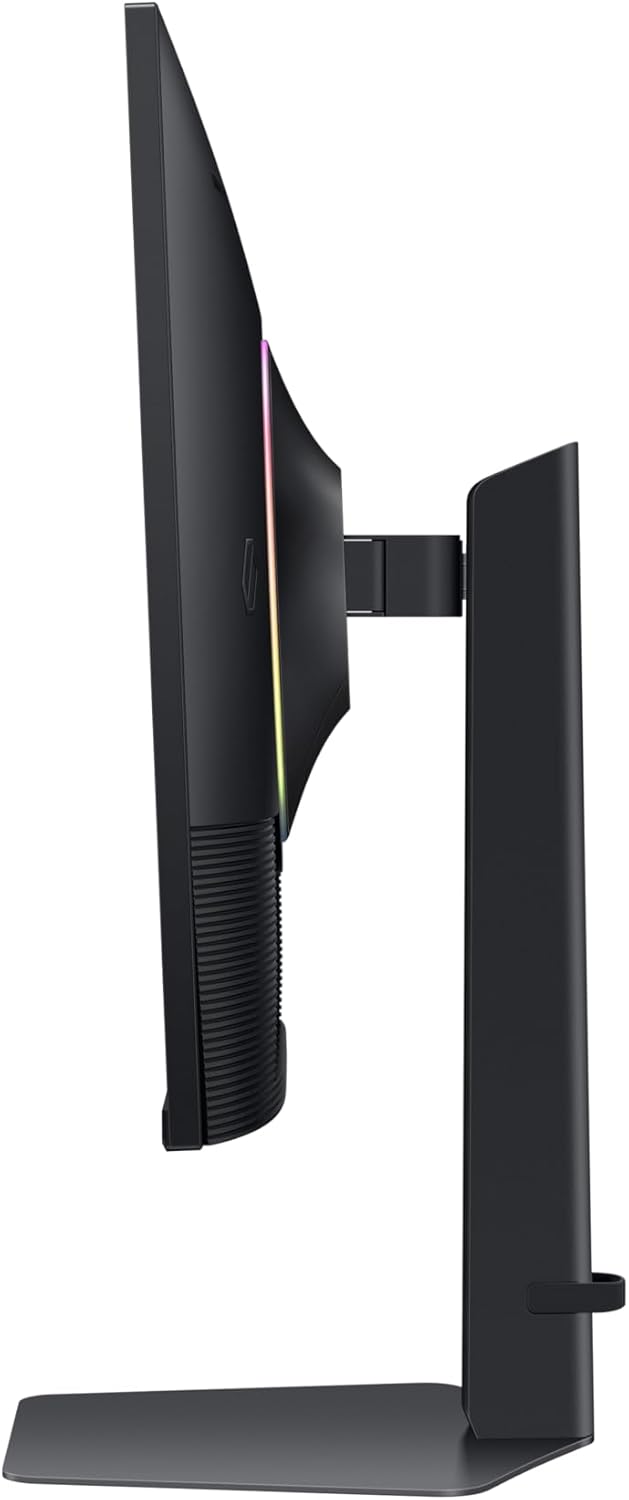
- Check desk space and mounting options, a 32" screen can dominate a smaller setup, but height adjust helps you dial in a comfortable eye level.
- Review connectivity: HDMI 2.1 is great for next-gen consoles and high-bandwidth PC connections, DisplayPort remains a solid choice for PC gaming.
Practical usage and a typical scenario
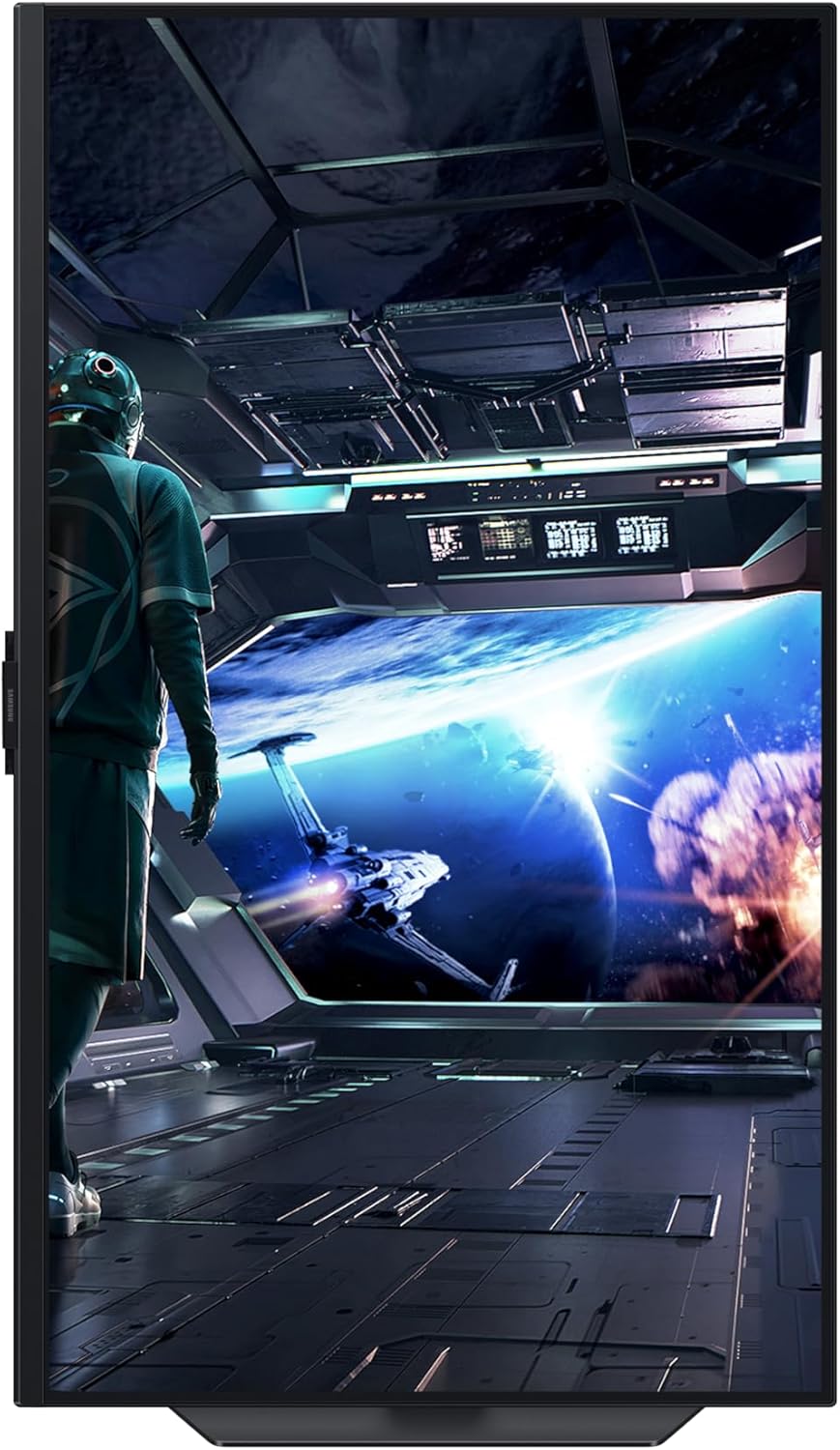
Imagine playing a sprawling open-world game at 4K with the game upscaled smoothly, while movies or streaming apps run in the background via the Smart Platform. The 4K detail makes landscapes feel real, and the 144Hz refresh helps with smooth panning during chase sequences. If you’re also working on content creation, the IPS panel usually offers healthy colour accuracy and wide viewing angles for a collaborative desk setup.
How this compares to what else you might choose
If you’re weighing options between different 32-inch panels, this model sits in the practical, mid-high tier: strong 4K clarity, broad connectivity, and smart features without stepping into premium gaming-only devices. It can be more versatile than a purely gaming-focused monitor with fewer smart features, but it may not replace a dedicated high-contrast, OLED-like display for the most demanding cinematic experiences.
The decision moment
Should you buy it?
If your setup benefits from 4K at a large size, the ability to upscale lower resolutions, a modern interface with smart apps, and convenient USB connectivity, this monitor offers a coherent package for gaming and media alike. It’s a sensible choice for a balanced, all-rounder display rather than a niche esports rig. If you prioritise maximum contrast, the very lowest input lag, or the absolute highest colour volume in dim lighting, you might want to look at alternatives that target those traits more directly.
Frequently asked questions
- Can it run at 4K 144Hz continuously? It supports 144Hz, but actual achievable frame rates depend on your GPU and the game.
- Are the built-in speakers good enough for daily use? They’re convenient but won’t replace dedicated desk speakers or headphones for immersive gaming.
- Is the smart platform useful for non-gaming tasks? It adds versatility for streaming apps and basic media playback, which can be handy if you prefer an all-in-one screen.