

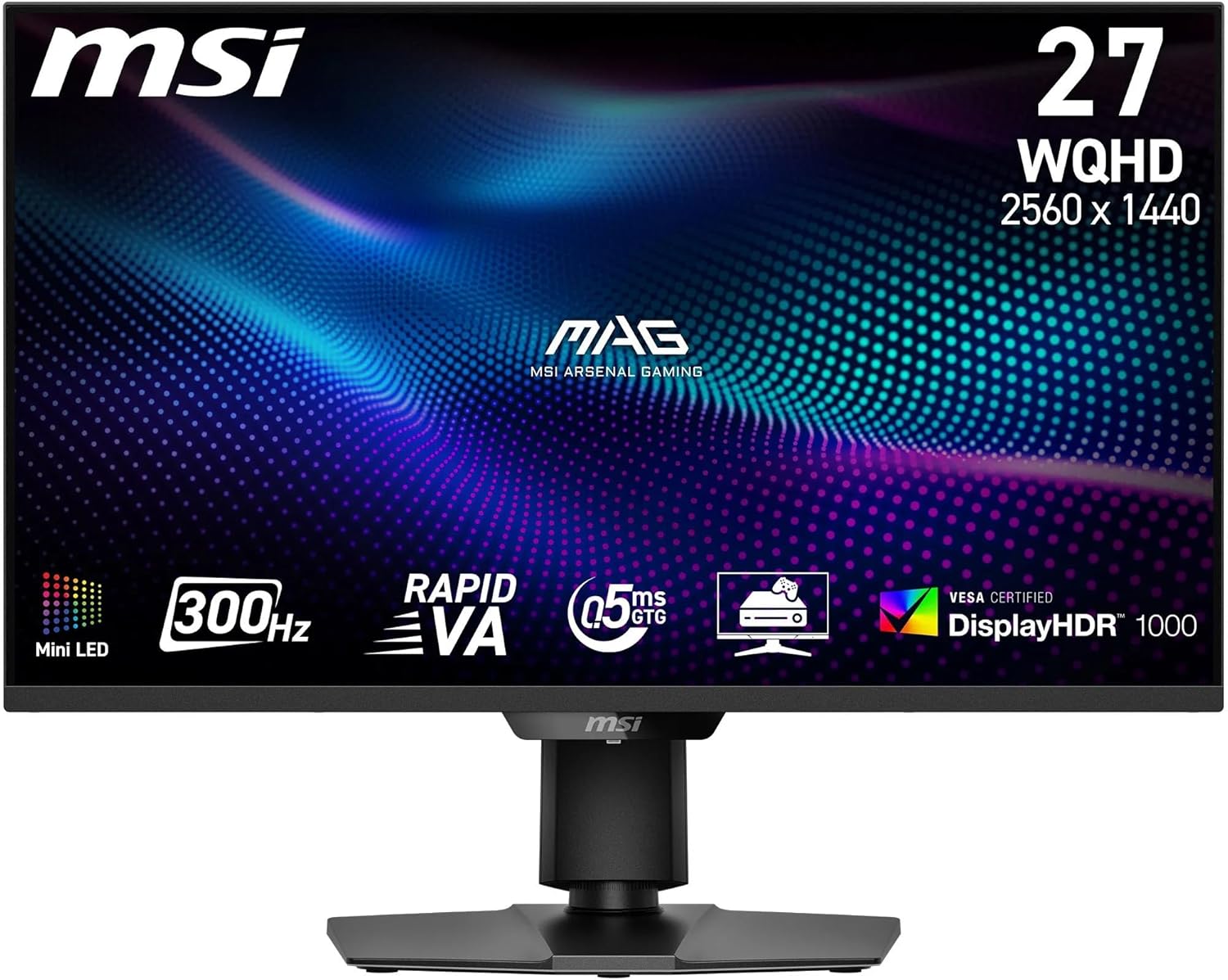
MSI MAG 325CQPF E18 32-Inch WQHD 1000R Gaming Monitor
Product description
What it is
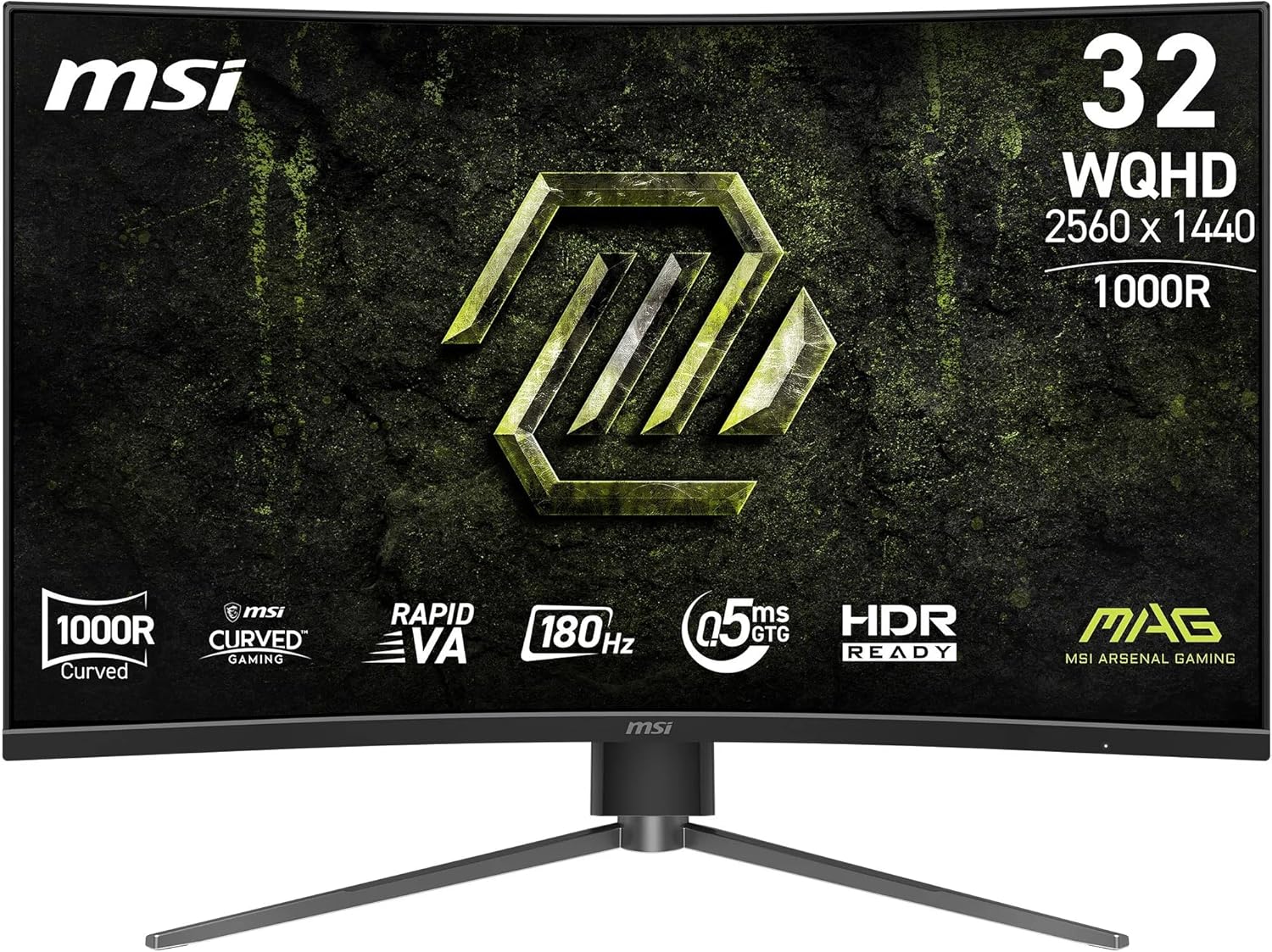
The MSI MAG 325CQPF E18 is a 32-inch curved gaming monitor featuring a 1000R VA panel and a native resolution of 2560 x 1440. Designed to deliver immersive play, the display adopts a near-total-frame design to minimise bezel distraction and optimise multi-monitor setups. It offers a brisk 180 Hz refresh rate with Adaptive Sync and an ultra-fast 0.5 ms response time, aiming to keep fast-paced esports titles smooth and blur-free.
How it performs in practice
On paper, the 1000R curvature mirrors the natural field of view, which can help with immersion and focus during gaming sessions. The fast VA panel contributes strong contrast (native around 3500:1) and vivid colours, with up to 1.07 billion colours and a wide 111% sRGB coverage for greater detail in darker scenes. For comfort, MSI integrates eye-friendly features such as Less Blue Light and flicker-free operation, which may reduce fatigue during long sessions.
Strengths you’ll notice day to day
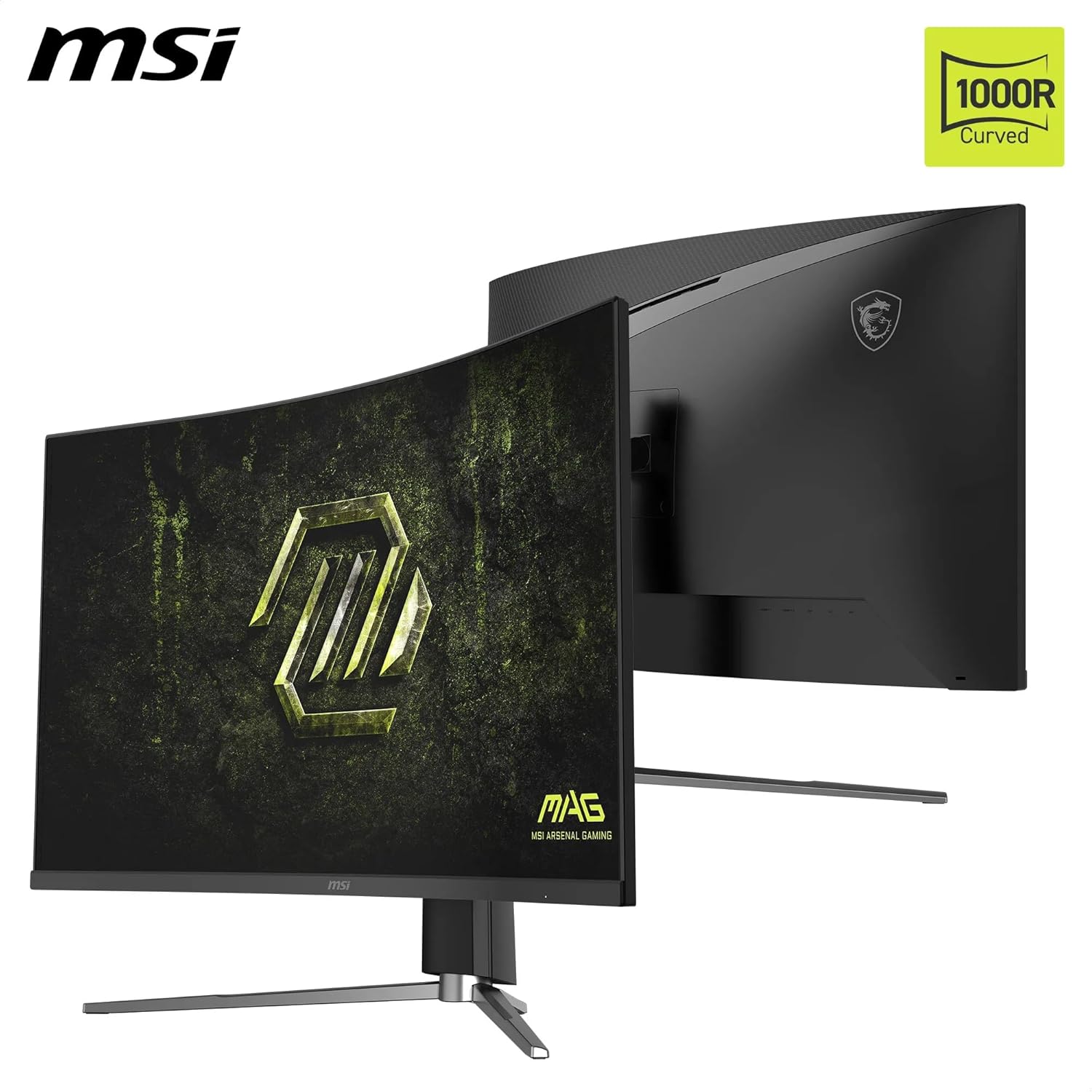
The standout attributes are the high refresh rate and low response time, which combine to reduce motion blur and improve tracking in competitive titles. The 32-inch form factor provides a generous viewing area without overwhelming desks, while the 1000R curve helps with depth perception and immersive feel in single-player adventures.
Limitations and caveats
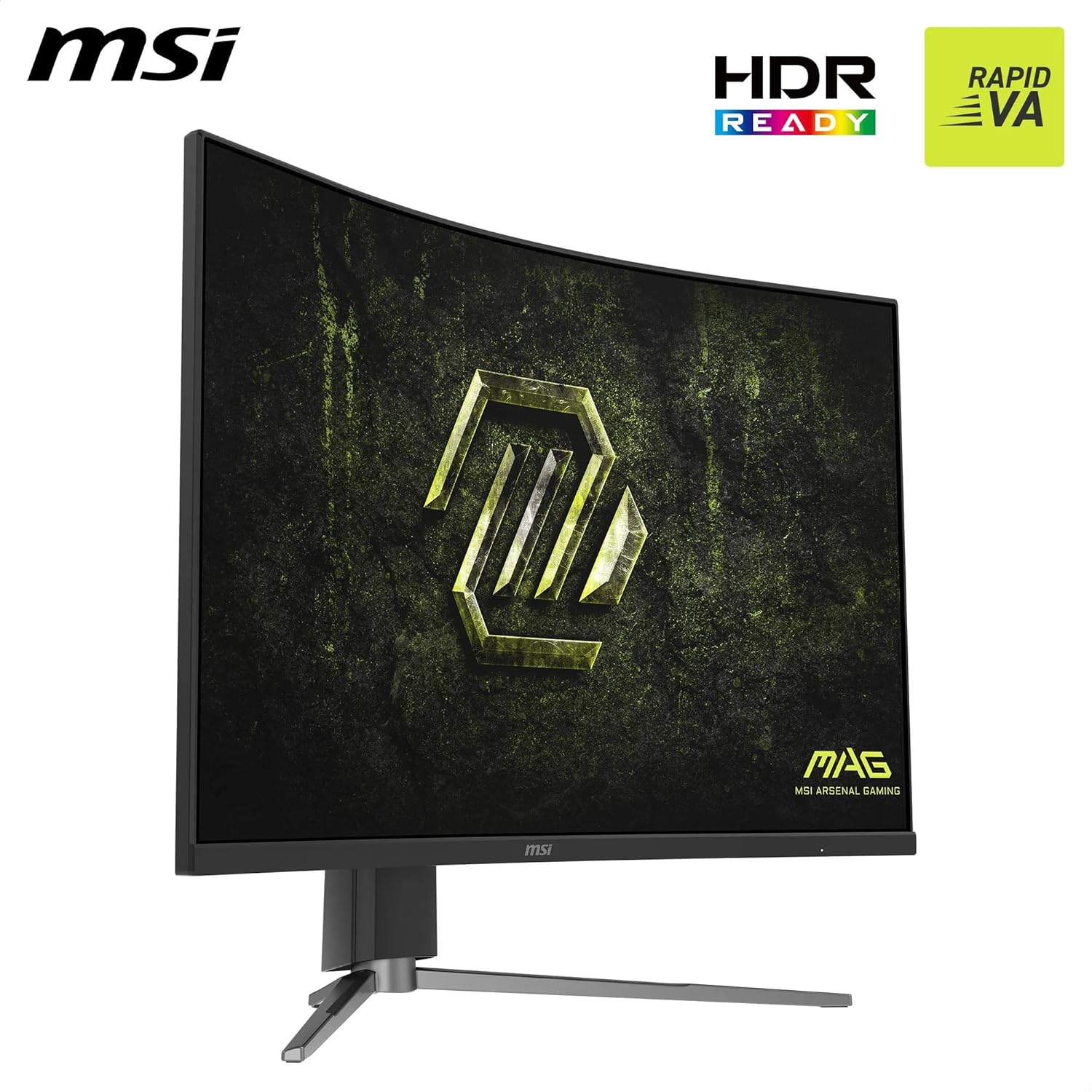
If you prioritise colour accuracy for professional photo or video work, you’ll want to compare the panel’s colour performance to confirmed factory calibrations or a dedicated calibration process, the description notes broad coverage but does not specify gamut accuracy beyond 111% sRGB. HDR readiness is mentioned, but there’s no detailed HDR specification provided, so HDR impact may vary by content. As with any 32-inch high-refresh panel, seating position, desk depth and GPU capabilities will influence perceived sharpness and motion clarity.
Who it’s for
This monitor is well-suited for gamers seeking a large, immersive display with a high refresh rate and a broad curve to reduce peripheral distractions. It’s a pragmatic pick for esports players or enthusiasts who want smooth gameplay at 1440p without stepping up to higher-priced, ultrawide alternatives. For casual or console-focused use, it still offers a compelling balance between size, speed and connectivity.
Who it isn’t for
If you mainly game at 60 Hz or prioritise peak colour accuracy for content creation, you may find other options more aligned with those needs. The lack of detailed HDR performance data means HDR enthusiasts should test before committing.
What to check before buying
- Confirm your GPU or console setup can consistently deliver close to 180 Hz in your target titles at 2560 x 1440.
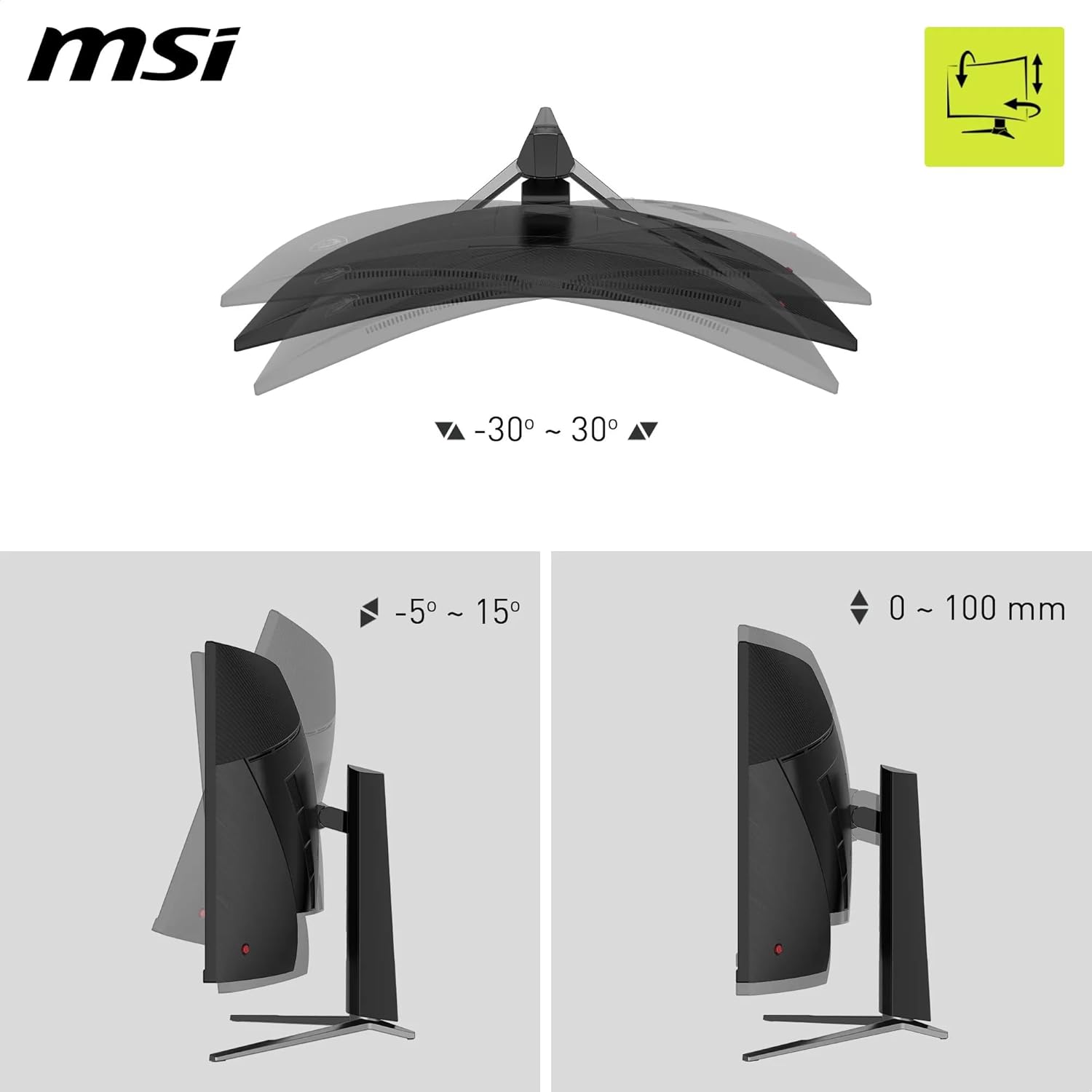
- Verify desk space and stand adjustments (tilt/height) suit your posture and viewing angle.
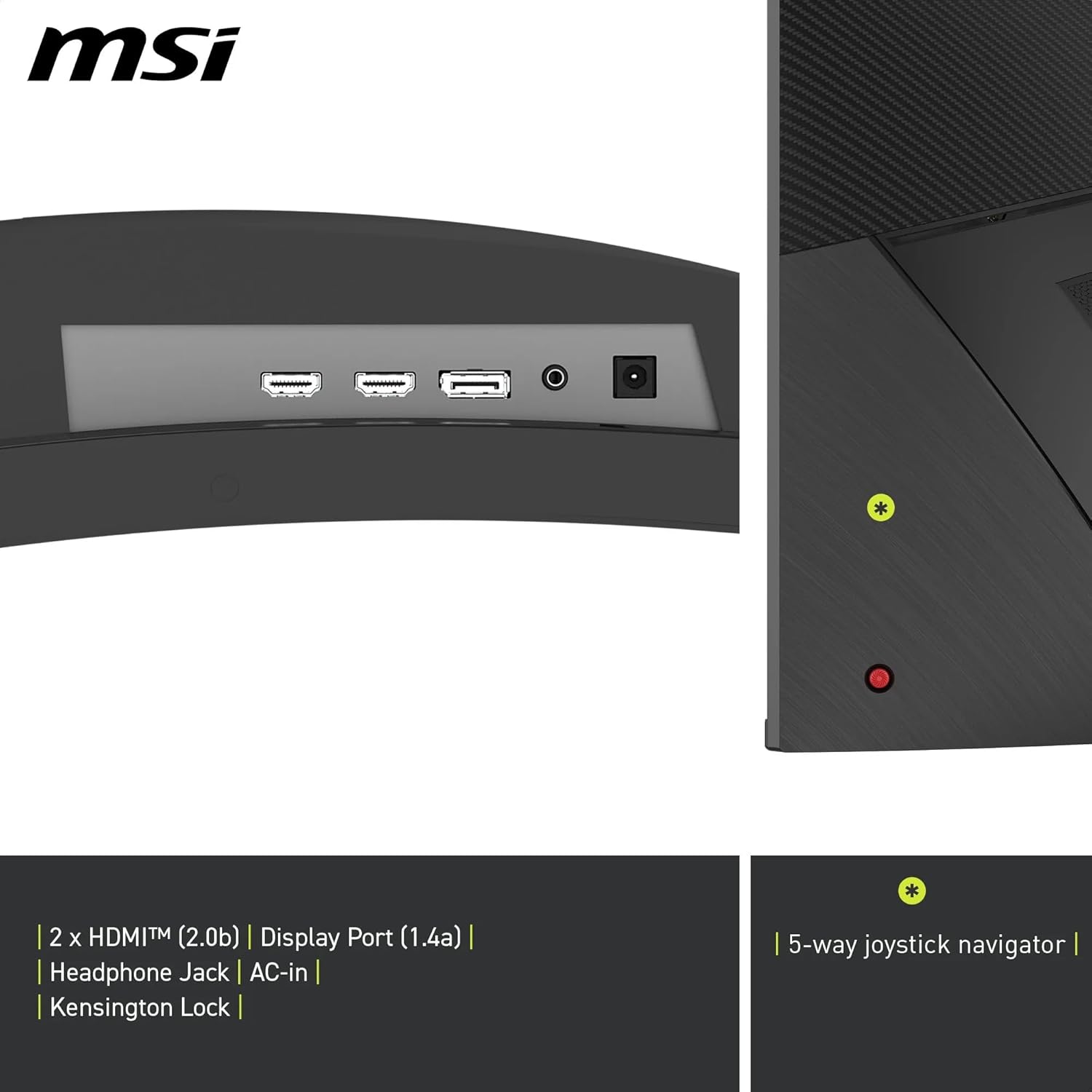
- Assess connectivity needs: it includes DisplayPort 1.4a and HDMI 2.0b, ensure your devices are compatible.
- Consider your ambient lighting, even with eye care features, a bright room can affect perceived contrast on a VA panel.
How it compares to the alternatives you might consider
If you want deeper immersion with a curved panel, this 1000R model provides a more enveloping feel than flat 32-inch 1440p options. For users who don’t require the highest motion performance, a 165 Hz or 144 Hz monitor with similar size and a proven colour workflow could offer a more straightforward procurement path. In short, choose this MSI if the blend of 1000R immersion, fast response and high refresh rate aligns with your priority of competitive play in a sizeable screen.
Decision: Is it worth it?
Is it worth it? It makes sense if you prioritise a large, immersive 32-inch display with a high refresh rate and a curved form to reduce peripheral gaps during gaming. You may want to skip it if you mainly play at 60 Hz or need comprehensive HDR accuracy without further data. It suits gamers who want a practical balance of speed, immersion and flexible connectivity, without paying premium for top-tier professional-grade panels.
FAQ
- What does 1000R curvature mean in practice? It refers to the monitor’s pronounced bend, intended to wrap your field of view for a more immersive experience.
- How important is the 0.5 ms response time? A very fast response time helps minimise motion blur in fast titles, though real-world results depend on the game and system performance.
- Can I use it with consoles? Yes, the monitor includes HDMI 2.0b and DisplayPort 1.4a, which supports gaming consoles and PCs alike. You may need to enable Adaptive Sync features in your console settings for the smoothest performance.