


LG UltraGear 39GS95QE 39-inch curved OLED gaming monitor (1440p, 240Hz, G-SYNC/FreeSync)
Product description
What it is and who it suits
The LG UltraGear 39GS95QE is a large curved OLED gaming monitor built around one idea: make dark scenes and fast motion look as clean as possible. With a 39-inch curved OLED panel, a 1440p resolution, and a very high 240Hz refresh rate, it’s aimed at people who play enough to notice stutter, blur and tearing—not just people who “occasionally game”.
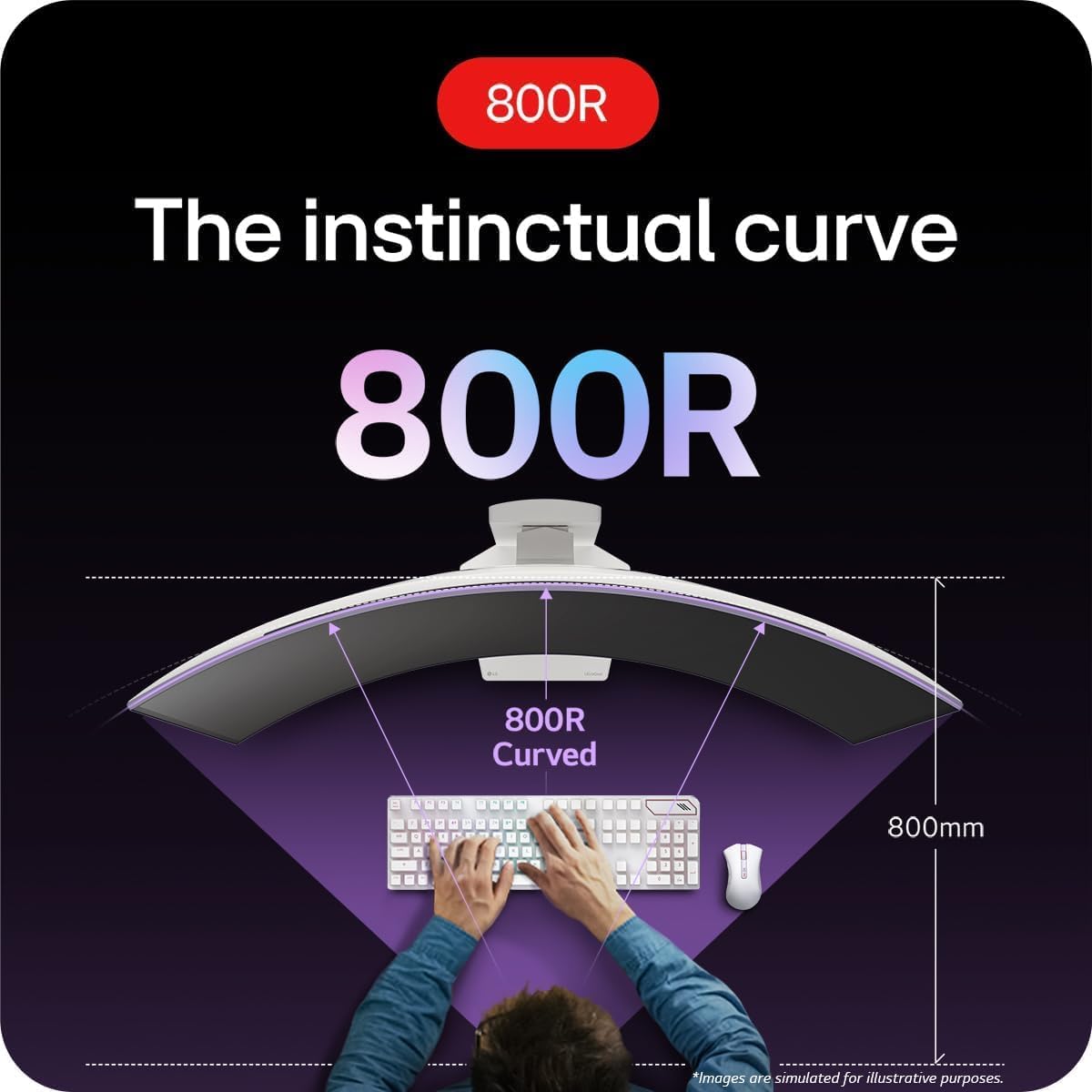
This is the kind of setup that naturally becomes the centre of your desk. The 800R curvature is designed to keep the screen feeling more immersive without you having to lean in awkwardly, and the OLED approach is meant to deliver strong contrast and deep blacks (including support for DisplayHDR True Black).
It’s not a “set-and-forget office monitor” choice. If you’re mainly using web browsing, spreadsheets and documents, the OLED format and gaming-led feature set may be more than you need—depending quite a lot on your tolerance for display-use habits.
Key takeaways (the stuff you’ll actually notice)
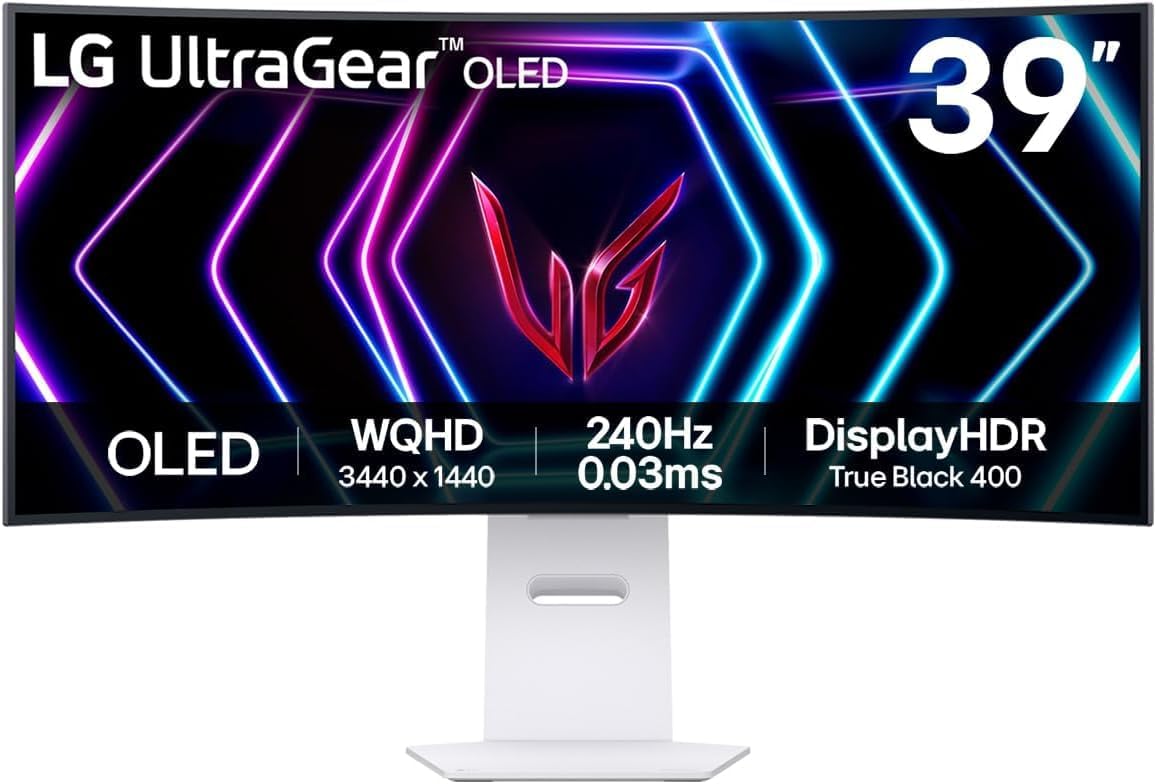
On paper, the combination of OLED contrast, a high refresh rate, and very low response time is meant to translate into a smoother experience when the action gets hectic. You’ll typically see this most when you’re playing titles with lots of camera movement, competitive shooters, racing games, or anything where motion clarity matters.
LG also leans on synchronisation tech: it’s NVIDIA G-SYNC compatible and AMD FreeSync Premium Pro, using AdaptiveSync and VESA ClearMR. In real terms, that tends to help reduce tearing and stuttering when your frame rate isn’t perfectly locked.
There’s also the practical side: the monitor uses a streamlined L stand designed to take up less desk space, which can matter if you share your desk with a keyboard tray, controller shelf, or you simply don’t want a bulky base blocking your peripherals.
Where it shines
If you prioritise visual depth and motion smoothness, this monitor makes a lot of sense. OLED is especially good at handling dark content because it’s built for strong contrast and deep blacks—exactly the sort of thing you tend to notice in night-time scenes, horror games, stealth sections, and any game with dramatic lighting.
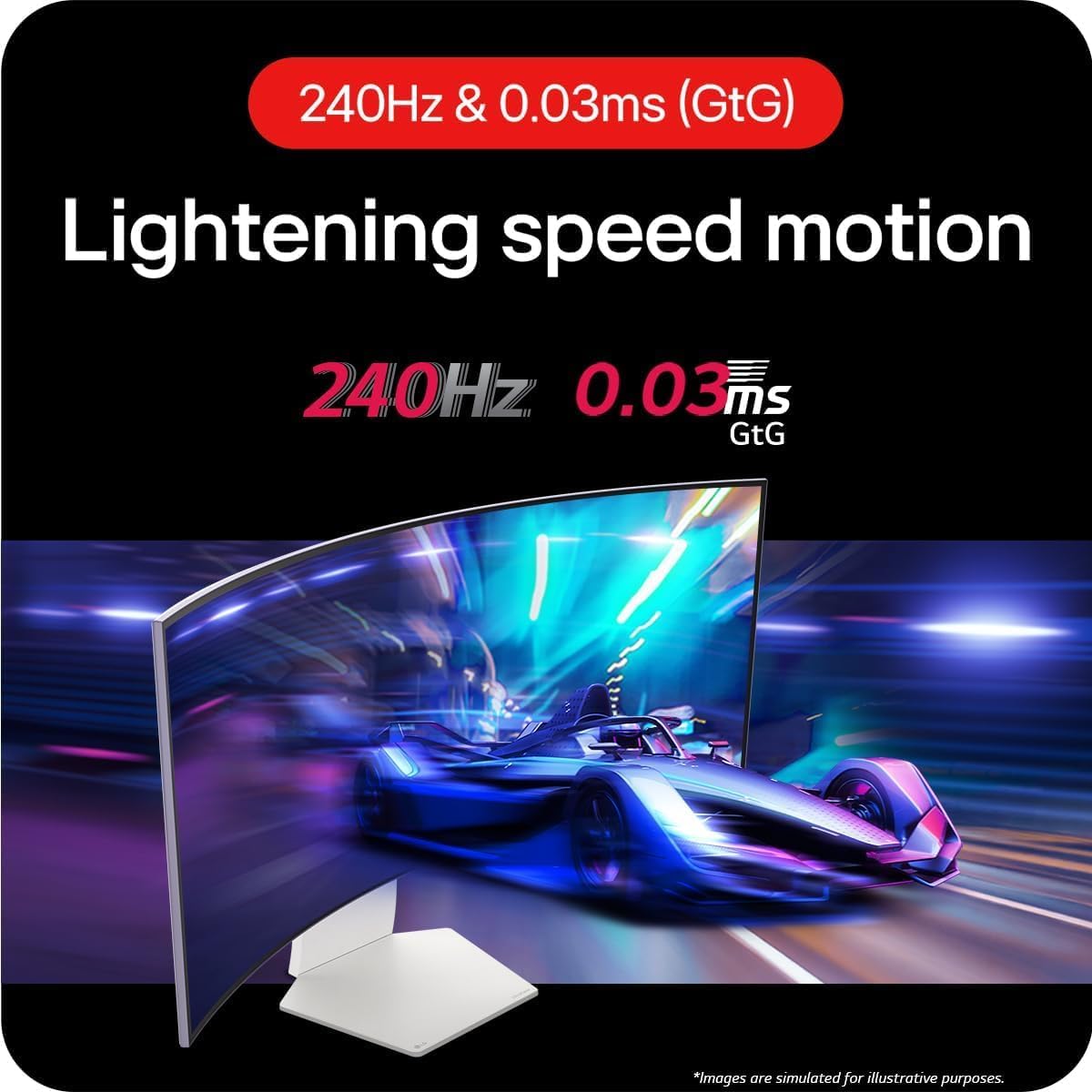
The fast 240Hz refresh rate and stated 0.03ms (GtG) response time are there to support high-frame-rate play and to keep motion looking sharper with less blur and ghosting. While the exact outcome depends on your game and your hardware, the spec direction is clearly towards competitive, fast-response gaming.
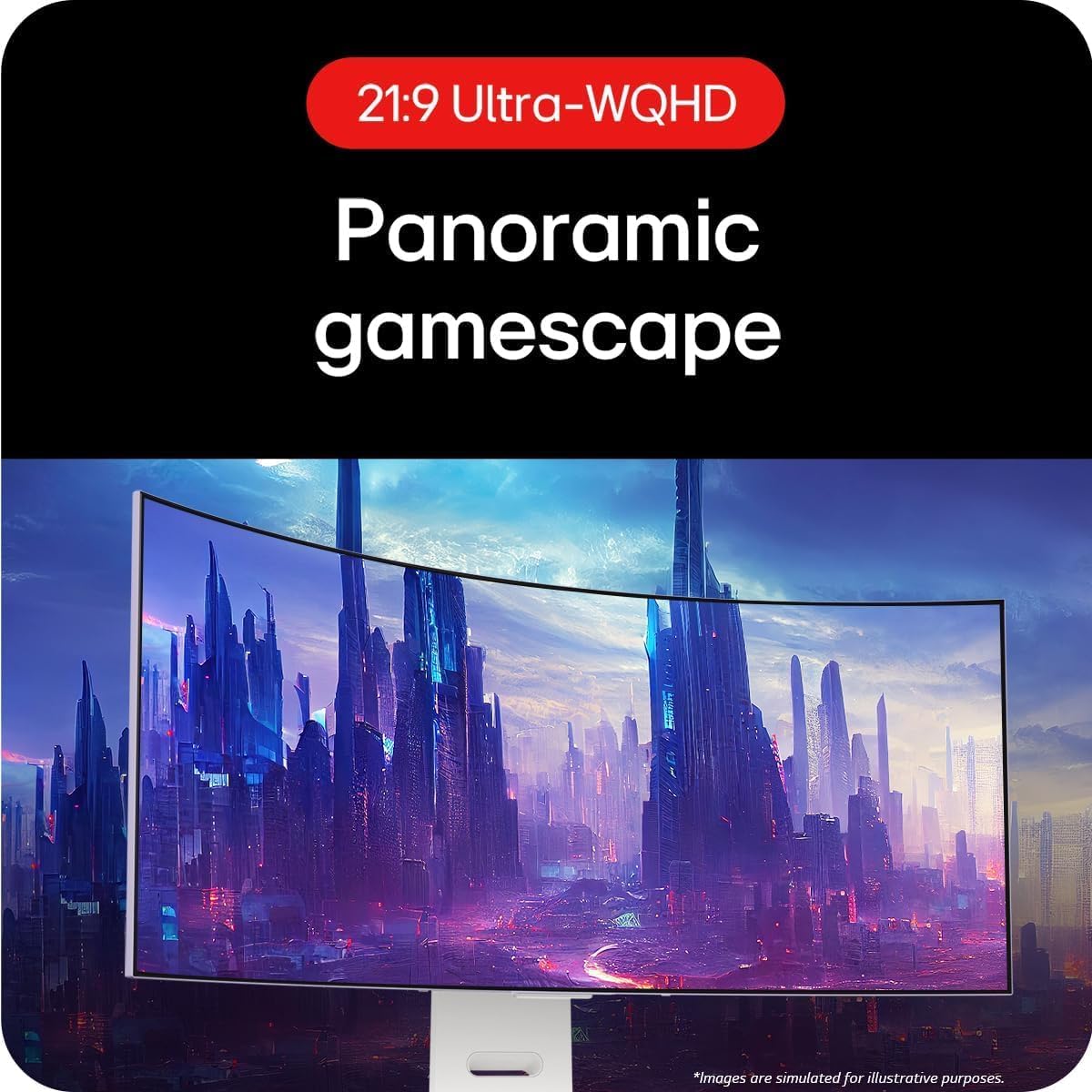
A curved ultrawide-style experience is also a key part of the pitch: the 800R curve aims to wrap the screen gently around you, so you’re not constantly refocusing from edge to edge.
What to consider before buying
A couple of caution points, just to keep expectations grounded. First, the “best experience” is very dependent on your GPU and the games you play. A 240Hz panel doesn’t automatically mean you’ll sit at 240fps in every title, and the benefits you feel will be tied to how consistently you can drive high frame rates.
Second, OLED displays can be more sensitive to long-term static content and certain usage patterns. The monitor includes Smart Energy Saving, which helps with power, but it doesn’t replace the need for sensible habits—especially if you spend hours on the same UI elements.
Finally, HDR is supported (HDR 10 and DisplayHDR True Black 400 are mentioned), but HDR impact can vary between games and settings. It’s worth checking that the games you play actually use HDR well rather than assuming every title will look dramatically different.
Tech summary (important specs, in plain English)
Tech specs
- Name: LG UltraGear 39GS95QE
- Type: Curved OLED gaming monitor
- Display size: 39 inch
- Resolution: 1440p
- Refresh rate: 240Hz
- Response time: 0.03ms (GtG)
- Curvature: 800R
- HDR format: HDR 10
- DisplayHDR support: DisplayHDR True Black 400
- Sync support: NVIDIA G-SYNC Compatible and AMD FreeSync Premium Pro (AdaptiveSync/VESA certified)
- Motion clarity feature: VESA ClearMR
- Connectivity: DisplayPort and HDMI
Practical buying checklist for UK gamers
Before you commit, it’s sensible to make sure it fits your setup rather than just your wishlist:
- Desk fit: A 39-inch curved screen is big. Measure your usable depth and check how far back the monitor will sit on the L stand.
- Input needs: Confirm you can connect using DisplayPort or HDMI to your current device.
- Gaming focus: If you mainly play fast-paced games and care about smoother motion, the 240Hz direction is likely to feel worthwhile.
- HDR expectations: If you’re chasing HDR wow-factor, look at the HDR support in the specific games you play.
- Usage habits: If you spend long periods on static dashboards or identical layouts, think twice about OLED long-term comfort.
Is it worth it?
This LG UltraGear 39GS95QE is a strong buy if you want an OLED gaming monitor that targets smooth motion (240Hz) and strong contrast (DisplayHDR True Black 400), and you’ll actually use the G-SYNC/FreeSync compatibility to keep gameplay feeling consistent.
You may want to skip it if you mostly use your monitor for office-style static content, you can’t realistically drive high frame rates, or you prefer a straightforward display that doesn’t require any sensible care around long-term on-screen elements.

In short: it’s a gaming-first curved OLED built for people who notice motion clarity and darker scenes more than they notice extra bells and whistles.
Mini FAQ
Can I use it with both NVIDIA and AMD systems?
It’s described as NVIDIA G-SYNC compatible and AMD FreeSync Premium Pro, so it’s positioned for both ecosystems via AdaptiveSync.
Is HDR actually part of the setup?
Yes. HDR 10 support and DisplayHDR True Black 400 are listed, which should help with deeper blacks in compatible games.
Does the curved design matter?
The 800R curvature is meant to bring the screen more into your field of view when seated, which can make long sessions feel less like you’re staring across a flat panel.
What connections does it offer?
It’s listed with DisplayPort and HDMI.
Who should avoid this purchase?
If your use is mainly static office work, or you’re not likely to benefit from high refresh gaming, this could end up feeling like overkill.