

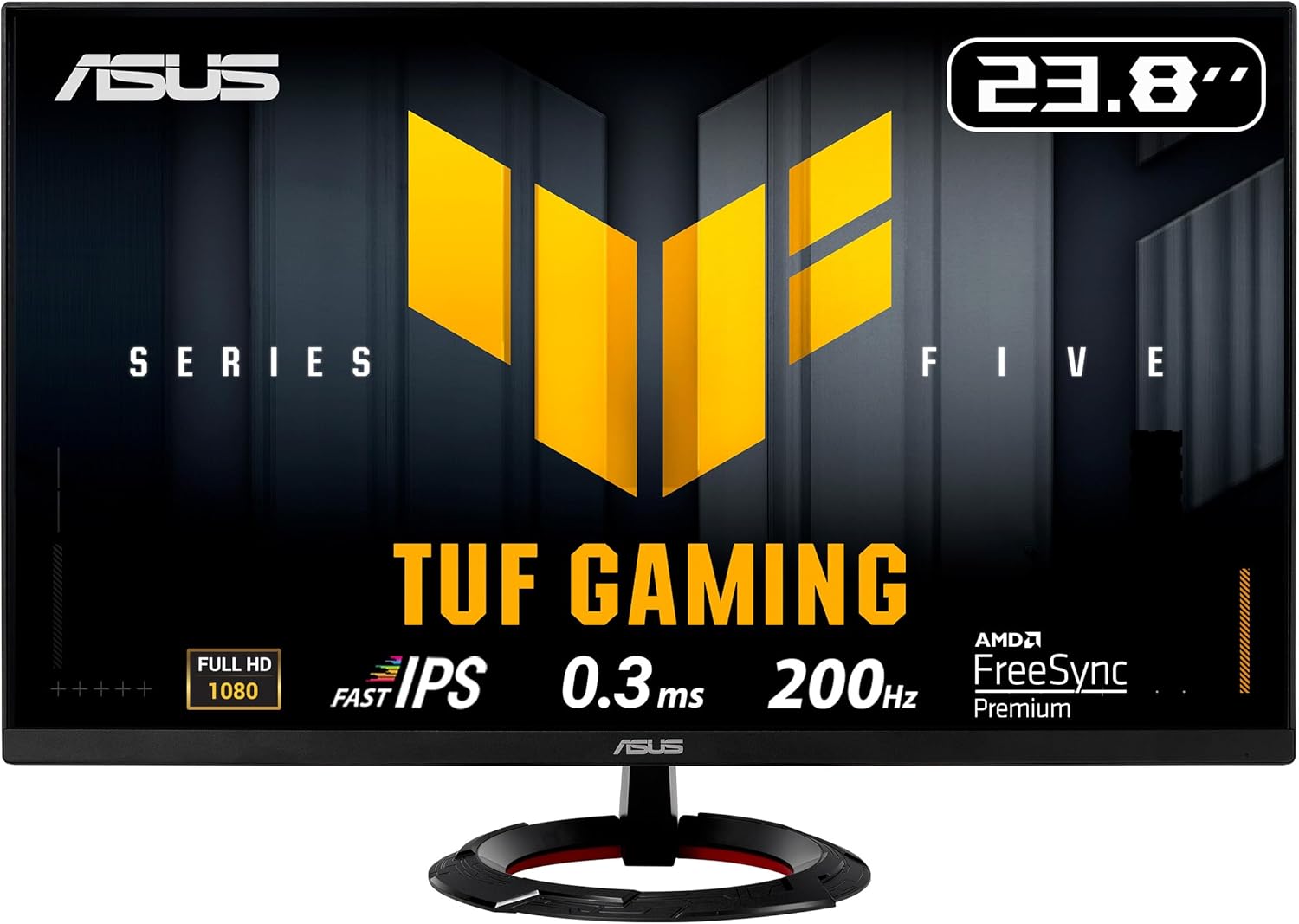
ASUS TUF Gaming VG249Q5R 24in Full HD Gaming Monitor (200Hz, FreeSync Premium, HDR10, ELMB)
Product description
The essentials
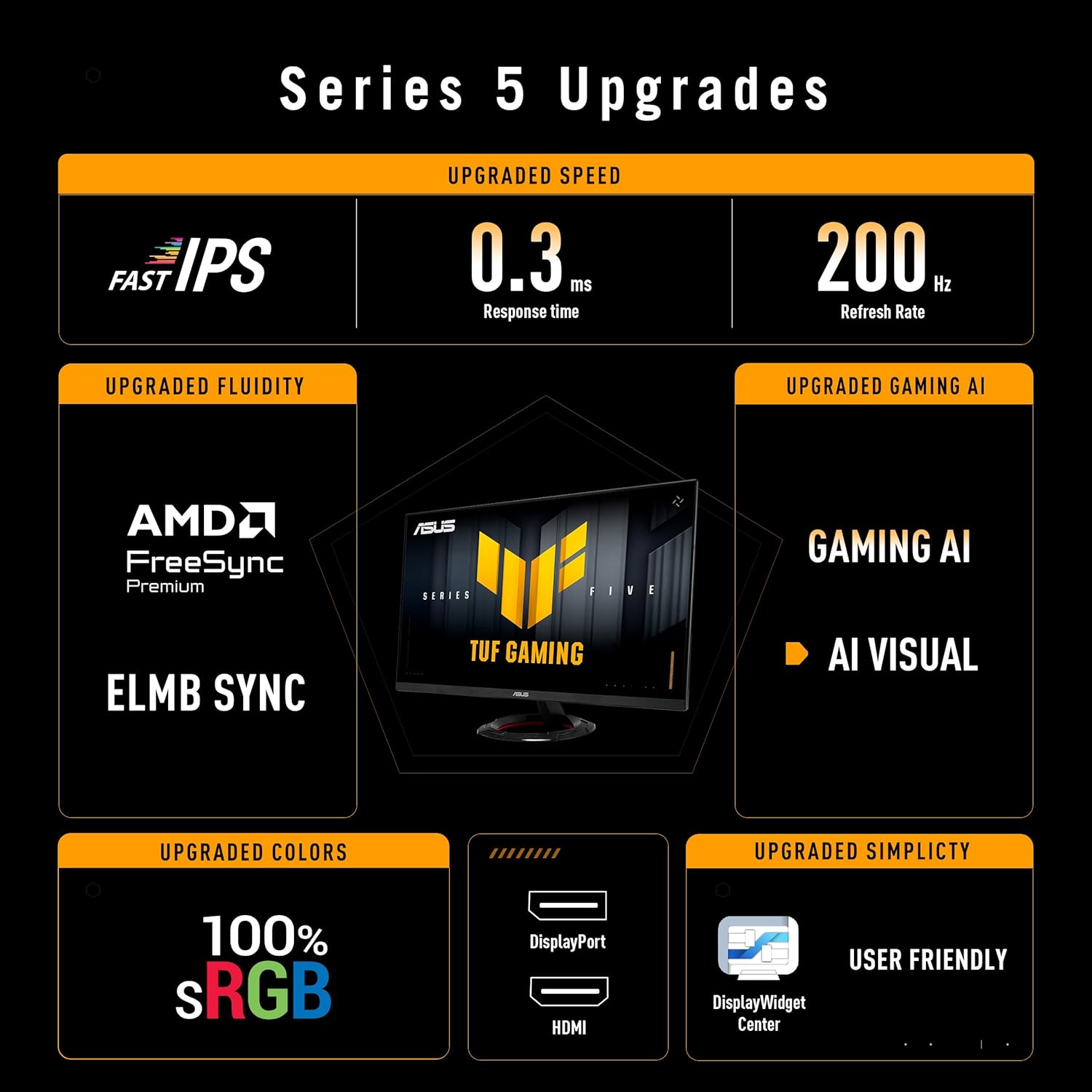
If you’re shopping for a 24in gaming monitor that aims to feel responsive, the ASUS TUF Gaming VG249Q5R is built around a fairly straightforward idea: keep the image fluid (200Hz), reduce motion blur (ELMB), and smooth out screen tearing with VRR via FreeSync Premium. It’s a spec-led screen that should suit most mainstream esports and action gaming setups, especially on Full HD where 200Hz is realistically achievable.
That said, it’s worth thinking about your expectations first. This is an IPS-based Fast-IPS gaming panel, but the product details you’ve provided don’t mention anything about brightness levels or local dimming, so HDR10 here is probably best seen as an extra feature rather than a “wow” HDR display. If you mainly care about cinematic HDR, this may feel a bit like bringing a knife to a fireworks show. If you care about fast, clear motion in games, it’s a more convincing match.
Key takeaways (what you’ll notice in use)
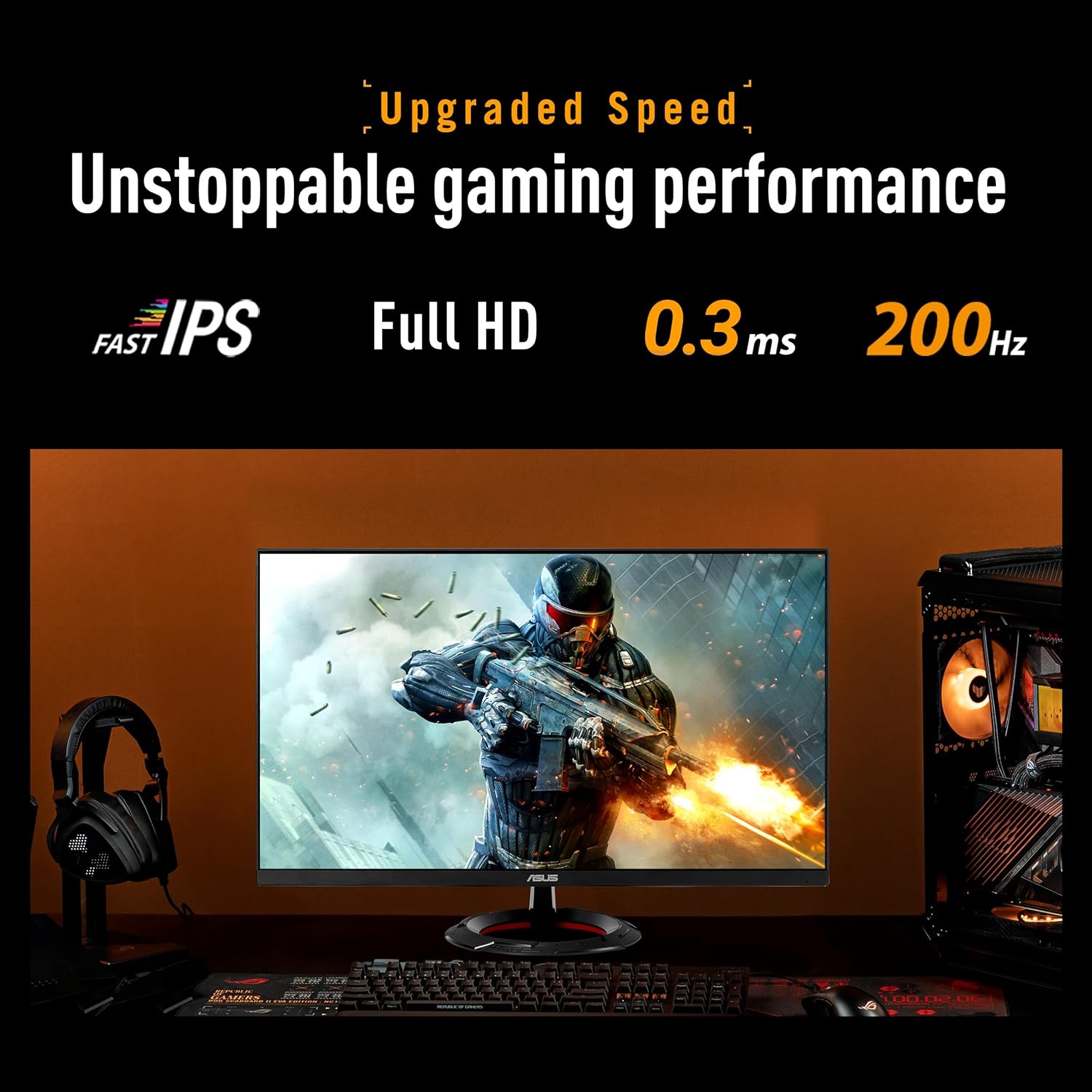
The 200Hz refresh rate is the headline if you play titles where timing and movement matter. Paired with a claimed 0.3ms GTG (minimum) response time and ELMB (ASUS Extreme Low Motion Blur), the monitor is designed to reduce ghosting and motion blur. On paper, that’s exactly what you want for fast camera pans, quick strafes, and action-heavy moments where “smear” can make targets harder to track.
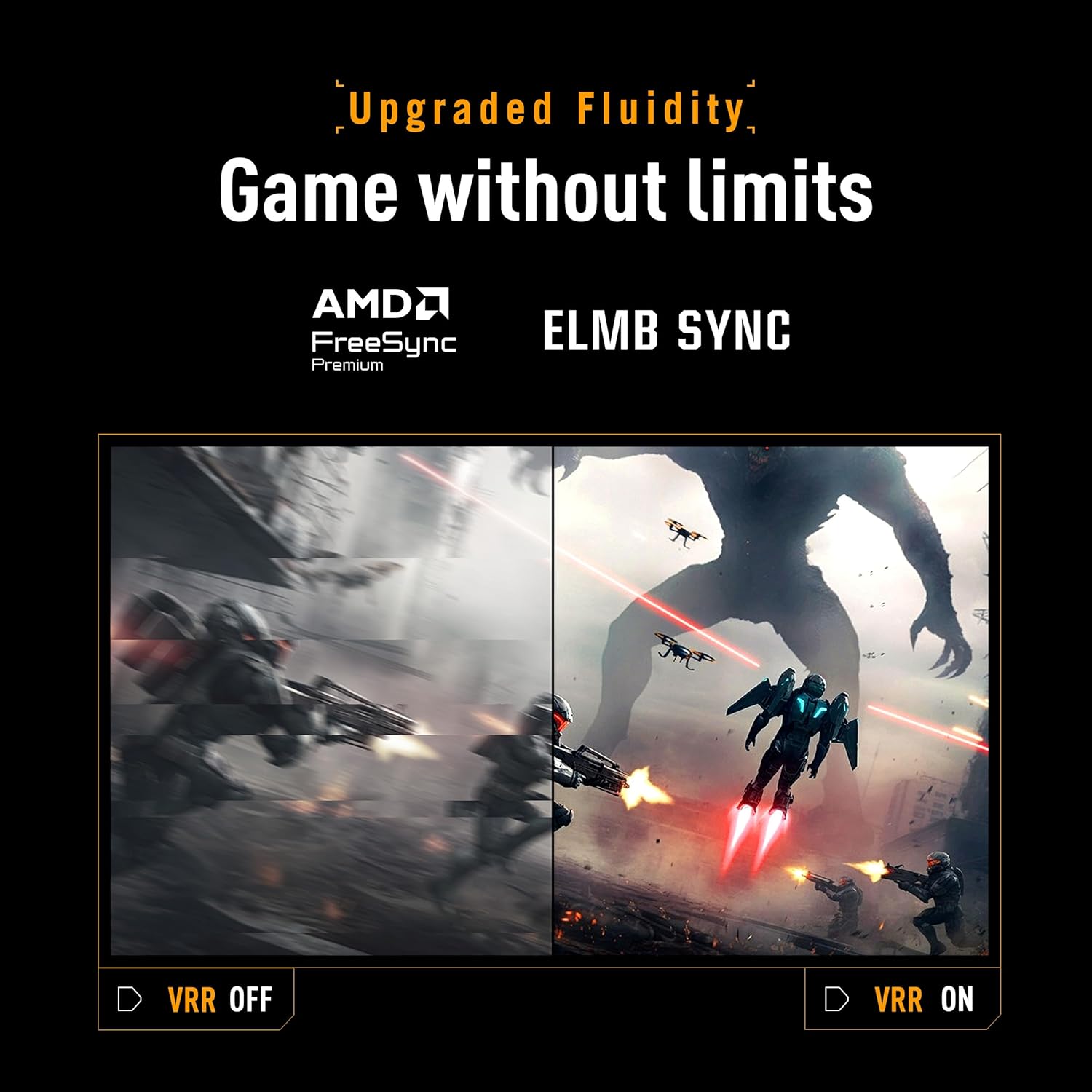
There’s also Adaptive Sync / VRR behaviour through FreeSync Premium, which is the other half of the smoothness story. Rather than relying purely on stable frame rates, VRR helps keep the gameplay feeling steadier by adapting the refresh rate. For players who don’t always hit perfect frame pacing, that tends to make a noticeable difference.
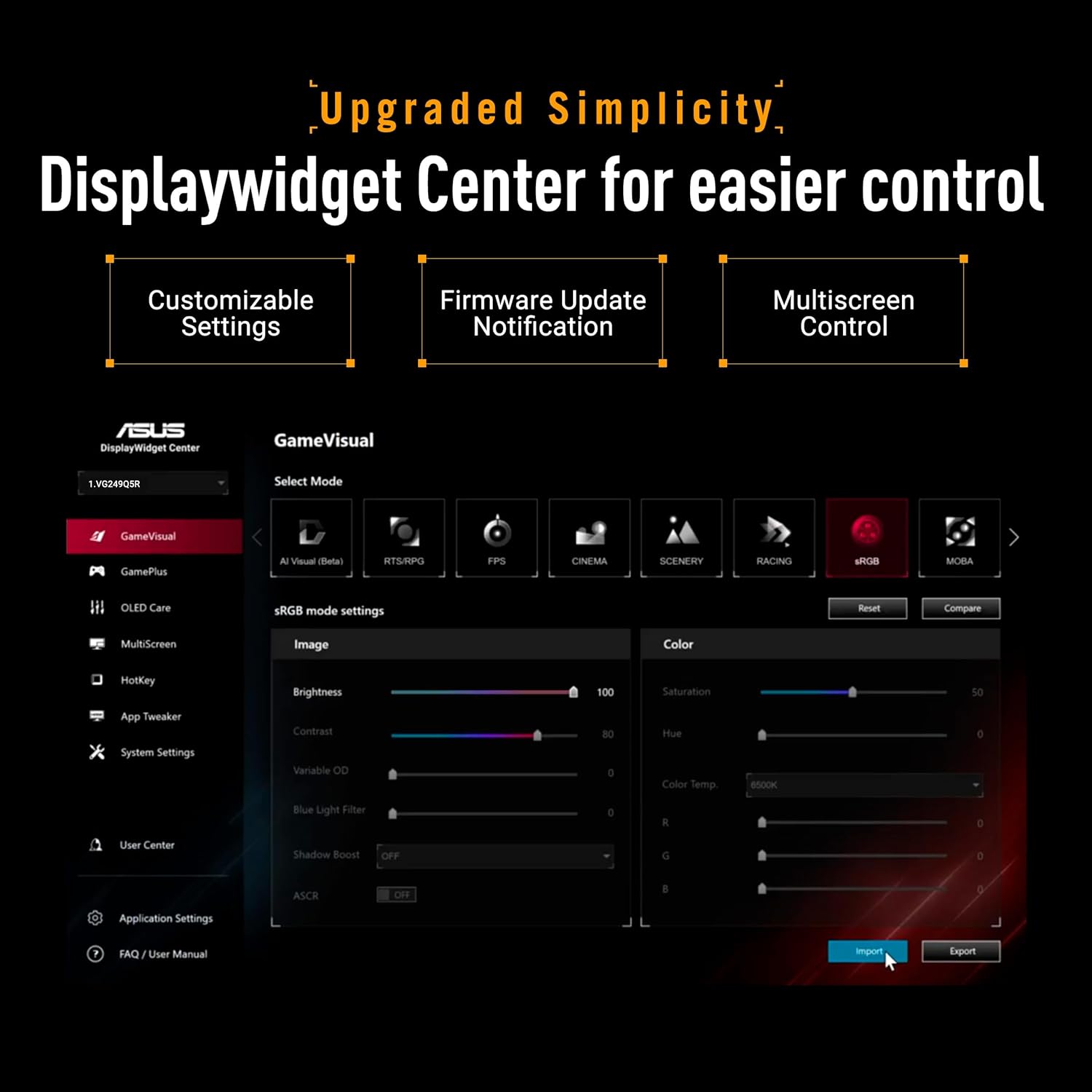
One extra practical touch is the DisplayWidget Center, which makes OSD access and monitor settings adjustments easier using a mouse. It’s a small thing, but when you’re tweaking settings between games, it can save time.
Where it shines for gaming
This monitor is positioned as a TUF Gaming model with features aimed at “professional gamers and immersive gameplay”. In practice, that usually translates to a screen you can set up once and keep using across different game genres without constantly fighting the menus.
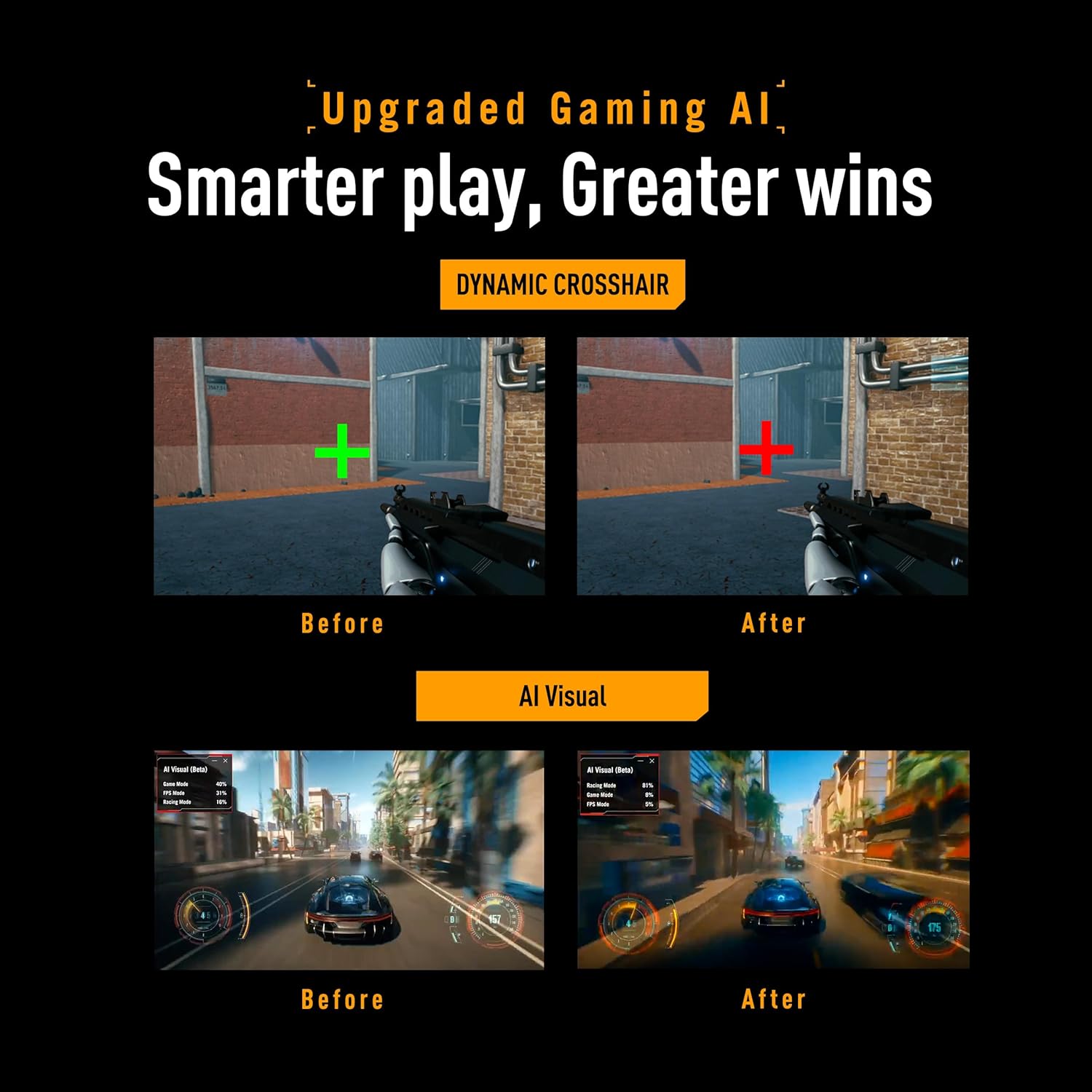
It includes HDR10 and a GameFast Input feature, plus ASUS TUF Gaming A.I. technology described as using AI-controlled features to enhance the gaming experience. The exact AI behaviour isn’t detailed in the information provided, so you’ll want to treat that as a convenience/optimisation layer rather than something you can fully predict. Still, the combination of ELMB + high refresh rate + FreeSync Premium is a classic recipe for smoother competitive play.
A simple micro-example: imagine switching from a shooter to a fast-paced racing game. With a 200Hz baseline, you can keep a consistent “snappy” feel, while VRR (FreeSync Premium) helps reduce the jarring effect when your frame rate fluctuates mid-race or during heavy scenes.
Tech specs (the important bits)
- Name: ASUS TUF Gaming VG249Q5R
- Type: Gaming monitor
- Size: 24 inch
- Resolution: 1920 x 1080 (Full HD)
- Aspect ratio: 16:9
- Refresh rate: 200 Hz
- Response time: 0.3ms GTG (min.)
- Panel type: Fast-IPS
- Technologies mentioned: FreeSync Premium (Adaptive Sync / VRR), ELMB, HDR10, GameFast Input, DisplayWidget Center
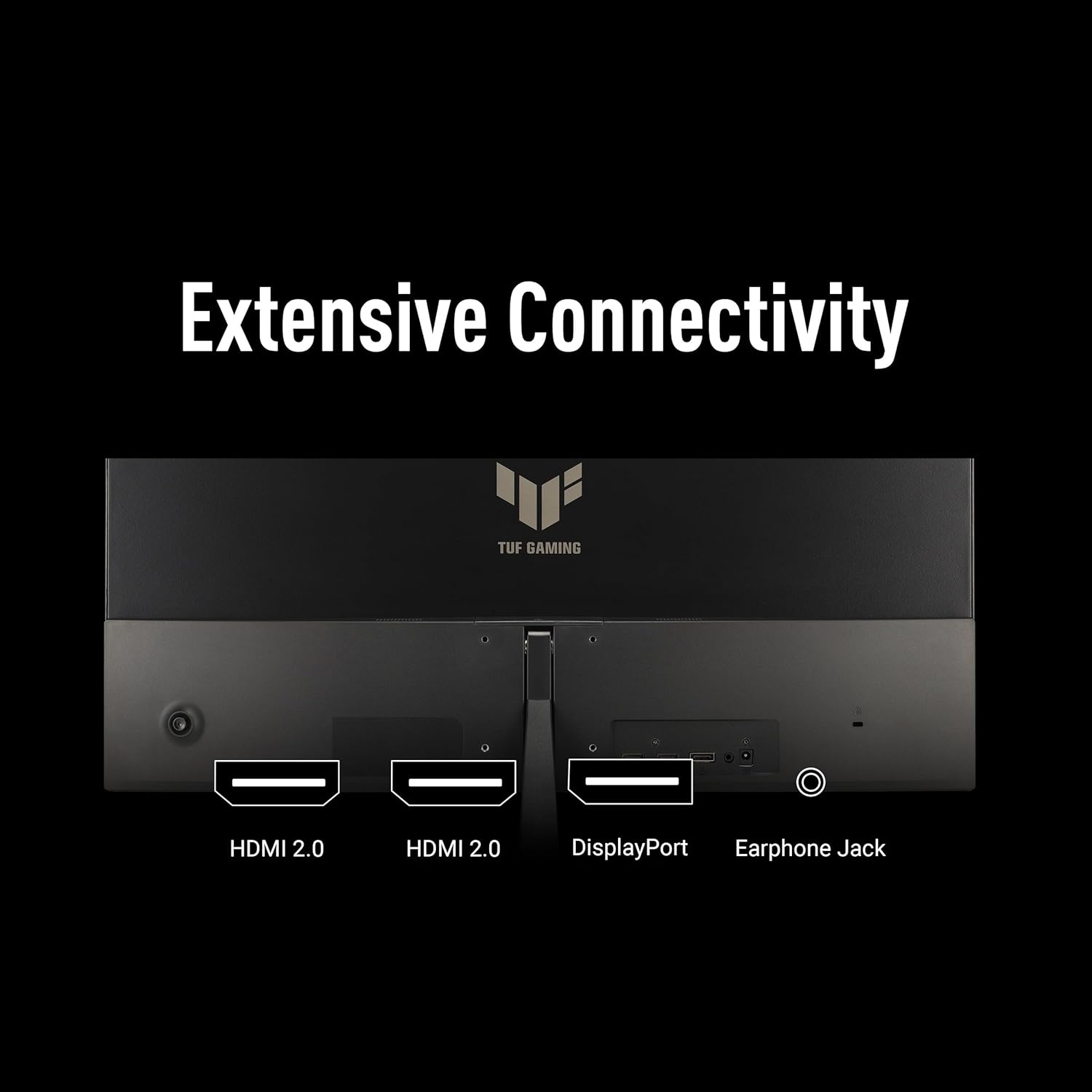
- Inputs / connectivity mentioned: DisplayPort, HDMI
- Built-in audio: Speaker
What to know before buying
The VG249Q5R looks like a solid choice if you want a responsive Full HD gaming monitor with a competitive refresh rate and motion-blur reduction features. It also includes both DisplayPort and HDMI, which is useful if your setup uses either option.
However, a couple of limitations are worth flagging. First, with only the provided information, there’s no detail on brightness, contrast performance, or how HDR10 is implemented. So while HDR10 is included, it may not satisfy shoppers expecting a premium HDR experience. Second, the “0.3ms GTG (min.)” figure is a minimum spec, so real-world results depend on settings and content—still, the presence of ELMB suggests ASUS is trying to address motion clarity.
It may not be the best match if you’re prioritising colour-critical work or professional HDR/photo editing, since the provided details frame it primarily as a gaming-focused Fast-IPS panel.
Should you buy it?
When it makes sense
Buy it if you play fast games where 200Hz responsiveness matters, and you want VRR support through FreeSync Premium to help smooth things when frame rates aren’t perfectly locked. It also suits anyone building a mainstream esports-oriented setup at 24in Full HD, where the combination of ELMB and a Fast-IPS panel is aimed at reducing ghosting and motion blur.
You may want to pick it over a more basic 60–75Hz office-orientated monitor if your main use is competitive or action gaming, not just general browsing.
When it might not be a great match
It might not be a great match if you care most about headline HDR quality—your best bet is to temper expectations since the information provided doesn’t describe the display’s HDR performance beyond “HDR10” support. It may also feel like overkill if you only play slower, single-player titles and don’t benefit from high refresh or VRR.
If you’re the sort of buyer who wants to micromanage picture quality specifics (brightness and HDR tuning details), you’ll want to double-check those before committing.
Mini FAQ
Does this monitor support VRR for smoother gaming?
Yes, it includes FreeSync Premium and Adaptive Sync, described as enabling VRR by default. That’s aimed at reducing tearing and stutter during gameplay.
Is it built for fast motion blur reduction?
It includes ELMB (Extreme Low Motion Blur) and is specified with a 0.3ms GTG (minimum) response time. That combination is designed to reduce ghosting and motion blur.
What connections does it have?
It’s listed with DisplayPort and HDMI, plus a built-in speaker.
Is HDR10 included?
Yes, HDR10 is mentioned, but the provided details don’t go into HDR performance specifics beyond that.
Is the AI feature a big deal?
ASUS describes TUF Gaming A.I. technology with AI-controlled features to enhance the gaming experience, but the exact behaviour isn’t specified here—so think of it as an added optimisation layer rather than something you can predict fully from the listing alone.