

Philips 241E1SCA 24-inch Curved Monitor
Product description
The essentials
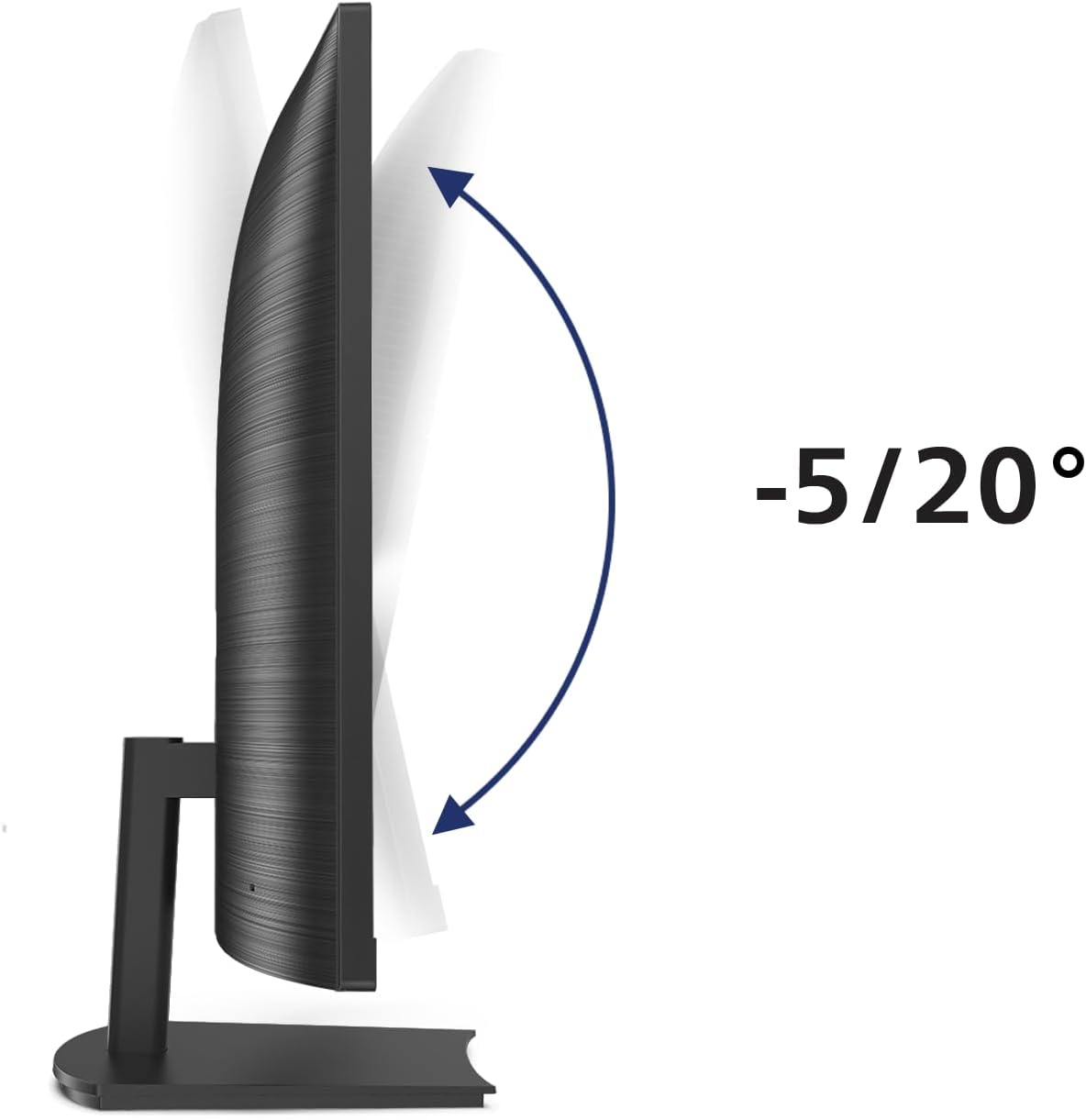
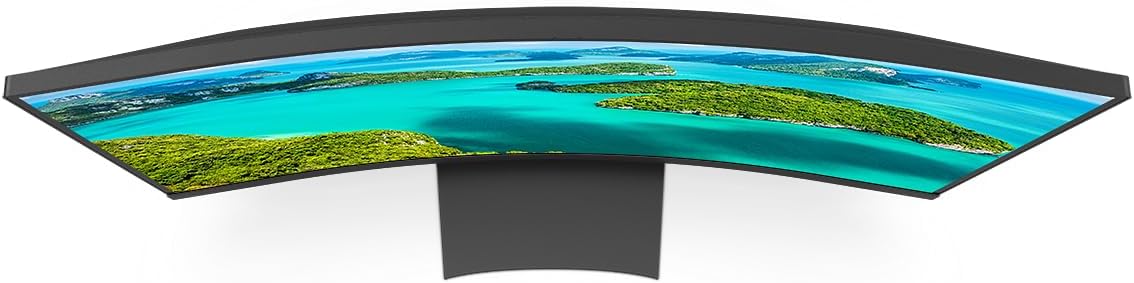
The Philips 241E1SCA brings immersive viewing to everyday desk setups with a 24-inch curved VA panel that centres you in the action. Its Full HD 1920 x 1080 resolution delivers crisp text and detailed imagery for work, web browsing and light multimedia use. The curved screen design enhances depth without overwhelming your workspace, making long hours at the screen feel a touch more natural. With a 178/178 degree viewing angle and vibrant colours, you get consistent image quality whether you’re drafting documents, editing photos or watching a film during a break. This monitor is built to be practical for daily tasks while still offering enough features to satisfy casual gaming and multimedia consumption, all at a price that suits value‑mavoury expectations.
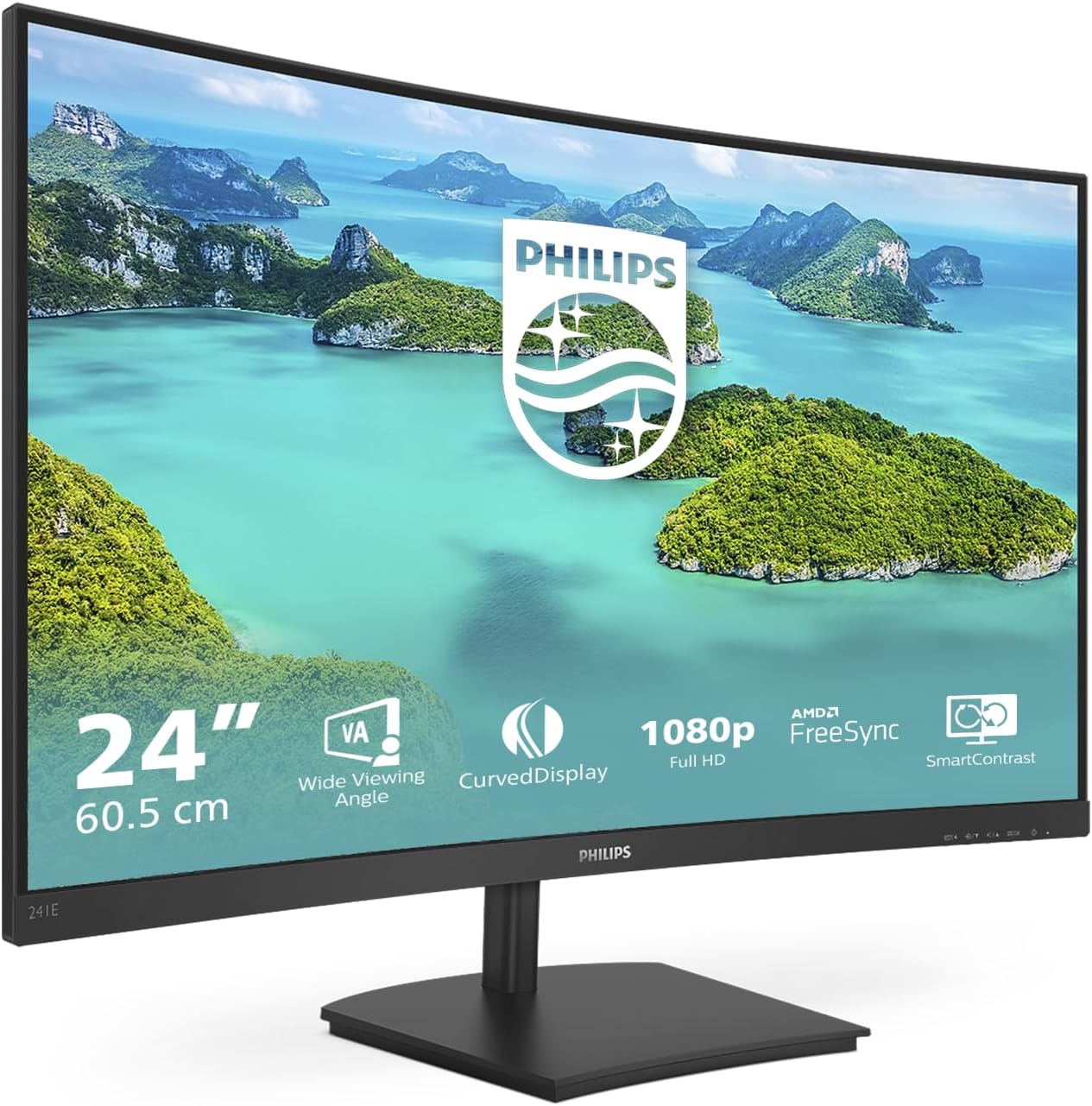
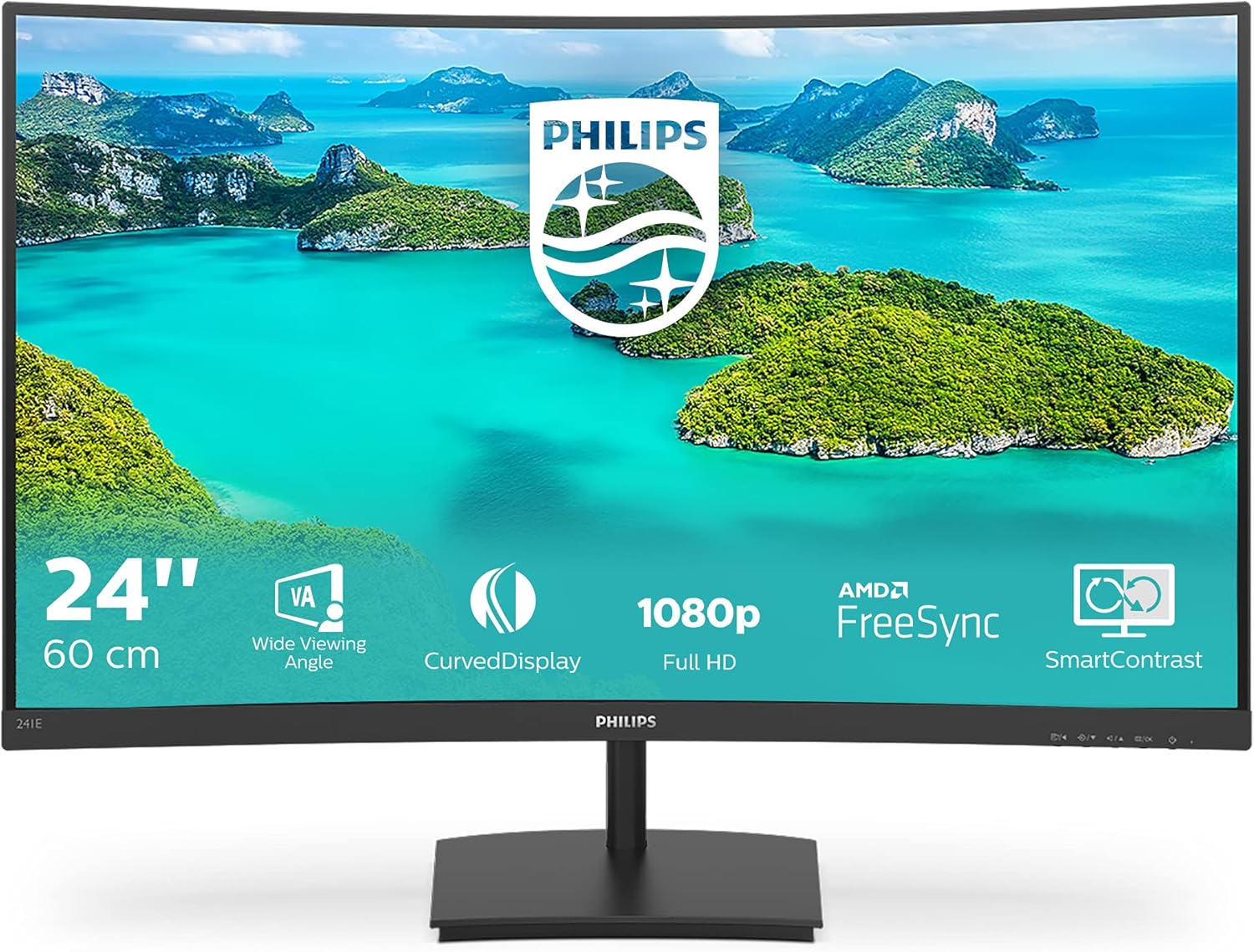
If you rely on smooth, reliable performance, the Philips monitor includes AMD FreeSync technology to reduce tearing and stuttering across different frame rates. The result is a steadier picture with responsive input handling that helps when switching between productivity apps and quick gaming sessions. On top of that, the 4 ms response time contributes to improved motion clarity, making fast-paced content easier to follow without excessive blur. The integrated speakers add convenience for quick video calls or multimedia playback, so you don’t have to hunt for external audio right away. Overall, this display blends essential performance with a practical design that fits compact or multi‑purpose desks.
For office use and beyond, the Philips 241E1SCA features SmartImage technology to optimise image settings automatically. This makes it easier to select modes for reading, viewing presentations or enjoying entertainment, without juggling multiple controls. The stand provides stable support and a slim silhouette that doesn’t dominate your desk, allowing space for a keyboard, lamp and notebook. In short, it’s a reliable choice for busy workdays where clarity, comfort and value are top priorities, with enough room to grow into more demanding tasks if your needs change.
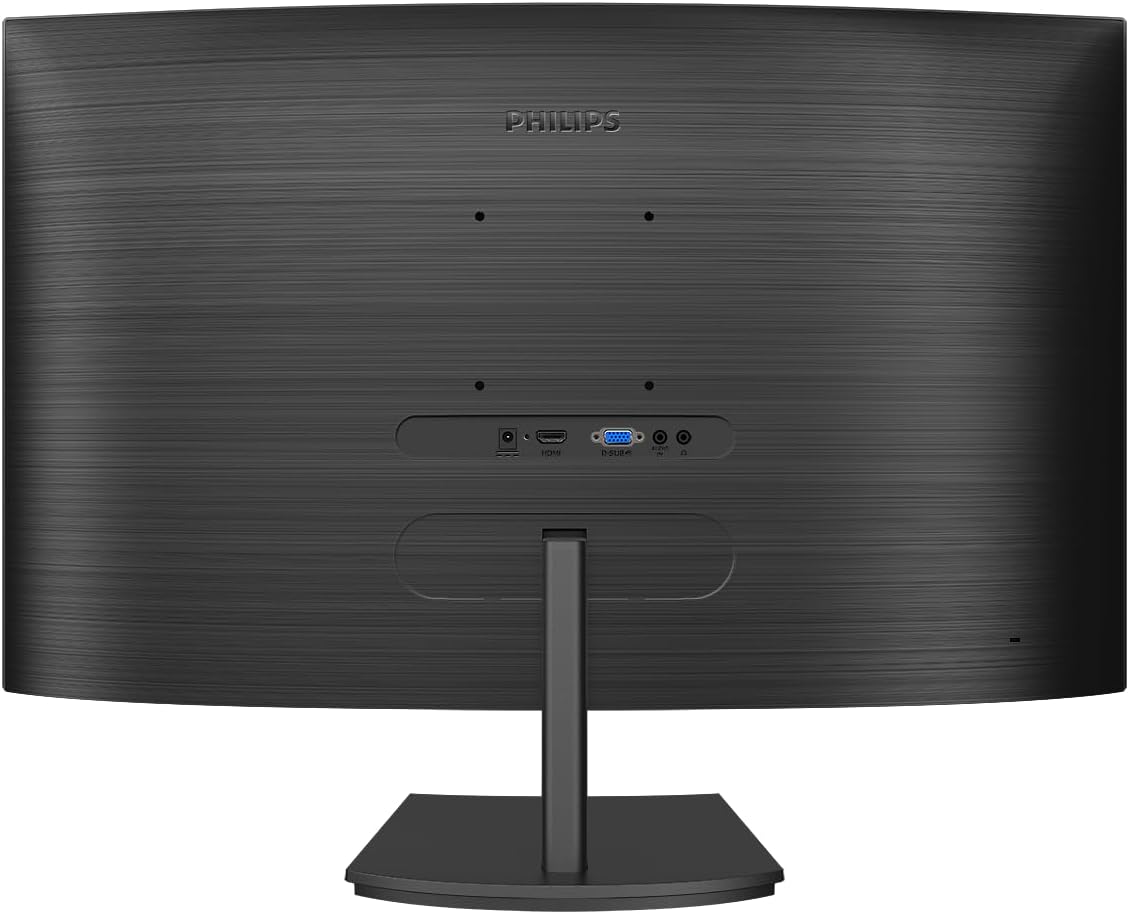
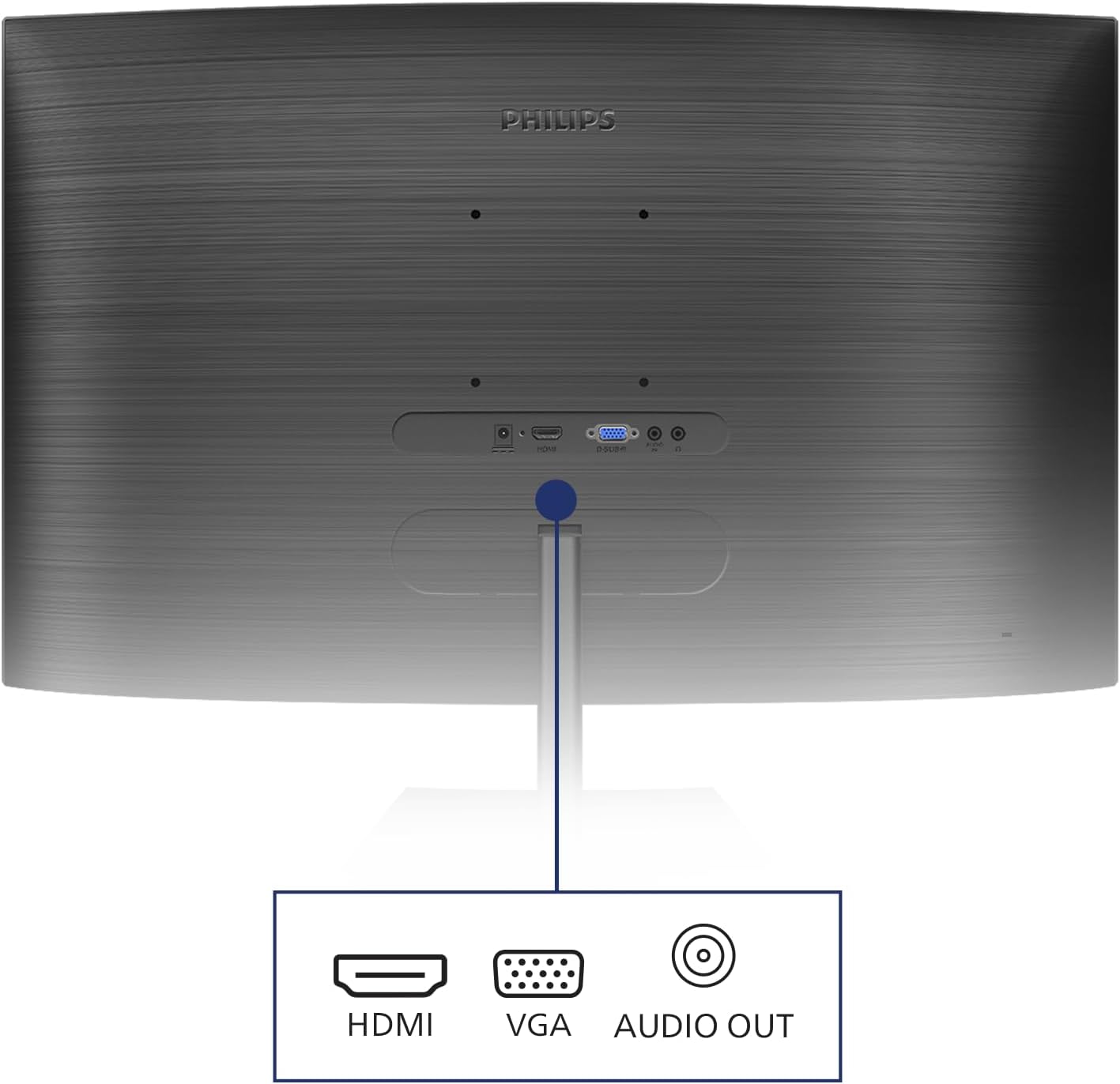
Technical details
- Name: Philips 241E1SCA
- Type: Curved LED monitor
- Format: 16:9
- Size: 24 inch
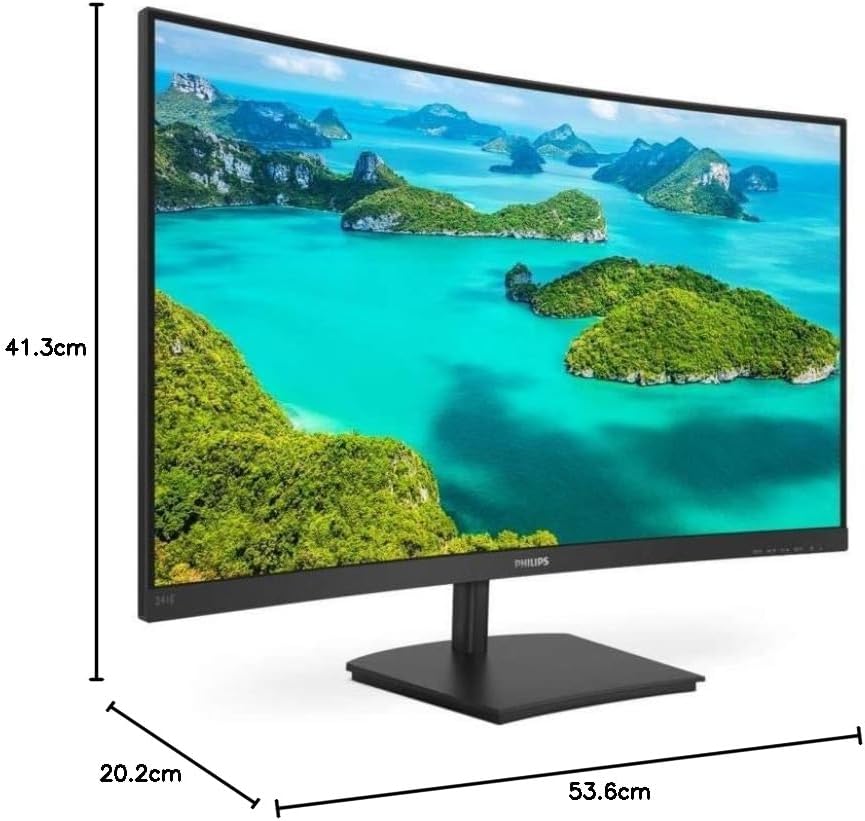
- Dimensions: 55.6 cm x 34.0 cm x 17.0 cm (with stand)
- Weight: 4.2 kg (with stand)
- Material: Plastic enclosure with metal stand core
- Colour: Black
- Display: VA LED panel
- Resolution: 1920 x 1080 Full HD
- Refresh rate: 75 Hz
- Processor: Integrated display controller
- Memory: Integrated system memory not user‑accessible
Usage tips
This monitor is designed to perform well in mixed environments, so consider pairing it with a simple ergonomic setup to maximise comfort during long sessions. For regular office tasks, the 75 Hz refresh rate and 4 ms response time offer smooth scrolling and readable text without fatigue. When you stream videos or browse the web, the curved screen helps reduce eye strain by reducing the need for large head movements. If you’re gaming casually, enable FreeSync to maintain fluid motion and minimise stutter, then adjust the built‑in presets to suit your preference for darker scenes or vibrant colours. Remember to position the screen at arm’s length and slightly below eye level for optimum posture, and use the built‑in speakers for quick video calls or casual media playback.