

cocopar Portable Monitor 15.6" FHD 1080p – a practical 2nd screen for laptops
Product description
What it is and what it’s for
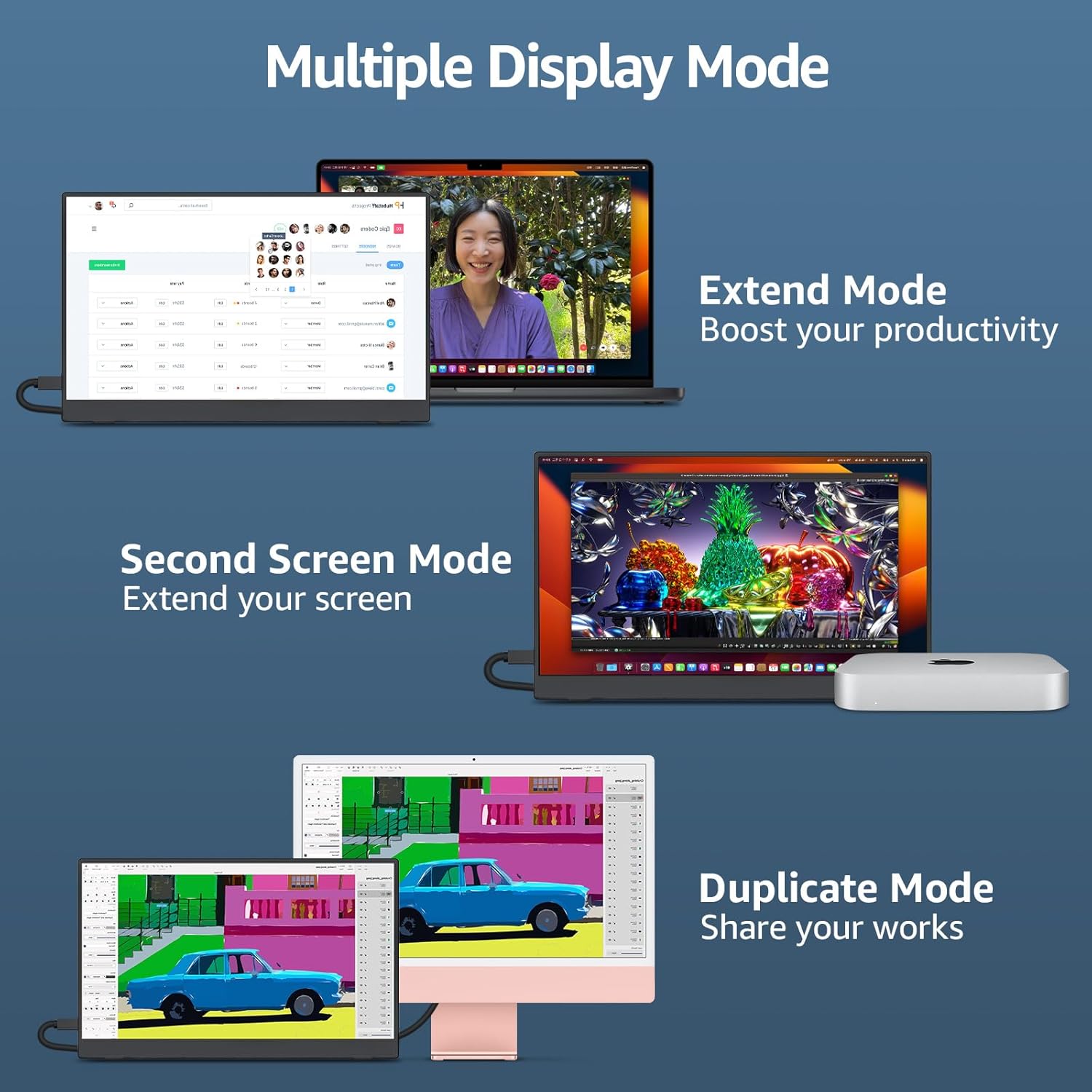
The cocopar Portable Monitor is a 15.6-inch, Full HD (1080p) secondary screen designed to extend or mirror your laptop’s display. It targets everyday productivity needs—meetings, home working, presentations, and light gaming—by giving you additional screen real estate without the bulk of a traditional monitor. On paper it emphasises a slim profile, light weight, and the convenience of USB-C power and video via a single cable, plus a compact case that doubles as a stand.
How it’s laid out and what stands out
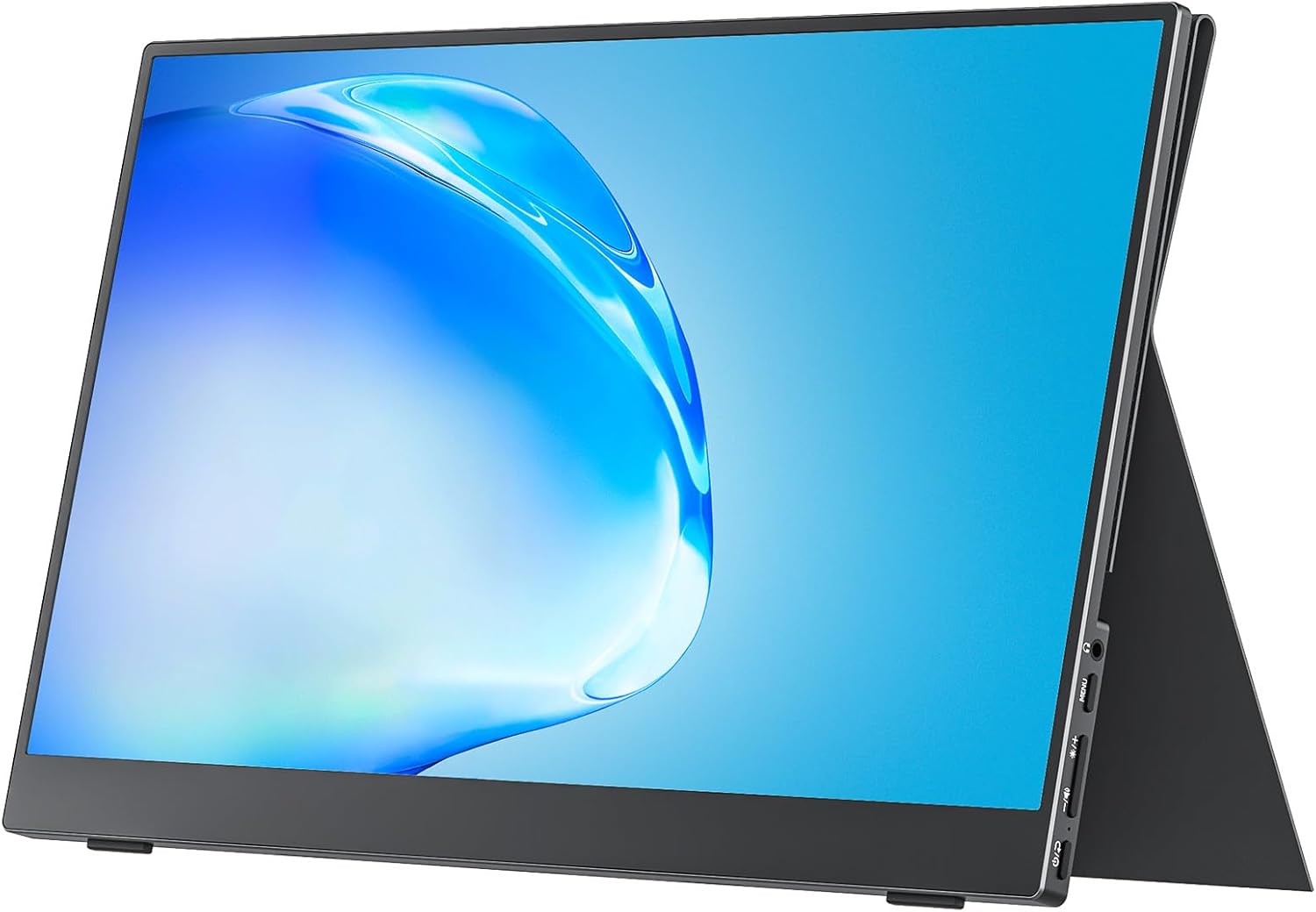
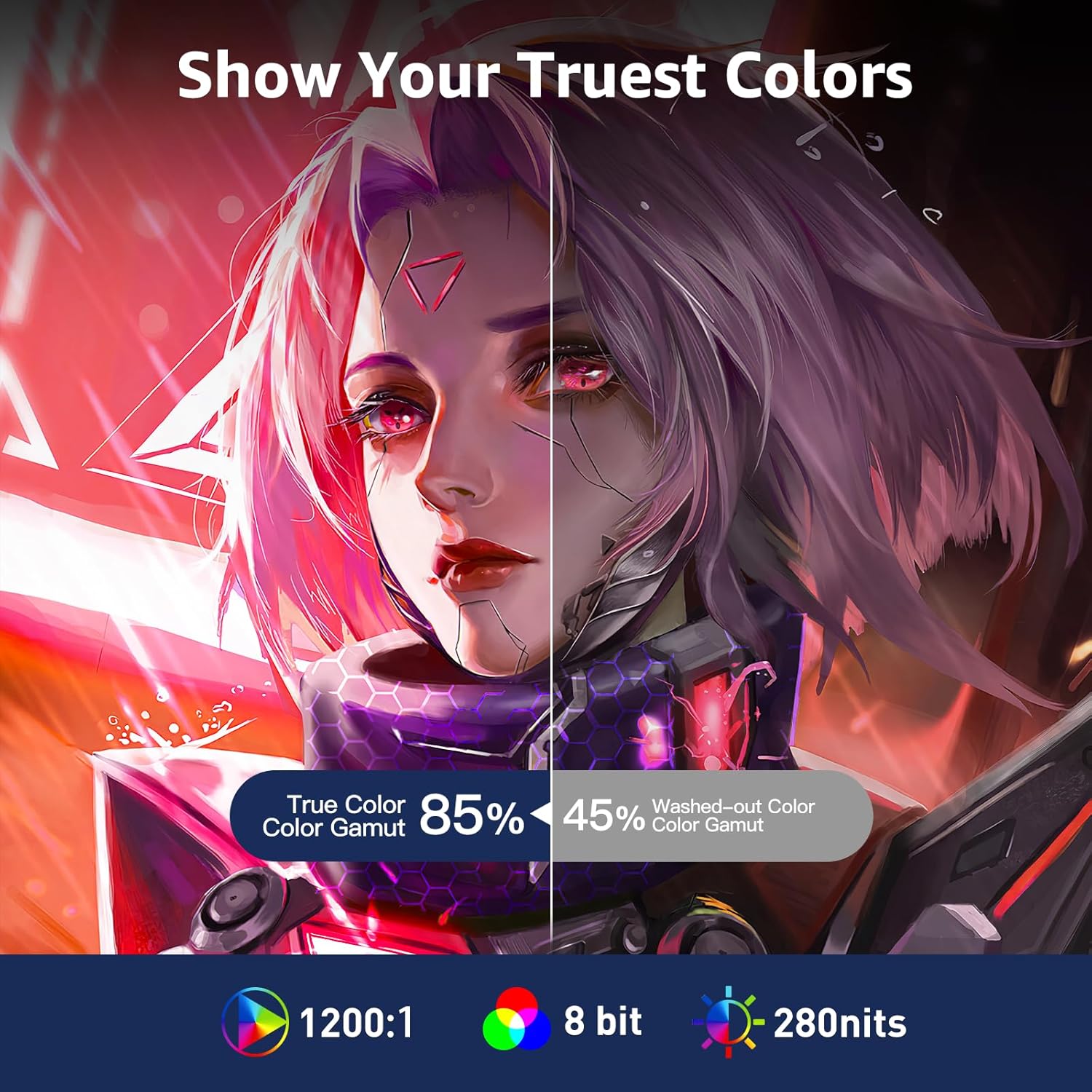
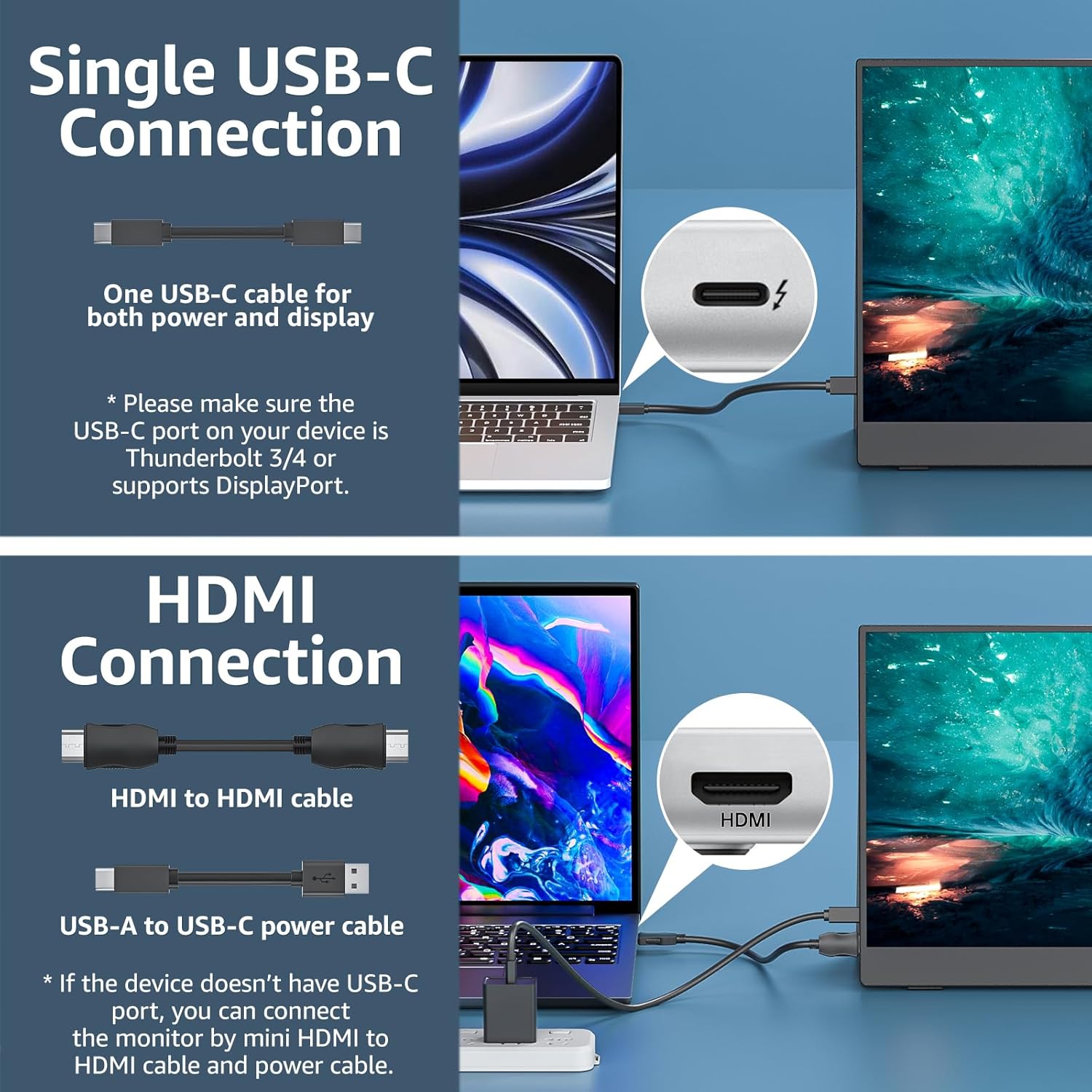
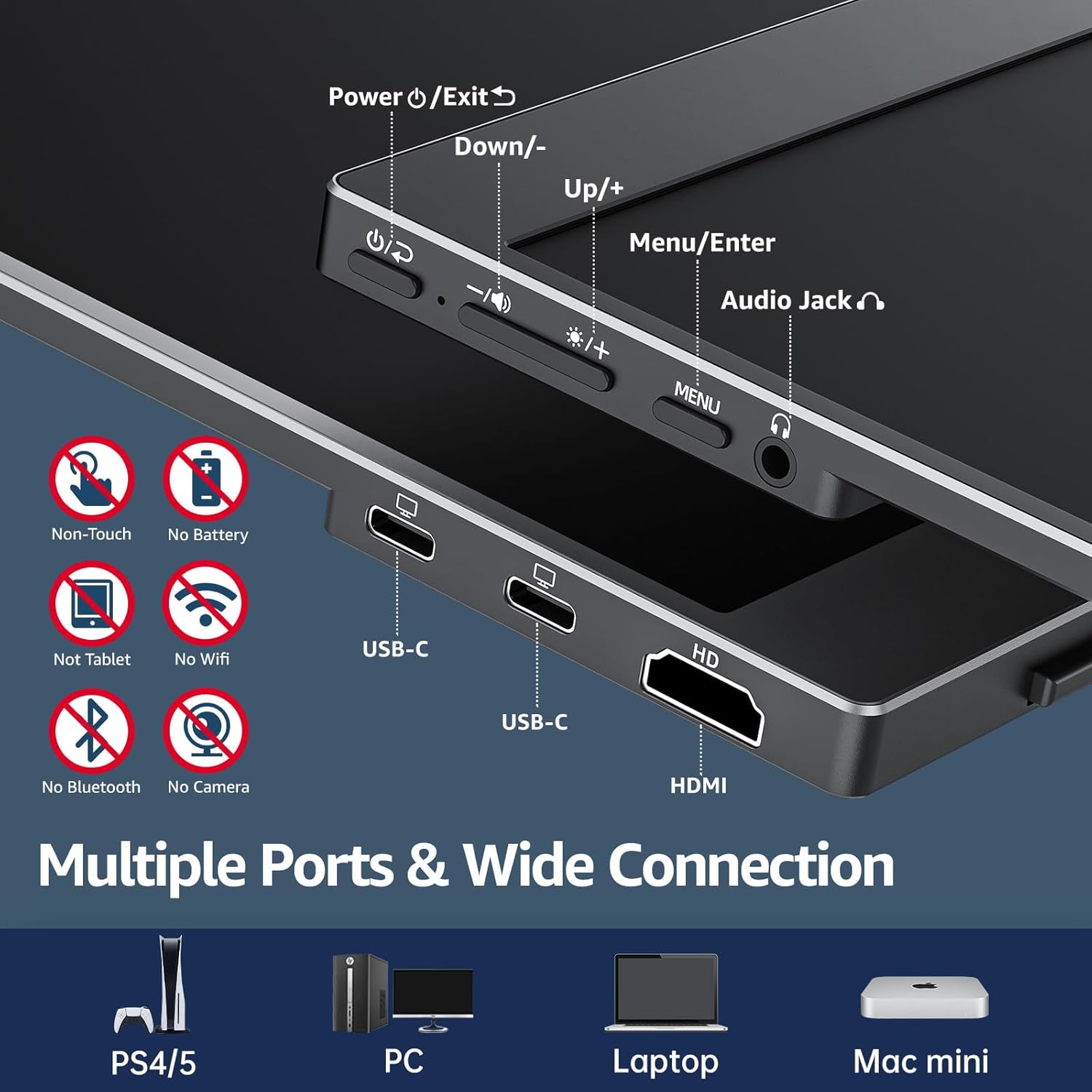
This model uses a Super Clear IPS panel with 178° viewing angles, 85% sRGB coverage, and HDR capabilities for better colour and contrast than many basic portable panels. A notable feature for on-the-go users is its dual USB-C ports and a mini HDMI input, which allows you to connect to laptops, PCs, game consoles and more with simple cabling. The single USB-C cable option for both display and power (where the host device supports thunderbolt 3/4 or USB-C DP Alt Mode) can reduce cable clutter and set-up time.
Design and build quality
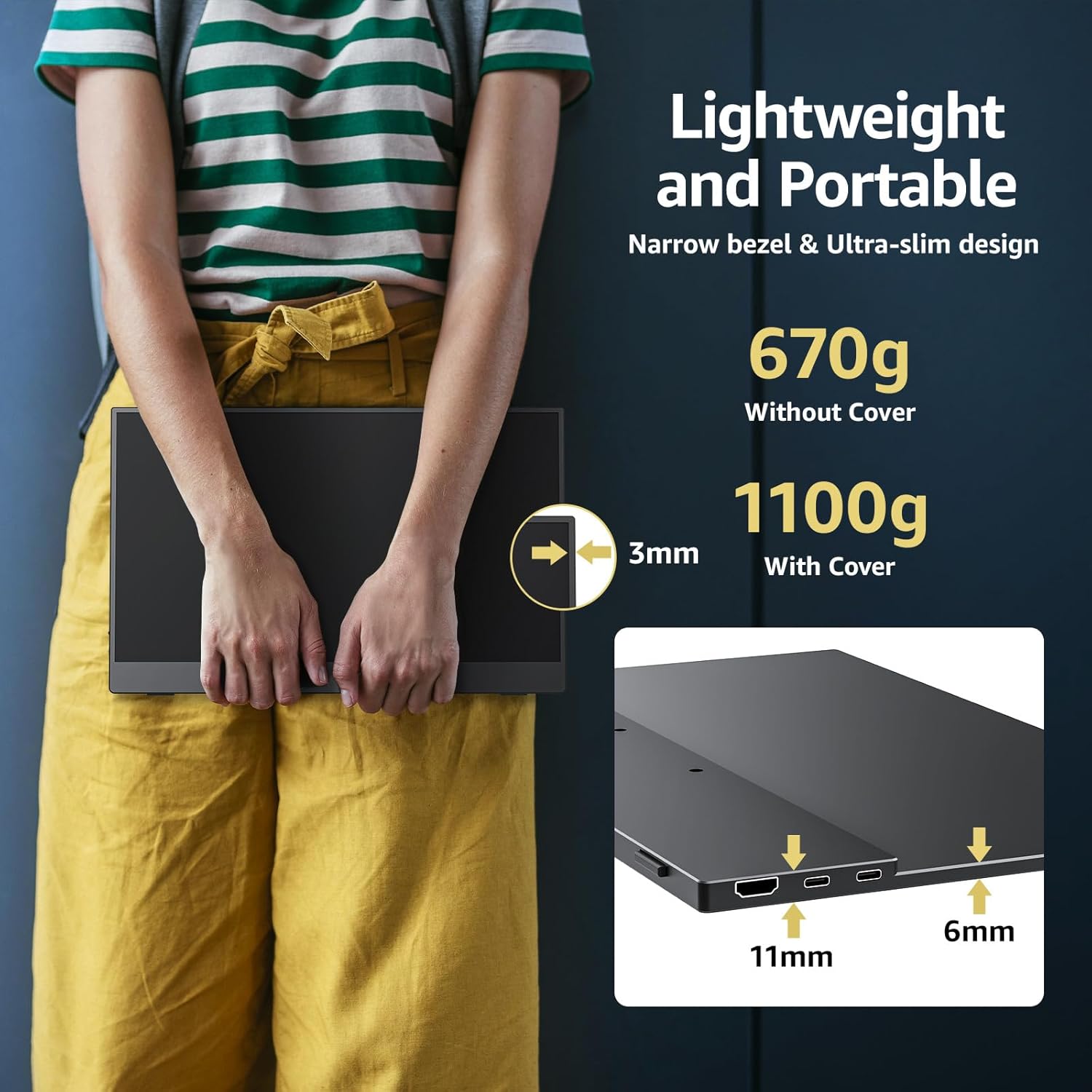
Weighing around 670 g and measuring about 4 mm at its slimmest point, it’s clearly pitched at travel and desk-on-the-go use. The bundled Smart Stand Case offers protection and flexibility to use the monitor in landscape or vertical orientation. For occasional mounting, the VESA mount compatibility is listed, which could help you position the screen in more permanent work setups.
How to use it and compatibility notes
Connections are straightforward: two USB-C ports and a mini HDMI input provide choices for different devices, making it suitable for most laptops, the odd PC, and some consoles. Important caveat: to achieve the single-cable power-and-display setup you’ll want a device that supports Thunderbolt 3/4 or USB-C DP Alt Mode. If your device doesn’t, you may rely on a separate power source for the monitor, which changes the simple “one cable” convenience.
What it does well
- Portable second screen that’s light enough for travel or home office use.
- Decent colour and viewing angles for general tasks, browsing, documents, and casual content creation.
- Flexible mounting options with VESA compatibility and a protective stand-case.
- Easy plug-and-play with compatible USB-C/HDMI sources, reduces desk clutter on compatible devices.
Limitations and where it may fall short
- 60 Hz refresh rate is fine for documents and video, but not a high-end gaming monitor, if you prioritise fast action or competitive gaming, you’ll notice the limitation.
- The single-cable convenience depends on your host device’s USB-C capabilities, some setups may require additional power or adapters.
- Colour accuracy and brightness are adequate for most tasks, but may not satisfy professionals requiring calibrated or HDR-dedicated workflows.
Who it’s for
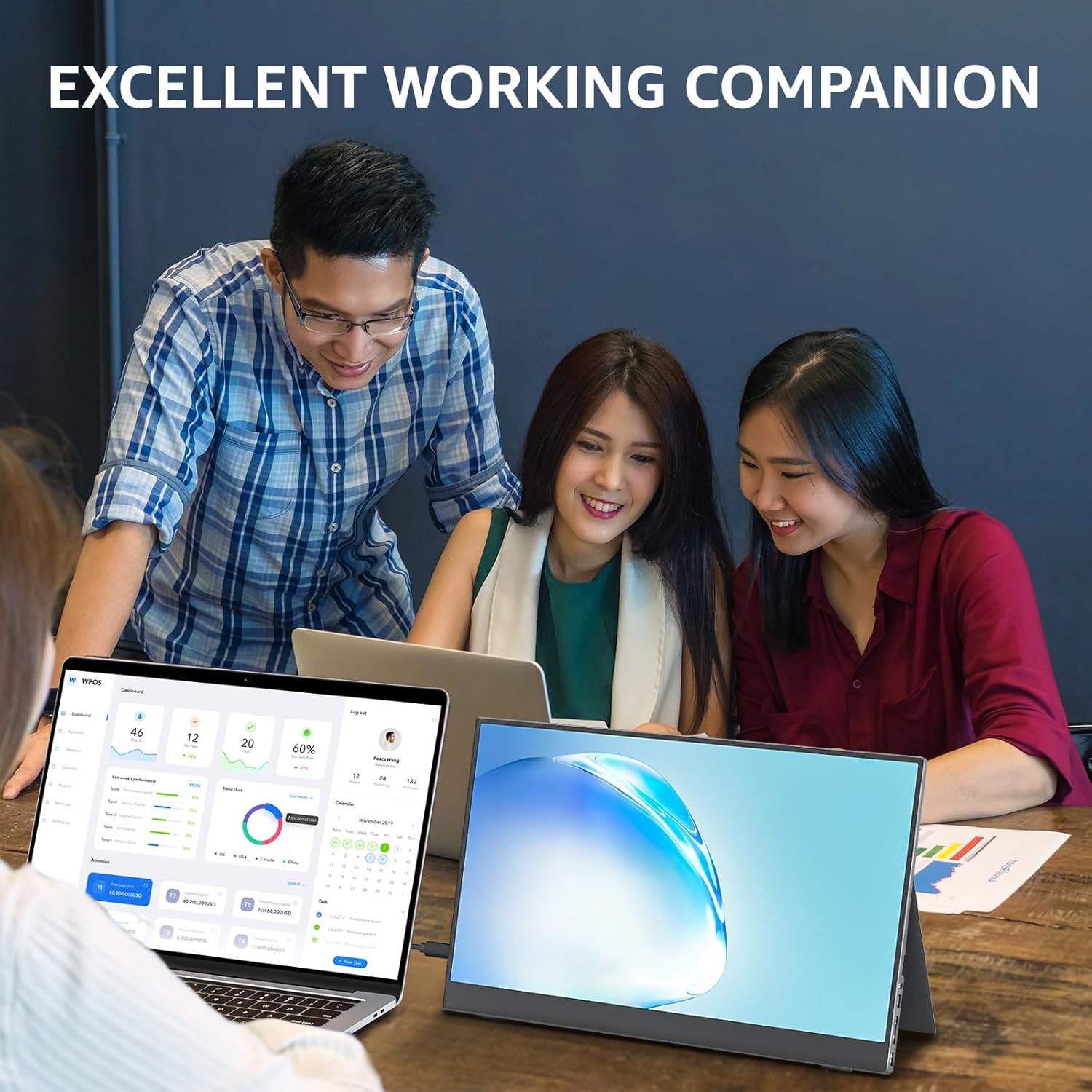
If you frequently work remotely, travel for business, or want a lightweight dual-screen setup without committing to a full desktop monitor, this Cocopar model can be a pragmatic option. It suits students, remote workers, freelance professionals, and those who value a compact second screen for meetings, presentations, or content review while keeping a minimal travel footprint.
Who it isn’t ideal for
Not the best pick if you need precise colour grading, high-end gaming performance, or a rugged, high-brightness panel for outdoor or bright-room use. If your workflow requires a wider gamut or higher refresh rates, you may prefer a larger, more capable alternative.
When it makes sense to buy
Choose this model when you want an affordable, genuinely portable second screen that’s easy to carry on business trips, in a small home office, or for quick presentations. It makes practical sense if your laptop already supports USB-C DP Alt Mode and you value reduced cable clutter.
Before you buy: quick checks
- Confirm your host device supports USB-C DP Alt Mode or Thunderbolt 3/4 for the single-cable power/display setup.
- Check whether you need an external power source depending on your device, this affects the “one cable” promise.
- Consider your typical usage: documents, video conferencing, light media work, and occasional gaming.
- If possible, test viewing angles and glare in your typical environment to ensure the 178° panel meets your comfort needs.
Practical usage scenario
Imagine working from a coffee shop: your laptop screen holds the document, the cocopar monitor shows the chat or reference material, and you control both with a single USB-C connected to a compatible laptop. In meetings, you can mirror your slides while keeping notes on the laptop screen, or extend your desktop to show new content side-by-side with your main workspace.
Final decision
Is it worth it? A solid pick if you value portability, simple setup, and the flexibility of a second screen on the go, and your devices support the required USB-C alternate mode. It may not be the best fit for high-end gaming or professional colour-critical work. In the right use case, it represents sensible value for money and practical utility.
Frequently asked questions
- Will it work with my MacBook? Yes, provided your MacBook supports USB-C DP Alt Mode, check if one cable suffices for power and display.
- Can I mount it in portrait mode? Yes, thanks to the VESA mounting and stand case designed for landscape and vertical use.
- Do I need to power it separately? It depends on your device, some setups enable power pass-through, others may require an external power source.