

KTC 5K Monitor 27 Inch: Dual Mode 5K (5120x2880) at 60Hz / 2K at 120Hz
Product description
What it is and who it suits
The KTC 5K Monitor is a 27-inch display designed to cover both high‑resolution editing work and smooth multitasking or light gaming. On the desk it presents true 5K detail at 60Hz when you need pixel‑perfect work in design, photography or video, and you can switch to a 2K mode at 120Hz for more fluid navigation and responsive feel during everyday tasks or casual gaming. This dual‑mode approach isn’t just about resolution, it’s about choosing the right balance for the job in hand without swapping hardware.
Colour and image quality on paper
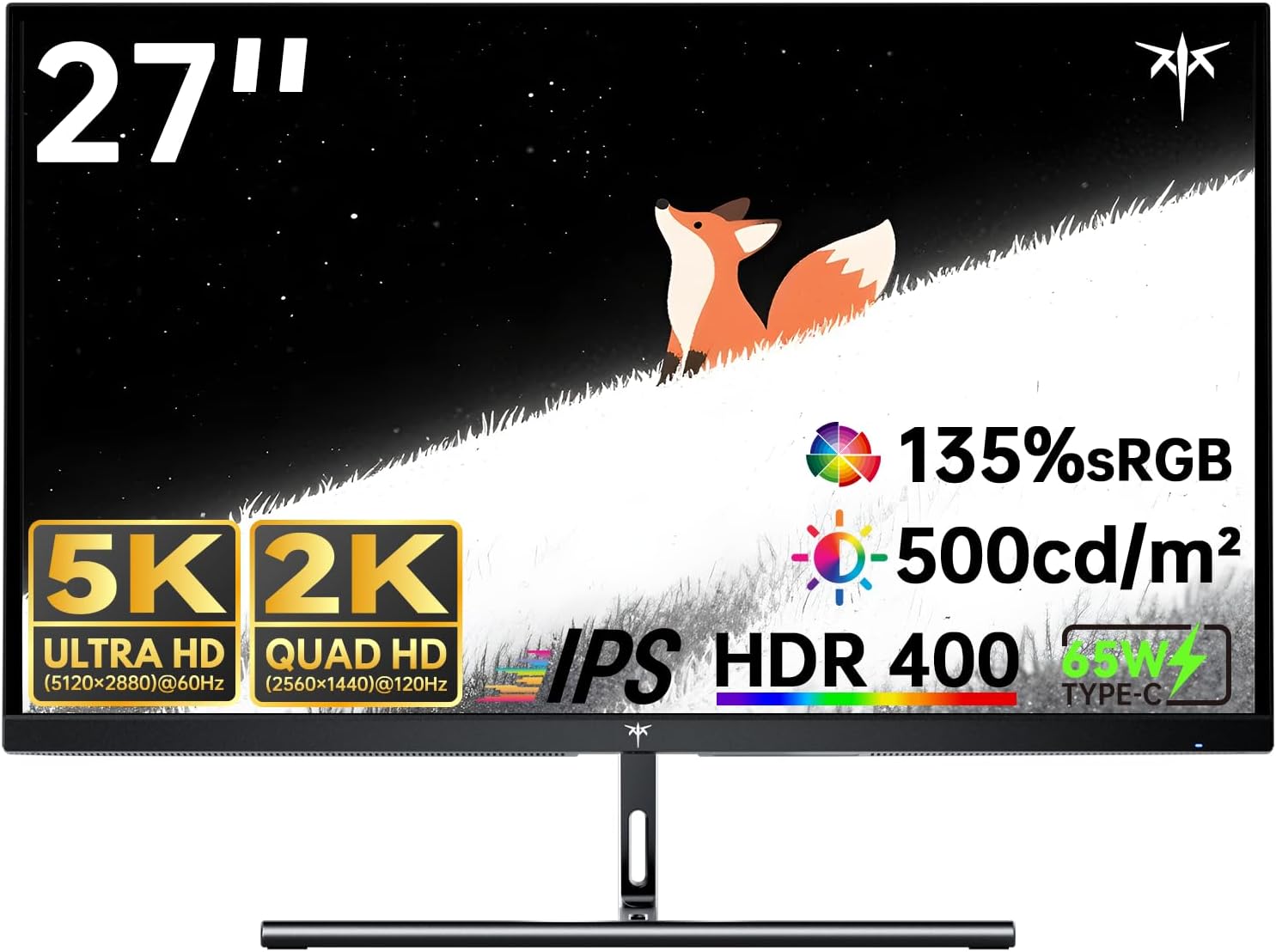
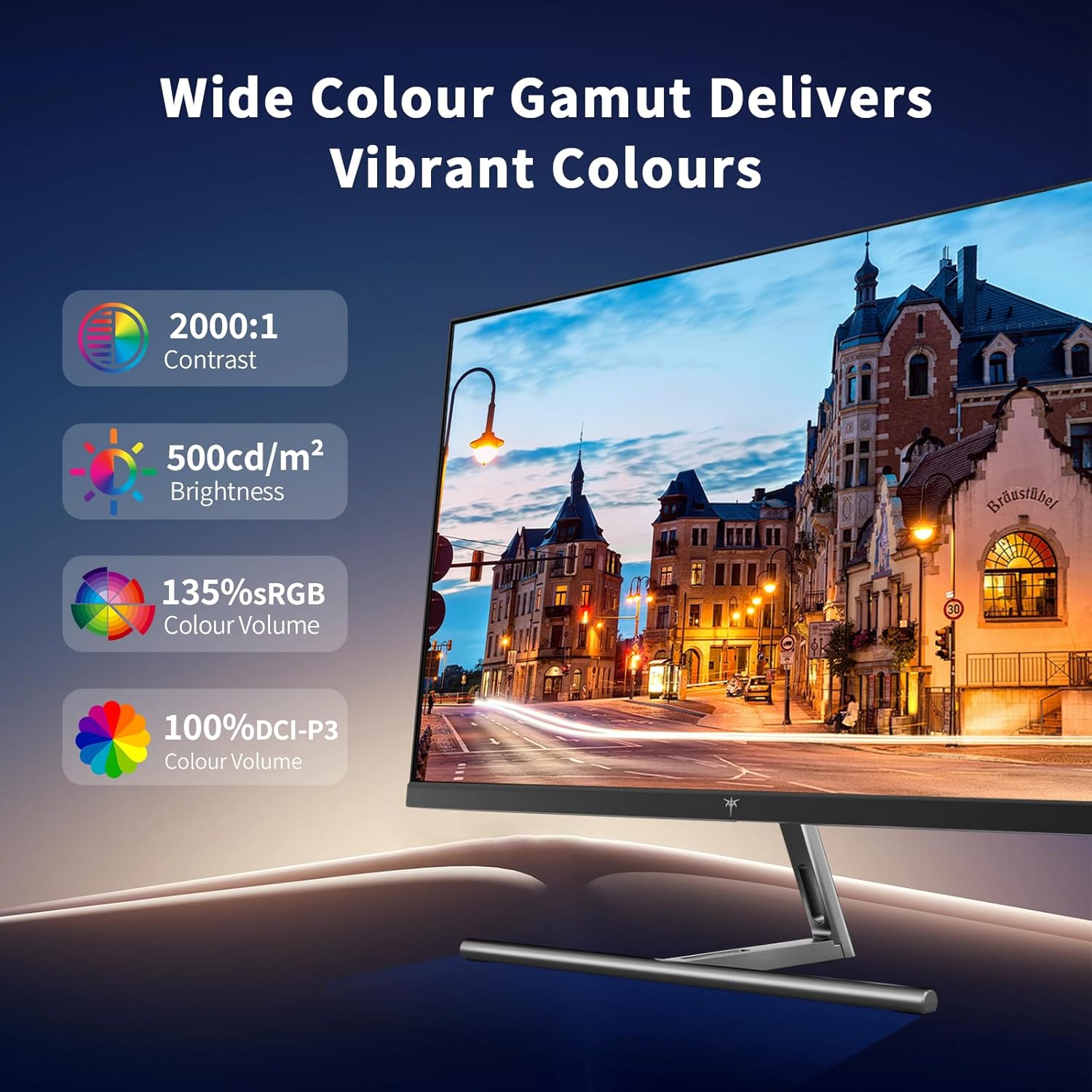
For colour‑critical projects, the monitor claims 99% DCI‑P3 and 100% sRGB coverage, with a ΔE under 2. In practice, that translates to deeper greens, more accurate flesh tones and richer overall colour, which is particularly helpful for design and video work. HDR is supported at HDR400 with brightness stated around 500 cd/m², which can help highlight contrast and detail in brighter scenes. As with any panel, real‑world results will depend on source files and calibration, but the intent is clear: this is a display aimed at professionals who expect reliable colour out of the box and the option to push more dramatic looks when needed.
How the dual modes work in daily use
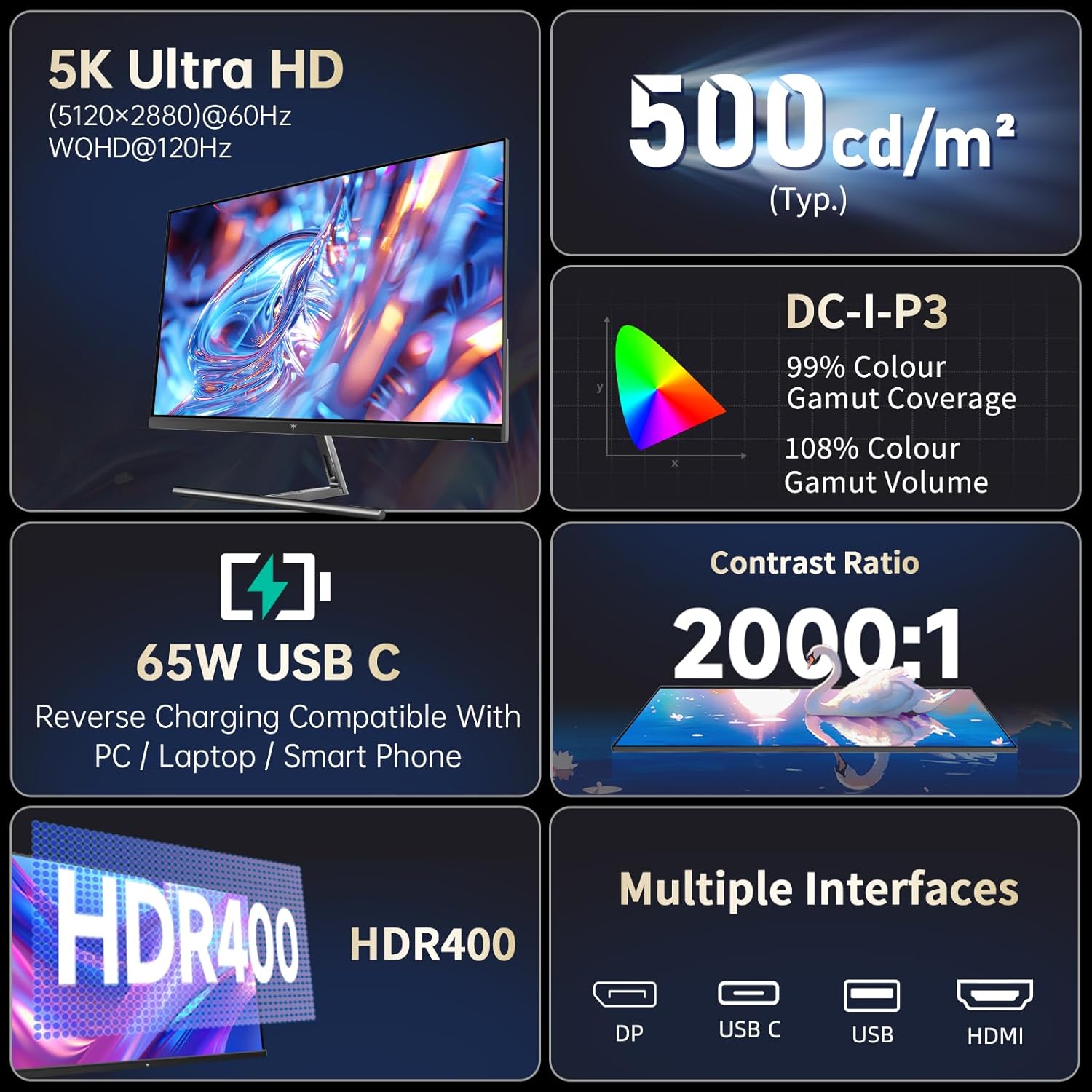
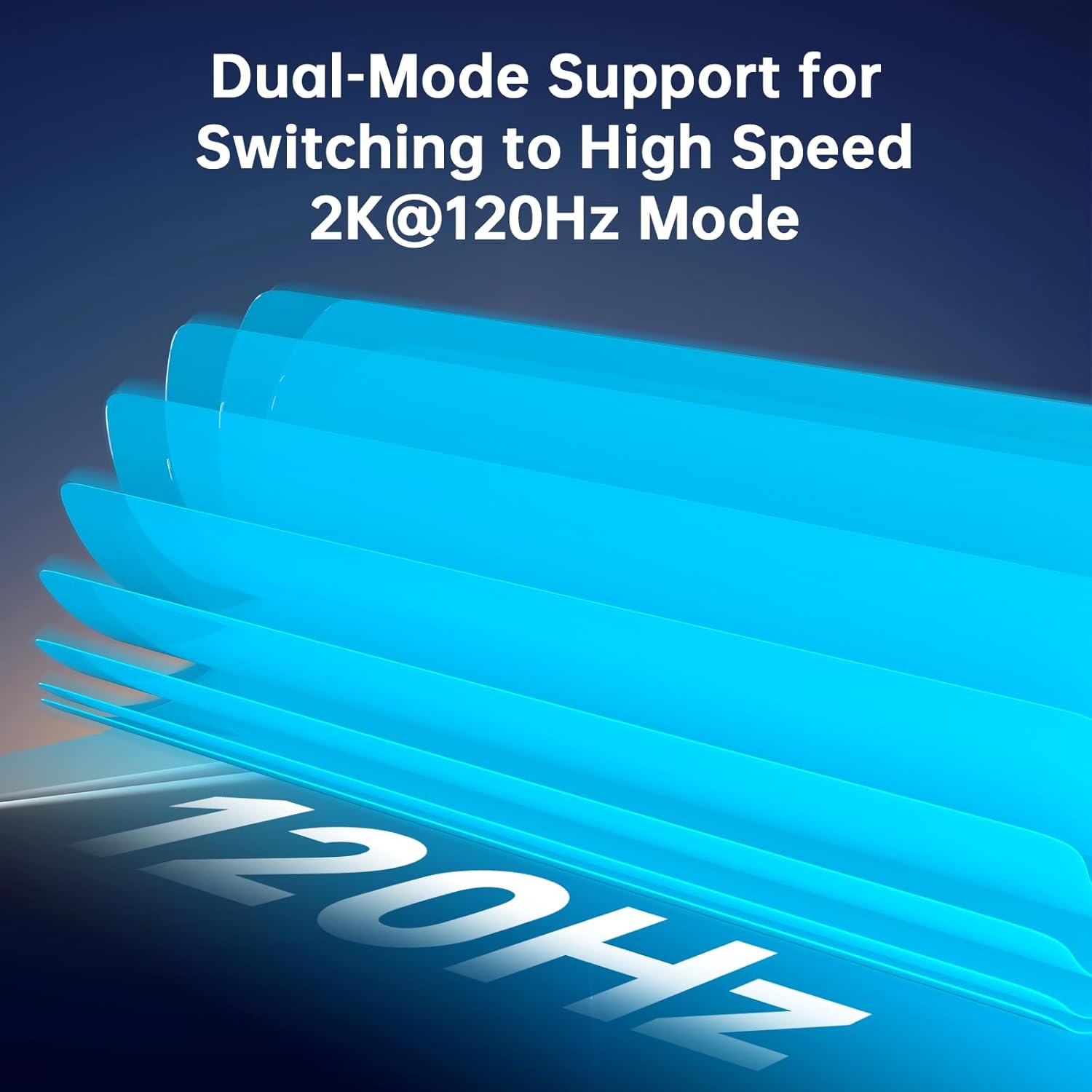
If you prioritise pristine 5K detail for creative tasks, you can run 5K@60Hz via the available inputs. When the workload shifts to quicker switching or multitasking, the monitor can deliver 2K@120Hz, offering smoother motion and faster response. This flexibility can be useful for those who curate a mixed workflow—graphic design in the mornings, video review or light gaming later without hardware changes.
Connectivity and compatibility
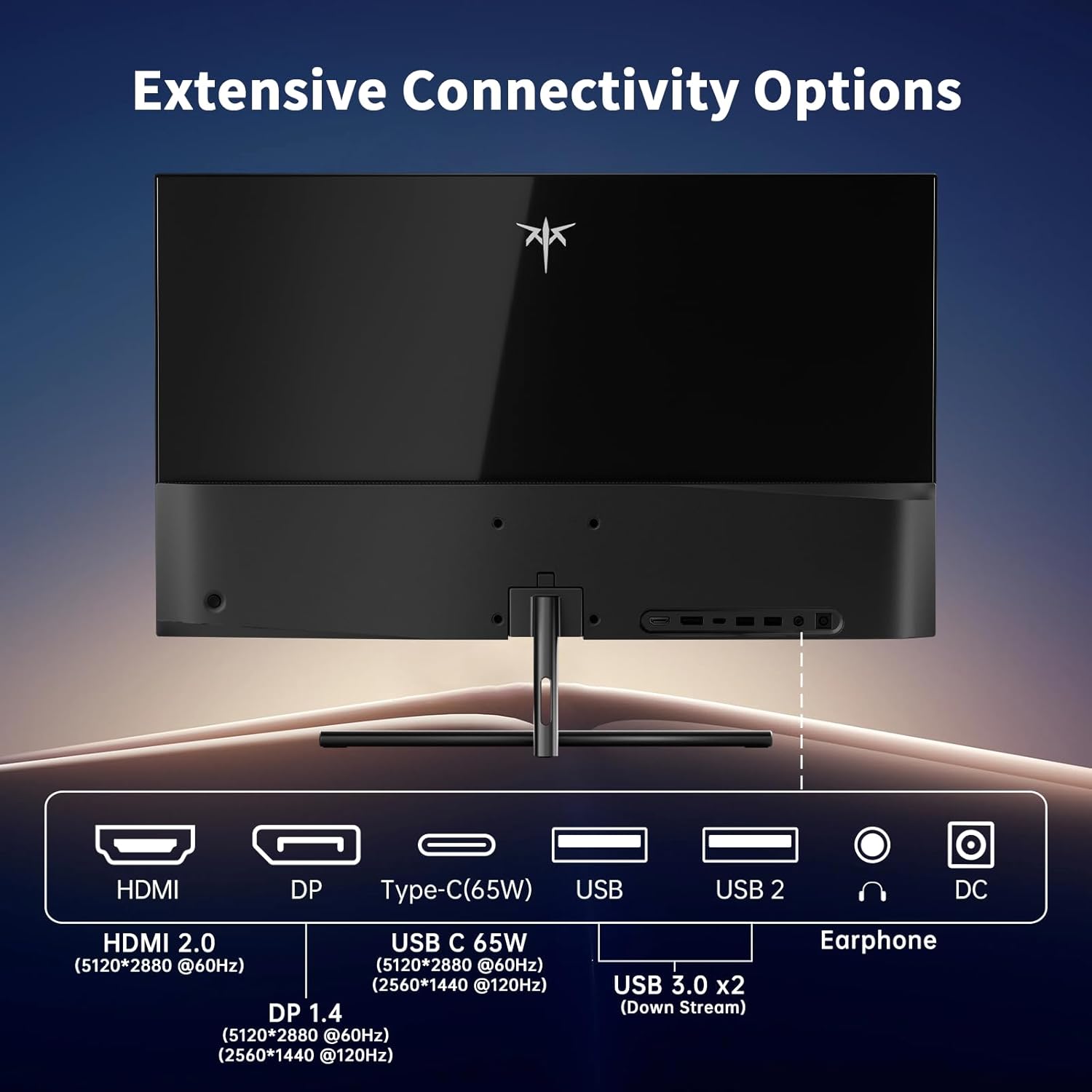
The core connectivity includes a Full Function USB‑C for data transfer and charging, plus two USB A 3.0 ports for peripherals. In terms of video, there is a DisplayPort 1.4 to support 5K@60Hz and a HDMI 2.0 port for up to 4K@60Hz. The device notes compatibility with Mac Mini, which can be appealing for users already within that ecosystem seeking a larger, colour‑accurate display. If you rely on multiple devices or a mixture of inputs, this spread of ports helps avoid constant dongles.
What stands out and where it might fall short
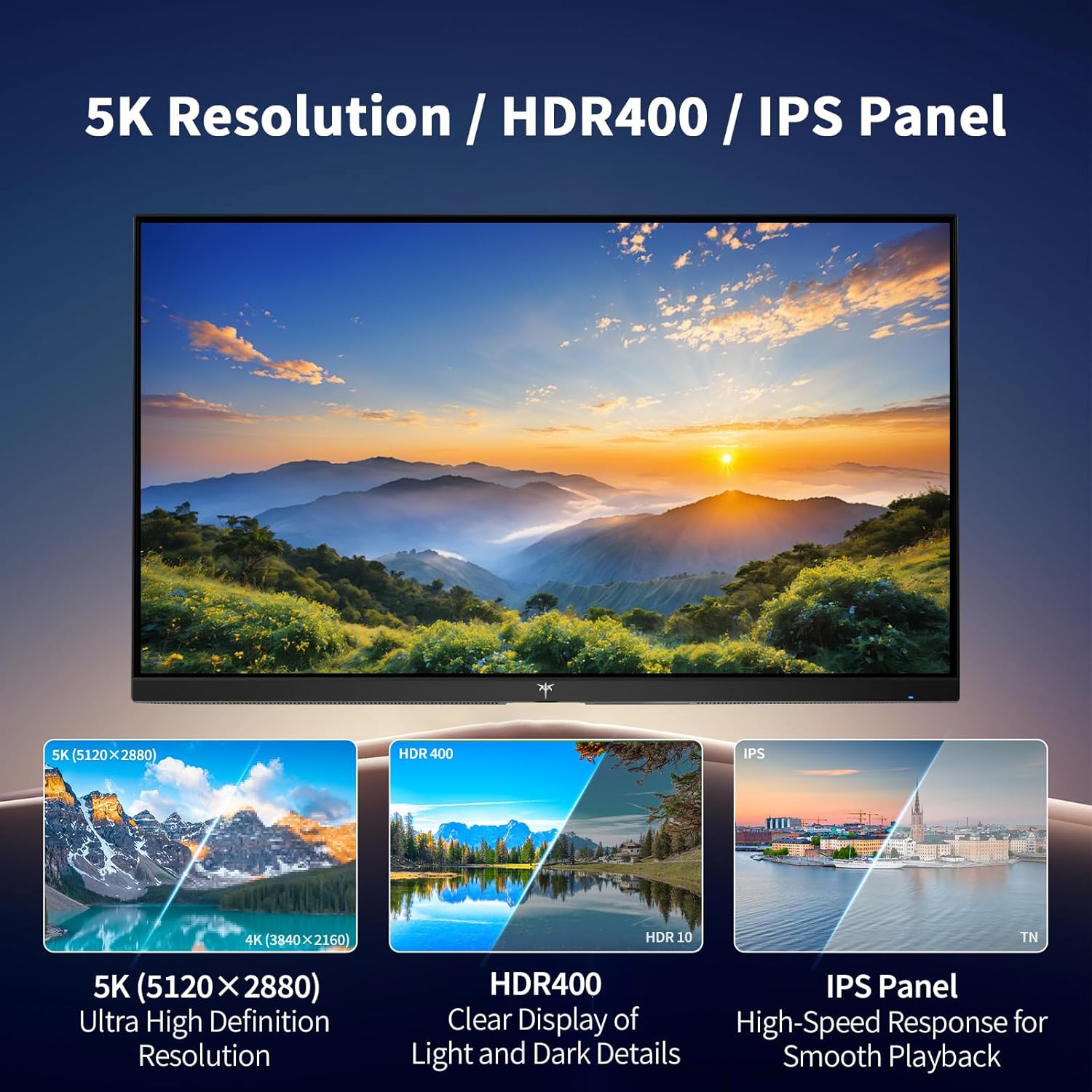
On the positive side, the colour coverage and the dual‑mode capability address two common sticking points: achieving trustworthy colour for design work and reducing friction when you need higher refresh for motion tasks. The inclusion of HDR400 with a respectable brightness level is also a practical touch for mixed‑lighting rooms. However, there are sensible caveats: the 5K40/60 streaming of content can be demanding, and you’ll want a capable source and graphics setup to consistently hit 5K at 60Hz. For gamers used to ultra‑fast high‑refresh rates, 5K@60Hz may feel indirect compared with dedicated gaming panels, and the 120Hz 2K mode, while smoother, won’t match the sharpness of 5K from a purely resolution standpoint.
Before you buy: criteria to check
- Ensure your workstation can drive 5K@60Hz reliably from DisplayPort 1.4, otherwise you may default to 2K mode.
- If colour accuracy is a priority, consider calibrating the monitor or validating your software workflow to match the panel’s colour space.
- Check whether your Mac Mini or other devices can utilise USB‑C PD65W if you plan to charge while working.
- Look at desk space, as a 27‑inch panel with a large colour area benefits from a stable stand and proper viewing distance.
Practical usage example
Imagine editing a 4K video timeline with vivid skin tones. You can rely on the 5K mode for accurate pre‑visualisation and progressively switch to the 2K/120Hz mode to scrub through the timeline quickly without tearing or stuttering, while still keeping a comfortable amount of screen real estate for tool palettes and timelines.
How it compares to other approaches

If you only need a very high refresh for gaming, a dedicated 2K/4K gaming monitor with higher refresh may feel more responsive. If you’re focussed on colour accuracy for creative work, this KTC model offers a practical compromise: you get high resolution for editing and a capable 2K mode for general use, all in one monitor. For those who already own compact 4K panels and rarely push to 5K, this setup may feel like overkill, in that case, a simpler, single‑mode display might suffice.
The bottom line: should you buy it?
Is it worth it?
Worth considering if you value a single, versatile display that can cover high‑end design work while still providing a usable high‑refresh option for everyday tasks. It’s less about chasing the highest peak brightness and more about a coherent colour workflow and flexible resolution handling.
Quick FAQ
- Will this monitor work with any USB‑C laptop? It primarily supports USB‑C for data and charging, but you should verify whether your device can drive 5K@60Hz via DisplayPort‑over‑USB‑C.
- Can I use it for gaming at 5K? You can, but expect the 5K mode to prioritise image detail over ultra‑high frame rates, for smoother gameplay you’d switch to 2K@120Hz.
- Do I need calibration? While it aims for accurate colour, some users opt for calibration to align with their project’s colour workflow.
Final decision
Is it worth it for you? A solid pick if you prioritise colour accuracy and the flexibility of dual‑mode operation in a 27‑inch package, especially when your work spans design and video alongside occasional general use. If your workflow is strictly gaming‑centric or you don’t need 5K detail, you may prefer a more specialised option.