

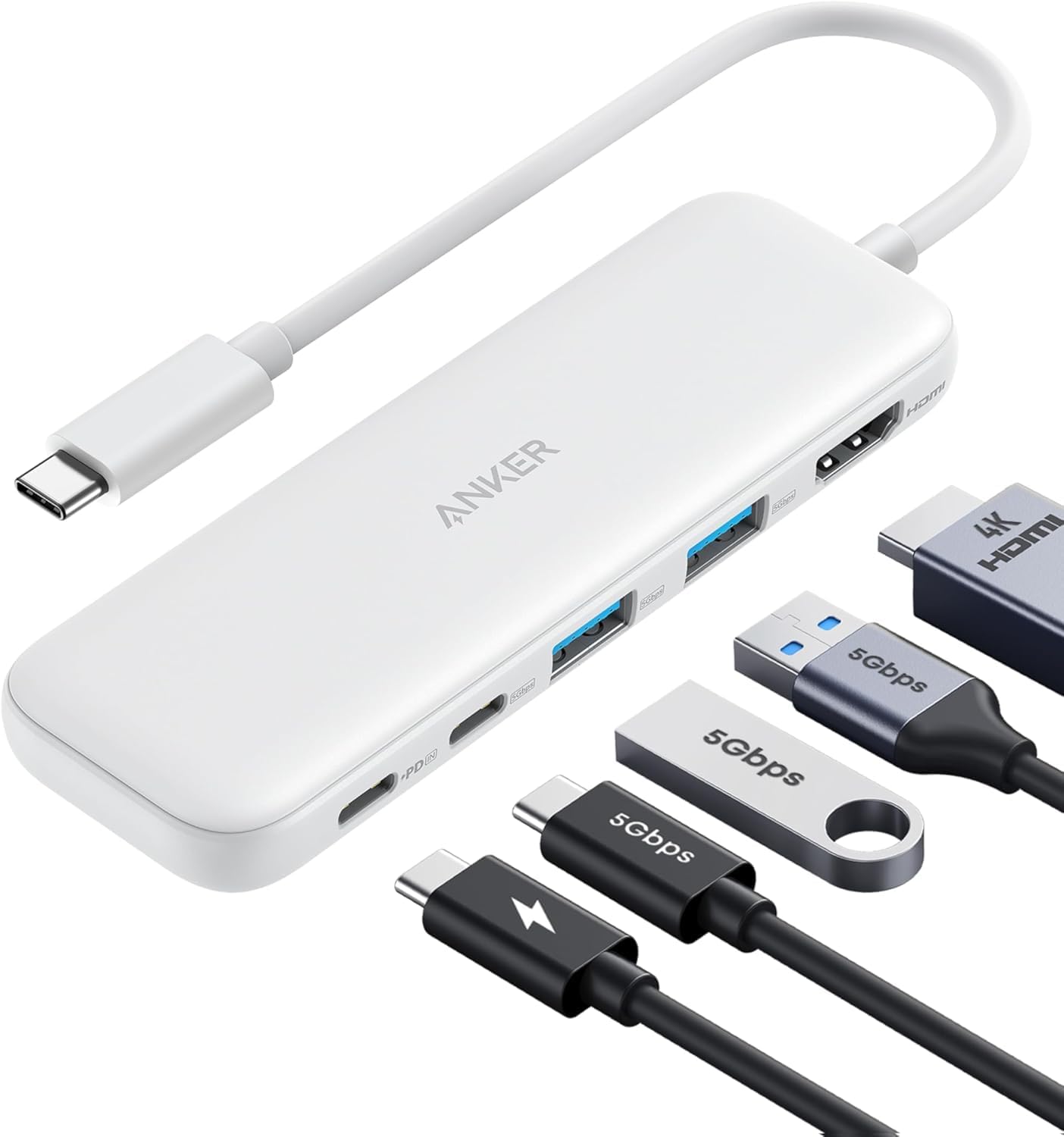
Anker USB C Hub 5-in-1 (USB-C to HDMI) with 4K HDMI, 85W pass-through charging and 5Gbps data ports
Product description
What it is and why you’d want it
This Anker USB C Hub is a 5-in-1 solution aimed at the classic “one port isn’t enough” problem. You get an HDMI connection for an external display, plus one USB-C data port and two USB-A data ports for things like flash drives, dongles and other peripherals. There’s also a dedicated PD input for charging, with pass-through support up to 85W so your laptop can stay powered while you work.
On paper, it’s the sort of hub that suits everyday desk setups: connecting a monitor for a bigger workspace, plugging in a storage device for quick file moves, and topping up your laptop without constantly swapping cables. It’s not trying to be a docking station for everything—especially since the USB-C data ports do not support video output—so you’ll want to think about where you expect the display signal to come from.
Key features that matter in daily use
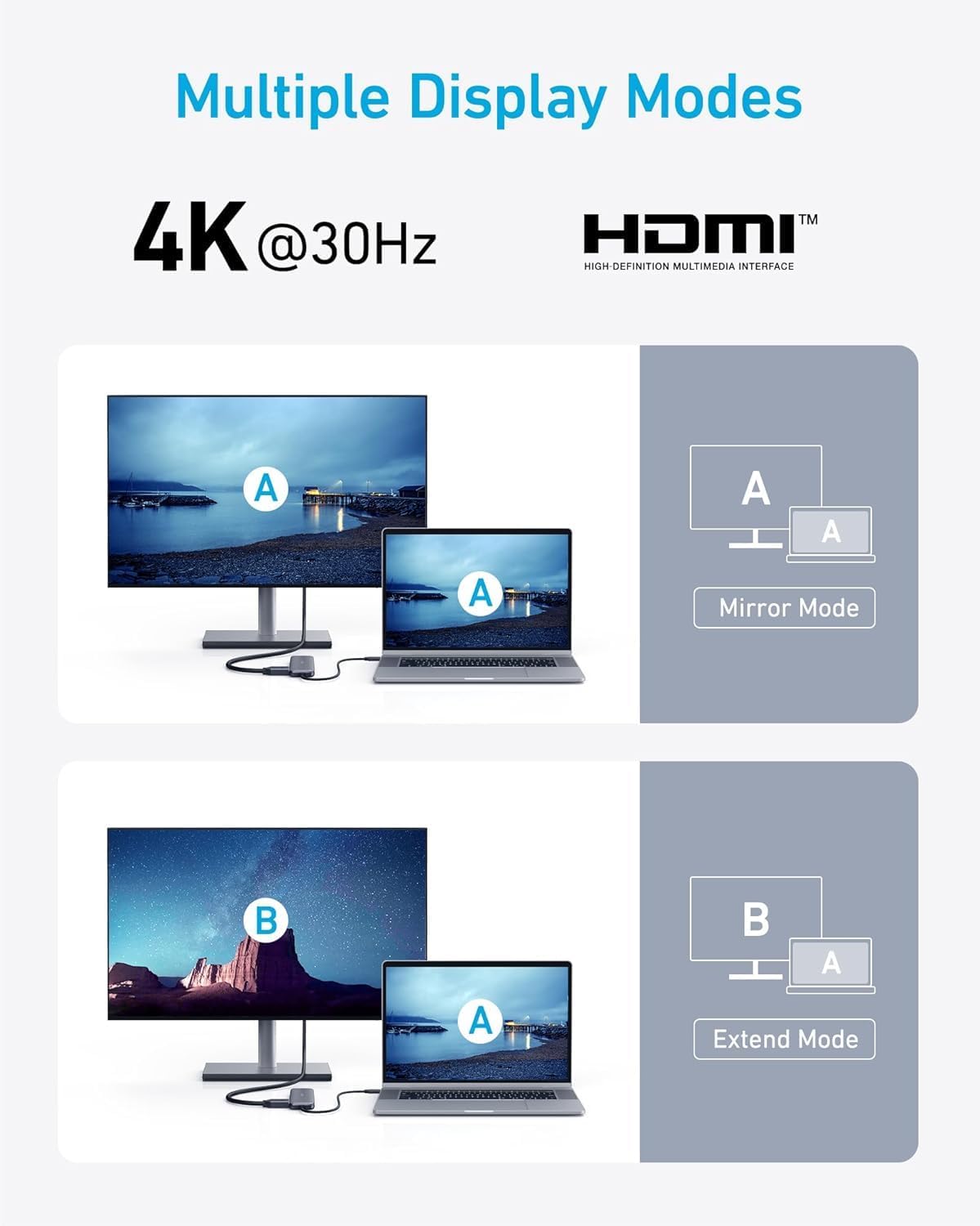
The headline feature is the HDMI port with support for up to 4K at 30Hz. That’s a sensible target for office work, spreadsheets, presentations and watching content, where smoothness and high refresh rates aren’t usually the main priority.
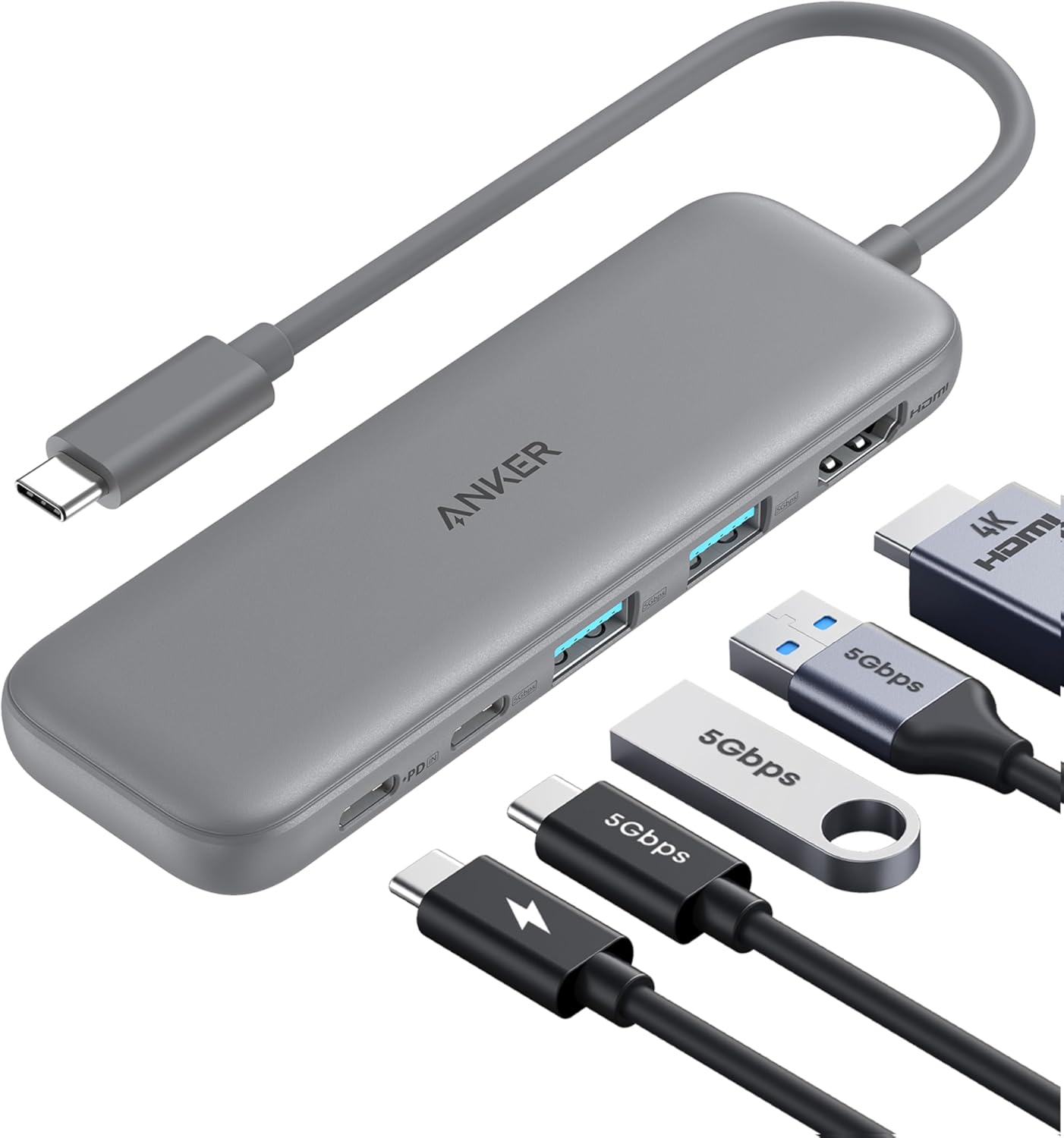
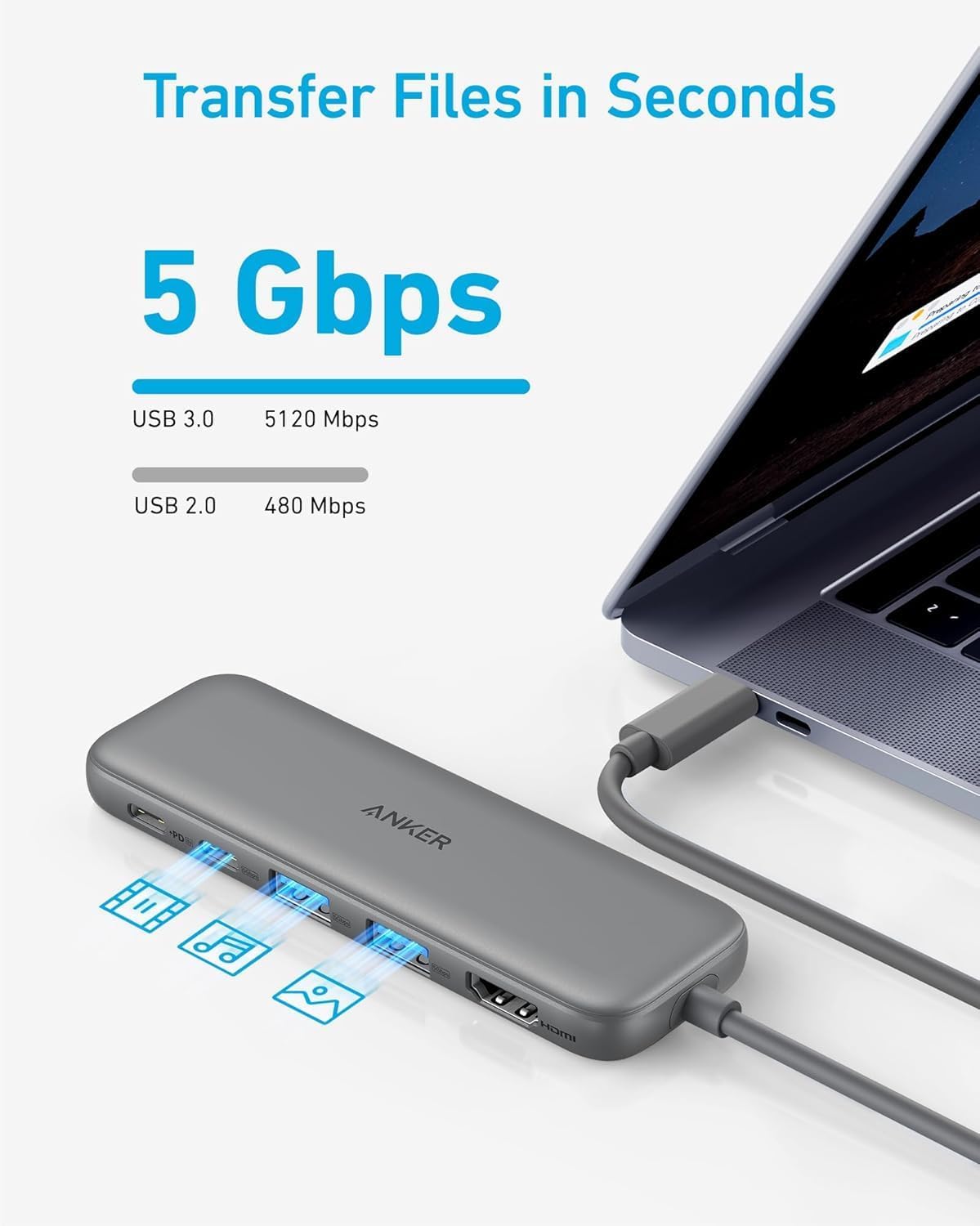
For file transfers, the hub focuses on throughput rather than “fast charging plus extras”. The USB-C data port and both USB-A 3.0 data ports are rated up to 5Gbps, which should feel quicker than older USB 2.0-style connections when moving documents or backing up files.
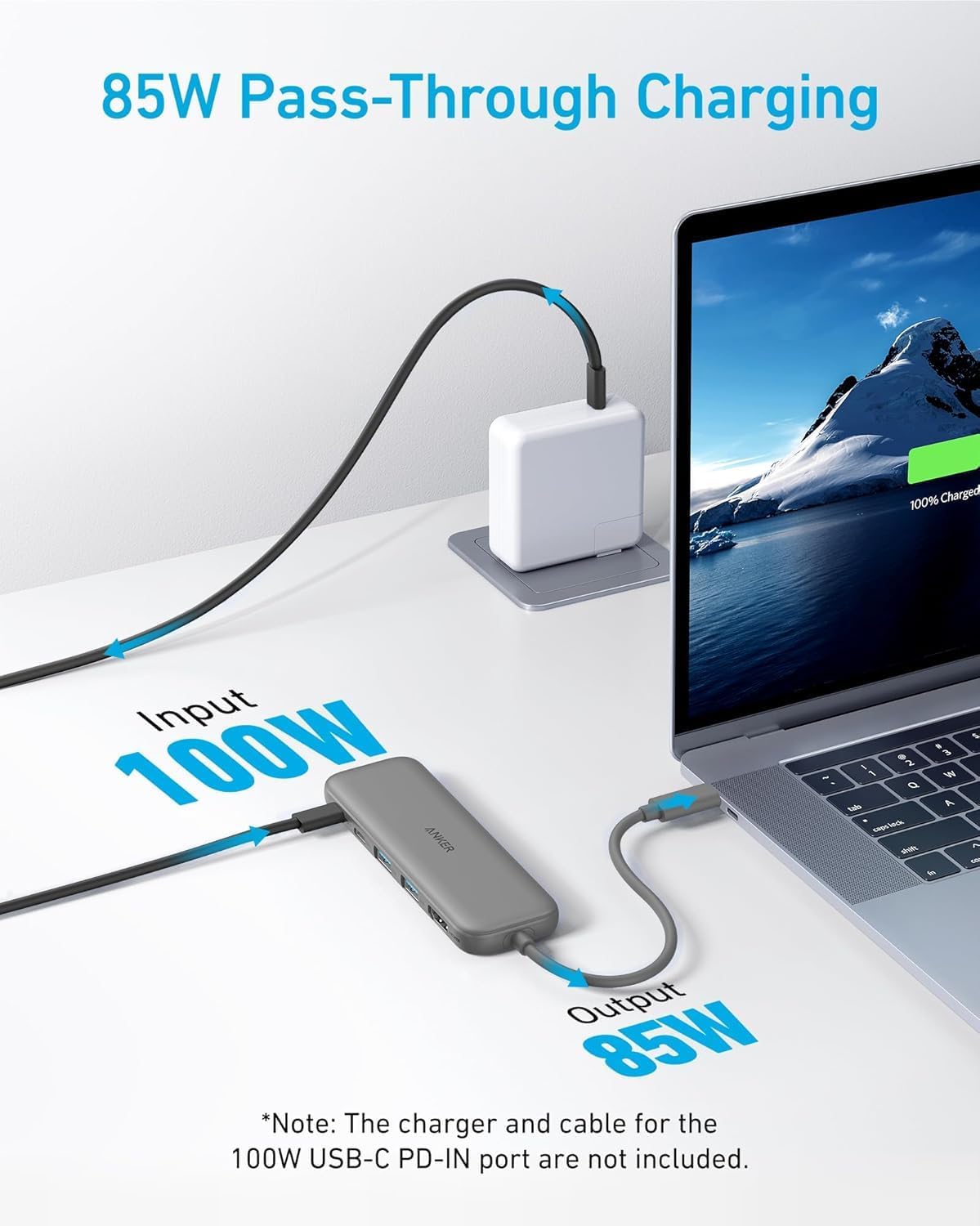
Then there’s power. The hub supports pass-through charging up to 85W via its PD-IN port, meaning you can charge your laptop while using the hub. The important caveat is that pass-through charging requires a charger (not included). If you don’t already have a suitable USB-C power adapter, it’s one more thing to factor into your overall setup.
Performance and limitations to be aware of
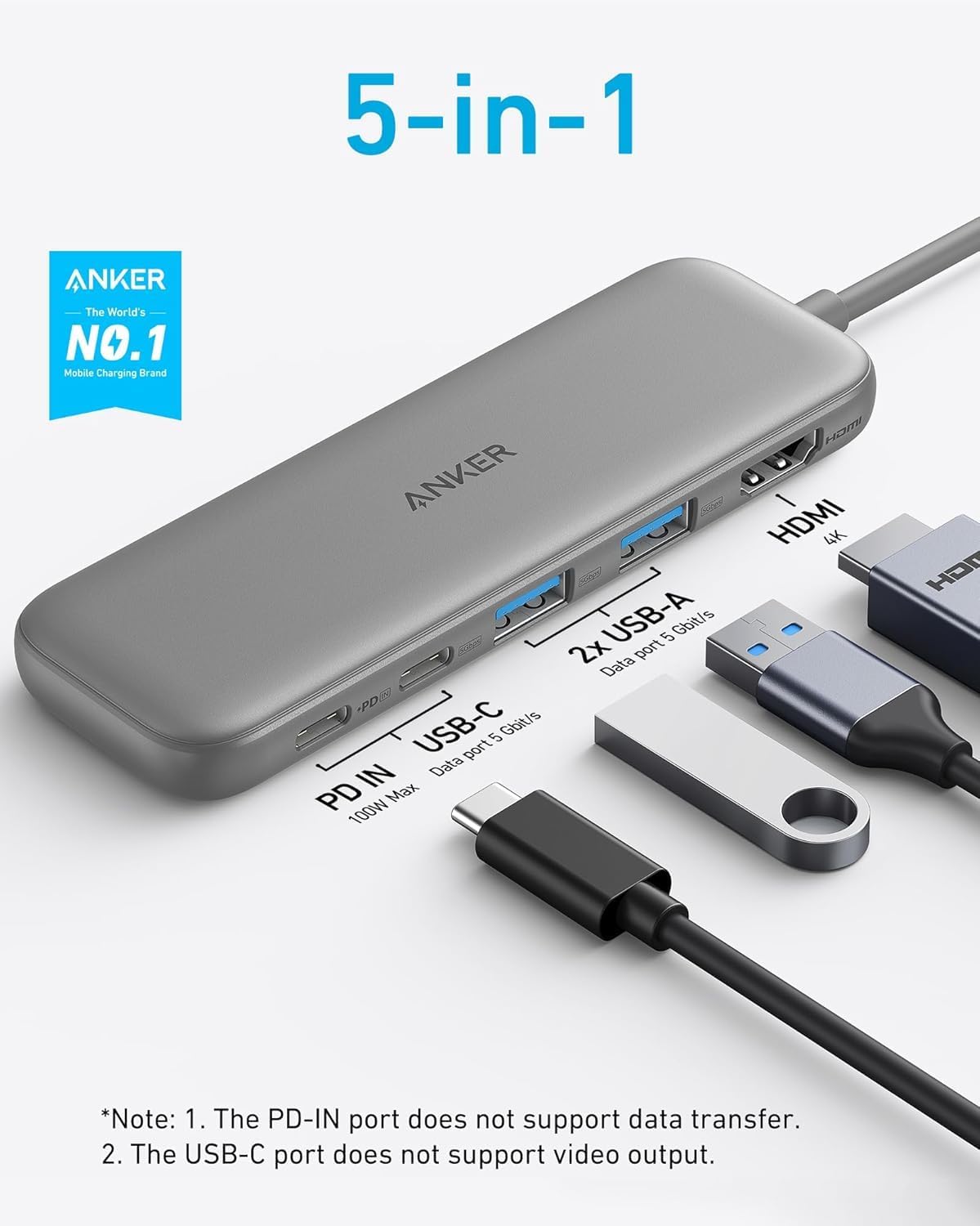
A few points are worth knowing before you buy, because they define the boundaries of what this hub can do.
First, the USB-C ports do not support video output. In other words, if you were hoping to use the USB-C data port for a second monitor, this isn’t built for that. The display side of things is handled via HDMI.
Second, HDMI tops out at 4K@30Hz. If your goal is gaming, high-motion content, or you specifically need higher refresh rates, you may find this more “work and media” than “enthusiast” territory. It’s more of a pragmatic office hub than a spec-bomb.
Tech specs (the useful bits)
- Type: USB-C hub with HDMI + 3 data ports + PD-IN
- HDMI: up to 4K@30Hz external display
- USB-C data: 1 × USB-C port, up to 5Gbps
- USB-A data: 2 × USB-A 3.0 ports, up to 5Gbps
- Power: PD-IN for pass-through charging up to 85W (charger required)
Where it shines, and where it may not
It’s a good fit if you want one compact hub for a laptop setup that includes: - an external monitor via HDMI for a wider workspace - fast-enough everyday transfers via USB-C and USB-A at up to 5Gbps - charging at the same time, using a USB-C charger you already own
It might not suit you if you need video over USB-C from the data ports, or if you’re chasing higher refresh rates than 30Hz over HDMI. Also, because pass-through charging needs your charger, don’t assume you’re covered if your existing adapter is low power or not the right type.
Getting the most from it (a practical scenario)
Imagine you’re heading into the office with your MacBook Pro or MacBook Air. You dock it with the hub, plug in a monitor to the HDMI port, and connect your usual USB-A accessories (like a USB drive for quick file handovers). When you’re done, you can keep your workflow going because the hub can power your laptop via PD-IN, as long as you use a charger that supports the required pass-through charging.
That’s the kind of “less faff, more output” setup this hub is built around.
¿Merece la pena? (Value decision)
This Anker 5-in-1 hub looks like it’s focused on the things most people actually use: HDMI for an external display, multiple data ports for peripherals and storage, and pass-through charging so you’re not juggling power leads.
Where it becomes a clear yes is when you specifically want HDMI video (up to 4K@30Hz), and you care about having a USB-C and two USB-A ports for everyday tasks. If that matches your current setup, it tends to make a lot of practical sense.
Where you should be more cautious is if you need USB-C video output from the data ports, or if your priorities are higher refresh-rate display performance. Then you may end up feeling constrained by the design choices here.
Worth considering if you’re shopping for a simpler alternative to larger docking solutions, but still want a tidy cable arrangement and decent transfer speeds.
Mini FAQ
Will it mirror or stream to an external monitor?
Yes—via the HDMI port, it can stream or mirror content to an external monitor in resolutions up to 4K@30Hz.
Do the USB-C ports support video output?
No. The USB-C ports on this hub do not support video output, HDMI is the route for display.
Does it charge your laptop while you use it?
It supports pass-through charging up to 85W, but it requires a charger (not included).
How fast are the data ports?
The USB-C and the two USB-A (USB 3.0) data ports are rated up to 5Gbps.
What’s included in the box?
You get the Anker 332 USB-C Hub (5-in-1), a welcome guide, and an 18-month warranty, plus customer service.