

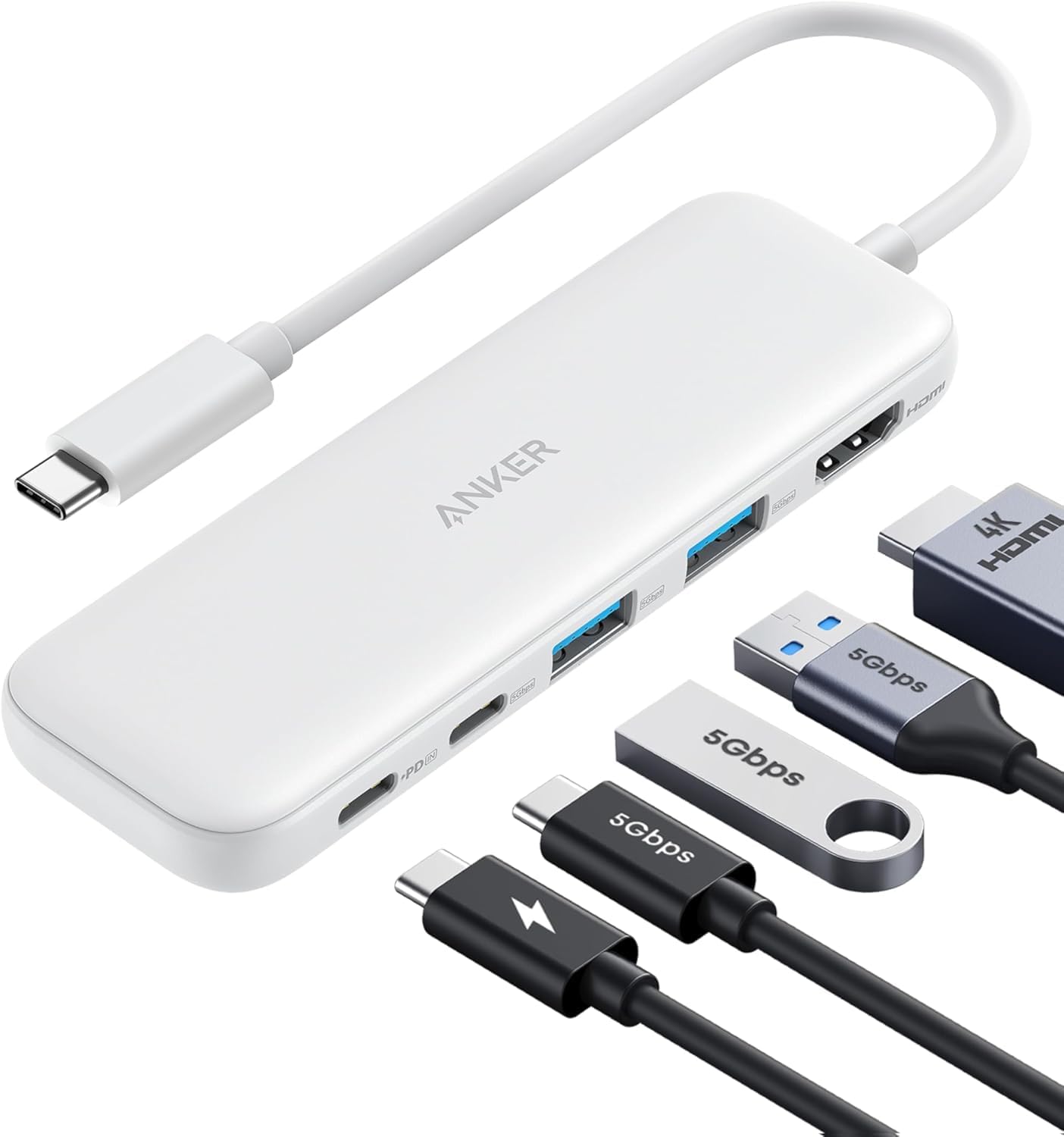
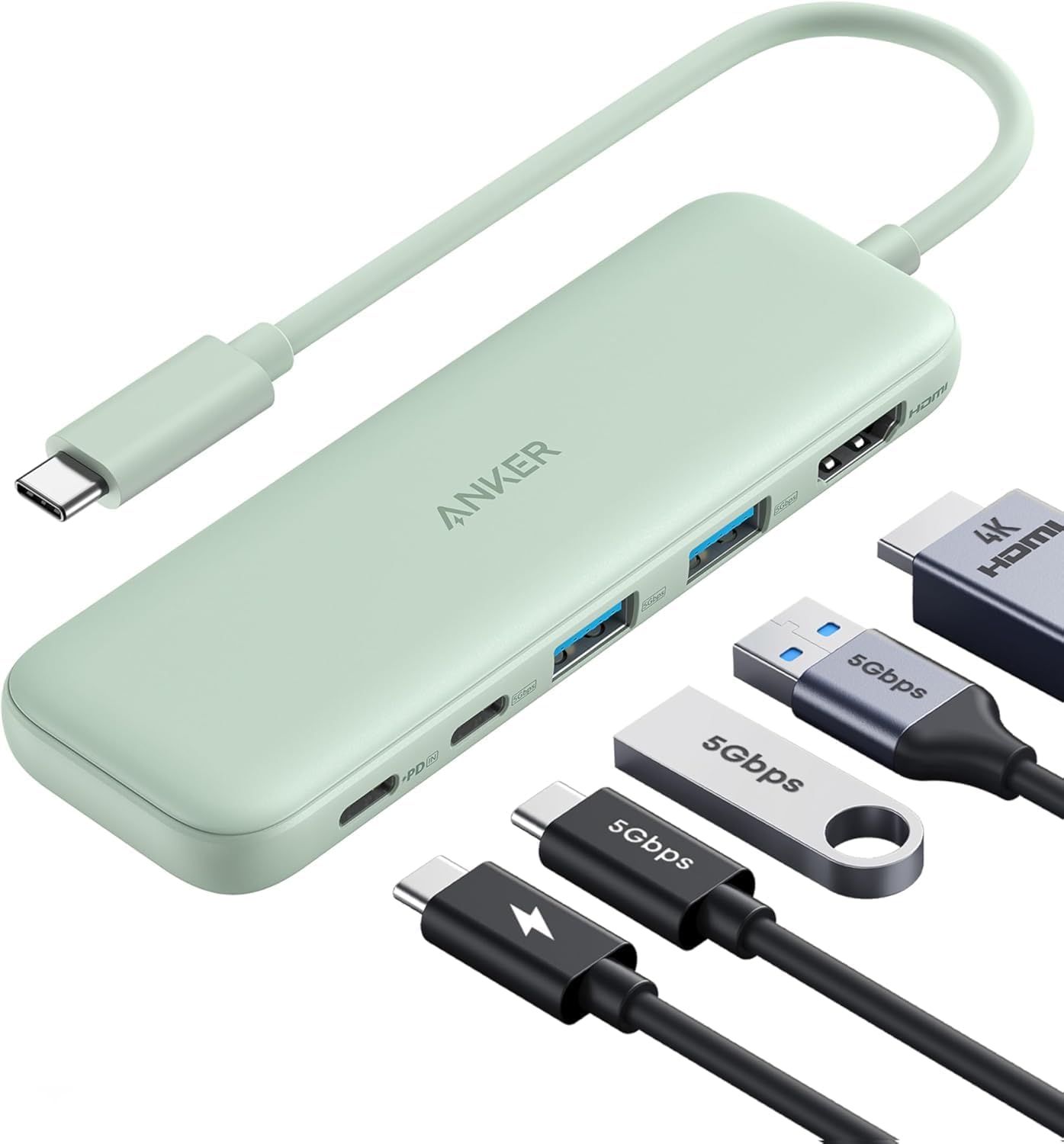
Anker USB-C Hub 5-in-1 (HDMI 4K, 5Gbps USB-C + 2× USB-A, up to 85W pass-through charging)
Product description
The essentials
This Anker USB-C hub is aimed at the very common “I need more ports” problem. On one side you get HDMI for an external display, plus a USB-C data port and two USB-A data ports for peripherals. On the other, it includes charging passthrough so you can keep your laptop powered while you’re using the hub.
At a glance: what you can plug in
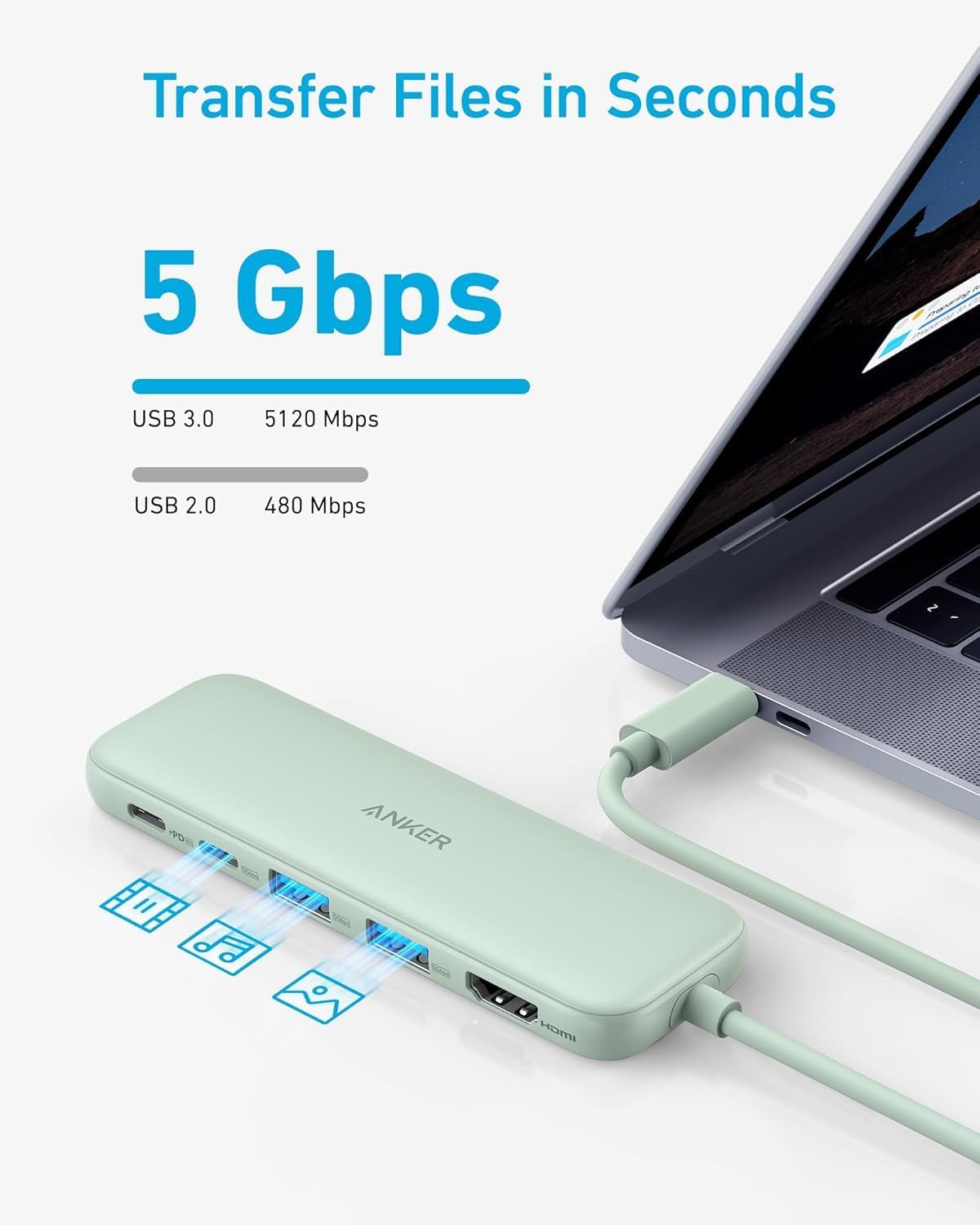
The bundle is built around 5-in-1 connectivity: an HDMI connection for video, one USB-C data connection and two powered USB-A data connections, all with speeds of up to 5Gbps for data transfer.
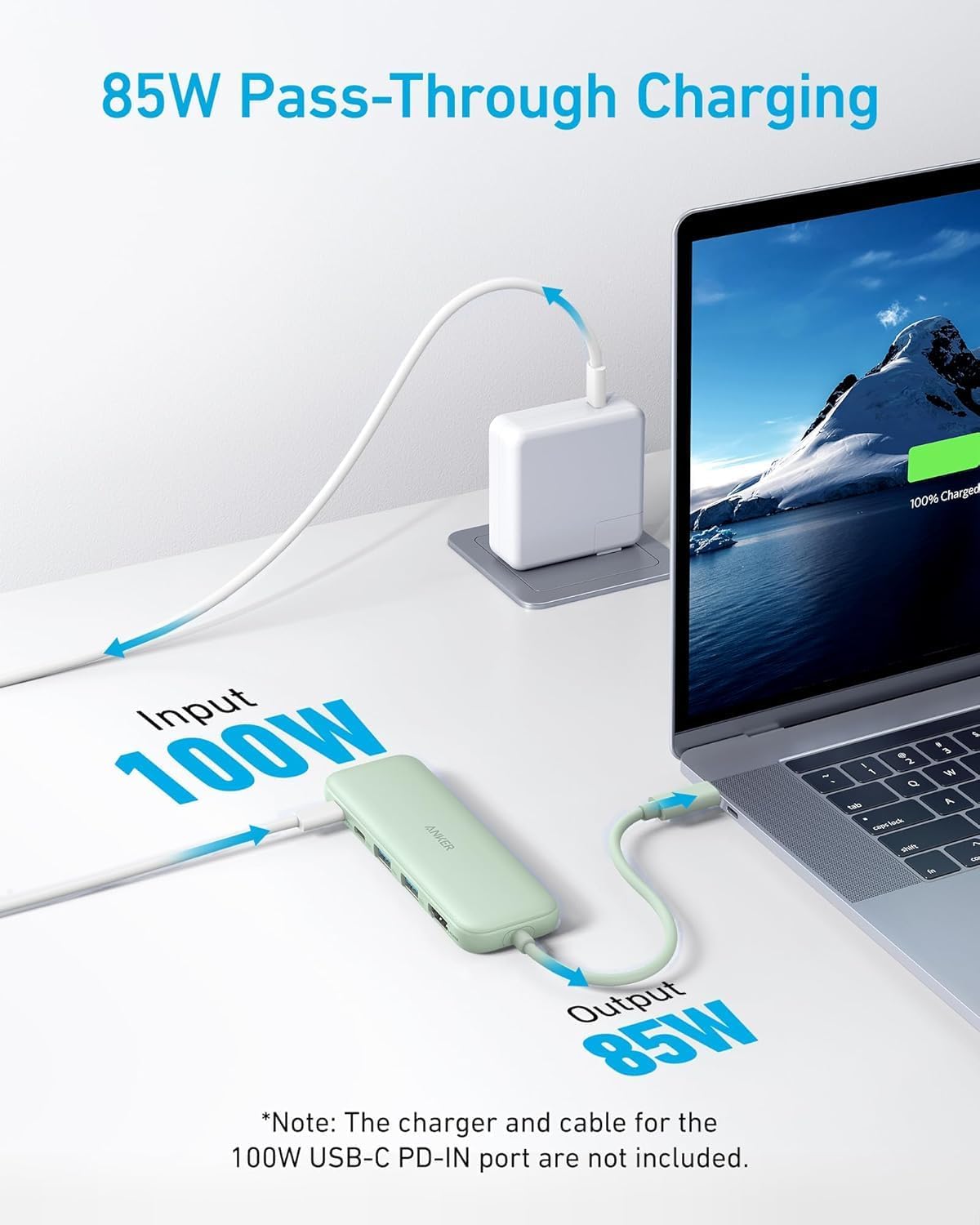
A practical detail is the charging setup. It offers up to 85W pass-through charging via a 100W PD-in port, which can be useful if your laptop’s getting low while you’re working at a desk with external gear.
Also worth noting: the USB-C data ports are not designed for video output. So if your plan is to run display from the USB-C ports, this isn’t that kind of hub.
What matters most in everyday use
If you’re using a MacBook Pro / MacBook Air or a Dell laptop, the appeal is pretty straightforward: one compact hub, multiple connections, and fewer cable gymnastics.
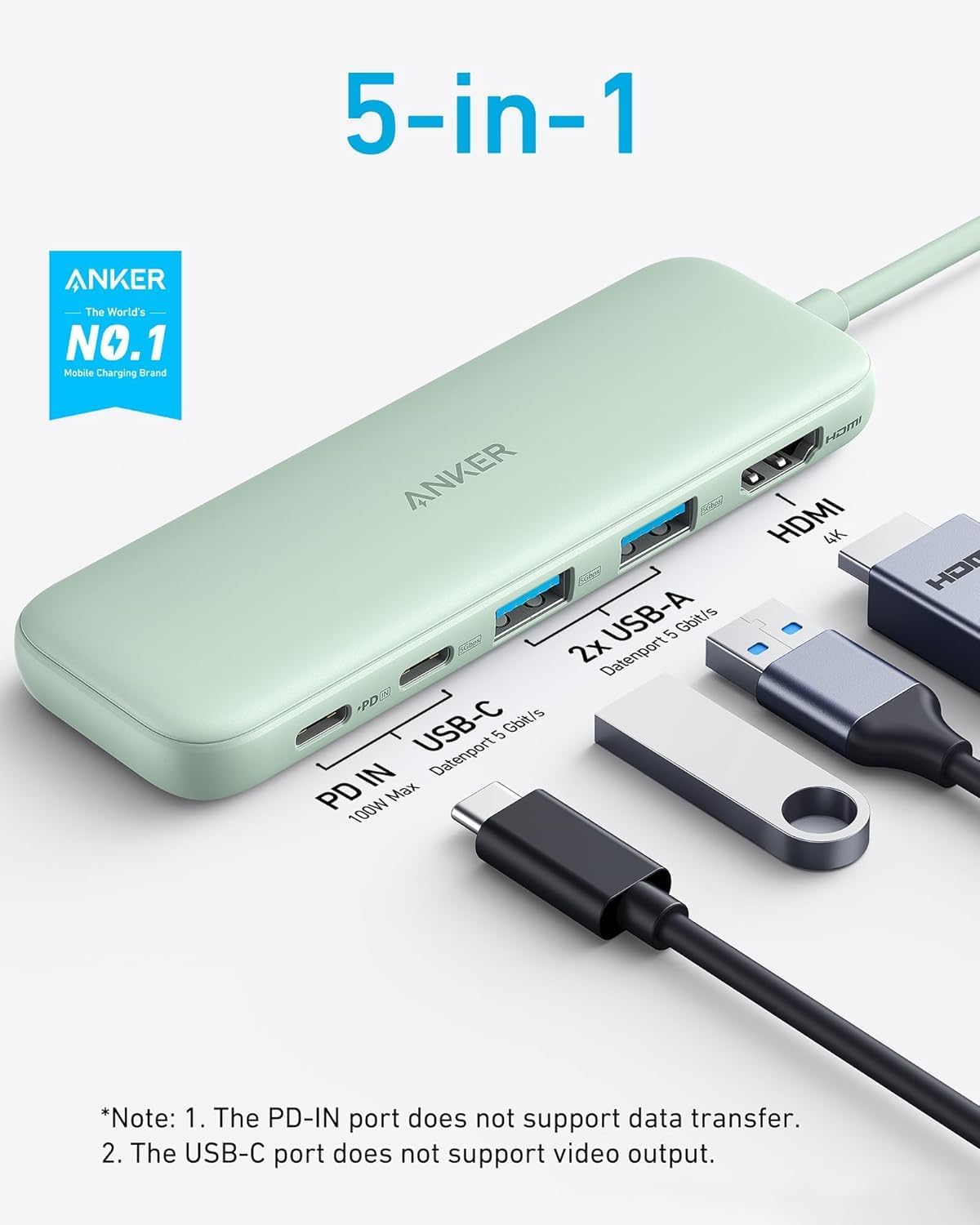
For example, you might dock into a simple setup where HDMI mirrors your laptop screen to a monitor for meetings, then use the USB-A ports for a keyboard and mouse, while the USB-C port handles quick file transfers from a drive or card reader. For file movement, the hub is rated for up to 5Gbps on the USB-C and USB-A data ports, which should feel faster than older, slower multi-port adapters in real day-to-day work.
HDMI display reality check (up to 4K@30Hz)
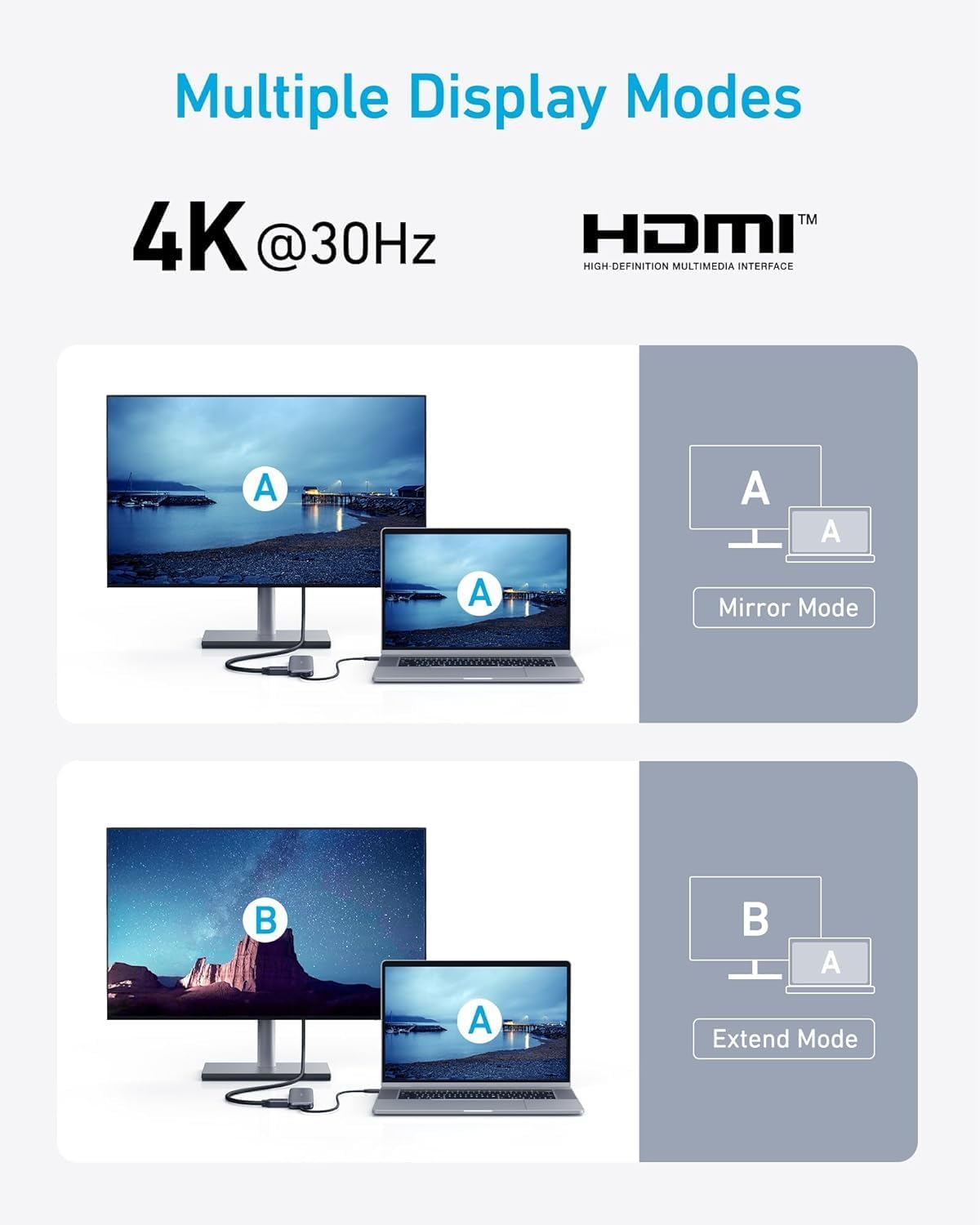
The hub supports HDMI output with resolutions up to 4K@30Hz. That’s enough for typical productivity, streaming, and screen mirroring, especially if you’re not chasing high-refresh gaming.
There’s a limitation to keep in mind: it’s “up to 4K@30Hz”, so if you’re expecting buttery-smooth motion on a high refresh rate display, this is likely to feel like a ceiling rather than a starting point.
Key limitations before you buy
Two things are easy to miss when you’re comparing hubs:
- Pass-through charging won’t magically work on its own — it requires a compatible charger, and the input note says the charger is not included.
- The USB-C ports do not support video output. HDMI is the video path here, not the USB-C data connection.
If you already have a charger you trust and you’re happy using HDMI for the display, the design makes a lot of sense.
Tech specs
- Type: USB-C hub / USB-C to HDMI splitter (5-in-1)
- HDMI output: Supports up to 4K@30Hz
- USB-C data port: 5Gbps (up to)
- USB-A data ports: 2× powered USB-A, 5Gbps (up to)
- Charging passthrough: up to 85W pass-through
- Power input: 100W PD-in
- Note: USB-C ports do not support video output
Should you buy it?
It makes sense if you want a straightforward desk-or-travel hub: HDMI for mirroring/streaming to an external monitor, plus USB-C and USB-A ports for peripherals and quick file transfers, while keeping your laptop charged through passthrough.
You may want to skip it if you’re specifically looking for USB-C video output (because this model routes video via HDMI), or if you’re expecting high refresh performance beyond 4K@30Hz.
Worth considering if your setup is MacBook Pro, MacBook Air, Dell or similar modern laptops that need a compact way to expand connectivity without turning your cables into a mess.
Mini FAQ
Getting the most from pass-through charging
Pass-through charging requires a charger (not included), so check you have one that can supply what your laptop needs.
Does the hub output video via the USB-C port?
No. The USB-C ports don’t support video output, HDMI is where display works.
What speed is it for transferring files?
The USB-C and USB-A data ports are rated for up to 5Gbps for file transfer.
What HDMI quality can I expect?
It supports up to 4K@30Hz, which is fine for many work and media uses, but may not suit anyone targeting higher frame rates.
What’s included in the box?
You get the Anker 332 USB-C hub, a welcome guide, and an 18-month warranty, plus customer service support.