

iVANKY 4K@144Hz 8-in-1 Docking Station for ROG Ally, Steam Deck OLED, Legion Go & more
Product description
If you want your handheld gaming device to feel more like a proper living-room setup, a docking station is often the most practical upgrade. The iVANKY 4K@144Hz 8-in-1 Dock is designed to add a handful of everyday ports in one place, so you can plug in a monitor, network, and accessories without fiddling around every time.
That said, it’s not perfect “set and forget” kit for every scenario. Some performance claims depend on your specific device settings and what you’re connecting, and charging speeds can be capped by the console you use. Still, for the right buyer, this dock looks like a sensible mid-range connectivity hub.
The essentials
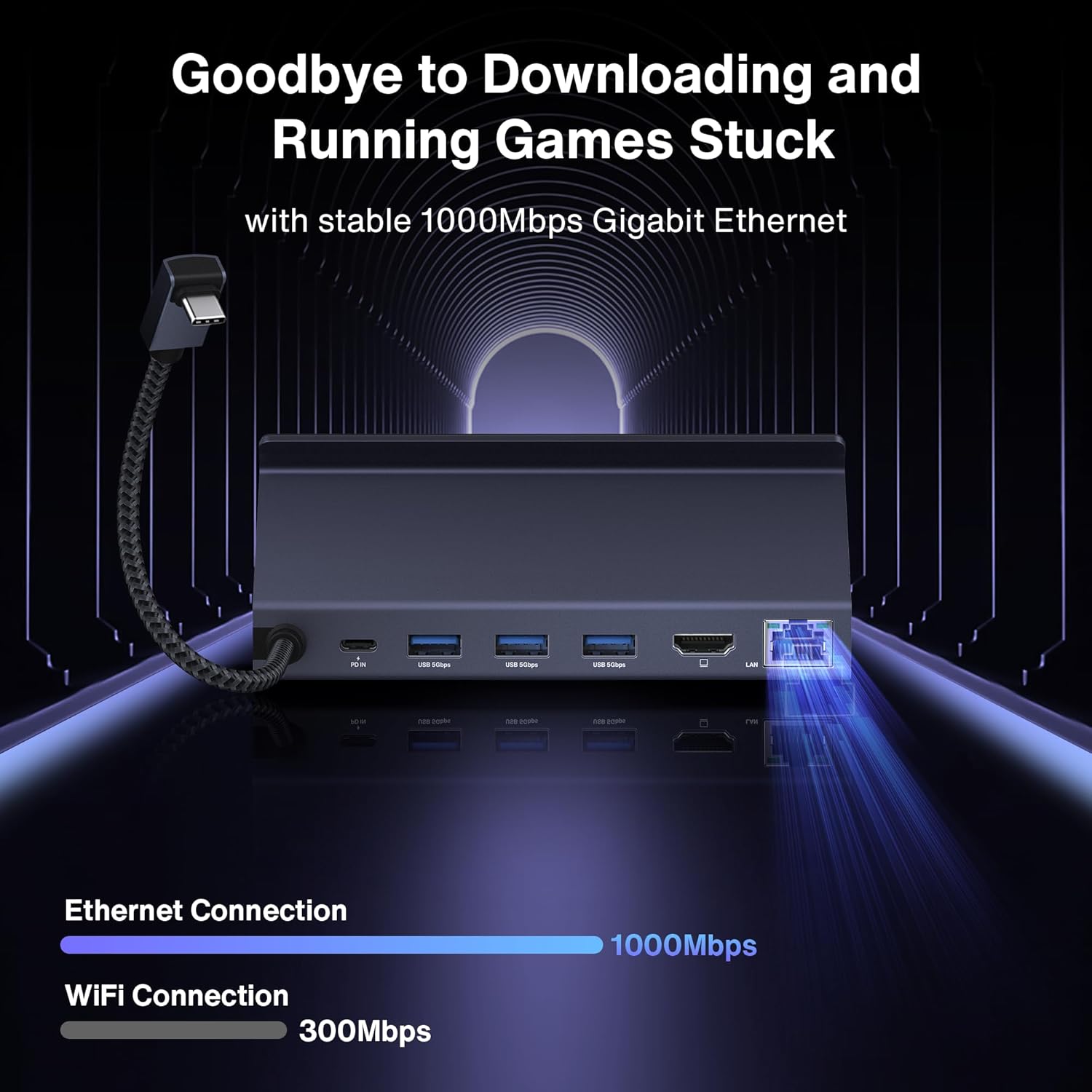
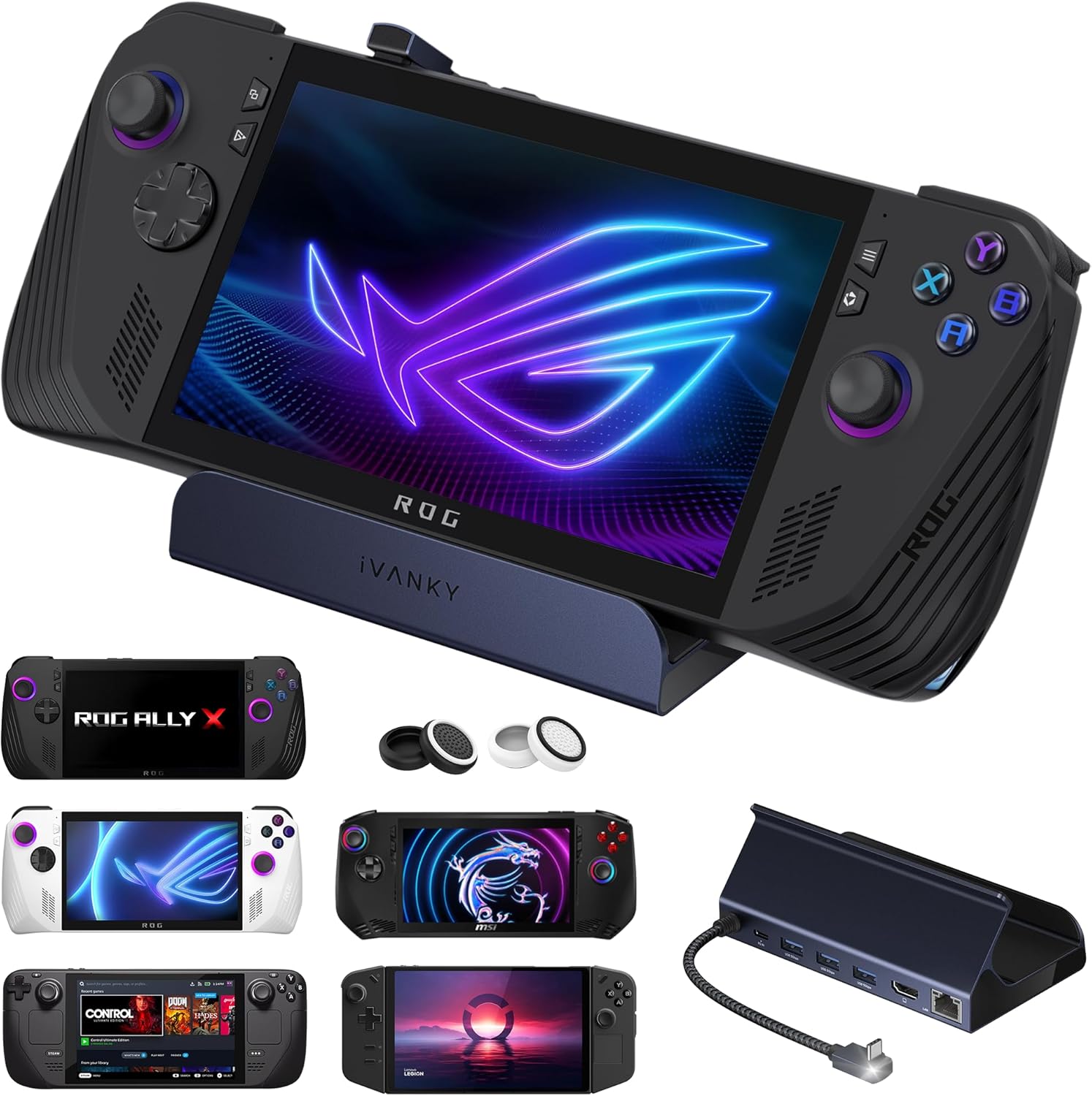
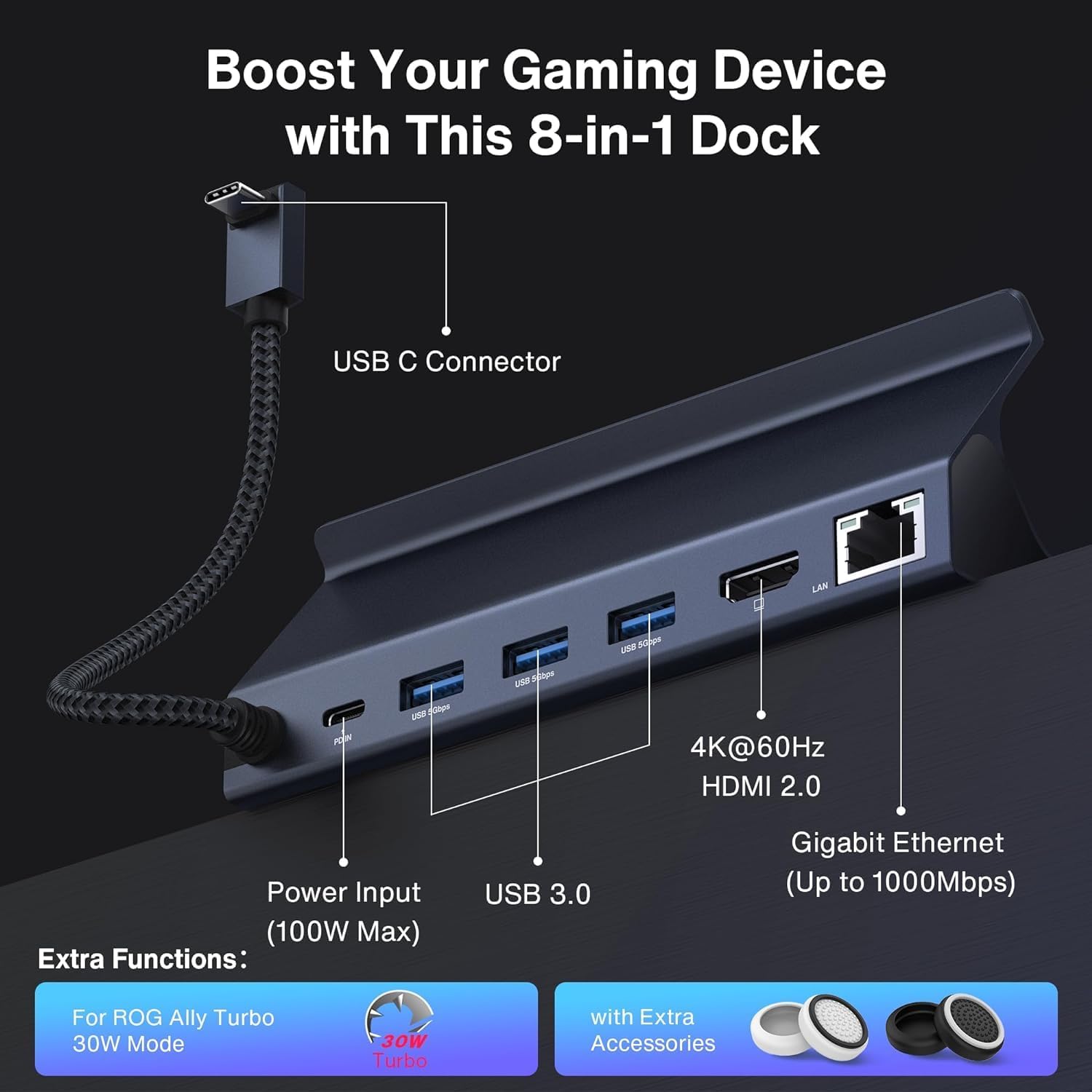
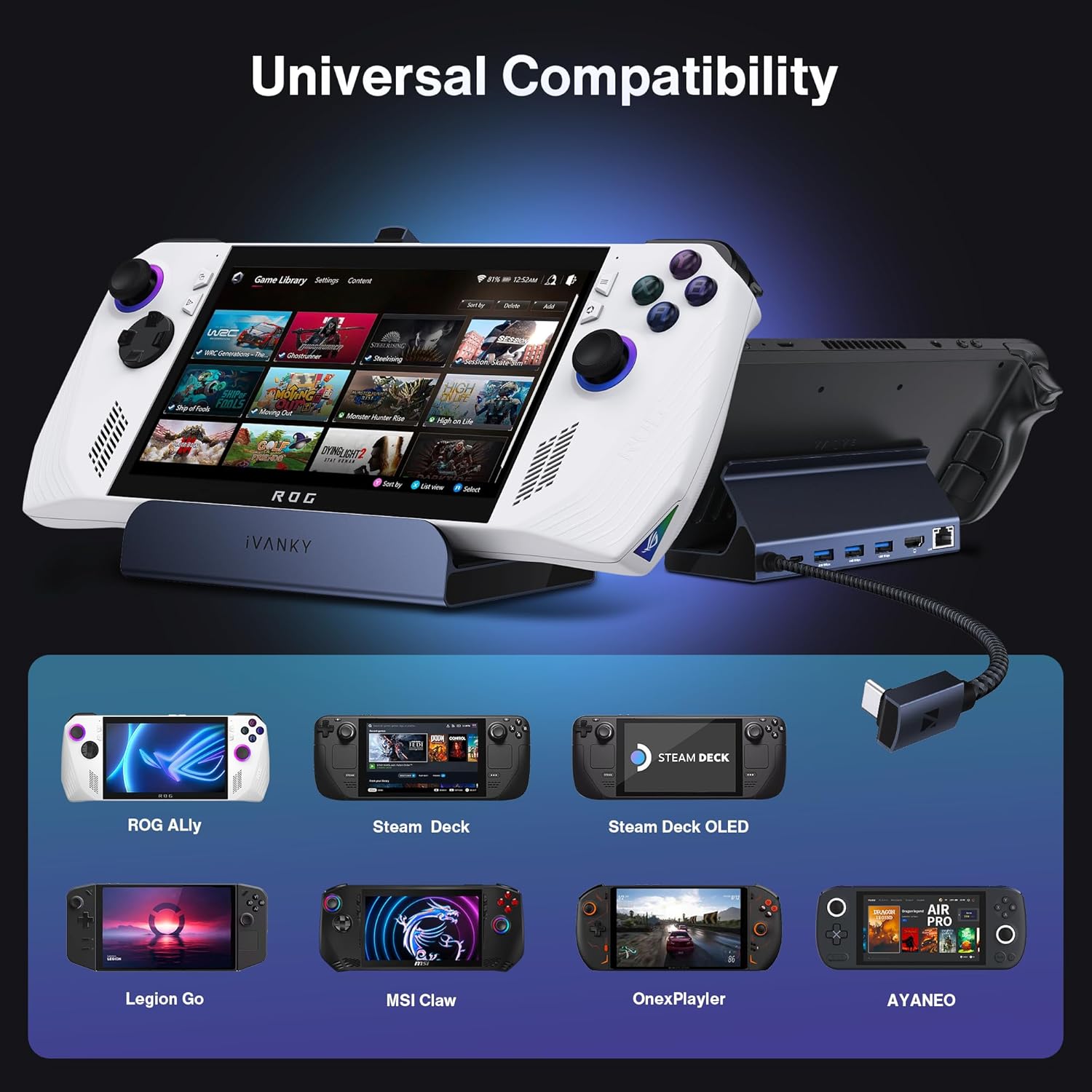
This iVANKY dock is an 8-in-1 hub aimed at popular gaming handhelds such as ASUS ROG Ally (including Ally X mentioned in the name), Steam Deck OLED, Valve Stream Deck OLED, Legion Go, and MSI Claw. On paper, it focuses on three things: a high-spec HDMI output (HDMI 2.1 with 4K@144Hz), wired networking via 1Gbps Ethernet, and a set of USB-A 3.0 ports alongside a charging-focused USB-C connection.
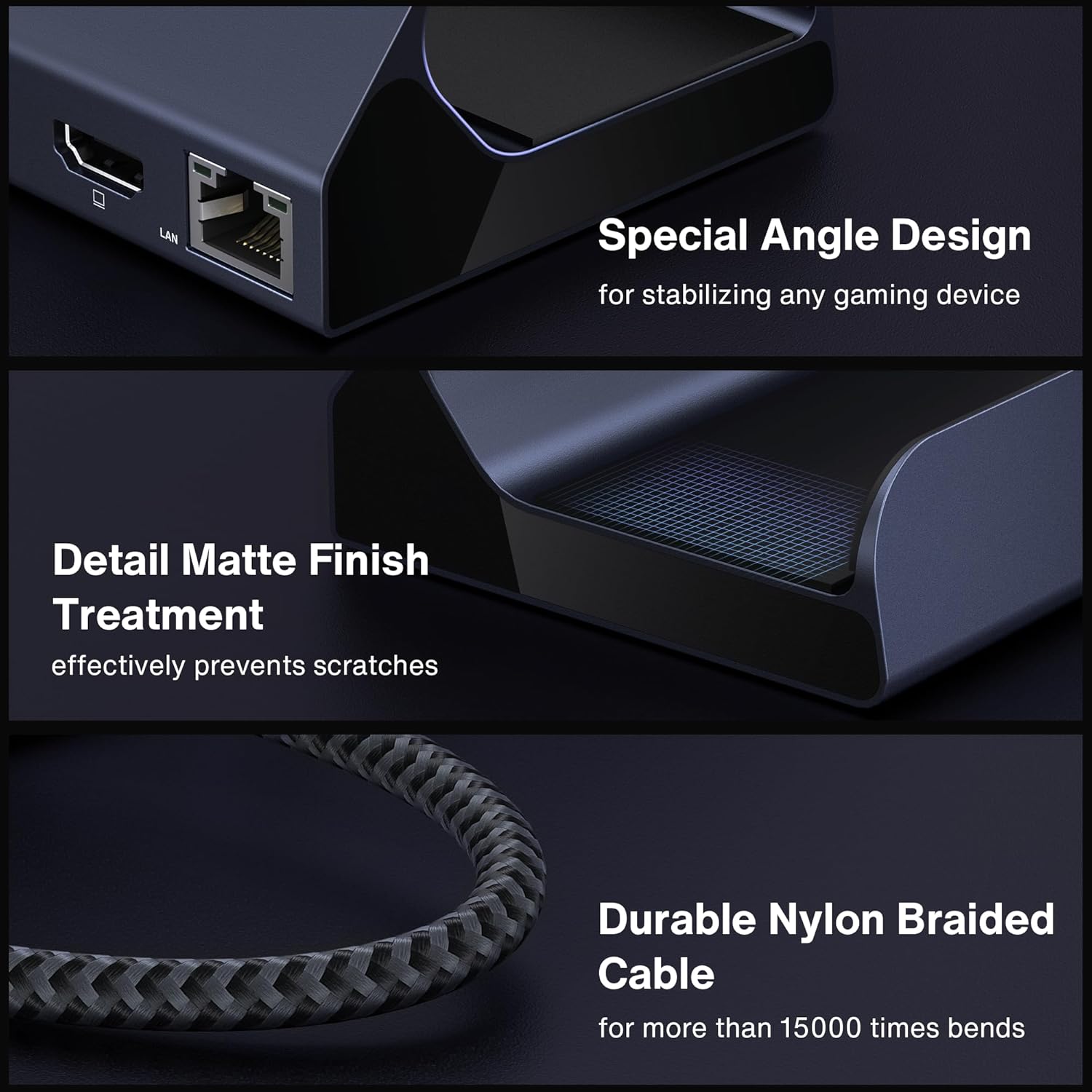
A small but useful extra in the listing is that it includes two joystick caps, intended to help protect joysticks from friction and scratches when you’re moving it about.
Where it shines for everyday gaming
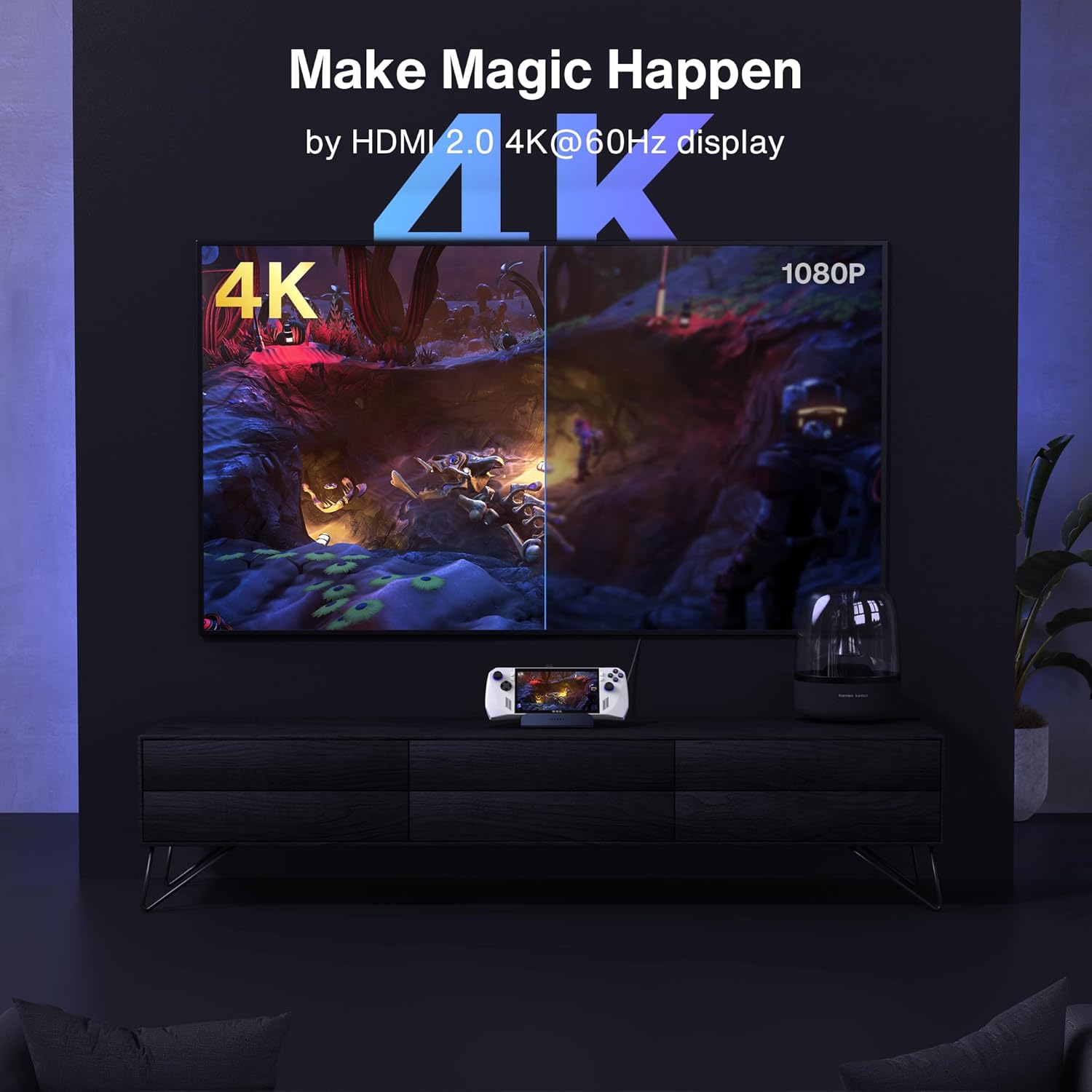
The most obvious “why this exists” feature is the HDMI 2.1 output paired with 4K@144Hz support. If you’ve been using your handheld on a small screen and want smoother visuals on a compatible external monitor, this is the core reason people buy a dock like this.
In practical terms, it’s the kind of setup where you come home, connect one HDMI cable to your monitor, plug Ethernet if you care about stable online play, and use the USB ports for peripherals. For many players, that’s the real win: less cable swapping and a more consistent experience.
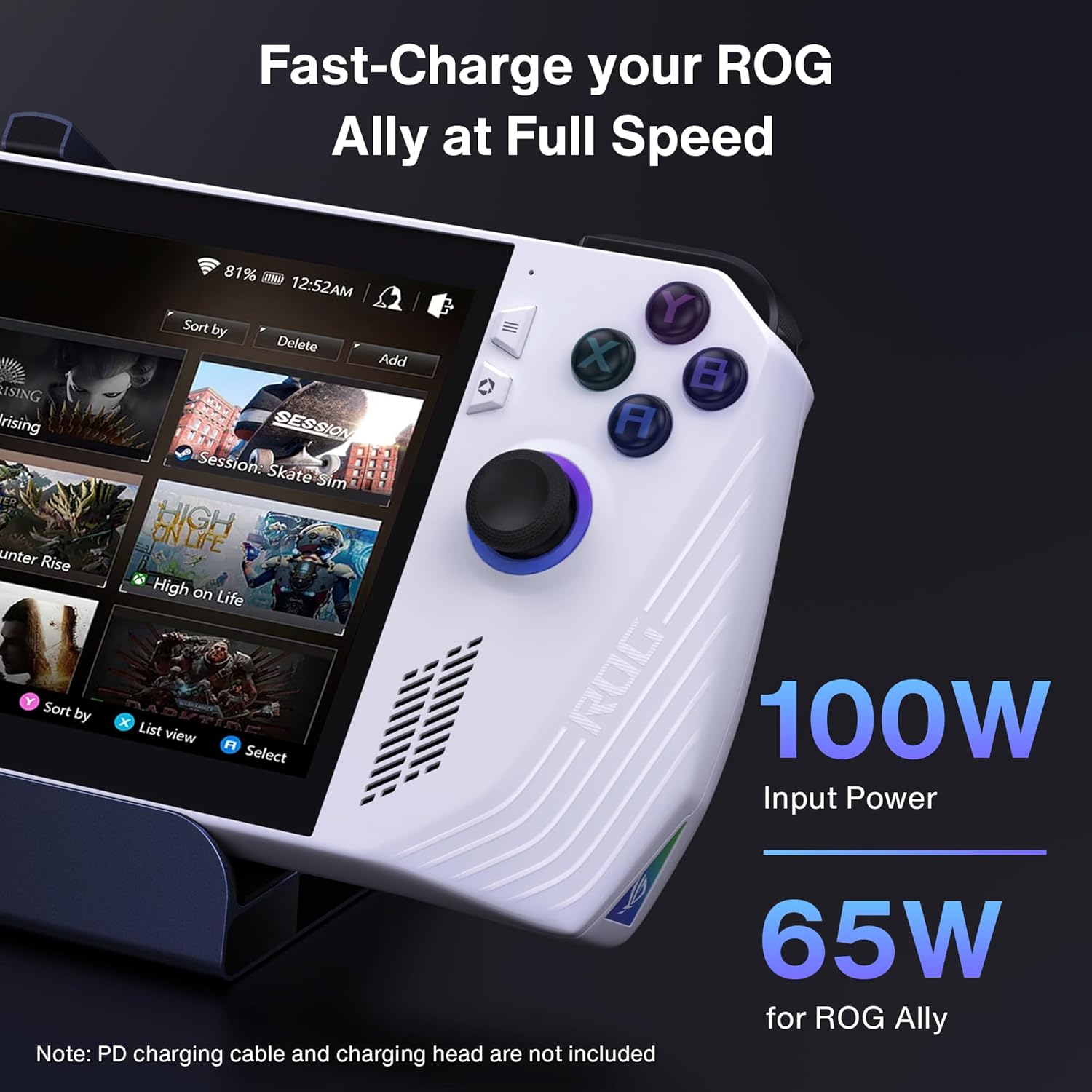
There’s also a strong emphasis on charging. The dock supports up to 100W power delivery via USB-C, which should help keep your handheld topped up while you’re using the external display and accessories.
Key points to check before buying
Before you commit, it’s worth reading the listing details carefully because compatibility and “maximum performance” often have caveats.
Firstly, the base description points to a BIOS update requirement for the ROG Ally, referencing BIOS version 323 and a “30W Turbo Mode” compatibility approach. That can matter if you were hoping for full functionality straight away. If you’re not comfortable updating BIOS, you may want to double-check how your device behaves without it.
Secondly, the charging speed is not universal across devices. The listing notes that Steam Deck max charging is 45W, while ROG Ally reaches 65W. So even though the dock can deliver up to 100W, your handheld may not actually draw that peak.
Finally, “4K@144Hz” is only as good as your monitor, your cables, and your device output settings. It’s not something you can assume will be achieved at all times.
Tech specs that matter in practice
- HDMI 2.1 output with 4K@144Hz support
- 1Gbps Ethernet
- 3× USB-A 3.0 ports
- Rapid-charging USB-C port with up to 100W power delivery
One more practical note from the listing: this is positioned as a gaming docking station, so the port mix is aimed at peripherals and stable connectivity rather than office-style extras.
What you’ll notice day to day (and what you won’t)
If you’re someone who plays handheld games docked to a TV or monitor, the day-to-day difference is mostly about convenience. Having HDMI, Ethernet, and multiple USB-A ports in one dock means fewer loose adapters and a tidier desk or entertainment unit.
What it won’t magically solve is setup variables outside the dock itself. If your monitor doesn’t support the refresh rate you’re targeting, or if your handheld output settings don’t line up, you may still get a solid external-display experience—but not necessarily the “headline” spec.
It also sits in the “connectivity hub” category more than a “bespoke gaming desktop replacement”. If your expectation is that it will cover everything perfectly for every device and every output mode without any configuration, it might feel a bit limited.
Care & maintenance
There’s nothing overly complicated here, but because it includes physical ports and joystick caps, it’s sensible to treat it like a regular accessory rather than a throw-around gadget. Avoid snagging cables on the go, keep the port openings free of dust, and wipe it down if you’ve got it on a slightly dusty shelf. The joystick caps are intended to reduce friction and scratches, which suggests the manufacturer expects some travel or movement.
In the box
The listing mentions a 8-in-1 dock and includes two joystick caps for protection. Beyond that, no extra bundle items are clearly detailed in the information provided.
Is it worth it?
It makes sense if you want a single docking station to drive an external 4K HDMI monitor with HDMI 2.1, add wired 1Gbps Ethernet, and keep multiple USB-A 3.0 devices connected—while also charging your handheld through USB-C. If you prioritise convenience and a cleaner living-room setup, this iVANKY dock looks like it could earn its place.
You may want to skip it if you’re not willing to deal with device-specific requirements (like the ROG Ally BIOS update reference) or if your setup realistically can’t take advantage of 4K@144Hz. Also, if you expected identical peak charging across different handhelds, keep in mind the listing’s own note about charging caps.
For buyers weighing this against a simpler dock with fewer ports, the added Ethernet and the USB port count are usually the practical difference. For buyers expecting a plug-and-play experience with guaranteed headline performance on every device, it might not suit.
Mini FAQ
Does it support 4K at high refresh rates?
The dock is listed as offering HDMI 2.1 output with 4K@144Hz support, but real-world results depend on your device and monitor compatibility.
How fast does it charge?
It supports up to 100W power delivery, but the listing states Steam Deck max charging is 45W and ROG Ally reaches 65W.
Do I need to update my BIOS for ROG Ally?
The description references upgrading to BIOS version 323 to experience compatibility with a 30W Turbo Mode. Whether you need it depends on your device and what you’re trying to achieve.
What ports are included?
According to the listing, you get 1Gbps Ethernet, an HDMI port (HDMI 2.1), three USB-A 3.0 ports, and a rapid-charging USB-C connection.
Is it covered by a warranty?
The listing mentions a 12-month worry-free warranty with responsive customer service and a replacement offer if you run into problems.