

UGREEN Revodok Pro 210 10‑in‑1 USB‑C Docking Station
Reviews
Price
Product description
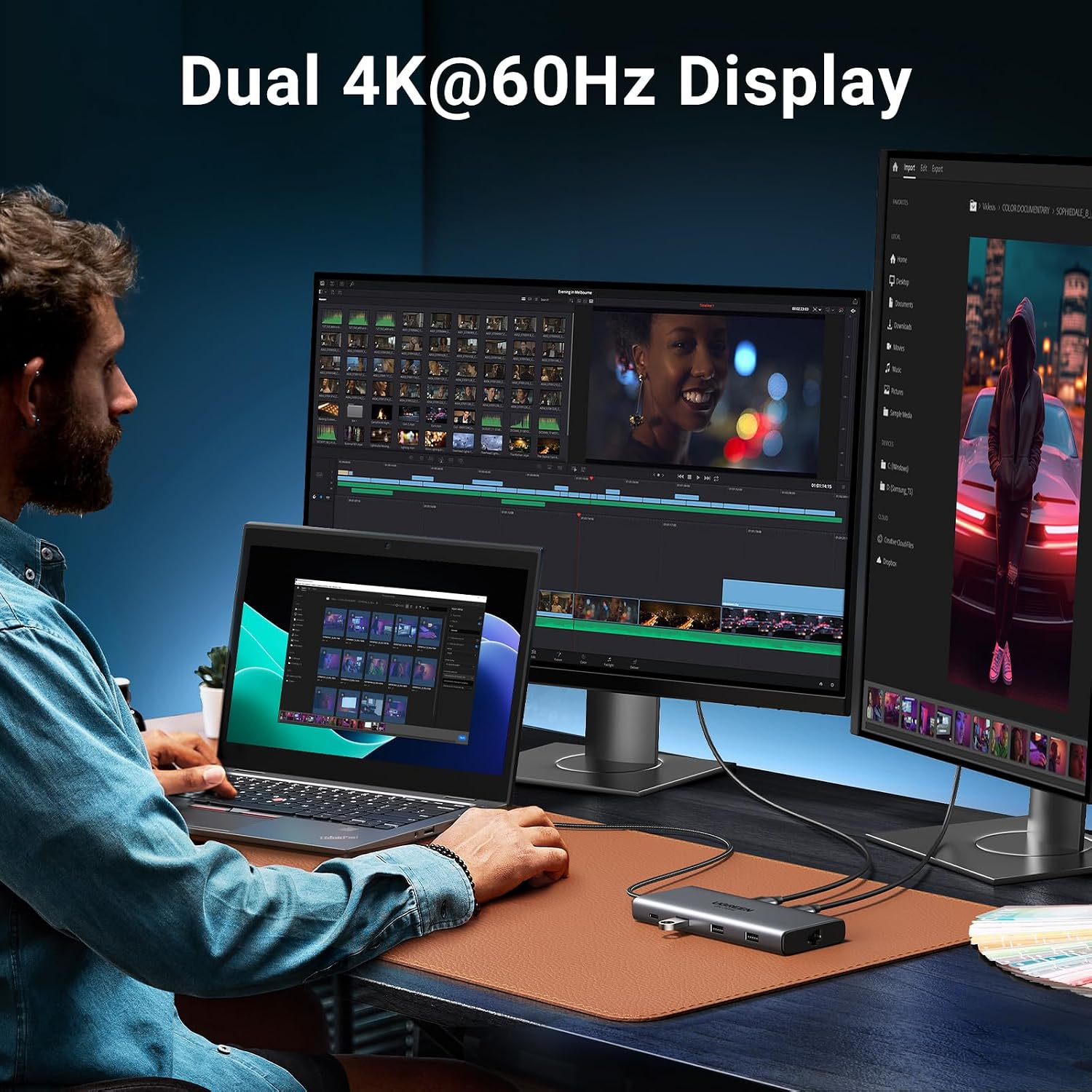
This compact USB-C docking station expands a laptop's ports to support desktop workflows and multi‑display setups, combining display output with high‑speed data and power delivery for extended working sessions. If you need a USB C docking station with dual 4K support for connecting two monitors while charging your laptop, this UGREEN hub offers a balanced mix of video, networking and peripheral connectivity.
Key Points
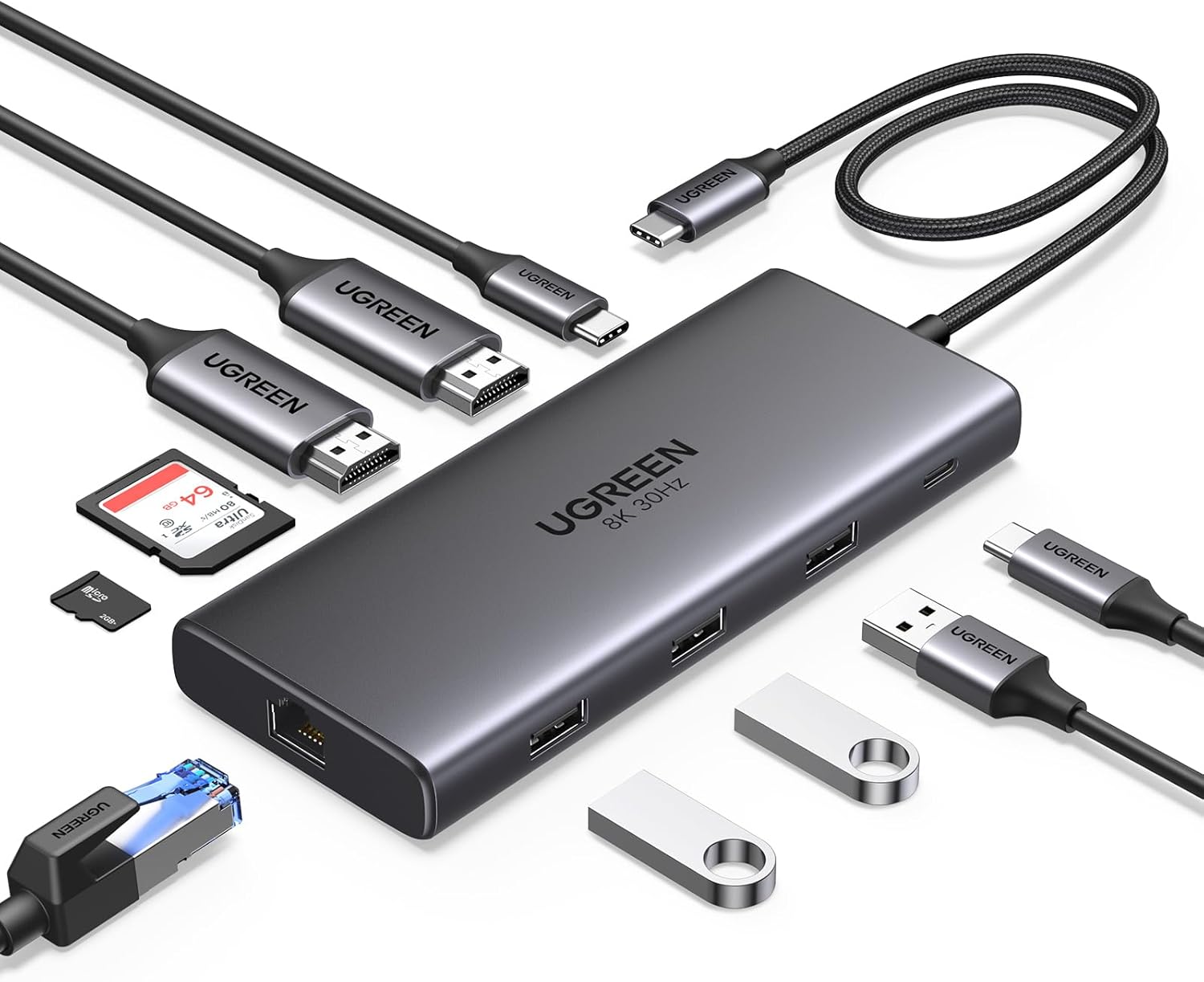
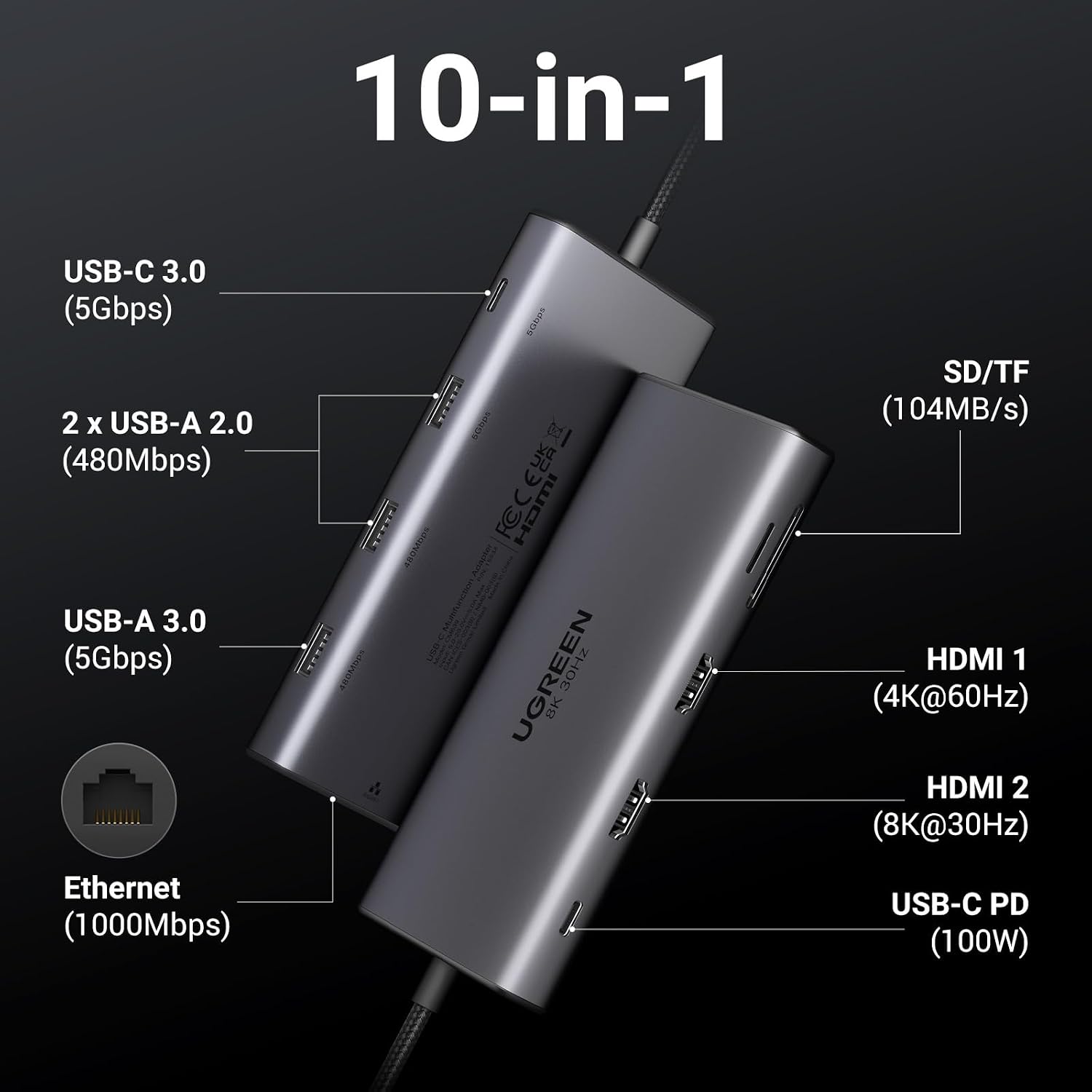
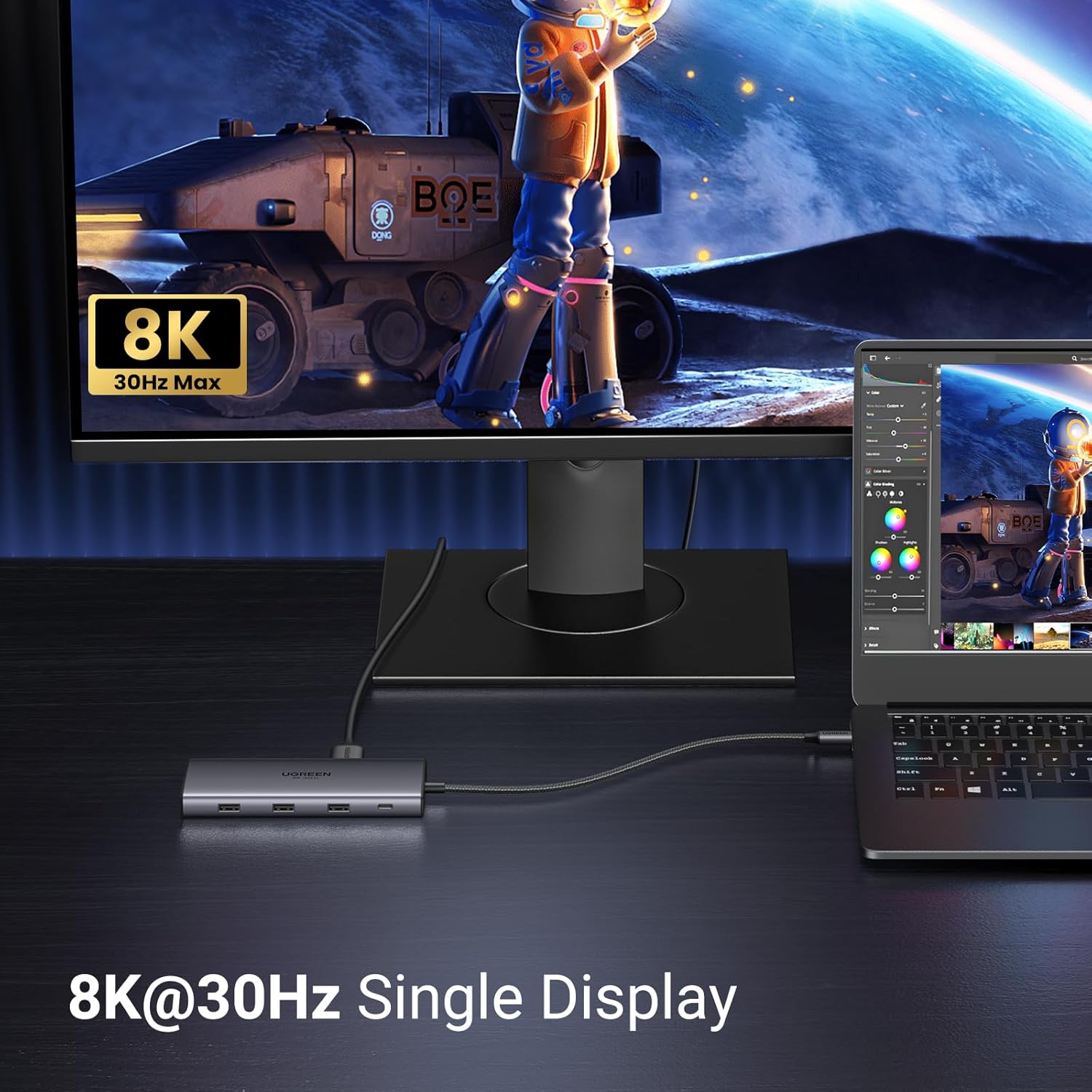
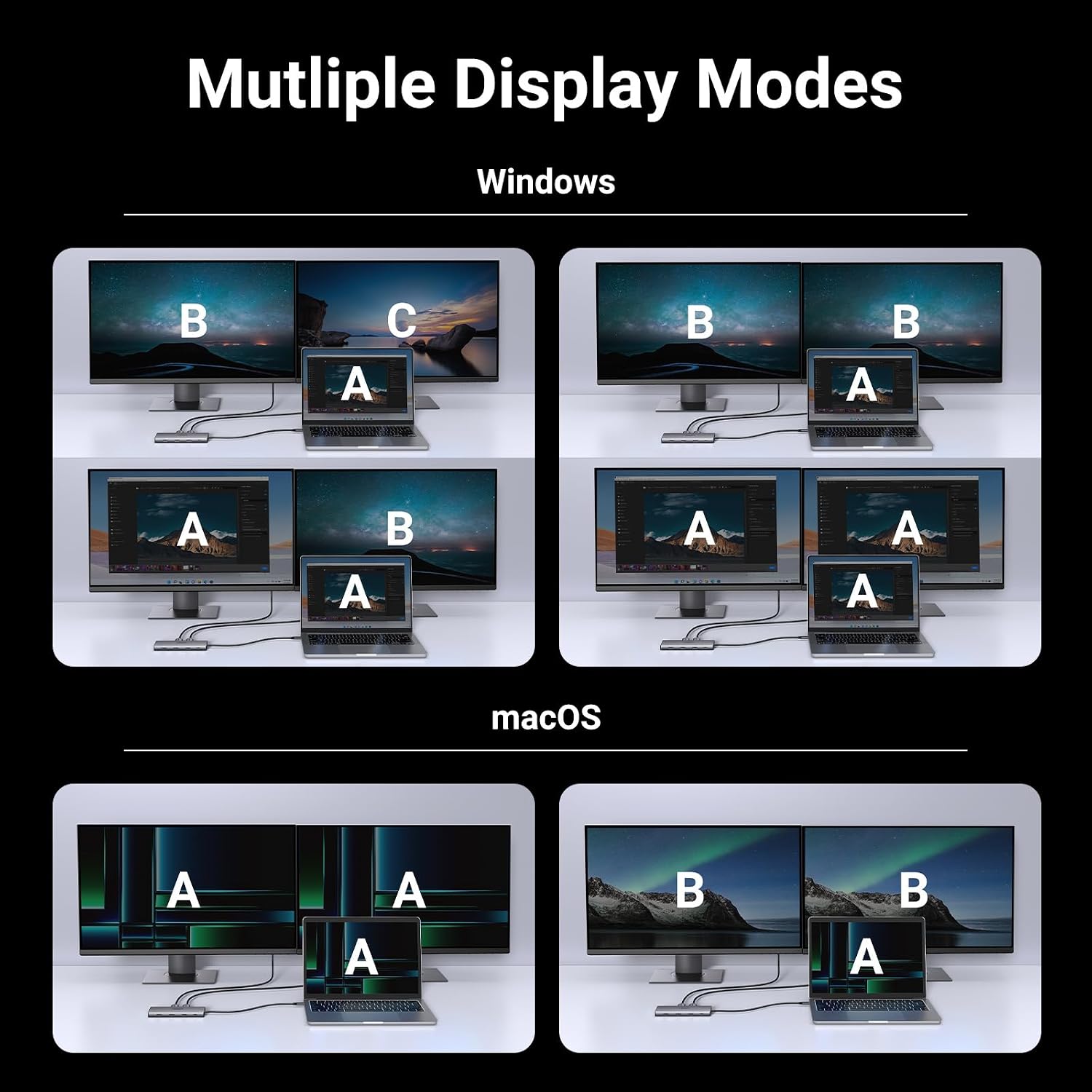
This hub provides two HDMI outputs that handle one 8K@30Hz and one 4K@60Hz monitor depending on the host's DisplayPort version, so it can suit both high‑resolution video editing and office productivity. It includes a dedicated USB-C PD input rated at 100W PD, which allows charging of many laptops while the dock consumes part of the power. For wired networks there is a Gigabit Ethernet port for stable 1000 Mbps connections, useful when wireless is unreliable. The unit also gathers several data ports in a small chassis, making it easier to connect external drives, a mouse and keyboard without swapping cables. Note that macOS may mirror external displays rather than extend them, and the host port must support video output for HDMI to function.
Technical Specifications
- Name: UGREEN Revodok Pro 210
- Video outputs: HDMI (1× 4K@60Hz, 1× 8K@30Hz, dependent on host DP version)
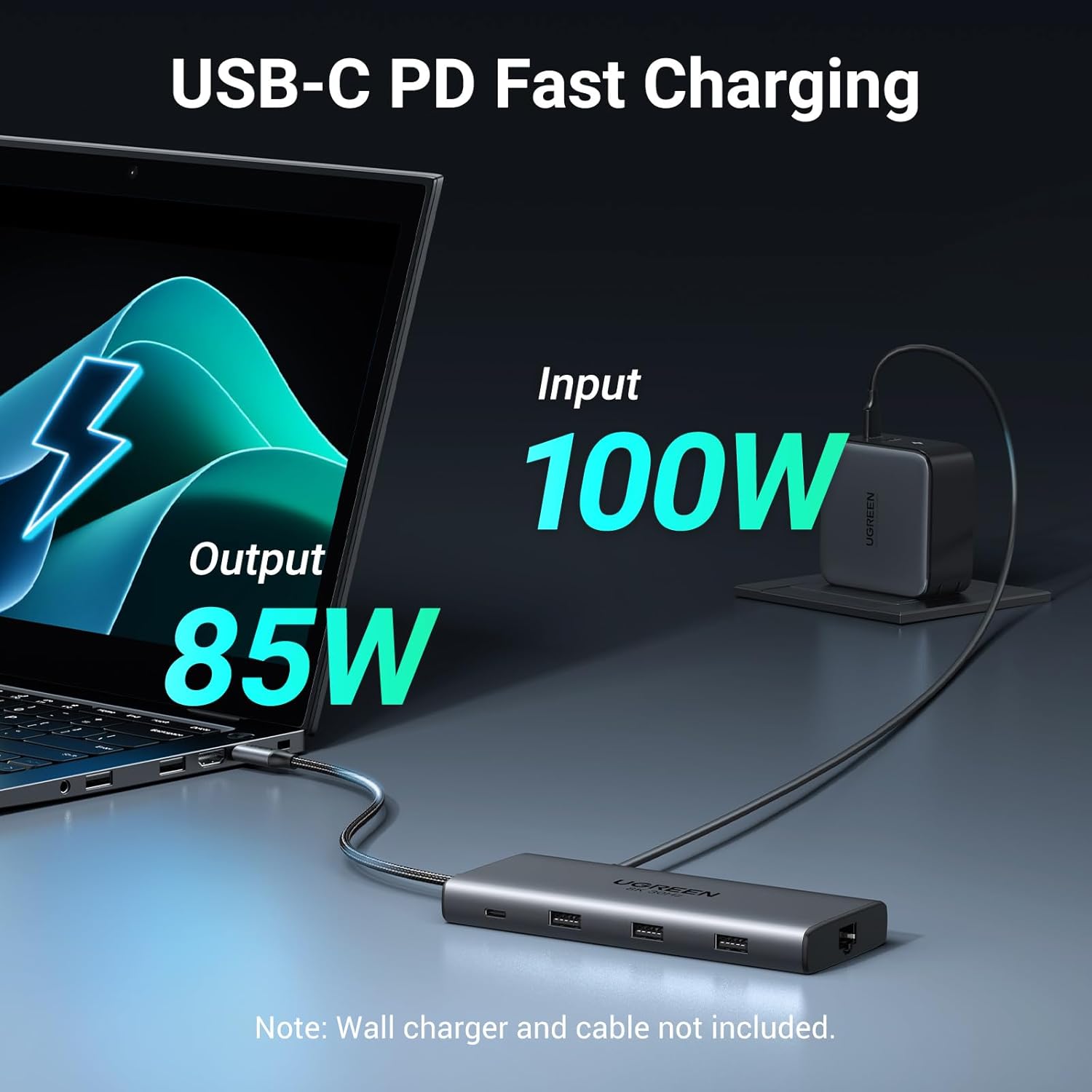
- Power Delivery: 100W PD input, supplies up to 85W to host according to the manufacturer
- Network: Gigabit Ethernet RJ45, up to 1000 Mbps
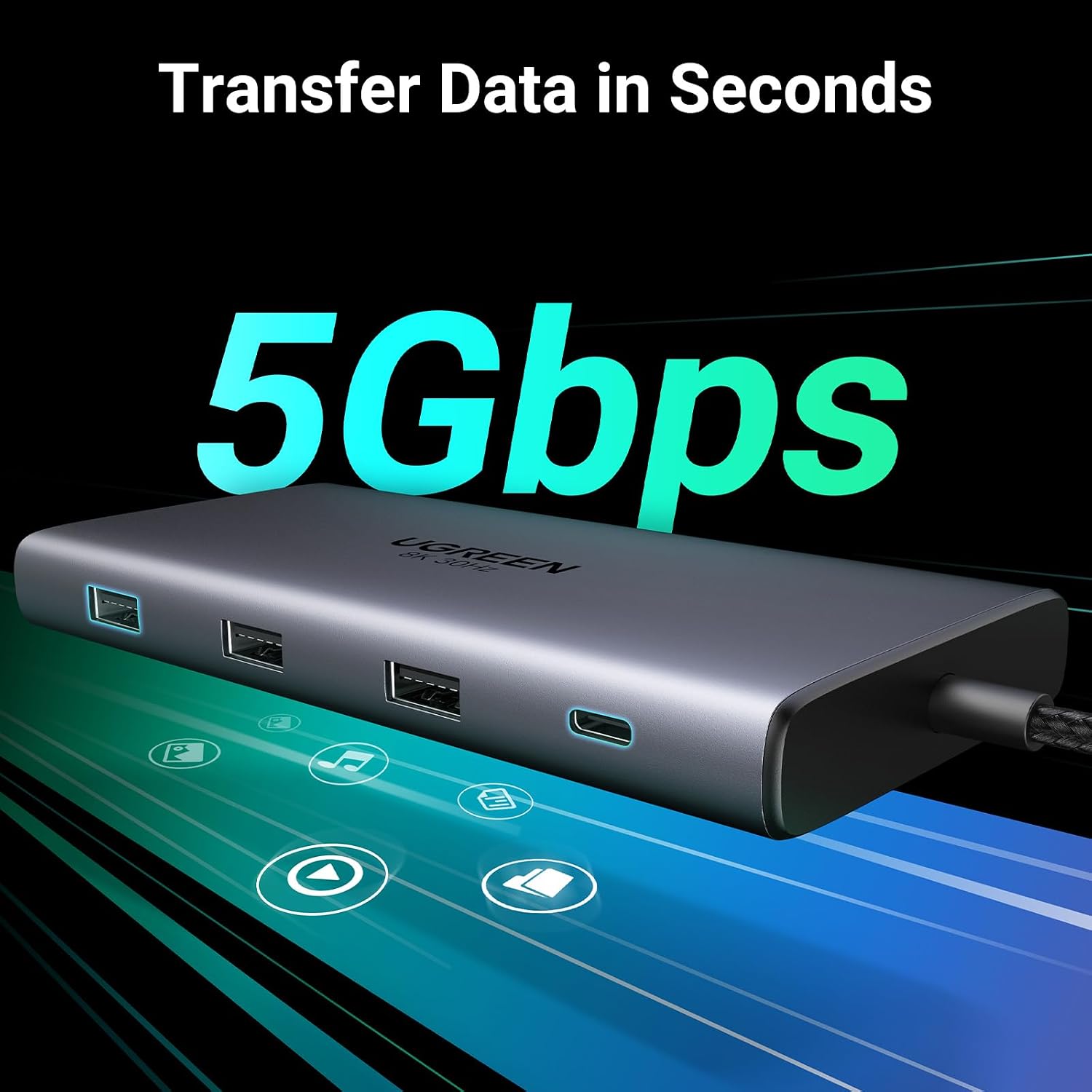
- USB ports: 4x 5Gbps USB data ports (including USB-C and USB-A), plus 2x USB 2.0 ports
- Card reader: SD and TF slots
- Compatibility: Windows, macOS, iPadOS, many USB-C laptops and tablets
Usage Recommendations
For the best display results, confirm your laptop’s USB-C port supports DisplayPort 1.4 when planning to use the 8K output. If your system only supports DP1.2, expect a maximum of 4K@30Hz on the secondary output. When connecting multiple high‑power devices, avoid drawing heavy loads from the dock’s data ports because the hub itself uses part of the PD budget; this dock typically delivers around 85W to the host while reserving 15W for its own operation. 😊
If you plan to use the dock with tablets, remember that many tablets only support mirror mode for external displays. The Ethernet connection is helpful for stable online gaming or large file transfers, although actual network speed may depend on your router and cabling. ⚡️