

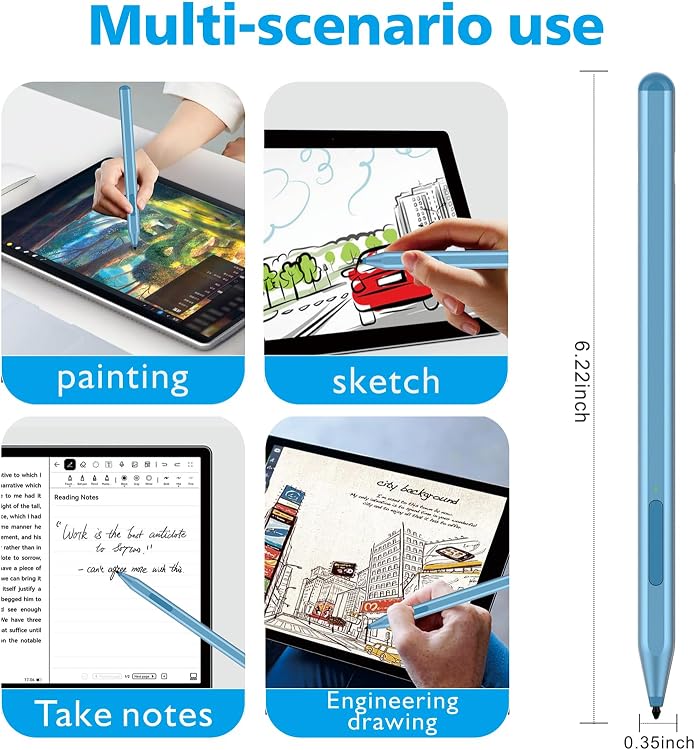
Milikilo F97 Surface Stylus Pen, 1,024 Pressure Levels, Tilt and Palm Rejection
Product description
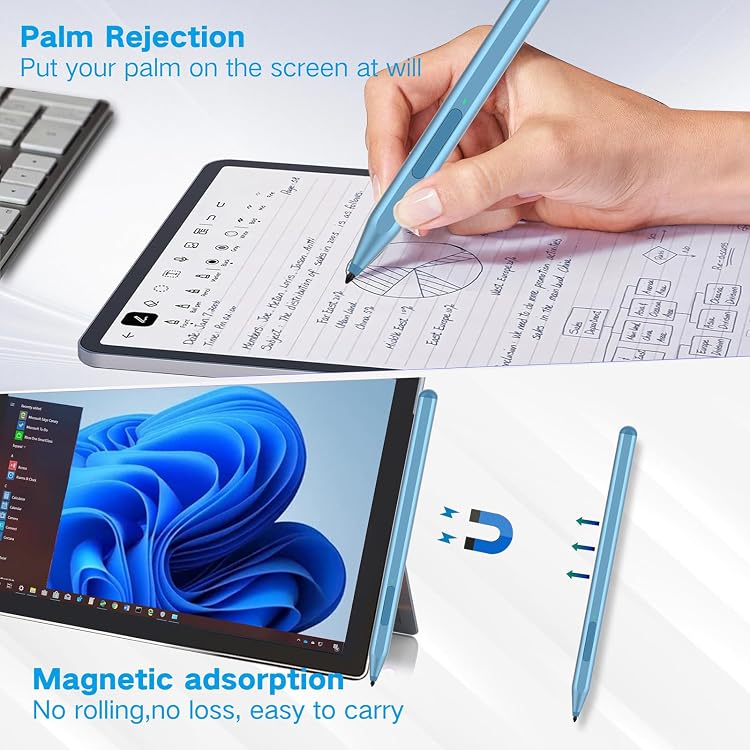
Take handwritten notes in class or mark up a document on a compatible Surface device with the Milikilo F97 stylus. Its palm rejection lets you rest your hand on the screen while writing or drawing.
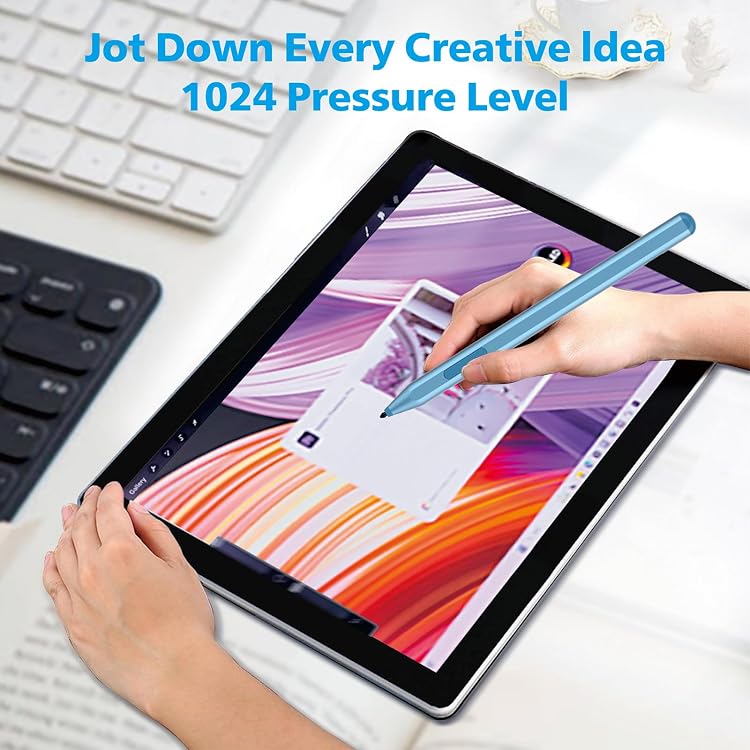
Need one pen for notes, sketching, and shading? The F97 combines 1,024 pressure levels with tilt support, so pressure and pen angle can shape your strokes.
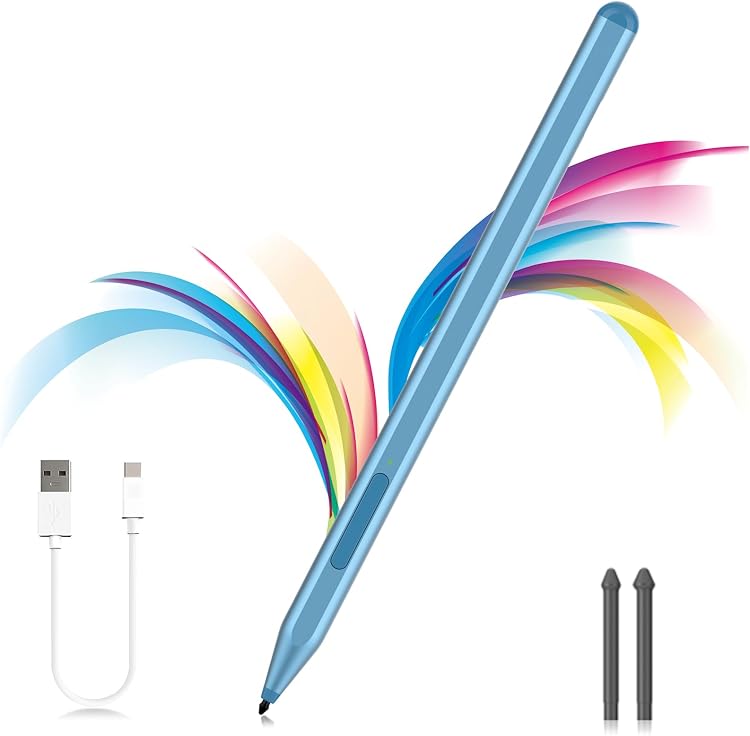
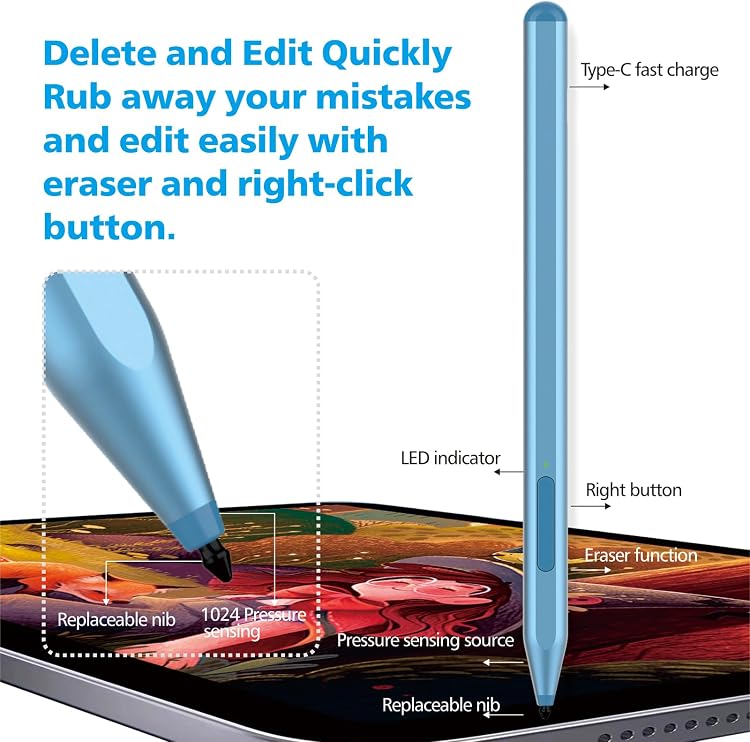
Two side buttons provide eraser and right-click functions, while the magnetic design helps keep the stylus close to a compatible device.
Highlights
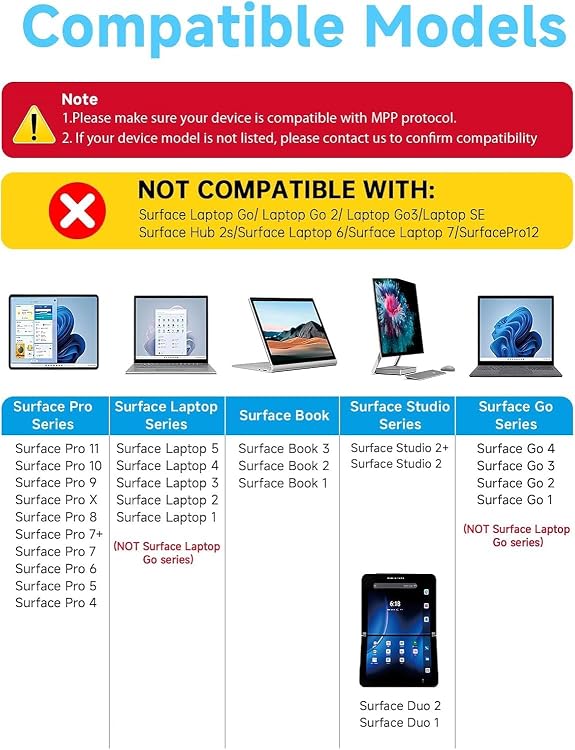
The F97 is designed for Microsoft Surface devices that support the MPP protocol. Its 1,024 pressure levels support controlled writing and drawing, and tilt can make strokes thicker for outlining or shading. Tilt response depends on the app and selected brush, making it useful to consider your drawing software as part of the setup.
The upper side button functions as a right-click, and the lower button works as an eraser. An aluminum body, weighing 14 g, gives the pen a lightweight feel for note-taking sessions or creative work. Magnetic attachment offers a handy way to keep it near a compatible Surface device.
Charging takes 40 minutes, and the manufacturer states up to 80 hours of use per charge. The pen enters sleep mode after 10 minutes of inactivity. The box includes a USB-C cable, two replacement nibs, and a user manual. Buyers often praise battery life, while feedback varies on compatibility, magnetic attachment, grip, durability, and button operation.
Usage tips
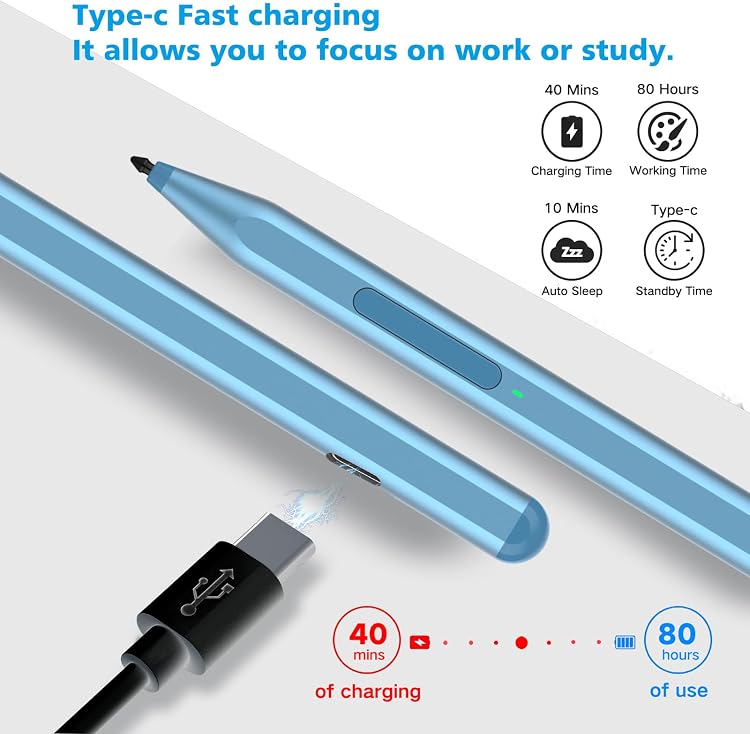
Match the exact device model to the compatibility list before choosing the pen. Supported models include Surface Pro 12, 11, 10, 9, 8, X, 7+/7, 6, 5, 4, and 3, Surface Go 4, 3, 2, and 1, Surface Laptop 1–5, Surface Book 1–3, Surface Studio, and Surface Duo and Duo 2. The manufacturer lists Surface Laptop Go models, Surface Laptop SE, Surface Hub 2S, and Surface Laptop 6 and 7 as incompatible.
For everyday notes, use the lower button to erase and the upper button for right-click actions. When drawing, try tilt with an app and brush that support tilt response. The replaceable nibs give you spares for continued use, and the included USB-C cable is used for charging.
Tips for day-to-day use
The magnetic design can make the pen easier to keep within reach while working at a desk or moving between notes and on-screen tasks. For a longer session, the palm-rejection feature allows your hand to rest on the display as you write. If you pause, the 10-minute sleep mode helps conserve power, recharge the pen with the included cable when needed.
Practical questions
Which Surface devices does the F97 support? It is listed for a range of Surface Pro, Go, Laptop, Book, Studio, and Duo models. Check the exact model against the supported and incompatible lists above, since Surface Laptop Go models, Surface Laptop SE, Surface Hub 2S, and Surface Laptop 6 and 7 are excluded.
Can it be used for drawing and shading? Yes. It offers 1,024 pressure levels and tilt support for varied strokes and shading. Tilt response depends on the app and brush.
What comes in the box? The package includes the F97 pen, a USB-C cable, two replacement nibs, and a user manual.
Should you buy it?
Choose the F97 if you want a Surface-compatible pen for handwritten notes and drawing, with palm rejection, pressure sensitivity, tilt, and dedicated eraser and right-click buttons. Its USB-C charging, replacement nibs, and magnetic design make it a practical fit for keeping a stylus ready for everyday work on a supported device.