

JvKzaen AX10-T iPad Stylus Pen with Tilt Sensitivity and Palm Rejection
Reviews
Price
Product description
A simple touch stylus suits basic screen input, while the JvKzaen AX10-T adds features for handwriting, sketching, and taking notes on compatible iPads.
Its tilt sensitivity and palm rejection support a more natural way to write or draw, and the 0.9 mm tip is designed for precise input.
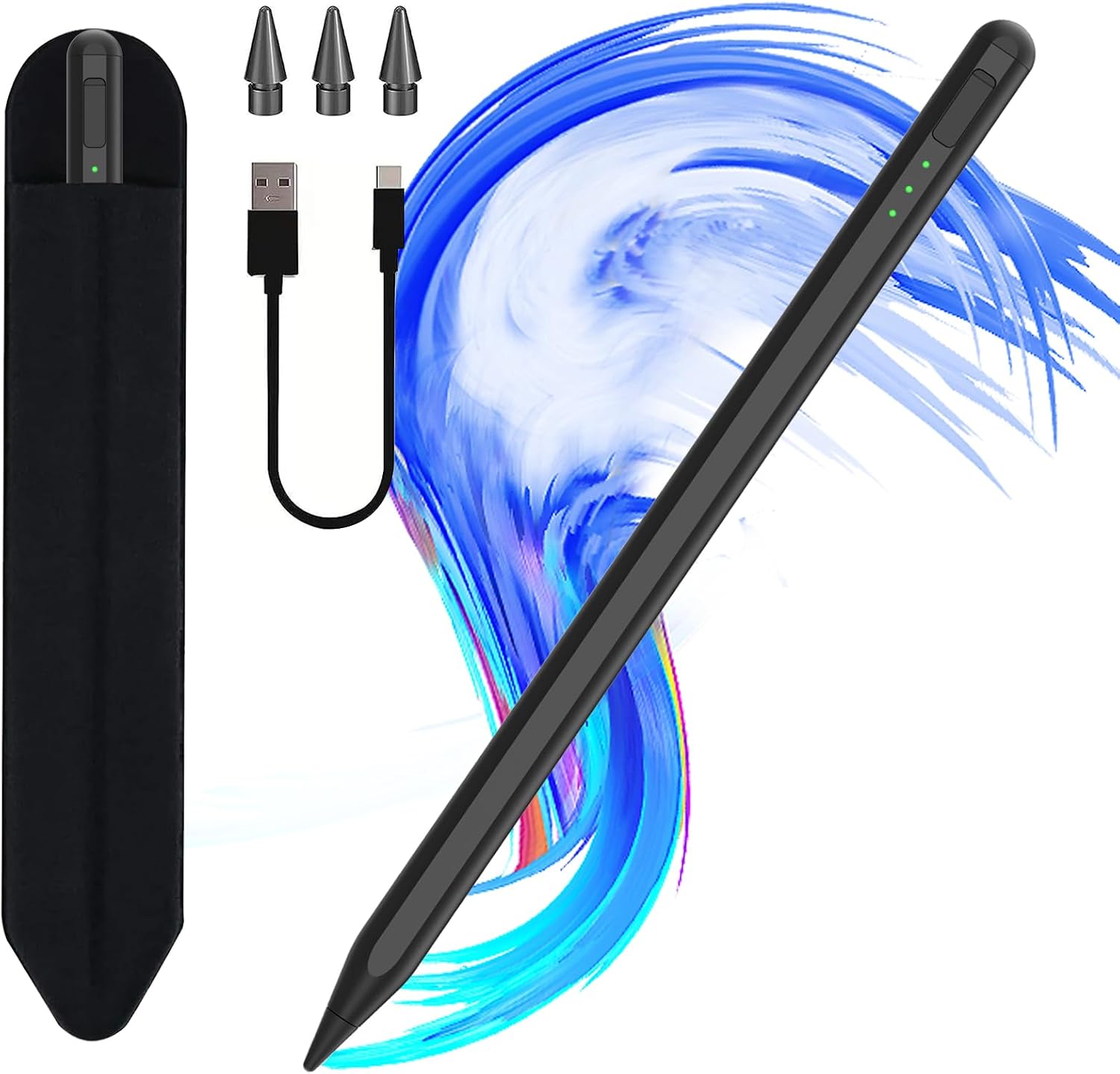
A USB-C charging port, battery indicators, and an adhesive pencil holder make it practical for regular use at a desk, in class, or on the go.
The essentials
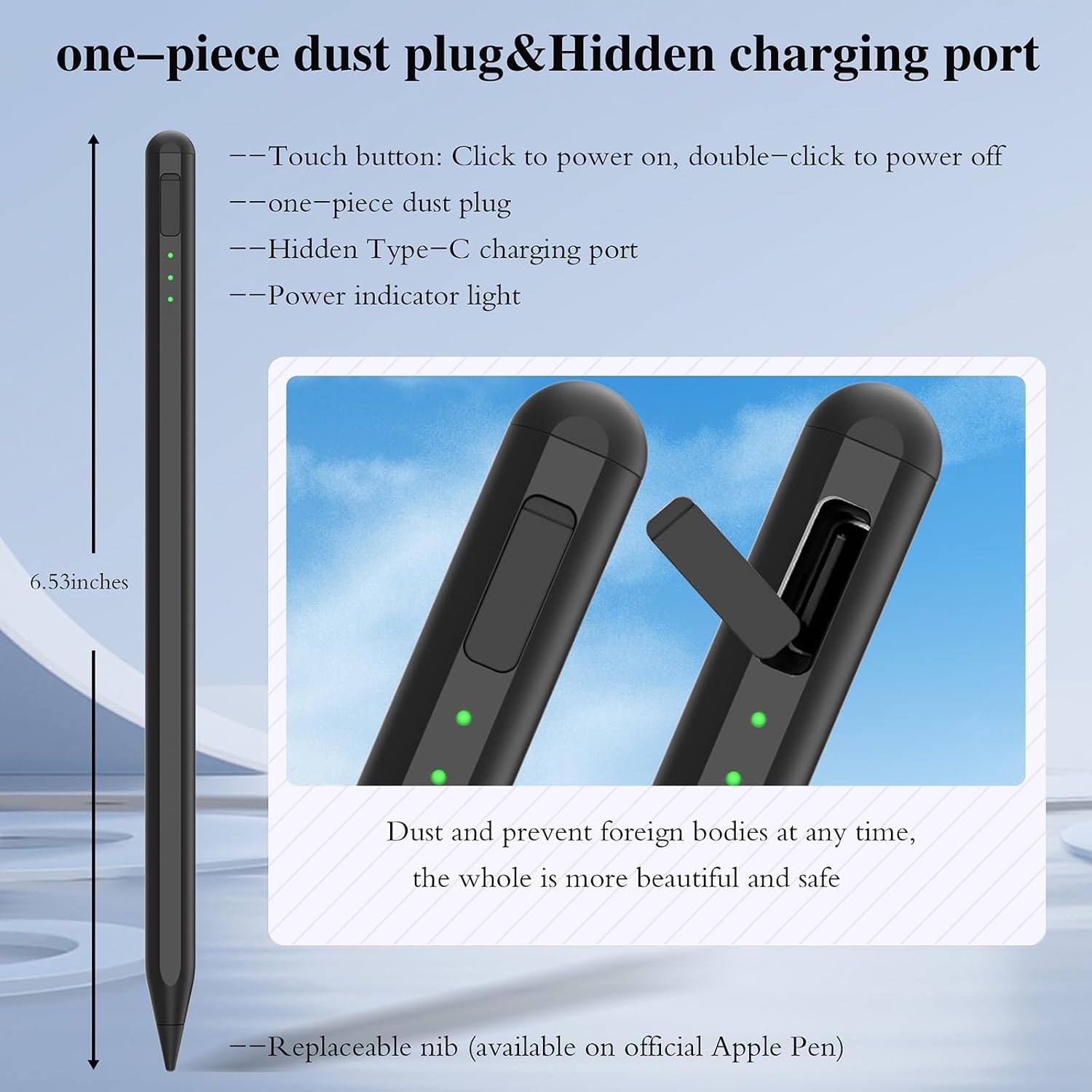
The AX10-T is a black aluminum stylus weighing 13.34 g. Its 0.9 mm POM tip is designed for responsive, precise writing and drawing, while tilt sensitivity lets you vary stroke thickness and depth by changing the angle of the pen. Palm rejection lets you rest your hand on the screen as you work, which is useful for longer notes or sketches.
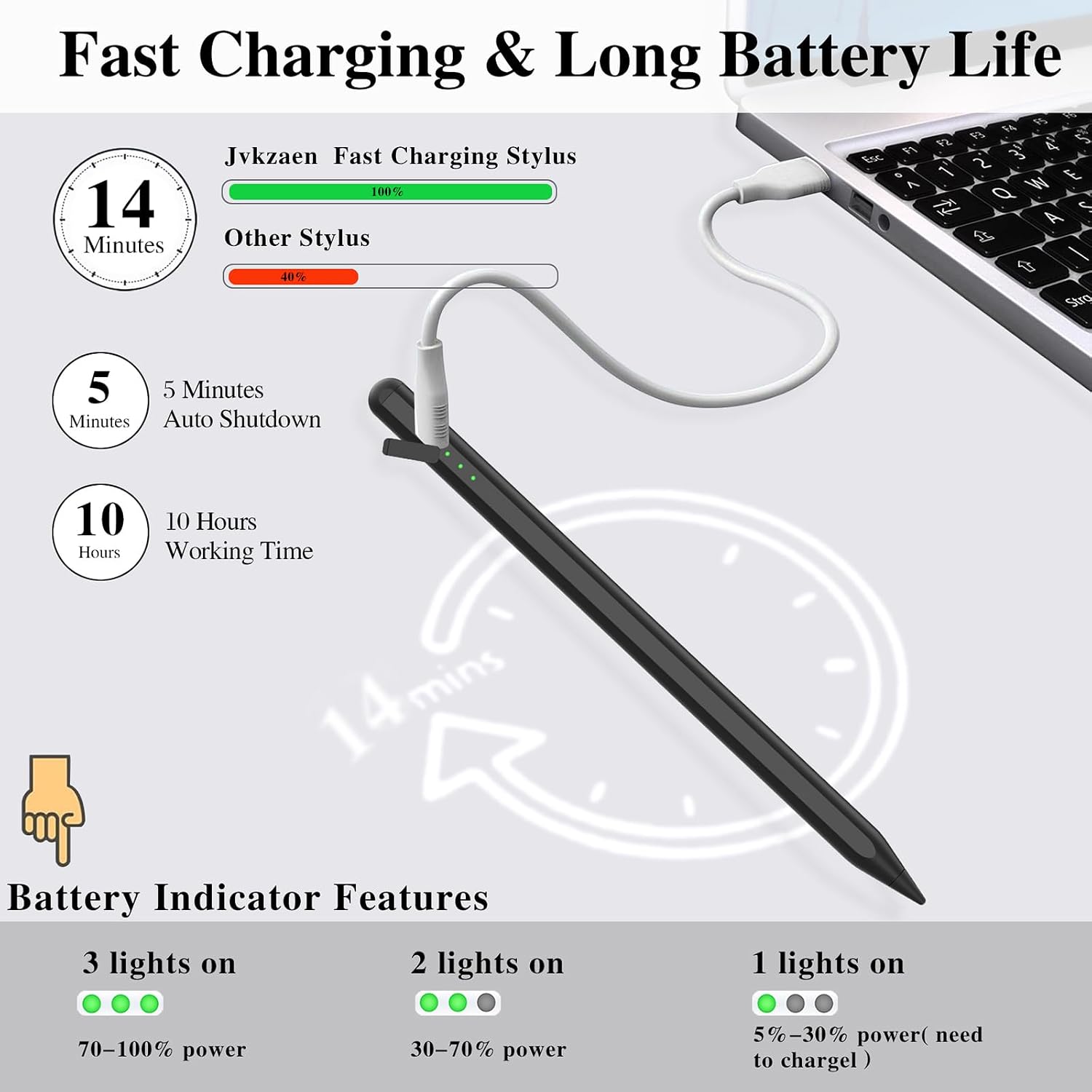
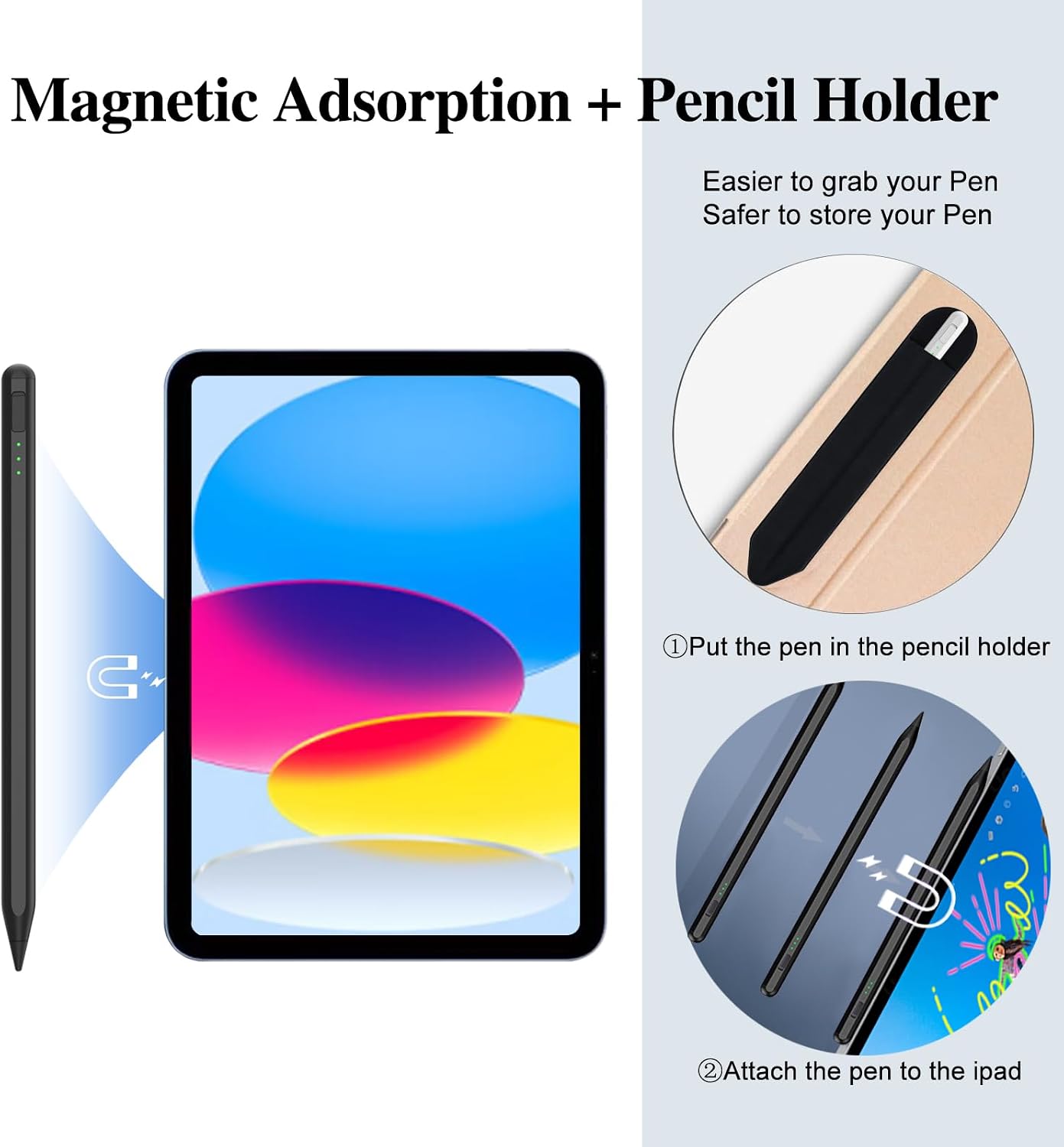
Operation is straightforward: tap the top to turn the stylus on or off, with no app required. Three LED indicators show battery level and charging progress. The manufacturer states that a full charge takes 14 minutes and provides up to 10 hours of working time. A one-piece dust plug covers the charging port, and the included adhesive pencil holder keeps the stylus close to your iPad for quick access.
Compatibility covers selected iPads, including the 2025 iPad Air 11-inch and 13-inch with M3 or M2, iPad 11th generation with A16, iPad 10th generation, iPad Pro 11-inch and 13-inch with M4, and listed older iPad, iPad Air, iPad mini, and iPad Pro generations. It does not work with iPad Pro 1st or 2nd generation, iPad Pro 10.5-inch or 9.7-inch, earlier iPads, iPhone, Android, or Microsoft devices. Match your iPad model to the supported list before choosing a stylus.
Buyers often praise the straightforward setup and ease of use. Feedback on compatibility and reliability is mixed, so checking the exact iPad model is an important part of selecting this pen.
Tips for day-to-day use
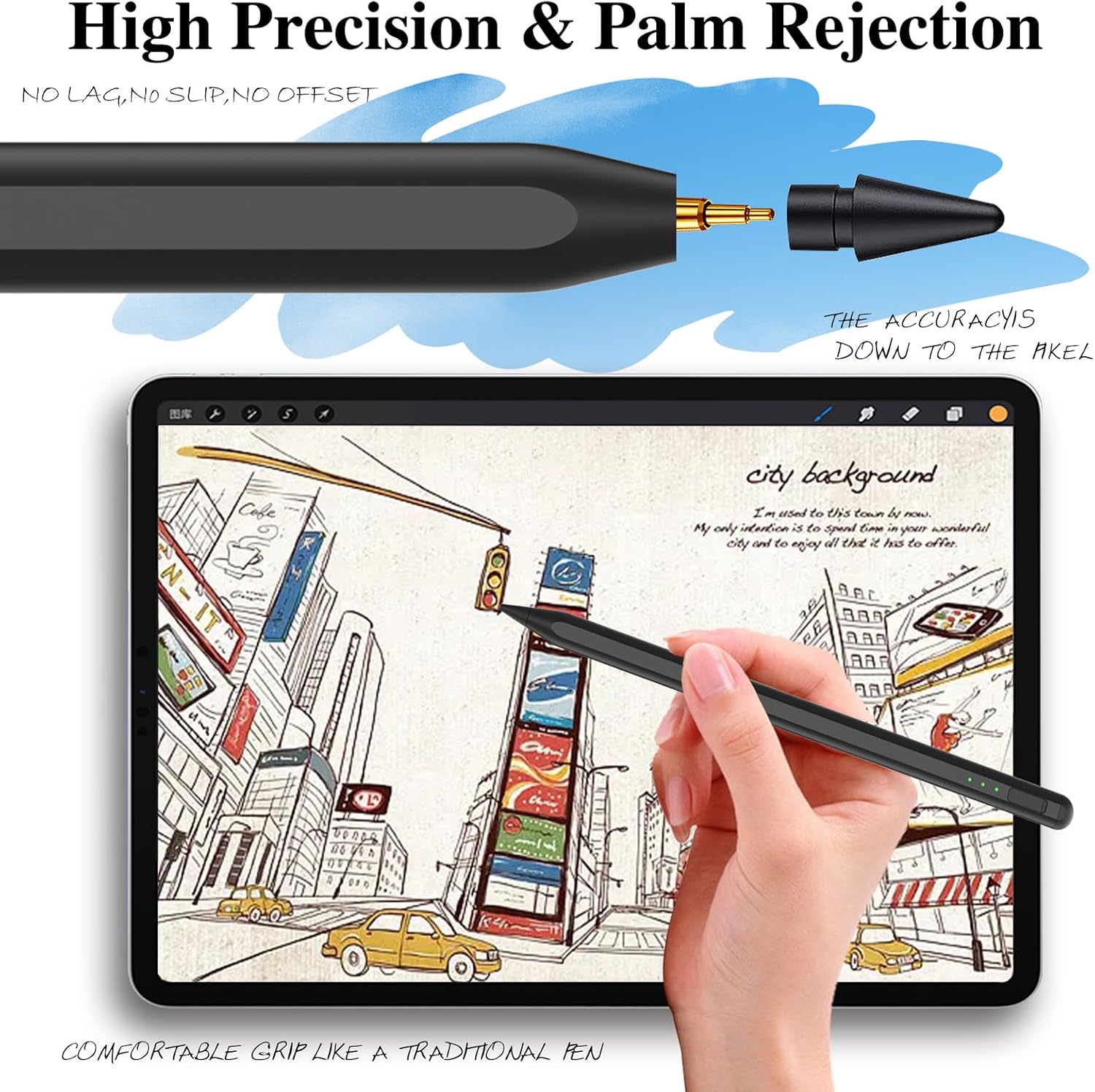
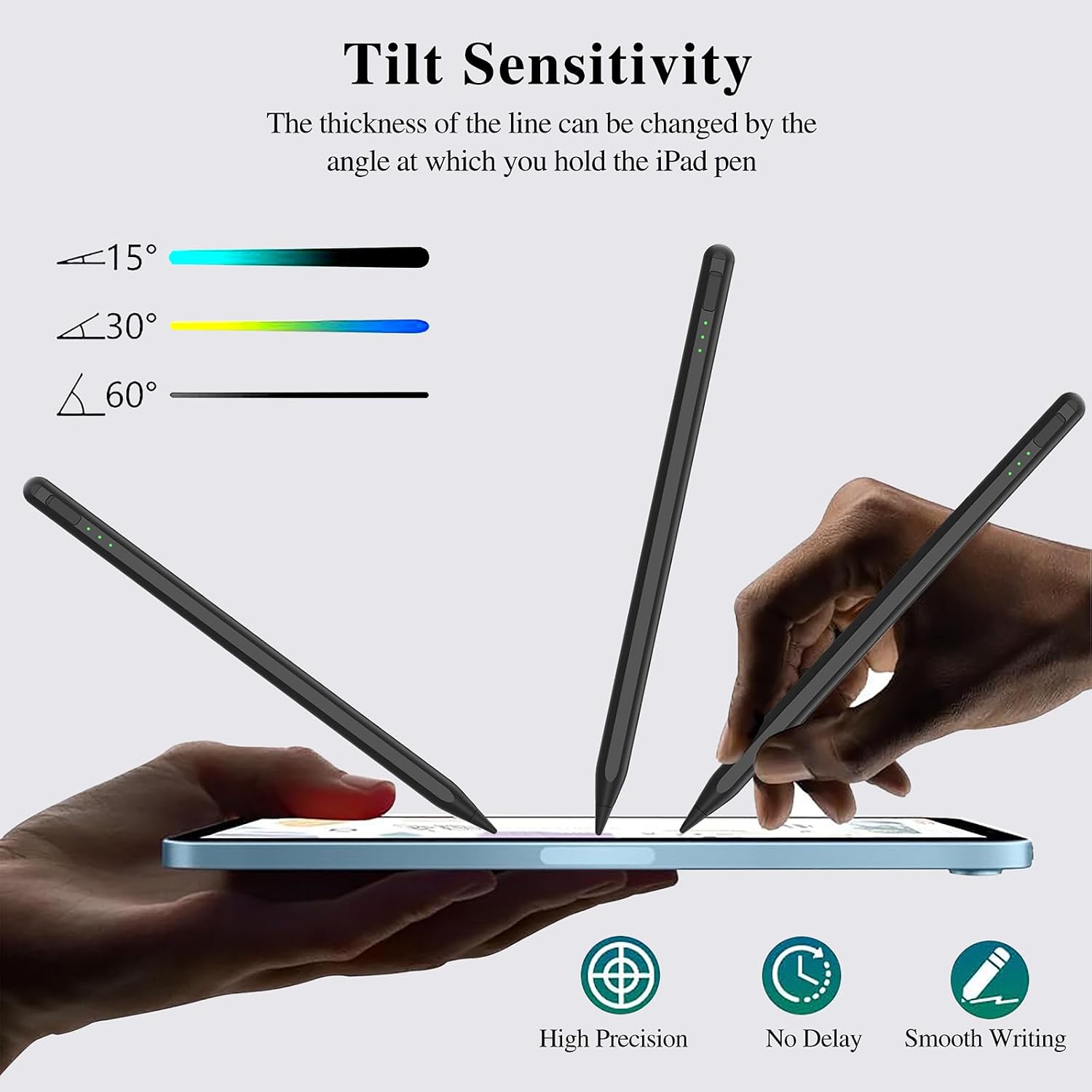
For lecture notes, meeting minutes, or handwritten lists, turn the pen on at the top and write directly on a compatible iPad. The palm-rejection design accommodates a natural hand position, while the holder keeps the stylus attached to your preferred workspace. For drawing, adjusting the pen angle lets you make varied strokes without changing tools, making the tilt feature useful for both quick sketches and more deliberate line work.
If you are choosing between a basic capacitive stylus and an active pen, the AX10-T is the more feature-focused approach: it combines tilt sensitivity, palm rejection, a fine tip, and battery indicators in one rechargeable stylus. Its USB-C port supports charging, and the included holder gives the pen a designated place between tasks.
How to use it
Check that your iPad is one of the supported models, then tap the top of the stylus to switch it on. No app is required. Write or draw on the screen, using the pen at different angles to vary the stroke. When the battery needs charging, connect it through the USB-C port and use the LED indicators to follow charging progress. Keep the one-piece dust plug in place when the charging port is not in use, and attach the adhesive holder where you want to store the pen.
Final verdict
The JvKzaen AX10-T is suited to iPad owners who want a rechargeable pen for everyday handwriting, drawing, and note-taking, with tilt sensitivity and palm rejection for a more natural working position. Its fine tip, quick stated charging time, battery indicators, and attached holder make it a practical fit for keeping a stylus ready through daily study or work.