
Hastraith Stylus Pen for iPad with 13-Minute Charging, Tilt Sensitivity
Reviews
Price
Product description
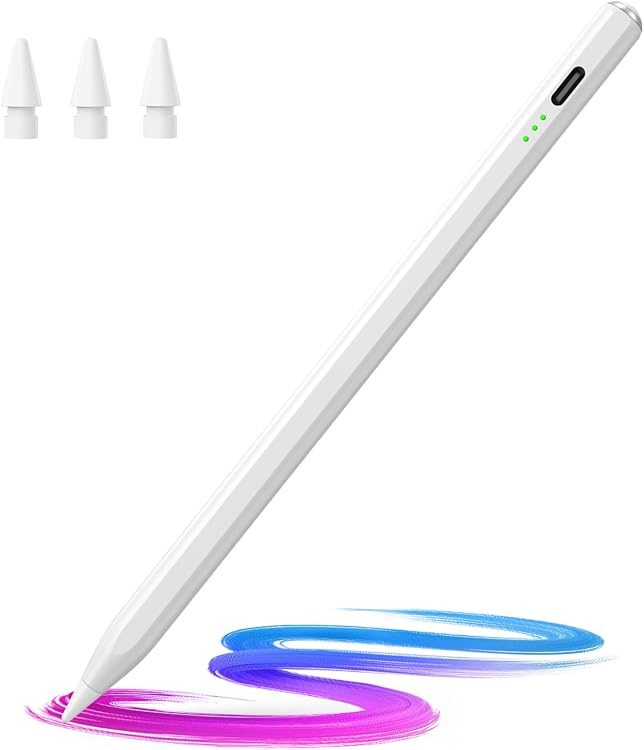
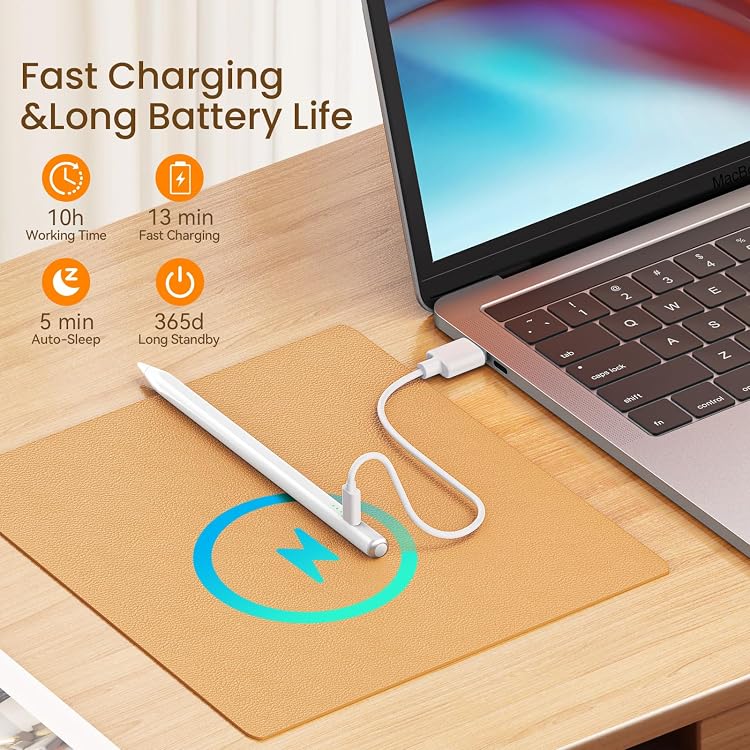
At 6.53 inches long, this white plastic stylus is sized for everyday iPad writing and drawing. A full charge takes 13 minutes, and the pen supports more than 10 hours of continuous use. Want to write naturally without resting your palm on the display? Palm rejection and tilt sensitivity are designed for just that kind of work.
At a glance
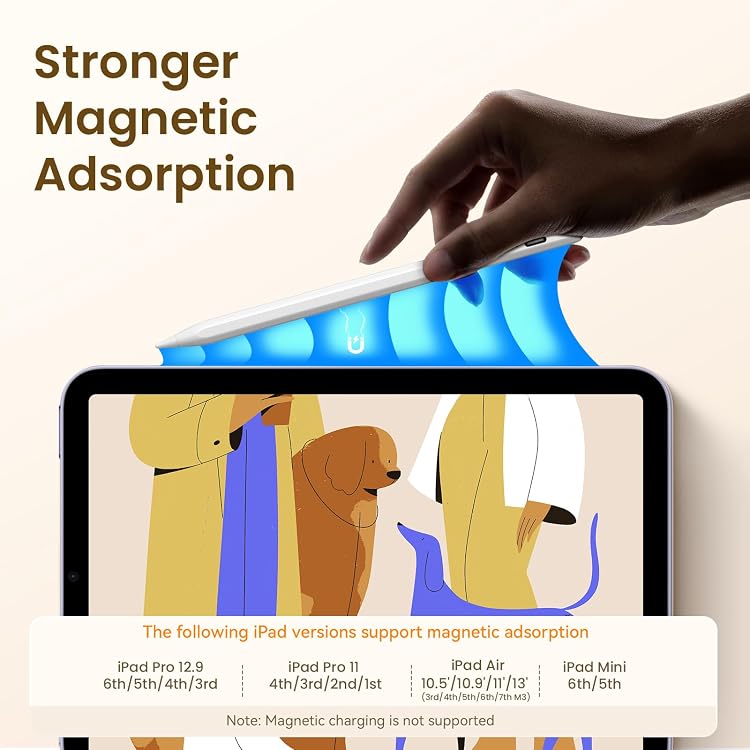
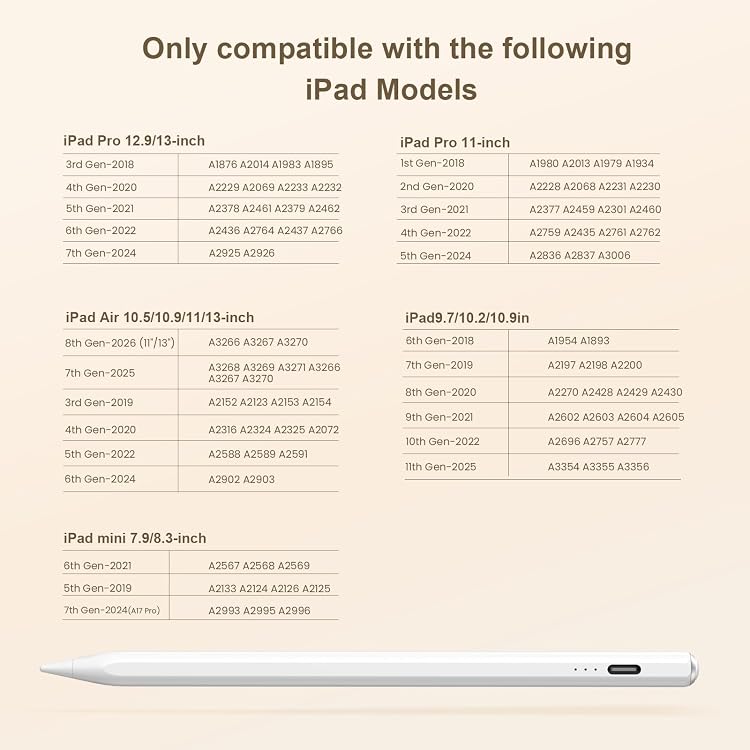
The Hastraith stylus works with supported iPad models from 2018 through 2026, including iPad, iPad Air, iPad Pro, and iPad mini generations listed for the pen. Compatibility includes iPad Air models from the 3rd through 7th generations, iPad Pro models with 11-inch and 12.9-inch displays, and iPad mini models from the 5th through 7th generations. Check your iPad’s model before choosing a stylus, this pen is not compatible with iPhone, Android, or Microsoft devices. It requires iPadOS 13.4 or later.
There’s no Bluetooth pairing step: tap the cap button to turn the pen on. Three indicator lights show the battery level, with a flashing light indicating less than 5% remaining. The USB-C charging connection and quick full-charge time make it practical to top up between note-taking sessions or before a drawing task. The package includes the stylus, a USB-C charging cable, three replacement nibs, a dust cover, a silicone protective cover, and a user manual.
How to use it
For handwritten notes, annotations, or sketches, turn on the pen with the cap button and use it directly on a compatible iPad. Palm rejection helps prevent your hand resting on the screen from registering as an unintended touch. Tilt sensitivity changes line thickness according to the angle of the pen, giving you a useful way to vary strokes while drawing or shading. Unlike a basic touch stylus chosen just for tapping, this model is built around writing and drawing features that make hand position and stroke angle part of the experience.
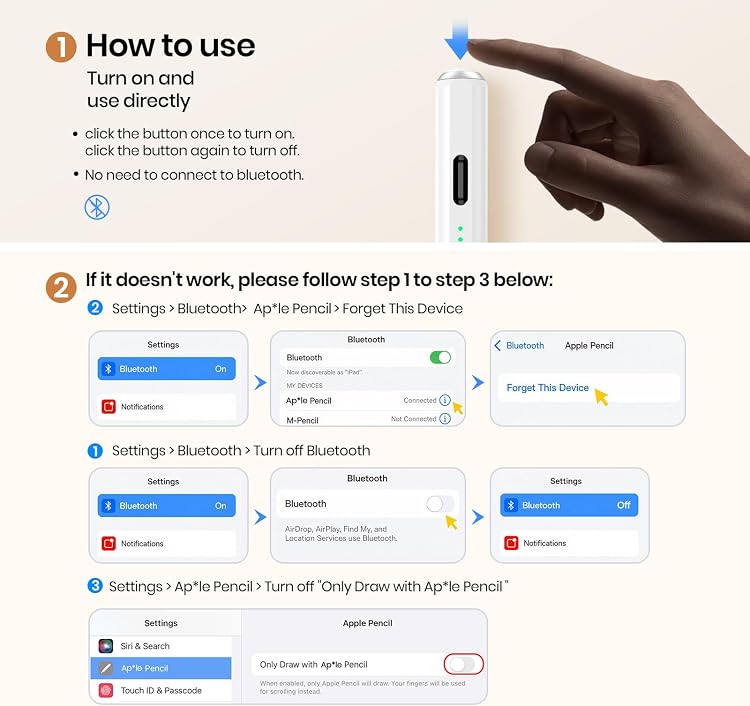
A typical use case is marking up a document during a class or meeting: the pen can be ready after a short charge, and its battery indicators let you check the remaining level before you begin. If the pen does not work after it is turned on, the manufacturer’s instructions say to turn off the iPad’s Bluetooth. Replacement nibs are included, so you have spares for continued use.
Usage tips
Match the iPad’s model and generation to the compatible-device list before use, especially when comparing similarly named iPad, Air, Pro, and mini versions. Keep the charging cable accessible for quick charging, and glance at the battery lights before longer writing or drawing sessions. The stated 13-minute charge time and more than 10 hours of continuous use suit workflows that move between brief top-ups and extended note-taking.
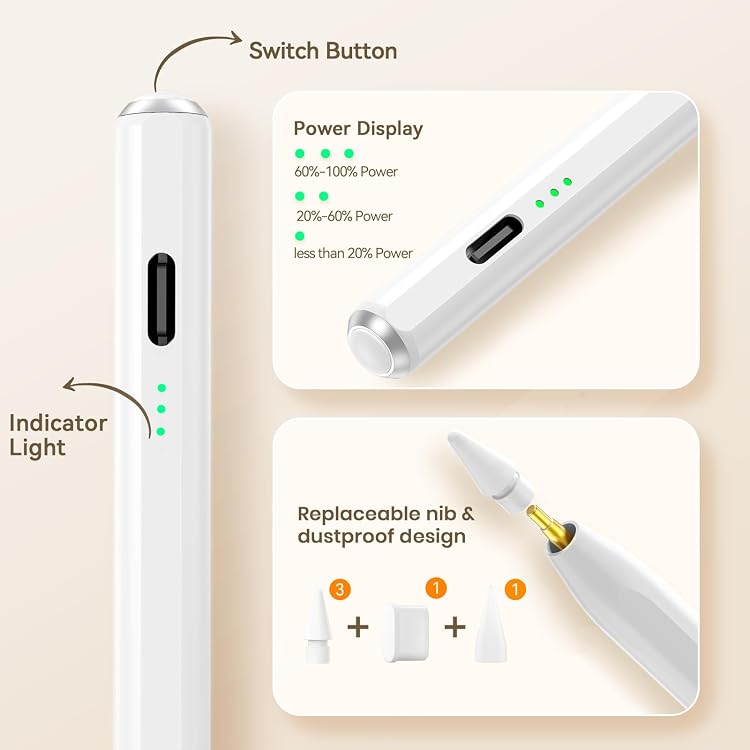
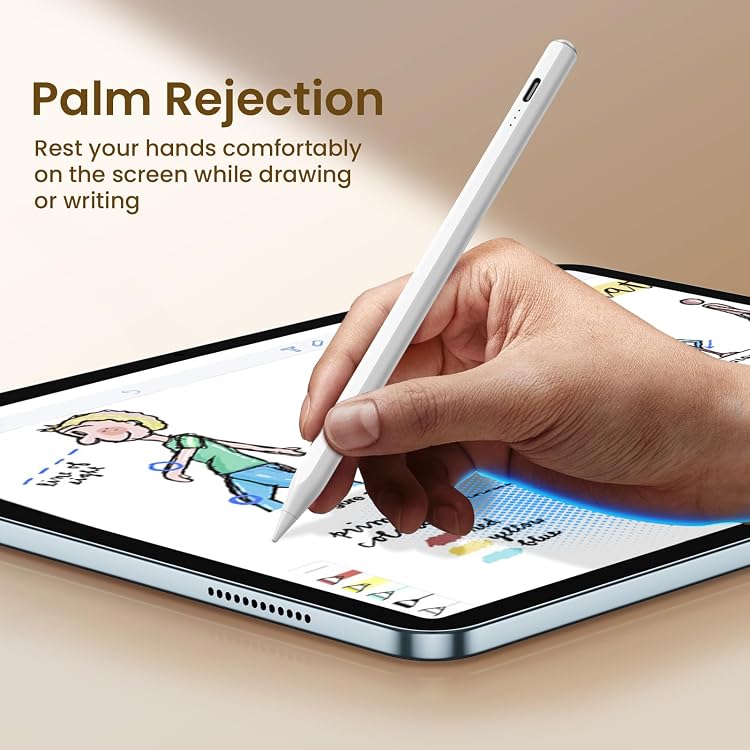
Buyer feedback is positive about ease of setup, charging, and general use, while comments on durability and writing performance are mixed. That makes the pen’s documented features the clearest guide to choosing it: palm rejection for screen contact, tilt response for varied strokes, and broad compatibility across supported iPad generations.
Buying verdict
This Hastraith stylus is a practical match for iPad users who want a rechargeable pen for notes, document markup, or drawing, with palm rejection and tilt-sensitive line variation in the same tool. Its quick charging, battery-level lights, and included replacement nibs support regular use, while the compatibility check helps ensure it suits the specific iPad you plan to use.