

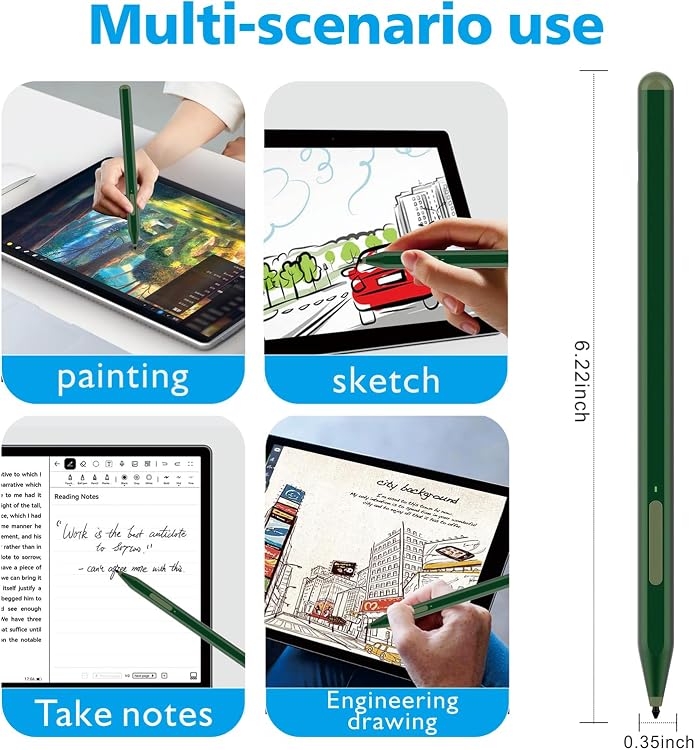
Milikilo F97 Surface Stylus Pen, 1,024-Level Pressure, Palm Rejection & Tilt
Product description
The aluminum F97 has a slim, 6.22-inch body designed for writing and drawing on compatible Surface devices. For quick notes, pressure sensitivity and palm rejection support a more natural pen-on-screen workflow. For sketching and shading, tilt response adds another way to vary your strokes. The choice comes down to simple screen input versus more hands-on control for handwriting and creative work.
Key points
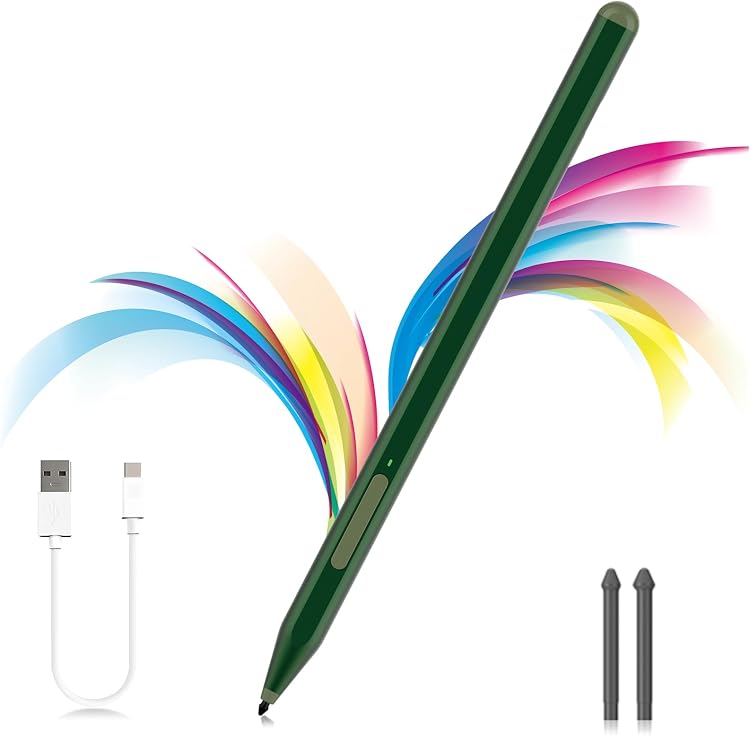
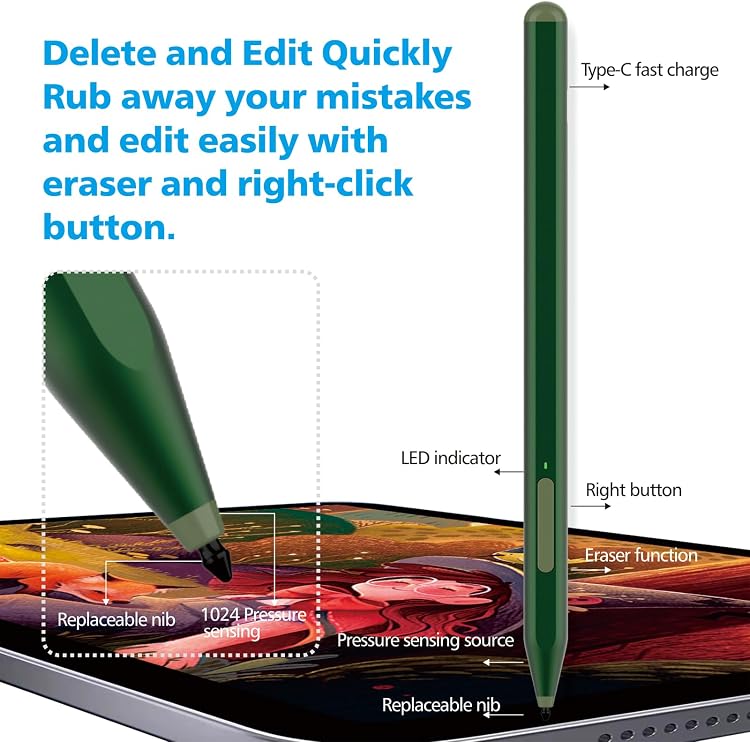
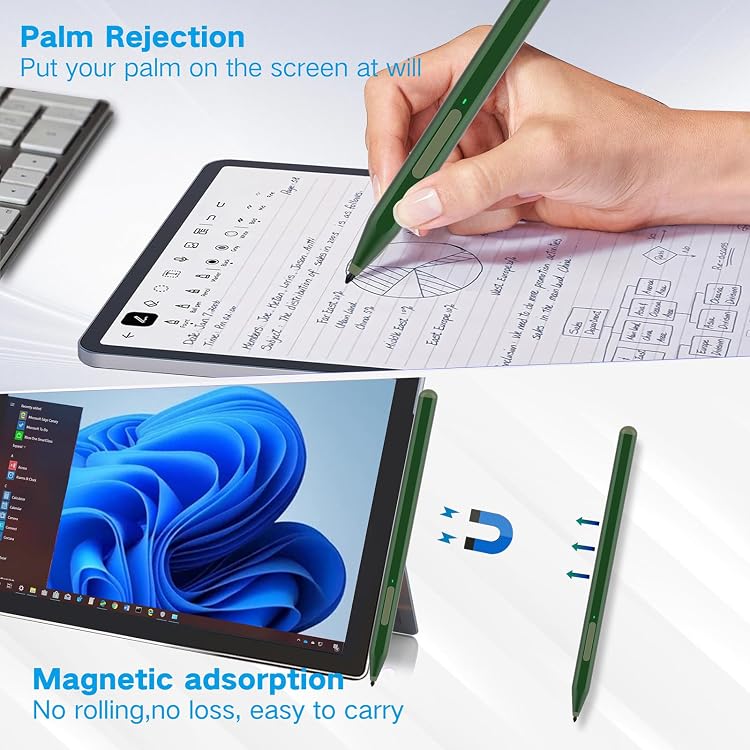
With 1,024 pressure levels, the F97 is built for controlled lines when taking notes, sketching, or coloring. Its tilt function can make a stroke thicker as you angle the pen, which is useful for outlines and shading, the effect depends on the app and selected brush. Palm rejection lets you rest your hand on the screen while using the pen, helping keep the focus on your writing or drawing.
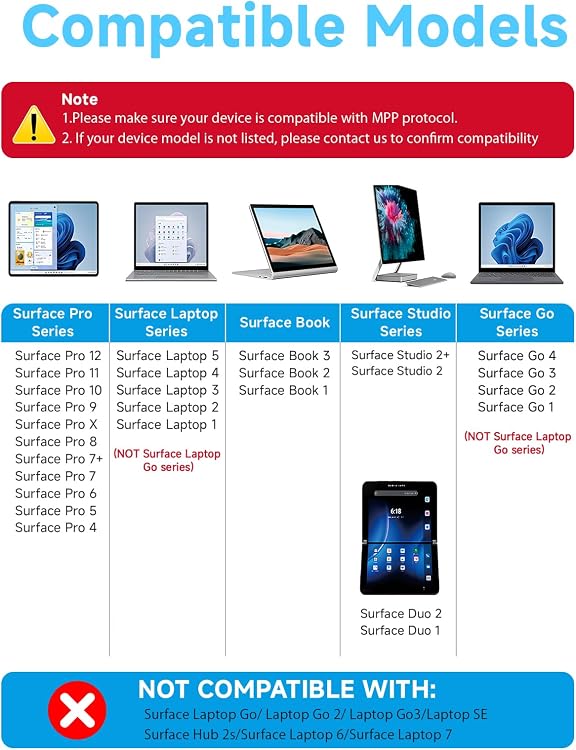
The side buttons add practical shortcuts: the lower button serves as an eraser, while the upper button supports right-click and color-picker functions. The aluminum body weighs 14 g and has a flat-sided shape for a steady grip and for keeping the pen from rolling as easily on a desk. A magnetic design lets it attach to compatible Surface devices for convenient storage. Two replacement nibs are included for swapping a worn tip.
How to use it
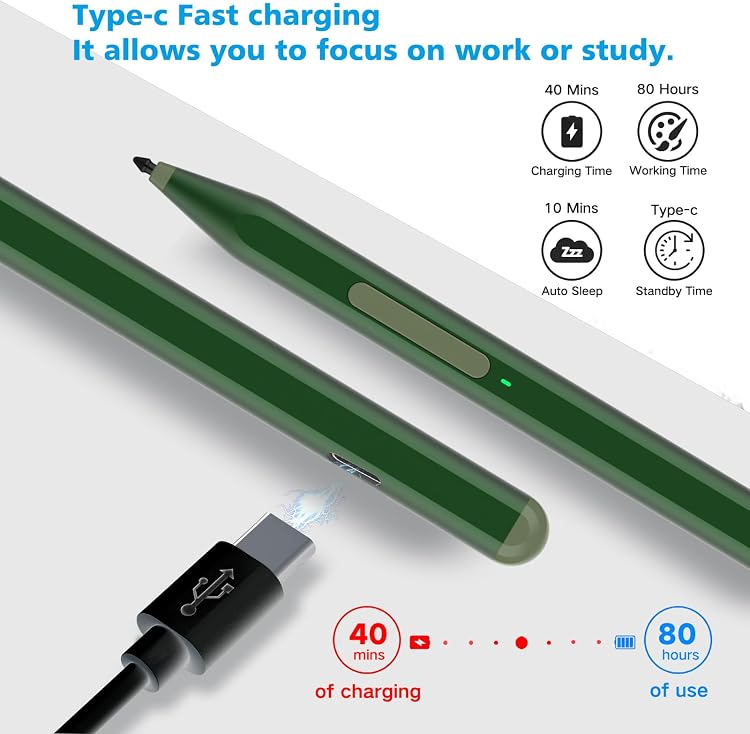
Turn the pen on by holding the upper button for one second. Use the upper button for right-click or color picking, and the lower button for erasing. Tilt the pen to vary stroke thickness in apps and brushes that support tilt sensitivity. The pen charges through USB-C, a full charge takes 40 minutes and is advertised to provide 80 hours of use. It enters sleep mode after 10 minutes of inactivity to conserve power.
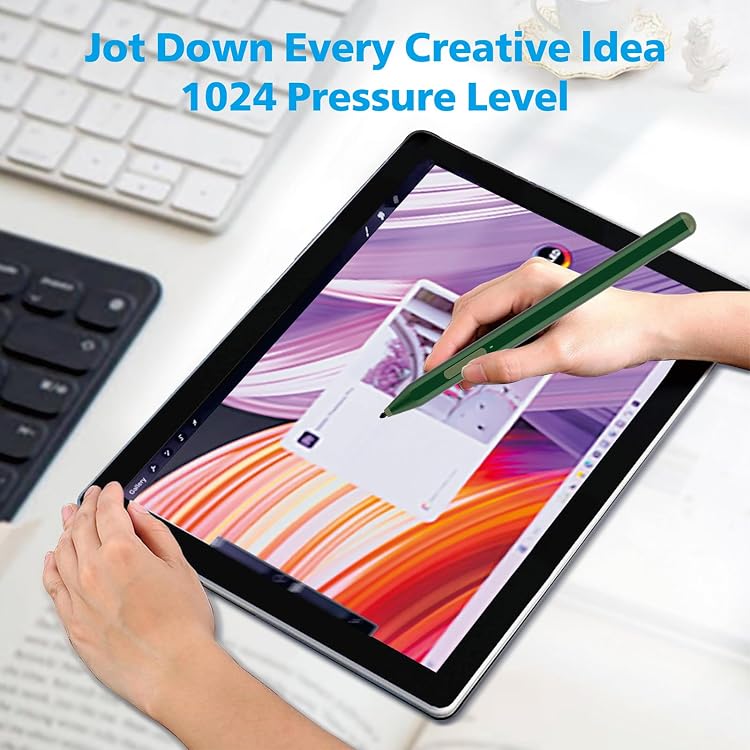
The listed compatible devices include Surface Pro 12, 11, 10, 9, 8, X, 7+, 7, 6, 5, 4, and 3, Surface Go 4, 3, and 2, Surface Laptop 1–5, Surface Book 1–3, Surface Duo and Duo 2, Surface Studio 1st Gen, 2, and 2+, and Surface Laptop Studio. It is not compatible with Surface Laptop Go models, Surface Laptop SE, Surface Hub 2S, or Surface Laptop 6 and 7. Match your exact device to this list before use, particularly if you have a Surface Go: buyer feedback on compatibility is mixed, with some reporting trouble on Go devices.
Everyday use
For classes or meetings, the eraser and right-click controls make it easy to switch between writing and common on-screen actions without reaching for a separate mouse. At a desk, the magnetic attachment helps keep the pen close to the tablet, for drawing, pressure sensitivity and tilt offer more stroke control than a basic input pen. The package includes the F97 pen, a USB-C charging cable, two replacement nibs, and a user manual.
Buyers often praise the battery life, while feedback on compatibility and button operation is more mixed. That makes the exact Surface model an important part of choosing this pen, alongside the drawing or note-taking features you want.
Should you buy it?
The F97 suits Surface users who want one pen for handwritten notes, screen interactions, and drawing, with an eraser button, palm rejection, pressure sensitivity, and tilt in the same tool. If your priority is more than simple tapping, its combination of shortcuts and stroke control supports a more involved writing or sketching routine. Choose it by matching your Surface model to the compatibility list, then use the pressure and tilt features for the tasks that benefit from varied lines and shading.