

Milikilo Stylus Pen for iPad with 0.9 mm Tip, Palm Rejection and Tilt Sensitivity
Product description
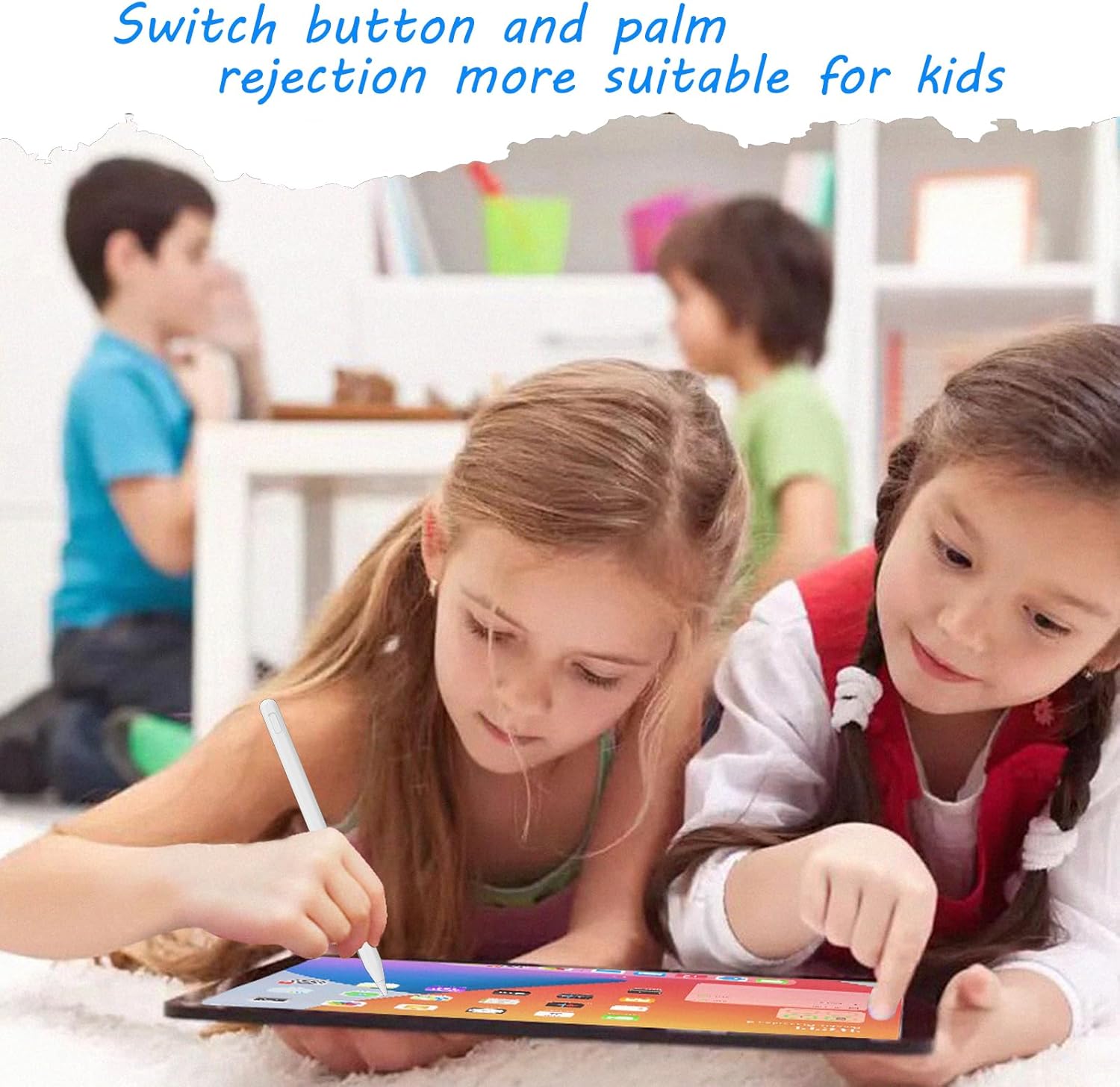
Jot down class notes, mark up a document, or sketch on a compatible iPad with the Milikilo stylus. Its palm-rejection design lets you rest your hand on the screen while writing. Tilt sensitivity adds control over stroke thickness and depth for drawing. A holder keeps the pen close at hand between tasks.
Tech summary
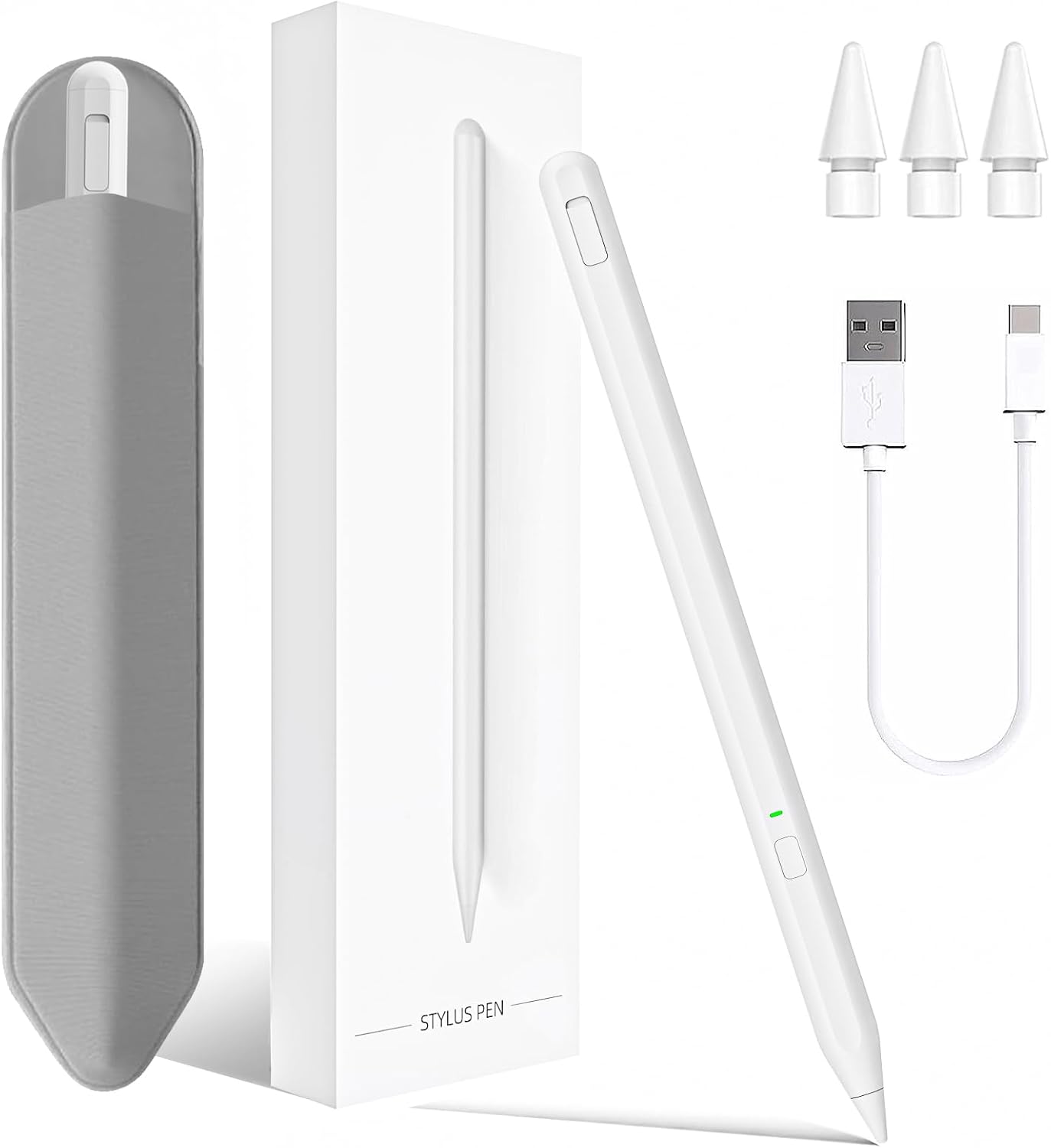
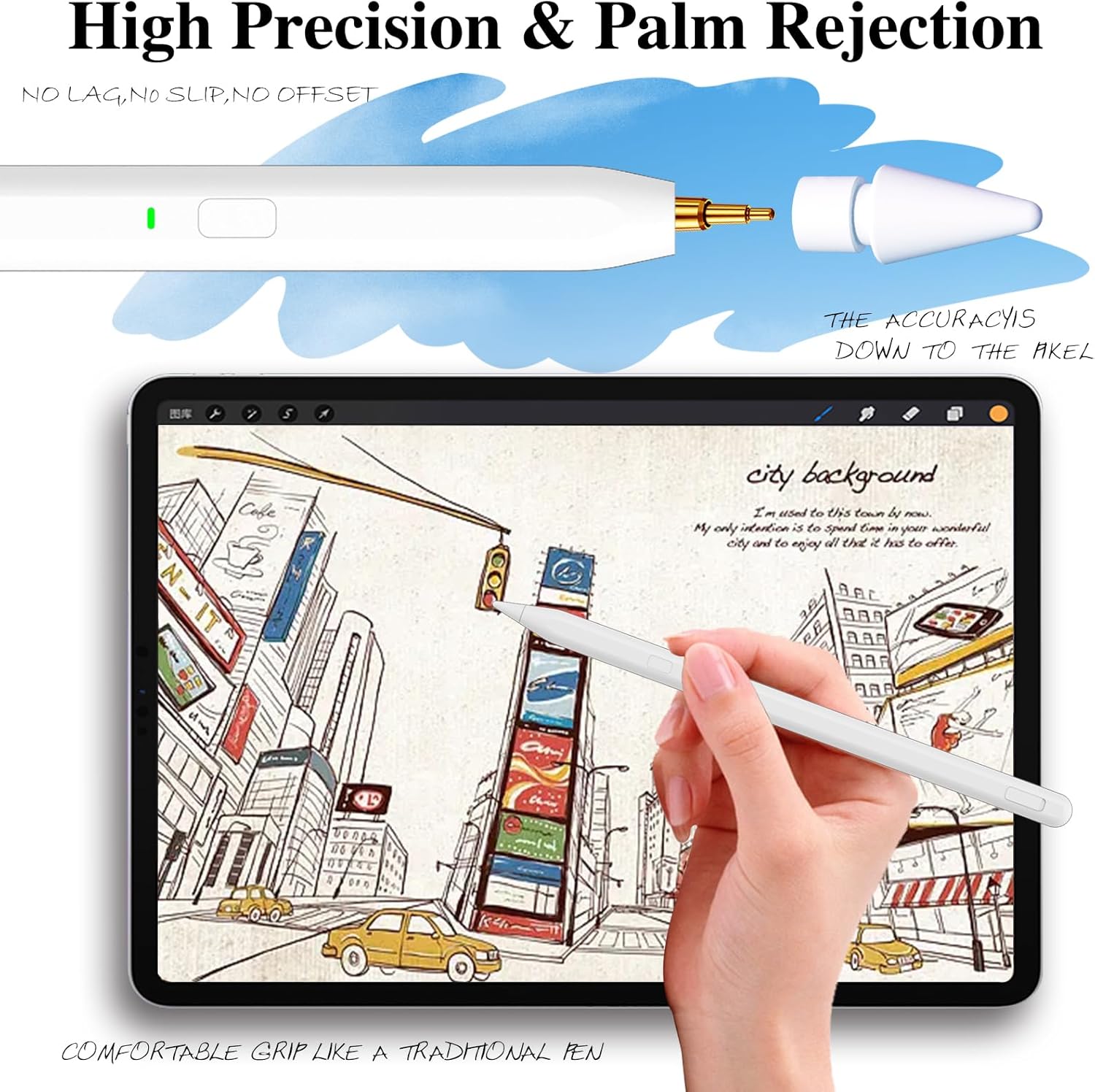
The 0.9 mm POM tip is designed for precise writing and drawing, while tilt technology lets you vary strokes by changing the angle of the pen. Together, these features make the stylus useful for both neat handwritten notes and more expressive sketching. The aluminum pen weighs 14 g and comes in white.
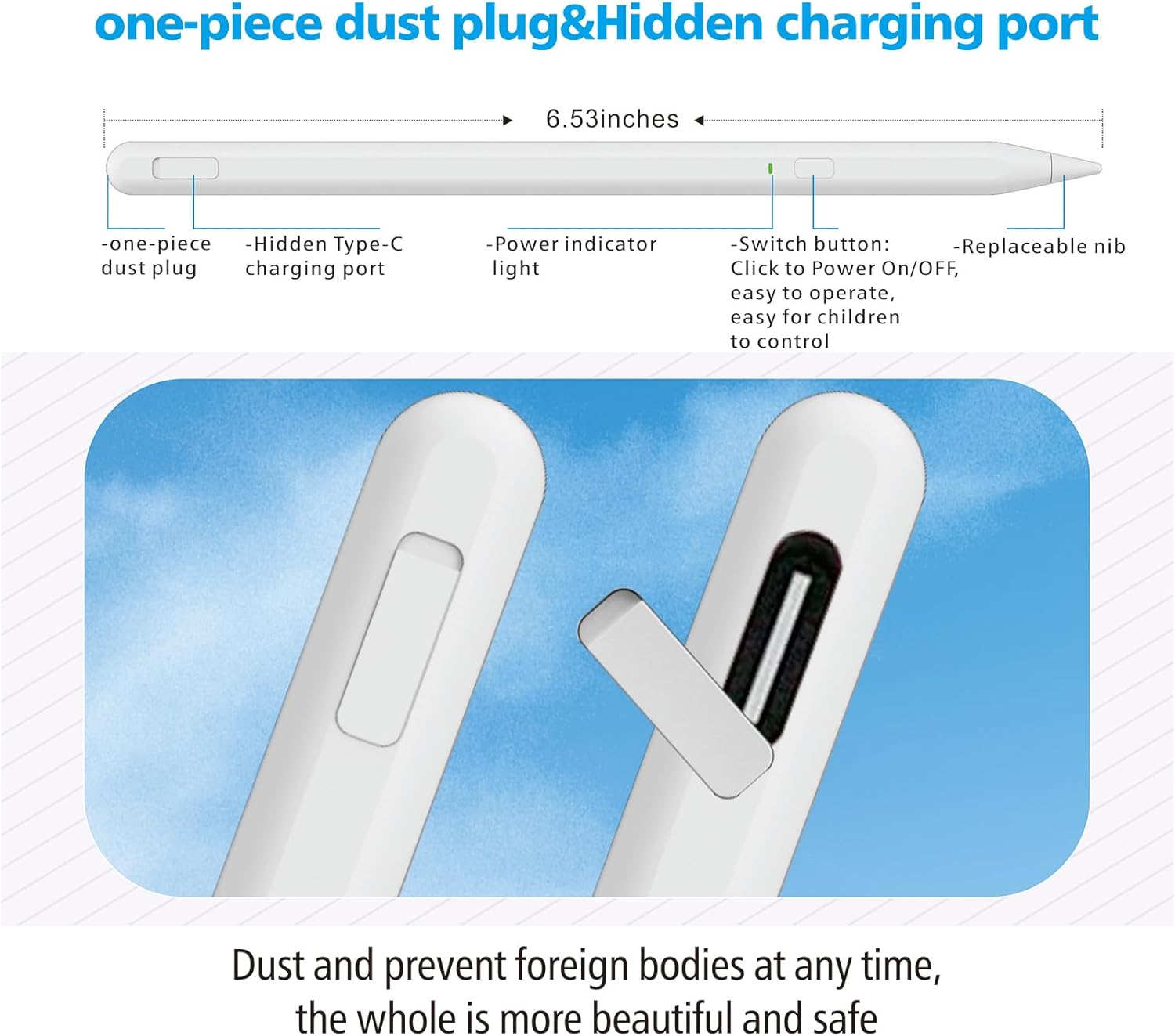
A single button turns the stylus on or off, with no app or Bluetooth pairing required. Its Type-C charging port takes about 40 minutes to charge, and the stated working time is up to 10 hours. LED indicators show when the pen is in use and when it is charging, the red light turns off when charging is complete. A one-piece dust plug covers the charging port, and the included adhesive holder provides a place to store the pen on your setup.
Compatibility & requirements
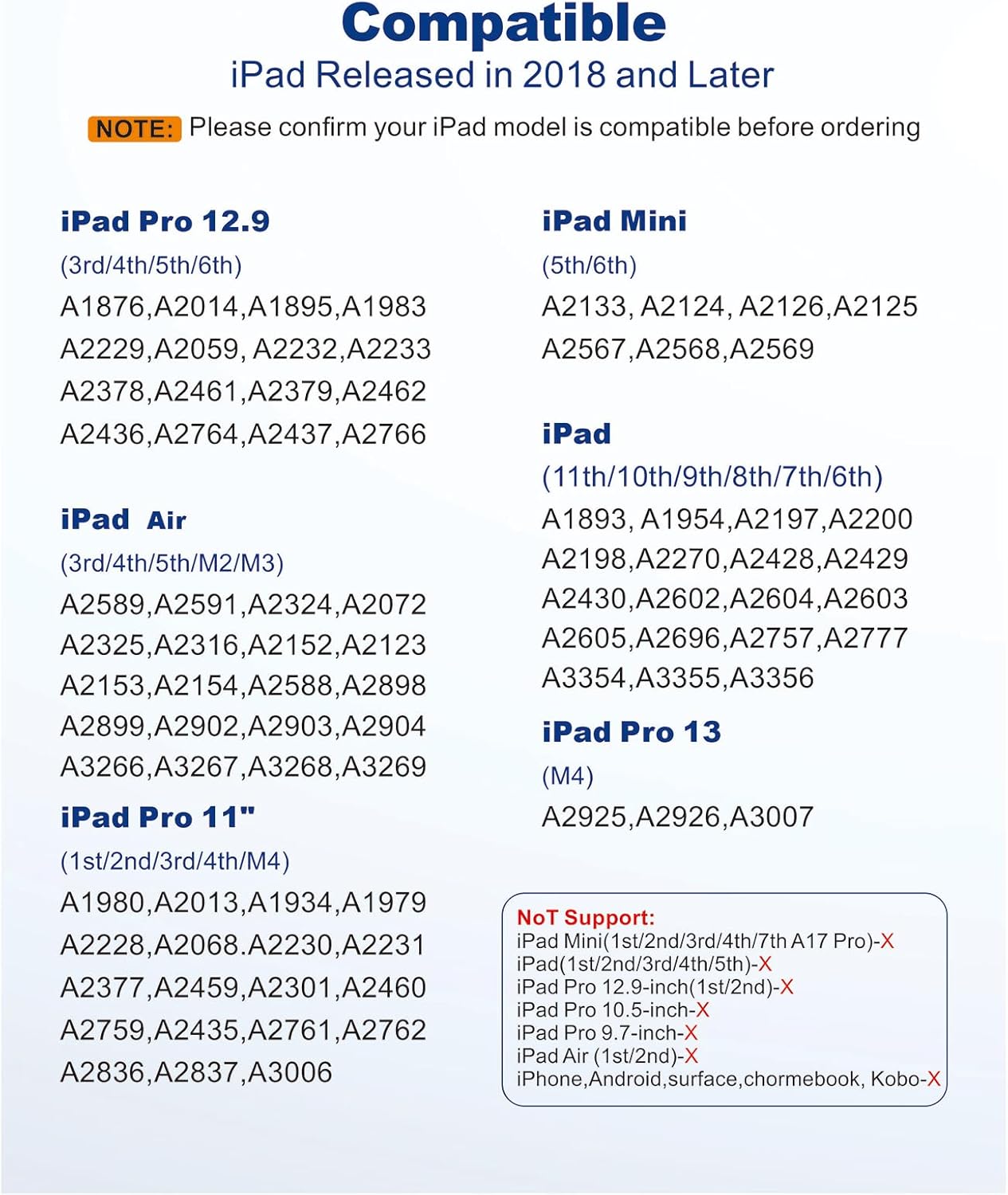
The stylus is listed for iPad (6th through 11th generation), iPad Air (3rd, 4th, and 5th generation, plus M2 and M3 models), iPad mini (5th and 6th generation), and iPad Pro 11-inch and 12.9-inch models, including the listed M4 11-inch and 13-inch versions. Check your iPad’s model and generation against this list before choosing it.
It is not compatible with iPad mini (7th generation), iPad Pro (1st or 2nd generation), iPad Pro 10.5-inch or 9.7-inch, earlier iPad versions, iPhone, Android devices, or Microsoft devices. This makes the model list especially useful when choosing between a general-purpose tablet stylus and one intended for supported iPads.
Usage tips
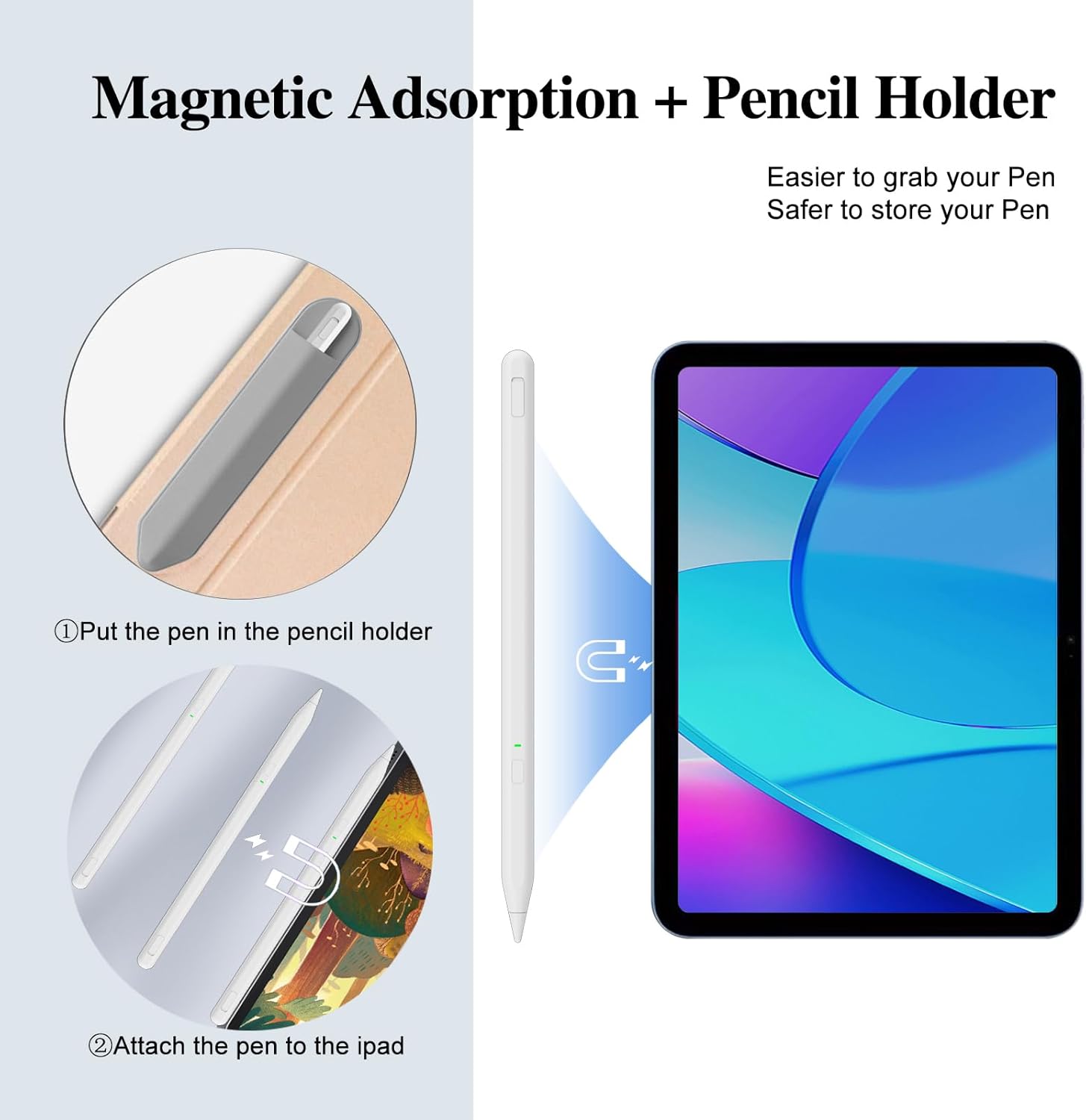
For notes or drawing, switch on the pen with its button and rest your hand naturally on the display, palm rejection is designed to let you do this while writing. Change the pen’s angle to vary the stroke, which can add a more expressive feel to sketches or handwritten lettering. When you finish, store it in the adhesive holder so it is easy to reach for the next session.
The charging port is covered by the attached one-piece dust plug. Remove the plug to connect charging, then replace it afterward. The indicator is red while charging and goes out when charging is complete. You’ll appreciate it if you want a straightforward stylus for handwritten work and sketching without app setup.
What to clarify
Does it need an app or Bluetooth connection? No. Turn the stylus on or off with its button, app installation and Bluetooth pairing are not required.
How long does charging take? The stated charging time is about 40 minutes, with up to 10 hours of working time. The LED is red while charging and turns off when the charge is complete.
Can I use it with any iPad? It is intended for the listed iPad generations and models. For example, iPad mini (7th generation) and iPad Pro 10.5-inch are listed as incompatible, so match your exact model before use.
Is it worth it?
For supported iPad owners who want one pen for notes, document markup, and drawing, this model combines a fine POM tip, palm rejection, and tilt-sensitive strokes in a light aluminum design. Its one-button operation and holder also suit everyday study or creative sessions where quick access matters more than setting up a connected accessory.