


LG gaming monitor 34-inch
Product description
Players who want a wider view for games, streaming, and everyday multitasking will find a lot to consider in this LG UltraGear. Its curved 34-inch screen gives you more horizontal workspace than a conventional monitor, while WQHD resolution keeps the image detailed.
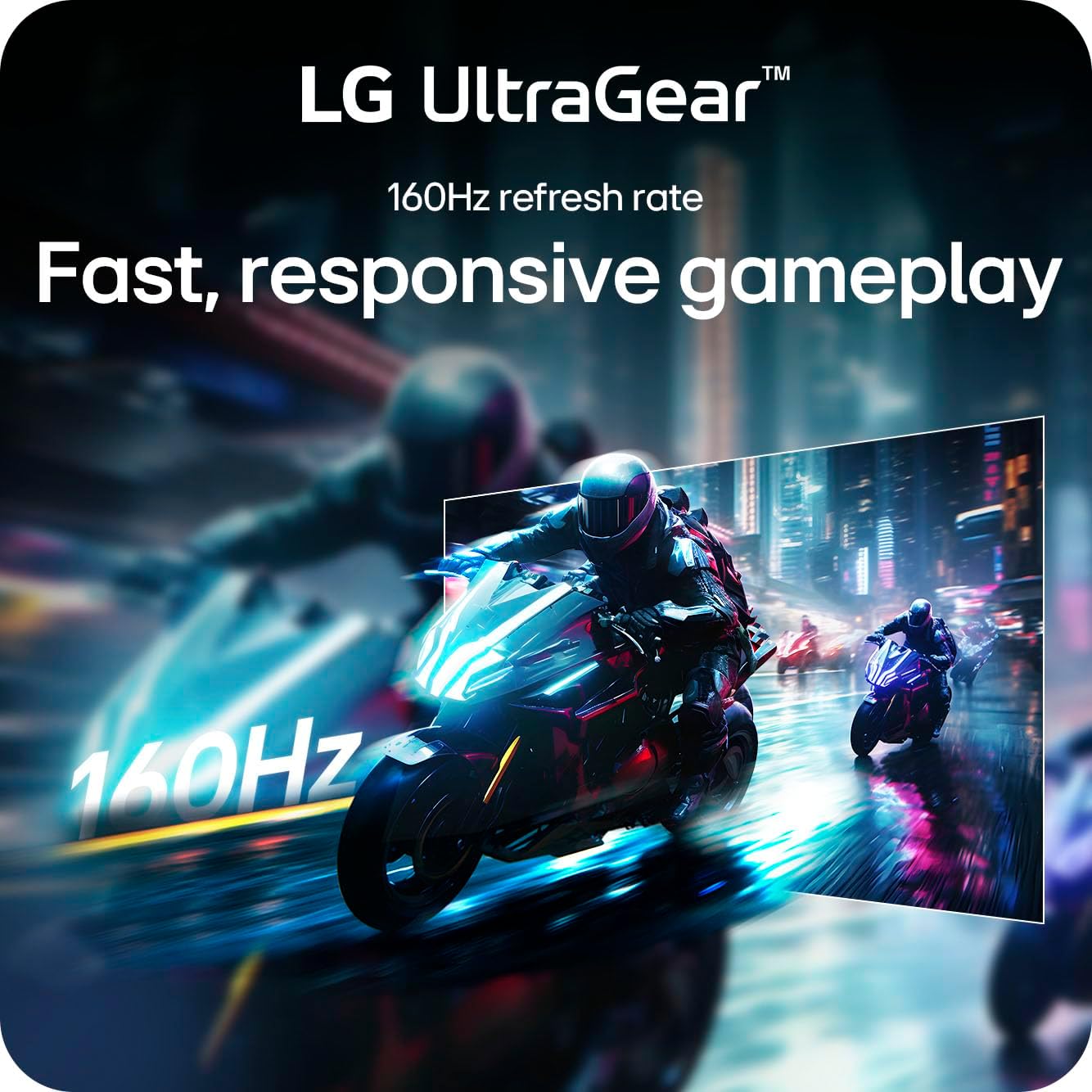
The 160Hz refresh rate and AMD FreeSync Premium are aimed at smoother motion during fast-paced play. That focus is useful, though the benefit you see will depend on your gaming setup and the content you run.
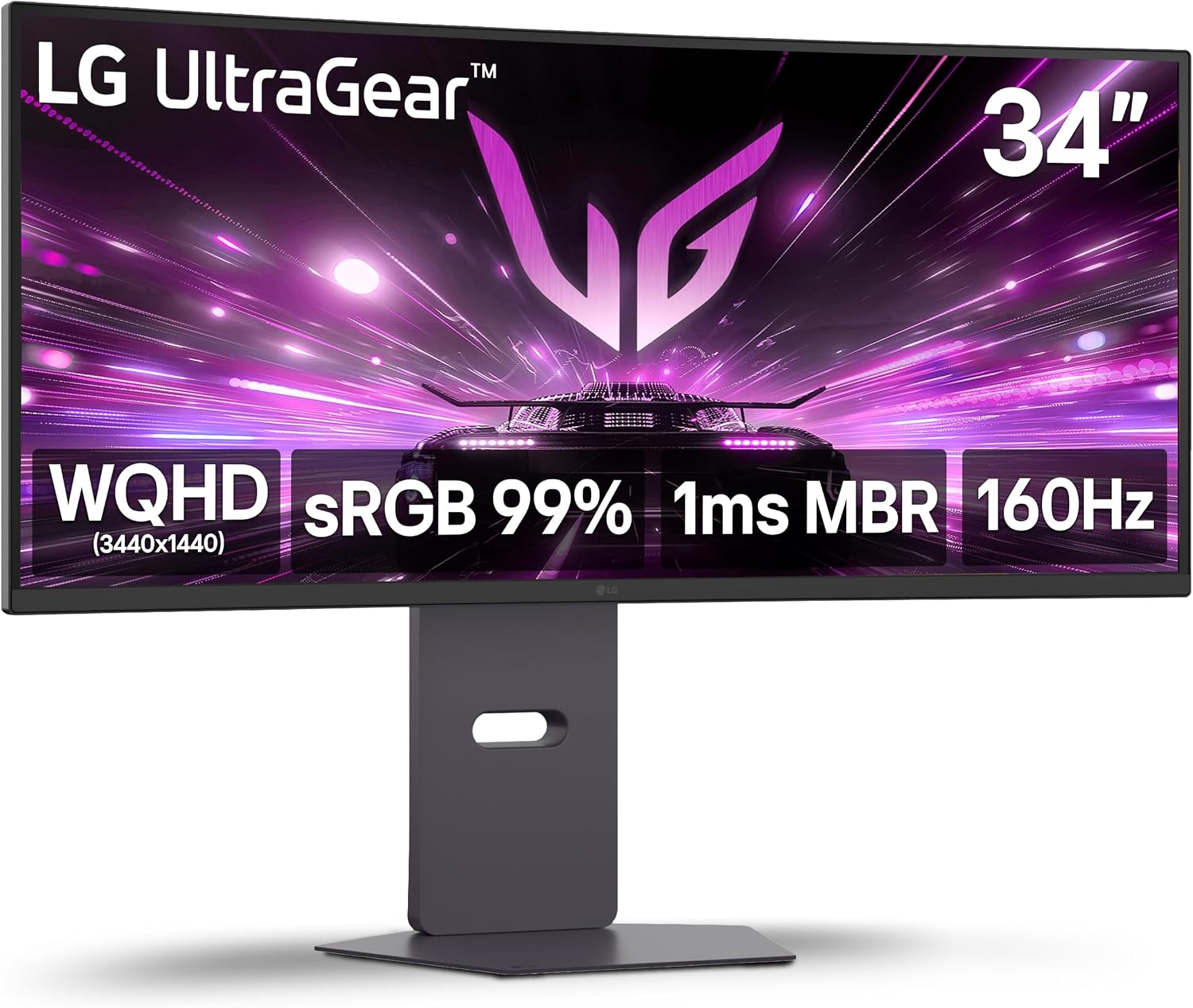
This is a large ultrawide display, so it makes more sense when you have room for a wider screen than when desk space is tight.
Key specifications
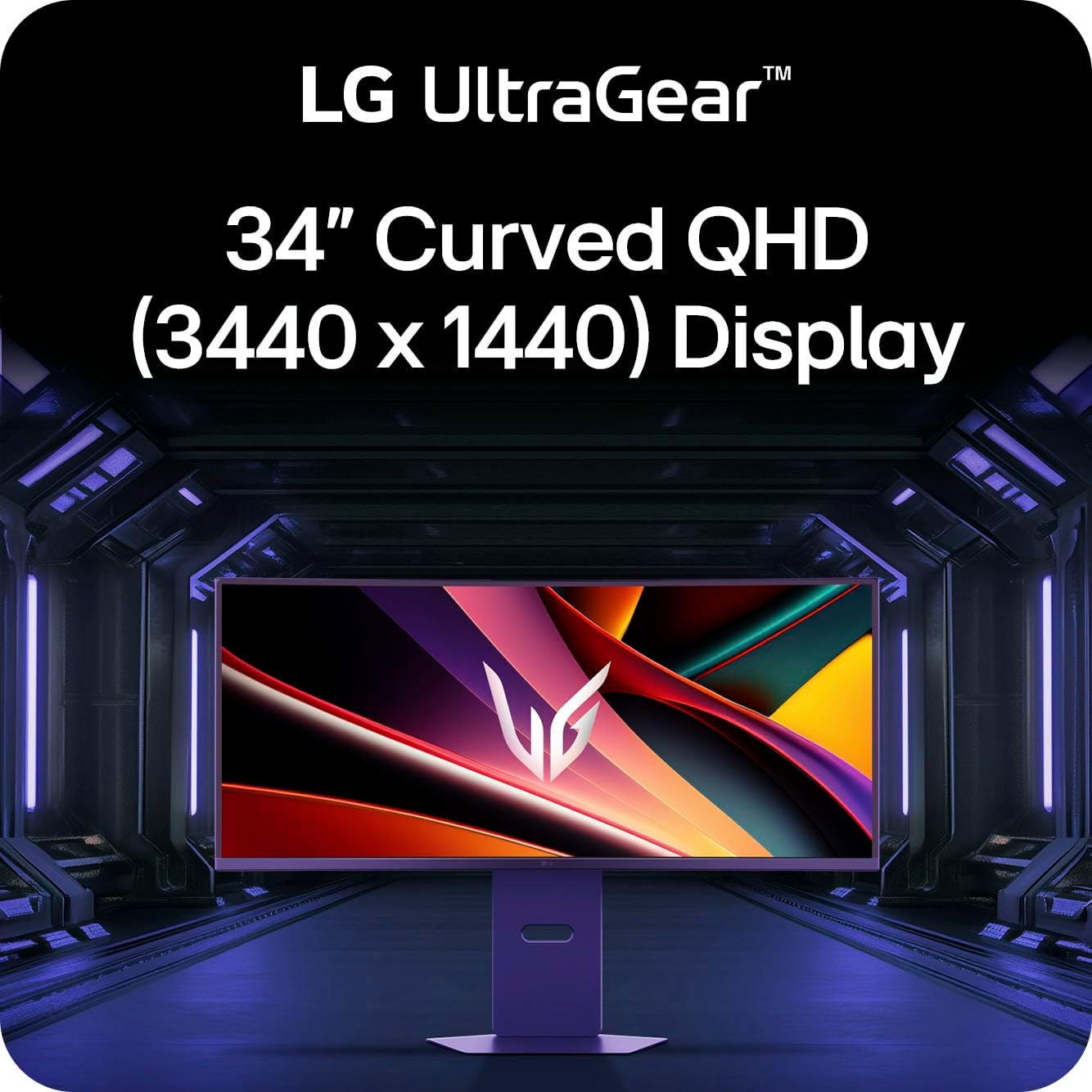
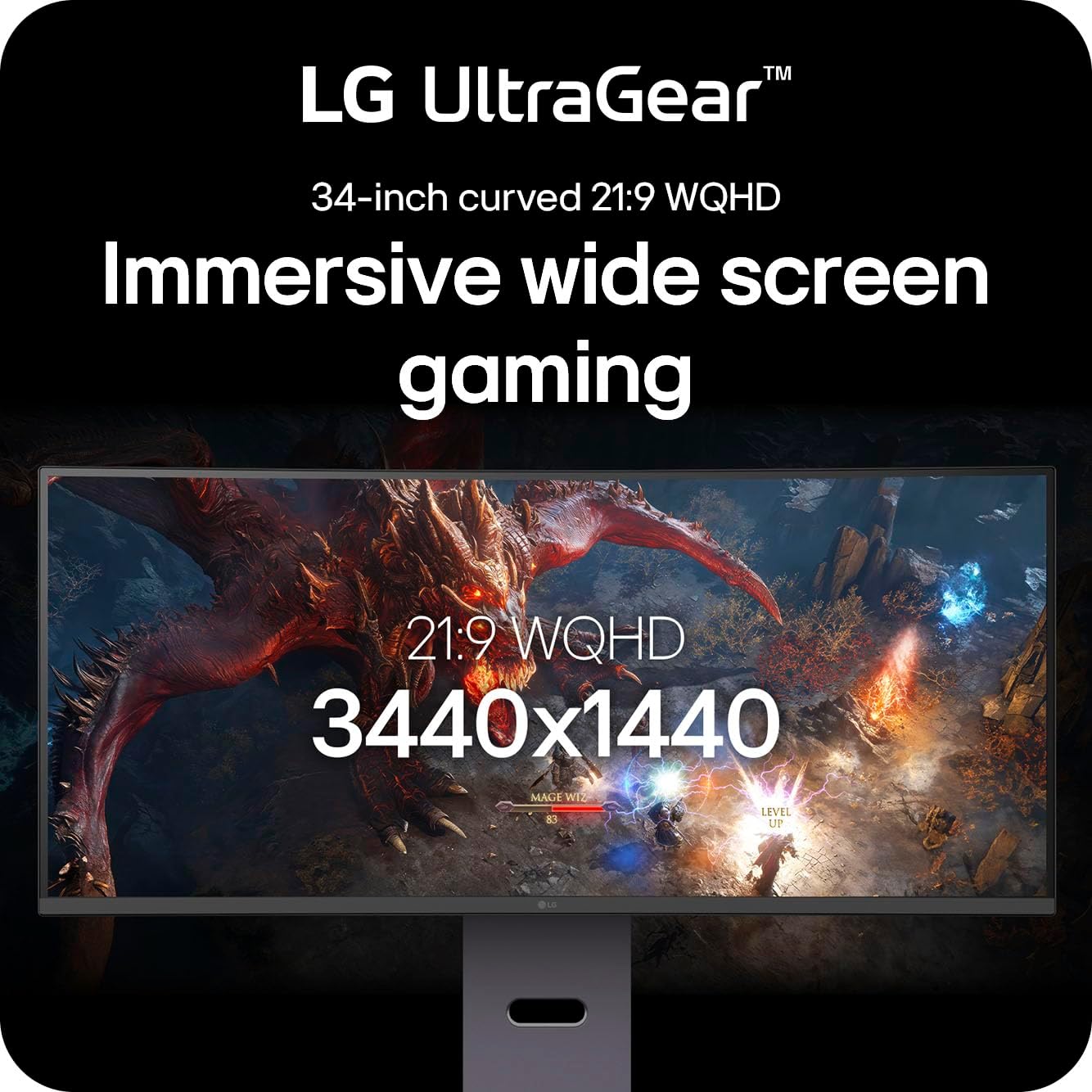
The LG 34G600A-B has a 34-inch curved WQHD display with a 3440 x 1440 resolution and 1800R curvature. For games that support an ultrawide view, the wider layout can show more of the scene, it also leaves room to keep a game or video open beside another window. The tradeoff is that not every game or video will make full use of the extra width.
Its 160Hz refresh rate is designed to make motion look smoother, and AMD FreeSync Premium is intended to reduce tearing and stuttering. The listing also specifies 1ms Motion Blur Reduction (MBR). That is a motion-blur feature, not a guarantee that every game will look equally sharp or fluid.
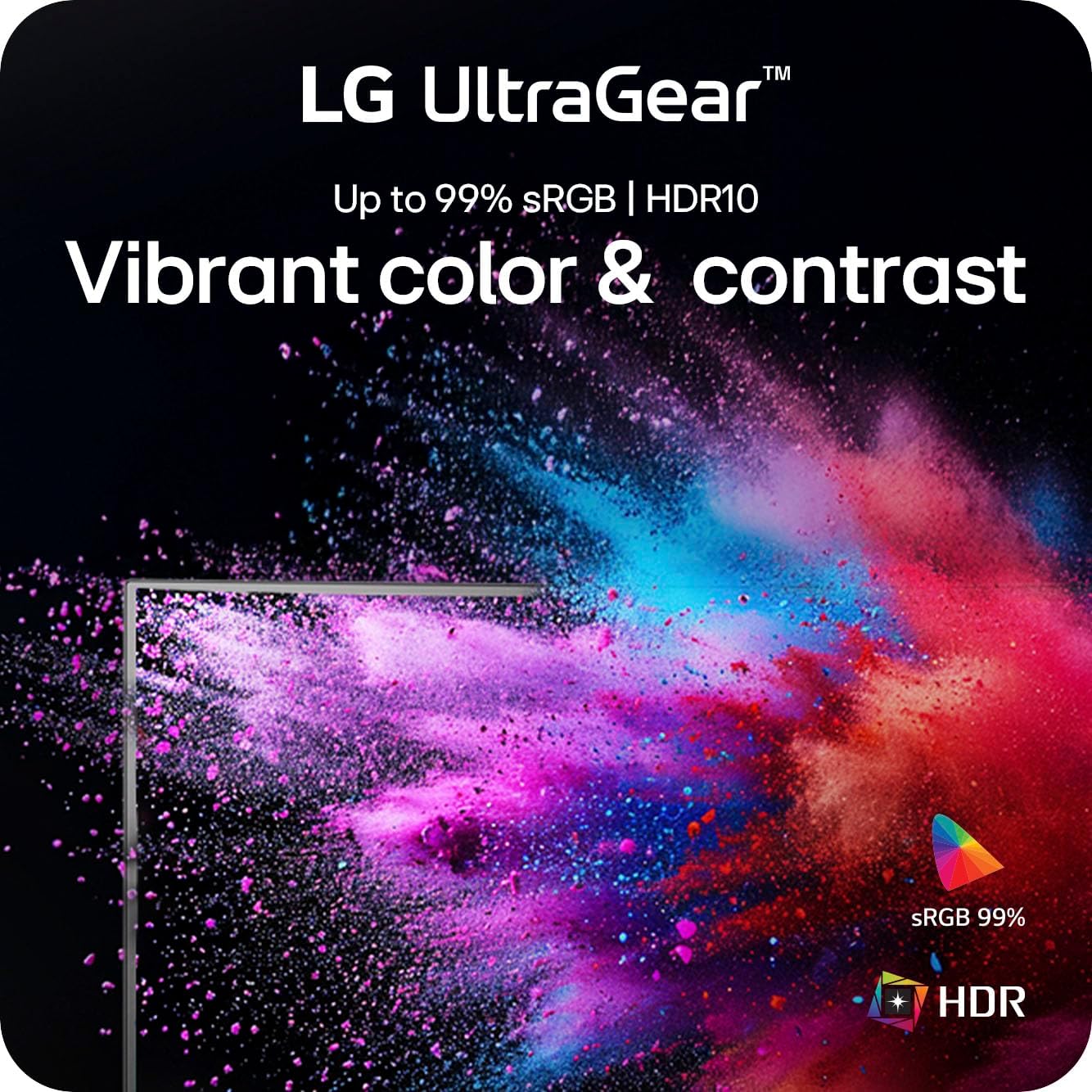
HDR10 support and up to 99% sRGB coverage round out the picture features. There are also HDMI 2.1 and DisplayPort connections, a built-in speaker, Reader Mode, and a stand with tilt, height, and swivel adjustment. The available information does not specify port counts or speaker output, so those details may matter if you’re planning a particular setup.
Who it’s for
It suits you if you want an immersive, wide display for gaming and prefer having room for a second window without adding another monitor. For example, you could keep a game centered on screen while leaving a chat or stream controls visible to the side. The adjustable stand offers more positioning flexibility than a fixed-tilt setup, and the built-in speaker provides audio without requiring separate desktop speakers.
It might not be a great match if your desk has limited width, you mainly watch standard-format video, or you’re shopping for a display based on detailed speaker specifications. A standard-width monitor may fit those priorities better. The listing doesn’t provide brightness or contrast figures, either, so HDR10 support alone won’t tell you how impactful HDR will look in your room.
Everyday use
The wide resolution can make side-by-side tasks feel less cramped, while Reader Mode gives you another display setting for reading. Switching between games, video, and work is a plausible use for this mix of features, rather than treating the monitor as a dedicated competitive-gaming screen only. Still, the curved 34-inch format takes more horizontal space than a smaller conventional display, and it may not suit every desk layout.

Before you decide
What resolution does it use? It has a WQHD resolution of 3440 x 1440 on a 34-inch curved screen.
Does the stand adjust? Yes. The listing names tilt, height, and swivel adjustment.
Does it include built-in audio? Yes, a built-in speaker is listed, but no speaker output details are provided.
When it makes sense
Choose this LG if an ultrawide view, 160Hz refresh rate, and adjustable stand match how you play and use your desk. Its feature set favors people who want both a broader gaming view and space for everyday multitasking. Look elsewhere if compact dimensions, specified speaker performance, or a conventional screen format matter more. The product information identifies the display features and connections, but doesn’t give enough detail to judge brightness, contrast, or the included accessories.