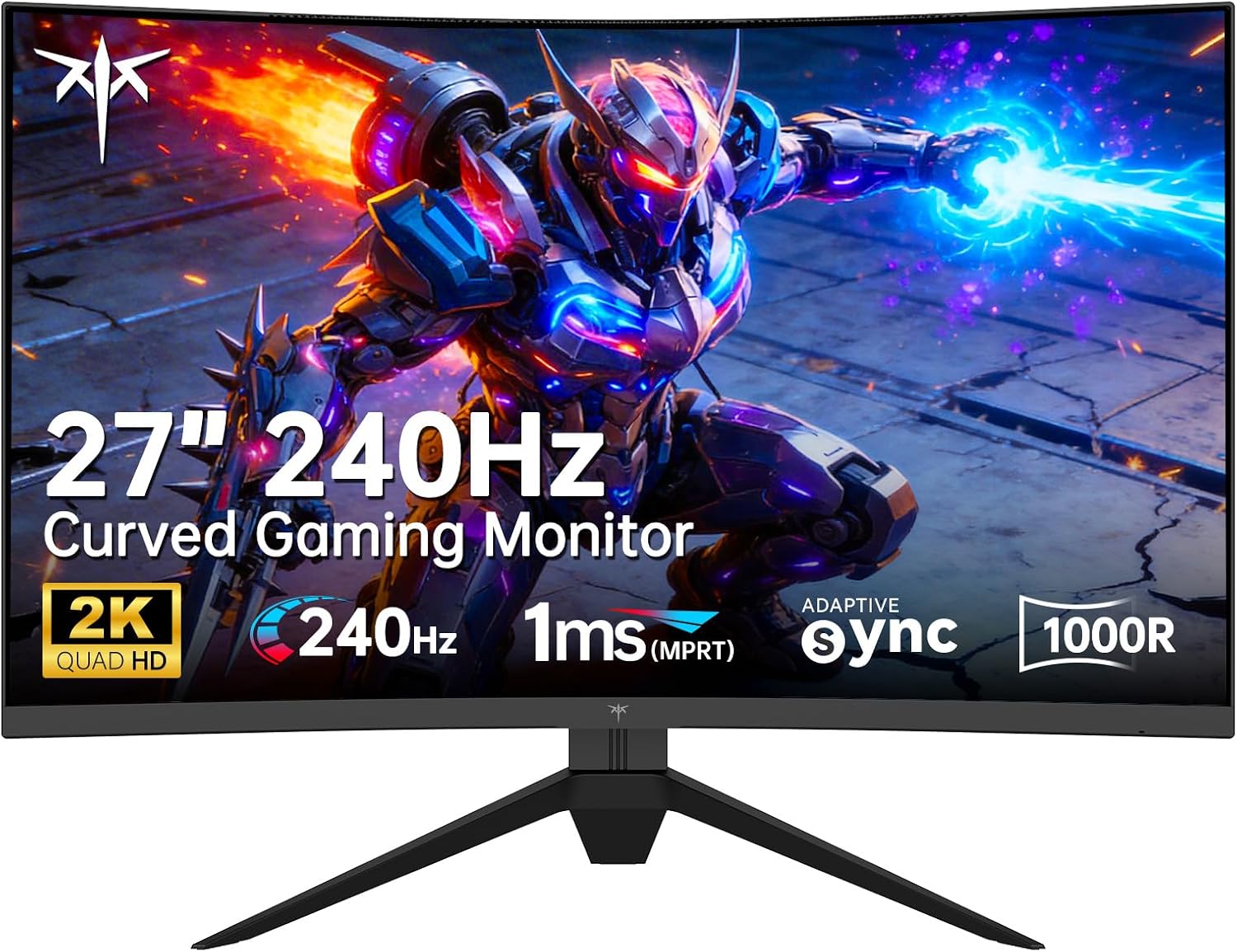
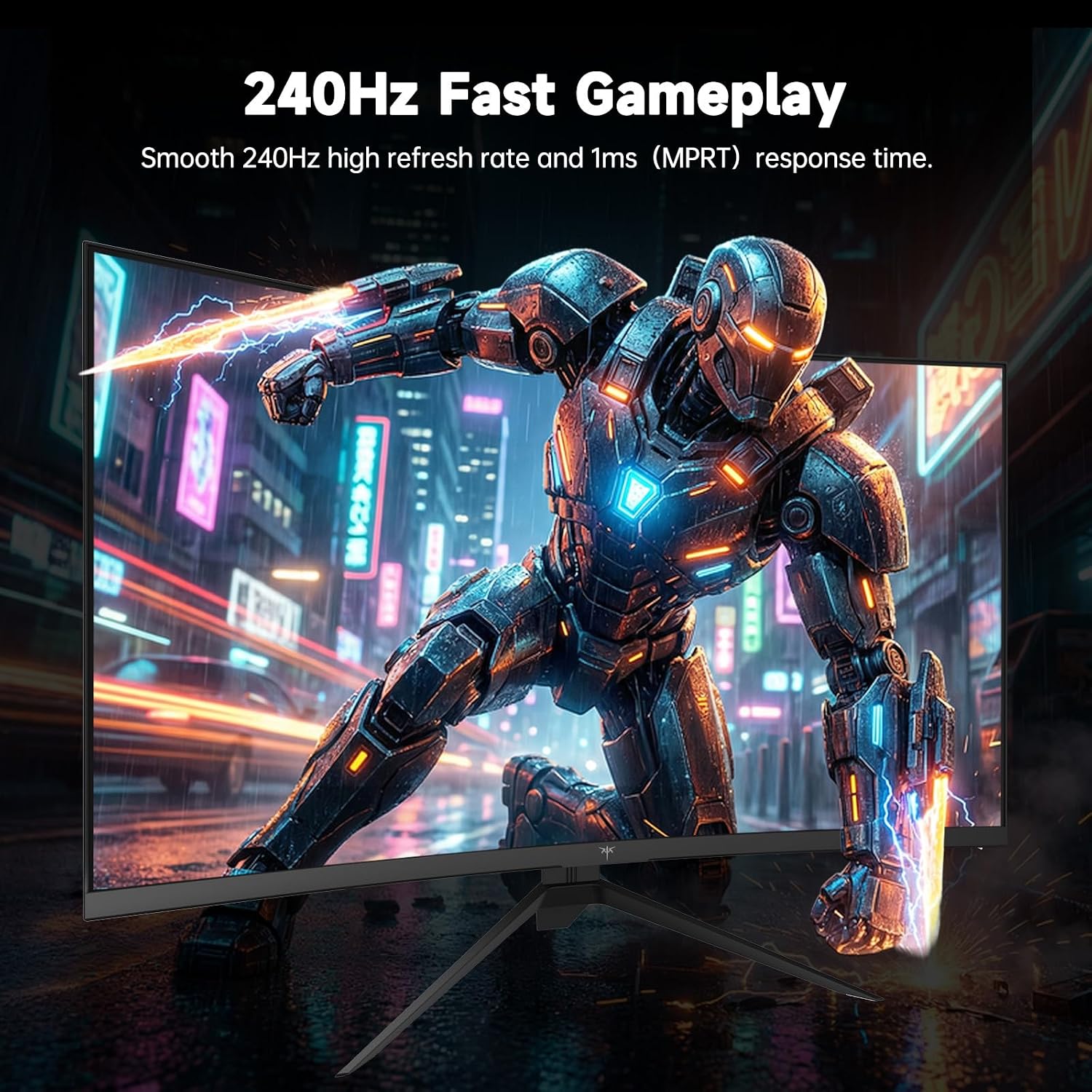
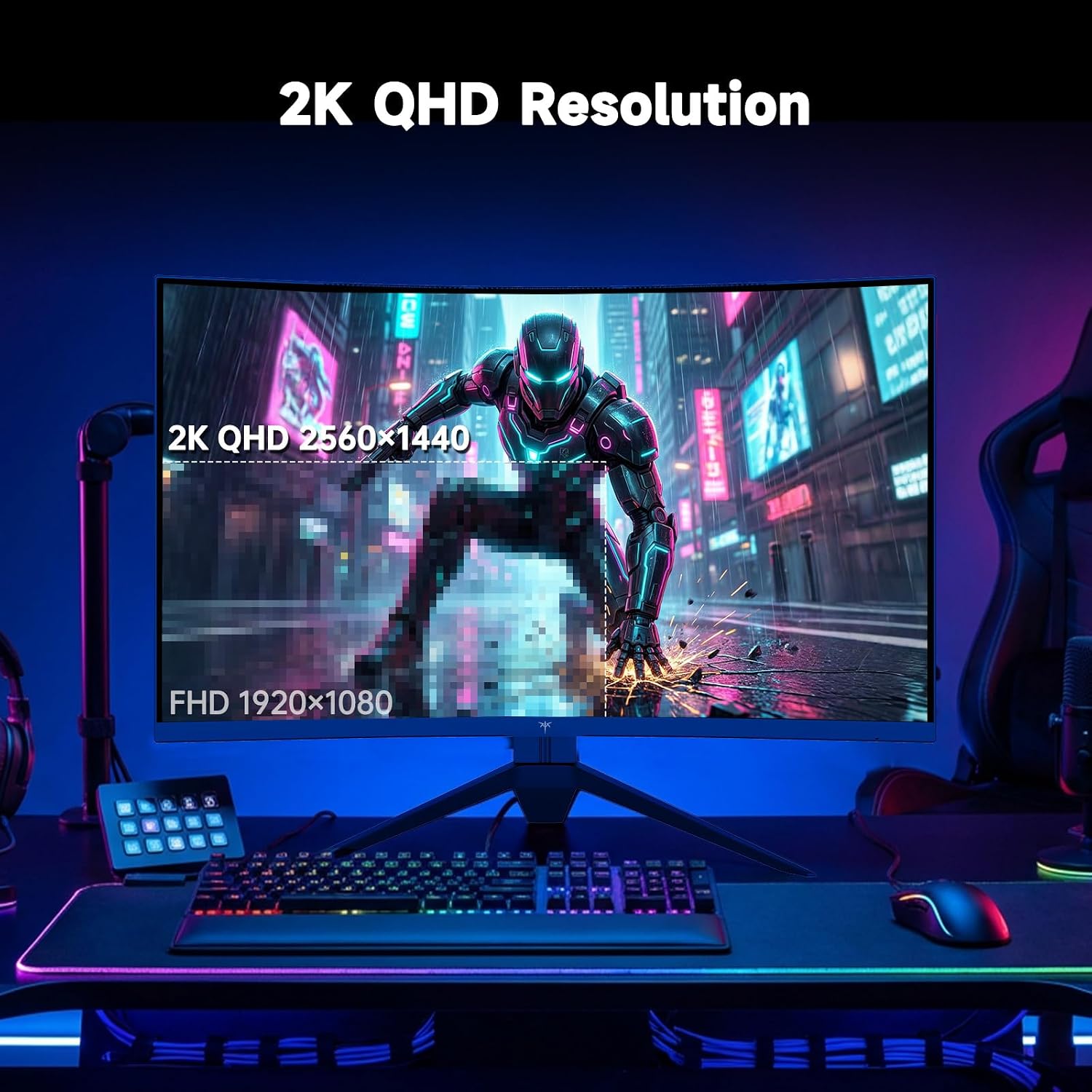
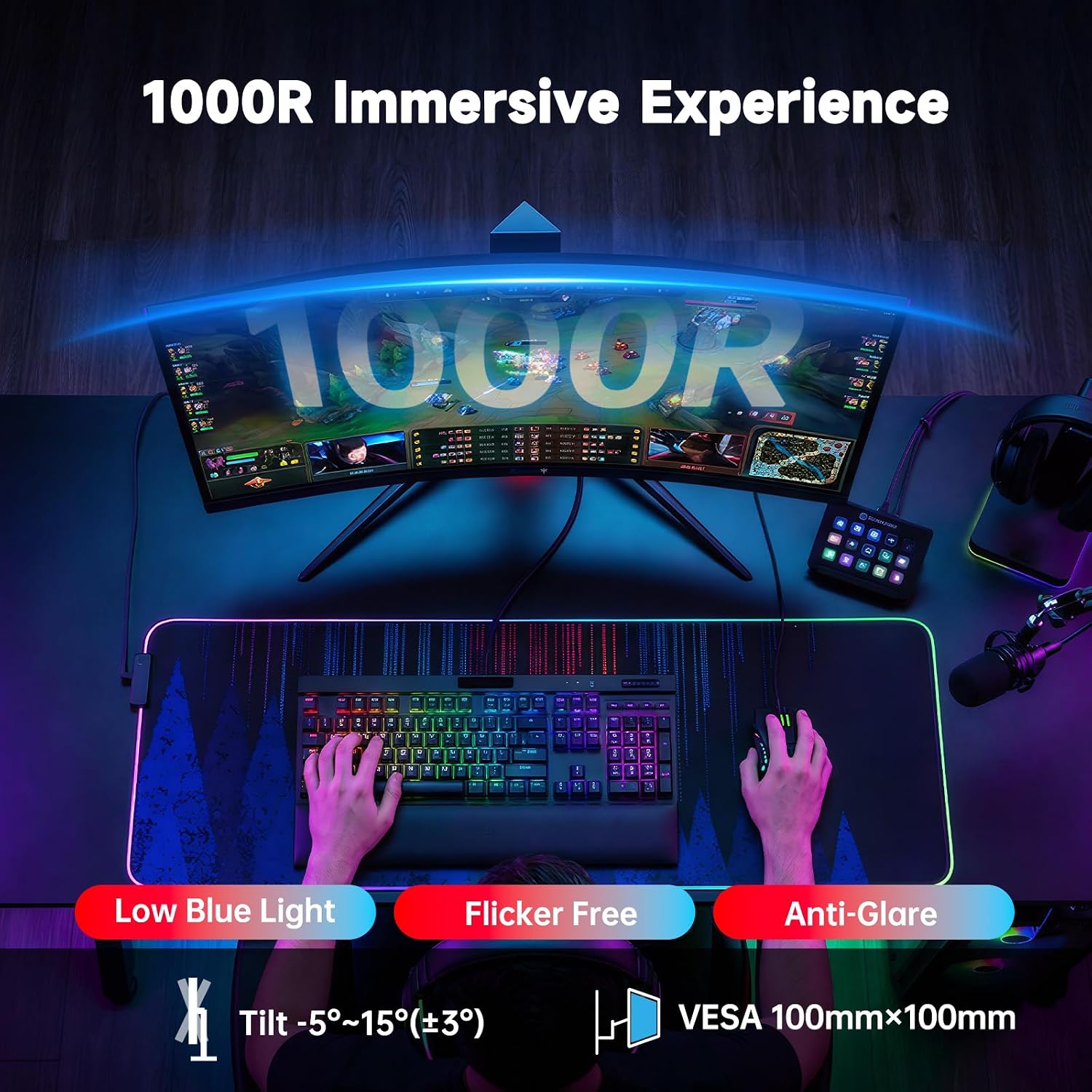
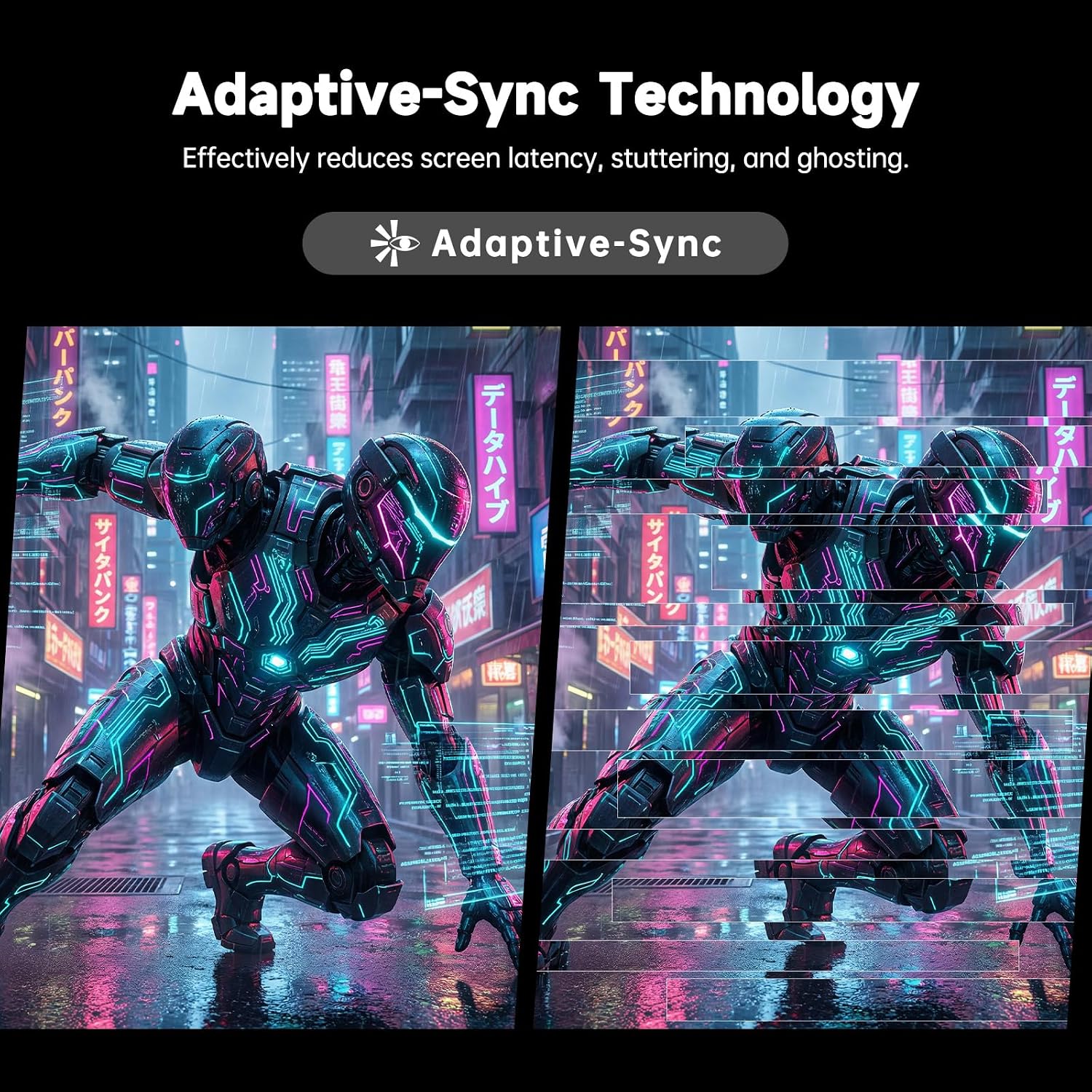
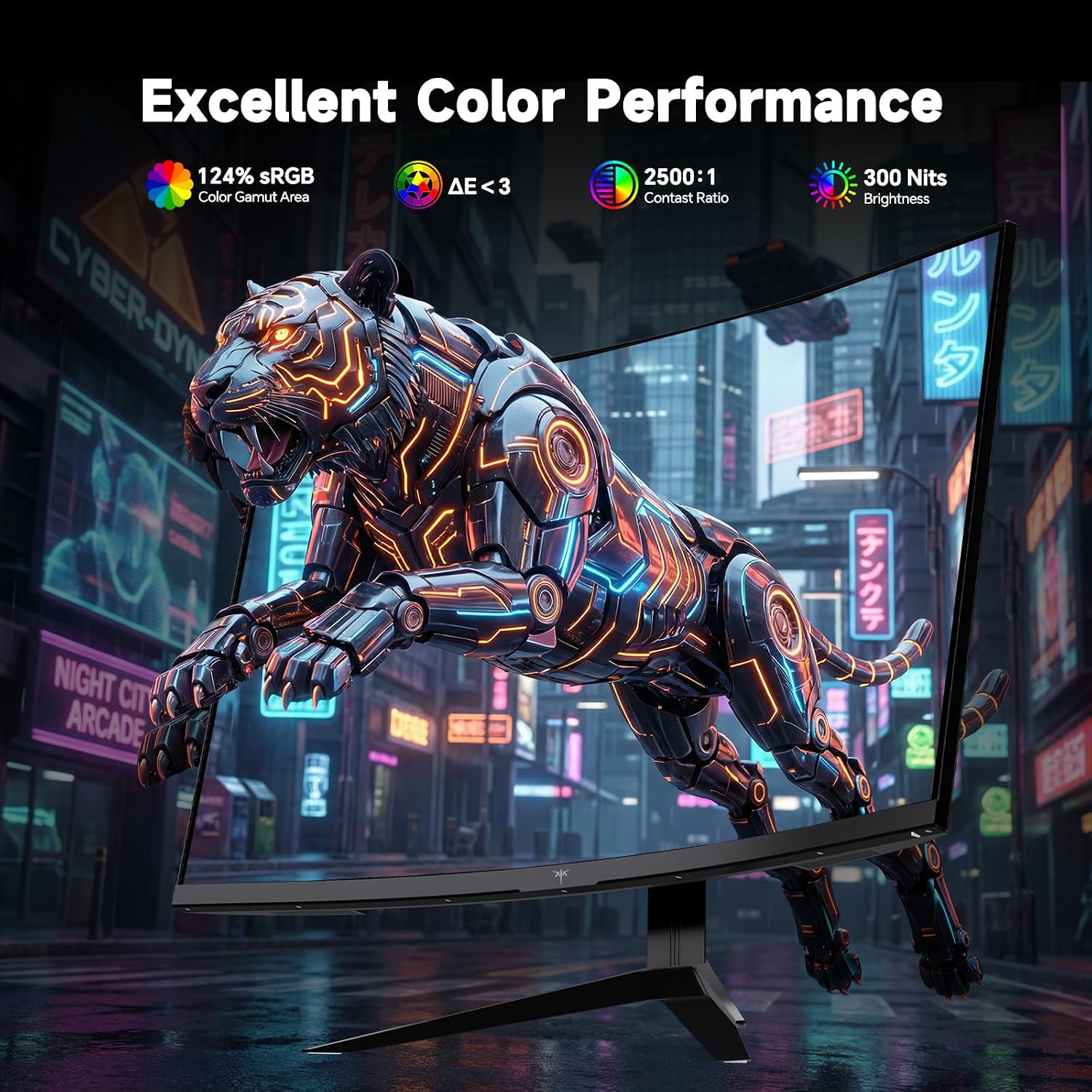
What matters most\nIf you’re chasing a fast, immersive gaming experience, the KTC 27 Inch Curved Gaming Monitor aims to deliver with a 240Hz refresh rate and a 1000R curved panel. The ultra-fast panel is paired with Adaptive-Sync to minimize tearing, which can be a real edge during competitive play. The 2K QHD resolution (2560x1440) is designed to strike a balance between sharp details and high frame rates, especially on a 27-inch diagonal that benefits from the curved field of view. If your goal is fluid motion and vivid visuals, this model presents a compelling option, though you’ll want to temper expectations about HDR and color accuracy until you see it in person.\n\n## Design and visuals\nThe 1000R curvature is tighter than the more common 1500R, which tends to reduce distortion and provide a broader sense of immersion. With a wide viewing angle (178°) and a reported 124% color gamut, images can look punchy and more consistent across off-angle viewing. It’s not just about size, curvature and color coverage matter for how scenes feel during long gaming sessions or media consumption.\n\n## Core specs at a glance\nThis monitor supports 2560x1440 at up to 240Hz on both DP 1.4 and HDMI 2.0 connections. Connectivity includes 2× HDMI 2.0 and 2× DP 1.4 for flexible setup, plus a USB 2.0 port. VESA mounting and a tiltable stand add ergonomic options for desktop layouts. HDR-capable visuals are mentioned, though real-world texture and brightness can vary by scene and source quality.\n\n## Image quality and eye comfort\nAnti-blue light tech is included to help reduce eye strain during long sessions. If you value visual clarity for extended gaming or work hours, this feature can matter, but it’s wise to test brightness, contrast, and color presets to suit your environment.\n\n## Who this is for\nIf you want a responsive gaming monitor with high frame rates, a strong curved immersion, and 2K resolution, this model targets gamers who appreciate quick motion and broad viewing angles. It may also serve creators who benefit from the 1440p sharpness and wide color coverage for general productivity or multimedia tasks.\n\n## What to review before buying\n- Verify that your GPU and PC support 2560x1440 at 240Hz with DP 1.4 or HDMI 2.0 to avoid bottlenecks.\n- Check your desk space and seating distance to ensure the 1000R curve feels immersive rather than overwhelming.\n- Consider how you’ll calibrate color and brightness, the preset sRGB and color calibration notes suggest room for fine-tuning, but results vary by unit.\n- If you rely on HDR, be aware real-world brightness and HDR performance can differ from marketing claims and depend on content.\n\n## Practical usage and real-world scenario\nImagine stepping into a fast-paced shooter where you can track enemy movements with minimal motion blur, thanks to the 240Hz panel. For strategy games or racing sims, the curved display can help with peripheral awareness and depth cues. On the work side, the sharp 1440p image yields crisp text and UI elements, though it’s not a workstation-focused panel.\n\n## Final verdict\nIs it worth it? It makes sense if you prioritize high refresh, immersive curvature, and solid 1440p clarity for gaming. If color-critical work or HDR brightness is a top priority, you may want to compare against other options or confirm firsthand how this unit performs in your setup. It’s not the absolute baseline for entry-level buyers, but it sits firmly in the mid-to-upper range for curved 1440p gaming monitors with strong motion handling.\n\n## FAQ (practical, non-technical answers)\n- How does 240Hz feel in practice? You’ll notice smoother mouse and camera movements in fast-paced games, but frame rate parity depends on your GPU and game title.\n- Do I need HDR for this monitor to shine? HDR can enhance certain scenes, but its impact varies by content and panel brightness, it’s not guaranteed to transform every title.\n- Is the curvature comfortable for long sessions? A 1000R curve aims to match the eye’s natural shape, which many users find immersive, though some may need an adjustment period.\n