

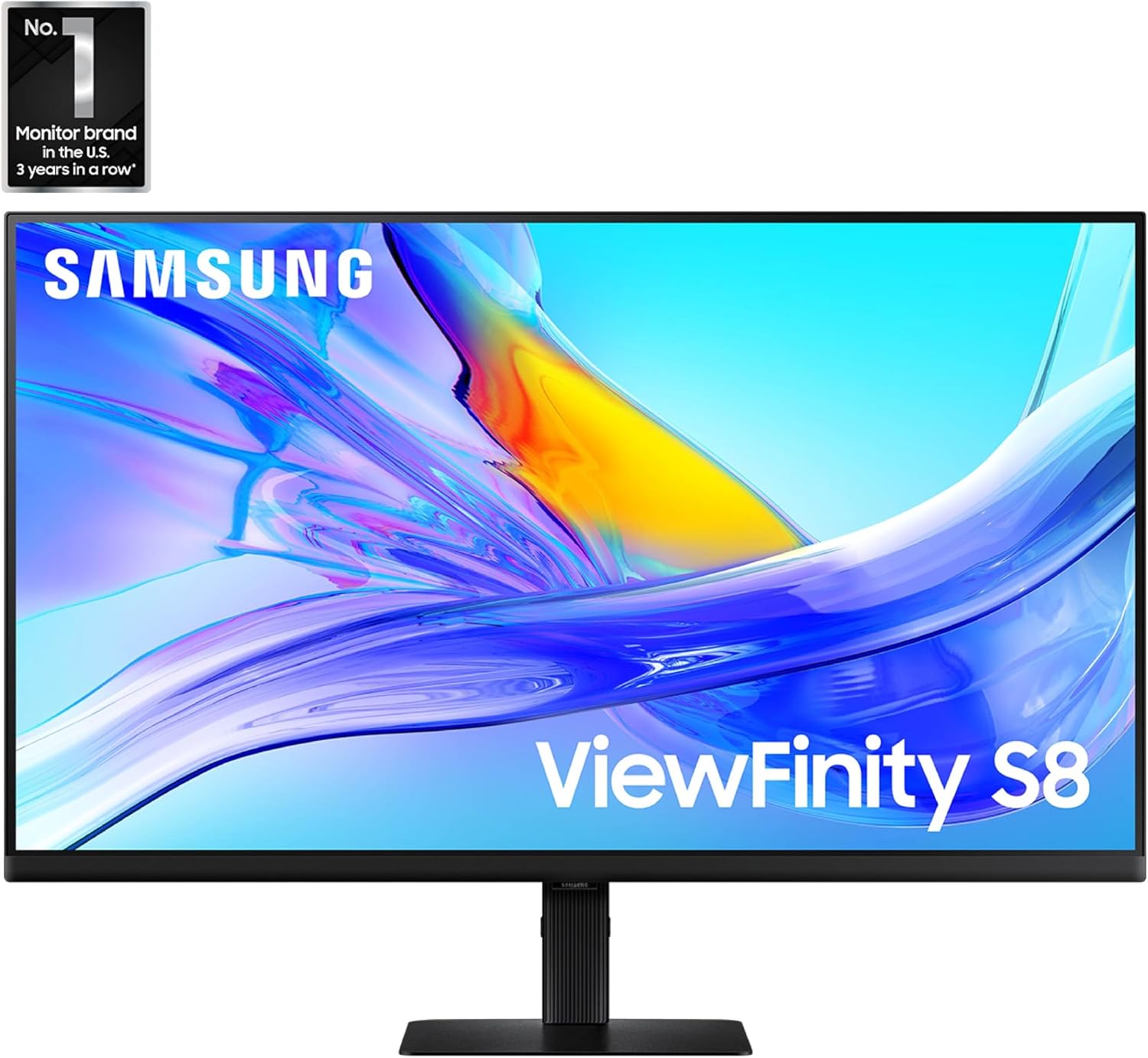
Samsung ViewFinity S8 37" 4K UHD Monitor
Product description
The Samsung ViewFinity S8 37" monitor delivers a larger, clearer workspace for creative work and multitasking, combining high resolution and ergonomic design in a single package. It targets professionals who need more screen real estate and accurate color without sacrificing connectivity.
Key features
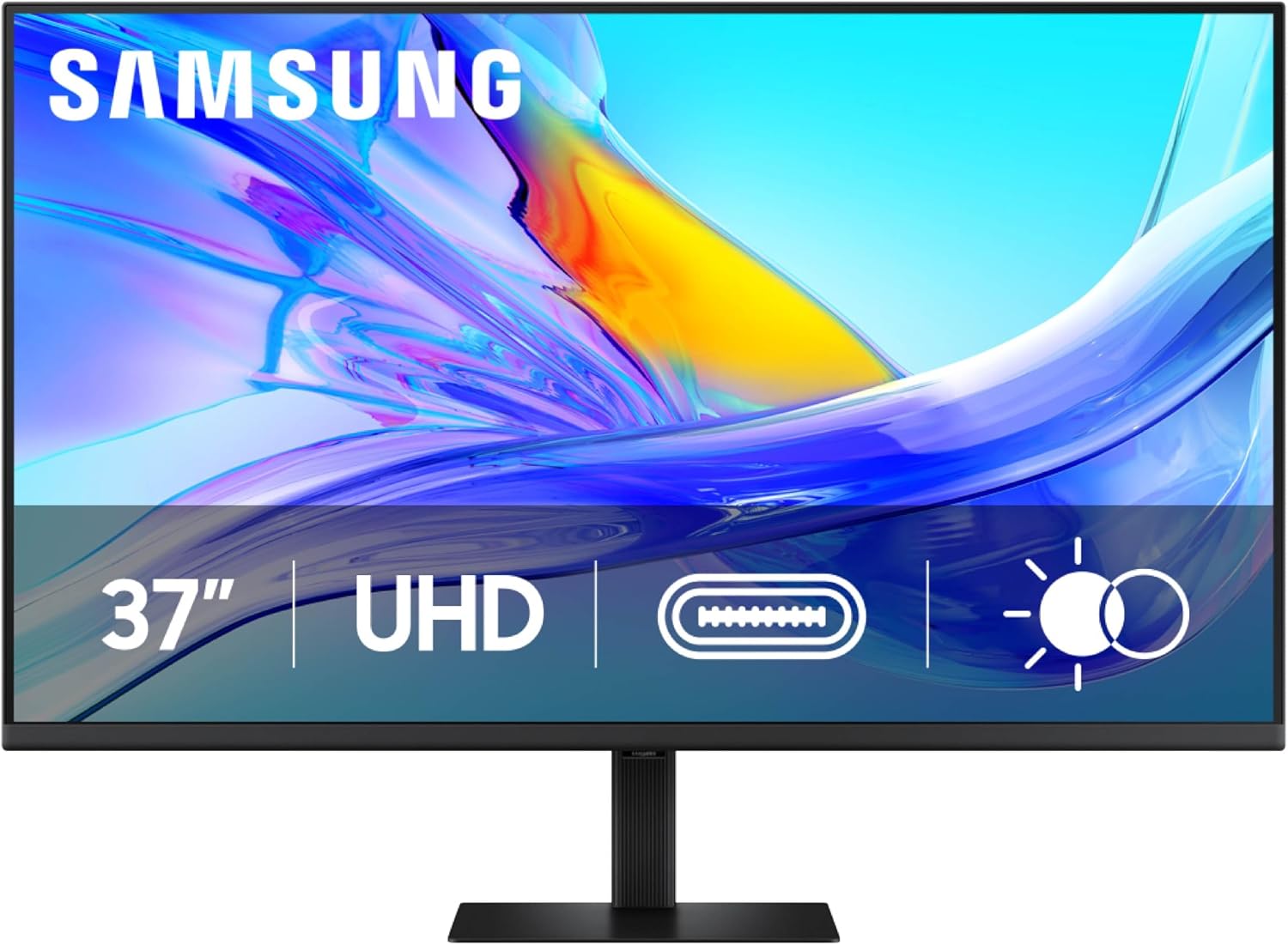
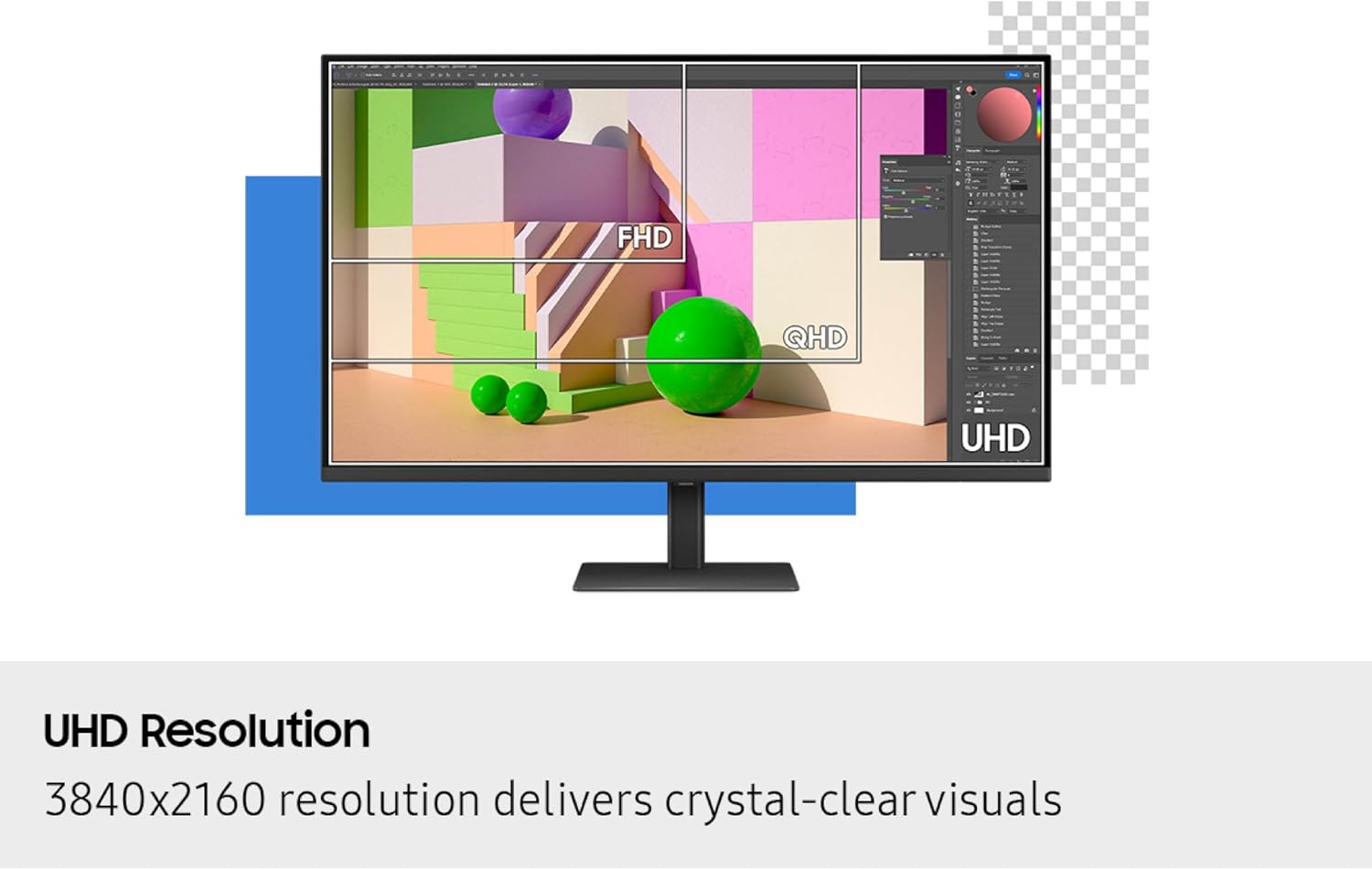
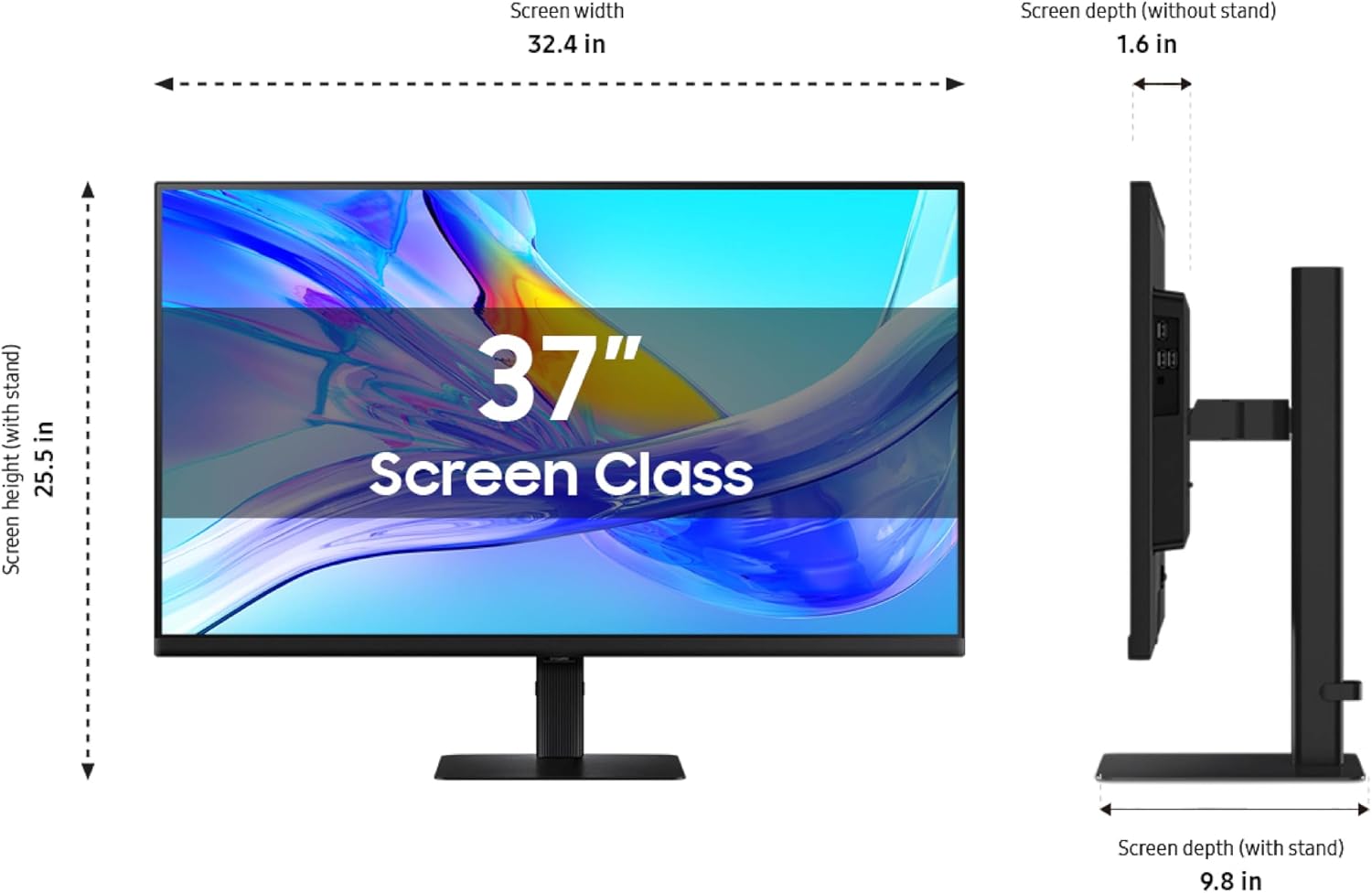
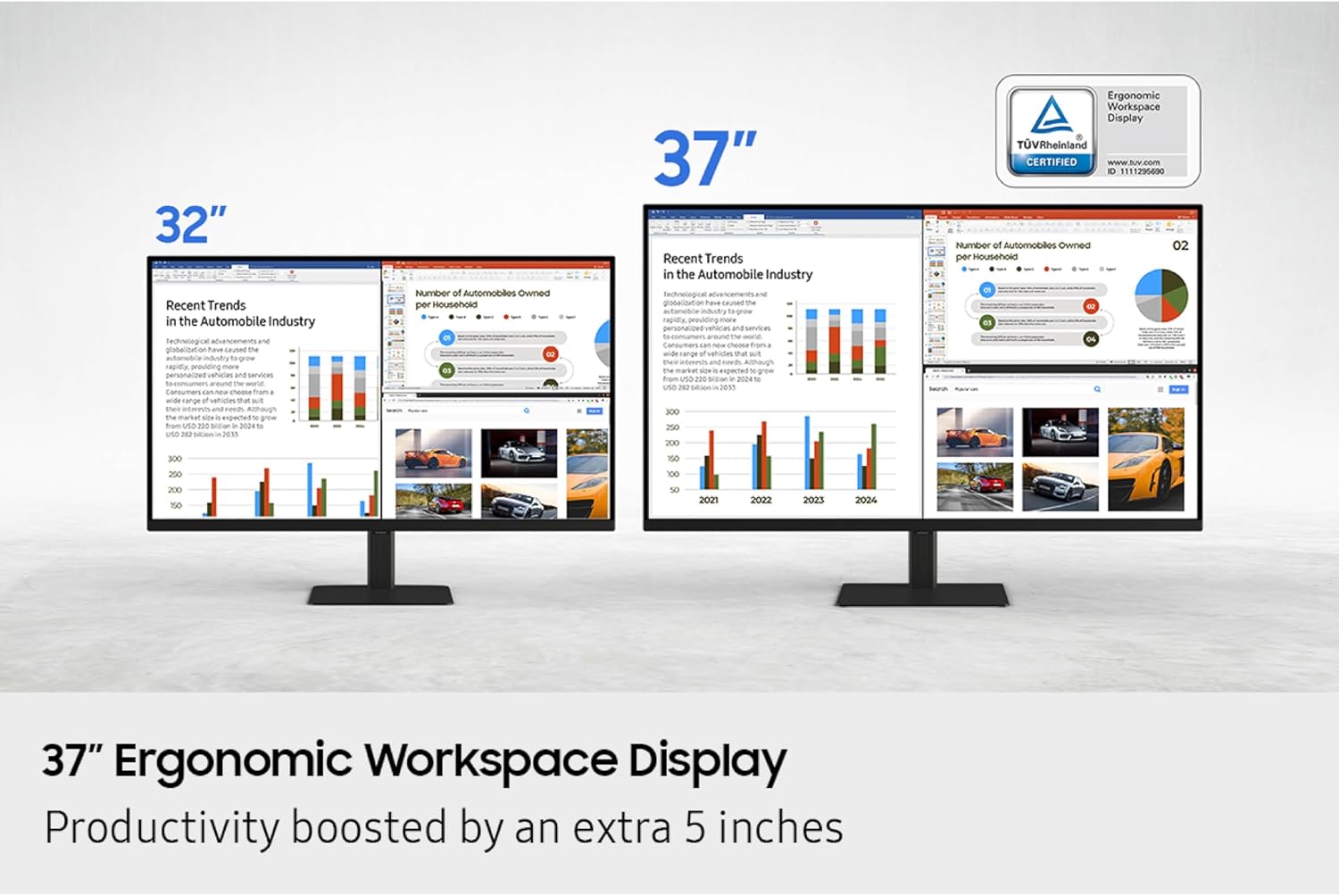
This 37" 4K UHD display boosts pixel density and expands usable area compared with 32" panels, helping you see finer detail and arrange windows more comfortably. HDR10 and support for 1.07 billion colors provide richer contrast and truer hues for photo editing and content review. The screen adjusts to your environment with TÜV-certified intelligent eye care that reduces flicker and limits excessive blue light, while automatic brightness and color temperature adjustments keep visuals consistent.
Specifications
- Name: LS37D800UANXZA
- Size: 37"
- Resolution: 4K UHD
- Color: 1.07 billion colors
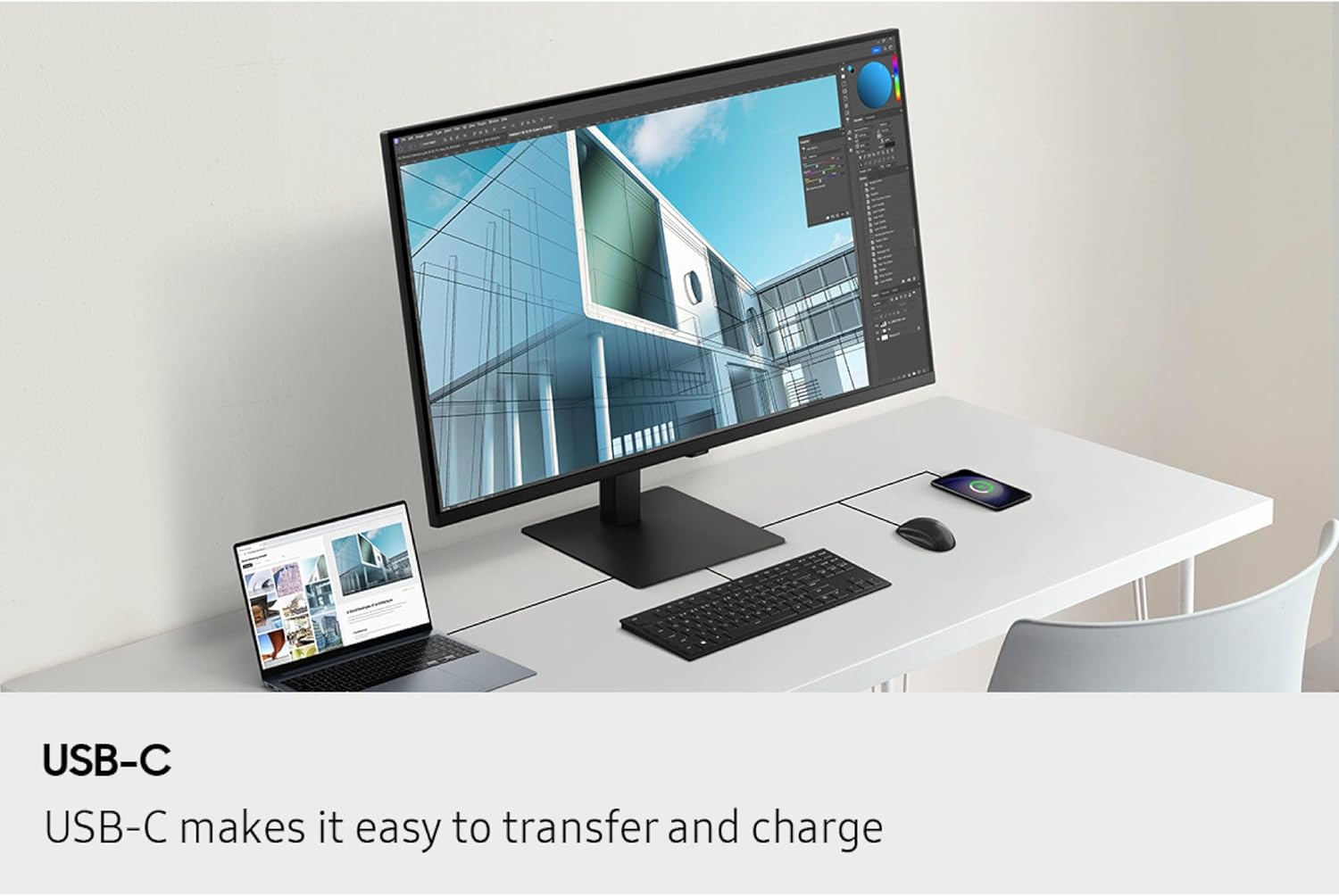
- Connectivity: USB-C with up to 90W charging
- Feature: Built-in KVM switch
Why it’s worth it
The ViewFinity S8 balances color fidelity and convenience, so you can move between laptops and desktops without swapping peripherals thanks to the built-in KVM. USB-C charging up to 90W reduces cable clutter and powers compatible laptops while transferring data. The integrated LAN port also gives wired network access without extra adapters, which is helpful when you need low-latency connections for large file transfers.
Best use cases
If your workflow blends design, editing, and multitasking, the larger 37" canvas helps keep reference windows and tool panels visible at once. It’s a compelling option when you value color accuracy for photo and video work and want ergonomic adjustability for extended sessions. It’s not the simplest pick for minimal desk setups where space is extremely limited, so measure your stand area before buying.
Getting the most from it
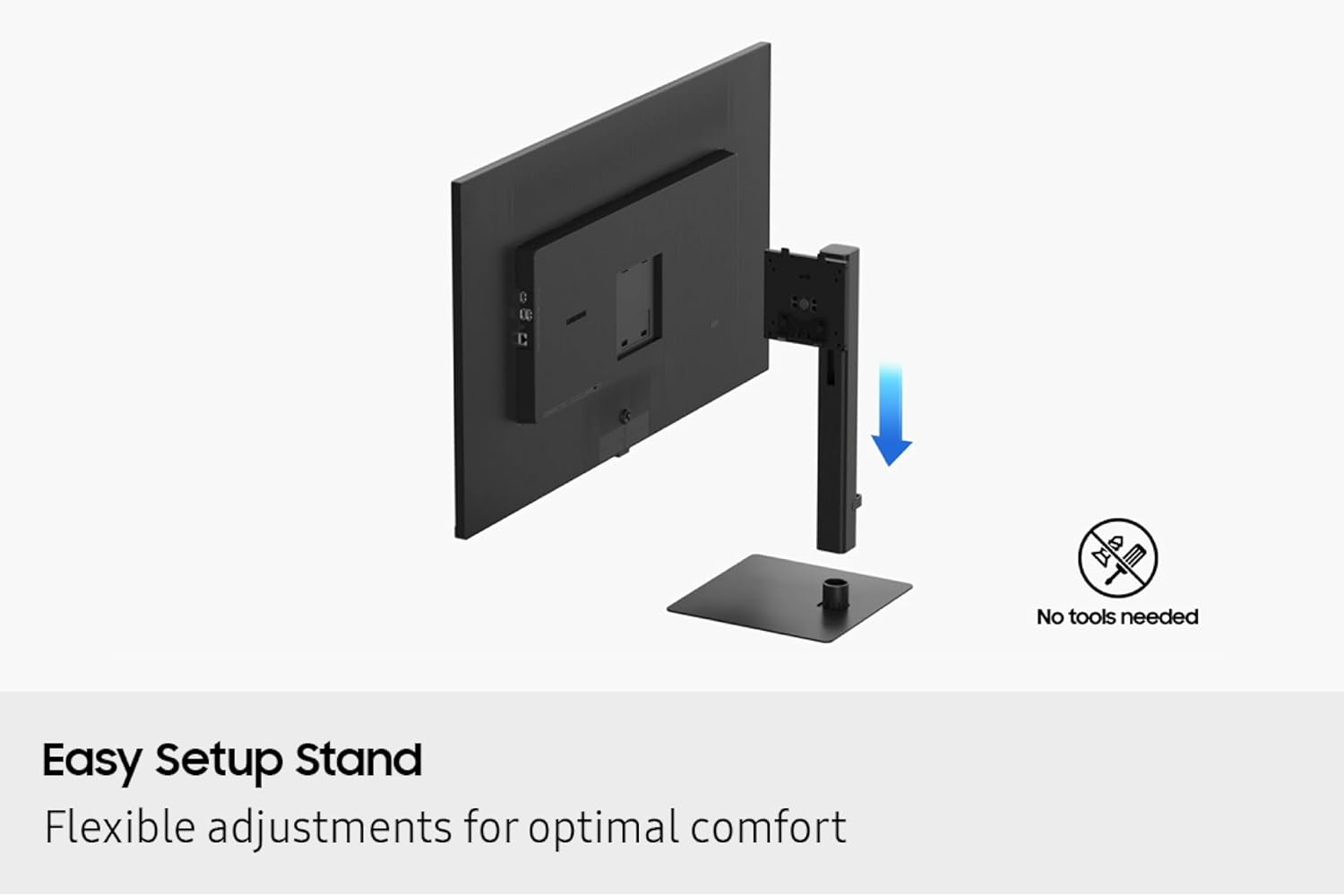
Position the height-adjustable stand to maintain a natural gaze, and use Picture-in-Picture or Picture-by-Picture to compare sources side by side. The Easy Setup Stand fits without tools so you can start using the monitor quickly, and the built-in KVM streamlines switching between systems for clearer, uninterrupted workflows. Samsung ViewFinity S8 shines when accuracy and connectivity matter, and the combination of HDR10 and intelligent eye care keeps images vivid while reducing eye strain. 😊🎯.