

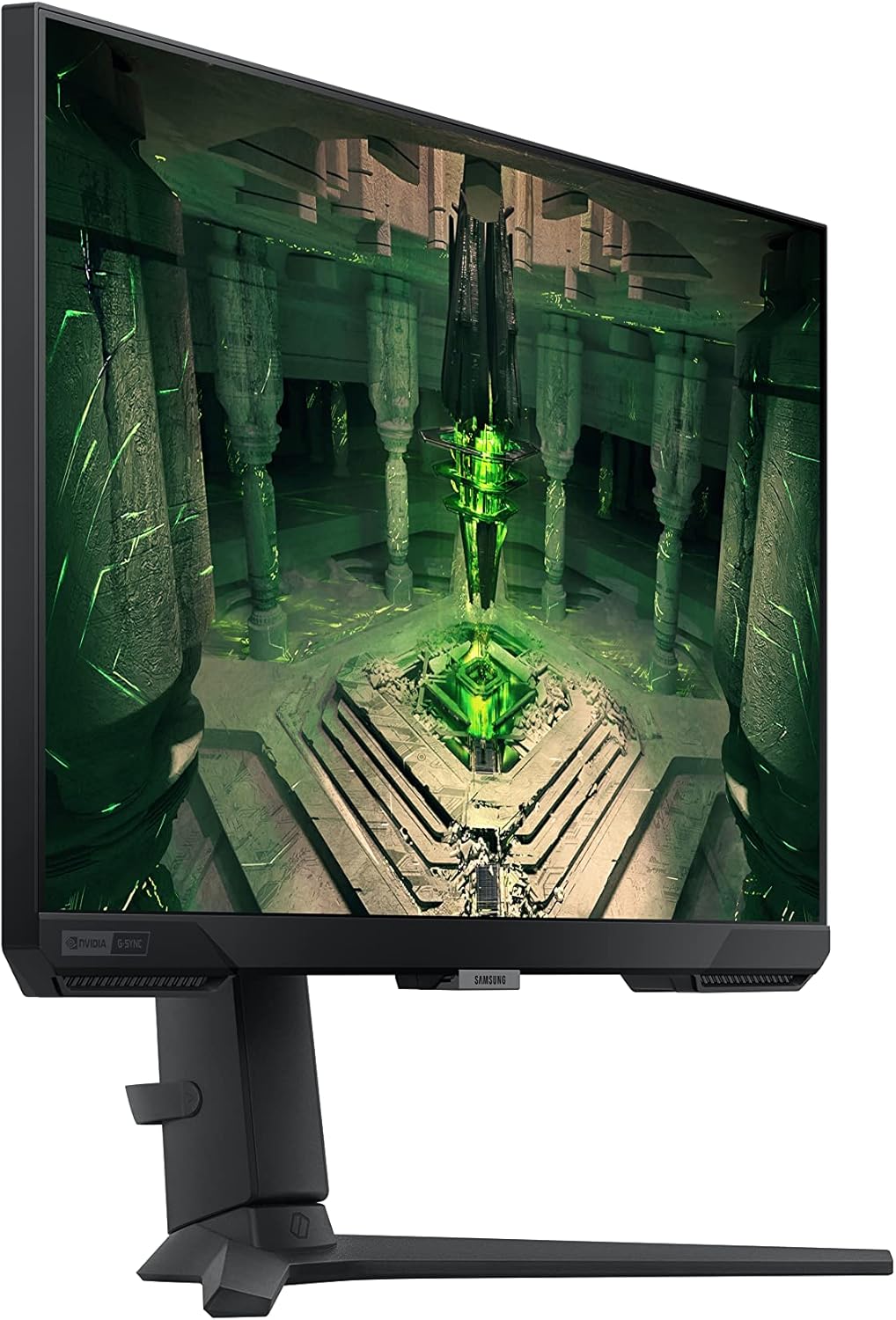
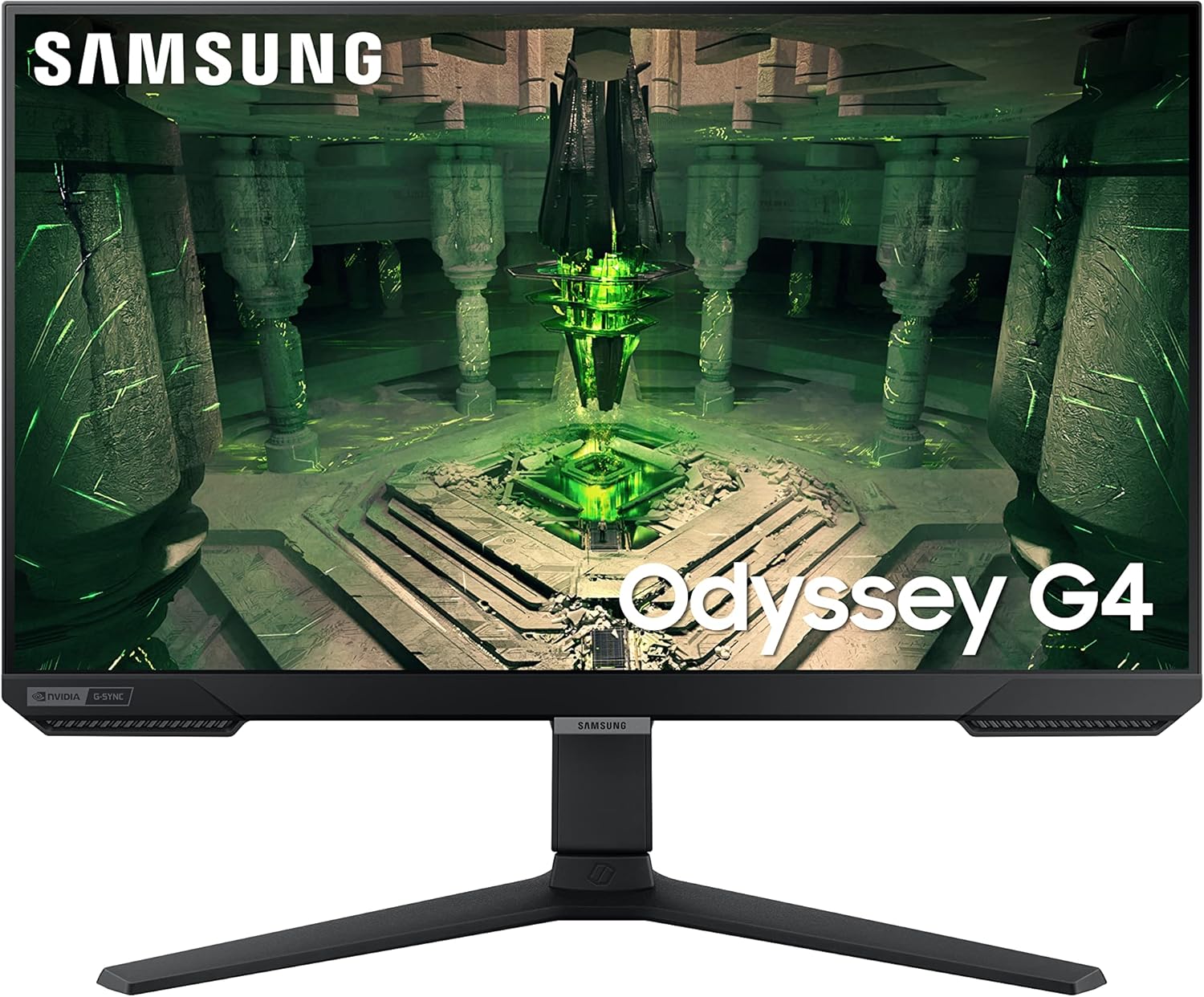
SAMSUNG 25-inch Odyssey G4 Series Gaming Monitor (LS25BG402ENXGO)
Product description
What this monitor is
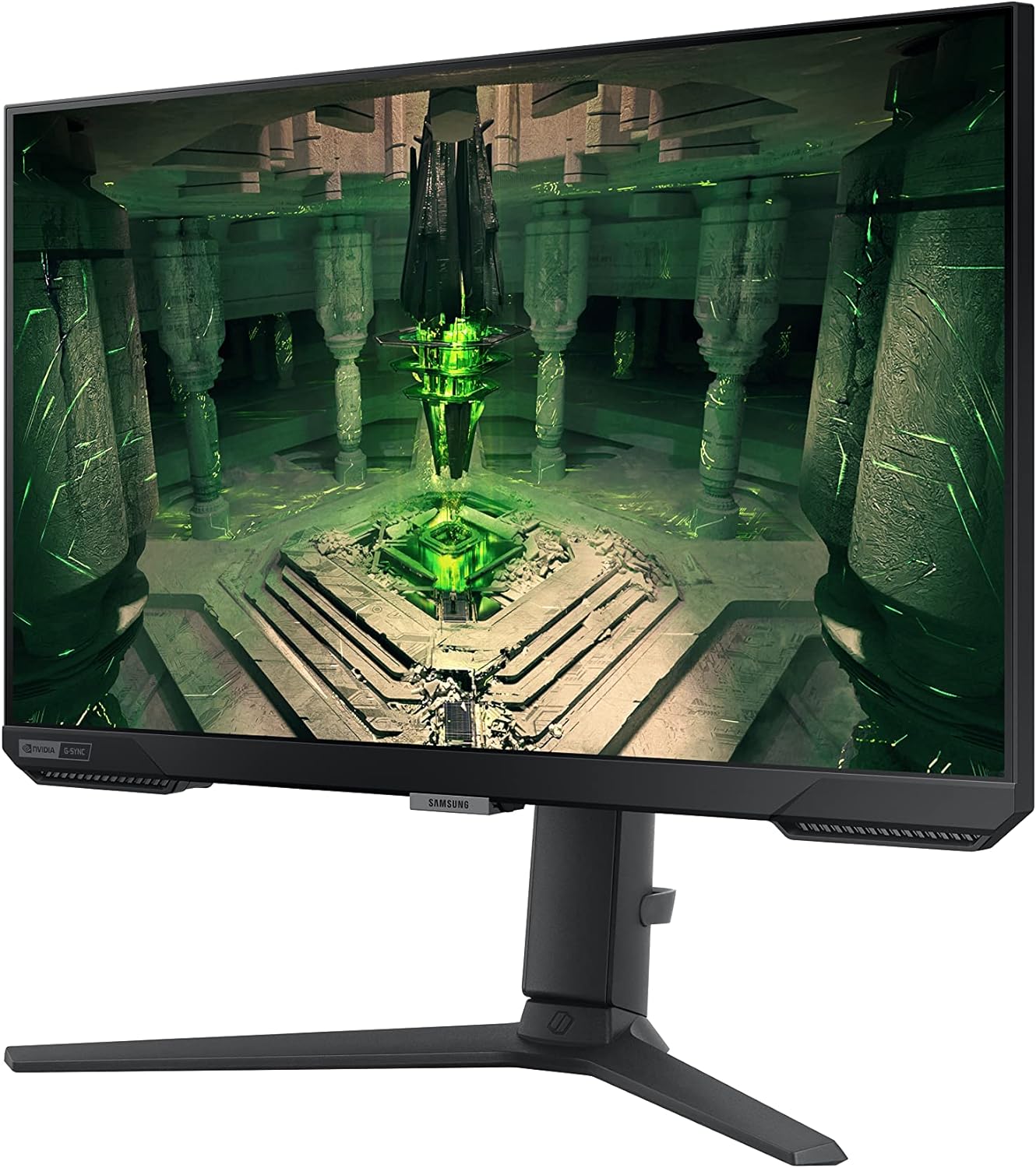
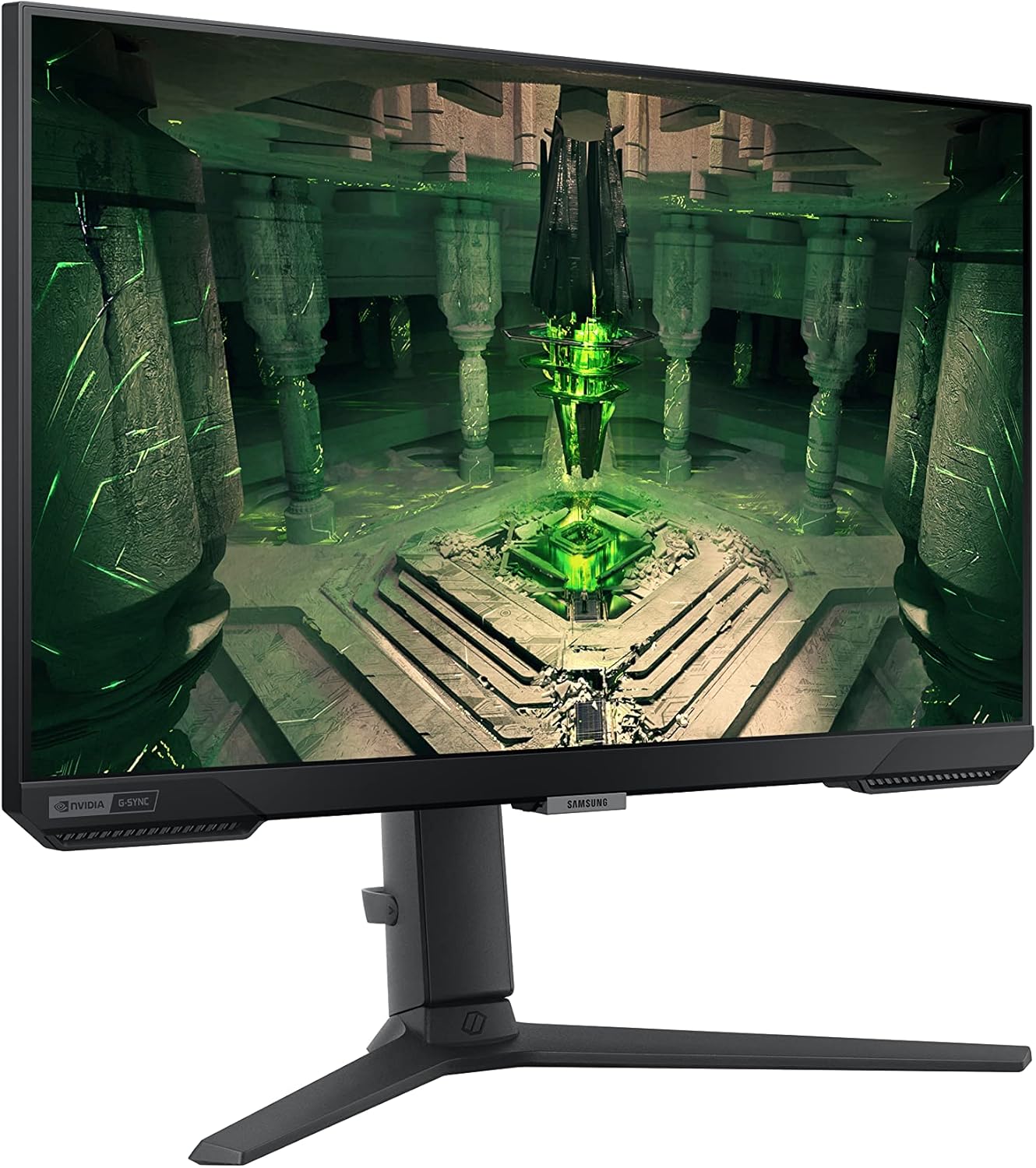
The Samsung 25-inch Odyssey G4 is a gaming-focused display built around a Full HD IPS panel. It emphasizes fast action and smooth visuals with a 240Hz refresh rate and a 1ms (GTG) response time. It also supports NVIDIA G-SYNC compatibility and AMD FreeSync Premium, plus HDR10 for enhanced color and contrast. The ultrawide 21:9 Game View adds a broader field of view, which can help with situational awareness in fast-paced titles.
Performance on paper, real-world use
On paper, the combination of 240Hz and 1ms GTG promises fluid moments and reduced motion blur during rapid game sequences. For competitive players, this can translate to crisper frames and a more responsive feel. The IPS panel should deliver wide viewing angles and accurate color across the screen, which helps in games with vibrant environments or when sharing the screen with friends. The G-SYNC compatibility and FreeSync Premium support aim to minimize tearing and stutter, provided your GPU and game settings cooperate. In practice, you may notice the benefit most during fast shooters or racing titles where quick reactions matter.
The best things about it
- Fast response and high refresh rate geared toward esports-style play.
- IPS panel offers wide viewing angles and consistent color from different seating positions.
- Ultrawide 21:9 view can reveal more of the game world in certain titles, potentially giving a micro edge in awareness.
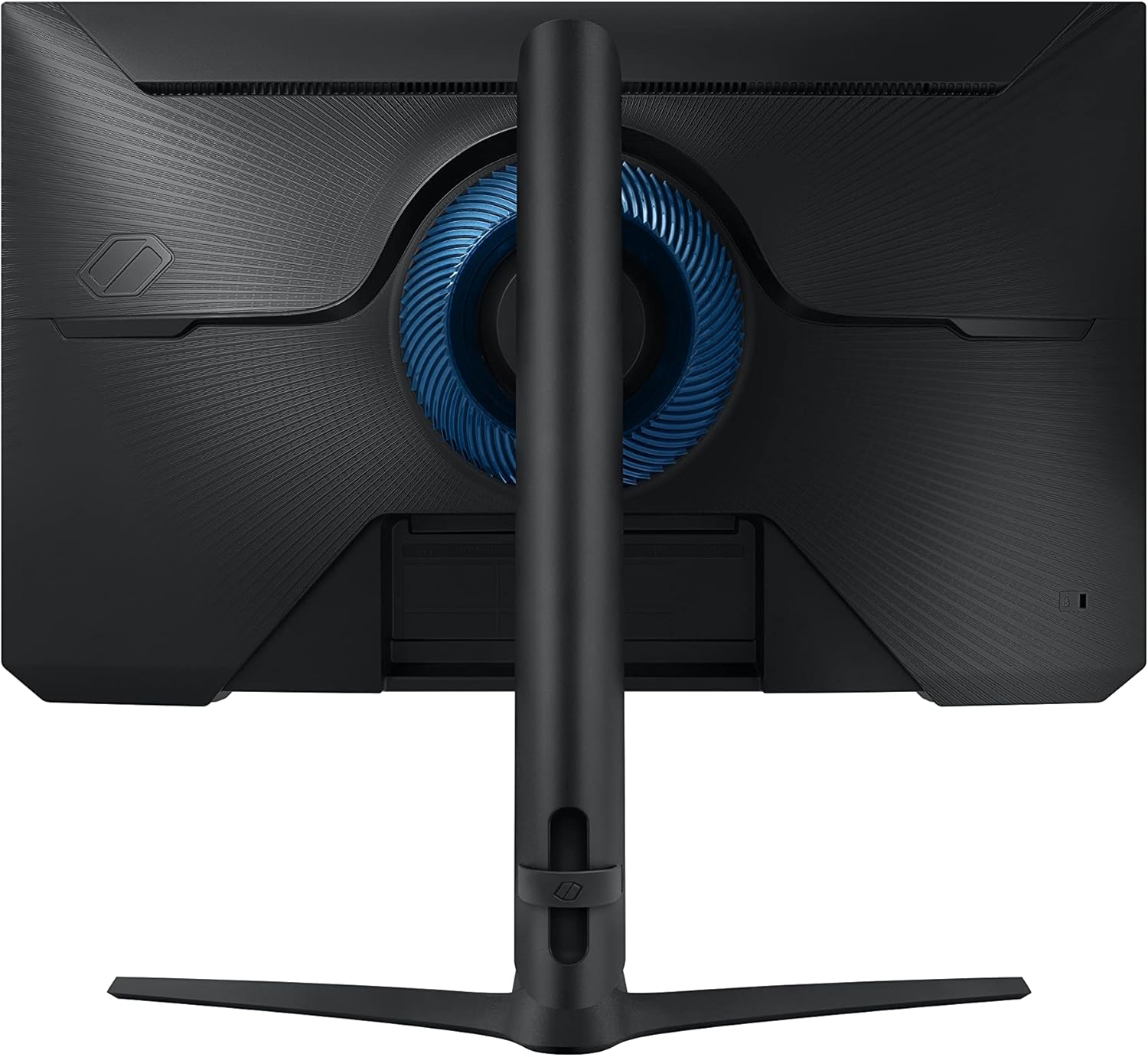
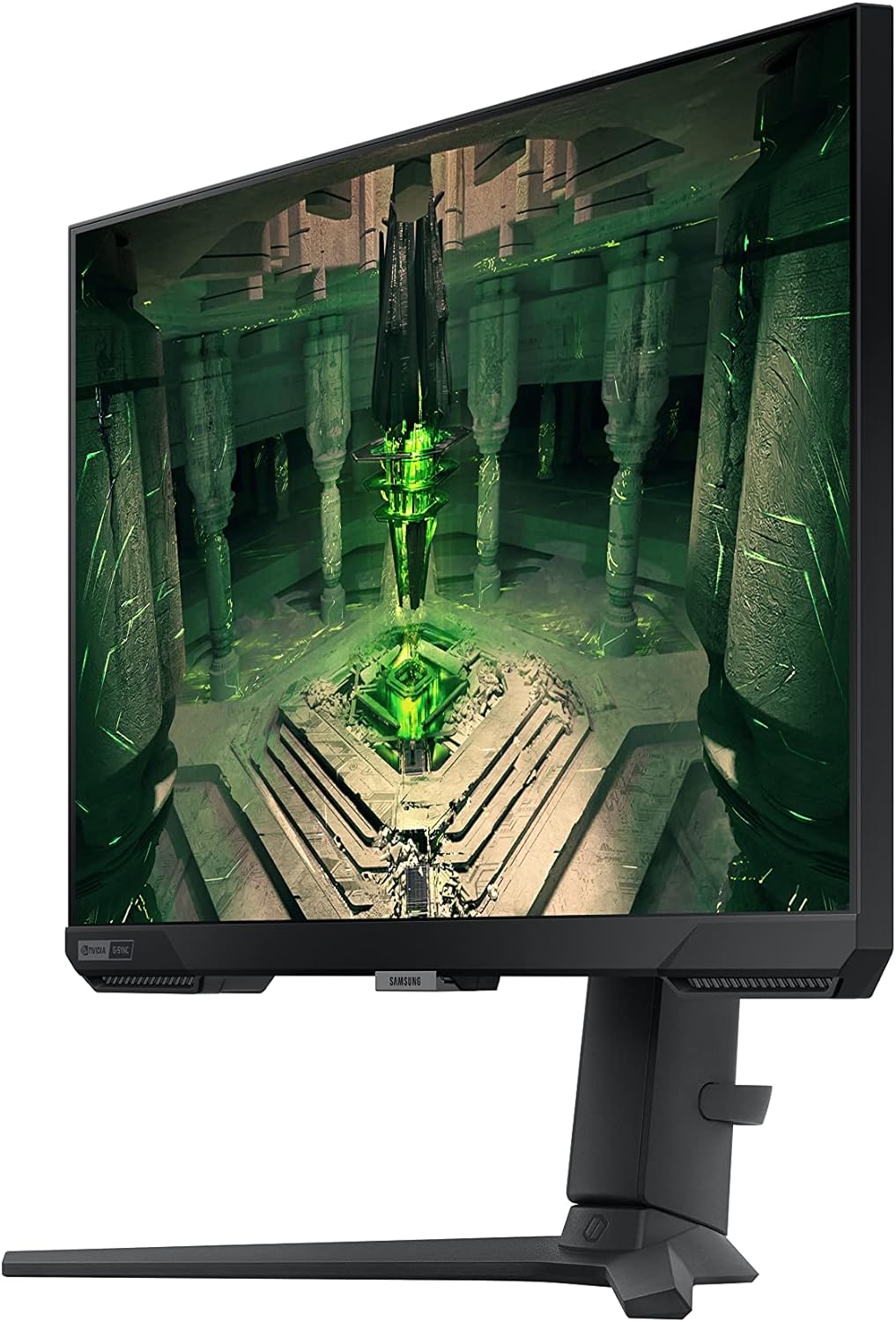
- Flexible stand for height, tilt, and swivel adjustments to fit your setup and comfort during long sessions.
- Autoflow of inputs with Auto Source Switch+ can reduce fiddling with cables when you power on new devices.
The caveats to keep in mind
- It’s a 1080p panel, so if you prioritize ultra-sharp text/work tasks or games at higher resolutions, you may prefer a 1440p or 4K option.
- Ultrawide format is great in supported titles, but not all games or interfaces take full advantage of 21:9, which can lead to some letterboxing or UI cropping in older or poorly optimized titles.
- Real-world brightness and HDR performance on a 25-inch 1080p panel may not rival higher-end HDR displays, expectations should be tempered accordingly.
- The value proposition hinges on gaming-specific features, for general multimedia use, you might notice trade-offs in color accuracy or brightness versus dedicated color-focused monitors.
Who it’s for
If you’re after a fast, responsive gaming monitor with a wide field of view and you mainly play titles that support high refresh rates, the Odyssey G4 fits into a mid-to-high tier for budget-conscious esports or competitive players. It’s practical for gamers who want immersion without stepping up to higher resolutions that demand more GPU power. It can also work well for casual multitaskers who benefit from the extra screen real estate in the ultrawide format.
When it may not be the best fit
- If you prioritize the highest possible resolution on a gaming monitor, this model’s 1080p panel won’t satisfy those seeking ultra-sharp detail.
- If you primarily play older or poorly optimized games, the benefits of ultrawide view and high refresh rate may be less pronounced.
- If you rely on color-critical work or plan to use the monitor for photo/video editing, the focus here is gaming performance rather than studio-grade color accuracy.
What to check before you buy
- Ensure your GPU supports G-SYNC compatibility and FreeSync Premium to get the smoothest experience.
- Consider whether you’ll benefit from ultrawide gameplay in your typical titles, some games don’t leverage 21:9 as effectively.
- Decide if you want the flexibility of a fully adjustable stand to maintain comfort during extended sessions.
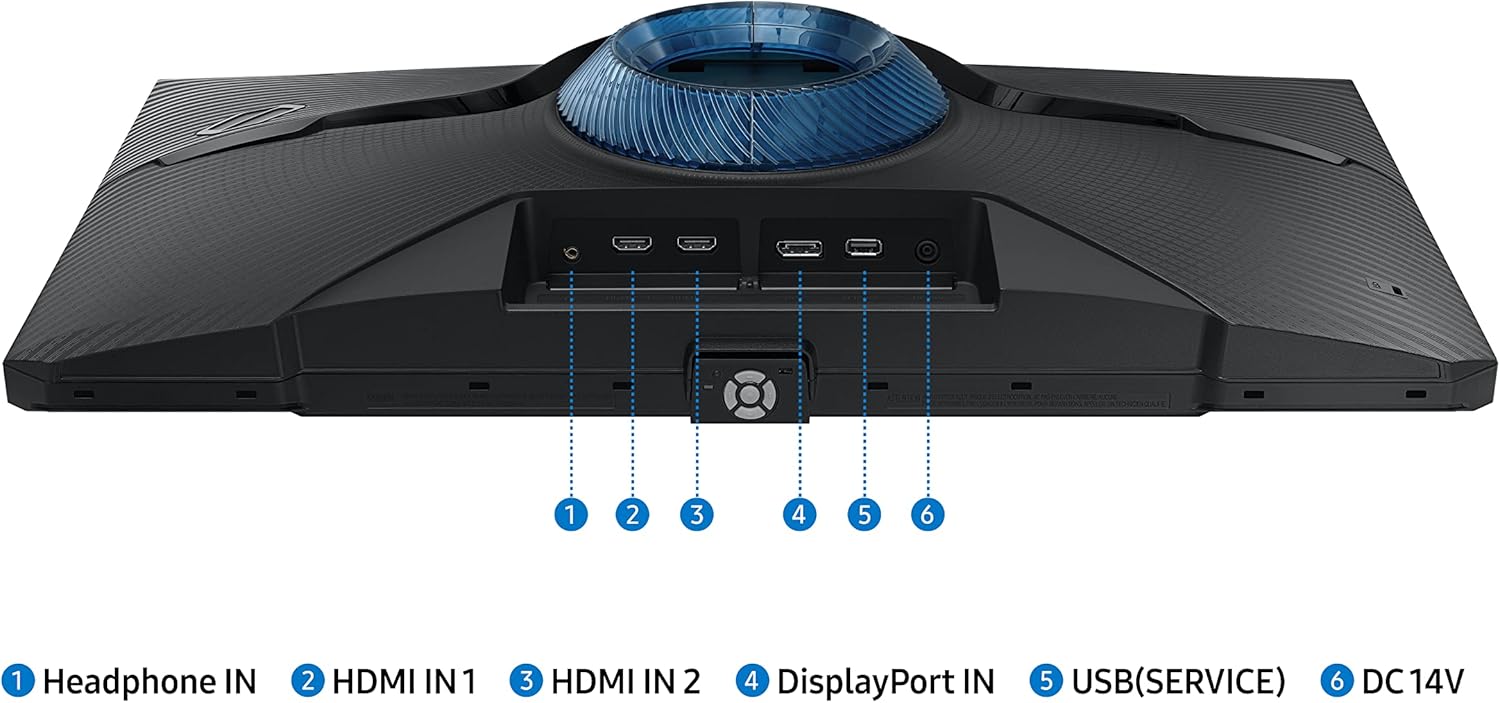
- Think about your input setup, Auto Source Switch+ helps with quick device changes, but you’ll still want clean cable management in your gaming station.
How this compares to other approaches
If you’re weighing options, you’ll find a trade-off between 1080p with high refresh and higher-resolution panels with potentially lower framerates. This monitor leans toward speed and immersion in fast action, rather than the absolute pixel density or color grading of pro-level displays. For players who value a broad field of view and responsive performance over the last increments in image sharpness, this model makes sense. If you mainly play indie or strategy games that don’t demand blistering refresh, you might not exploit the 240Hz advantage as much.
Final verdict
Is it worth it? It’s a solid pick if you prioritize fast action, smoothness, and a larger viewing area for gaming, and you’re comfortable with 1080p resolution. It may not be the best option if you need top-tier color accuracy for content creation or if you don’t benefit much from ultrawide in your favorite titles. The overall package suggests a mid-to-upper tier value for gamers who want speed and immersion without breaking the bank.
Quick FAQ
- What’s the native resolution? 1080p on a 25-inch IPS panel.
- Does it support adaptive sync? Yes, it’s NVIDIA G-SYNC compatible and AMD FreeSync Premium.
- Is the stand adjustable? Yes, it’s fully adjustable for height, tilt, and swivel.
- Is HDR useful on this display? It supports HDR10, but HDR performance is limited by 1080p and panel class, don’t expect cinema-grade HDR.
- Will it run well at 240Hz? It will require a capable GPU and appropriate settings in games to sustain high framerates.