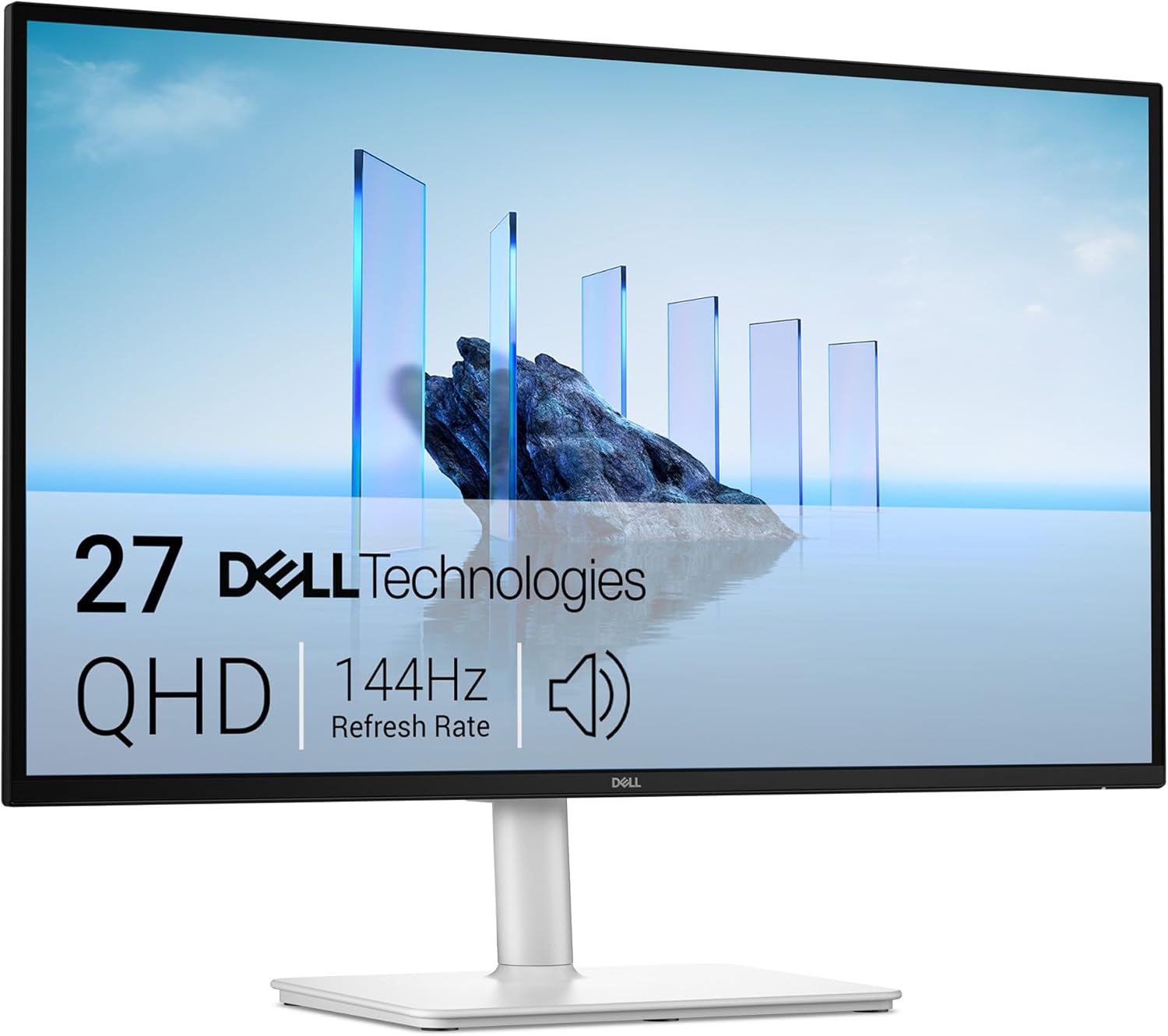
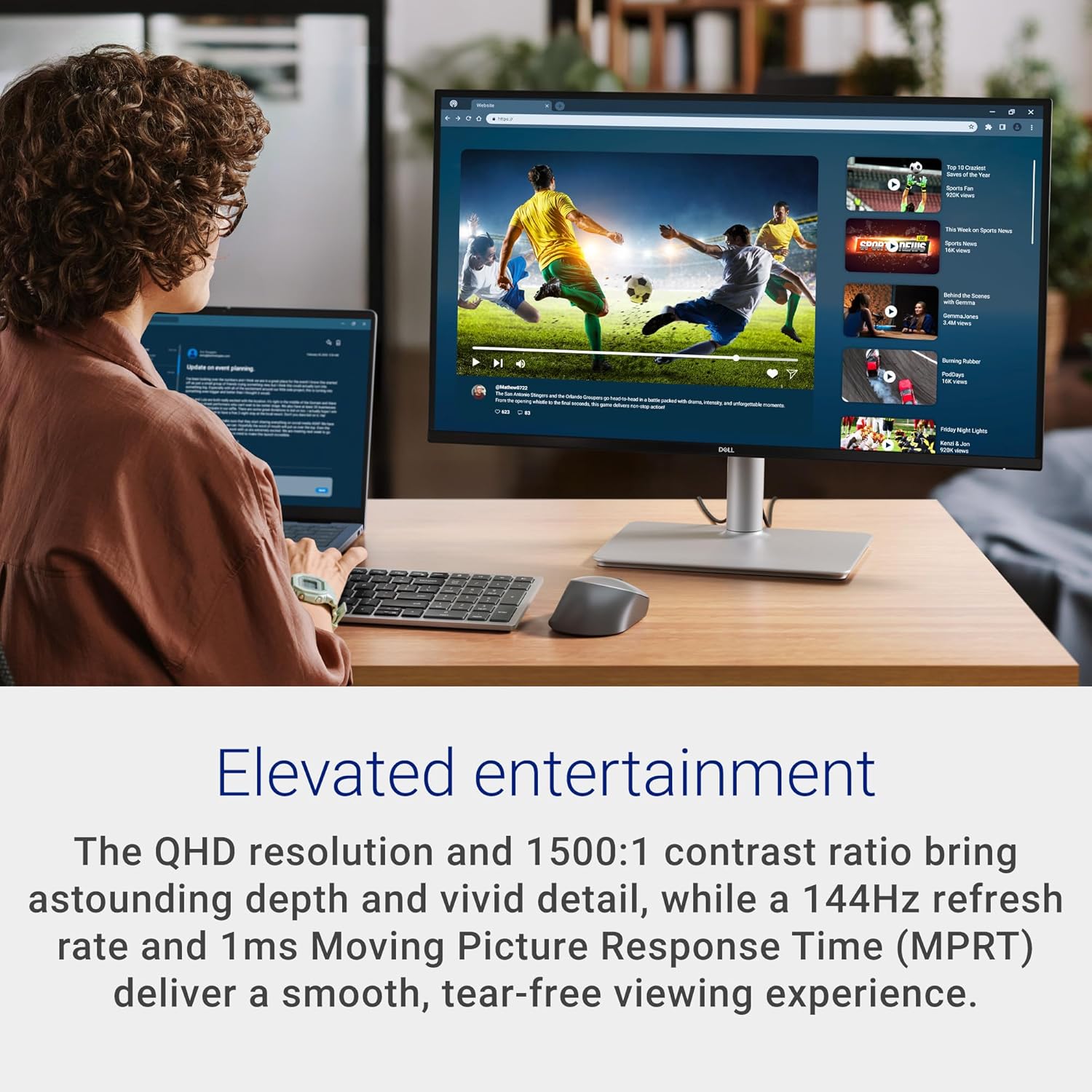
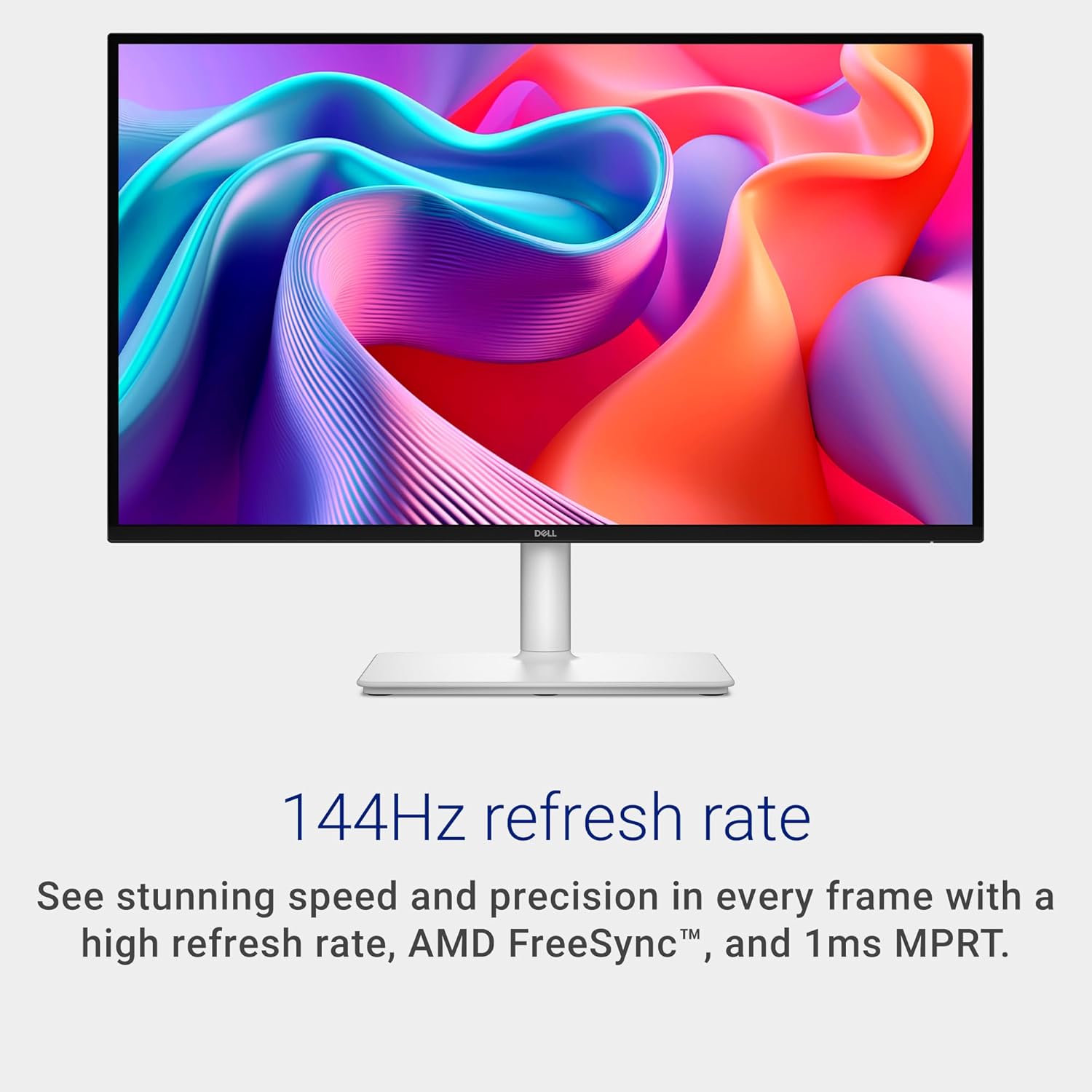
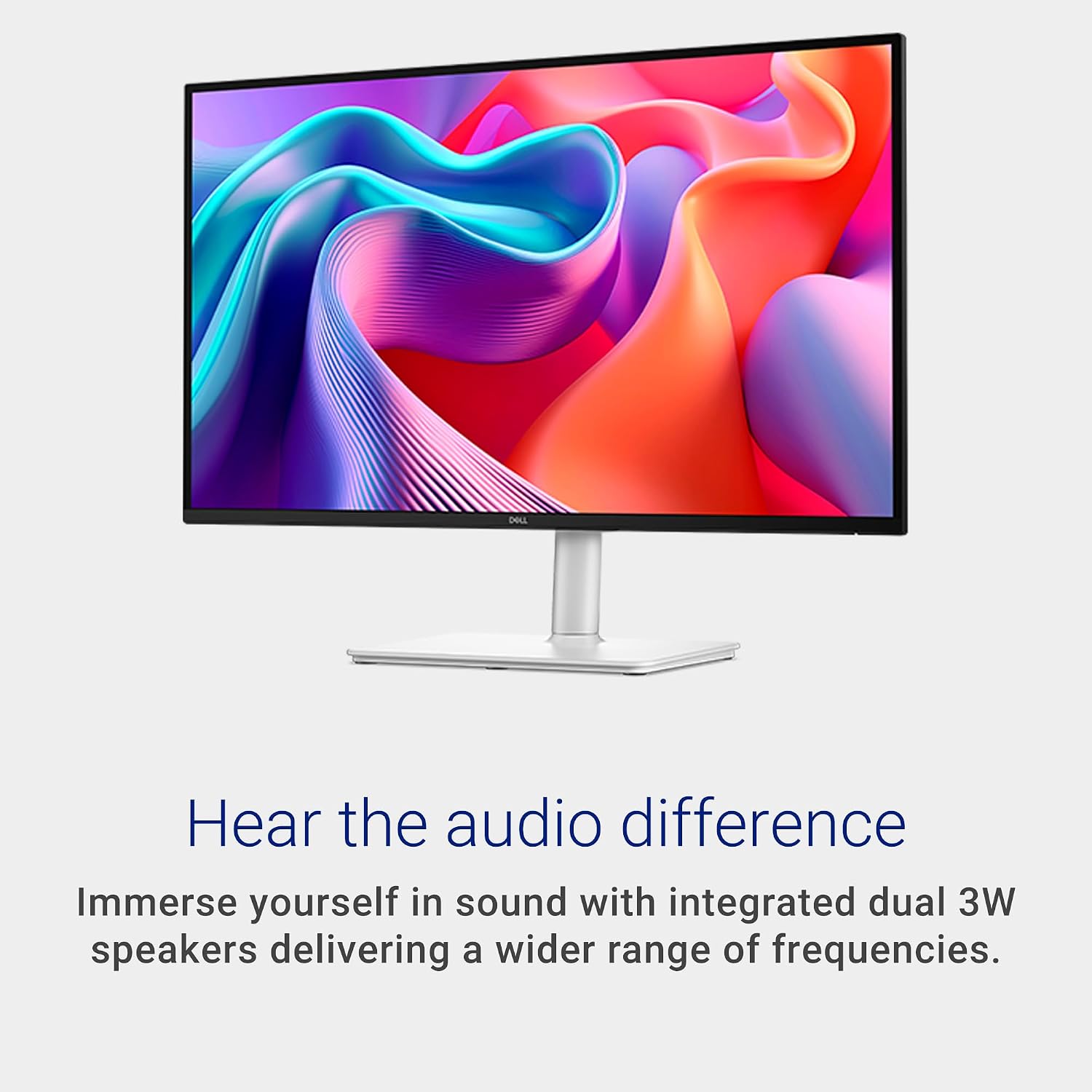
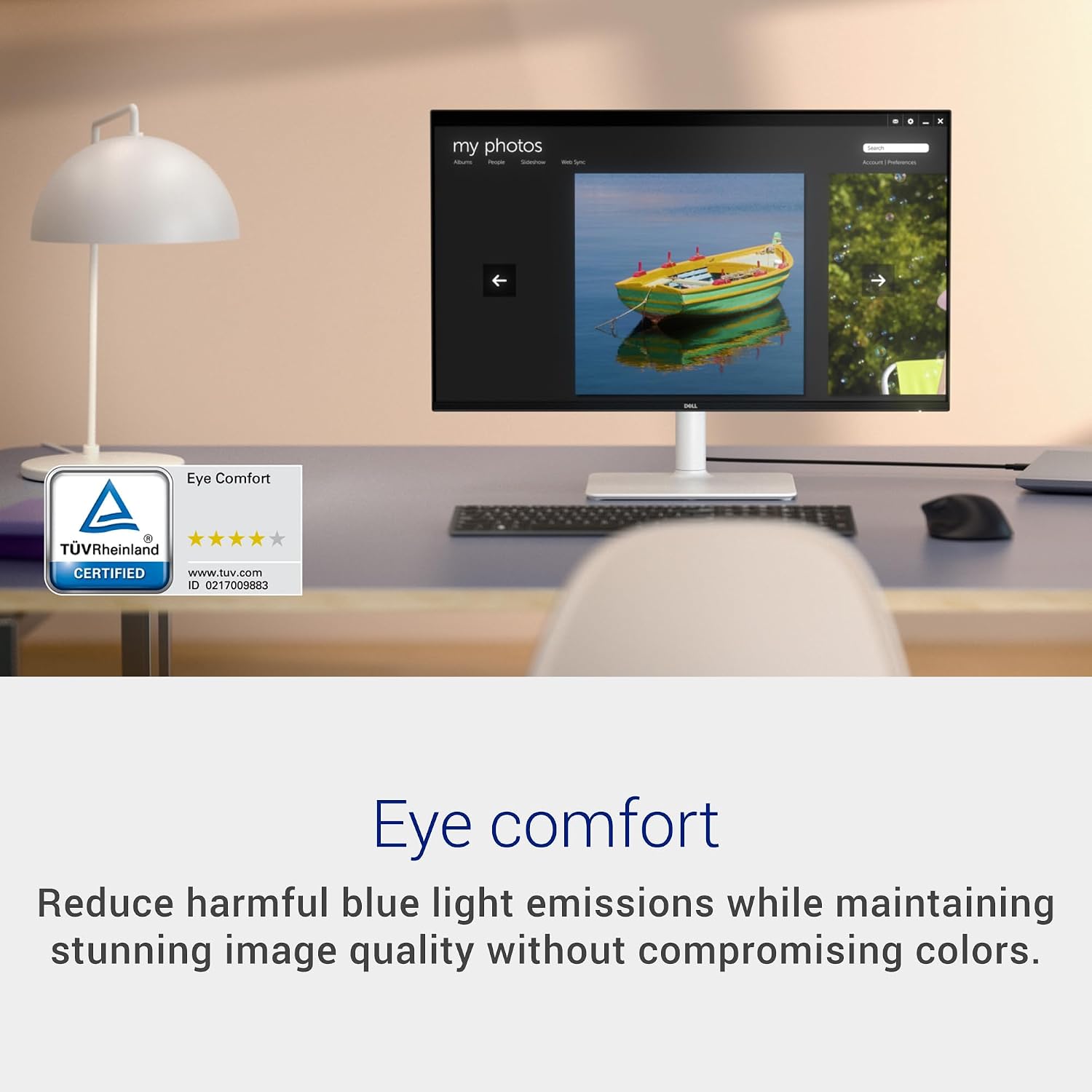
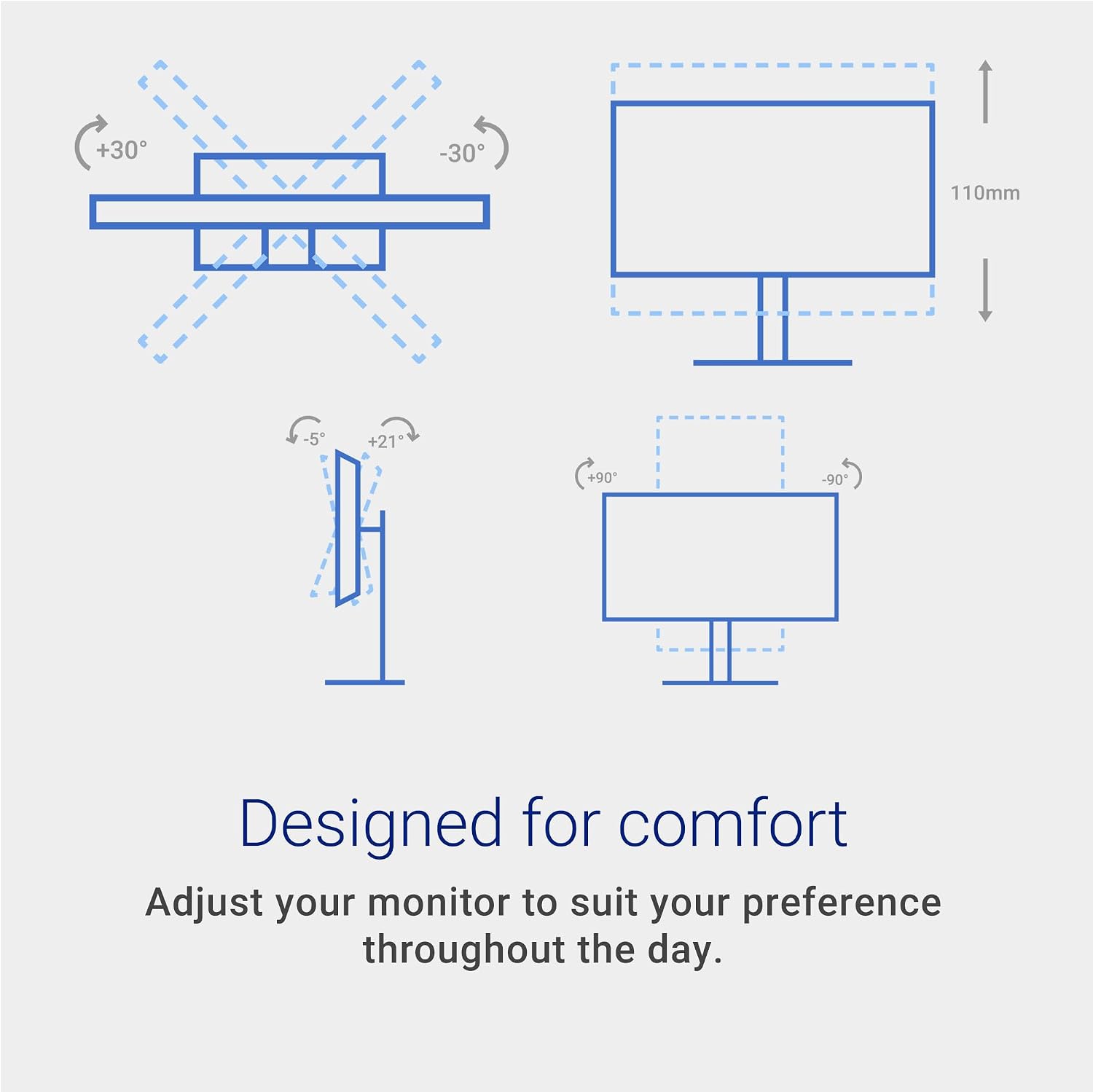
What it is and what problem it solves\nThe Dell 27 Plus QHD Monitor (S2725DSM) is a 27-inch display designed to balance immersive visuals with everyday usability. At 2560x1440, it delivers a crisp, detailed picture that’s well suited for both work and entertainment. With a 144Hz refresh rate and 1ms MPRT, motion stays smooth and tearing is minimized, which can be especially noticeable when scrolling quickly through slides, gaming demos, or fast-paced video content. It also includes built-in dual 3W speakers, so you don’t need external audio for casual viewing or light content creation. If comfort is a priority, the screen offers adjustable height, tilt, pivot, and swivel to help you find a posture that reduces strain during long sessions.\n\n## Quick take on the core strengths\nOn paper, the highlight is the balance between responsive visuals (144Hz, 1ms) and image quality (QHD, solid contrast). Add in AMD FreeSync to reduce stuttering during variable frame rate content, and you get a display that can serve both productive work and entertainment without needing multiple devices. The TÜV-certified eye comfort claim suggests reduced blue-light impact without sacrificing color fidelity, which matters if you spend long hours at the desk.\n\n## What stands out day to day\nThe monitor’s height/tilt/pivot/swivel adjustability helps you dial in ergonomics for different tasks and seating arrangements. The built-in speakers are a welcome convenience for quick video calls, tutorials, or media consumption, though they’re unlikely to replace a dedicated sound system for critical listening. The HDMI 1.4 and DisplayPort 1.4 inputs cover common modern setups, making it straightforward to connect a laptop, desktop, or console.\n\n## Who it’s for\nThis Dell model suits anyone who wants a single, mid-to-high feature set display for mixed use: productivity with crisp text and color, plus a fluid experience for casual gaming or media. It’s especially appealing if you value a larger, sharper workspace without sacrificing comfort or needing extra peripherals. If you prioritize the absolute highest brightness or color accuracy for dedicated photo/video editing, you may want to compare options with higher-end panels.\n\n## Who it’s not for\nIf you’re chasing extreme color accuracy for color-critical work, or if you require a premium built-in speaker system with loud, studio-grade output, this display’s speakers and panel specs may fall short. Also, if you’re primarily a console gamer seeking240Hz or ultrawast motion, you might find the 144Hz cap limiting in some scenarios.\n\n## When it makes sense to buy\nChoose this Dell when you want a balanced, all-in-one monitor for work and light entertainment that reduces clutter. It’s a sensible upgrade from a basic 1080p display, offering more workspace, smoother motion, and decent audio in one package. If you already own a capable external monitor with superior color grading needs, you may still appreciate the hybrid strengths here.\n\n## When to pass\nSkip it if you need top-tier color accuracy, extreme brightness, or a form factor tuned for professional photo editing. If you’re primarily after a gaming monitor with niche specs, you might find other models more aligned with those priorities.\n\n## What to check before buying\n- Ensure your PC or laptop can output at 2560x1440 and support DP or HDMI for a smooth 144Hz experience.\n- Consider whether built-in speakers meet your audio expectations, or if external speakers are preferable.\n- Verify the adjustable stand meets your desk height and seating posture needs to maximize comfort during long sessions.\n- If eye comfort is important, test how the blue-light reduction and color stability feel to your eyes over a workday.\n\n## Practical usage example\nImagine editing a multi-page report while skimming through a fast-moving dashboard. You benefit from the crisp text, the wide screen real estate, and the quick motion handling when moving between tabs. In a casual evening, you can switch to a quick movie or a tutorial without swapping monitors.\n\n## FAQ (practical answers based on available data)\n- What inputs are available? HDMI 1.4 and DisplayPort 1.4.\n- Does it support AMD FreeSync? Yes, for smoother content when frame rates vary.\n- Are the speakers good for music or movies? They’re a convenience feature, not a replacement for dedicated speakers or a soundbar.\n- Is it comfortable for long workdays? Yes, thanks to height/tilt/pivot/swivel adjustability and a TÜV-certified eye comfort design.\n\n## Final decision\nIs it worth it? The Dell 27 Plus QHD Monitor offers a strong mix of clarity, motion smoothness, and ergonomic flexibility for mixed use. It suits buyers who want a single monitor that handles productivity and casual entertainment without extra peripherals. It may not be the best pick if your priority is top-tier color-critical work or extreme gaming specs beyond 144Hz. Consider your need for built-in audio, adjustable ergonomics, and the value of a single, versatile display when deciding.