

Acer Predator SpatialLabs View 27 PSV27-2 27" Ultra HD Stereoscopic 3D Gaming Display with Eye Tracking & 160Hz
Product description
If you want your gaming display to do more than just look sharp, the Acer Predator SpatialLabs View 27 PSV27-2 is built around a specific idea: stereoscopic 3D with eye tracking and real-time rendering. On paper, it targets people who like the “wow” factor of 3D, but also care about a smooth, modern refresh rate for gameplay.
That said, it’s still a niche kind of monitor. Spatial 3D tech can be amazing when it’s dialed in, but it also means your experience depends on the 3D setup and supported content.
The essentials
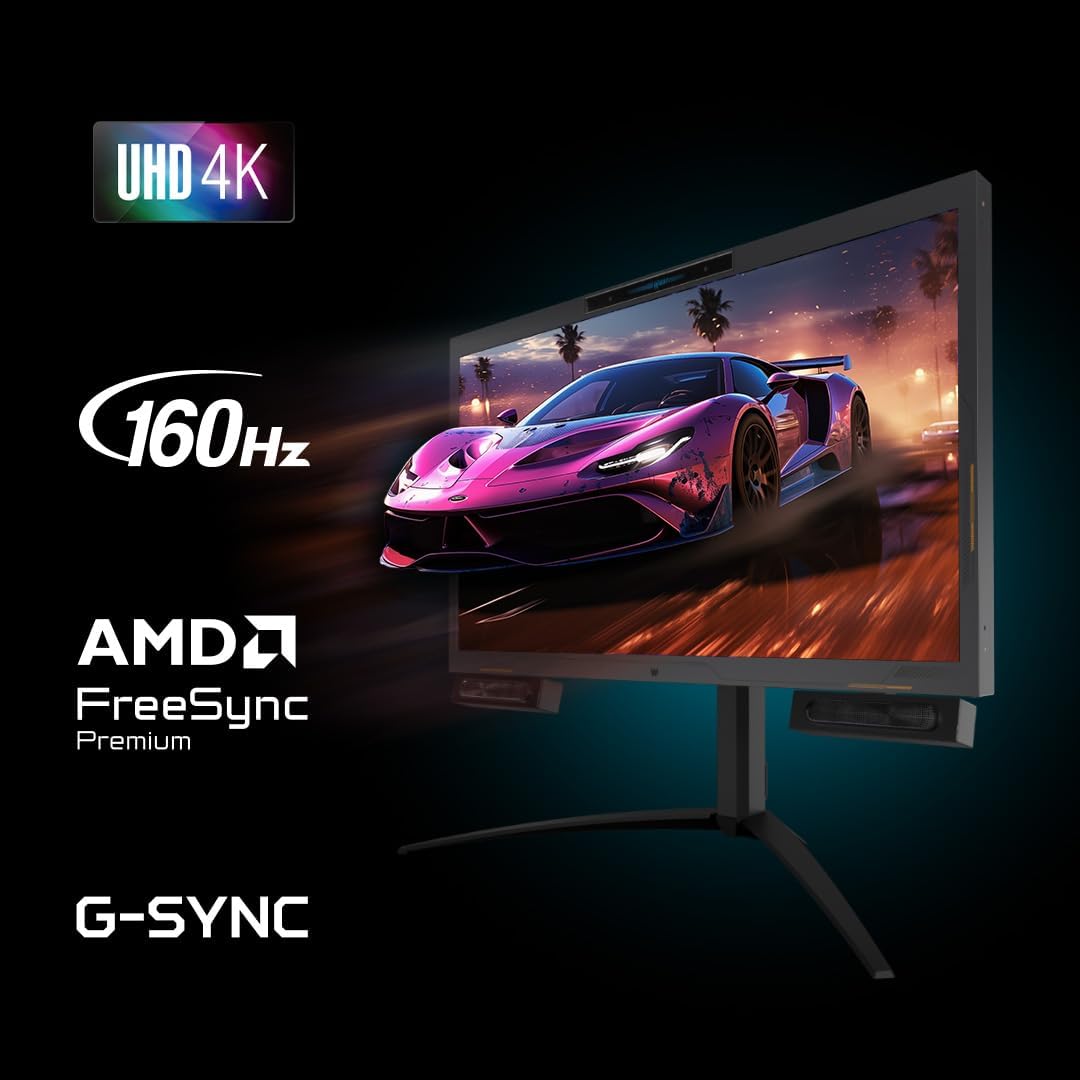
The Predator SpatialLabs View 27 is a 27" Ultra HD gaming display that supports stereoscopic 3D and includes eye tracking. It’s designed to keep the 3D experience feeling more fluid, using real-time rendering plus NVIDIA/AMD-style gaming sync support (it’s described as AMD FreeSync Premium with G-SYNC compatibility).
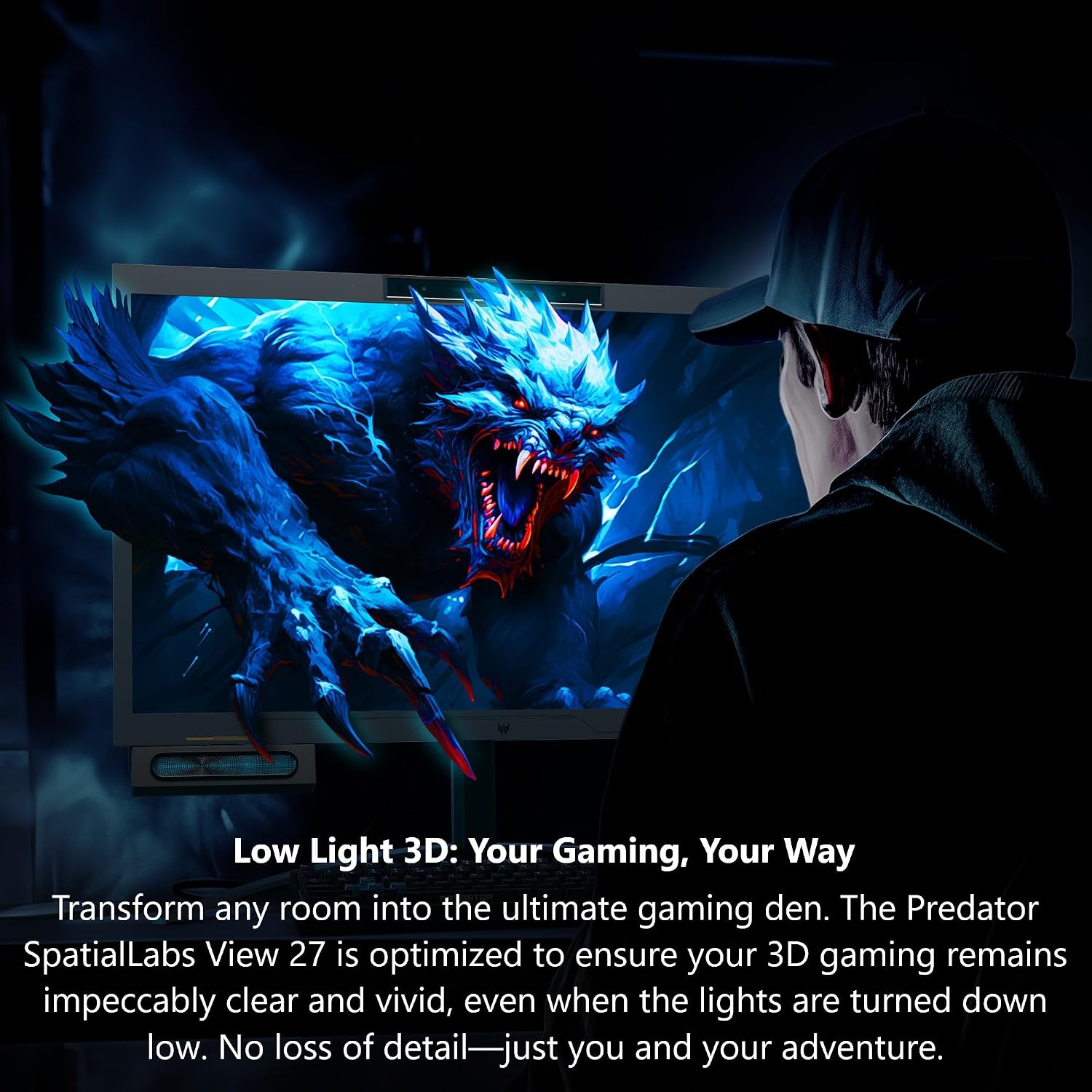
A big part of the pitch is “low light 3D,” meaning 3D is intended to stay clear even when the room is darker—useful if you tend to game at night or with minimal ambient lighting.
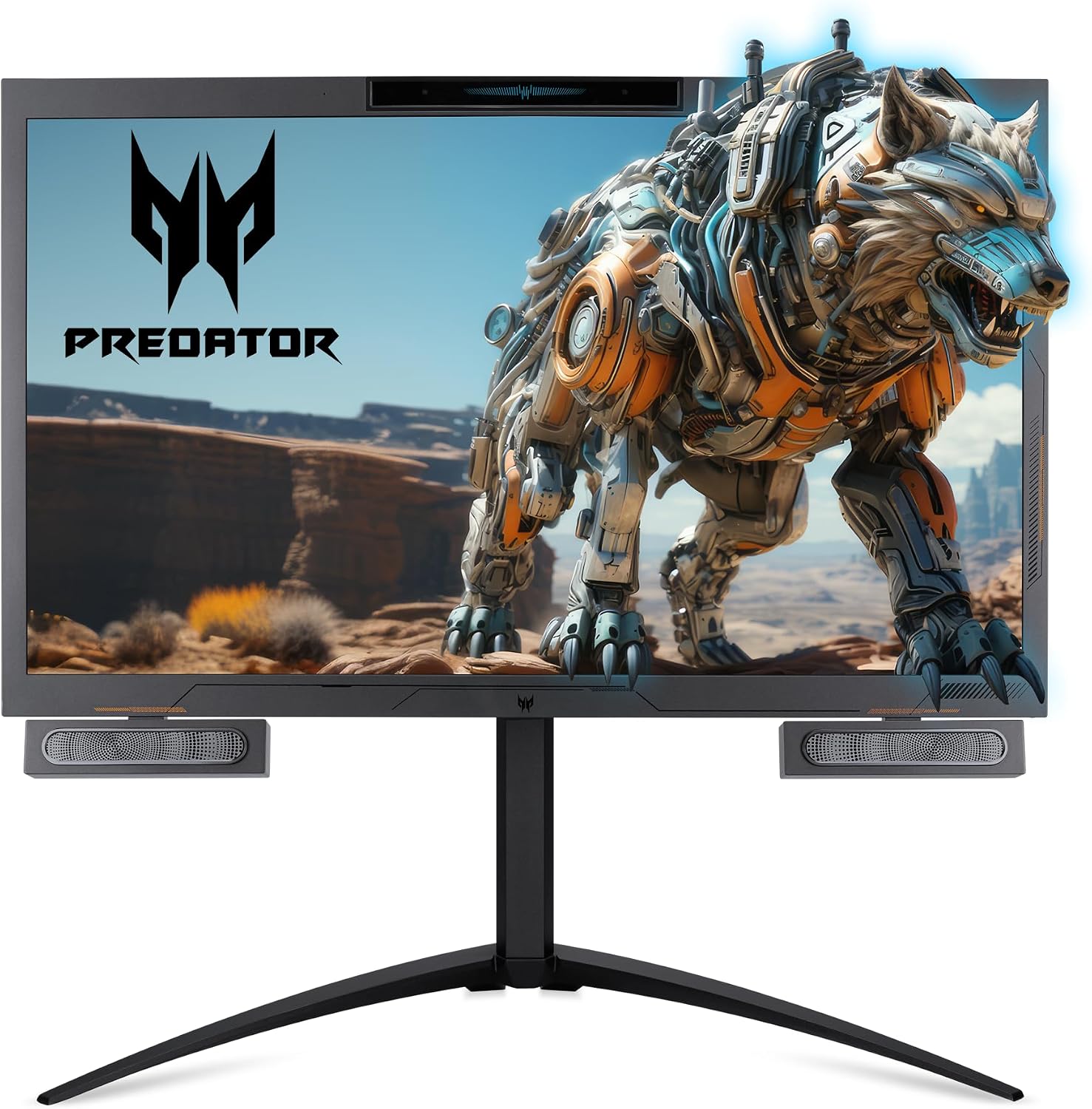
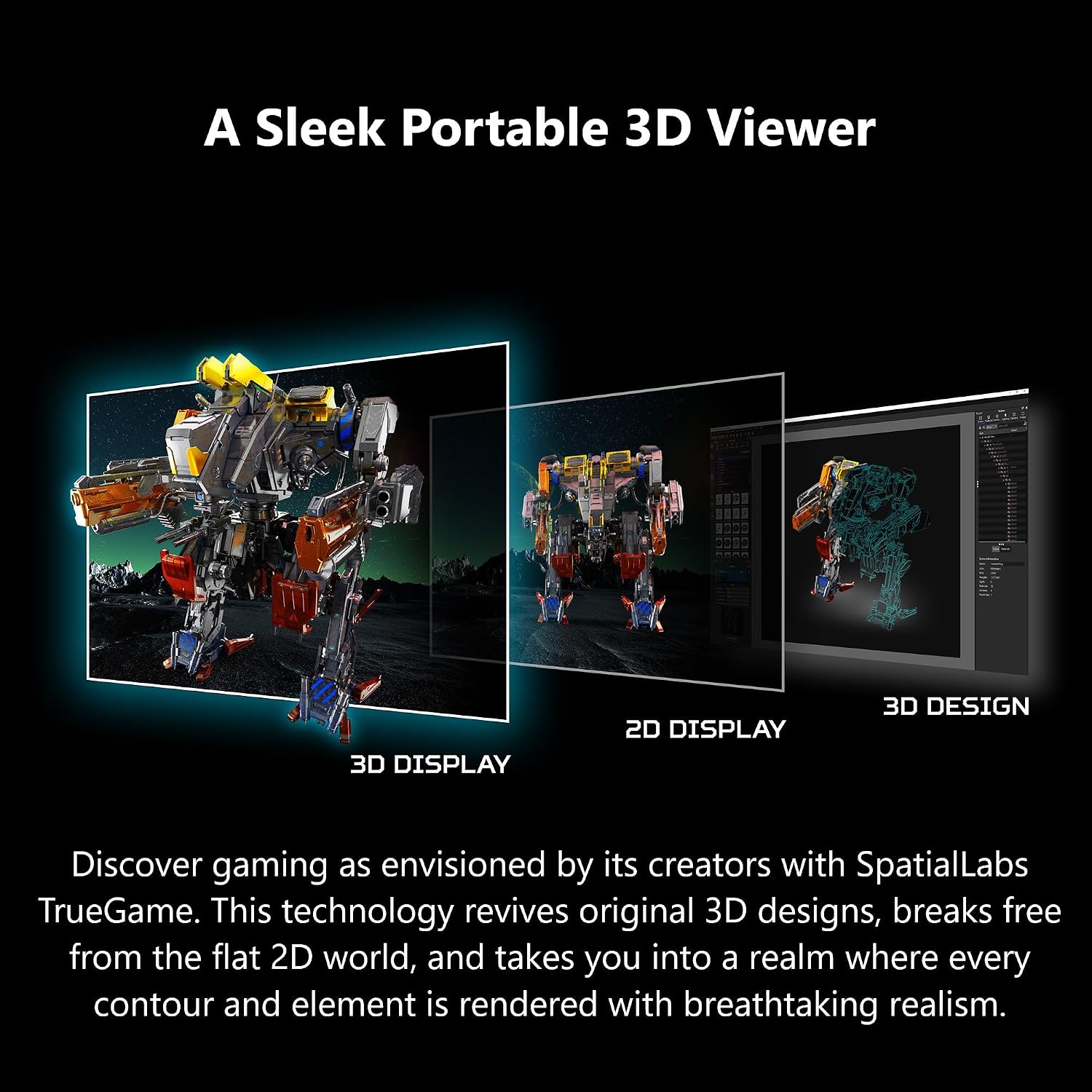
For 3D itself, the monitor uses SpatialLabs TrueGame and a 2D/3D switchable lenticular lens approach. Instead of being purely a flat-screen display, it aims to bring back depth cues and make contours feel more dimensional.
What you’ll notice day to day
If you’re the type who enjoys adjusting how a display feels while you play, there’s a clear day-to-day angle here. Eye tracking and the built-in eye tracking sensor (listed with a 1280 x 480 resolution) are meant to help keep the 3D experience aligned.
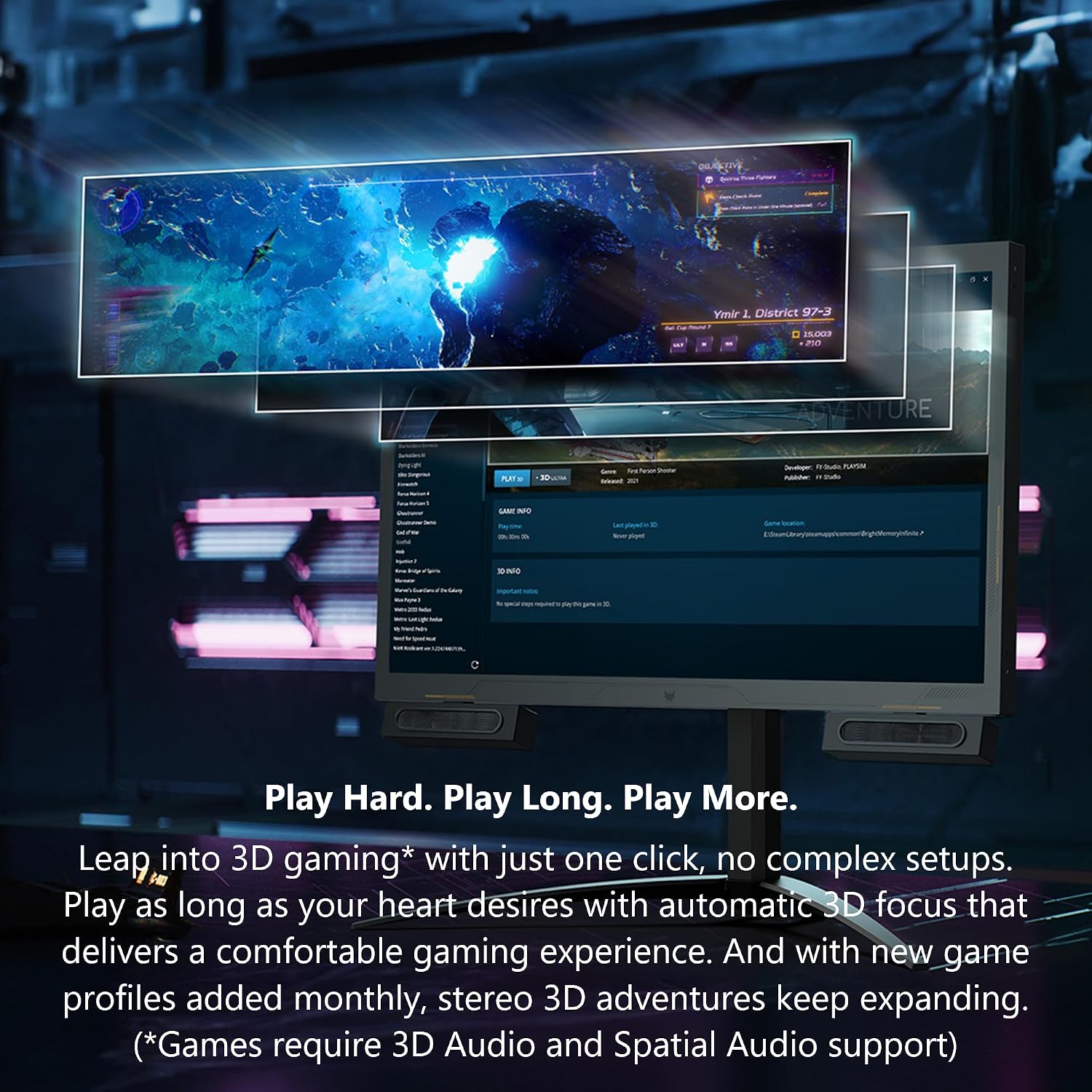
There’s also the “automatic 3D focus” idea—described as a one-click setup without complex steps, so you can go from “2D mode” to “3D mode” without fiddling for an hour. You’re also told that new game profiles are added monthly, which matters if you want the 3D features to keep getting supported over time rather than going stale after launch.
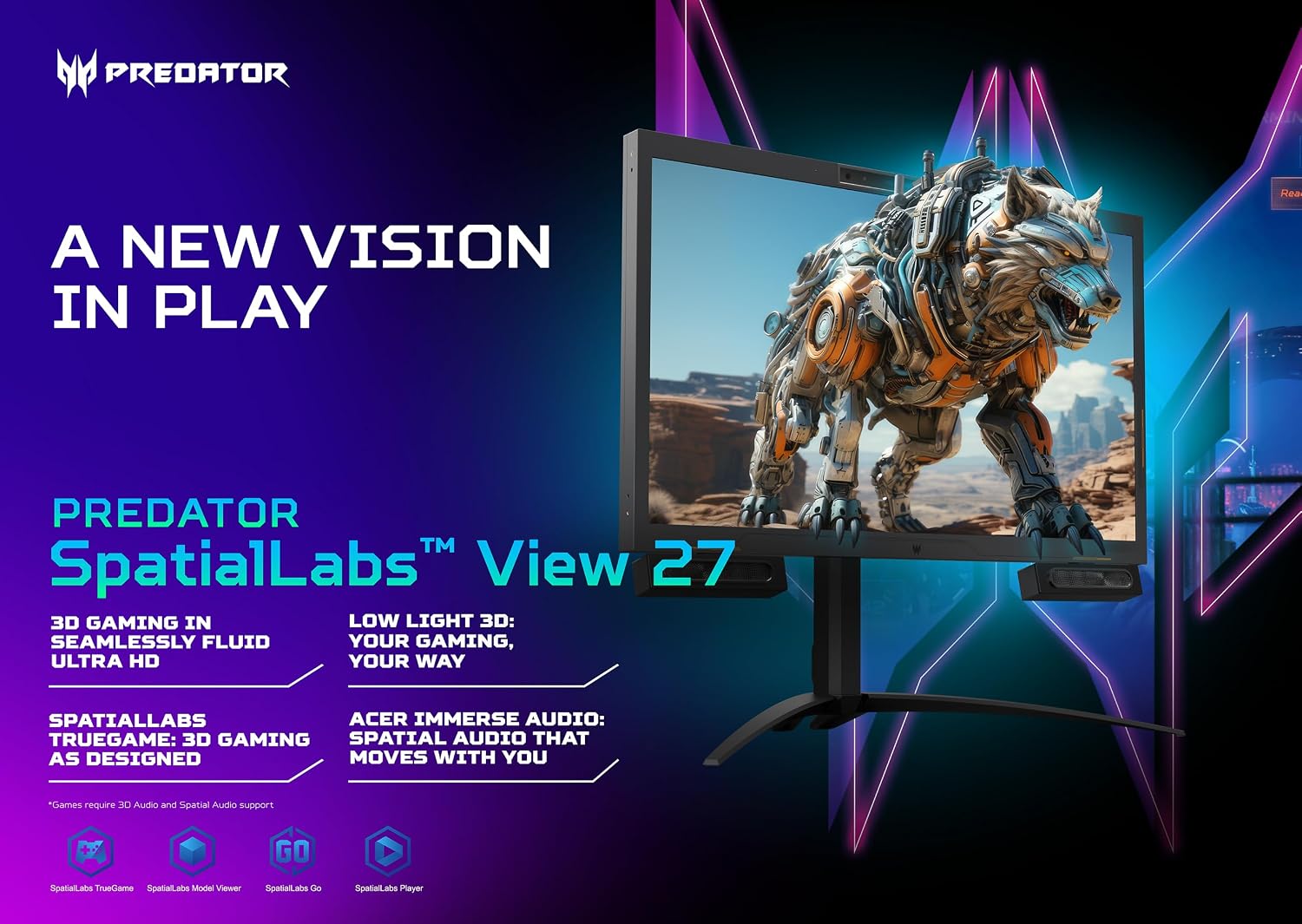
One practical example: if you’re doing a nighttime session, you can keep your room lighting dim and still expect the 3D mode to remain vivid, rather than feeling like it only works when the lights are bright. It’s exactly the kind of scenario where “low light 3D” could make or break the experience.
Key specifications (so you can compare properly)
- Display size: 27"
- Resolution: 3840 x 2160 (Ultra HD)
- Refresh rate: 160Hz
- 3D mode detail: 2K per eye in 3D mode (16:9 aspect ratio)
- 2D/3D control: 2D/3D switchable lenticular lens
- Eye tracking sensor: 1280 x 480, 60 fps frame rates
- Best viewing distance: 19.69" to 43.3"
- Gaming sync: AMD FreeSync Premium, G-SYNC compatible
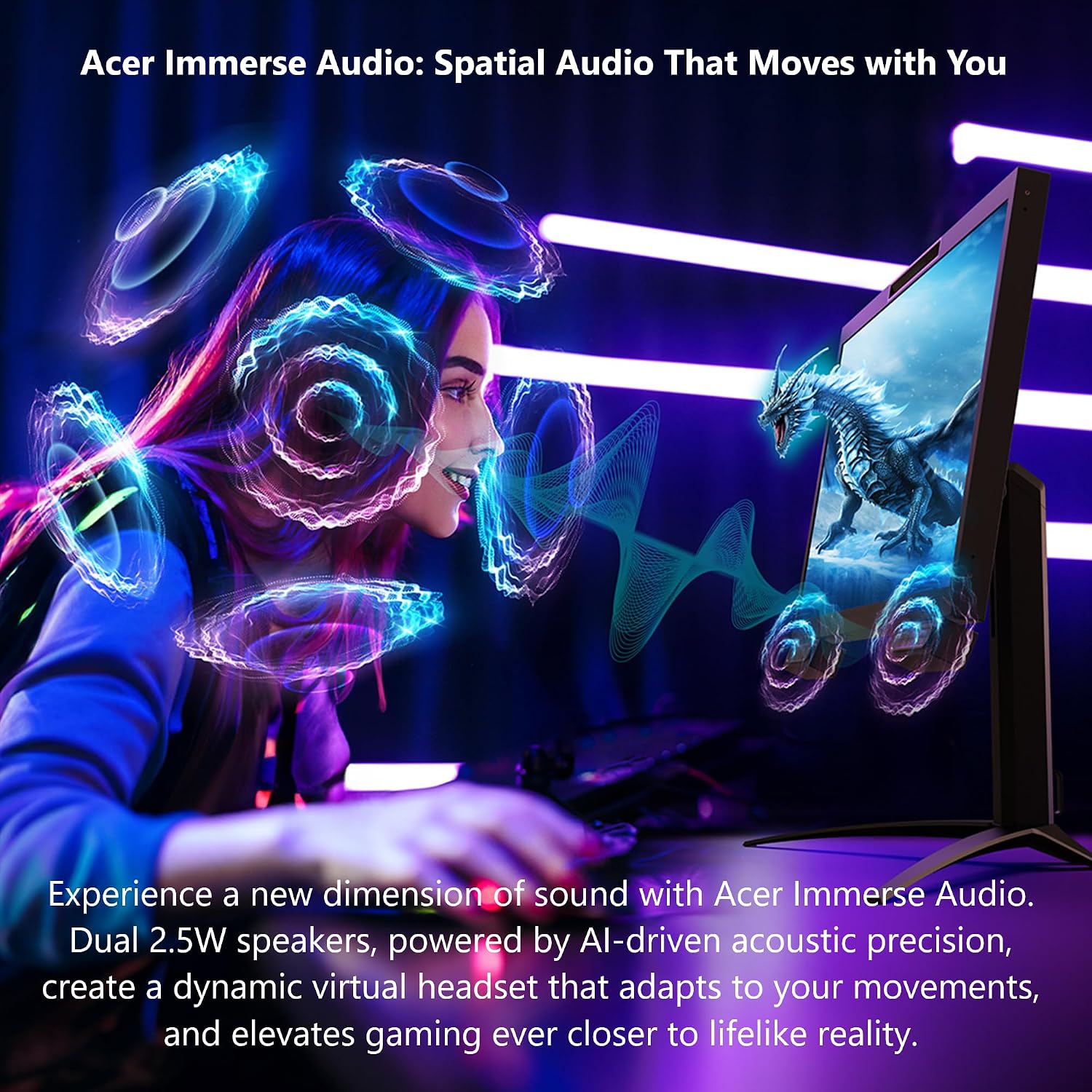
- Audio: Acer Immerse Audio with dual 2.5W speakers (AI-driven acoustic precision)
- Audio note: “dynamic virtual headset” that adapts to your movements (as described)
Where it shines (and where it may disappoint)
Where it shines: this monitor is aimed at people who genuinely want stereoscopic 3D for gaming, not just a standard high-refresh Ultra HD panel. If you care about eye tracking, 3D alignment, and keeping 3D looking clear in less-than-ideal lighting, it’s built around those priorities.
The limitation to keep in mind is that the 3D gaming experience is not “universal for everything.” The description notes that games require 3D Audio and Spatial Audio support, and you also need games that work with the 3D approach and profiles. If your library doesn’t align with those requirements, the monitor can end up feeling like a lot of extra hardware for features you won’t fully use.
It also has a recommended viewing distance range. If you tend to sit outside that 19.69" to 43.3" window (or you share the setup often), you may not get the most consistent 3D experience.
Buying considerations before you commit
Before you buy, double-check whether you’re the kind of buyer who will actually use 3D regularly. For some people, switching between 2D and 3D is a fun add-on. For others, it’s a feature they try once and then stop chasing.
Also consider how important built-in audio is for your routine. The Acer Immerse Audio section is designed to create a virtual headset effect through dual 2.5W speakers, but if you already use a dedicated headset or speakers, the value here may be more “nice to have” than a deciding factor.
Finally, keep expectations realistic about “fluid” 3D. The monitor supports 160Hz and sync tech (FreeSync Premium / G-SYNC compatible), but your real-world smoothness will still depend on the system you’re running and whether your games support the described 3D audio/spatial audio requirements.
Who it’s for
Worth considering if you want Ultra HD gaming with a stereoscopic 3D feature set, you like eye tracking-driven experiences, and you game in a room where lighting isn’t always bright.
It makes sense if you’re okay with a viewing sweet spot and you expect to spend a little time finding the right 3D mode behavior with supported titles.
It might not be a great match if you only want a conventional 2D monitor and don’t plan to use 3D much. In that scenario, you may be paying for capabilities you won’t actually take advantage of.
Is it worth it?
This Acer Predator SpatialLabs View 27 PSV27-2 is worth it if you’re specifically shopping for a 3D gaming monitor that leans into eye tracking, stereoscopic depth, and a smoother “supported” 3D experience at 160Hz-class performance. It’s also a strong fit for players who want the 3D experience to remain clearer even with low room lighting.
You may want to skip it if you mostly play games that don’t align with the 3D Audio / Spatial Audio support note, or if your seating distance often falls outside the listed viewing range. For a buyer looking for a straightforward 2D display only, the extra complexity may feel like overkill.
Quick FAQ
Does this monitor require 3D Audio support for games?
The description states that games require 3D Audio and Spatial Audio support.
Is the 3D experience intended to work in darker rooms?
Yes—it's described as “low light 3D,” aiming to keep the 3D gaming clear and vivid even when lights are turned down low.
What’s the best viewing distance?
The listed best viewing distance is 19.69" to 43.3".
Can you switch between 2D and 3D?
Yes, it’s described as having a 2D/3D switchable lenticular lens.
What sync features does it support?
It’s described as AMD FreeSync Premium with G-SYNC compatibility.